12 AI Marketing Tools That Actually Move Metrics in 2026

Introduction

The share of marketers using generative AI in at least one recurring workflow reached 87% in Q1 2026, according to Salesforce’s State of Marketing 2026 report. That is up from 51% in Q1 2024 and 76% in Q1 2025. Two years ago, AI in marketing was an experiment. In 2026, it is the operational baseline.

ai marketing tools

The challenge is no longer access. Every major marketing platform now ships with AI features. Every software vendor added ‘AI-powered‘ to their homepage in 2024. The problem is selection. The gap between AI marketing tools that move metrics and tools that look impressive in a demo is wider than it has ever been.

According to McKinsey’s Global AI Survey, AI content drafting delivers 3.2x ROI, personalization engines 2.7x, and audience research 2.4x. But only 19% of organizations track KPIs specific to generative AI, per McKinsey. Most teams are adopting AI marketing tools faster than they are measuring whether they work.

This guide covers 12 AI marketing tools across six categories: content, social, email, advertising, analytics, and workflow. Each tool is reviewed by what it actually does, who it is built for, and what problem it solves.

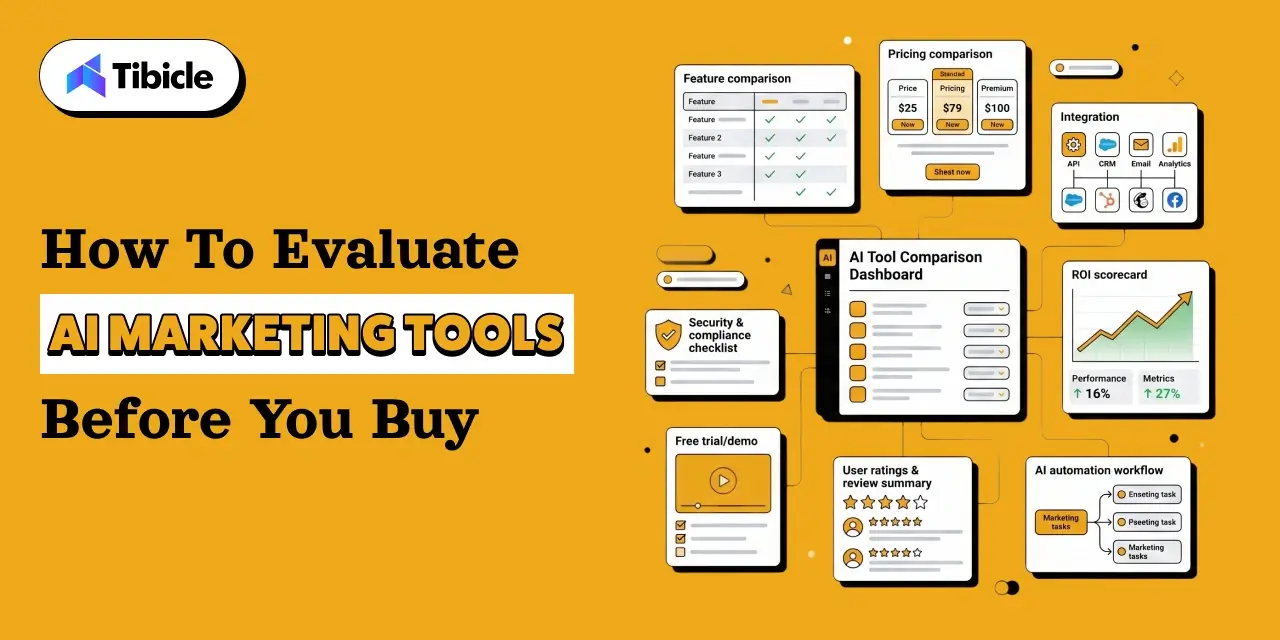
How to Evaluate AI Marketing Tools Before You Buy

ai marketing tools

Before adding any AI marketing tools to your stack, answer these seven questions:

  1. What specific bottleneck am I solving? Content production, ad optimization, email performance, or analytics?
  2. Does this tool integrate with my existing CRM and data sources?
  3. What does my current stack already do? Adding a tool that duplicates a capability you pay for elsewhere adds cost without adding value.
  4. How will I measure success? Define the KPI before onboarding, not after.
  5. What is the total cost of ownership? Include integration, training, and data migration.
  6. Does it support brand voice controls? AI tools that cannot be constrained to brand guidelines create as many quality problems as they solve.
  7. What is the vendor’s data use policy? AI marketing tools trained on customer data have significant privacy implications.

The median payback on AI marketing tool investments is now 4.2 months, down from 7.8 months in 2024, per HubSpot AI Trends 2026. For content-heavy teams, payback arrives in under three months. Start with the highest-leverage bottleneck and prove ROI before expanding.

AI Content Marketing Tools

1. Jasper: Brand-Consistent Content at Scale

Jasper is the leading AI marketing tool for enterprise content production. Its core value is brand voice: you configure tone, style, and vocabulary guidelines that persist across every output. For marketing teams producing high volumes of content across multiple formats, blog posts, ad copy, landing pages, email sequences, brand consistency at scale is the operational problem Jasper solves.

Jasper’s 2026 data shows 91% of marketers actively using AI marketing tools in their workflow. The teams getting the most from Jasper are those that invest in setting up brand voice documentation before generating content, not after. Without that configuration, Jasper’s output is generic.

Best for: enterprise marketing teams producing 50 or more pieces of content per month across multiple channels and formats.

2. Surfer SEO: Real-Time Content Scoring and Keyword Optimization

Surfer SEO integrates AI SEO tools with content production. As you write, Surfer scores your content against the top-ranking pages for your target keyword, surfacing gaps in topic coverage, keyword usage, and structural completeness. The real-time feedback loop reduces the editing cycle between writer and SEO reviewer from hours to minutes.

For teams targeting AI Overviews and GEO (Generative Engine Optimization), Surfer’s content scoring increasingly incorporates the passage-level quality signals that AI search systems extract. A well-structured, Surfer-optimized piece is more likely to be cited in an AI Overview than a piece that only optimized for traditional keyword density.

Best for: content and SEO teams writing blog content where organic ranking and AI citation visibility are both business objectives.

3. ChatGPT: Fast Drafting, Repurposing, and Brainstorming

ChatGPT is the most widely adopted AI marketing tool for general-purpose content tasks. 88% of marketers use AI marketing tools in their daily workflow per HubSpot, and ChatGPT accounts for a significant portion of that adoption. Its strength is breadth: it drafts, repurposes, brainstorms angles, rewrites for different audiences, and synthesizes research.

Its weakness is consistency. ChatGPT has no persistent memory of your brand, your audience, or your previous outputs unless you configure a custom GPT with those constraints. Teams that use it without a prompt engineering framework produce inconsistent output quality that requires heavy editing.

Best for: individual marketers and small teams who need a fast first draft or quick repurposing across formats, with human editing as a given.

AI Social Media and Visual Tools

4. Canva AI: On-Brand Visuals Without a Designer

Canva AI has become the default visual production tool for marketing teams without dedicated design resources. Its AI features include text-to-image generation, background removal, Magic Resize for adapting a design across formats, and an AI writing assistant integrated into the design canvas.

For social media specifically, Canva AI solves the production bottleneck: creating a single design and generating platform-specific variants for Instagram, LinkedIn, Facebook, and Twitter in minutes rather than hours. Brand Kit enforcement ensures colors, fonts, and logos stay consistent across AI-generated designs.

Best for: marketing teams producing social media content at volume without in-house designers.

5. Sprout Social: Sentiment Analysis and Crisis Prediction

Sprout Social’s AI layer focuses on listening and intelligence rather than content generation. Its sentiment analysis tracks brand mentions across social platforms in real time, flagging shifts in tone that may signal an emerging issue before it becomes a crisis. Its publishing AI suggests optimal posting times based on historical engagement data.

The AI marketing tools use case here is risk reduction and efficiency, not content production. For brands with significant social media presence, the cost of a missed crisis signal typically dwarfs the cost of the tool.

Best for: brands with significant social media followings where audience sentiment monitoring and crisis prevention are operational requirements.

6. Predis.ai: Product Catalog to Social Posts Automatically

Predis.ai generates social media posts directly from product catalogs and URLs. Feed it a product URL and it produces captions, hashtags, and visual assets sized for each platform. For e-commerce and retail marketing teams managing hundreds of SKUs, manual social content creation is an impossible volume. Predis.ai makes it tractable.

Best for: e-commerce and retail marketing teams needing to promote product inventory at scale across social channels.

AI Email Marketing and Automation Tools

7. HubSpot AI (Breeze): CRM-Powered Campaign Automation

HubSpot’s Breeze AI is the most integrated AI marketing tool for teams already living in the HubSpot ecosystem. Breeze generates email sequences, scores leads, suggests segmentation, and drafts content using the CRM data your team has already collected. Because it draws on behavioral history and contact attributes, its personalization is more contextually accurate than standalone AI marketing tools working from a blank slate.

Per HubSpot AI Trends 2026, marketers recover an average of 6.1 hours per week using AI marketing tools for email and campaign management. Senior practitioners save 8-10 hours weekly. The compounding ROI of that time across a team of five makes email automation one of the fastest payback categories in the AI marketing tools stack.

Best for: marketing teams already using HubSpot CRM who want native AI capabilities across their entire campaign lifecycle without additional integration.

8. Seventh Sense: AI Send-Time Optimization for Email

Seventh Sense does one thing: it determines the optimal time to send each email to each individual contact based on their historical engagement patterns. Most email platforms offer send-time optimization at the segment level. Seventh Sense operates at the individual level, analyzing each contact’s past open behavior and delivering email at the moment that contact is most likely to engage.

Companies using AI for email marketing see 28% higher open rates, per McKinsey Digital. Seventh Sense integrates with HubSpot and Marketo, adding individual-level timing intelligence without replacing the sending platform.

Best for: B2B marketing teams running large email lists where improving open rates by 20-30% would materially affect pipeline generation.

AI Advertising and Analytics Tools

9. Madgicx: Autonomous Facebook and Instagram Ad Management

Madgicx applies AI to Meta advertising performance, analyzing campaign data to identify which audiences, creatives, and placements are underperforming and autonomously shifting budget toward what is working. For teams running significant Facebook and Instagram ad spend, manual optimization cannot keep pace with Meta’s algorithm changes. Madgicx operates continuously rather than during weekly check-ins.

Best for: DTC and e-commerce brands spending $10,000 or more monthly on Meta ads where the optimization frequency of manual management is a documented bottleneck.

10. Google Performance Max: AI Asset Creation Across Channels

Google Performance Max is the channel-agnostic campaign type that uses Google’s AI marketing tools to allocate budget and serve ads across Search, Display, YouTube, Gmail, and Maps simultaneously. You provide assets, audience signals, and conversion goals. The AI determines where and when to show ads.

For advertisers comfortable surrendering granular placement control in exchange for AI-driven optimization across Google’s full inventory, Performance Max typically delivers lower cost-per-conversion than channel-specific campaigns at equivalent spend levels.

Best for: advertisers with conversion tracking in place who want Google’s AI marketing tools to handle cross-channel budget allocation.

11. Improvado AI Agent: Unified Marketing Analytics in Plain English

Improvado aggregates marketing performance data from across the stack, paid media, organic, email, social, CRM, and makes it queryable in plain English. Marketing leaders can ask ‘which campaigns drove the most pipeline this quarter’ and receive an answer drawn from unified data rather than manually cross-referencing five dashboards.

Only 19% of organizations track KPIs specific to their AI marketing tools investments, per McKinsey. Improvado addresses the measurement gap that prevents teams from proving ROI on their broader AI marketing tools stack.

Best for: marketing operations teams managing fragmented data sources who need a unified analytics layer without a dedicated data engineering team.

AI Workflow and GEO Tools

12. Zapier AI: Cross-Platform Workflow Automation

Zapier AI connects AI marketing tools to each other and to the broader software stack without requiring developer resources. A workflow might automatically send a Slack notification when a new high-intent lead comes in from Surfer-optimized content, route the contact to HubSpot Breeze for an automated email sequence, and log the attribution data in Improvado. Each of those handoffs is a Zap.

For AI marketing tools specifically, Zapier’s AI can interpret incoming data and make routing decisions based on natural language conditions, reducing the rule complexity that makes traditional Zaps brittle.

Best for: marketing teams using 4 or more disconnected tools who are losing time to manual data entry and tool switching.

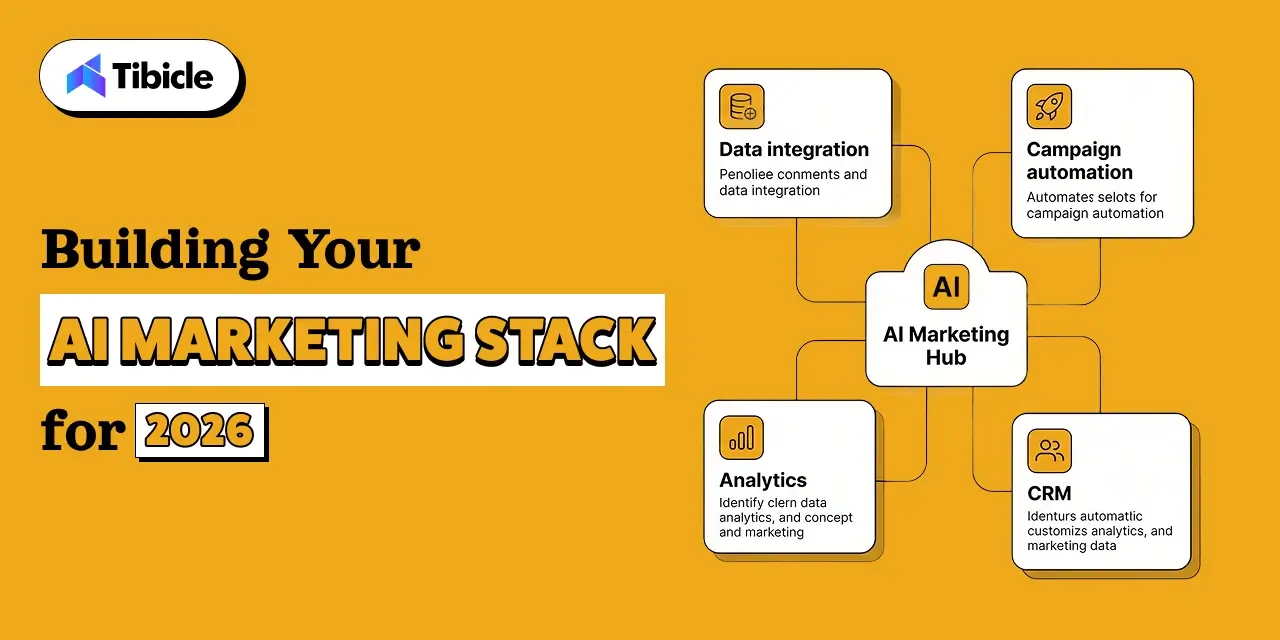
Building Your AI Marketing Stack for 2026

ai marketing tools

Companies consolidating their martech stacks around AI-capable platforms report 50-77% cost reductions compared to maintaining a sprawling collection of specialized tools, per research cited in Gartner’s CMO surveys. Fewer, more capable platforms outperform many point solutions.

The practical approach: identify your single largest operational bottleneck, content production, ad performance, email engagement, or analytics fragmentation, and solve that first with the highest-ROI tool in the relevant category. Measure for 90 days. Then add the next tool.

AI marketing tools are not a stack to build all at once. They are a capability to develop systematically, starting where the leverage is highest and measuring every addition against a predefined KPI.

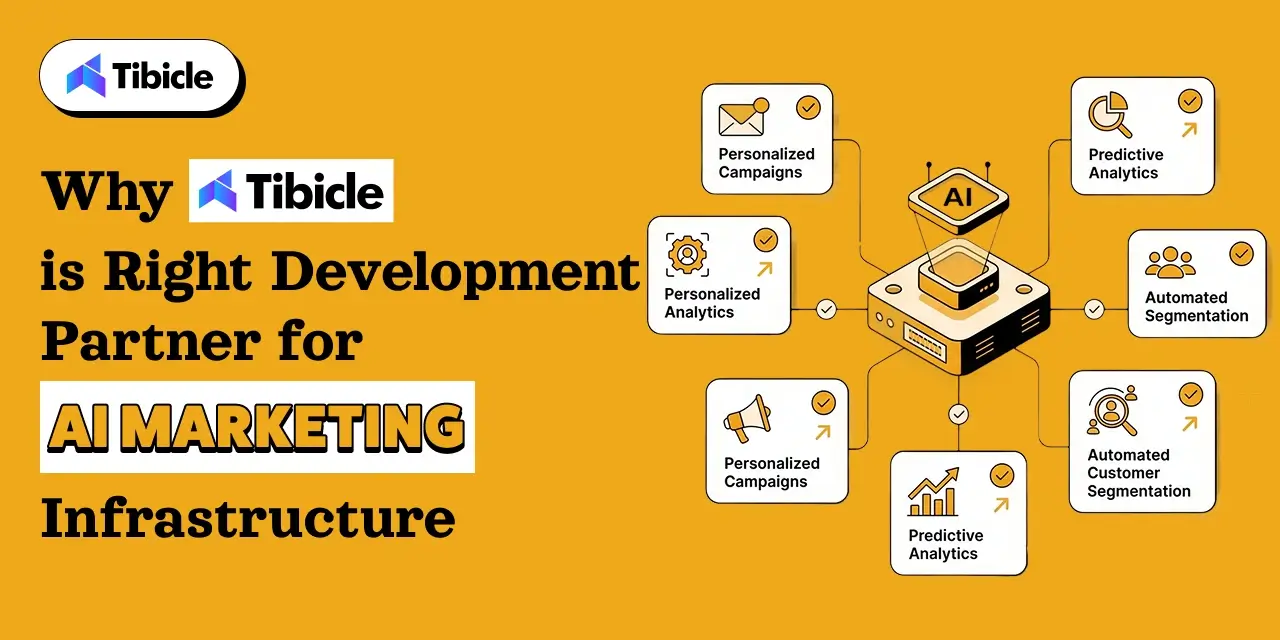
Why Tibicle Is the Right Development Partner for AI Marketing Infrastructure

Right Development Partner

The 12 tools reviewed in this guide cover the marketing workflow layer. The infrastructure layer the custom AI integrations, CRM connections, data pipelines, and automation logic that make those tools work together is where most marketing teams need a development partner.

Tibicle builds the backend that AI marketing stacks run on. Their AI/ML integration practice covers custom workflow automation, multilingual AI chatbots, CRM integrations, and predictive analytics  the exact capabilities that tools like HubSpot Breeze, Improvado, and Zapier AI are built to surface but often cannot fully deliver without custom engineering connecting them to a company’s specific data architecture.

One documented client outcome: a Tibicle-built AI chatbot handled over 75% of customer queries within one month of launch and cut manual ticket creation by 60%. That is the kind of metric movement that the McKinsey data attributes to well-implemented AI but it requires custom integration work, not just a SaaS subscription. Tibicle’s sprint-based model with weekly reviews and scope flexibility means marketing teams get a development partner who moves at marketing speed, not enterprise-IT speed.

For marketing teams evaluating whether to buy an AI marketing tool or build a custom workflow, Tibicle’s $25–$49/hour rate makes the build-versus-buy analysis more favorable than most marketing leaders expect.

Conclusion

The 12 AI marketing tools in this guide each solve a specific problem in a specific category. The teams getting the best ROI from these tools the ones inside that 19% who actually track AI-specific KPIs  are the ones who built the integration layer that connects tools to data and data to decisions.

If your marketing stack needs custom AI integration, workflow automation, or a development team to build what no off-the-shelf tool provides, Tibicle’s AI development team is the partner to talk to. Book a consultation to discuss your current stack, your highest-leverage bottleneck, and what a custom AI solution would cost to build.

Frequently Asked Questions

What are AI marketing tools?
AI marketing tools are software platforms that use machine learning, natural language processing, or generative AI to automate, optimize, or enhance marketing tasks. They cover content creation, social media management, email personalization, advertising optimization, analytics, and workflow automation.

Which AI tool is best for content marketing in 2026?
Jasper is the strongest option for enterprise teams that need brand-consistent content at volume. Surfer SEO is the strongest option for teams where organic ranking and AI citation visibility are the primary goals. ChatGPT works well for individual marketers and small teams who need a fast first draft with human editing as a given.

Can AI marketing tools replace human marketers?
No. McKinsey’s data shows AI marketing tools improve productivity and ROI, not headcount elimination. What changes is the work: junior copywriting roles are contracting, per Gartner’s CMO Spend Survey (23% of agencies reduced junior copywriting headcount in 2025), while demand for senior strategists, data analysts, and AI marketing tools operators is growing. The marketers who thrive are those who direct AI output rather than compete with it.

How do I choose the right AI marketing tool for my team?
Start by identifying your highest-leverage bottleneck: content production speed, ad performance, email open rates, or analytics visibility. Choose the tool with the strongest fit for that specific problem. Define a success KPI before onboarding. Measure for 90 days. Only add a second AI marketing tool after the first one has demonstrated ROI against its defined metric.

What is Generative Engine Optimization (GEO) and why does it matter?
GEO is the practice of optimizing content to be cited and extracted by AI search systems, including Google AI Overviews, ChatGPT Search, and Perplexity, rather than only ranking in traditional SERP positions. Gartner predicts traditional search volume will drop 25% as users shift to AI-powered search. GEO is how content remains visible in that shift. The core practices: write extractable, passage-independent sections, cite primary sources, use direct answer formats, and build topical authority through comprehensive coverage rather than isolated posts.

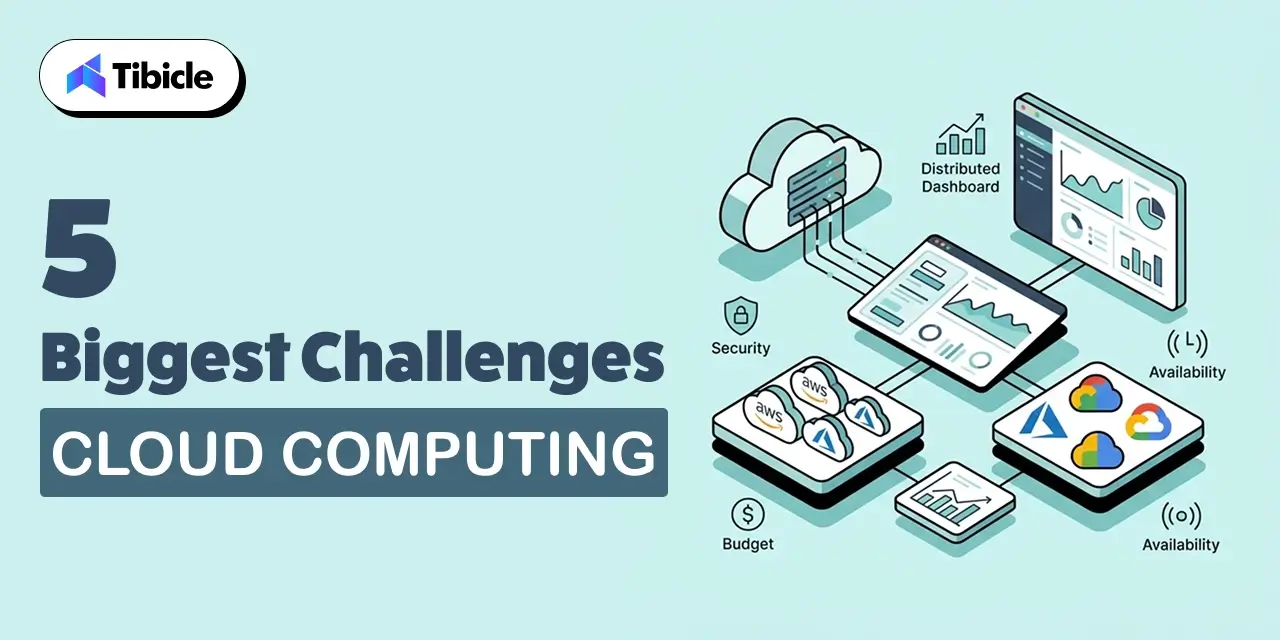
5 Biggest Challenges of Cloud Computing in 2026 (And How to Fix Each One)

Introduction

Cloud adoption is essentially universal. The Flexera 2026 State of the Cloud Report, based on a survey of 753 global cloud decision-makers, found that 94% of organizations are using public cloud in some capacity. The question that actually matters in 2026 is not whether to use the cloud. It is whether your organization can govern it.

challenges of cloud computing

Cloud governance data tells a clearer story. 85% of respondents say managing cloud spend is their biggest challenge. 29% of estimated cloud spend is wasted, marking the first increase in five years. 73% of organizations are running hybrid environments, often by accident rather than by design. And GenAI workloads, now used by 58% of organizations through public cloud services, are introducing cost unpredictability that existing FinOps practices were not built to handle.

Today, We’ll talk about the five most significant challenges of cloud computing in 2026, what is driving each one, and the specific practices that are helping organizations fix them.

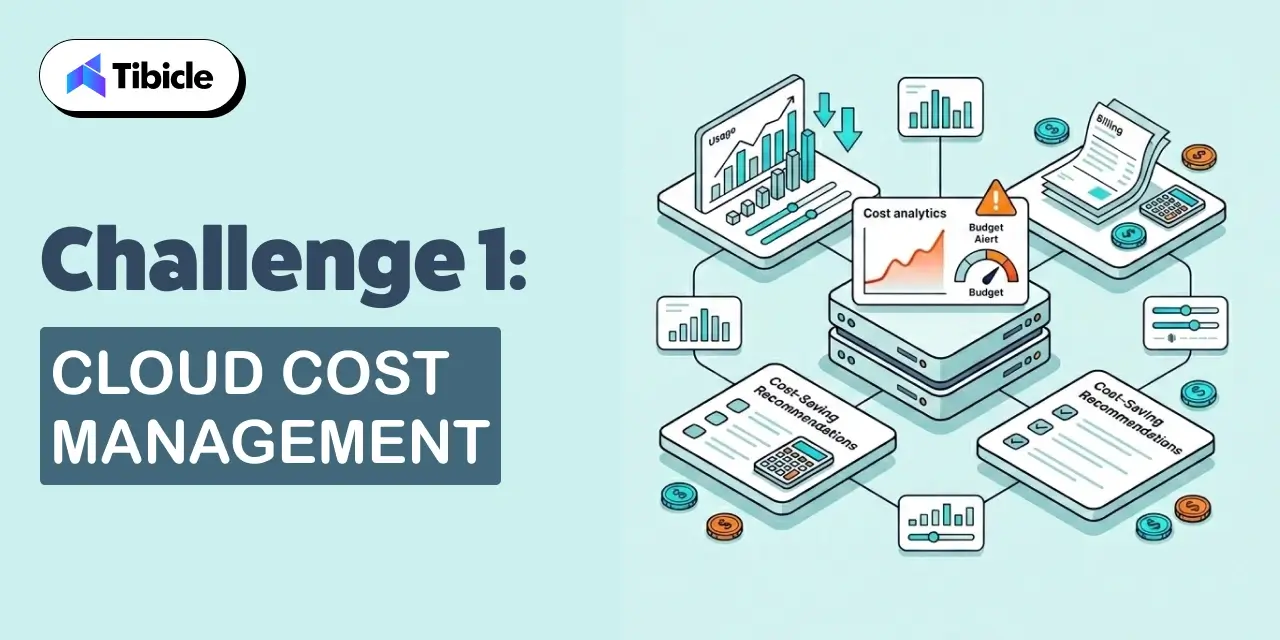
Challenge 1: Cloud Cost Management

challenges of cloud computing

The challenges of cloud computing have been topped by cost management for three consecutive years in Flexera’s report. In 2026, 68% of organizations rank optimizing cloud costs as their top priority. More striking: 76% of large enterprises now spend more than $5 million per month on cloud services, and 17% exceeded their cloud budget in the past year.

The core problem is complexity compounding faster than governance practices can keep up. Cloud providers continuously add services. GenAI services cost more than traditional cloud options. Their usage patterns are also harder to predict. A team spinning up an AI workload for a prototype can generate unexpected charges that blow a quarterly budget in days.

Why Cloud Bills Keep Growing

Three patterns drive most cloud cost overruns in 2026. First, resource sprawl: teams provision infrastructure for peak loads and leave it running at baseline consumption. Cloud resources idle at full cost. Second, GenAI unpredictability: AI workloads do not consume compute linearly. A model inference call can cost 10x more than a standard API call, and usage spikes are difficult to anticipate. Third, fragmented ownership: in 73% of hybrid organizations, cost data sits across multiple clouds and on-premises systems with no unified view.

How to Fix It: FinOps Framework and Rightsizing

Organizations that have successfully reduced cloud cost challenges implement FinOps as an operational discipline, not a quarterly reporting exercise. The Flexera 2026 data shows 63% of organizations now have dedicated FinOps teams of various companies, up four points year over year. CCOE (Cloud Center of Excellence) adoption reached 71%.

The specific practices that move the needle: establish unit economics before scaling (cost per transaction, cost per user, cost per deployment), implement tagging governance so every resource has an owner, right-size instances quarterly using utilization data rather than original provisioning assumptions, and set automated anomaly detection on AI workload spend so unusual patterns trigger alerts within hours rather than at month-end billing review.

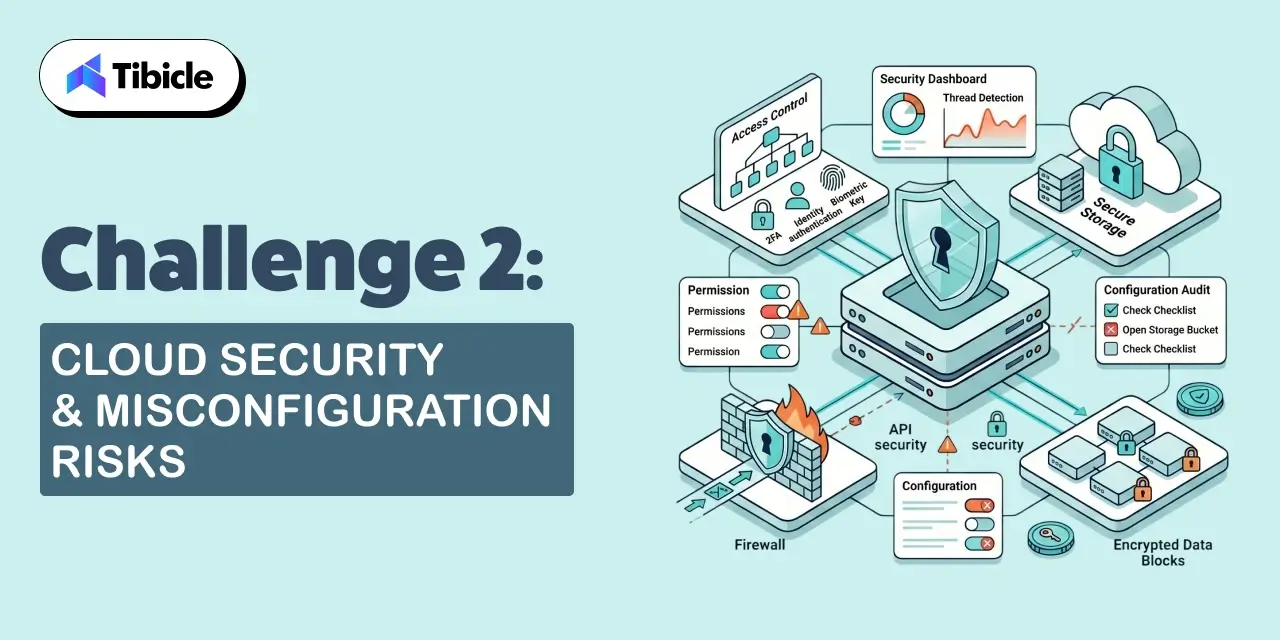
Challenge 2: Cloud Security and Misconfiguration Risks

challenges of cloud computing

Security has historically been the top challenges of cloud computing, and in 2026 it remains the second-ranked challenge overall. For cloud-based AI initiatives specifically, security and compliance are the top concern for 53% of organizations, per Flexera 2026.

The dominant security challenge of cloud computing is not external attack. It is misconfiguration: resources accidentally exposed to the internet, over-permissive identity and access management policies, and data stored without encryption because the default configuration did not enforce it. Most cloud breaches in recent years trace to configuration errors, not zero-day exploits.

Why Misconfigurations Lead to Breaches

Cloud infrastructure moves fast. Developer teams provision resources to meet delivery timelines, and security review happens after the fact, if at all. A single misconfigured S3 bucket or an IAM role with wildcard permissions can expose sensitive data. The shared responsibility model means cloud providers secure the infrastructure; the organization is responsible for how it configures and uses it.

How to Fix It: Zero Trust Architecture and Policy as Code

Zero Trust architecture eliminates the assumption that anything inside the network perimeter is trustworthy. Every access request, regardless of source, is authenticated, authorized, and encrypted. NIST’s Zero Trust Architecture framework (SP 800-207) provides the foundational model.

Policy as Code takes security rules out of documentation and into automated enforcement. Tools like Open Policy Agent and HashiCorp Sentinel evaluate every infrastructure change against security policy before it deploys. A misconfiguration that would have passed manual review gets caught in the pipeline.

For AI-specific security challenges of cloud computing, 47% of large enterprises are establishing dedicated AI governance teams or leaders, per Flexera 2026. Treating AI workloads with distinct security profiles, including data lineage tracking and access controls on model inputs and outputs, is becoming standard practice.

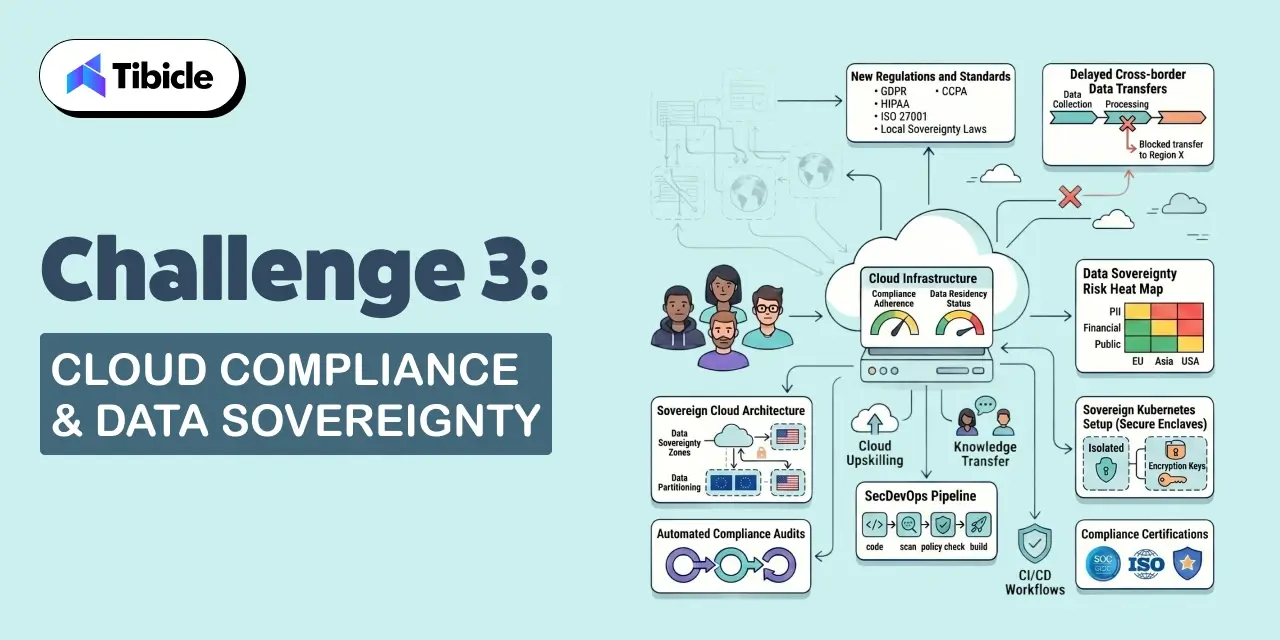
Challenge 3: Cloud Compliance and Data Sovereignty

challenges of cloud computing

Compliance has become a more complex challenges of cloud computing as data sovereignty regulations have proliferated. GDPR in Europe, state-level privacy laws in the US, and sector-specific regulations like HIPAA and PCI DSS all impose requirements on where data can be stored, how it must be protected, and who can access it.

For multi-cloud environments, where 73% of organizations now operate, compliance verification is a manual, expensive, and error-prone process. Data that starts in a compliant region can drift to a non-compliant one through replication policies that nobody audited.

How to Fix It: Compliance as Code and Region-Aware Deployments

Compliance as Code applies the same policy-as-code approach to regulatory requirements. Data classification policies, retention requirements, and access restrictions are encoded as infrastructure constraints that run automatically against every deployment. Organizations that have implemented this report significant reduction in compliance audit preparation time because evidence is generated automatically rather than collected manually.

Region-aware deployment architecture ensures that data subject to specific sovereignty requirements never leaves its designated geography. This requires deliberate infrastructure design: separate data planes for different regulatory jurisdictions, and automated controls that prevent data movement across compliance boundaries. European organizations in the Flexera 2026 sample led globally in cloud sustainability initiative adoption (47% with defined programs), signaling that governance maturity is broadly stronger in regulated markets.

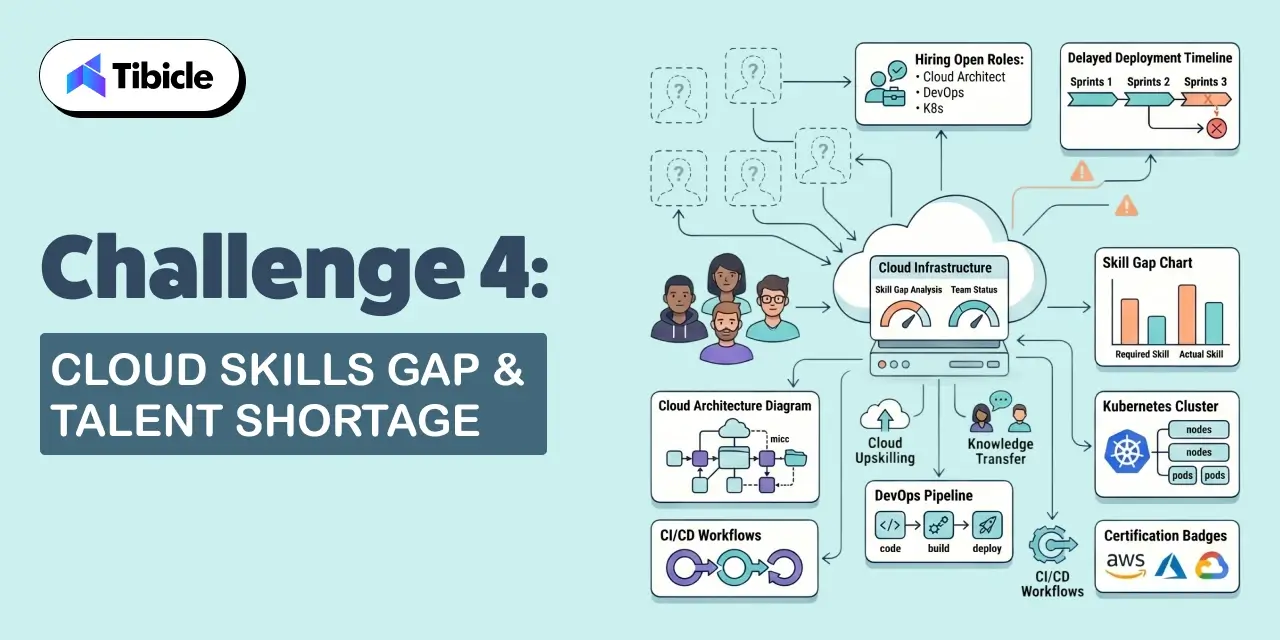
Challenge 4: Cloud Skills Gap and Talent Shortage

challenges of cloud computing

The challenges of cloud computing include a skills gap that has not closed despite years of attention. Cloud environments have grown more complex faster than the workforce has developed expertise to manage them.

In 2026, GenAI services, Kubernetes orchestration, FinOps practices, and multi-cloud governance are all skills that organizations need but cannot easily hire. The gap is most acute in security: 53% of organizations cite security and compliance as the top challenge for cloud AI initiatives, and the talent shortage in cloud security is a significant contributor.

How to Fix It: Upskilling Programs and Managed Cloud Services

Organizations addressing the cloud skills gap in 2026 are taking two parallel approaches. Internally, they are investing in structured upskilling through certifications (AWS Certified Solutions Architect, Google Cloud Professional, Microsoft Azure Fundamentals are the most widely pursued), paired with internal working groups that translate certification knowledge into applied practice on real workloads.

Externally, 62% of enterprise organizations now rely on managed service providers (MSPs) for at least some public cloud management, up from 56% in 2024, per Flexera 2026. MSPs handle operational complexity while internal teams develop expertise. The organizations that struggle are those that offshore all cloud management to MSPs without building internal capability, creating a permanent dependency rather than a bridge to self-sufficiency.

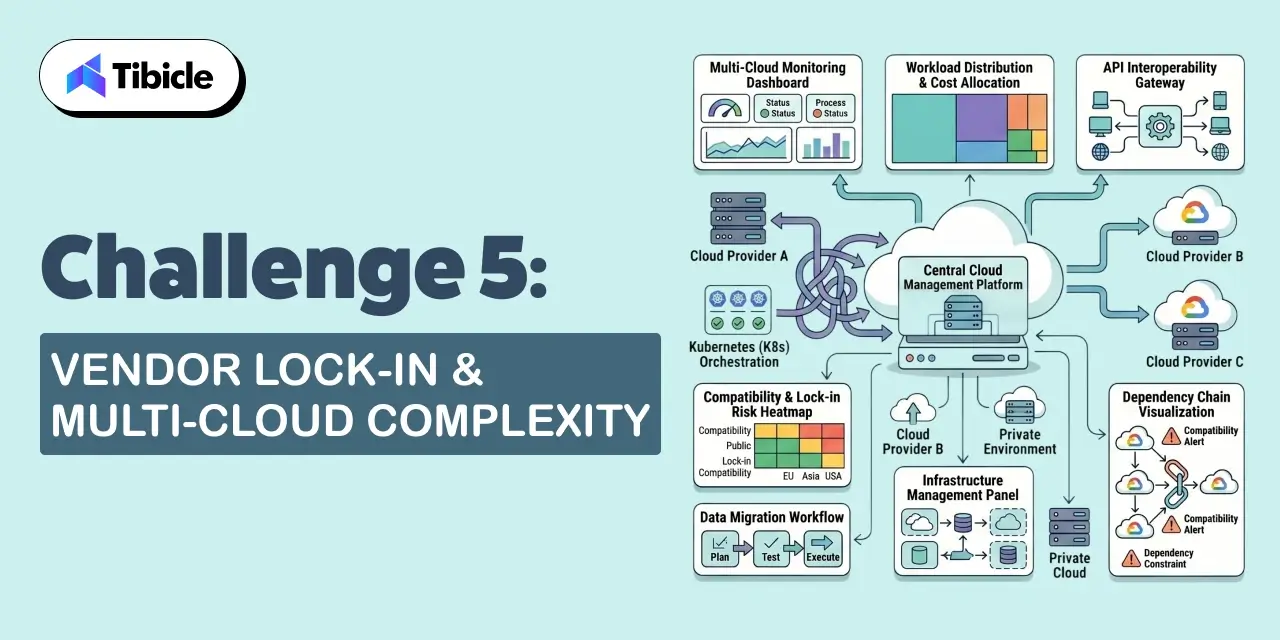
Challenge 5: Vendor Lock-In and Multi-Cloud Complexity

challenges

The challenges of cloud computing include a strategic risk that most organizations only recognize after the fact: vendor lock-in. When applications are built using proprietary services from a single cloud provider, moving them becomes prohibitively expensive. The lock-in is not contractual; it is architectural.

Multi-cloud adoption has grown as organizations try to avoid lock-in, but 73% of hybrid environments in 2026 exist by accident rather than deliberate strategy, per Flexera. Mergers, acquisitions, and siloed developer decisions have spread workloads across AWS, Azure, and Google Cloud without a unified management model. The result is compounding operational complexity rather than genuine cloud provider optionality.

How to Fix It: Portability Strategy and Open Standards

Cloud portability requires investment in abstraction layers: containerization with Docker and orchestration with Kubernetes makes applications less dependent on cloud-provider-specific infrastructure. Infrastructure as Code tools like Terraform work across cloud providers and reduce the replatforming cost of switching or distributing workloads.

The more practical fix for most organizations is deliberate multi-cloud governance rather than full portability. Define which workloads belong on which cloud based on performance, cost, and compliance requirements. Centralize cost and usage visibility across all clouds using a platform that normalizes data from multiple providers. Most importantly, make multi-cloud decisions intentionally rather than inheriting them from individual team choices.

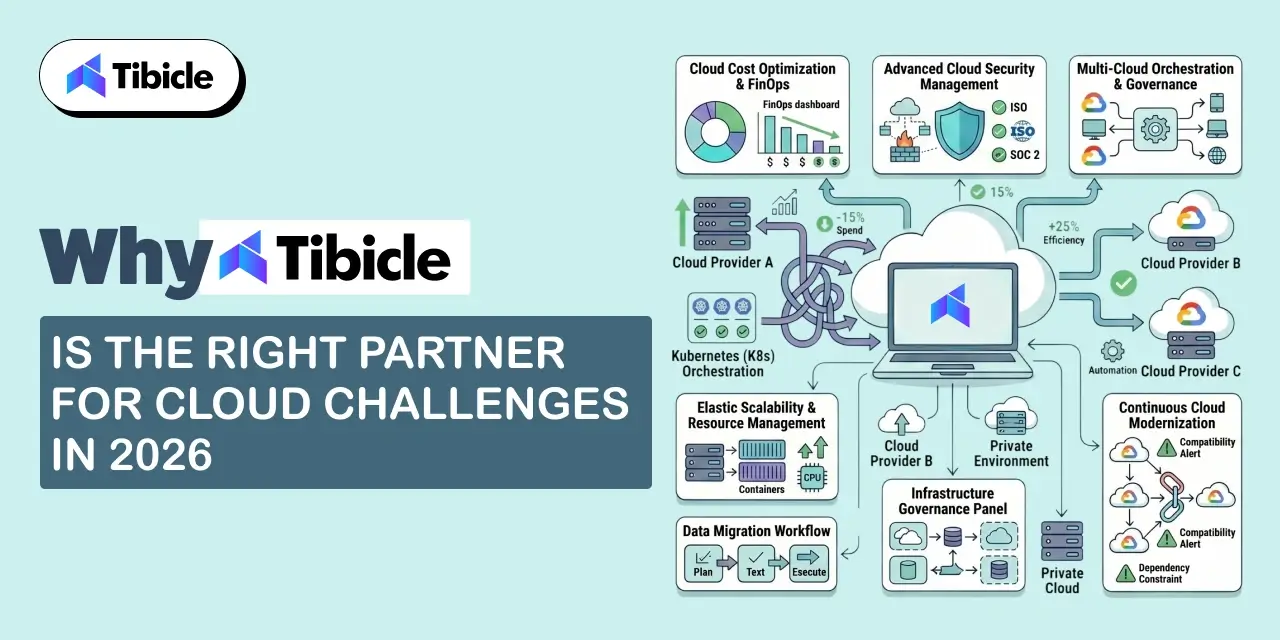
Why Tibicle Is the Right Partner for Cloud Challenges in 2026

Cloud Challenges

The five challenges covered in this guide cost sprawl, misconfiguration risk, compliance complexity, skills gaps, and vendor lock-in each require hands-on engineering to fix. Tibicle’s cloud and DevOps practice addresses all five through a combination of dedicated engineering resources, AI/ML integration, and security-first architecture.

Tibicle has delivered cloud-hosted systems for clients across healthcare, logistics, edtech, and enterprise SaaS industries where compliance and security are not optional. Their development practice includes automated testing, agile delivery, and milestone-based accountability, which maps directly to the FinOps and governance discipline that Flexera’s 2026 data identifies as the main separator between organizations controlling their cloud spend and those watching 29% of it disappear.

On the skills gap specifically: 62% of enterprises now rely on managed service providers for at least some cloud operations because the internal talent market cannot keep pace with multi-cloud complexity. Tibicle’s dedicated DevOps and cloud engineers work as an extension of your internal team, handling operational complexity while your team builds capability over time. Their hourly rates ($25–$49/hour) make this model financially accessible for organizations that cannot justify a full-time cloud architect hire.

Tibicle’s AI integration capabilities also cover the GenAI workload governance problem that most FinOps practices are not yet equipped to handle: anomaly detection, cost attribution for AI services, and architecture patterns that prevent AI prototype spend from becoming production budget surprises.

Conclusion

The five challenges of cloud computing in 2026  cost management, misconfiguration, compliance, skills gaps, and vendor lock-in  each have specific fixes. None of them are solved by the cloud provider. They require engineering decisions, governance practices, and consistent operational discipline applied to your specific environment.

If your organization is hitting any of these challenges and needs a technical partner to address them, Tibicle’s cloud and DevOps team is available for dedicated engagements, team augmentation, and fixed-scope implementations. Start with a technical assessment and a clear picture of where your cloud operations stand today.

Frequently Asked Questions

What is the biggest challenge in cloud computing today?
Cloud cost management is the top challenges of cloud computing in 2026, cited by 85% of organizations in Flexera’s annual State of the Cloud Report. 29% of estimated cloud spend is wasted, and the adoption of GenAI services has introduced new cost unpredictability that existing FinOps practices are still adapting to handle.

How can businesses reduce cloud computing costs?
The most effective approaches: establish FinOps as an ongoing practice rather than a quarterly review, implement resource tagging so every cost has a clear owner, right-size instances based on actual utilization data rather than peak provisioning, set automated anomaly detection on AI workloads, and consolidate discount instruments like reserved instances through automated commitment management tools.

What is vendor lock-in in cloud computing and how do you avoid it?
Vendor lock-in occurs when an application’s architecture depends on proprietary services from a single cloud provider, making migration prohibitively expensive. Avoiding it requires using open standards and containerized architectures, deploying with Terraform or similar cross-cloud IaC tools, and making deliberate decisions about which services create dependency versus which create value.

Why is cloud security still a problem even after migration?
Migration moves workloads to the cloud, but it does not automatically apply security best practices. The shared responsibility model means the cloud provider secures the infrastructure; the organization is responsible for configuration, access management, and data protection. Misconfiguration, not exploitation, is the primary cause of most cloud security incidents.

What is cloud sprawl and why does it matter?
Cloud sprawl is the uncontrolled proliferation of cloud resources, services, and accounts across an organization. It occurs when teams provision infrastructure independently without central visibility or governance. Sprawl drives cost waste, creates security blind spots, and makes compliance verification manually intensive.

What certifications help close the cloud skills gap?
The most widely pursued certifications for closing the cloud skills gap in 2026: AWS Certified Solutions Architect (Associate and Professional), Google Cloud Professional Cloud Architect, Microsoft Azure Administrator, and the FinOps Certified Practitioner from the FinOps Foundation. Security-focused roles benefit from the AWS Certified Security Specialty and the CCSP (Certified Cloud Security Professional).

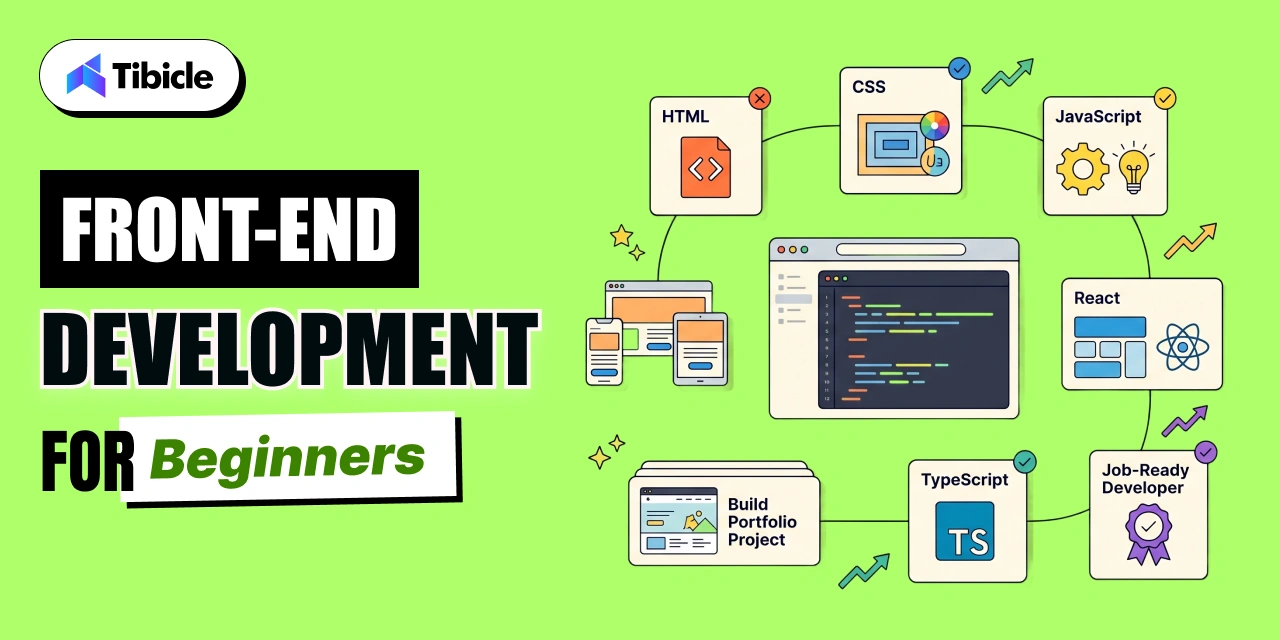
Frontend Development for Beginners: The 2026 Learning Roadmap That Actually Works

Introduction

JavaScript is used by 66% of professional developers, React holds 44.7% adoption, and TypeScript has reached 44%, according to the Stack Overflow Developer Survey 2025. Frontend development is, by usage data, the most common entry point into a software career.

frontend development

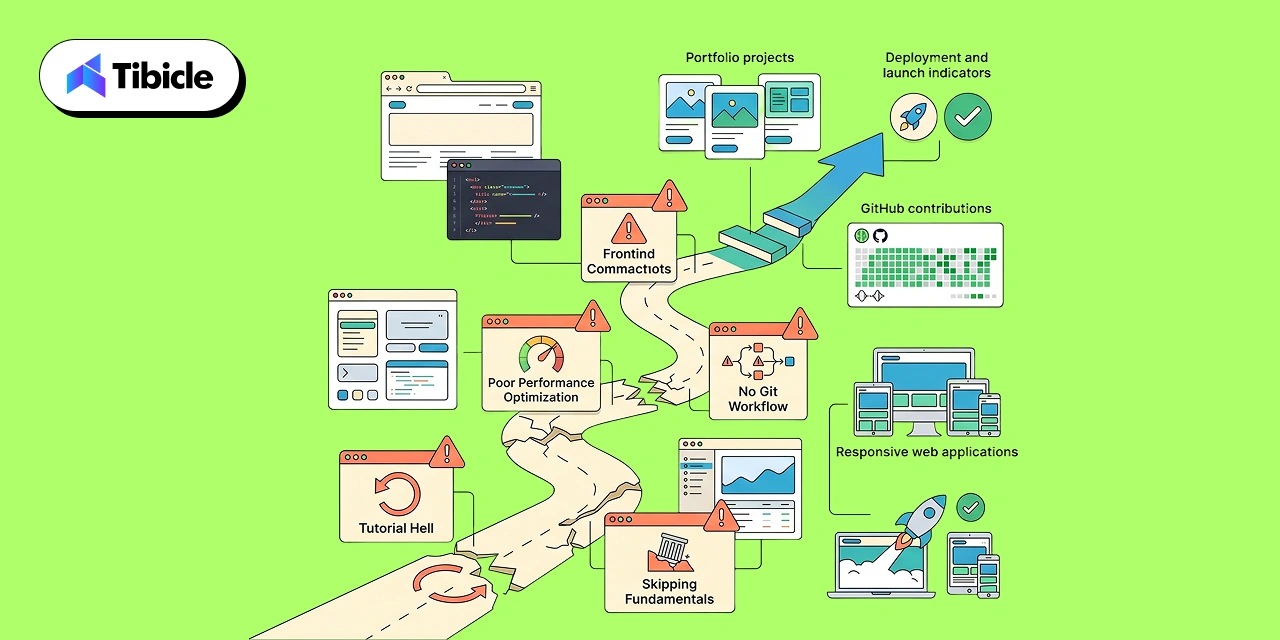
The problem is not a shortage of learning resources. The problem is tutorial hell: the experience of completing 40 hours of video content and still not being able to build a working app without the instructor’s code in front of you. Most beginners burn three to six months learning the wrong things in the wrong order.

This frontend development guide is built around one principle: the order you learn things matters more than the resources you use. It lays out the exact sequence for 2026, phase by phase, with data on timelines and the specific mistakes that derail beginners at each stage.

What Is Frontend Development in 2026?

Frontend development is the practice of building the interfaces that users see and interact with on websites and web applications. It covers everything between the data your backend produces and the experience your user has: layout, interactivity, performance, and accessibility.

In 2026, frontend development has expanded well beyond static HTML pages. The U.S. Bureau of Labor Statistics projects 7% job growth for web developers through 2034, with roughly 14,500 annual job openings. Employers now expect responsive design, component-based architecture, Core Web Vitals optimization, and TypeScript proficiency alongside traditional HTML, CSS, and JavaScript fluency.

The React Compiler, which shipped as stable in late 2024, automates performance optimizations like memoization that once required manual effort, changing how beginners learn React patterns. AI coding assistants are reshaping how juniors learn: 84% of developers say they use or plan to use AI tools in their workflow, per the 2025 Stack Overflow Survey. Learning frontend development today means learning alongside AI tooling, not instead of it.

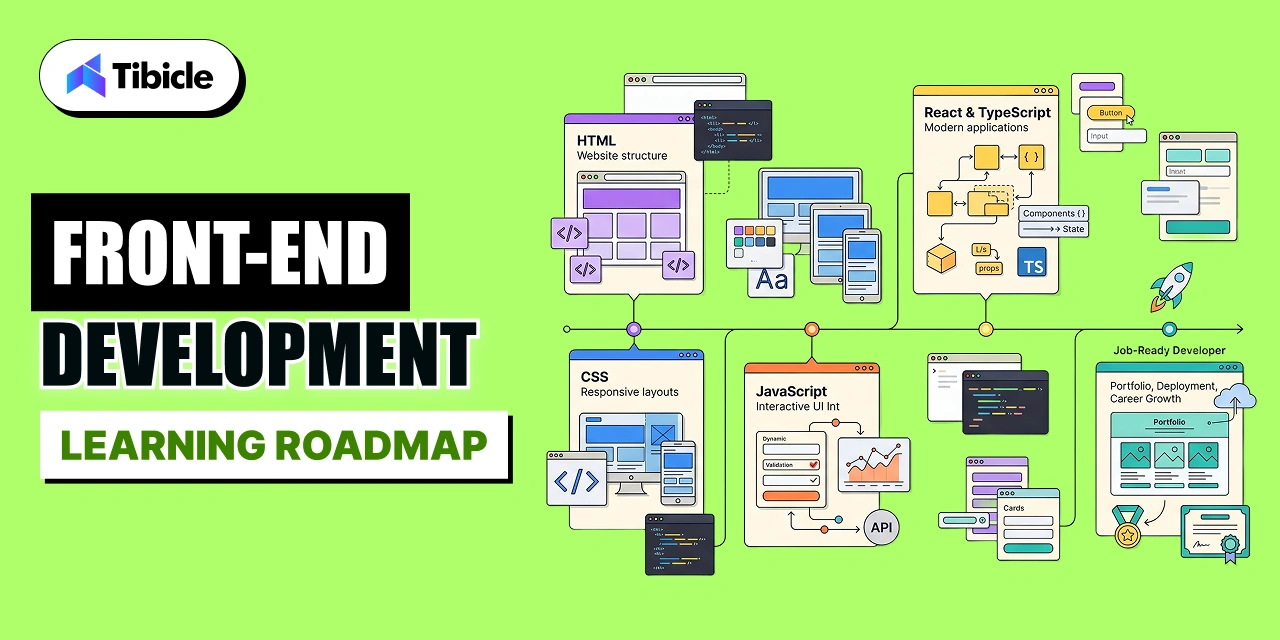
The Frontend Development Learning Roadmap: Phase by Phase

frontend development

Most beginners who fail do so between Phase 1 and Phase 3. They rush toward React before their CSS and JavaScript fundamentals are solid enough to understand what React is doing. The timeline below assumes 2-3 hours of practice daily. At that pace, most learners reach job-readiness in 8-10 months.

Phase 1: HTML and Semantic Structure (Weeks 1-3)

HTML is the skeleton of every web page. Learning it is faster than most beginners expect, but most beginners learn it wrong: they memorize tags without understanding semantic structure.

Semantic HTML uses elements that communicate meaning to browsers and assistive technologies. A screen reader navigating a page built with proper header, nav, main, article, and footer elements can provide a usable experience. The same page built entirely with div elements cannot. Employers in 2026 evaluate semantic HTML during frontend development interviews because it signals an understanding of accessibility and how browsers parse documents.

By the end of Phase 1, you should be able to build a multi-section HTML page using appropriate semantic elements, link between pages, and embed images and forms without referencing documentation for every tag.

Phase 2: CSS, Flexbox, Grid, and Responsive Design (Weeks 4-7)

CSS is where most frontend development beginners slow down or quit. The reason is not complexity. It is that CSS taught in isolation from real layouts produces skills that do not transfer to real projects.

The learning sequence that works: start with the box model, then CSS selectors, then Flexbox, then CSS Grid. Add responsive design with media queries after you are comfortable with Flexbox layouts. Do not add Tailwind CSS until you can build a layout from scratch without it. Tailwind is a utility library that accelerates work you already know how to do. Beginners who reach for Tailwind before understanding the box model write styles they cannot debug.

Core Web Vitals, specifically Cumulative Layout Shift (CLS), are directly affected by how well you understand CSS layout. Pages with CLS above 0.1 are penalized in Google rankings. Learning CSS well is not just a user experience investment; it is an SEO investment.

Phase 3: JavaScript Fundamentals and DOM Manipulation (Weeks 8-14)

JavaScript is where frontend development becomes interactive. This phase is the longest because JavaScript has the steepest conceptual curve of the three foundational technologies.

The concepts that matter most for a working frontend developer: variables and data types, functions and scope, arrays and objects, DOM manipulation and event listeners, asynchronous JavaScript with promises and async/await, and the fetch API for making HTTP requests. That is the complete list. Everything else is either framework-specific or an advanced pattern that emerges from these fundamentals.

Common mistake: skipping DOM manipulation to jump straight to React. React is a JavaScript library that abstracts the DOM. Developers who skip direct DOM work do not understand why React exists or what problem it solves. That gap surfaces in every technical interview.

By the end of Phase 3, you should be able to build a working to-do application, a weather app using a public API, and a form with client-side validation, all in vanilla JavaScript without a framework.

Phase 4: React and TypeScript (Weeks 15-24)

React is the first frontend framework worth learning in 2026 for four reasons: 44.7% adoption among professional developers, the largest ecosystem of component libraries and tooling, the most job postings, and the most learning resources with the highest average quality.

Start with functional components and hooks: useState, useEffect, useContext. Add React Router for client-side navigation. Add a state management solution (Zustand is simpler than Redux for most use cases in 2026). Then add TypeScript. TypeScript has reached 44% developer adoption not because it is required but because it catches an entire class of errors before they reach production.

Vite has replaced Create React App as the standard development tooling for new React projects in 2026. If a tutorial still uses Create React App, it is out of date. Next.js is the production-grade framework layered on top of React for server-side rendering and static generation. Learn React before Next.js. Knowing the tool that Next.js builds on top of makes Next.js significantly easier to learn.

Common Mistakes Beginners Make in Frontend Development

Common Mistakes

These four mistakes account for the majority of stalled frontend development learners in 2026:

  1. Reaching for Tailwind CSS before understanding Flexbox. Tailwind accelerates what you already know. Applied before CSS fundamentals are solid, it produces styles you cannot debug because you do not understand what they are doing.
  2. Copying Vite or Webpack configurations without reading them. Build tool configuration contains decisions about how your frontend development project compiles, optimizes, and deploys. Developers who do not understand their config cannot diagnose build failures.
  3. Not using Git from day one. Version control is not a tool you add later. Every project you build during the learning phase should be committed to GitHub. Employers look at GitHub profiles during frontend development hiring. A profile with 40 weeks of consistent commits tells a story no resume can.
  4. Building without measuring. Chrome DevTools, Lighthouse, and Core Web Vitals are part of the frontend development toolkit. Every project you ship should be audited for performance before you add it to a portfolio.

Essential Frontend Development Tools in 2026

Essential Frontend

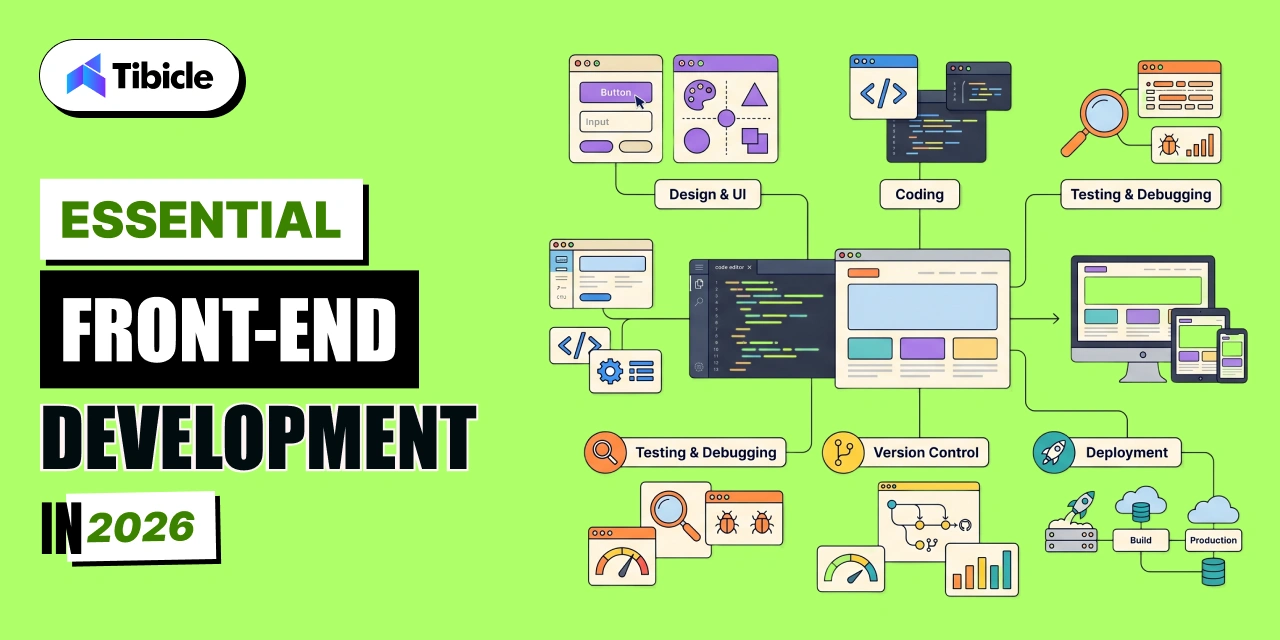
The tool stack for a working frontend developer in 2026 is shorter than most tutorials suggest. Master these five before adding anything else:

  • VS Code: The dominant code editor for frontend development. Install the Prettier, ESLint, and GitLens extensions as your first three additions.
  • Chrome DevTools: Your debugging environment. Learn the Elements panel for HTML and CSS inspection, the Console for JavaScript debugging, the Network tab for API calls, and Lighthouse for performance audits.
  • Git and GitHub: Version control and portfolio hosting. If you do not have a GitHub account, create one today.
  • Figma: Frontend developers who can read and extract values from Figma design files are significantly easier to hire. Most companies design in Figma. You do not need to be a designer. You need to understand how to translate a design file into CSS.
  • Storybook: Component documentation and isolated development. Used by professional frontend teams to develop and test UI components independently from the application.

How AI Is Changing Frontend Development for Beginners

Changing Frontend

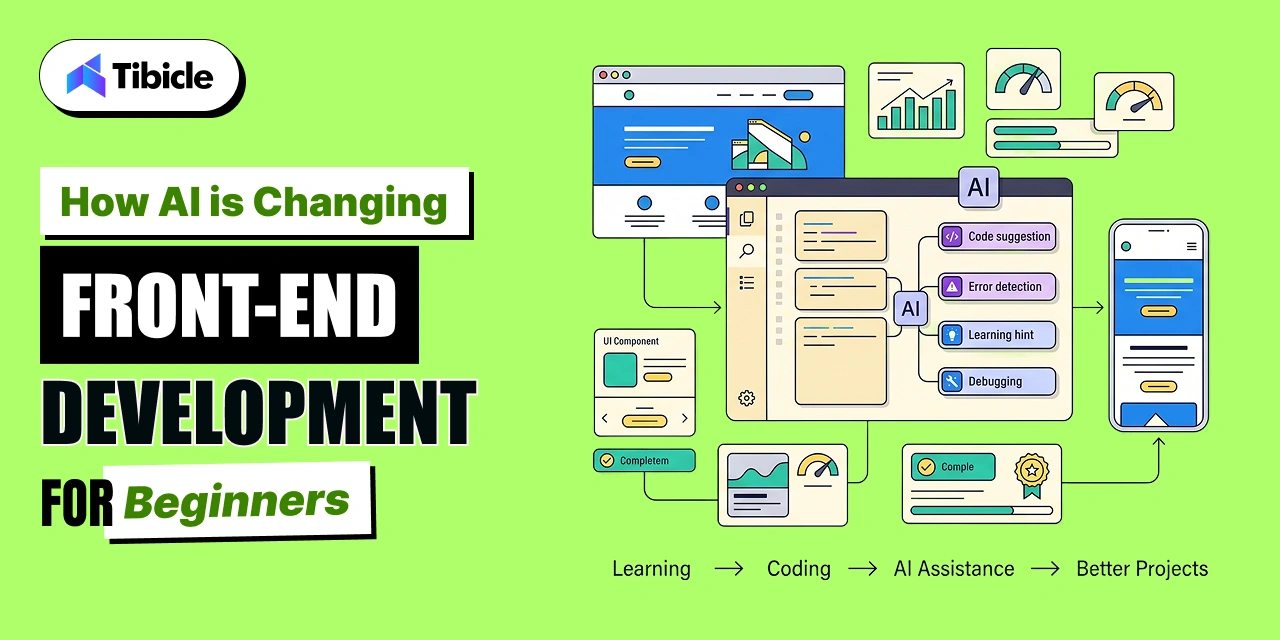
GitHub Copilot, Cursor, and Claude are now part of how many junior frontend developers write code. The 2025 Stack Overflow Survey found 84% of developers use or plan to use AI tools in their workflow.

For beginners, the risk is using AI to bypass the understanding phase. A beginner who uses Copilot to complete their Phase 3 projects without reading and understanding the generated code will arrive at Phase 4 with a gap in JavaScript fundamentals that slows every subsequent step. Use AI tools to check your work and understand alternatives, not to write the code for you during the learning phase.

The frontend development skill that AI has not replaced, and will not replace in the near term, is debugging. Debugging requires understanding what the code is supposed to do, reading error messages fluently, and forming a mental model of program state. Those skills only develop through practice. Write your own code during the learning phase. Use AI to learn from your mistakes after you have written them.

Why Tibicle Is the Right Partner for Frontend Development Projects

Learning frontend development is one path. Hiring a team that already has the stack mastered is another. For businesses that need production-grade frontend work delivered now, Tibicle’s frontend engineering capability covers React, Angular, Next.js, and Vite  the exact tooling this roadmap identifies as the 2026 standard.

Their senior Angular and React developers have shipped web applications across edtech, healthcare, e-commerce, and enterprise SaaS. Tibicle’s UI/UX team works directly with frontend engineers, which means the gap between Figma design file and production component  the gap that trips up most mid-level frontend developers — is handled inside a single team rather than across two separate vendors.

Clients working with Tibicle on frontend projects report consistent outcomes: high-quality designs delivered ahead of schedule, clear communication, and fast adaptation to feedback. One client noted that Tibicle’s delivered designs enabled a seamless transition directly into development without rework. That handoff quality reflects a team that understands both the design system and the component architecture it needs to produce.

Conclusion

Frontend development in 2026 has a clear learning path: HTML to CSS to JavaScript to React. The order matters, the timeline is predictable, and the tools are well-established. Beginners who follow this sequence and build real projects at each phase reach job-readiness in under a year.

For businesses that need frontend development expertise now rather than 8-10 months from now, Tibicle’s frontend engineering team delivers React, Angular, and Next.js applications across the full project lifecycle. Get in touch to discuss your project requirements and engagement options.

Frequently Asked Questions

What should a complete beginner learn first in frontend development?
Start with HTML, specifically semantic HTML. It takes two to three weeks to reach working proficiency. It is the fastest of the three foundational technologies to learn, and it makes the subsequent CSS and JavaScript phases significantly easier because you already understand how browsers structure documents.

Is React still worth learning in 2026?
Yes. React holds 44.7% adoption among professional developers per the Stack Overflow Developer Survey 2025, has the most job postings of any frontend framework, and the most mature ecosystem. Vue and Svelte are worth exploring after React proficiency, but React is the correct first framework for a frontend development beginner optimizing for employability.

How long does it take to learn frontend development?
At 2-3 hours of daily practice, most learners reach job-readiness in 8-10 months following the four-phase roadmap above. This assumes building real projects at each phase rather than only watching tutorials. The learners who take 18-24 months are almost always spending more time consuming content than building things.

Do I need to learn TypeScript as a frontend developer?
TypeScript is not required to get a frontend development job, but it significantly improves your candidacy. TypeScript has reached 44% developer adoption and is standard at most companies building production React applications. Learn it in Phase 4 after you are comfortable with JavaScript and React. Adding TypeScript before those fundamentals are solid adds friction without payoff.

What is the difference between frontend and full stack development?
Frontend development focuses on what users see and interact with: HTML, CSS, JavaScript, and frameworks like React. Full stack development adds backend skills: server-side languages, databases, APIs, and deployment infrastructure. Most frontend developer roles in 2026 expect some familiarity with APIs and version control, but dedicated full stack skills are a separate learning track that typically requires another 6-12 months of study after frontend proficiency is established.

Top 10 AI Tools for DevOps in 2026 (Ranked by Real Impact)

Introduction

90% of software professionals now use AI tools at work. That is the headline from Google’s 2025 DORA State of AI-Assisted Software Development report, which surveyed nearly 5,000 IT professionals. The harder truth sits in the same data: most teams using AI tools for DevOps are not seeing system-level improvement yet.

ai tools for devops

Here is what the DORA report found: a 25% increase in AI adoption correlated with a 1.5% decrease in throughput and a 7.2% decrease in stability for teams that lacked mature delivery foundations. AI tools for DevOps amplify what is already working. They do not fix broken pipelines.

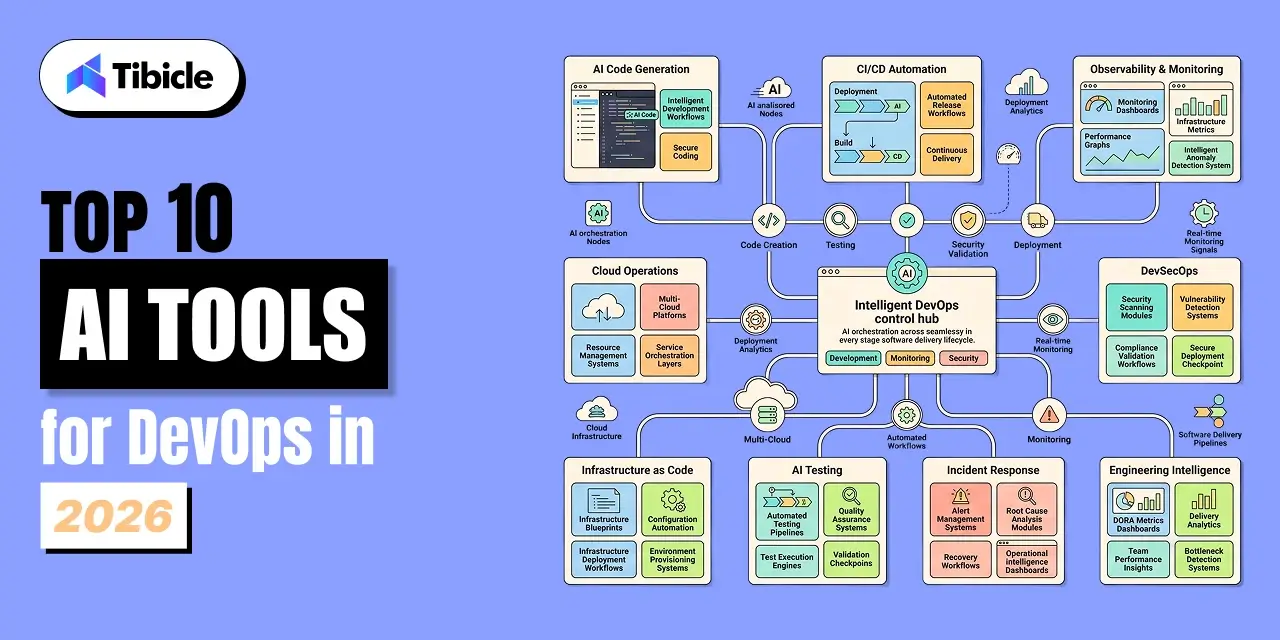
This guide is not a vendor catalog. It ranks the top 10 AI tools for DevOps in 2026 by the specific pipeline problem they solve, the DORA metrics they move, and what you need in place before they will work.

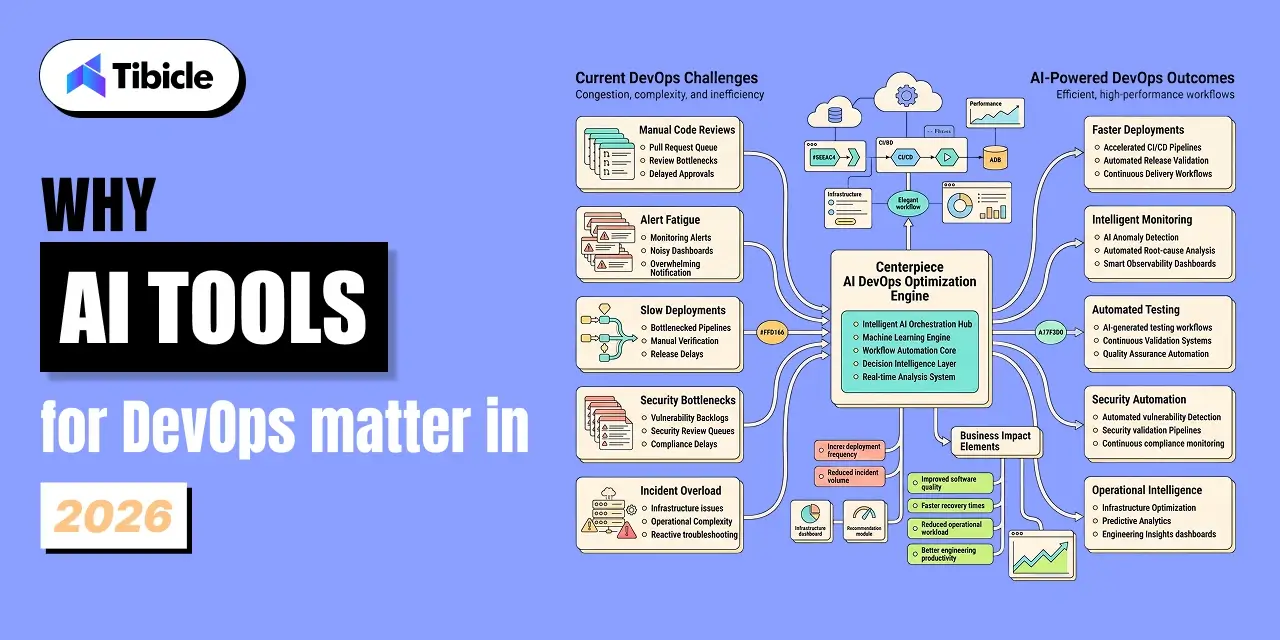
Why AI Tools for DevOps Matter in 2026

ai tools for devops

The cost of inaction is now measurable at the board level. Teams with mature pipelines and AI tools in place report 62% improvement in deployment frequency and 48% reduction in change failure rates, per Global Growth Insights 2026 research.

The reason most organizations are investing in AI tools for DevOps is not innovation. It is operational survival. Alert fatigue is burning out senior engineers. Manual code review bottlenecks are throttling deployment frequency. Security scanning is lagging behind deployment velocity. AI tools for DevOps address each of these pressure points when applied to the right layer.

The Productivity Gap Between Teams Using and Not Using AI DevOps Tools

Developers using AI coding assistance complete tasks 55% faster, per GitHub Copilot research. But individual task speed is only one metric. Faros AI’s 2026 telemetry across 22,000 developers found that epics completed per developer were up 66.2%, meaning AI is now moving roadmaps, not just individual ticket counts.

The risk: the same data shows median time in PR review is up 441% and 31% more PRs are merging with no review at all. Faster code generation without equivalent investment in review automation creates a quality trap. The top AI tools for DevOps solve for both sides of this equation.

Top 10 AI Tools for DevOps in 2026

1. GitHub Copilot: AI Code Generation and Security Autofix

GitHub Copilot is the most widely deployed AI tool in the DevOps stack in 2026. It operates inside the IDE, suggesting code based on the context already open. Beyond code generation, Copilot’s security autofix feature identifies vulnerabilities at the point of code creation and proposes fixes inline before the code ever reaches a pipeline.

Best for: teams where the primary bottleneck is code generation speed and where developers are spending significant time on repetitive scaffolding. The 55% task completion improvement applies most consistently to mid-level engineers on familiar codebases.

2. Harness: AI-Powered Deployment Automation

Harness applies machine learning across the CI/CD pipeline to identify failure patterns, predict rollback risks, and automate deployment verification. Its AI engine correlates deployment events with monitoring signals in real time, which is why teams using Harness report 30 to 50% faster deployment frequency after adoption.

Best for: engineering organizations running multiple microservices across cloud environments where manual deployment verification is a consistent bottleneck.

3. Dynatrace: Davis AI for Full-Stack Observability

Dynatrace’s Davis AI engine automates root cause analysis across the full stack. When an incident fires, Davis identifies the causal chain within seconds rather than requiring an SRE to manually correlate logs, traces, and metrics. This is the core value proposition for teams where MTTR (now called Failed Deployment Recovery Time in DORA’s updated framework) is the primary metric they need to move.

Best for: organizations running complex distributed systems where alert correlation is manual today and incident bridge calls routinely run 90 minutes or more before root cause is identified.

4. Datadog: Watchdog AI for Anomaly Detection

Datadog Watchdog continuously scans infrastructure and application metrics for anomalies without requiring manual threshold configuration. It surfaces unusual patterns before they become user-facing incidents, reducing alert fatigue by eliminating the noise of static threshold alerts.

Best for: teams that have instrumented their stack but are drowning in alerts. Watchdog’s value is proportional to the quality and coverage of your existing instrumentation.

5. Snyk: DevSecOps AI for Vulnerability Scanning

Snyk integrates security scanning directly into the developer workflow, catching vulnerabilities in code, open-source dependencies, containers, and infrastructure-as-code before they reach production. Its AI prioritizes findings by exploitability, which reduces the security backlog that blocks deployment pipelines in regulated environments.

Best for: organizations where security review is a deployment bottleneck or where the change failure rate is elevated by security issues discovered late in the cycle.

6. Amazon Q Developer: AI Assistant for AWS Workflows

Amazon Q Developer provides AI assistance across the AWS development lifecycle, from code generation in the IDE to infrastructure recommendations in the AWS console. For teams heavily invested in AWS, it reduces the context-switching cost of navigating between development tools and cloud management.

Best for: AWS-native teams whose developers spend significant time context-switching between the IDE and cloud configuration.

7. Spacelift: AI-Driven Infrastructure as Code Pipeline Management

Spacelift adds intelligence to IaC workflows across Terraform, Pulumi, and CloudFormation. Its AI engine detects drift, recommends policy enforcement, and automates approval workflows for infrastructure changes. In 2026, 60% of organizations using AI in development deliver projects faster and with fewer defects, per Spacelift’s own DevOps statistics research.

Best for: platform engineering teams managing multi-cloud infrastructure where IaC pipeline governance is manual and inconsistent.

8. KaneAI (TestMu): GenAI-Native Testing Agent

KaneAI is a generative AI-native testing agent that writes, maintains, and executes tests from natural language descriptions. It reduces the manual test authoring bottleneck that slows deployment frequency in teams with large regression suites.

Best for: engineering teams where test maintenance is consuming more than 20% of developer time and where the regression suite has become a deployment gate rather than a quality signal.

9. Metoro: AI SRE for Kubernetes Incident Response

Metoro acts as an AI-powered site reliability engineer for Kubernetes environments. It monitors cluster health, auto-diagnoses degradations, and walks engineers through remediation steps in plain language. For teams without dedicated SREs, Metoro provides incident response capability that would otherwise require senior talent.

Best for: teams running production workloads on Kubernetes without a full SRE function or where on-call rotation is causing burnout due to the complexity of manual incident triage.

10. LinearB: AI DORA Metrics and Delivery Intelligence

LinearB connects engineering activity data to business outcomes through DORA metrics, cycle time analysis, and delivery intelligence. Its AI layer surfaces where work stalls, which teams are at capacity, and where process changes would have the highest impact on deployment frequency and lead time.

Best for: engineering leaders who need data to justify investment in DevOps improvements and who want to close the gap between individual productivity and system-level delivery performance.

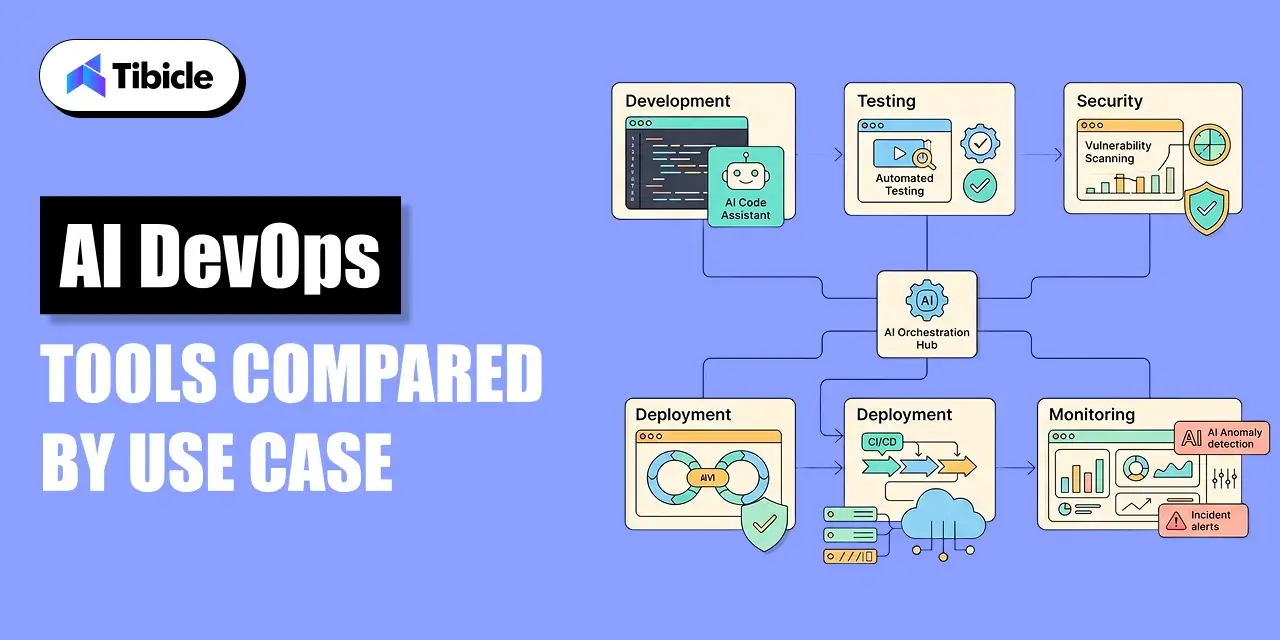
AI DevOps Tools Compared by Use Case

ai tools for devops

Tool Primary Category Key DORA Metric Best For
GitHub Copilot Code Generation Lead Time for Changes Faster coding, security autofix
Harness CI/CD Automation Deployment Frequency Pipeline ML, rollback prediction
Dynatrace Davis AI Observability Failed Deployment Recovery Root cause analysis automation
Datadog Watchdog Monitoring Change Failure Rate Anomaly detection, alert reduction
Snyk DevSecOps Change Failure Rate Shift-left security scanning
Amazon Q Developer Cloud Dev Lead Time for Changes AWS-native workflow assistance
Spacelift IaC Management Deployment Frequency Infrastructure pipeline governance
KaneAI Testing Change Failure Rate AI-native test generation
Metoro Incident Response Failed Deployment Recovery Kubernetes SRE automation
LinearB Delivery Intelligence All 4 DORA Metrics Metrics, bottleneck analysis

What to Do Before Buying Any AI DevOps Tool

ai tools for devops

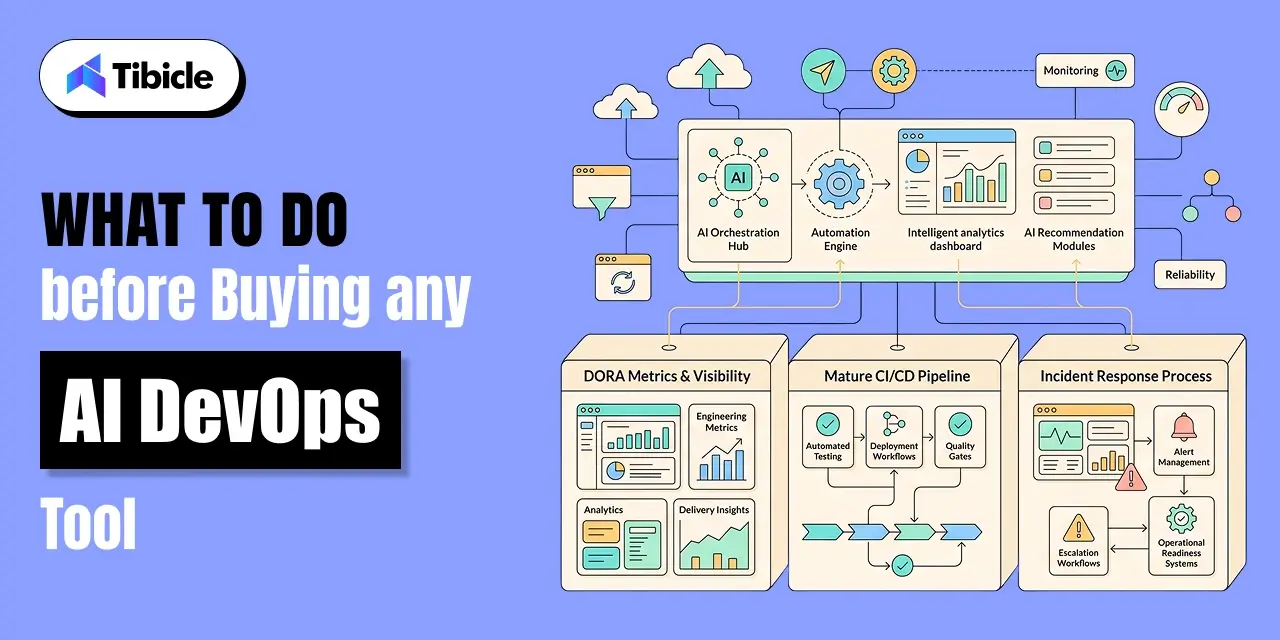
DORA’s 2024 research is unambiguous: only 16.2% of teams deploy on demand, and 9.4% achieve sub-one-hour lead time. AI tools for DevOps will not move those numbers without foundational practices already in place.

Before adding AI tooling to your stack, confirm three things are working: your team tracks DORA metrics today and knows your baseline, your continuous integration pipeline catches failures before they reach production, and your on-call process has clear escalation paths that engineers actually follow.

Without those three foundations, AI tools for DevOps accelerate dysfunction as reliably as they accelerate high performance.

Why Tibicle Is the Right Engineering Partner for AI DevOps Implementation

Knowing which AI tools for DevOps to buy is the easier problem. Integrating them into a pipeline that actually improves DORA metrics is where most teams stall. Tibicle’s DevOps and AI/ML integration practice is built specifically for this gap.

Their team has hands-on experience with CI/CD pipeline design, cloud infrastructure, and AI integration across AWS, Azure, and Google Cloud. They work with startups scaling their first production systems and enterprises dealing with the multi-cloud complexity that kills deployment frequency. The sprint-based delivery model Tibicle runs weekly reviews, clear escalation paths, documented handoffs is the same operational discipline that DORA research identifies as a prerequisite for AI tooling to work.

One client on Clutch reported a 60% reduction in manual ticket creation within one month of Tibicle delivering an AI-powered application. That outcome AI tooling driving measurable operational improvement inside a defined timeline is what the DORA data says most teams are not getting. Tibicle’s background in building custom AI workflows, combined with their DevOps implementation experience, positions them to help teams clear the foundational work that makes AI tools for DevOps worth adopting.

Tibicle’s rates start at $25–$49/hour, which matters for organizations evaluating whether to build internal DevOps AI capability or bring in an external team to implement and configure the tooling before handing it off.

Conclusion

AI tools for DevOps amplify what is already working. The 10 tools ranked in this guide each address a specific pipeline problem  and each requires the right foundational practices to deliver on its metrics. Getting from the current state to a pipeline where AI tooling is generating real DORA improvement takes engineering investment, not just a software subscription.

If your team needs help implementing AI DevOps tools or building the CI/CD and cloud infrastructure foundation they require, Tibicle’s engineering team is available for dedicated engagements and team augmentation. Reach out to get a technical assessment of where your pipeline is today and what it needs to get to the next level.

Frequently Asked Questions

What are AI tools for DevOps?
AI tools for DevOps are systems that apply machine learning and generative AI at specific points in the software delivery lifecycle to reduce manual effort, catch failure patterns earlier, and surface actionable insights from delivery data. They cover code generation, CI/CD pipeline optimization, observability, security scanning, and incident response automation.

Does AI replace DevOps engineers?
No. DORA’s data is clear: AI tools for DevOps improve individual productivity but do not eliminate the need for human judgment, especially in incident response and architecture decisions. What AI does replace is repetitive manual work like threshold-based alerting, standard code scaffolding, and routine test maintenance.

Which AI tool is best for CI/CD pipeline optimization?
Harness is the strongest option for teams whose primary bottleneck is deployment frequency and rollback risk. For teams where code review speed is the constraint, GitHub Copilot paired with LinearB’s delivery intelligence provides the most complete picture of where the pipeline is actually stalling.

How does Dynatrace Davis AI work?
Davis AI continuously models normal behavior across an organization’s full stack using a topological dependency map. When a degradation occurs, it traverses the dependency graph to identify the root cause rather than presenting raw alerts for an engineer to correlate manually. It produces a ranked list of probable root causes with supporting evidence.

What is AIOps and how does it differ from traditional monitoring?
AIOps is the application of AI to IT operations, specifically observability, event correlation, and incident response. Traditional monitoring requires engineers to configure static thresholds and manually correlate alerts across tools when something breaks. AIOps platforms like Dynatrace and Datadog automate that correlation, learn what normal looks like without manual configuration, and surface the probable root cause before the on-call engineer joins the incident bridge.

What Is a Product Roadmap? The Complete Guide for 2026

Introduction

Your product roadmap is the document everyone references and almost no one trusts. According to Airtable’s 2025 Predictions Report, 92% of product leaders are directly responsible for revenue outcomes, yet only 26% have high visibility into the ROI of their launches. That gap does not come from weak strategies. It comes from roadmaps that disconnect vision from execution.

product roadmap

A product roadmap is a high-level strategic document that shows what a team is building, why it matters, and when it ships. Done right, it aligns engineering, marketing, sales, and leadership around a single source of truth. Done wrong, it becomes a graveyard of features nobody needed.

This guide covers everything you need to build a product roadmap that actually drives outcomes: the right format, the right prioritization frameworks, the right tools, and the most common mistakes teams make in 2026.

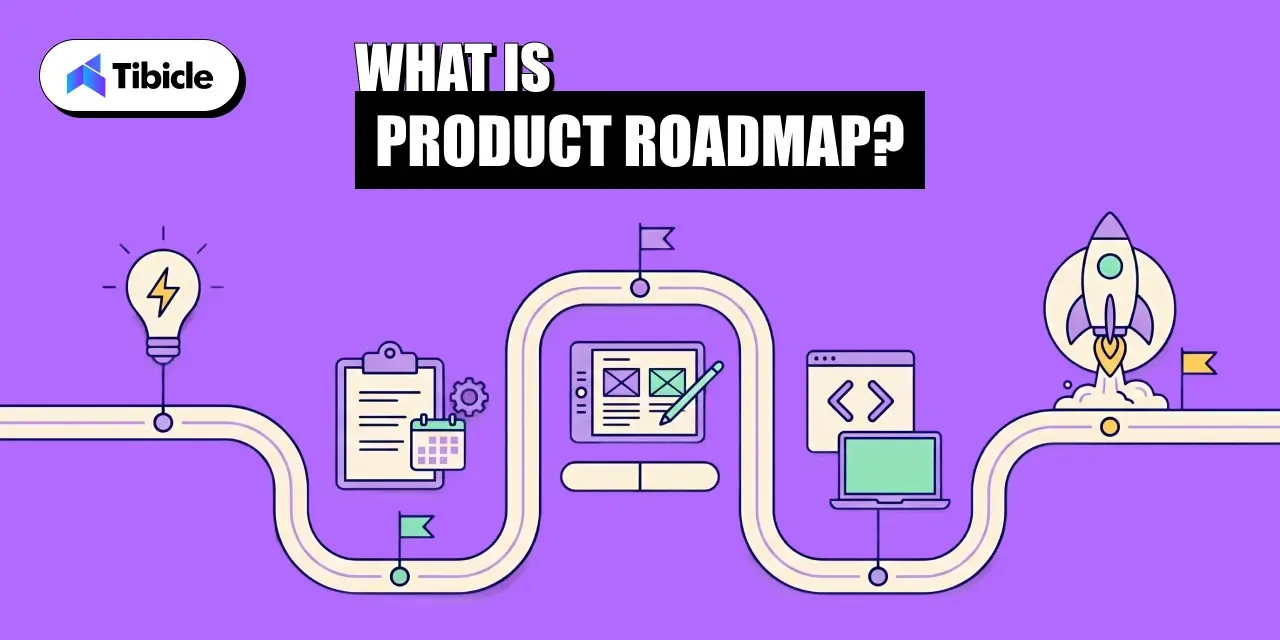
What Is a Product Roadmap?

A product roadmap is a strategic plan that maps the direction, priorities, and progress of a product over a set time horizon. It answers three questions: what are we building, why are we building it, and when will it ship.

The product roadmap sits between high-level company strategy and ground-level sprint planning. It is not a backlog, not a Gantt chart, and not a commitment list. It is a communication tool, and the moment it stops communicating clearly, it stops being useful. It is also useful in Custom software development to scale better.

Key distinction: A product roadmap shows strategic intent. A project plan shows task execution. Conflating the two is the single most common reason product roadmaps fail to align teams.

4 Core Components of Every Effective Roadmap

Every product roadmap that works in practice shares four components:

  • Vision: A one-to-two sentence statement of the product’s long-term direction, anchored to a business outcome.
  • Goals and OKRs: The measurable milestones the roadmap exists to achieve, tied to revenue, retention, or activation.
  • Initiatives and Features: The strategic bets being placed, grouped by theme rather than listed as individual tickets.
  • Timeline: A rough time horizon, typically quarters, not hard shipping dates.

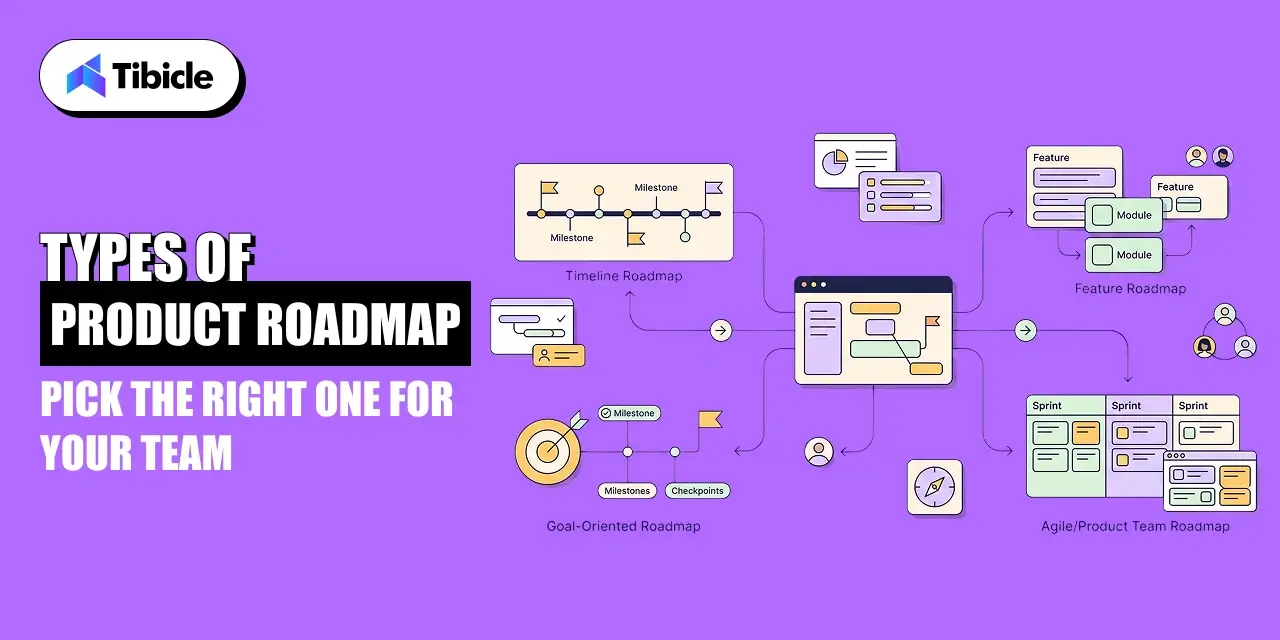
Types of Product Roadmaps: Pick the Right One for Your Team

product roadmap

Choosing the wrong product roadmap format is like choosing the wrong map for a trip. A city map will not help you navigate a national park. The three formats below cover most team needs in 2026.

Now Next Later Roadmap

The Now-Next-Later product roadmap organizes initiatives by priority horizon rather than calendar date. ‘Now’ holds what the team is actively building. ‘Next’ holds what ships after current work is complete. ‘Later’ holds validated ideas that are not yet resourced.

This format is best for teams running in uncertain or fast-changing environments where committing to calendar dates creates more confusion than clarity. It keeps the product roadmap honest by making prioritization explicit.

Theme Based Roadmap

The theme-based product roadmap groups initiatives under strategic outcomes rather than feature categories. Instead of ‘Improve Search’ appearing as a line item, it becomes ‘Reduce time-to-first-result by 40% for enterprise users.’ Every item on the roadmap ties to a measurable business theme.

This is the format most aligned with modern OKR-driven organizations. According to the State of Product Management Report 2026 by Product-Led Alliance and ProductPlan, 49.2% of teams cite resource and capacity constraints as the main cause of roadmap misalignment. Theme-based roadmaps reduce that friction by making trade-offs visible.

Timeline Based Roadmap

The timeline-based product roadmap uses a Gantt-style view showing when initiatives ship against a calendar. It is the most familiar format to stakeholders outside the product team, which makes it useful for executive reviews and go-to-market alignment.

The risk: timelines create implicit commitments. Sales teams start quoting ship dates. Marketing plans campaigns around them. When the roadmap slips, trust erodes. Use timeline-based roadmaps only when the audience understands they are estimates, not contracts.

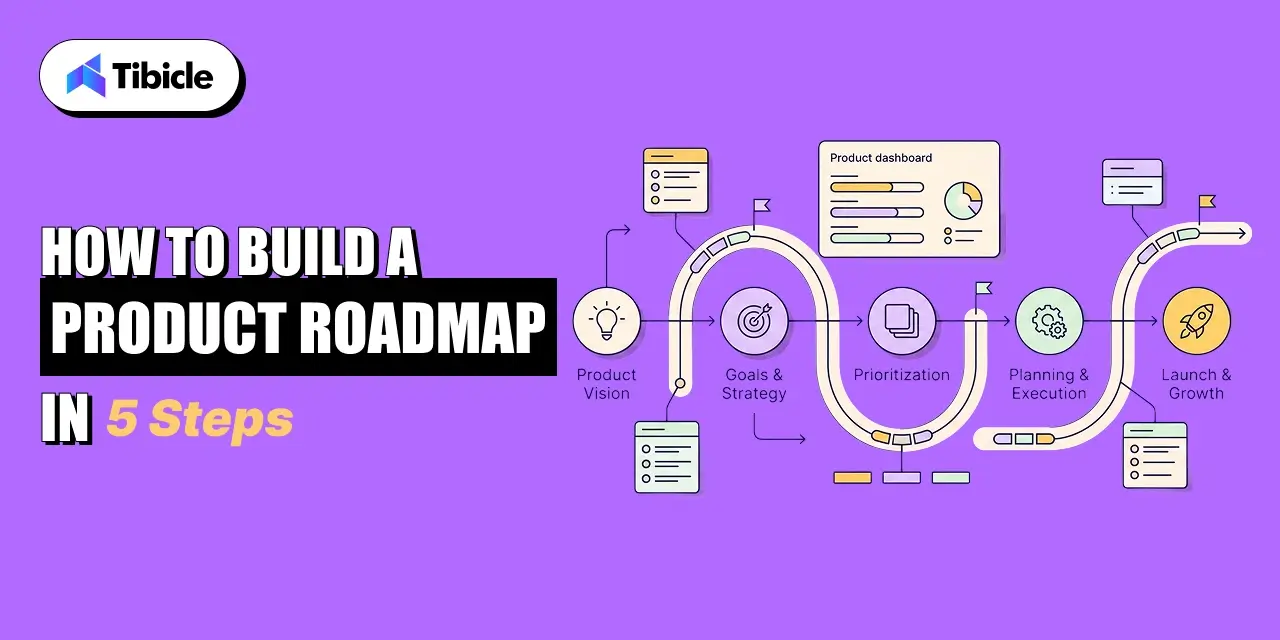
How to Build a Product Roadmap in 5 Steps

product roadmap

Building a product roadmap that holds up is a repeatable process. Here are the five  steps that produce roadmaps teams actually work from.

Step 1: Define Your Product Vision

A product roadmap without a product vision is a to-do list with extra formatting. The vision defines the 12-to-36-month destination the product development is navigating toward. Keep it to two sentences. Make it specific enough that a new hire reading it in three months would know which initiatives belong on the roadmap and which do not.

Step 2: Align with OKRs and Business Goals

Every initiative on the product roadmap must trace to a business goal. If it cannot, it does not belong. Productboard’s CPO Survey found that 39% of product investments were failing due to a lack of clear company strategy. OKR alignment is how the roadmap prevents that problem. For each initiative, answer: which OKR does this move, and by how much?

Step 3: Collect and Prioritize Customer Feedback

Airtable’s product roadmap research shows that teams using AI to synthesize feedback at scale identify trends across channels in real time and prioritize initiatives with more evidence behind them. Run a structured voice-of-customer process: analyze support tickets, CRM notes, sales calls, and survey data. Segment feedback by customer tier and use case before adding anything to the roadmap.

Step 4: Apply a Prioritization Framework

Raw feedback and stakeholder requests need a scoring system before they become roadmap items. The two most used frameworks in 2026 are RICE scoring and MoSCoW.

RICE scores each initiative on four dimensions: Reach (how many users it affects), Impact (the expected improvement per user), Confidence (how certain the team is), and Effort (engineering weeks required). The formula is (Reach x Impact x Confidence) / Effort. Higher scores surface first.

MoSCoW categorizes items as Must-have, Should-have, Could-have, or Won’t-have for the current cycle. It is faster to apply than RICE and works well when the team needs a quick consensus mechanism for a quarterly planning session.

Step 5: Draft the Roadmap and Review with Stakeholders

Draft the product roadmap in whichever format fits your audience. Share it with engineering, marketing, and sales before finalizing. The goal is not consensus on every item. The goal is eliminating surprises. Stakeholders who are surprised by a roadmap stop trusting it. Stakeholders who helped shape it defend it.

Top Product Roadmap Tools in 2026

The product roadmap tool market is projected to reach $52.85 billion by 2031. The right tool depends entirely on your team’s size, tech stack, and how much of the roadmap workflow you want integrated versus standalone.

Tool Best For Key Strength
Aha! Enterprise teams, detailed planning Most complete product management suite
Productboard Customer-feedback-driven prioritization Built-in feedback capture and scoring
Airtable Flexible, cross-functional teams Customizable views, AI-assisted prioritization
Jira Engineering-centric teams Native sprint and backlog integration

AI is changing how roadmap tools operate. Among teams already using AI in roadmapping, 37% report better feature prioritization and 32% cite stronger data analysis, according to Airtable’s research. Tools like Airtable now auto-generate roadmap drafts from customer data, reducing the manual synthesis work that previously consumed hours of PM time.

Common Product Roadmap Mistakes to Fix in 2026

Even well-intentioned roadmaps break down in the same ways. Here are the five most damaging patterns:

  • Treating the roadmap as a feature list. A product roadmap that lists 40 features with ship dates is a project plan, not a roadmap. Consolidate to themes and outcomes.
  • Locking timelines too early. Sales and marketing need planning lead time, but committing to specific ship dates 12 months out creates false precision. Use quarters, not months.
  • Skipping engineering input. Roadmaps built without capacity data get blown up in the first sprint review. Involve engineering in the prioritization stage, not just after the fact.
  • Not sharing the roadmap broadly enough. Atlassian’s State of Product 2026 found that 84% of product teams are concerned that what they are building will not succeed in the market. Most of that fear comes from insufficient feedback loops, not bad ideas.
  • Failing to cut. A product roadmap without a ‘won’t do this quarter’ list is not a prioritization tool. Saying no clearly is the most important function of the roadmap.

Why Tibicle Is the Right Partner for Product Roadmap Execution

product roadmap

A product roadmap is only as strong as the team executing it. Tibicle is an AI-first software development company that has delivered 60+ projects with 100% job success across startups and enterprises. Their product consulting practice handles the full build lifecycle, from discovery and requirements definition to UI/UX, backend development, QA, and deployment making them a direct fit for teams who have a roadmap and need a technical partner to ship it.

What separates Tibicle from generalist dev shops is delivery structure. They run sprint-based engagements with weekly reviews, milestone-based accountability, and clear documentation at every stage. Clients on Clutch report that Tibicle delivered ahead of schedule and adapted to scope changes without breaking timelines. For product teams working from a Now-Next-Later or theme-based roadmap, that operational discipline means the roadmap stays credible rather than becoming the graveyard of features that most failed roadmaps turn into.

Tibicle’s engagement models, dedicated developers, team augmentation, or fixed-scope, map directly onto where most product teams get stuck: not strategy, but capacity. If your roadmap is clear and your internal team cannot execute it at the pace your business requires, Tibicle’s dedicated resource model gives you focused engineers who own your system rather than splitting attention across multiple clients.

Conclusion

A product roadmap that cannot drive execution is a presentation, not a strategy. The frameworks, formats, and prioritization tools covered in this guide give you the structure to build a roadmap your teams will work from. The next step is making sure the technical capacity exists to ship what the roadmap calls for.

If your team is at the point where execution speed is the bottleneck, talk to Tibicle. They have built the full stack  web, mobile, AI, and SaaS  for startups and enterprises that needed a reliable team to turn roadmap priorities into shipped product.

Frequently Asked Questions

What is a product roadmap used for?
A product roadmap communicates a product’s strategic direction across engineering, marketing, sales, and leadership. It aligns teams around shared priorities and gives stakeholders a clear picture of what is being built, why it matters, and roughly when it ships.

What is the difference between a product roadmap and a sprint backlog?
A product roadmap operates at a strategic level, typically covering quarters or years, and shows initiatives tied to business outcomes. A sprint backlog operates at a tactical level, covering the next one to two weeks, and contains specific tasks that developers pick up and complete. The roadmap decides what to build next. The backlog decides who is building what today.

How often should you update a product roadmap?
Most high-performing product teams review their roadmap monthly and perform a full refresh each quarter. The Now-Next-Later format allows lighter touch monthly updates. Timeline-based roadmaps typically need quarterly recalibration to stay credible with stakeholders.

What is the Now-Next-Later framework in product roadmaps?
Now-Next-Later is a product roadmap format that organizes initiatives by priority horizon rather than calendar dates. ‘Now’ holds active work. ‘Next’ holds what follows. ‘Later’ holds validated ideas not yet resourced. It reduces false precision in planning and keeps teams focused on the current priority set without overcommitting to future timelines.

Which product roadmap tool is best for small teams?
Airtable and Productboard both serve small teams well. Airtable is more flexible and integrates broadly with existing tools. Productboard is stronger for teams that want built-in customer feedback capture tied directly to prioritization. Jira works if your team is already living inside Atlassian’s ecosystem and wants roadmap and backlog managed in one place.

Cross-Platform App Development Guide for All Businesses

Introduction

The global cross-platform app development software market grew from $104.6 billion in 2025 to nearly $121 billion in 2026, expanding at a 15.7% CAGR as businesses accelerate mobile-first transformation strategies. For many organizations, building separate native applications for iOS and Android no longer makes financial or operational sense because it doubles engineering effort, increases maintenance complexity, and slows product launches.

cross-platform app development

Executives evaluating digital products now prioritize faster delivery, lower app development cost, and scalable customer experiences across devices. As a result, cross-platform development has become a strategic choice for startups, enterprises, SaaS platforms, logistics companies, and consumer brands seeking broader reach without maintaining two independent mobile teams.

This article explores how cross-platform mobile app development works, what it costs, how businesses calculate mobile app ROI, and how to evaluate the right technology and vendor strategy in 2026.

What Is Cross-Platform Development?

How Cross-Platform App Development Uses a Shared Codebase

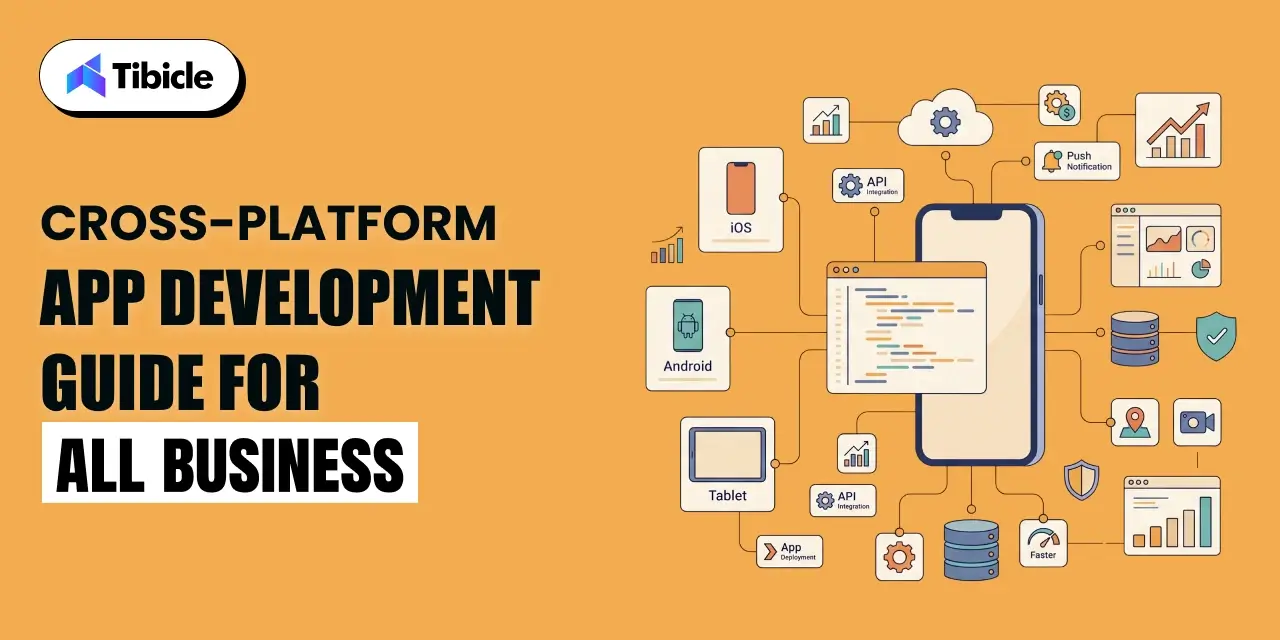
Cross-platform app development allows developers to build iOS and Android applications using a single codebase rather than creating two separate native applications. The shared logic layer is typically written in Dart, JavaScript, TypeScript, or Kotlin, depending on the framework.

Modern cross-platform app development frameworks either compile directly into native machine code or use optimized bridges to communicate with native APIs. This architecture enables access to device capabilities such as GPS, push notifications, biometrics, camera systems, and offline storage while improving code reusability across platforms.

Why Businesses Are Shifting to Cross-Platform Development in 2026

How Cross-Platform App Development Reduces Costs

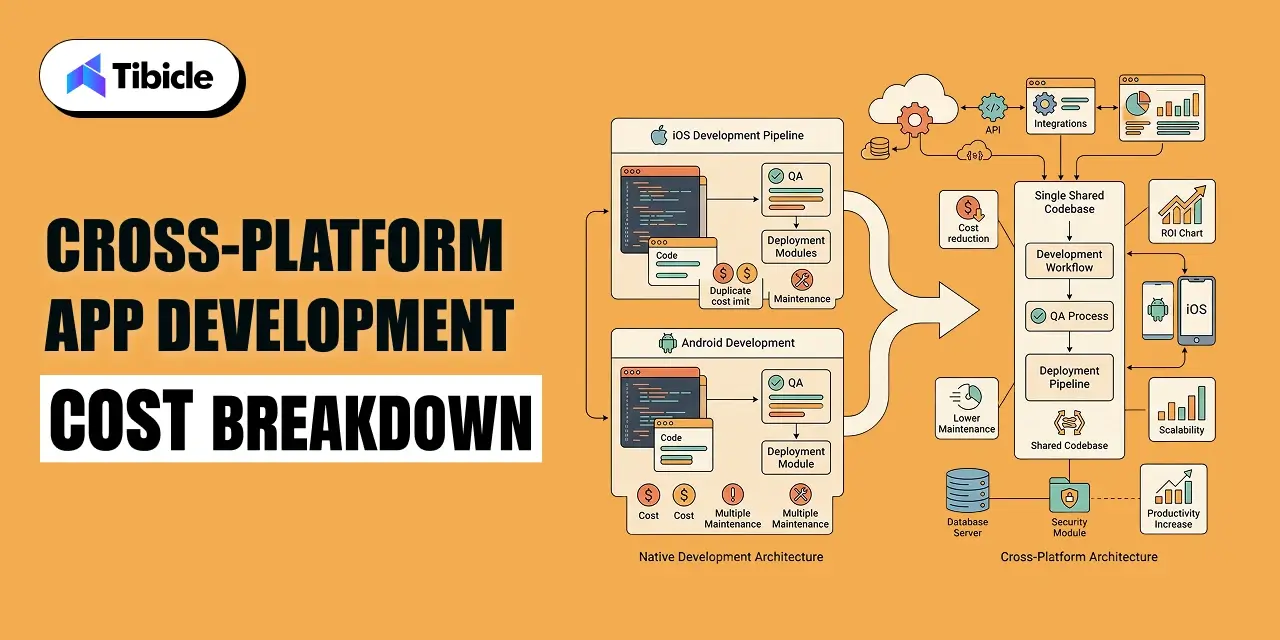
One of the biggest reasons companies choose cross platform app development is cost efficiency. Industry studies from 2025–2026 show that businesses reduce development costs by approximately 30–40% compared to maintaining separate native iOS and Android teams. Development timelines also decrease substantially because product teams build, test, and deploy features simultaneously across platforms.

Reports from Bolder Apps indicate that overall engineering effort can drop by as much as 50–80% depending on app complexity and feature overlap. Faster release cycles directly improve business agility and competitive response time.

Unified Codebase for Simplified Maintenance

A shared codebase simplifies long-term maintenance because updates, bug fixes, and feature releases apply across platforms simultaneously. Instead of coordinating separate engineering pipelines, organizations manage one deployment cycle, one QA workflow, and one product roadmap.

Broader Market Reach from Day One

Businesses launching on both iOS and Android immediately gain broader customer access. Android currently holds approximately 72.5% global mobile OS market share, while iOS maintains nearly 27%, making simultaneous deployment critical for growth-focused businesses.

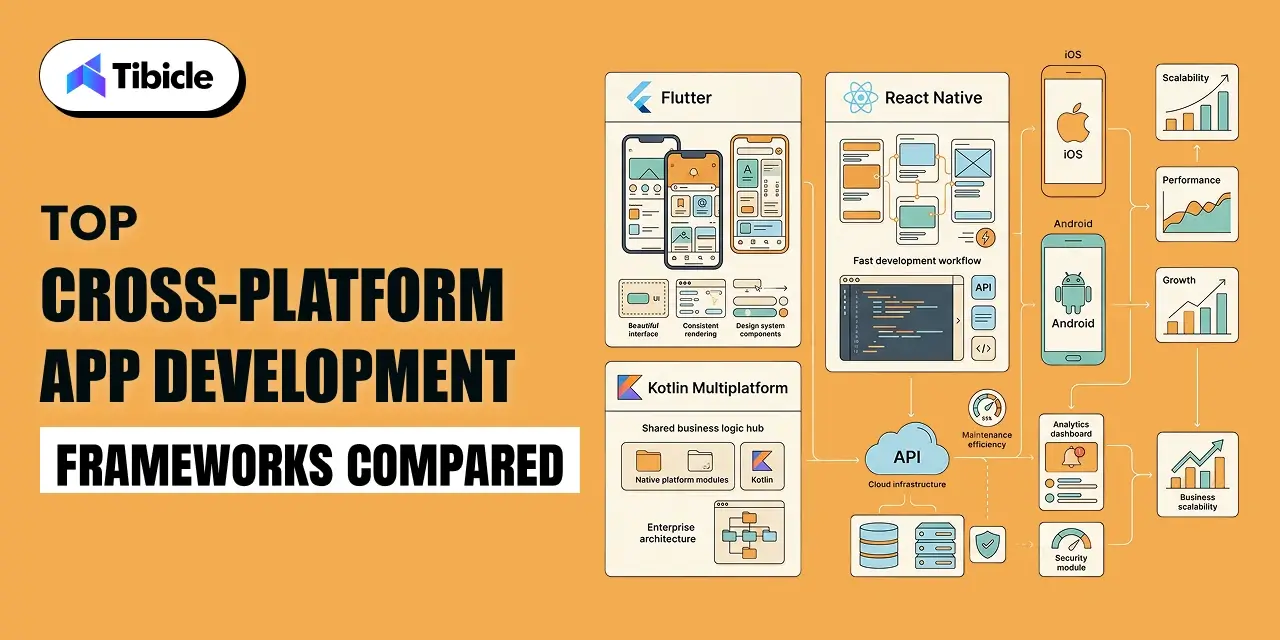
Top Cross-Platform App Development Frameworks Compared

cross-platform app development

Flutter vs React Native vs Kotlin Multiplatform in 2026

Businesses evaluating cross-platform app development frameworks typically compare Flutter, React Native, and Kotlin Multiplatform based on performance, developer ecosystem, UI flexibility, and scalability.

Factor Flutter React Native Kotlin Multiplatform
Language Dart JavaScript/TypeScript Kotlin
Rendering Custom engine (pixel-perfect UI) Native components Native UI per platform
Best For UI-heavy apps, MVPs, e-commerce Teams with JS expertise Shared logic + native UI
Developer Adoption (2025) 46% 28% 120% YoY enterprise growth
Performance Near-native Near-native Native-grade
Backed By Google Meta JetBrains

Flutter performs especially well for visually rich applications requiring consistent UI rendering across devices. React Native remains popular because of its mature JavaScript ecosystem and large developer community. Kotlin Multiplatform is increasingly adopted by enterprises seeking shared business logic while preserving native UI precision.

When to Use Each Framework

Framework selection depends on product goals, internal team expertise, and platform priorities. Flutter is often preferred for startups and UI-centric applications. React Native works effectively for businesses already invested in JavaScript ecosystems. Kotlin Multiplatform is better suited for enterprise-grade applications needing deeper native integration with shared backend logic.

Cross-Platform App Development Cost Breakdown

cross-platform app development

Cross-Platform App Development Cost by Complexity

The total cost of cross-platform mobile app development depends primarily on application complexity, integrations, backend architecture, and scalability requirements.

Complexity Cross-Platform Cost Native (Both Platforms) Cost
Basic (MVP/utility) $15,000 – $50,000 $50,000 – $100,000
Mid-level (business app) $50,000 – $120,000 $100,000 – $200,000
Complex (enterprise/AI) $120,000 – $300,000+ $200,000 – $500,000+

Key Cost Drivers Beyond Development

Several operational factors influence the overall cost of app development beyond engineering hours. These include backend infrastructure, API integrations, authentication systems, cloud hosting, analytics tools, QA testing, and post-launch support.

Businesses should also account for annual maintenance costs, which typically range between 15–25% of the initial project investment. Industry benchmarks across more than 5,000 projects place the average custom mobile app development cost at around $171,450 in 2025–2026.

Measuring ROI of Cross-Platform Development

Direct Financial Impact

Cross-platform app development usually delivers 30–50% lower total development costs than maintaining dual native applications. Faster launches also accelerate revenue generation because businesses can acquire users simultaneously across Android and iOS markets.

Global consumer spending on mobile applications is projected to reach $233 billion in 2026, making launch speed increasingly important for monetization.

Operational Efficiency Gains

Organizations benefit operationally from maintaining one engineering team instead of two platform-specific teams. Unified QA workflows, consolidated DevOps pipelines, and shared deployment systems improve operational efficiency while reducing overhead.

Studies show that maintaining nearly 80% shared codebase coverage can reduce long-term maintenance costs by approximately 30–40%.

ROI Calculation Framework for Executives

A simplified ROI framework for executives can be structured as:

(Revenue Generated + Operational Savings) ÷ Total Development and Maintenance Cost = ROI Multiplier

This calculation helps businesses evaluate long-term platform efficiency rather than focusing solely on initial development expense.

Use Cases: Which Industries Benefit Most?

Use Cases

E-Commerce and Retail

Retail businesses benefit from faster feature deployment, synchronized customer experiences, and reduced maintenance overhead across shopping platforms.

Healthcare and Telemedicine

Healthcare platforms use cross-platform mobile app development to launch patient portals, appointment systems, and remote consultation apps faster while maintaining scalability.

FinTech and Banking

Financial services companies use shared codebase architectures to reduce operational complexity while accelerating mobile banking and payment product rollouts.

On-Demand Services and Logistics

Delivery platforms and logistics businesses rely on multi-platform app strategies to manage customer apps, driver systems, and operational dashboards efficiently.

Enterprise Internal Tools

Enterprises frequently build employee management apps, analytics dashboards, and internal workflow tools using cross-platform architectures for simplified maintenance and faster deployment.

Risks and Challenges to Plan For

Performance Limitations for Hardware-Intensive Apps

Applications involving AR/VR rendering, advanced graphics, or real-time hardware processing may still perform better with fully native architectures.

Delayed Access to New OS Features

Framework updates occasionally lag behind new iOS and Android releases, delaying access to the latest native APIs and platform features.

Plugin and Native Module Dependencies

Complex integrations sometimes require custom native modules or platform-specific bridging layers that increase technical complexity.

Vendor Lock-In with Specific Frameworks

Businesses should evaluate long-term framework stability because platform deprecation risks exist, as seen when Microsoft phased out Xamarin.

How to Choose the Right Cross-Platform App Development Company

Use Cases

Vendor Selection Checklist

Businesses evaluating a cross-platform app development company should assess:

  • Flutter, React Native, or Kotlin Multiplatform expertise
  • Portfolio of shipped mobile applications
  • Dedicated QA, PM, and engineering structure
  • Maintenance and support SLAs
  • Code ownership and IP policies
  • Security compliance standards
  • Architecture scalability planning
  • Client retention and references

Red Flags During Vendor Evaluation

Warning signs include vague pricing structures, lack of live portfolio demonstrations, missing project managers, and reluctance to provide client references or architecture documentation.

Looking for a cross-platform app development company that delivers measurable results? Talk to Tibicle’s team for a free project assessment.

Why Tibicle Is a Strong Choice for Cross-Platform App Development

Tibicle builds cross-platform app development solutions for startups, SMBs, and enterprise organizations using Flutter, React Native, and scalable full-stack architectures. Their delivery model focuses on operational ROI, transparent development planning, and long-term maintainability instead of purely feature-based execution.

The company supports businesses through architecture planning, mobile engineering, deployment strategy, testing, and post-launch optimization while maintaining cost visibility throughout the engagement lifecycle.

Schedule a consultation with Tibicle to evaluate the right cross-platform strategy for your business.

Conclusion

Cross-platform app development has become the preferred mobile strategy for most businesses in 2026 because it reduces engineering cost, accelerates launch timelines, simplifies maintenance, and improves operational scalability. While native development still matters for hardware-intensive applications, cross-platform architectures now support the majority of business use cases effectively.

Companies evaluating mobile initiatives should prioritize long-term ROI, vendor expertise, framework selection, and operational scalability before committing to a development strategy.

Connect with Tibicle today to build a cross-platform app that drives real business growth.

FAQs

How much does cross-platform app development cost in 2026?
Cross-platform app development costs range from approximately $15,000 for MVPs to more than $300,000 for enterprise-grade applications with AI integrations and advanced backend infrastructure.

Is cross-platform app development suitable for enterprise applications?
Yes. Modern frameworks like Flutter and React Native support enterprise-grade applications, including dashboards, CRM systems, customer portals, and operational platforms.

Which cross-platform framework is best for my business?
Flutter works best for UI-heavy applications and rapid product launches. React Native suits businesses with JavaScript expertise, while Kotlin Multiplatform is ideal for shared business logic with native UI precision.

What is the ROI of cross-platform vs native app development?
Businesses typically save 30–50% on development and maintenance expenses while accelerating launch timelines and reducing operational overhead.

Can cross-platform apps access native device features like GPS and camera?
Yes. Modern frameworks support device hardware access through native APIs, plugins, and optimized bridging layers.

How long does it take to build a cross-platform app?
Basic MVPs usually take 2–3 months, mid-level applications require 4–6 months, and enterprise-grade systems can take 6–12 months depending on integrations and scope.

eCommerce App Features That Increase Sales in 2026

Introduction

eCommerce app features are becoming the biggest factor behind mobile commerce growth in 2026, where mobile eCommerce is projected to account for approximately 73% of all global eCommerce sales. Despite this significant traffic dominance, the average mobile app currently converts at under 2%, while desktop conversion rates are closer to 3.9%. This disparity indicates that the issue is not with traffic volume but with the features of mobile apps.
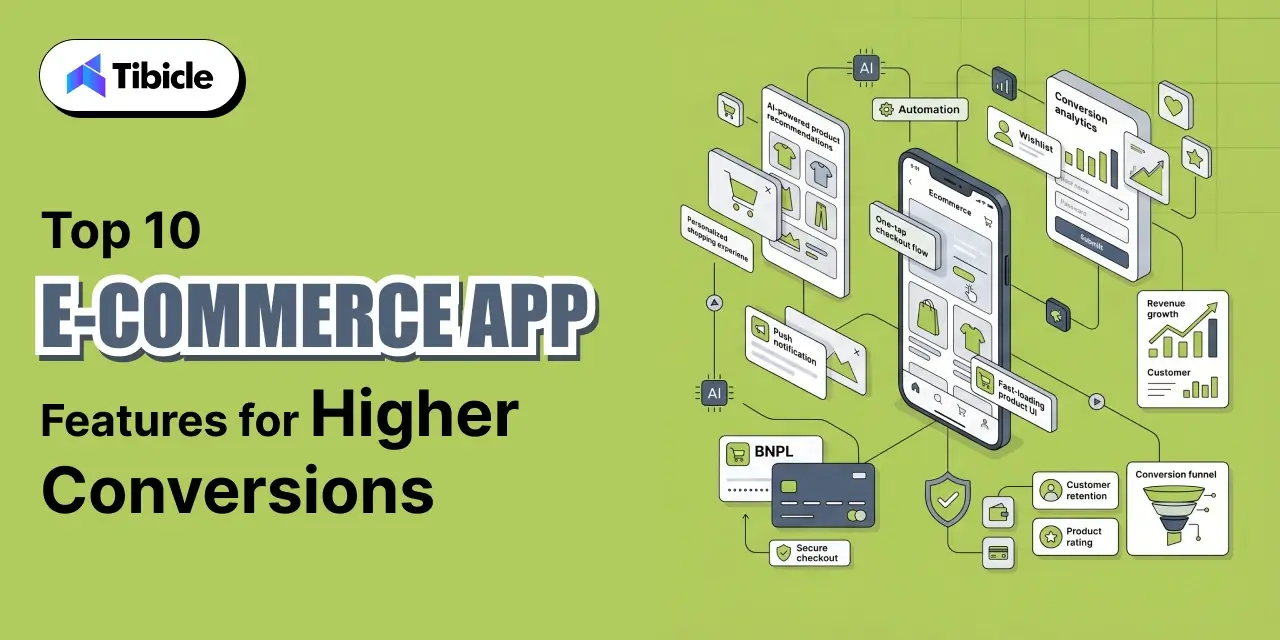
eCommerce app features

The businesses closing that gap are the ones building smarter eCommerce app features instead of relying only on ads or influencer campaigns. They are the ones that have built their ecommerce apps around the right features, features engineered to remove friction, increase confidence, and drive repeat purchases at every stage of the buying journey.

The evidence is compelling: shopping apps convert at nearly 3x the rate of mobile websites. The difference lies not in the platform itself but in what it is built to do. One-tap checkout removes the checkout barrier. AI-powered personalization surfaces the right product at the right moment. Buy Now, Pay Later integration unlocks larger basket sizes. These are not UX niceties. They are revenue levers.

This guide breaks down the best eCommerce app features that directly increase sales, improve retention, and boost conversions in 2026, backed by conversion data, ROI benchmarks, and practical vendor selection criteria so your next build delivers measurable business results.

Key eCommerce App Features That Increase Sales

  • AI-Powered Search and Product Discovery
  • Dynamic Personalization Engine
  • One-Tap Checkout and Mobile Wallets
  • Buy Now, Pay Later (BNPL) Integration
  • AR-Based Product Visualization
  • Behavior-Triggered Push Notifications
  • In-App Loyalty and Rewards Program
  • Social Commerce and Shoppable Video Integration
  • Real-Time Order Tracking with Automated Updates
  • Performance Optimization and Sub-3-Second Load Times

What Makes eCommerce App Features Increase Sales?

Revenue Impact vs. Engagement Impact

Not all app features are created equal, and the distinction matters more than most development briefs acknowledge. There are two categories of features: those that improve engagement (time on app, session depth, browse volume) and those that improve revenue (conversion rate, average order value, cart recovery, and repeat purchase rate). The two overlap, but they are not the same.

What Is eCommerce?

eCommerce, short for electronic commerce, is the buying and selling of goods and services over the internet. It covers everything from a single-brand D2C store selling directly to consumers, to large multi-vendor marketplaces, to B2B platforms managing bulk orders between businesses.

What began as basic online storefronts has evolved into a sophisticated, mobile-first ecosystem. In 2026, eCommerce is not just a sales channel, it is the primary commerce channel for a majority of global consumers, with mobile devices driving approximately 73% of all online transactions.

For businesses, eCommerce removes geographical barriers, reduces overhead compared to physical retail, and enables 24/7 selling at scale. For consumers, it offers convenience, price transparency, and an increasingly personalized shopping experience.

Engagement metrics are vanity metrics unless they can be traced back to revenue. A feature that keeps users browsing for longer but does not improve checkout completion is a cost center, not a growth driver. A high-sales feature must directly improve at least one of the following:

  • Conversion rate – the percentage of sessions that result in a completed purchase
  • Average order value (AOV) – how much each buyer spends per transaction
  • Repeat purchase rate – how often buyers return to buy again
  • Cart recovery rate – how effectively abandoned sessions are converted to sales

Every feature is evaluated against that framework. If it cannot move one of these four dials, it does not belong on your priority roadmap.

Must-Have eCommerce Mobile App Features for Startups
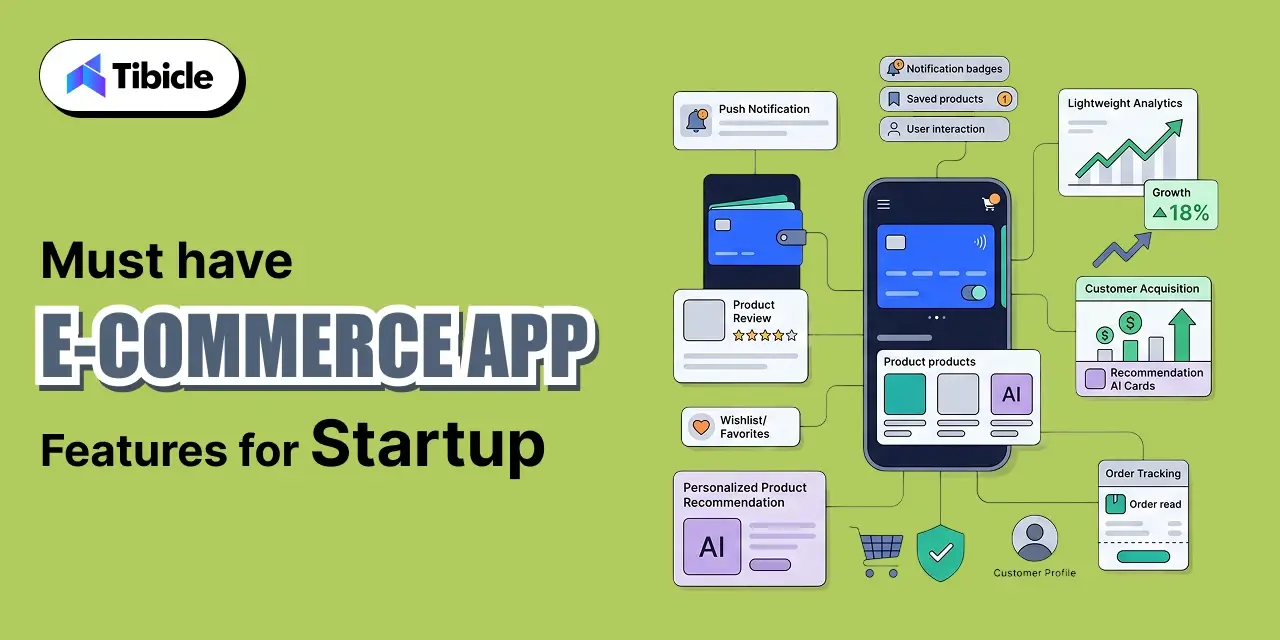
eCommerce app features

For startups entering the eCommerce space, the priority is not building everything; it is building the right things first. These five features deliver the highest impact at the earliest stage, helping new apps acquire users, reduce friction, and drive repeat purchases without overcomplicating the initial build. 

Push Notifications: 

For startups with limited marketing budgets, push notifications are the most cost-effective retention tool available. A well-timed, behavior-triggered message, a cart reminder, a back-in-stock alert, or a personalised offer, brings users back to the app without any paid media spend, delivering direct revenue attribution at near-zero cost per conversion.

Mobile Wallets: 

Checkout friction is where startups lose the most revenue, and mobile wallet integration is the most direct fix. Supporting Apple Pay, Google Pay, and similar options removes the biggest barrier at the point of purchase, manual card entry. For a new app that has not yet built brand trust, one-tap checkout signals credibility and significantly reduces abandonment at the final step.

Product Reviews:

Trust is a startup’s most significant competitive disadvantage against established brands, and product reviews are the most practical way to close that gap. Displaying genuine buyer ratings and written feedback directly on product pages reduces purchase hesitation and provides the social proof that a new brand cannot yet generate through reputation alone. Reviews also produce fresh, keyword-rich content that supports organic search visibility over time.

Wishlist: 

A wishlist captures purchase intent from users who are interested but not yet ready to buy. Users who save products are warm leads; they have expressed clear interest and are substantially more likely to return and complete a purchase than a passive browser. For startups, wishlist data also reveals which products generate the strongest demand, informing inventory planning and promotional strategy before significant budget is committed.

Personalization:

Even at an early stage, basic personalization, recently viewed products, browse-based recommendations, and individually targeted push messages make the app feel relevant to each user rather than generic. Relevance reduces bounce rate, increases session depth, and builds the habit loop that converts first-time buyers into repeat customers. A sophisticated AI engine is not required on day one; meaningful personalization begins with smart application of the behavioral data the app is already collecting.

10 eCommerce App Features That Drive the Highest Sales in 2026
eCommerce app features

1. AI-Powered Search for eCommerce Apps 

Users who actively search for products convert at rates 2 to 3 times higher than those who simply browse. This single data point highlights that AI-powered search is one of the most valuable features in eCommerce app development today. The difference between a user who knows exactly what they want and can find it instantly, and one who leaves because the search yields zero results or irrelevant products, is crucial; it’s the difference between generating revenue and losing potential customers.

Modern AI-powered search goes well beyond keyword matching. It encompasses natural language search (allowing users to type queries like “floral summer dress under 2000”), visual search (enabling product discovery by uploading a photo), typo tolerance that ensures a misspelled query still returns the right result, and behavioral ranking that learns from individual and aggregate purchase patterns to surface the most relevant products first.

For e-commerce apps with large catalogs, this feature is not optional. Findability is the first conversion lever, and every failure at the search layer is a lost sale.

2. Personalization Features in eCommerce Apps 

Personalization is the feature category with the most consistently documented revenue impact. On average, personalization lifts revenue by 10 to 15%. Among top performers, the impact is significantly higher; some brands report 40% more revenue from personalized experiences compared to generic ones. Amazon attributes more than 35% of its total revenue to its recommendation engine alone.

In an eCommerce app, a dynamic personalization engine means more than a “you might also like” row at the bottom of a product page. A strong personalization engine dynamically rearranges the homepage based on browsing and purchase history. It also updates product feeds in real time as users engage with products. Personalized push notifications, banners, and promotional offers then help surface products users are genuinely interested in, not what is easiest to promote.

The data is clear: users who see relevant content buy more, buy more often, and churn less. A personalization engine is not a nice-to-have feature for 2026; it is the competitive baseline in high-performing ecommerce apps.

3. One-Tap Checkout for eCommerce Apps 

Checkout abandonment is where eCommerce revenue dies. Every additional second of load time at the checkout stage costs approximately 7% in conversions. Every additional form field that a user must fill out manually increases the probability of drop-off. One-tap checkout and mobile wallet integrations are the most direct solution to this problem.

Apple Pay, Google Pay, and Shop Pay have redefined what checkout should feel like on mobile. Shop Pay, in particular, has been documented to deliver up to a 50% conversion lift compared to guest checkout flows. The mechanism is simple: stored payment credentials, pre-filled shipping information, and biometric authentication eliminate the manual data entry that kills mobile conversions.

For any eCommerce app targeting a mobile-first audience in 2026, one-tap checkout is not an advanced feature. It is the minimum standard. The cost of not having it is measurable in lost revenue per session.

4. Buy Now, Pay Later (BNPL) Integration

Buy Now, Pay Later is no longer a payment trend. It is a mainstream consumer expectation that directly influences purchase decisions and basket size. BNPL raises the average basket value by 20 to 50% per transaction. Consumers who use BNPL spend 72% more per transaction than those paying in full upfront. Stripe’s test data across more than 150,000 sessions shows a 14% revenue lift per checkout session when BNPL is offered.

The mechanism is straightforward: BNPL removes the price objection at the point of conversion. A customer who would have abandoned a $8,000 sofa purchase instead spreads the cost into manageable installments and checks out. For fashion, electronics, furniture, and any category with higher average price points, BNPL is a direct conversion lever.

The major BNPL providers – Klarna, Afterpay, Affirm, and regional equivalents- offer well-documented SDK integrations for both iOS and Android. The build cost is relatively low, and the revenue impact is among the most immediately measurable of any feature in this guide.

5. AR-Based Product Visualization

Augmented reality product visualization addresses one of the most fundamental barriers to e-commerce conversion: the inability to see how a product looks in context. According to Shopify’s published data, merchants using AR features see a 94% higher conversion rate and a 40% reduction in return rates compared to those using standard product images alone.

The use cases are strongest in fashion (see how a jacket fits), furniture and home decor (place a sofa in your living room using your phone camera), beauty (try on a lipstick shade), and accessories. These are the categories where “I am not sure how it will look” drives the most abandonment.

AR is no longer prohibitively expensive or technically exotic. WebAR and native ARKit/ARCore implementations have matured significantly. The build cost has come down, and for the right product categories, the ROI case is exceptionally strong: higher conversion, fewer returns, and a differentiated experience that generic competitors cannot easily replicate.

6. Behavior-Triggered Push Notifications

Push notifications remain one of the highest-ROI channels in eCommerce when executed correctly. Well-designed, behavior-triggered push campaigns achieve open rates of 20 to 30% with direct, measurable revenue attribution. Among all push notification types, abandoned cart recovery delivers the highest return on investment, converting a session that was already lost into a completed sale.

The keyword is “behavior-triggered.” Generic broadcast blasts, discount alerts sent to your entire user base simultaneously, are the single fastest way to drive uninstalls. Users who receive irrelevant notifications at inconvenient times delete the app within a week. Behavior-triggered push, by contrast, responds to what individual users have actually done: viewed a product multiple times, added to cart and not checked out, or not opened the app in 14 days.

The right push notification strategy requires a segmentation engine that connects behavioral data to message timing and content. Done correctly, push notifications rival email in direct revenue attribution while operating at a fraction of the cost per conversion.

7. In-App Loyalty and Rewards Program

The economics of eCommerce favor retention over acquisition, and loyalty programs are the most effective structural mechanism for increasing repeat purchase rate. Among top Shopify merchants, a well-implemented loyalty program correlates with a 44% repeat purchase rate, compared to industry averages closer to 25 to 30% for apps without a structured retention mechanism.

In-app loyalty programs do not need to be complex to be effective. Points for purchases, cashback on specific categories, tier-based rewards that create aspiration, and app-exclusive perks that make the app itself worth keeping installed are all proven formats. The highest-performing programs connect loyalty data to the personalization engine  so a returning user’s homepage reflects their status, their rewards balance, and products aligned to their history.

Loyalty programs also generate first-party data. Every interaction within the program creates behavioral signals that feed product recommendations, personalized promotions, and push notification targeting, creating a compounding flywheel that improves performance across the entire app over time.

8. Social Commerce and Shoppable Video Integration

Consumer discovery behavior has fundamentally shifted. 43% of Gen Z now start their product searches on TikTok, not Google. Instagram and YouTube have built native shopping layers into their platforms. Livestream shopping, a format that has driven billions in revenue across Asian markets, is rapidly maturing in Western ecommerce contexts. Livestream commerce converts at 5 to 10 times the rate of standard product pages.

For e-commerce apps, social commerce integration means enabling native checkout from social platforms through deep links, integrating user-generated content (UGC) directly into product pages, supporting shoppable video formats within the app, and ensuring that the journey from a social ad to a completed in-app purchase is seamless and uninterrupted.

Brands that close the loop between social discovery and in-app conversion will capture the purchasing behavior of the dominant consumer demographic of 2026. Those who leave the journey fragmented will lose sales at the handoff.

9. Real-Time Order Tracking with Automated Updates

Post-purchase anxiety is a documented phenomenon: customers who cannot see where their order is generate disproportionate support ticket volume, are less likely to reorder, and are more likely to leave negative reviews. Real-time order tracking with automated status updates directly addresses all three outcomes.

A well-implemented tracking feature includes map-based live tracking for last-mile delivery, stage-wise push notifications at each fulfillment milestone, accurate delivery ETAs, and proactive communication in the event of delays. 

The result: reduced inbound support load, improved trust scores, and meaningfully higher repeat purchase rates from customers who had a transparent and confidence-building post-purchase experience.

10. Performance Optimization and Sub-3-Second Load Times

Every 1-second delay in mobile load time reduces conversions by approximately 7%. For an e-commerce business generating $10 million annually, a single-second load delay costs roughly $400,000 per year in lost conversions. Performance is not an engineering concern; it is a revenue concern.

Sub-3-second load time targets require a deliberate technical architecture: Content Delivery Networks (CDNs) for asset delivery, aggressive image compression without quality degradation, lazy loading for below-the-fold content, and in many cases a Progressive Web App (PWA) architecture that reduces the performance gap between web and native app experiences.

Performance optimization should be treated as an ongoing discipline, not a one-time build decision. Regular auditing, real-user monitoring, and performance budgets baked into the development process are what separate high-converting apps from average ones.

How These Features Perform Across Business Models
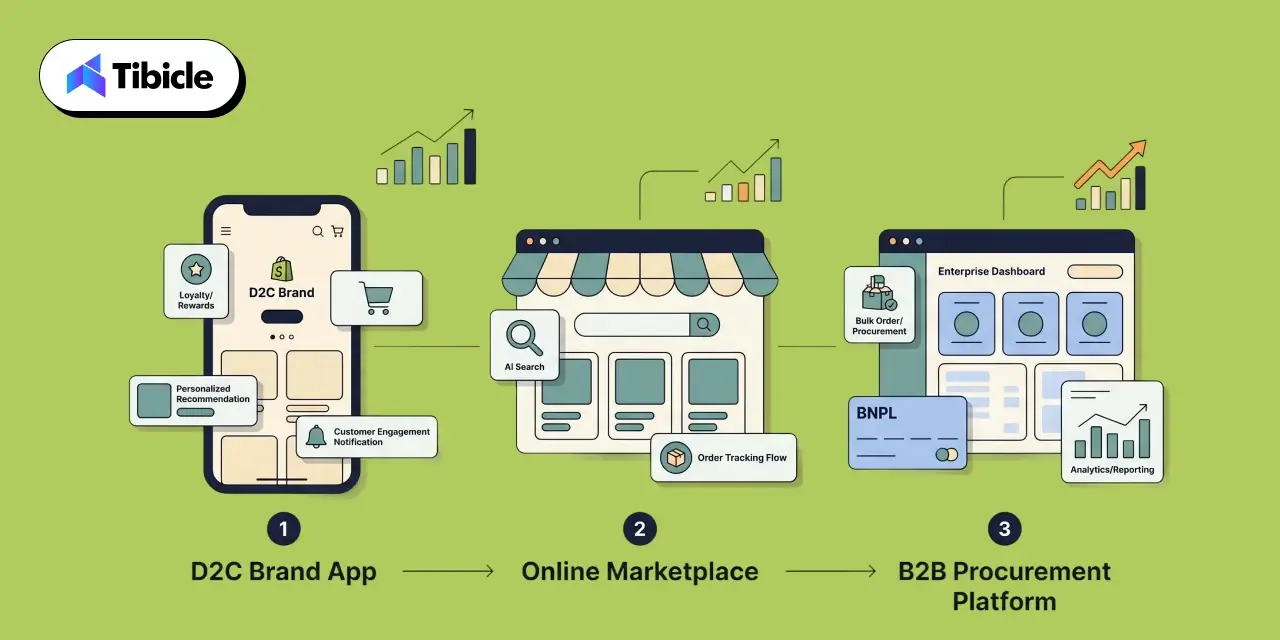
Business Models

D2C vs. Marketplace vs. B2B eCommerce

Feature priorities shift significantly depending on your business model. The table below maps the highest-impact features to each model and explains why.

Model Top Features Why It Matters
D2C Loyalty, Personalization, AR Visualization D2C growth is driven by lifetime customer value. Personalization increases AOV, loyalty drives repeat purchases, and AR cuts the return rates that erode retention margins.
Marketplace AI Search, Social Commerce Conversion lives or dies by product findability across a large catalog. AI search captures intent-driven buyers; social commerce captures discovery-driven ones, the two modes that dominate marketplace commerce.
B2B BNPL, Real-Time Order Tracking Large B2B orders require payment flexibility to protect working capital. Procurement teams expect consumer-grade logistics visibility, and real-time tracking reduces the friction that delays repeat orders.

Feature Comparison Table: Impact, Cost, and Implementation Complexity

The table below summarizes all 10 features across sales impact, estimated development cost, implementation timeline, and the business model they serve best. Note that cost ranges reflect both custom development and SaaS plugin approaches. Custom builds offer deeper integration and differentiation, while plugins deliver faster time-to-market at lower upfront cost but with a limited customization ceiling.

Feature Sales Impact Est. Dev Cost Timeline Best For
AI-Powered Search High $15K–$60K 4–8 weeks All
Dynamic Personalization High $20K–$80K 6–10 weeks D2C, Marketplace
One-Tap Checkout / Wallets High $10K–$40K 2–4 weeks All
BNPL Integration High $8K–$30K 2–3 weeks D2C, B2B
AR Product Visualization Medium–High $30K–$120K 8–14 weeks D2C, Fashion, Home
Push Notifications High $5K–$25K 2–4 weeks All
In-App Loyalty & Rewards High $15K–$50K 4–8 weeks D2C, Marketplace
Social Commerce / Shoppable Video Medium–High $20K–$70K 6–10 weeks D2C, Marketplace
Real-Time Order Tracking Medium $10K–$35K 3–6 weeks All
Performance Optimization High $10K–$40K 3–6 weeks All

Note: Cost ranges are indicative for 2026 market rates. Custom builds sit at the upper range and include full integration with existing ERP/CRM stacks. SaaS plugin approaches (Shopify, WooCommerce) sit at the lower range but carry ongoing monthly fees and integration limitations.

Cost of Building eCommerce App Features in 2026
Cost of Building

Custom Development vs. Platform Plugins vs. Hybrid Approach

Your build approach determines upfront cost, time-to-market, and long-term scalability. The three primary models are compared below.

Approach Cost Range Timeline Best For Key Limitation
Custom Development $50,000 – $300,000+ 4 – 9 months High-volume, compliance-heavy, or unique workflow businesses needing full-stack ownership Higher upfront cost and longer time-to-market
Platform Plugins (Shopify / WooCommerce) $0 – $500 / month Days – weeks Businesses on established platforms wanting fast feature rollout with minimal dev overhead Constrained by the platform data model, limited customization, and integration depth
Hybrid $20,000 – $80,000 6 – 14 weeks Mid-market businesses that need more than plugins offer but aren’t ready for a full custom build Requires careful scoping to avoid integration gaps between custom and plugin layers

Hidden Costs Most Businesses Miss

The feature build cost is never the total cost. Budget planning that fails to account for the following categories consistently leads to overruns:

  • Third-party API fees: BNPL providers, AR platforms, and AI search engines all carry transaction-based or subscription-based fees that scale with usage volume.
  • Data storage and processing: Personalization engines, behavioral analytics, and real-time tracking generate significant data volumes. Infrastructure costs scale accordingly.
  • Ongoing QA and regression testing: Every app update risks breaking existing features. A structured QA process is a recurring cost, not a one-time line item.
  • Compliance: PCI-DSS certification for payment processing, GDPR compliance for user data, and App Store / Play Store policy requirements all carry implementation and ongoing audit costs that should be factored into the total cost of ownership.

ROI of eCommerce App Features: What the Data Shows

Revenue Lift Benchmarks by Feature Category

The ROI case for eCommerce app features is supported by a robust body of published data. The benchmarks below represent documented performance across real-world implementations:

  • Personalization: 10 to 15% average revenue increase; top performers report up to 40% uplift from fully integrated personalization engines.
  • BNPL Integration: 14% revenue lift per checkout session (Stripe, 150,000+ sessions); 20 to 50% increase in average basket value; BNPL users spend 72% more per transaction.
  • AR Visualization: 94% higher conversion rate and 40% reduction in return rates (Shopify merchant data).
  • One-Tap Checkout: Up to 50% conversion lift via Shop Pay compared to standard guest checkout.
  • Push Notifications (behavior-triggered): 20 to 30% open rates with direct revenue attribution on par with email marketing at a lower cost per conversion.
  • Social Commerce: Livestream shopping converts at 5 to 10x the rate of standard product pages.

Payback Period and Break-Even Analysis

For a mid-size ecommerce business generating $5 to $10 million annually, the payback math on strategic feature investment is compelling. A 10% conversion rate improvement achievable through the combination of AI-powered search, one-tap checkout, and a personalization engine translates directly to $500,000 to $1,000,000 in incremental annual revenue.

At a hybrid development cost of $40,000 to $80,000 for those three features, the break-even point falls within 6 to 9 months of launch. For businesses investing in a broader feature set, the payback window extends to 12 to 18 months, still well within a standard investment horizon for technology infrastructure.

The key variable is implementation quality. Features that are poorly integrated, slow to load, or disconnected from the core data layer will not deliver benchmark returns. The ROI figures above assume production-quality implementation with post-launch optimization.

Risks and Challenges of Implementing eCommerce App Features

Over-Engineering vs. Under-Building

One of the most common mistakes in eCommerce app development is feature bloat, building everything on the initial roadmap without validating demand for each feature against your specific user base and business model. An AR visualization feature built for a low-AOV commodity product catalog will not return the same results as the Shopify benchmark data, because the use case does not align. Every feature on this list should be validated against your actual conversion data, customer research, and business model before it enters the development queue.

Conversely, under-building shipping an MVP so stripped down that it fails to meet user expectations creates its own set of problems. An app that launches without one-tap checkout or basic personalization in 2026 is launching into a market where those features are expected, not impressive. The goal is a disciplined roadmap that prioritizes high-impact features first and adds complexity iteratively based on performance data.

Integration Failures and Data Silos

The most common technical failure in eCommerce app development is not a build failure; it is an integration failure. Features that do not communicate with each other cannot deliver their full potential. A loyalty program whose points data is siloed from the personalization engine cannot surface tier-appropriate recommendations. A push notification system that is not connected to real-time inventory cannot send accurate back-in-stock alerts. An order tracking feature that pulls from a different data source than the ERP creates conflicting status messages.

Before a single line of feature code is written, the data architecture must be defined. Every feature in this guide depends on shared data infrastructure: user identity, behavioral signals, transaction history, and inventory state. A vendor who builds features in isolation without addressing data integration is building expensive technical debt.

Security and Compliance Gaps

Payment processing features require PCI-DSS compliance. User data collection and personalization require GDPR compliance (and region-specific equivalents like CCPA for US markets, PDPB for India). App store distribution requires ongoing adherence to Apple App Store and Google Play Store policy requirements, which update regularly. Biometric authentication, one-tap checkout, and BNPL integrations all introduce specific security surface areas that require dedicated QA.

These are not optional considerations to address post-launch. Security and compliance gaps discovered after launch result in app store removal, payment processing suspension, and regulatory penalties, all of which cost significantly more than the preventive compliance work done upfront.

Vendor Selection Checklist for eCommerce App Development

Choosing the right development partner is as important as choosing the right features. Use this checklist when evaluating any eCommerce app development vendor for a 2026 project:

  • Does the vendor have verified eCommerce app case studies with documented conversion outcomes, not just design portfolios?
  • Can they build for both iOS and Android using a shared codebase (Flutter or React Native) to reduce cost and ensure feature parity across platforms?
  • Do they offer post-launch support and iterative optimization, or do they deliver a build and disengage?
  • Can they demonstrate integration experience with your existing ERP, CRM, and payment stack or the specific stack you plan to use?
  • What is their QA and testing process? Do they conduct device-specific performance testing, regression testing after updates, and security audits?
  • Do they provide transparent pricing with milestone-based billing that aligns payment to delivery?
  • Can they demonstrate measurable conversion improvements from past e-commerce projects with the data to back the claim?
  • Is UI/UX design handled in-house by their team, or is it outsourced to a third party with no accountability to the development process?
  • Do they have experience building AI-powered features (search, personalization) or are they relying entirely on third-party plugins for these capabilities?
  • Do they have a documented approach to data architecture and cross-feature integration, or do they treat each feature as an independent build?

Why Tibicle Is a Strong Choice for eCommerce App Development

Building a high-converting eCommerce app in 2026 requires more than a team that can write code. It requires a partner who understands the commercial outcomes the features are designed to deliver, has the technical depth to build them at production quality, and has a track record of doing exactly that for clients across industries.

Tibicle operates as a full-stack eCommerce development partner, not a development shop that hands off a build. From UI/UX design through mobile app development (Flutter, React Native, and native iOS/Android) to AI integration and ongoing optimization, Tibicle brings the complete capability set in-house. That means the personalization engine talks to the loyalty program. The push notification system connects to real behavioral data. The checkout flow is tested across devices before it ships.

On Clutch, Tibicle holds 22 verified client reviews with consistent recognition for on-time delivery, transparent communication, and an agile development process that adapts as business requirements evolve. Cross-industry experience spanning edtech, healthcare, logistics, HR technology, and retail means the team brings perspective on what works and what fails across diverse ecommerce contexts.

If you are building or rebuilding an eCommerce app and want to ensure the features you invest in deliver measurable revenue results, the conversation starts with scoping. Talk to Tibicle’s ecommerce team to scope your app features and get a transparent, milestone-based proposal.

Conclusion

The eCommerce app features in this guide are not trend-based picks or feature wish lists assembled from competitor research: documented conversion data, measurable revenue benchmarks, and real-world implementation outcomes back each one. AI-powered search, dynamic personalization, one-tap checkout, BNPL integration, AR visualization, behavior-triggered push, in-app loyalty, social commerce, real-time tracking, and performance optimization are the levers that move the metrics that matter.

The difference between a 2% mobile conversion rate and a 4% mobile conversion rate is not a marketing problem. At $5 million in annual ecommerce revenue, that gap is $2.5 million. At $10 million, it is $5 million. The features in this guide are what close that gap.

Talk to Tibicle’s eCommerce development team to design an app that converts traffic into measurable revenue.

Frequently Asked Questions

What are the most important eCommerce app features for increasing sales?
The highest-impact features for direct sales improvement are AI-powered search, one-tap checkout with mobile wallet integration, dynamic personalization, and BNPL payment options. These four features address the four most common conversion barriers: poor product discovery, checkout friction, irrelevant product presentation, and price objection. For businesses focused on retention alongside acquisition, in-app loyalty programs and behavior-triggered push notifications add a compounding revenue layer.

How much does it cost to develop a custom eCommerce mobile app in 2026?
A comprehensive eCommerce app with the full feature set described in this guide ranges from $50,000 to $300,000 for a custom build, depending on feature scope, tech stack, integration depth, and development location. A hybrid approach combining platform plugins for standard functions with custom development for differentiated features typically ranges from $20,000 to $80,000. Shopify and WooCommerce plugin approaches for individual features range from free to $500 per month in subscription fees, with lower upfront costs but a limited customization ceiling.

Which eCommerce app features give the highest ROI?
Based on published benchmark data, BNPL integration, one-tap checkout, and AI-powered personalization consistently deliver the fastest payback periods and highest revenue lift relative to development cost. BNPL shows a documented 14% revenue lift per checkout session. One-tap checkout via Shop Pay delivers up to 50% conversion improvement. Personalization averages a 10 to 15% revenue increase, with top performers reporting up to 40%. AR visualization delivers the highest conversion lift (94%) but at a higher implementation cost and with category-specific applicability.

Is AR product visualization worth the investment for eCommerce apps?
For the right product categories, yes, the ROI case is strong. Shopify data documents a 94% higher conversion rate and 40% reduction in returns for merchants using AR features. The strongest use cases are fashion, furniture, home decor, beauty, and accessories categories, where visual context significantly reduces purchase hesitation. For commodity products, undifferentiated categories, or low-AOV items, the development cost is harder to justify. The decision should be anchored to your category, your average order value, and your current return rate.

How do push notifications impact eCommerce app revenue?
Behavior-triggered push notifications, particularly abandoned cart recovery and personalized back-in-stock or price drop alerts, achieve open rates of 20 to 30% and generate revenue attribution on par with email marketing at a lower cost per conversion. The critical qualifier is “behavior-triggered”: generic broadcast notifications consistently drive uninstalls and reduce app engagement. A push notification strategy requires a segmentation engine connected to real user behavioral data, combined with careful attention to timing, frequency, and message relevance.

What should I look for when selecting an eCommerce app development vendor?
The most important criteria are verified eCommerce-specific case studies with documented conversion outcomes, in-house UI/UX design capability, experience building for both iOS and Android on a shared codebase, demonstrated integration competency with your existing tech stack, and a transparent milestone-based pricing model. Avoid vendors who treat features as isolated builds without a defined approach to data architecture and cross-feature integration. Post-launch support and optimization capability, not just a build-and-handoff model, is the difference between a launch and a revenue result.

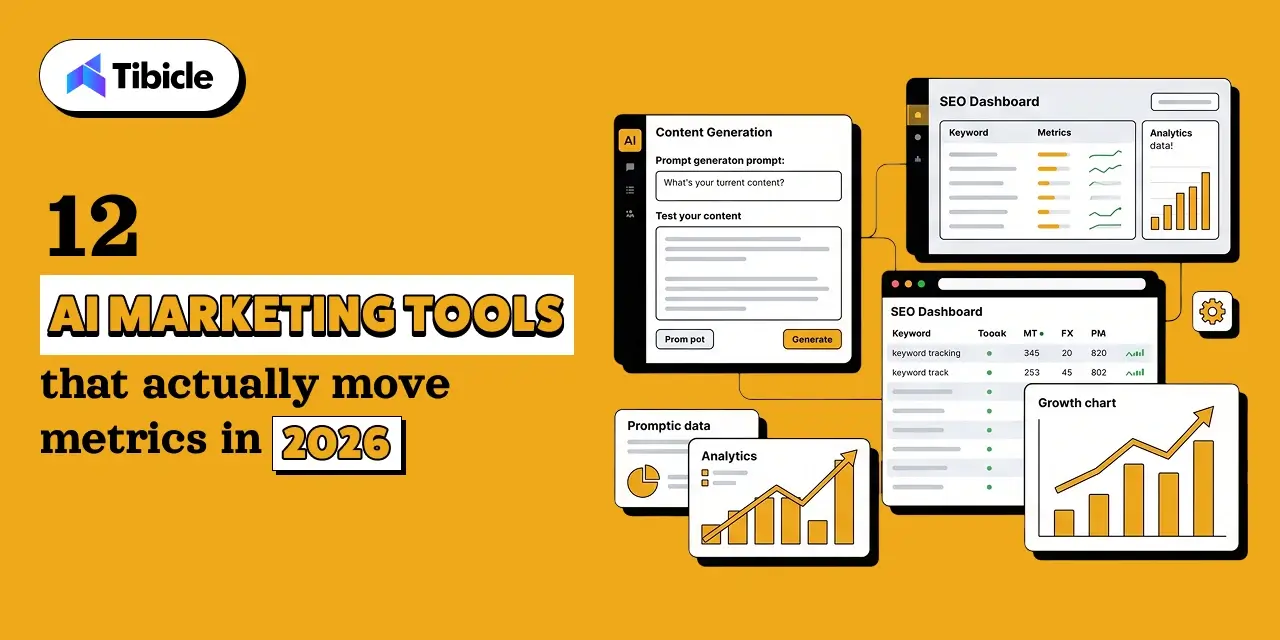
Top Mobile App Development Company in Ahmedabad | Tibicle

Introduction

The global mobile app market is on a trajectory to reach USD 1,103.48 billion by 2034, and businesses that delay their digital transformation are already falling behind. But here is the real challenge: finding the right mobile app development company is not just a vendor decision, it is a product decision. Choosing a top mobile app development company in Ahmedabad directly determines your product’s quality, how efficiently your budget is used, and how fast you reach your market

mobile app development company in Ahmedabad

Ahmedabad has emerged as one of India’s most cost-efficient IT hubs, with developer rates running 40–60% lower than cities like Bangalore and Hyderabad without sacrificing output quality. This is why global startups, SMEs, and enterprises increasingly prefer app development services in Ahmedabad for their digital projects.

This guide breaks down costs, ROI benchmarks, vendor evaluation criteria, and risk factors to help you pick the right mobile app development company in Ahmedabad.

What Does a Top Mobile App Development Company in Ahmedabad Actually Deliver?

mobile app development company in Ahmedabad

Before comparing vendors, it helps to understand what a full-service mobile app development company actually provides.

Core Service Stack

A capable partner delivers end-to-end app development services: iOS and Android development, cross-platform app development, UI/UX design, quality assurance testing, and post-launch support. These are not optional add-ons,they are the baseline for a production-ready product.
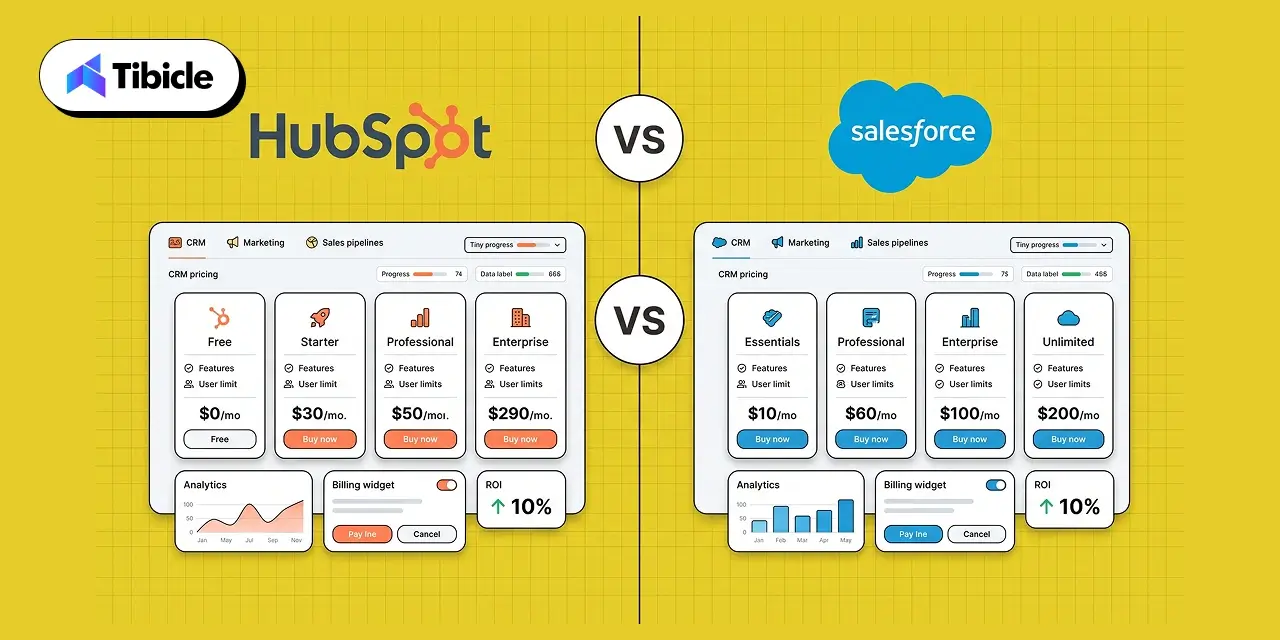
Engagement Models

Most companies offer three engagement models. Fixed Price works best for well-defined projects with a clear scope. Dedicated Team models suit long-term product development where the scope may evolve. Time and Material contracts offer flexibility for agile projects where requirements shift through development cycles.

Why Ahmedabad Is a Strategic Choice for a Top Mobile App Development Company

mobile app development company in Ahmedabad

Cost Advantage Over Tier-1 Cities

Ahmedabad developer rates average $20–$25/hour, compared to $30–$50/hour in Bangalore. For a six-month project, that difference compounds into significant savings without any reduction in technical capability. This cost advantage makes app development outsourcing to India an attractive proposition, particularly for Western markets where development costs can be three to five times higher.

Talent Pool and Tech Stack Maturity

India has over 5 million software developers, and Gujarat’s IT sector has grown at 15% year-on-year in its GSDP contribution. Ahmedabad benefits directly from this growth, with a maturing talent pool that is well-versed in Flutter app development, React Native, Swift, Kotlin, and enterprise-grade backend technologies. Mobile app developers in Ahmedabad increasingly work across global projects, which has sharpened both technical skills and professional communication standards.

Time-Zone and Communication Fit for Global Clients

Ahmedabad’s IST time zone (UTC+5:30) offers a meaningful overlap window with European business hours and can accommodate early or late syncs with North American teams. Many established companies in the city have built communication workflows, such as daily standups, sprint reviews, and async documentation, specifically around distributed global teams.

Types of Mobile Apps and Their Business Use Cases

mobile app development company in Ahmedabad

Not every app is built the same way. The right development approach depends on your performance requirements, budget, and target audience.

Native Apps (Performance-Critical Products)

Native apps built separately for iOS and Android deliver the highest performance and full access to device-specific features. They are the right choice for apps where speed, security, and a premium user experience are non-negotiable: healthcare platforms, real-time trading tools, and high-volume consumer apps.

Cross-Platform Apps (Budget-Optimized Multi-OS Launch)

Cross-platform frameworks like Flutter reduce development costs by 30–40% by allowing a single codebase to run on both iOS and Android. For startups and businesses that need to launch quickly across platforms without doubling their development budget, this is the practical, ROI-friendly choice. Custom app development using Flutter has become especially popular for MVP launches and mid-scale SaaS products.

Enterprise Apps (Internal Workflow, CRM, ERP Integrations)

Enterprise mobile solutions address internal operational challenges, field team management, approval workflows, CRM access on mobile, ERP integrations, and automated reporting. These apps are rarely customer-facing, but their impact on operational efficiency is measurable from day one.

MVP / Startup Apps (Market Validation With Lean Budgets)

MVP development is about building just enough product to test a hypothesis in the real market. A well-scoped MVP  covering core user journeys and basic analytics allows founders and product teams to validate demand before committing to full-scale development. Agile app development methodology is the standard approach here, with sprint-based delivery keeping the process transparent and cost-controlled.

How Much Does Top Mobile App Development Cost in Ahmedabad?

Cost Breakdown by App Complexity

Prices vary based on features, tech stack, and development team. Use this as a starting benchmark not a final quote. 

App Type Feature Scope Estimated Cost (INR) Timeline
Basic / MVP Login, forms, profiles ₹5–12 Lakh 1–3 months
Mid-Complexity Payments, dashboards, APIs ₹12–25 Lakh 3–6 months
High-Complexity Real-time sync, AI/ML, multi-role ₹25–80 Lakh 6–12 months

India’s average app development range sits at $6,000–$95,000 depending on complexity, and Ahmedabad-based companies consistently deliver within this range at the lower end of the global cost spectrum.

Hidden Costs Most Vendors Don’t Mention

The line items above cover development, but several cost categories routinely get underestimated or left out of initial proposals. Third-party API licensing for payment gateways, maps, messaging, or analytics adds ongoing recurring costs. Apple Developer Program and Google Play Console fees are mandatory for app store submissions. Post-launch maintenance, including bug fixes, OS compatibility updates, and performance monitoring, typically runs 15–20% of the original development cost annually. Security audits, especially for apps handling financial or health data, are an additional line item that should be budgeted from the start, not bolted on later.

ROI of Investing in a Mobile App for Your Business

mobile app development company in Ahmedabad

A mobile app isn’t just a digital presence for most businesses, it becomes the highest-ROI channel within the first 12–18 months when built with clear revenue or efficiency goals. 

Revenue Impact

Mobile commerce accounted for over 60% of India’s total e-commerce transactions in 2025. For businesses with a consumer-facing offering, a well-built app is not a cost center, it is a direct revenue channel. Subscription models, in-app purchases, and push notification-driven re-engagement all contribute to measurable top-line impact.

Operational Efficiency Gains

For enterprise and B2B applications, ROI often shows up first on the cost side. Automating manual reporting, digitizing approval workflows, and giving field teams real-time data access reduces overhead and human error in ways that are easy to quantify.

Customer Retention and Lifetime Value

Apps increase the frequency and quality of customer touchpoints. Push notifications, loyalty features, and personalized experiences increase retention rates, and a retained customer’s lifetime value is significantly higher than the cost of re-acquisition.

How to Calculate App ROI Before Development Starts

Use this formula as a starting benchmark:

ROI = (Net Revenue from App – Total Development + Maintenance Cost) / Total Cost x 100

Run this calculation with conservative and optimistic revenue assumptions before committing budget. If the break-even timeline is beyond 24 months under the conservative scenario, revisit the scope or monetization model before development begins.

How to Compare Top Mobile App Development Company in Ahmedabad (Side-by-Side)

Criteria What to Look For Red Flags
Portfolio Depth Industry-specific case studies Only template-based apps
Tech Stack Flutter, React Native, Swift, Kotlin Outdated or single-framework only
Team Structure Dedicated PM, QA, DevOps No QA or post-launch team
Pricing Model Transparent estimates, milestone billing Lump-sum with no scope doc
Client Retention Repeat clients, 3+ year relationships No references or testimonials
Post-Launch Support SLA-backed maintenance, version updates No support after delivery

Freelancer vs. Agency vs. Dedicated Team: Which Model Fits?

Freelancers offer the lowest upfront cost but carry the highest risk, no QA, no accountability structure, and high dependency on a single person. Agencies provide a structured team but vary significantly in process maturity; a detailed portfolio review is essential. A dedicated team model where you hire app developers in India through a firm that assigns a committed team to your project offers the best balance of cost, quality control, and long-term scalability for projects beyond the MVP stage. Need help shortlisting the right mobile app development company? Tibicle’s team can walk you through a free project assessment.

Risks of Choosing the Wrong App Development Partner

Most app projects don’t fail because of bad ideas, they fail because of bad partnerships. Know the risks before you sign.

Scope Creep and Budget Overruns

Vague initial agreements lead to scope disputes mid-project. Mitigation: require a detailed Statement of Work (SOW) before signing. Milestone-based billing keeps the vendor accountable and gives you off-ramps if delivery standards slip.

Poor Code Quality and Technical Debt

Badly written code compounds over time. A fast build that cuts corners becomes expensive to maintain, scale, or hand off to another team. Mitigation: Request a code review or architecture walkthrough from a third party before final delivery.

IP and Data Security Gaps

Without a clear IP ownership clause in your contract, you may not legally own the code you paid for. Data handling practices matter equally, especially if your app processes user financial or health information. Mitigation: Ensure your contract includes explicit IP transfer terms and review the vendor’s data security protocols before onboarding.

Vendor Lock-In With Proprietary Frameworks

Some vendors build on proprietary or obscure frameworks that make it difficult or costly to migrate away from them later. Mitigation: insist on industry-standard tech stacks and ensure your codebase and all project assets are handed over completely at project close.

Vendor Selection Checklist to Choose a Top Mobile App Development Company in Ahmedabad

Don’t rely on sales calls alone, a vendor worth hiring will pass every point on this list without hesitation.

10-Point Evaluation Framework

  1. Verified portfolio with live, downloadable apps
  2. Industry-specific experience relevant to your domain
  3. Transparent pricing and clearly documented SOW
  4. Defined tech stack and documented architecture approach
  5. Dedicated project manager assigned from day one
  6. Clear IP ownership terms and executed NDA
  7. Post-launch SLA with defined response time guarantees
  8. Agile methodology with sprint-based milestone delivery
  9. Client references from projects of comparable scale and complexity
  10. Documented scalability plan for version 2 and beyond

Run every vendor you evaluate through this list before requesting a formal proposal. Any company that cannot answer questions on IP ownership, post-launch support, or their QA process should be removed from consideration immediately.

Why Tibicle Is a Strong Choice for Mobile App Development in Ahmedabad

Strong Choice

When measured against the vendor checklist above, Tibicle stands out as a strong option for businesses looking for a reliable mobile app development company in Ahmedabad.

Technical Capabilities of a Top Mobile App Development Company in Ahmedabad

Tibicle’s development team works across Flutter app development, React Native, Swift, and Kotlin, covering the full spectrum of native and cross-platform app development requirements. Their backend expertise spans REST APIs, cloud infrastructure, and third-party integrations, which is critical for mid-complexity and enterprise mobile solutions.

Client Engagement Approach of a Top Mobile App Development Company in Ahmedabad

Tibicle operates on an agile app development methodology, with sprint-based delivery and milestone billing built into every engagement. Scope of work documentation is completed before development begins, not after, which significantly reduces the risk of scope creep and budget overruns that affect too many custom app development projects.

Differentiators

What separates Tibicle from generalist vendors is their combination of industry-specific solution design, a transparent post-launch support model with defined SLAs, and a dedicated team structure where clients work with the same project manager, developer, and QA engineer throughout the engagement. These are not marketing claims, they are checkboxes from the vendor evaluation framework outlined in this guide.

For businesses evaluating app development services in Ahmedabad, Tibicle’s approach to hire app developers India through structured, accountable team models reduces the delivery risk that commonly derails projects with less organized vendors. Explore Tibicle’s app development portfolio and schedule a no-obligation consultation.

Conclusion

Choosing the right mobile app development company is not a decision to make based on price alone. The partner you select will directly affect the quality of your product, your ability to control costs through development, and the long-term scalability of what you build.

Ahmedabad offers a compelling combination of cost efficiency, technical talent, and delivery maturity, but only when you work with the right company. Use the vendor checklist and cost benchmarks from this guide as your evaluation framework before signing any contract.

Get in touch with Tibicle today to discuss your app development requirements and receive a detailed project estimate.

FAQs

How much does a top mobile app development company in Ahmedabad charge to develop a mobile app?
Basic apps start at ₹5–12 Lakh. Mid-complexity apps with payment gateways, dashboards, and API integrations range from ₹12–25 Lakh. Enterprise-grade apps with real-time sync, AI/ML features, or multi-role systems can go up to ₹80 Lakh depending on scope and timeline.

How long does a top mobile app development company in Ahmedabad take to build a mobile app?
MVP apps typically take 1–3 months. Feature-rich apps with payment integrations, dashboards, and third-party APIs generally require 4–8 months. Enterprise apps with complex backend requirements can extend to 12 months or beyond.

What do top mobile app development companies in Ahmedabad recommend native or cross-platform?
Native development works best for performance-heavy or security-critical products. Cross-platform frameworks like Flutter reduce development costs by 30 to 40% and are the practical choice for businesses launching simultaneously on iOS and Android with a defined budget.

What should I check before hiring a mobile app development company?
Verify their live app portfolio, request client references, confirm IP ownership terms in writing, review their post-launch SLA, and ensure they follow agile delivery with documented sprint-based milestones.

Is Ahmedabad cheaper than Bangalore for app development?
Yes. Ahmedabad developer rates average $20–$25/hour compared to $30–$50/hour in Bangalore, with comparable technical output quality. This makes app development outsourcing to India particularly attractive when Ahmedabad-based companies are included in the shortlist.

What’s the ROI of building a custom mobile app for my business?
ROI depends on your revenue model, subscriptions, in-app purchases, or operational cost savings. Most businesses with a validated market need to see measurable returns within 12–18 months of launch, provided the app is built to the right scope and maintained post-launch.

HubSpot vs Salesforce: Which CRM Is Best in 2026?

Introduction

The global CRM market is projected to exceed $80 billion in 2026, with HubSpot vs Salesforce consistently ranking as the two most evaluated platforms across mid-market and enterprise CRM shortlists. For revenue leaders, CXOs, and operations teams, this decision is not simply a software subscription change – it is a long-term infrastructure commitment that directly impacts revenue operations, customer acquisition, reporting architecture, marketing efficiency, and organizational scalability.

hubspot vs salesforce

Choosing between these platforms requires evaluating more than brand recognition. Businesses must assess platform architecture, pricing structures, implementation demands, AI capabilities, and long-term operational fit. While HubSpot often appeals to speed-focused organizations seeking usability and integrated marketing, Salesforce remains dominant for enterprises prioritizing deep customization and large-scale process control.

Evaluating CRM comparison 2026 factors, such as pricing, AI capabilities, implementation complexity, and total cost of ownership, is critical for selecting the right platform for your current business stage and projected growth over the next 18 months.

HubSpot vs Salesforce CRM Architecture Comparison

CRM Platform Structure and Business Benefits of HubSpot

HubSpot operates on a unified platform architecture where Marketing, Sales, Service, and Operations Hubs all share the same contact database. This structure eliminates middleware dependency during marketing-to-sales handoffs and simplifies operational visibility across departments. HubSpot works especially well for businesses that want centralized workflows without hiring dedicated CRM administrators.

Its integrated structure also reduces implementation friction and simplifies reporting consistency across customer acquisition, retention, and support teams. Organizations prioritizing fast onboarding and operational simplicity often prefer HubSpot for this reason.

CRM Platform Architecture and Enterprise Scalability of Salesforce

Salesforce follows a modular architecture built around separate cloud products, including Sales Cloud, Service Cloud, and Marketing Cloud. This structure allows significantly deeper customization but also increases operational complexity. Most enterprise Salesforce environments require certified administrators, implementation consultants, or external partners to maintain workflows and integrations effectively.

Salesforce is best suited for organizations with complex sales structures, compliance-heavy processes, multi-entity operations, and advanced reporting requirements that demand high CRM scalability.

HubSpot vs Salesforce: Feature Comparison

hubspot vs salesforce

Sales Pipeline and Forecasting

HubSpot provides visual drag-and-drop pipeline management that works effectively for standard B2B sales cycles out of the box. Teams can quickly configure stages, automate deal tracking, and enable sales pipeline automation without extensive technical setup.

Salesforce offers more advanced territory management, enterprise forecasting, and multi-stakeholder deal tracking capabilities. Its flexibility is significantly deeper, making it suitable for organizations managing layered sales hierarchies and complex revenue operations.

Marketing Automation

HubSpot positions itself as an integrated marketing automation platform, including email marketing, landing pages, SEO tools, workflows, blog management, and advertising integrations across paid tiers. Businesses benefit from having marketing and CRM operations connected natively.

Salesforce requires a separate Marketing Cloud or Pardot purchase for advanced marketing capabilities. Pricing starts at approximately $1,250 per month, which significantly increases operational spend for teams needing enterprise automation.

Customer Service and Support

HubSpot Service Hub includes ticketing, knowledge bases, shared inboxes, and customer support workflows unified directly within CRM records. This structure simplifies collaboration between sales and support teams.

Salesforce Service Cloud focuses more heavily on enterprise support environments with omnichannel routing, SLA management, and advanced case escalation systems for high-volume operations.

AI – Breeze vs Agentforce

The comparison between Breeze AI vs Agentforce reflects accessibility versus enterprise depth. HubSpot Breeze deploys rapidly with native CRM integration and claims productivity improvements of up to 76% across sales teams.

Salesforce Agentforce supports billions of enterprise workflows monthly and serves over 18,500 organizations, but implementation often requires AI specialists, engineering support, and multi-month deployment cycles.

HubSpot vs Salesforce – Head-to-Head Comparison

Criteria HubSpot Salesforce
Best for SMB to mid-market Enterprise
Marketing included Yes – all tiers No – separate purchase
Implementation time Days to weeks 1–6 months
Dedicated admin required No Yes
AI tool Breeze Agentforce
Free tier Yes Limited
Gartner rating 4.4 / 5 4.2 / 5
Customization ceiling High Very high
CRM market share ~15% ~21.8%

Not sure which column fits your team? Book a 30-minute CRM fit call with Tibicle.

CRM Pricing Comparison: HubSpot vs Salesforce (2026)

hubspot vs salesforce

HubSpot Pricing Structure 2026

HubSpot pricing 2026 follows a hub-based structure with Starter, Professional, and Enterprise tiers across Marketing, Sales, Service, and Operations products. Marketing Hub Professional begins around $800 per month with three included seats, while Sales Hub Enterprise uses predictable contact-based pricing.

HubSpot’s pricing model is generally easier to forecast because most tools are bundled directly into the platform instead of being sold as separate cloud products.

Salesforce Pricing Structure 2026

Salesforce pricing 2026 starts at approximately $25 per user monthly for Starter Suite plans, though automation and reporting capabilities remain limited at lower tiers. Enterprise plans range between $100–$175 per user monthly.

Marketing Cloud (Pardot) costs an additional $1,250–$4,200 monthly, while Agentforce AI uses consumption-based pricing starting around $2 per conversation.

HubSpot vs Salesforce Total Cost of Ownership

For a 25-user mid-market team, estimated crm total cost of ownership reaches approximately $123K for HubSpot versus roughly $375K for Salesforce across three years. Salesforce environments also frequently require dedicated administrators costing $70K–$250K annually.

Nearly 86% of HubSpot customers manage the platform internally without dedicated admins. By comparison, a 50-person Salesforce Enterprise deployment often costs nearly three times more than the HubSpot equivalent before marketing add-ons and implementation services are included.

HubSpot vs Salesforce ROI Comparison

ROI Comparison

Where HubSpot Delivers ROI

HubSpot typically delivers the strongest ROI for organizations prioritizing speed, usability, and connected operational workflows. Companies using unified customer data report up to four times better ROI from sales and marketing alignment initiatives. Sales teams using HubSpot Sales Hub also report significantly higher win rates and faster onboarding cycles.

Several organizations have reduced operational cost substantially after shifting away from Salesforce toward simplified HubSpot environments with lower admin overhead and faster reporting visibility.

Where Salesforce Delivers ROI

Salesforce delivers stronger ROI in highly regulated industries, multi-cloud enterprise environments, and organizations with complex operational hierarchies. Agentforce AI supports enterprise-scale workflow orchestration across billions of monthly automated interactions.

However, Salesforce ROI depends heavily on implementation quality. Poor architecture, weak adoption planning, or over-customization often turn deployments into expensive operational burdens instead of revenue accelerators.

ROI Decision Matrix

  • Under 200 users with marketing-led growth → HubSpot
  • Over 500 users with complex sales operations → Salesforce
  • Regulated industries like fintech and healthcare → Salesforce industry clouds
  • Organizations prioritizing fast deployment and usability → HubSpot

HubSpot vs Salesforce Risks and Hidden Costs

Risks and Hidden Costs

HubSpot Risks

HubSpot’s biggest limitation appears at very large operational scale. Organizations managing over one million records may encounter customization and performance constraints. Pricing also rises significantly as contact databases and seat counts expand.

Salesforce Risks

Salesforce environments frequently introduce hidden operational expenses including storage overages, annual pricing escalators, implementation consulting fees, and high CRM implementation cost structures tied to customization complexity. Poor deployment planning often creates data silos and low platform adoption.

Switching away from Salesforce can also become expensive because CRM migration complexity increases significantly once large-scale custom workflows and integrations are deeply embedded into operations.

Best CRM for Business Growth: HubSpot vs Salesforce

The best CRM depends on your business size, operational complexity, and long-term growth strategy.

  • Startups → HubSpot
    HubSpot offers faster implementation, lower upfront costs, integrated marketing tools, and easier adoption for early-stage growth.
  • SMBs → HubSpot
    Small and mid-sized businesses benefit from HubSpot’s usability, predictable pricing, and lower administrative overhead.
  • Enterprises → Salesforce
    Salesforce is better suited for large organizations needing deep customization, advanced workflows, enterprise compliance, and large-scale CRM scalability.
  • Hybrid Growth Models → Both
    Many scaling businesses use HubSpot for marketing automation and customer acquisition, while Salesforce manages enterprise sales operations and complex revenue processes.

HubSpot is typically stronger for speed, simplicity, and lower total cost of ownership, while Salesforce is ideal for enterprise-grade customization and large-scale operational control.

CRM Vendor Evaluation Checklist

Before selecting the best CRM for business growth, organizations should evaluate both platforms against operational and financial requirements rather than feature lists alone.

  • Current team size vs projected 24-month growth
  • Marketing capabilities included vs sold separately
  • Implementation timeline operations teams can realistically absorb
  • Internal or outsourced admin availability
  • AI activation speed vs enterprise orchestration needs
  • ERP, finance, and billing integration requirements
  • Migration complexity from existing systems
  • Contract escalation clauses and storage limitations
  • Support tiers included vs paid upgrades
  • Compliance requirements, including GDPR, SOC 2, HIPAA, and FINRA

The right CRM decision depends on operational fit, long-term maintainability, and scalability – not just vendor reputation.

Why Tibicle LLP Helps You Get the Most Out of Either Platform

Tibicle works across both HubSpot and Salesforce implementations without platform bias in recommendations. Their approach focuses on selecting CRM architecture that aligns with operational workflows, reporting needs, and long-term business scalability rather than pushing a specific vendor ecosystem.

Services include CRM selection advisory, implementation planning, workflow optimization, migration support, integration setup, and ongoing operational management. Tibicle supports both first-time CRM adopters and organizations consolidating fragmented systems into unified customer operations.

Their consulting process also emphasizes cost visibility, implementation practicality, and adoption planning to reduce operational disruption during rollout phases.

Talk to Tibicle’s CRM team before you sign. One hour now can save 12 months of re-architecture later.

Conclusion

The core difference in the crm comparison 2026 conversation remains straightforward: HubSpot prioritizes usability, faster onboarding, and lower operational overhead, while Salesforce delivers deeper customization, enterprise scalability, and advanced workflow control. Neither platform is universally correct for every business.

The right decision depends on organization size, reporting complexity, compliance requirements, internal operational maturity, and long-term growth expectations. Businesses should evaluate total platform ownership across at least 36 months rather than focusing only on entry-level subscription pricing.

The dual-platform strategy – HubSpot for marketing operations and Salesforce for enterprise sales workflows – is becoming increasingly common among scaling organizations moving beyond 200 users.

Ready to match the right CRM to your growth stage? Connect with Tibicle’s implementation team for a no-obligation fit assessment.

FAQs

Is HubSpot or Salesforce better for small businesses?
HubSpot is generally the stronger option for businesses under 200 employees because it offers faster setup, lower admin dependency, integrated marketing tools, and a free CRM tier.

What is the real cost difference between HubSpot and Salesforce?
A 25-user mid-market deployment typically costs around $123K with HubSpot versus approximately $375K with Salesforce across three years after implementation, admin, and marketing add-on expenses are included.

Can HubSpot handle enterprise-level CRM requirements in 2026?
Yes. HubSpot Enterprise supports advanced reporting, custom objects, predictive lead scoring, and scalable operations for organizations with hundreds or thousands of users.

What is the difference between Breeze AI and Agentforce?
HubSpot Breeze deploys quickly with native CRM integration, while Salesforce Agentforce provides deeper enterprise AI orchestration but requires longer implementation and specialized technical resources.

Is it possible to use both HubSpot and Salesforce together?
Yes. Many organizations use HubSpot for marketing automation and top-of-funnel engagement while Salesforce manages enterprise sales operations and compliance-heavy workflows.

How long does a CRM migration from Salesforce to HubSpot take?
Most migrations for organizations with 20–100 users take between four and twelve weeks, depending on integration complexity, workflow mapping, and historical data cleanup requirements.

What Is IT Outsourcing? A Decision-Maker’s Guide for (2026)

Introduction

The global IT Outsourcing market is estimated at $662 billion in 2026 and is projected to reach $1.345 trillion by 2034 at an 8.2% CAGR. At the same time, 77% of employers report difficulty finding skilled technology talent, pushing companies toward global outsourcing partners for delivery support and specialized expertise. Modern outsourcing is no longer viewed only as a cost-cutting tactic. Businesses now use external technology teams to accelerate product development, improve operational continuity, reduce hiring delays, and access global engineering talent without long recruitment cycles. From startups to enterprise organizations, outsourcing has become a strategic delivery model across software, cloud, AI, cybersecurity, and infrastructure operations.

IT outsourcing

Understanding IT Outsourcing services requires evaluating delivery models, real pricing, ROI potential, and the critical vendor selection factors that impact long-term business success.

What Is IT Outsourcing?

IT Outsourcing is the process of contracting with external providers to manage technology functions rather than building or staffing those capabilities internally. Companies outsource services such as software development, cloud operations, cybersecurity monitoring, helpdesk support, network management, and IT infrastructure to improve efficiency and reduce operational pressure.

By 2026, outsourcing will have shifted from a selective practice to a mainstream business function. Organizations increasingly depend on external partners not only for cost savings but also for continuity, scalability, and innovation delivery. Common engagement approaches include staff augmentation, dedicated engineering teams, and partnering with a managed services provider for long-term operational support. Businesses also use outsourcing to fill specialized skill gaps that are difficult or expensive to hire internally.

The 3 Core IT Outsourcing Models

IT outsourcing

Onshore

Onshore outsourcing involves hiring teams within the same country. This model offers the highest level of communication alignment, legal protection, and compliance support, making it suitable for highly regulated or IP-sensitive projects. However, it is also the most expensive option, with U.S. developer rates commonly ranging from $60 to over $150 per hour in 2026.

Nearshore

Nearshore outsourcing works with providers located within one to three overlapping time zones. This approach balances collaboration quality with moderate cost savings. Companies often achieve 20-40% lower costs compared to onshore hiring while maintaining reliable communication overlap for agile development and iterative delivery cycles.

Offshore

Offshore outsourcing gives businesses access to the largest global talent pool at the lowest operational cost. The offshore developer rates in 2026 range from approximately $15 per hour in South Asia to $70 per hour in mature Eastern European markets. This model works best for scalable development and long-term execution but requires structured governance and communication processes.

Best Fit:

  • Onshore → Compliance-heavy and IP-sensitive projects
  • Nearshore → Agile collaboration and product iteration
  • Offshore → High-scale delivery and cost optimization

What Services Are Included in IT Outsourcing?

Modern businesses outsource far more than basic support operations. Software development outsourcing remains the fastest-growing category, expanding at an estimated 11.5% CAGR as companies seek faster product delivery and specialized engineering talent.

The most commonly outsourced functions in 2026 include cybersecurity monitoring, cloud infrastructure management, DevOps operations, AI/ML engineering, RPA automation, helpdesk services, and enterprise application support. Together, cybersecurity, AI/ML, cloud operations, software development, and IT support account for more than 63% of global outsourcing market value.

Companies increasingly outsource specialized technical functions because maintaining internal teams for every capability significantly increases hiring cost, management complexity, and operational overhead.

Onshore vs. Nearshore vs. Offshore – Side-by-Side Comparison

Factor Onshore Nearshore Offshore
Hourly Rate (2026) $80-$150+ $30-$70 $15-$60
Time Zone Overlap Full Partial (4–8 hrs) Limited
Communication Risk Low Low–Medium Medium–High
Cost Savings vs. In-House 10-20% 30-50% 50-70%
Best For Compliance, IP Agile collaboration Scale, volume
Hidden Cost Risk Low Low Medium–High

Not sure which model fits your tech roadmap? Tibicle LLP can audit your requirements and recommend the right delivery structure, no obligation.

IT Outsourcing Pricing – What Executives Actually Pay

IT outsourcing

Pricing Models You’ll Encounter

Fixed Price

A fixed-price model works best for projects with clearly defined scope, timelines, and deliverables. It offers predictable budgeting but limits flexibility once development begins.

Time and Materials

This model charges based on actual hours worked and resources used. It is commonly used for evolving projects where scope changes frequently during development cycles.

Dedicated Team

A dedicated team model provides ongoing engineering capacity through a monthly retainer structure. Businesses use this approach for long-term product development and scaling initiatives.

Managed Services

Under managed IT Outsourcing, vendors deliver outcome-based services governed through a formal service level agreement with defined KPIs and support expectations.

Real Cost Benchmarks (2026)

In Latin America, junior developer rates average $29-$44 per hour, mid-level developers $50–$60 per hour, and senior engineers $60-$74 per hour. Many enterprises now combine onshore strategy oversight, nearshore collaboration, and offshore execution to balance communication quality and delivery cost.

Hidden Costs to Budget For

Hidden expenses often include onboarding time, governance overhead, project coordination, communication gaps, and currency fluctuation risks on long-term contracts. Rework caused by collaboration issues can erode 20–25% of projected savings if processes are poorly managed.

ROI and Business Impact of IT Outsourcing

Where the Financial Gains Actually Come From

The financial value of IT Outsourcing services extends beyond labor cost reduction. Faster hiring, shorter delivery cycles, and access to specialized expertise often generate stronger long-term returns than hourly savings alone. Organizations using AI and automation within outsourced security operations save an average of $2.22 million compared to companies without those capabilities.

ROI Calculation Framework for IT Leaders

Step 1: Calculate internal operational cost, including salaries, benefits, overhead, and infrastructure.
>
Step 2: Estimate outsourcing cost based on rates, hours, onboarding, and governance.
>
Step 3: Include a productivity-loss buffer of 10-15% for offshore and 5% for nearshore operations.
>
Step 4: Measure delivery acceleration and earlier revenue realization from faster launches.

Research shows 60% of businesses outsource primarily for cost reduction, with savings often ranging from 40-70% compared to fully in-house hiring models.

Non-Financial ROI Metrics C-Suites Track

Leadership teams also evaluate outsourcing through reduced hiring timelines, improved engineering bandwidth, operational continuity, and stronger vendor management accountability tied to SLA performance metrics.

Risks and Challenges of IT Outsourcing

Risks and Challenges

Security and Compliance Exposure

Data security remains one of the biggest outsourcing concerns. By 2024, the average global cost of a data breach reached $4.88 million, while outsourcing firms experienced a major increase in cyberattack frequency. Compliance requirements such as GDPR, DPDP India, and HIPAA make vendor validation critical before contract signing.

Operational Risks That Kill Projects

Common outsourcing failures include scope creep, dependency on individual vendor resources, inconsistent quality during rapid team scaling, and poorly structured SLAs without enforcement mechanisms. Communication gaps and unclear ownership structures also create operational instability during long-term engagements.

How to Reduce Risk Before You Sign

Businesses should begin with pilot engagements before expanding into large contracts. Contracts should include IP assignment clauses, data residency documentation, defined exit terms, and quarterly performance reviews tied to measurable operational benchmarks.

Vendor Selection Checklist for IT Outsourcing

A strong outsourcing partner should satisfy both technical and operational evaluation criteria. Procurement and IT leaders should validate the following before finalizing any engagement:

  • Proven delivery experience within your industry
  • Verified client references and case studies
  • Security certifications such as ISO 27001 or SOC 2
  • SLA structures with measurable KPIs and accountability clauses
  • Clear intellectual property ownership terms
  • Defined communication workflows and escalation paths
  • Dedicated account management support
  • Ability to scale engineering teams within 30-45 days
  • Transparent pricing with a total cost of ownership breakdown
  • Exit clauses and knowledge transfer planning defined upfront

The right outsourcing relationship depends as much on governance and communication quality as technical expertise.

Top IT Outsourcing Destinations in 2026

Top IT Outsourcing

India remains the largest global outsourcing destination with approximately 17.58% market share, making it a leading choice for software engineering, AI/ML development, and scalable support operations. Eastern European countries such as Poland and Romania are known for enterprise software, fintech, and cybersecurity expertise.

Latin America continues to grow as a preferred nearshore region for U.S.-based businesses due to strong time-zone overlap and collaboration efficiency, with Brazil and Mexico leading the market. The Philippines dominates IT support and BPO operations because of its mature service infrastructure and English-speaking workforce.

Key Benefits of IT Outsourcing for Businesses

  • cost savings
  • faster development
  • access to global talent
  • scalability
  • reduced hiring risk

Why Tibicle LLP Is Worth Evaluating for Your IT Outsourcing Needs

Tibicle LLP aligns closely with the evaluation criteria businesses typically use when selecting outsourcing partners. The company supports multiple delivery models, including dedicated teams, project-based execution, and scalable engineering support for startups and SMBs. Their experience spans SaaS, healthcare, logistics, education, and AI-enabled applications.

Tibicle emphasizes milestone transparency, structured communication workflows, weekly sprint reviews, and documented delivery tracking. Their engagement model also focuses on pricing clarity, scalable resourcing, and collaborative onboarding processes designed to reduce operational friction during project expansion.

If you’re evaluating vendors against the checklist above, Tibicle LLP offers a no-cost initial scope review to assess fit before any contract discussion.

Conclusion

The right IT Outsourcing strategy depends on more than hourly pricing alone. Businesses must evaluate delivery complexity, compliance requirements, internal capability gaps, scalability needs, and long-term operational goals before selecting an outsourcing model. Onshore, nearshore, and offshore structures each offer different advantages depending on communication requirements, budget flexibility, and project risk tolerance.

Companies that treat outsourcing as a strategic delivery partnership rather than a short-term cost tactic typically achieve stronger operational and financial outcomes over time.

Talk to Tibicle LLP’s delivery team to map your IT requirements to the right outsourcing model. Book a Free Consultation.

FAQs

What is IT Outsourcing and how does it work?
IT Outsourcing is contracting an external provider to handle technology functions such as software development, infrastructure management, cybersecurity, or support operations instead of building those capabilities internally. Vendors operate under defined SLAs and agreed delivery outcomes.

What are the main types of IT Outsourcing models?
The three primary models are onshore, nearshore, and offshore outsourcing. Many enterprises use hybrid structures that combine onshore strategy, nearshore collaboration, and offshore execution for scalability and cost efficiency.

How much does IT Outsourcing cost in 2026?
Offshore rates generally range from $15-$60 per hour, nearshore from $30–$70 per hour, and onshore from $80-$150+ per hour depending on region, expertise, and engagement complexity.

What are the biggest risks of IT Outsourcing?
Major risks include data security exposure, SLA non-compliance, scope creep, operational dependency on key vendor resources, and communication gaps during scaling.

What should I look for in an IT Outsourcing vendor?
Businesses should prioritize industry experience, transparent pricing, SLA accountability, security certifications, strong communication processes, and clearly defined IP ownership terms.

What IT functions are most commonly outsourced?
The most outsourced functions in 2026 include software development, cybersecurity, cloud infrastructure management, AI/ML development, DevOps operations, and IT helpdesk support.