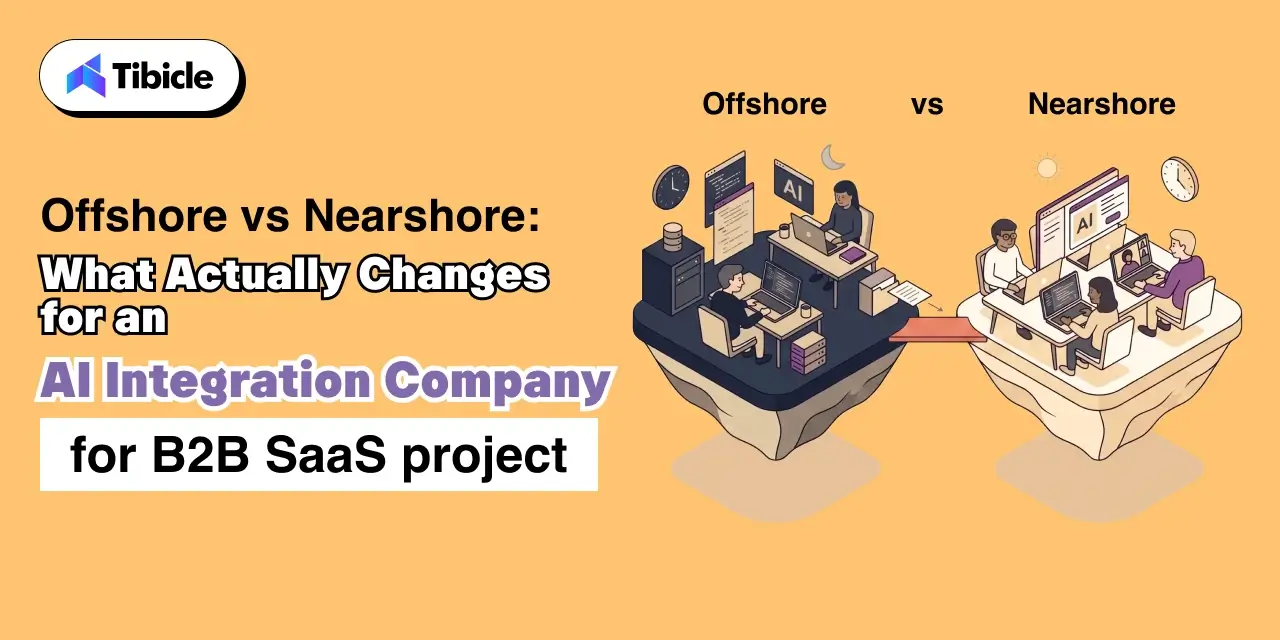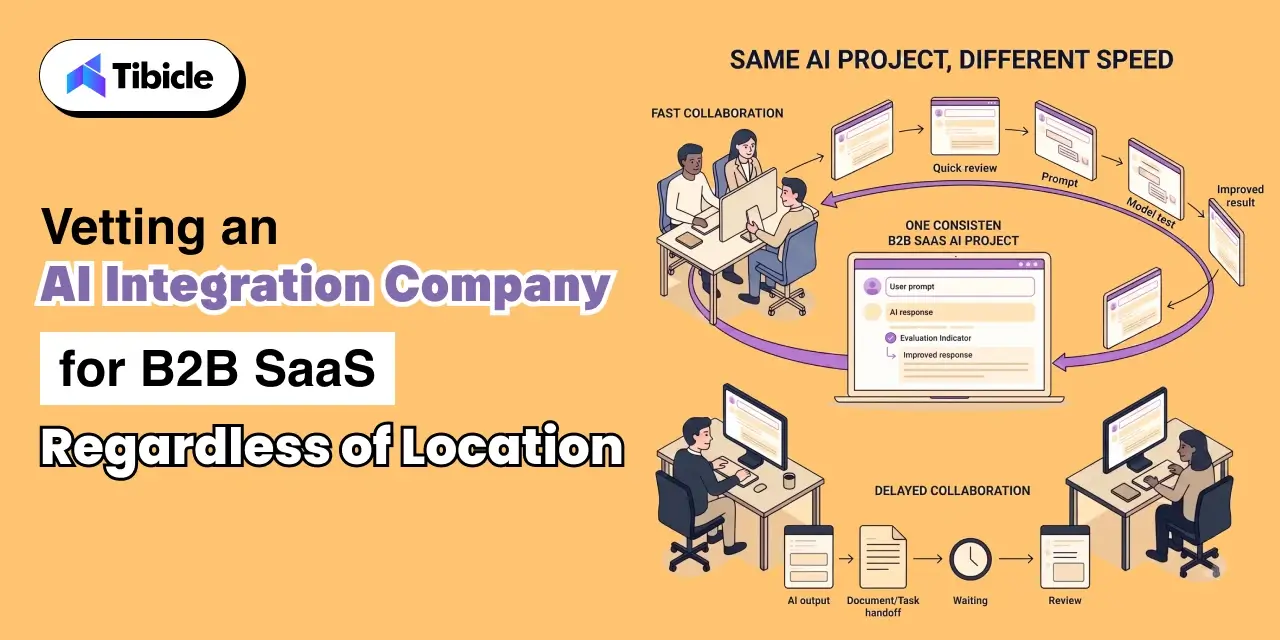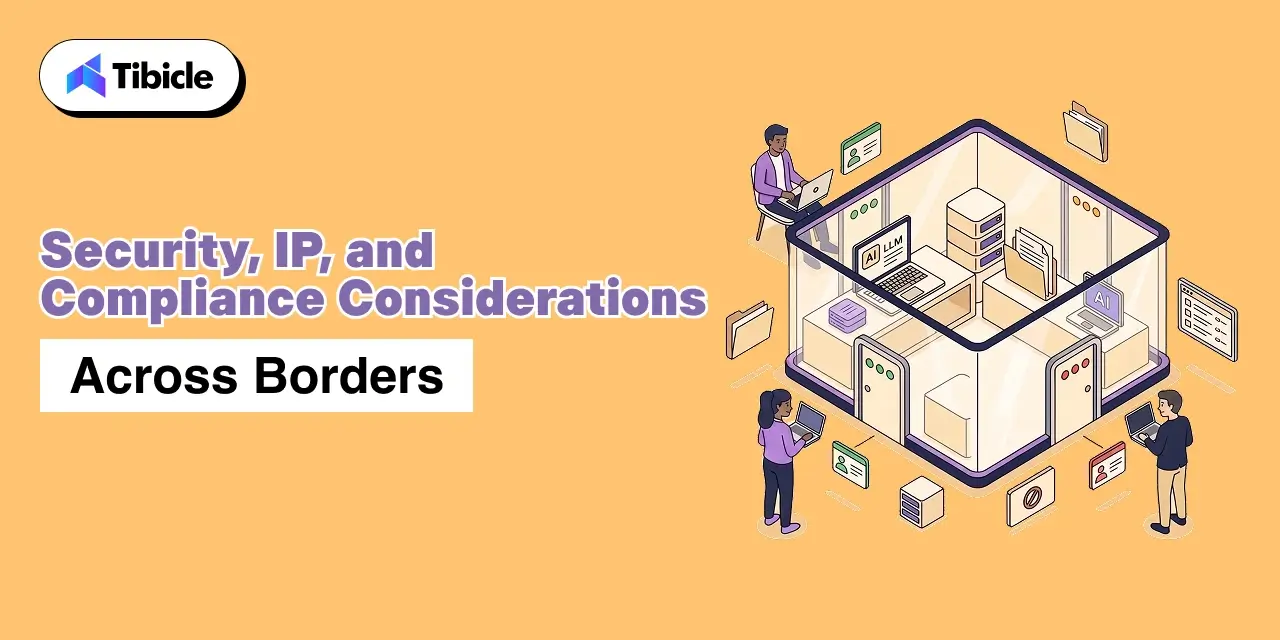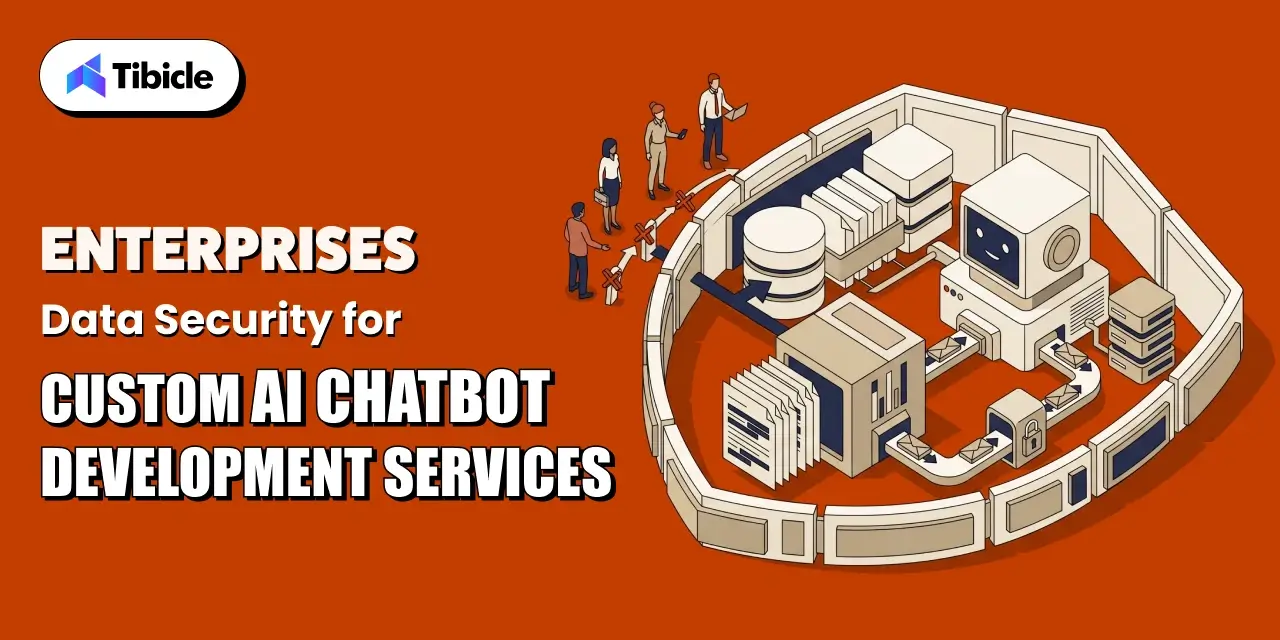
0%

Building Offline-First B2B SaaS: Electron Offline Data Synchronization Strategies

Who this is for: Engineering leads and architects at B2B SaaS companies building a desktop client for field teams, trading desks, or on-site users who need the product to keep working through unreliable connectivity, and are deciding how local storage and conflict resolution should actually work for Electron Offline Data Synchronization.

Search intent: Architecture-level technical planning. The reader has already accepted that offline-first is the right approach and is now choosing between a sync queue and a CRDT, deciding where data should live inside Electron’s process model, and weighing a managed sync platform against building custom, not looking for a basic explanation of what “offline mode” means.

What you will walk away with: Why SQLite has to run in Electron’s main process rather than the renderer, a decision framework for sync queues versus CRDTs based on real concurrent-editing needs, adoption and performance data across Yjs, Automerge, and Loro, the storage and connectivity-detection trade-offs vendors leave out of the pitch, a build-versus-managed-platform decision point, a complete reference architecture for B2B SaaS, and how Tibicle’s desktop app development team treats offline-first as the default starting point rather than an add-on.

Introduction

Electron Offline Data Synchronization

A B2B SaaS desktop client that freezes the moment WiFi drops is not a minor inconvenience; for field teams, trading desks, and on-site technicians, it is a reason to stop using the product. The case for local-first software, where a user’s own device is the primary copy of the data rather than a cache of it, was formalized in Ink & Switch’s widely cited essay Local-first software: you own your data, in spite of the cloud, and the pattern has since become the default architecture for serious desktop products, with local-first software now the expected baseline rather than a differentiator. Figma’s own engineering team switched from Operational Transformation to CRDTs in 2019 specifically to support offline-first capabilities, which is a strong signal for what a production-grade offline-first architecture actually requires.

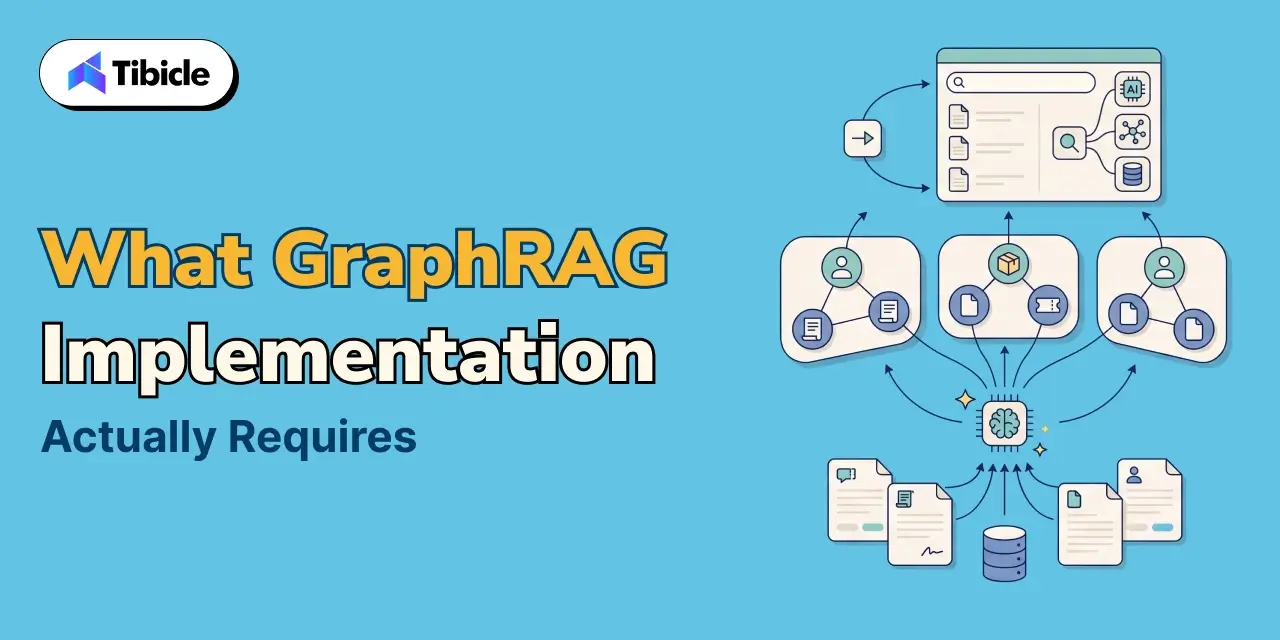
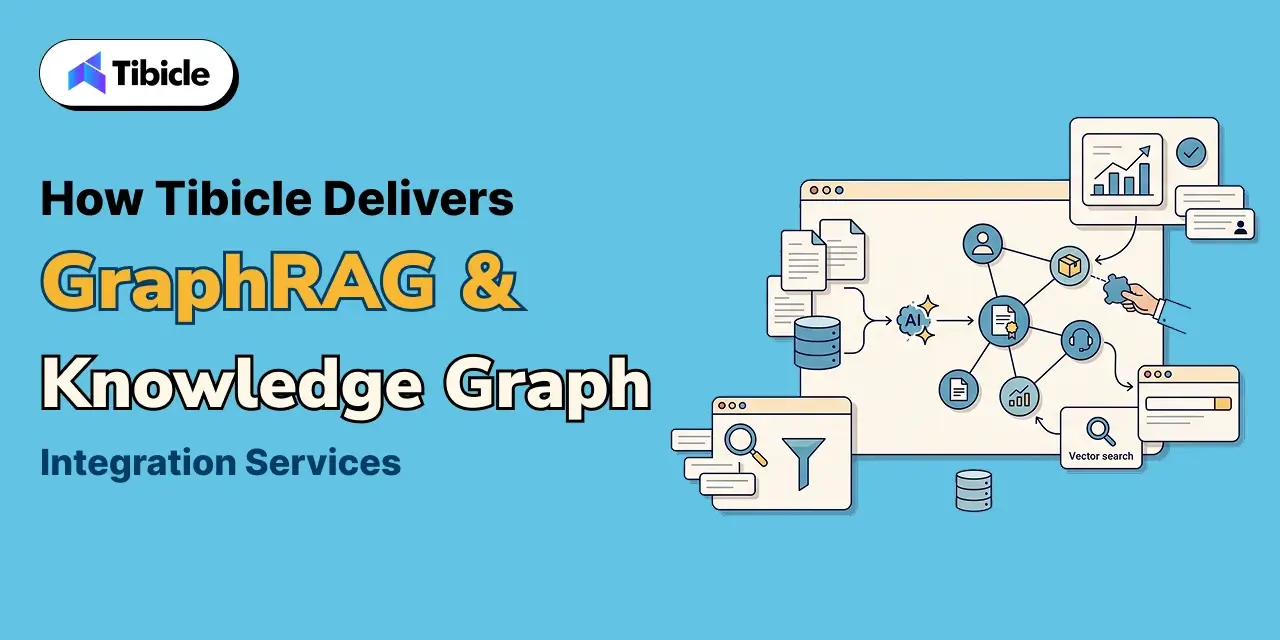
Electron offline data synchronization is where this pattern gets concrete for a desktop SaaS product: where the local copy of the data actually lives, how conflicting edits from two offline sessions get merged, and how a background process reconciles everything with the server once connectivity returns. This guide covers what offline-first means specifically for a B2B SaaS desktop app, where local data has to live inside Electron’s process model, how Electron offline data synchronization should choose between a CRDT and a simpler sync queue, the trade-offs vendors rarely mention upfront, and a reference architecture to start from.

 What Offline-First Actually Means for a B2B SaaS Desktop App

Electron Offline Data Synchronization

An offline-first architecture treats the local device as the source of truth for the current session, not the server. Every user action- creating a record, editing a field, deleting a row- writes to local storage immediately and returns control to the user with effectively zero latency, because nothing has to round-trip to a server before the UI updates. Synchronization then happens in the background, whenever a connection is available, reconciling the local copy with everyone else’s, which is the essence of any offline-first architecture worth the name.

This is a meaningfully different design than an app that merely caches server responses and shows a spinner when offline. Local-first software keeps working fully, reads and writes, with no connection at all, and Electron offline data synchronization exists to make the eventual reconciliation correct rather than to make offline use merely tolerable. The distinction between local-first software and a cached offline mode is the single most important framing decision in this entire architecture.
Where the Data Lives: SQLite in the Main Process

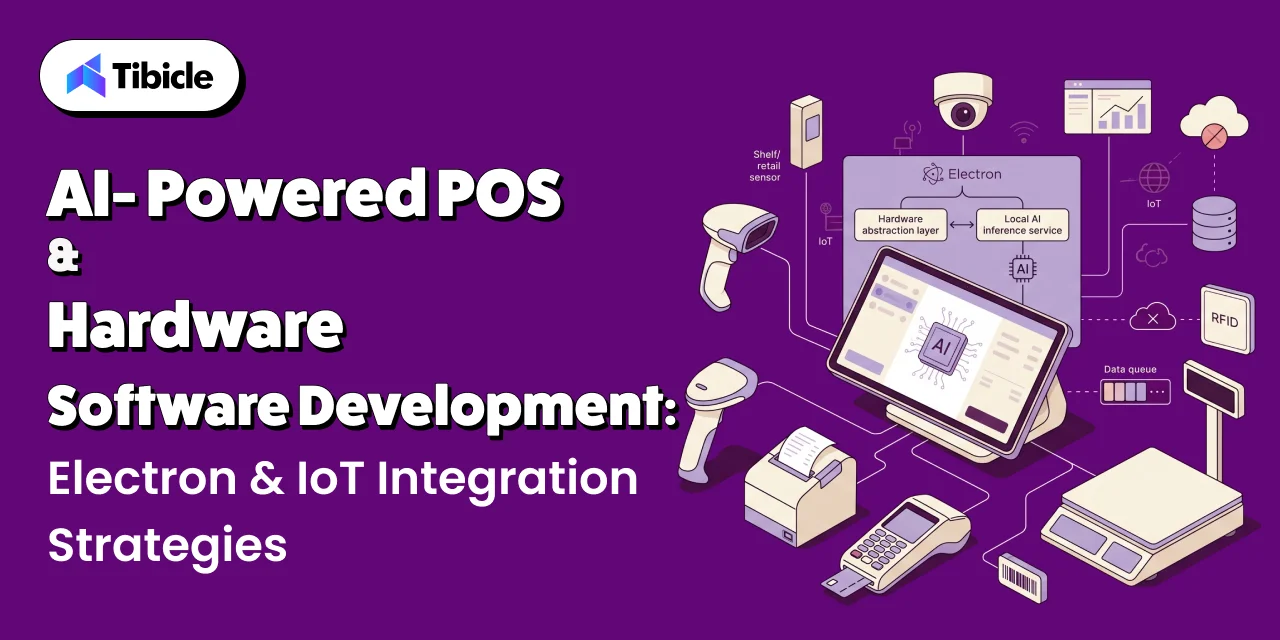
Electron’s process model puts a hard constraint on any offline-first architecture before a single sync strategy gets chosen, and this constraint shapes every Electron offline data synchronization implementation the same way. An Electron app has a Node.js main process with full filesystem access and one or more Chromium renderer processes with no direct SQLite access; SQLite must run in the main process, according to RxDB’s own Electron integration documentation. Every read and write the renderer needs has to cross Electron’s IPC boundary to reach the database, the same architectural pattern that governs local LLM inference and any other native-module-dependent feature in Electron.
The tooling around this has gotten meaningfully simpler recently. Native modules like better-sqlite3 or sqlite3 historically required @electron/rebuild to recompile against Electron’s headers on every version upgrade, a recurring maintenance tax. Since Node.js 22, a built-in node:sqlite module ships with Node itself, and recent Electron versions include this runtime, removing the native rebuild step entirely for teams that do not need the extra features third-party SQLite bindings provide.

Choosing a Sync Strategy

Electron Offline Data Synchronization

Electron offline data synchronization is not one technique; it is a spectrum from simple to sophisticated, and the right point on that spectrum depends on whether the product needs real-time multi-user collaboration or just reliable eventual consistency. Every Electron offline data synchronization decision starts by answering that one question honestly.

Sync Queues: The Simpler Default

For most B2B SaaS products, where two users rarely edit the same record at the same instant, a sync queue, or outbox pattern, is enough, and it is the pattern most local-first software actually ships with rather than a full CRDT. Local writes append an entry to a sync_queue table alongside the normal data tables; a background process reads unsynced rows in batches, posts them to the server, and marks them synced on success. Conflicts are handled with a simple policy, last-write-wins by timestamp, or a field-level merge for non-overlapping changes, rather than a general-purpose merge algorithm.

CRDTs: For Real Concurrent Editing

When a product genuinely needs multiple users editing the same document, board, or record concurrently, sync queues stop being enough, and Conflict-free Replicated Data Types become the standard tool. A CRDT-based offline-first architecture lets two replicas edit independently offline and merge automatically without a coordination server, and by 2026 the ecosystem has matured well past its early performance problems. This is the point where an offline-first architecture graduates from a simple queue into real distributed-systems territory.

Library Adoption Strength Best Fit
Yjs ~920K weekly downloads, 17K GitHub stars 26K to 156K operations per second Real-time text and structured editing
Automerge ~85K weekly downloads Git-like history; 3.0 cut memory ~10x with a Rust core JSON-like records where version history is a feature
Loro ~12K weekly downloads Fastest in benchmarks; Rust-powered Performance-critical apps willing to accept a younger ecosystem

The general rule of thumb holds up well in practice: use Operational Transformation for a centralized, always-online server and CRDTs for offline-first, peer-to-peer, or distributed applications. Automerge’s own progress is a useful benchmark for how far the category of local-first software has come: it now processes 260,000 keystrokes in roughly 600 milliseconds, down from 2 seconds per character in early versions.

The Trade-Offs Nobody Puts in the Pitch Deck

Any honest account of Electron offline data synchronization has to include what it costs, not just what it enables. CRDTs solve conflict resolution, but the mechanism that makes that possible is not free. Every deleted element in a sequence CRDT becomes a tombstone, a marker that must be retained indefinitely so future merges still resolve correctly, and a 1,000-character document with heavy editing history can accumulate roughly 50,000 tombstones. In production systems, this shows up as real storage and bandwidth overhead: CRDT metadata commonly exceeds the actual data by 2 to 3 times, and Automerge’s encoding alone can add 40% to 60% overhead versus raw text.

Network state detection is the other quiet complexity in Electron offline data synchronization. A naive check of browser connectivity events is not reliable enough for a product where sync correctness matters; most production implementations pair connectivity events with a periodic health-check request to the actual sync endpoint, since a device can report itself online while the specific server it needs is unreachable. Retry logic needs exponential backoff, not fixed intervals, or a flaky connection turns Electron offline data synchronization into a retry storm instead of a graceful recovery.

Build Your Own Sync, or Use a Managed Engine

Build Your Own Sync

Building a sync engine from scratch is a multi-month investment even before the first feature ships on top of it, and this decision sits at the center of any offline-first architecture plan. A managed sync layer, ElectricSQL, PowerSync, Convex, or InstantDB, removes most of that setup complexity and is the pragmatic default for teams that are not differentiating on their sync engine itself. Building custom earns its cost when the product needs a sync topology, conflict policy, or data model those platforms do not support cleanly, or when data residency requirements rule out routing sync traffic through a third party.

Tibicle LLP builds custom Electron applications with offline-first architecture and Electron offline data synchronization for B2B SaaS products, through its desktop app development service. Its approach treats local-first software as the default starting point, not an add-on. For related architecture decisions, see Tibicle’s guides on Electron vs Native for your next desktop app and the best framework for desktop applications in 2026.

A Reference Architecture for B2B SaaS

A Reference Architecture

Putting the pieces together, a defensible Electron offline data synchronization stack for most B2B SaaS products looks like this:

  • Local storage: SQLite in the main process, accessed by the renderer only through IPC, with node:sqlite where the Node and Electron versions support it to skip native rebuilds.
  • Conflict strategy: start with a sync queue and last-write-wins for most B2B record types; reach for a CRDT library only for fields or documents multiple users genuinely co-edit.
  • Connectivity detection: combine OS-level network events with a periodic ping to the actual sync endpoint, not just a generic internet-reachability check.
  • Retry policy: exponential backoff with a cap, plus a manual retry action surfaced in the UI so users are never left guessing whether sync is stuck.
  • Sync engine choice: default to a managed platform unless data residency or an unusual conflict model rules it out.

This is the same shape of offline-first architecture that underlies most production local-first software today, adapted specifically for Electron’s process model.

Conclusion

Electron offline data synchronization is not a single library decision; it is a stack of choices, where data lives inside Electron’s process model, whether a sync queue or a CRDT fits the product’s actual collaboration needs, and how honestly the team accounts for the metadata and connectivity-detection overhead that comes with real offline-first architecture. Get the fundamentals right and local-first software stops being a marketing term and becomes a genuine product advantage: instant local responsiveness, correct merges, and no dependency on the network being perfect. Every part of this stack, from SQLite placement to conflict strategy, is a deliberate choice inside a working offline-first architecture, not a default to accept unexamined.

Most B2B SaaS products should start with SQLite in the main process and a sync queue, and reach for a CRDT library only where real concurrent editing is a core feature, not a nice-to-have. Building offline-first architecture into your B2B desktop product? Talk to the Tibicle team.

Frequently Asked Questions

What is Electron offline data synchronization?
Electron offline data synchronization is the combination of local data storage, conflict handling, and background reconciliation that lets an Electron desktop app work fully offline and then merge changes correctly with a server once connectivity returns.

Do I need a CRDT for offline-first architecture?
Only if multiple users genuinely edit the same record concurrently. For most B2B SaaS data, a simpler sync queue with last-write-wins conflict resolution is sufficient for an offline-first architecture and far less complex to build and reason about than a CRDT.

Why can’t the Electron renderer access SQLite directly?
Electron’s renderer processes are Chromium contexts without native module access. SQLite has to run in the Node.js-enabled main process, with the renderer reading and writing through Electron’s IPC layer, a constraint that shapes every Electron offline data synchronization design.

What is the difference between local-first software and a normal offline mode?
A typical offline mode caches server data and degrades gracefully when disconnected. Local-first software treats the local device as the primary copy of the data at all times, so reads and writes work fully offline by design, not as a fallback.

Should we build our own sync engine or use a managed one?
Use a managed sync engine like ElectricSQL, PowerSync, or Convex by default for Electron offline data synchronization. Build custom only when data residency requirements, an unusual conflict model, or a sync topology those platforms cannot support makes a managed option unworkable.

When to Hire an Electron.js Consulting Firm: Rescuing Legacy Desktop Applications

Who this is for: Engineering leaders and IT decision-makers responsible for an aging Electron application, especially those who can’t confidently answer what Electron version is running in production, why the last upgrade attempt was rolled back, or whether nodeIntegration and contextIsolation are configured safely.

Search intent: Vendor evaluation under risk pressure. The reader is likely responding to a failed internal upgrade attempt, a security audit finding, or a departure of the original developers, and is deciding whether the problem needs outside help, not looking for a general explanation of what Electron is.

What you will walk away with: The specific security risk patterns that make an unpatched Electron app dangerous even with no code changes, real CVE examples and CVSS scores from 2026 advisories, documented production exploit chains from Discord and VS Code, a cost breakdown across audit, incremental modernization, and full rearchitecture engagement tiers, six questions to ask before hiring any firm, and how Tibicle’s desktop app development team structures an audit-first legacy rescue rather than a rewrite-first sales pitch.

Electron.js consulting firm

Introduction

Most companies do not hire an Electron.js consulting firm because they want to. They hire one because a legacy Electron application has quietly become the riskiest piece of software the business runs, and nobody on staff can say with confidence what version it is patched against. That is not a rare situation: technical debt absorbs 21% to 40% of total IT spending at the average enterprise, and developer productivity loss from maintaining legacy systems runs to 42% of a typical engineering week spent on upkeep instead of product work.

Electron carries a specific version of this problem that generic legacy software does not: every unpatched release ships with a bundled, aging copy of Chromium and Node.js, and Electron’s own security advisories move fast. This guide covers what makes a legacy Electron application dangerous to leave alone, what it actually costs to wait, the concrete signs that a business needs Electron development services from an outside team rather than another internal sprint, what a real rescue engagement looks like, and what to ask before signing with an Electron.js consulting firm. By the end, you should be able to tell whether an Electron.js consulting firm is actually the right call for your situation, or whether the fix is smaller than it looks.

What Makes a Legacy Electron App a Ticking Liability

Electron.js consulting firm

This is the question every Electron.js consulting firm gets asked first, and the answer, before any Electron development services engagement even starts, has three layers.

Bundled Chromium and Node.js Age Whether You Touch the Code or Not

A legacy Electron application does not need new feature work to become more dangerous over time; it becomes more dangerous simply by sitting still while Electron’s upstream Chromium and Node.js versions keep shipping security fixes it never receives. Recent Electron advisories make the pace concrete: in April 2026 alone, researchers disclosed five new Electron vulnerabilities, including a context isolation bypass via the WebCodecs VideoFrame API rated CVSS 8.4 and a renderer command-line switch injection rated CVSS 7.8, both fixed only in current releases, 41.0.0-beta.8, 40.7.0, 39.8.0, or 38.8.6. A legacy Electron application still running a version from even a year or two earlier simply does not have these fixes, which is the single most common finding in an Electron.js consulting firm’s first audit.

Security Defaults Changed, and Old Apps Often Never Adopted Them

Electron’s own maintainers made a deliberate call, documented in a public GitHub discussion, to deprecate the nodeIntegration flag and change the default of contextIsolation from false to true starting in Electron 12, specifically because leaving it off lets code running in the renderer reach into Electron internals or the preload script and perform privileged actions. A legacy Electron application built before that shift, and never revisited, frequently still ships with the old, insecure configuration, because nobody went back to change a setting that was never flagged as broken. This single configuration detail is often the first thing an Electron.js consulting firm checks.

Deprecated Patterns Compound the Risk

This is another item any Electron development services audit checks early. Older Electron codebases also tend to lean on patterns the framework has since walked back, most notably the remote module, which often requires nodeIntegration to be enabled in the renderer process to function, a significant security risk the framework’s own maintainers have recommended against since Electron 14. A legacy Electron application carrying both an old Electron version and a dependency on the remote module is carrying two compounding vulnerabilities at once, not one, and this combination shows up often enough that it is worth checking for by name.

The Real Cost of Waiting

None of this is theoretical, and a legacy Electron application is not a hypothetical risk category. Security researchers have documented production exploit chains in exactly this category of software: Discord’s desktop bootstrapper was running Chromium 83.0.4103.122, dozens of patches behind, with sandboxing off, which turned a V8 memory bug into full system access rather than a contained renderer crash, a chain researchers later presented at Black Hat USA and DEF CON. VS Code shipped a separate XSS-to-RCE chain through a webview, tracked as CVE-2020-15174 and CVE-2021-43908. Both were widely used, well-resourced products, and both still shipped exploitable legacy configurations before they were caught.

The financial pattern behind deferred modernization is just as concrete. A Pegasystems study of more than 500 IT decision-makers found the average enterprise loses over $370 million annually to failed or delayed legacy modernization, and the Software Improvement Group estimates the direct labor cost of poor maintainability at roughly €870,000 per system per year for a poorly maintained system, using a €150,000 loaded developer cost as the baseline. Waiting on a legacy Electron application does not freeze the cost; it compounds it, and it is exactly the pattern that makes early Electron development services cheaper than a late one.

Signs You Need an Electron.js Consulting Firm

Electron.js consulting firm

Not every aging Electron app needs outside help immediately. These signs mean it is time to bring in Electron development services rather than schedule another internal sprint, and they are the same signals an Electron.js consulting firm will ask about in a first call:

  • Nobody on staff can name the Electron version in production, or why it has not been upgraded.
  • The original developers who built the app are gone, and the codebase has no meaningful documentation.
  • A security audit or pen test flagged nodeIntegration, disabled contextIsolation, or remote module usage, and no one owns fixing it.
  • Previous internal attempts to upgrade Electron versions broke the app and were rolled back more than once.
  • Users report crashes, memory growth, or slow performance that the team suspects but cannot diagnose.
  • The business wants to ship AI features, offline support, or new integrations, but the current architecture cannot absorb them without a rewrite of unclear scope, which is usually the point where Electron development services pay for themselves.

What a Legacy Electron Rescue Engagement Looks Like

Electron.js consulting firm

A legacy Electron application rescue follows a different order of operations than a greenfield build, and this is where an Electron.js consulting firm earns its fee or fails to.

Audit and Triage First

A competent Electron.js consulting firm does not start with a rewrite quote. It starts with an audit: current Electron and Chromium versions against the latest security advisories, a review of nodeIntegration, contextIsolation, and IPC channel exposure, a dependency audit for abandoned packages, and an honest assessment of what still works versus what is held together by nobody touching it. Any Electron.js consulting firm that skips straight to a rewrite estimate without this step should be treated as a red flag, not a shortcut. This step exists specifically to avoid quoting a rewrite the business does not actually need.

Incremental Modernization Over a Full Rewrite

Most legacy Electron application rescues are not full rewrites. The dominant pattern across legacy modernization generally is the Strangler Pattern: replacing components in stages rather than all at once, which keeps the app shipping and usable throughout the engagement instead of freezing the product for months. Good Electron development services sequence the work deliberately: the Electron version upgrade first, since security exposure is the most time-sensitive risk, then IPC and process-isolation hardening, then dependency and tooling modernization, and only a full rewrite when the underlying architecture itself cannot support the product’s next phase.

Typical Rescue Engagement Costs

"Typical

Costs vary by how deep the rot goes, but a typical Electron.js consulting firm structures engagements into three tiers:

Engagement Type Typical Scope What It Resolves
Security audit only Version, config, and dependency review, no code changes A prioritized risk list and a real scope for the next phase
Incremental modernization Electron upgrade, security hardening, dependency cleanup, staged Closes the acute security gap without a product freeze
Full rearchitecture New process architecture, modern build tooling, feature parity rebuild Reserved for apps where the architecture itself blocks the roadmap

Data migration and cleanup is frequently the hidden cost inside any of these tiers: data migration alone can account for 15 to 30% of a total modernization budget when a legacy Electron application has years of locally stored user data or settings that need to carry forward cleanly. Ask any Electron development services provider to itemize this cost separately before signing.

What to Ask Before You Hire

What to Ask Before You Hire

These six questions separate an Electron.js consulting firm that fixes the problem from one that just charges for a rewrite:

  • Do they audit before quoting, or do they quote a rewrite before reviewing the actual code?
  • Can they show experience with Electron specifically, not just general JavaScript or web consulting?
  • Will they prioritize the security-relevant fixes, Electron version, contextIsolation, IPC exposure, ahead of cosmetic or feature work?
  • Do they propose a staged, incremental path, or only an all-or-nothing rewrite?
  • What is their plan for preserving user data and settings through the migration?
  • Do they offer ongoing support after the rescue, or only the one-time engagement?

A vendor that answers these six questions clearly is offering real Electron development services. One that cannot is offering a generic web-dev rate card with an Electron label on it.

Tibicle LLP provides Electron development services for exactly this situation, auditing, modernizing, and rescuing legacy Electron applications, alongside new custom builds, through its desktop app development service. These Electron development services are built around the audit-first approach described above, not a rewrite-first sales process. For background on the framework decisions behind a healthy Electron app, see Tibicle’s guides on Electron vs Native for your next desktop app and the best framework for desktop application in 2026.

Conclusion

A legacy Electron application does not stay static while a business decides whether to act on it. Its bundled Chromium and Node.js keep aging, new CVEs keep landing against versions it never received, and the cost of the eventual fix keeps compounding in the meantime. The right moment to bring in an Electron.js consulting firm is not after an incident; it is when nobody on staff can confidently answer what version is running and why the last upgrade attempt was rolled back.

A competent Electron.js consulting firm engagement starts with an audit, not a rewrite quote, and most rescues succeed through staged modernization rather than a full restart. Have a legacy Electron application that needs a second look? Talk to the Tibicle team.

Frequently Asked Questions

How do I know if my Electron app is actually a security risk?
If nobody can confirm the current Electron version against recent security advisories, or if nodeIntegration is enabled, contextIsolation is disabled, or the remote module is in use, the app carries known, documented risk classes. A short audit from an Electron.js consulting firm will confirm the specifics.

Does rescuing a legacy Electron application always mean a full rewrite?
No. Most Electron development services engagements use a staged, incremental approach, upgrading the Electron version and hardening security first, then addressing dependencies and architecture, reserving a full rewrite for cases where the underlying design itself blocks the product roadmap.

What is the first thing an Electron.js consulting firm should do?
Audit before quoting: current version against security advisories, configuration review of nodeIntegration and contextIsolation, a dependency check, and an honest scope, not a rewrite estimate before anyone has reviewed the actual code. Any Electron.js consulting firm that skips this step is guessing at the price.

How much does a legacy Electron rescue typically cost?
It depends on the tier: a security audit alone is the smallest engagement, incremental modernization covers the upgrade and hardening work, and a full rearchitecture is reserved for apps whose architecture blocks new functionality. Data migration alone can add 15 to 30% to the total budget for these Electron development services.

Why do Electron apps age into security risks faster than other software?
Because every Electron app bundles its own copy of Chromium and Node.js. Those upstream projects ship frequent security fixes, and a legacy Electron application that is never rebuilt against a current release does not receive them, even if none of its own code changes.

Is it cheaper to fix a legacy Electron application early or wait?
Early, consistently. Legacy maintenance costs compound over time as talent, dependencies, and unpatched CVEs accumulate, so an Electron.js consulting firm engaged before an incident is almost always cheaper than one brought in to clean up after one.

Native Desktop vs Electron Framework: Evaluating Total Cost of Ownership (TCO) for Startups

Who this is for: Startup founders, CTOs, and technical decision-makers who have already ruled out the “can Electron work” question and are now trying to model what a native desktop vs Electron framework choice actually costs over a 2- to 3-year horizon, not just at v1.

Search intent: Financial and technical decision-making. The reader is comparing vendor quotes, building a board-ready cost case, or revisiting an earlier framework choice as user count grows, and needs a real cost model across build, bandwidth, talent, and maintenance, not a basic explanation of what Electron or native development means.

What you will walk away with: The five cost categories a defensible TCO model actually scores (build cost, distribution bandwidth, talent availability, maintenance and patching, and performance support burden), real 2026 build-cost figures by project complexity, a bandwidth cost model showing how update size compounds at scale, a side-by-side 3-year TCO table for a 50,000-user SaaS desktop app, a weighted scoring framework for making the call defensibly, and how Tibicle’s desktop app development team helps startups score this decision against their actual roadmap rather than a generic template.

Introduction

native desktop vs Electron framework

Every startup building a desktop client eventually has the same argument in a planning meeting: native desktop vs Electron framework. That single question shapes the next three years of engineering budget more than almost any other early technical decision. Electron already powers VS Code, Slack, Discord, Figma Desktop, Notion, and WhatsApp Desktop, real products with more than 100 million active users between them, which settles the can it work question. It does not settle the what will it cost us over three years question, and that second question is where most startups get the native desktop vs Electron framework decision wrong.

The upfront quote is the easiest number to compare and the least useful one. Electron total cost of ownership includes bandwidth at scale, talent availability, and security patching cadence, not just the initial build. Native app development cost includes per-platform engineering multiplication and specialist hiring, not just a higher day rate. This guide breaks down what actually belongs in a native desktop vs Electron framework TCO comparison, the real numbers for each side, a side-by-side model for a typical startup desktop app, and a simple framework for making the call.

What TCO Actually Includes for a Desktop Framework

native desktop vs Electron framework

A native desktop vs Electron framework comparison done on build cost alone misses most of the real difference, and skipping this step is the most common mistake in a native desktop vs Electron framework evaluation. A defensible TCO model, adapted from how evaluation frameworks in the desktop space score the decision, weighs five cost categories over the app’s realistic lifetime, not just its first release. Any serious native desktop vs Electron framework evaluation should score all five before a single line of code is written.

  • Initial build cost: engineering hours to reach a shippable v1, which scales very differently depending on how many codebases the team maintains, the first fork in any native desktop vs Electron framework budget.
  • Distribution and bandwidth cost: update size multiplied by user count multiplied by update frequency, which compounds every month a product is live and shifts the native desktop vs Electron framework balance as a company grows.
  • Talent availability and hiring cost: how large the hiring pool is and what it costs to fill a seat when someone leaves.
  • Ongoing maintenance and security patching: how often the framework ships security-relevant updates and what it costs to stay current, a recurring line inside Electron total cost of ownership.
  • Performance-related support burden: how much of the support queue is complaints about memory usage, battery drain, or sluggishness that a different framework would not generate, a cost Electron total cost of ownership models frequently omit.

Electron: The Full Cost Picture

native desktop vs Electron framework

Every category below rolls up into Electron total cost of ownership, and each one behaves differently as a startup scales. Electron total cost of ownership is rarely one number; it is four separate cost curves that move at different speeds.

Build Cost by Project Size

Electron total cost of ownership starts with build cost, and Electron’s build-cost advantage in any native desktop vs Electron framework decision comes from one codebase covering Windows, macOS, and Linux at once. Realistic 2026 figures put an MVP desktop client at $25,000 to $80,000 over 6 to 10 weeks, a mid-complexity SaaS desktop app at $80,000 to $200,000 over 3 to 4 months, and an enterprise-grade client at $200,000 to $500,000 or more over 6 to 9 months. Those figures already assume a single JavaScript or TypeScript team; a native app development cost model that requires separate teams per platform starts from a materially higher baseline for the same feature set, which is the first number every Electron total cost of ownership model should anchor to.

Bundle Size and Distribution Bandwidth

This is the cost category most native desktop vs Electron framework comparisons skip. Every Electron app ships its own Chromium instance, which puts a typical installer at 50 to 150 MB and runtime memory as high as 200 to 500 MB for a moderately complex app. That footprint becomes a real line item in Electron total cost of ownership at scale: for an application with 100,000 users receiving monthly updates, Electron transfers roughly 10 to 15 TB of update data per cycle versus 500 GB to 1.5 TB for a lighter alternative, which at typical CDN pricing works out to a $725 to $1,148 monthly difference, or $8,700 to $13,775 a year, and that gap scales linearly with the user base, the single largest variable in any native desktop vs Electron framework model at scale.

Talent Availability and Hiring Cost

JavaScript and TypeScript developers are far more abundant in the market than Swift, C++, or platform-specific native specialists, which shortens hiring cycles and keeps replacement cost lower when someone leaves the team, a real factor in Electron total cost of ownership that rarely shows up in an initial quote. This talent-pool gap is not unique to Electron; the same pattern shows up wherever a mainstream web-adjacent language competes with a specialist systems language, for instance Rust developers command 15 to 25% higher salaries than equivalent JavaScript or TypeScript developers in the Tauri ecosystem, and native desktop specialists show a similar premium that widens the Electron total cost of ownership gap on hiring alone.

Ongoing Maintenance and Security Patching

Maintenance is the category most likely to be underestimated in a native desktop vs Electron framework budget. Electron ships a major version roughly every 8 weeks, with security backports for several months after each release, under OpenJS Foundation governance. That cadence is a recurring cost line in Electron total cost of ownership, not a one-time one: Electron development is typically cheaper upfront and over time because one team maintains one codebase, while native development usually requires separate teams or skills for each platform to stay patched. Well-engineered Electron apps in 2026 also report cold start times under 500 ms, which pushes back on the assumption that Electron automatically means a sluggish app, and shifts the native desktop vs Electron framework debate away from pure performance and toward cost.

Native Desktop: The Full Cost Picture

Native Desktop

Every category below rolls up into native app development cost, and the balance shifts as requirements get more demanding. This is the side of the native desktop vs Electron framework ledger that looks worse upfront and better over a longer horizon.

Build Cost: Per-Platform Multiplication

Native app development cost is driven by a simple mechanic: each additional OS is close to a separate codebase, the core asymmetry behind every native desktop vs Electron framework budget. The same economics show up clearly in mobile development, where building separate native apps instead of one shared codebase runs roughly 30 to 40% higher in development cost, with engineering hours scaling from about 2,500 to 4,000 for the same feature set. Desktop follows the same logic: a Windows-only WinUI build, a macOS-only SwiftUI build, and a Linux build do not share UI code unless the team standardizes on a native-compiling framework like Qt, which compiles one C++ codebase to native binaries across Windows, macOS, and Linux at the cost of requiring C++ expertise instead of web skills. Every native app development cost estimate should start from this per-platform multiplier before adding features.

Talent Scarcity and Specialist Rates

This is the second-biggest lever in any native desktop vs Electron framework budget. Native app development cost is pushed up further by who can build it. Specialist native developers, Swift, C++, or platform-specific Linux toolkits, are a smaller pool than JavaScript and TypeScript developers and typically command higher rates, which lengthens hiring timelines and raises the cost of replacing someone mid-project. Where a startup would post one JavaScript role for an Electron team, the native equivalent may mean separate specialist hires per platform, which is exactly why native app development cost estimates routinely run over budget on hiring alone.

Where Native Wins Back Cost

Native app development cost is not purely a penalty, and this is where Electron total cost of ownership starts losing ground at scale. A native build typically ships a dramatically smaller installer and lower runtime memory footprint than Electron, which reduces distribution bandwidth cost at scale and cuts the slice of the support queue caused by performance complaints. For performance-sensitive, long-lived, or embedded software, that trade usually favors a native-compiling framework over a browser-based wrapper, even after accounting for the higher native app development cost upfront, and it is the clearest case where native desktop vs Electron framework favors native outright.

Side-by-Side: 3-Year TCO for a Startup Desktop App

Side-by-Side

A simplified native desktop vs Electron framework model for a mid-complexity SaaS desktop app, one team, targeting Windows, macOS, and Linux, at 50,000 active users by year three:

Cost Category (native desktop vs Electron framework) Electron Native (Qt or per-OS)
Initial build (v1) $80,000 to $200,000 Roughly 30 to 40% higher for equivalent scope (native app development cost)
Distribution / bandwidth (yearly) Meaningfully higher; scales with installer size (Electron total cost of ownership driver) Lower; smaller installers reduce CDN cost at the same user count
Talent / hiring Large JS/TS pool, faster hiring, lower rates Smaller specialist pool, slower hiring, higher rates
Maintenance / patching One codebase to patch on an 8-week release cadence Per-platform patching, but a smaller and more stable surface
Performance support burden Higher, tied to memory and bundle size complaints Lower; native performance reduces this ticket category

Read as a total, not row by row: Electron usually wins the native desktop vs Electron framework comparison on cumulative TCO for a typical startup timeline, because the build-cost and talent advantages compound faster than the bandwidth and performance disadvantages accumulate, especially before a startup reaches six-figure user counts. That balance is exactly why native desktop vs Electron framework decisions should be revisited as a company scales, not locked in at the seed stage.

When Electron Wins on TCO

These are the conditions where the native desktop vs Electron framework decision tilts clearly toward Electron:

  • Small team, one codebase to own: a startup with a React or TypeScript team already in place avoids hiring a second or third specialist team entirely, which is the single biggest lever in Electron total cost of ownership.
  • Speed to a fundable v1 matters more than footprint: shipping in 6 to 10 weeks beats a technically leaner build that ships in twice the time.
  • User count is still in the thousands, not hundreds of thousands: bandwidth cost is proportional to scale, so it is not the deciding factor early in a native desktop vs Electron framework choice.
  • The product is not performance-critical: productivity tools, internal software, and most SaaS desktop clients tolerate Electron’s footprint fine.

When Native Wins Despite the Higher Upfront Cost

These are the conditions where native desktop vs Electron framework tilts the other way, even with a steeper native app development cost upfront:

  • Distribution scale changes the math: past a few hundred thousand users, the yearly bandwidth gap alone can outweigh the native app development cost premium paid upfront, flipping the native desktop vs Electron framework math.
  • The product is performance-critical: 4K video processing, real-time audio, or heavy local compute make Electron’s overhead a product problem, not a preference.
  • Deep OS integration is core to the value proposition: hardware access, embedded targets, or system-level features that a Chromium wrapper cannot reach cleanly.
  • The company is optimizing for a 5 to 10 year lifespan: a longer amortization window makes the higher native app development cost easier to justify against Electron’s compounding bandwidth and support costs, and it is often the deciding factor in a native desktop vs Electron framework choice for infrastructure software.

A Simple Framework for Deciding native desktop vs Electron framework

Score both options on the five TCO categories above, weighted to the startup’s actual priorities, rather than defaulting to whichever framework the founding team already knows. This scoring exercise is the fastest way to make a decision defensible to a board or an investor. A workable starting weighting for an early-stage startup evaluating : build cost and time-to-market at 40%, talent availability at 20%, maintenance at 20%, and distribution and performance cost at 20%, then revisit the weighting once user count or performance requirements change materially.

Tibicle LLP builds both Electron and native desktop applications and helps startups score the decision against their actual roadmap, not a generic template, through its desktop app development service. For a deeper technical comparison of the two approaches, see Tibicle’s guides on Electron vs Native for your next desktop app and the best framework for desktop application in 2026.

Conclusion

Native desktop vs Electron framework is not a question with one right answer; it is a question with one right method, scoring build cost, distribution bandwidth, talent availability, maintenance, and performance support burden against a startup’s actual growth trajectory. Revisiting as the business scales matters more than getting the initial call perfect. Electron total cost of ownership tends to win for early-stage teams shipping fast on a shared codebase. Native app development cost, higher upfront, tends to win once user count, performance requirements, or product lifespan cross a threshold that makes the bandwidth and support savings outweigh the extra build spend.

Most startups should start with Electron and revisit their idea as they scale, rather than over-engineering for a native rebuild they may never need. Weighing native desktop vs Electron framework for your product? Talk to the Tibicle team.

Frequently Asked Questions

What does TCO include beyond the initial build cost?
A full native desktop vs Electron framework comparison includes distribution and bandwidth cost, talent availability and hiring cost, ongoing maintenance and security patching, and the performance-related support burden, in addition to the initial build cost. Electron total cost of ownership and native app development cost both hide most of their difference in these categories, not the sticker price, which is why a native desktop vs Electron framework decision made on quote alone is usually wrong.

Is Electron total cost of ownership lower than native for a startup?
Usually, in the early stages. Electron total cost of ownership benefits from a single codebase, a large JavaScript and TypeScript talent pool, and a fast time to market, which typically outweighs its higher bandwidth and memory costs until a product reaches large user counts or performance-critical requirements. This is the core reason native desktop vs Electron framework decisions tend to favor Electron early on.

How much higher is native app development cost than Electron?
Native app development cost runs roughly 30 to 40% higher than an equivalent single-codebase build, largely because each additional operating system requires close to a separate codebase and, often, separate specialist talent. That gap is the single biggest input into any native desktop vs Electron framework budget.

At what scale does native start winning on cost?
Once a product reaches hundreds of thousands of users, Electron total cost of ownership starts rising through bandwidth from larger update sizes, and native’s smaller footprint and lower support burden begin to outweigh its higher upfront native app development cost.

Should an early-stage startup default to Electron?
For most non-performance-critical products, yes. Electron lets a small team ship across Windows, macOS, and Linux from one codebase quickly, which matters more at the fundraising and early-traction stage than the bandwidth or memory savings native app development cost would eventually justify. This is the practical answer to most debates at the seed stage.

Low-Latency Streaming: Optimizing Electron WebRTC Desktop Application for Real-Time Media

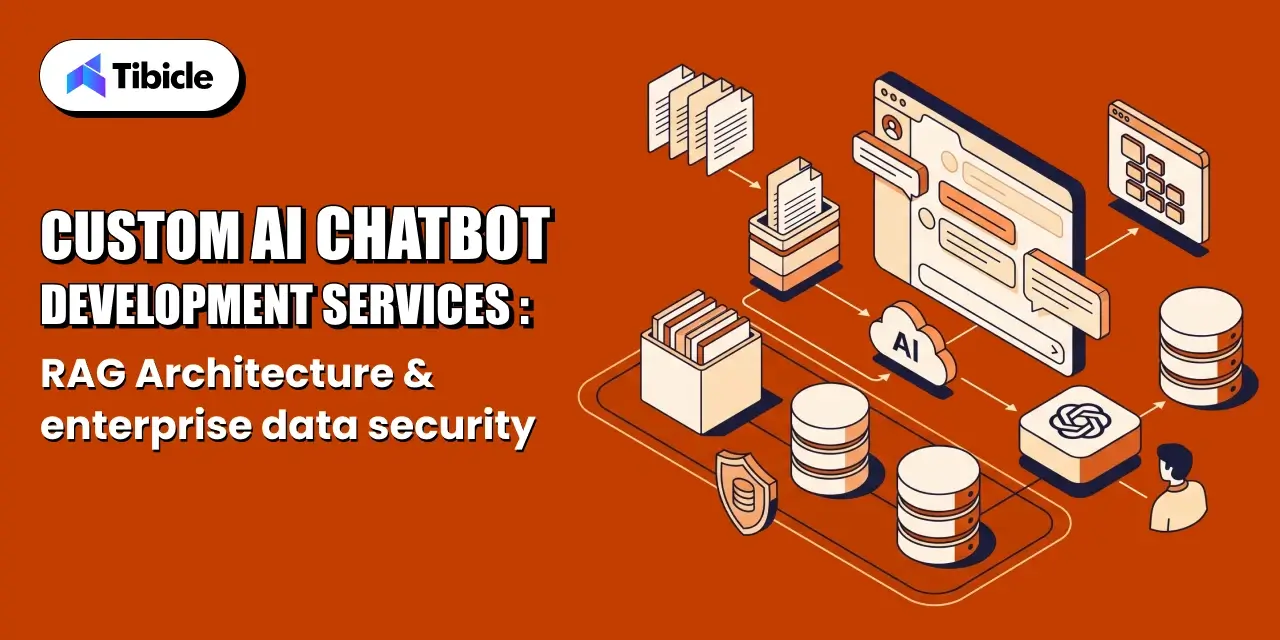
Who this is for: Engineering teams already building or shipping an Electron WebRTC desktop application who are hitting specific production problems, encoded framerate collapsing during screen share, hardware acceleration flags that don’t actually improve performance, or slow call setup, and need to diagnose the exact cause rather than a general WebRTC tutorial.

Search intent: Technical troubleshooting and architecture decision-making. The reader has likely already implemented WebRTC in Electron and hit a specific symptom (dropped frames, high CPU load, slow connection setup), or is deciding between a peer-to-peer architecture, an SFU, and a third-party SDK before scaling past one-to-one calls.

What you will walk away with: The three Electron-specific causes of WebRTC latency problems (hardware encoding fallback, desktop capture framerate collapse, signaling delay) with a concrete fix for each, a peer-to-peer versus SFU decision framework using mediasoup as a reference implementation, a protocol comparison against RTMP and HLS/DASH, a build-versus-buy framework for choosing a custom implementation over a third-party SDK, and how Tibicle’s desktop app development team approaches these architecture decisions on real builds.

Introduction

Electron WebRTC desktop application

Low-latency streaming inside a desktop shell sounds simple until real users hit it with real networks. Getting genuine low-latency streaming out of an Electron WebRTC desktop application means wrapping Chromium’s own WebRTC stack, the same real-time communication engine behind Google Meet, so peer-to-peer audio and video should, in theory, hit sub-second latency, often as low as 250 ms, straight out of the box. In practice, teams shipping an Electron WebRTC desktop application regularly report encoded framerates collapsing to 5 to 6 frames per second the moment desktop capture is involved, with no obvious fix in the settings panel.

The gap between WebRTC’s theoretical latency and what an Electron WebRTC desktop application actually delivers comes down to a small set of engineering decisions: how the app captures video, whether hardware encoding is actually active, and which architecture handles more than two participants. This guide covers what an Electron WebRTC desktop application is under the hood, why latency breaks specifically in Electron, the low-latency streaming optimization techniques that fix it, how to choose between peer-to-peer and SFU architectures, and when to build custom versus reach for a third-party SDK.

What an Electron WebRTC Desktop Application Actually Is

Electron ships a full Chromium renderer inside a native shell, which is what gives it cross-platform desktop performance on Windows, macOS, and Linux from a single codebase. That same design means an Electron WebRTC desktop application inherits Chromium’s built-in WebRTC implementation for free: RTCPeerConnection, getUserMedia, and the underlying real-time communication stack all work exactly as they do in Chrome inside any Electron WebRTC desktop application. The catch is that Electron also runs a Node.js-enabled main process alongside that renderer, and the split between the two decides how the app behaves under load.

The Electron main and renderer processes each play a distinct role in an Electron WebRTC desktop application: the renderer handles the WebRTC peer-to-peer connection, media capture, and UI, while the main process manages windows, native menus, and system-level access like desktopCapturer for screen sharing. Media never has to cross that process boundary during a call. Still, capture source selection and permissions do, and that is where the first latency decisions in any Electron WebRTC desktop application get made.

Why Latency Breaks in Electron Specifically

Electron WebRTC desktop application

Chromium’s WebRTC engine is fast. The reason an Electron WebRTC desktop application still lags in production usually traces to one of three Electron-specific issues in the Electron WebRTC desktop application stack, not a flaw in WebRTC itself.

Hardware Encoding Silently Falling Back to Software

Chromium can hardware-accelerate H.264 encoding and decoding, but Electron builds do not always enable it by default for an Electron WebRTC desktop application. Developers have reported enabling every relevant Chromium flag, ignore-gpu-blacklist, enable-gpu-rasterization, enable-zero-copy, confirming Video Encode and Video Decode both read Hardware accelerated on the internal chrome://gpu page, and still seeing no change in CPU load, because the WebRTC encode path and the general Chromium GPU path are not automatically the same pipeline.

Desktop Capture Framerate Collapse

A recurring, well-documented issue in Electron WebRTC desktop application builds is desktopCapturer combined with RTCPeerConnection dropping to 5 to 6 encoded frames per second, far below the 24 to 30 fps a screen-share call needs to feel live in any Electron WebRTC desktop application. The webrtc-max-cpu-consumption-percentage flag, the most commonly suggested fix, does not resolve it on its own, because the bottleneck is frequently the capture pipeline feeding the encoder, not CPU headroom.

Signaling and ICE Negotiation Delay

Before any media flows, two peers in an Electron WebRTC desktop application must exchange session and network details through a signaling server, then negotiate a path through NAT using ICE, STUN, and TURN servers. A slow or geographically distant signaling server adds seconds to call setup in an Electron WebRTC desktop application before the first video frame ever renders, which users experience as the app being slow even once the media path itself is fast.

Core Optimization Techniques

Electron WebRTC desktop application

Fixing these issues in an Electron WebRTC desktop application, and getting real low-latency streaming instead of a laggy call, comes down to a handful of concrete changes, roughly in order of impact.

  • Force and verify hardware-accelerated video encoding: enable the relevant Chromium switches at app launch and confirm active hardware encode on the internal GPU diagnostics page, not just that the flag was passed. This single check underpins most low-latency streaming fixes.
  • Constrain getUserMedia explicitly: set explicit width, height, and frameRate constraints instead of relying on Chromium defaults, which often over-negotiate resolution and quietly work against low-latency streaming under load.
  • Keep capture off the main process: resolve desktopCapturer source selection quickly in the main process and hand the actual stream to the renderer immediately, since IPC round-trips add latency to every negotiation.
  • Co-locate or geo-distribute the signaling server: signaling latency is pure overhead before media starts flowing, so it should never be the long pole in call setup.
  • Tune ICE candidate gathering: prioritize host and STUN candidates before falling back to TURN relay, which adds a hop and directly works against low-latency streaming by increasing round-trip latency.
  • Pin the Electron and Chromium version deliberately: WebRTC performance regressions and fixes land in specific Chromium releases, so an untested auto-update can silently break low-latency streaming behavior.

Choosing an Architecture for Electron WebRTC desktop application: Peer-to-Peer vs SFU

A two-person Electron WebRTC desktop application can run pure peer-to-peer: each side sends its stream directly to the other, which keeps latency lowest since there is no intermediate server touching media. That model stops scaling the moment a third participant joins an Electron WebRTC desktop application, because each peer now has to encode and upload a separate stream to everyone else on the call.

For anything beyond one-to-one calls, the standard architecture is a Selective Forwarding Unit (SFU). An SFU receives one stream from each participant and forwards it to everyone else, without transcoding, which keeps server load light while still giving every participant only one upload stream to manage. mediasoup, one of the most widely used open-source SFUs, ships as a Node.js module rather than a standalone server, which pairs naturally with an Electron WebRTC desktop application’s own Node.js main process and is a common choice for a production Electron WebRTC desktop application.

WebRTC vs Other Streaming Protocols on Latency

WebRTC vs Other Streaming Protocols on Latency

Protocol choice is the first low-latency streaming decision any real-time application makes, and it is worth being explicit about why WebRTC wins for interactive use cases.

Protocol Typical Latency Why
WebRTC ~250 to 500 ms UDP transport with RTP, no retransmission wait
HLS / DASH 6 to 30+ seconds TCP-based, segmented file fetching, client polling
RTMP 2 to 5 seconds TCP-based, lower overhead than HLS but not sub-second

The mechanism behind that gap is the transport layer. WebRTC runs on UDP with RTP for media transport, which skips TCP’s packet-ordering and retransmission guarantees entirely; a dropped packet is simply dropped rather than re-sent, and the call keeps moving instead of stalling. This is the entire mechanism behind low-latency streaming over WebRTC. HLS and DASH prioritize reliable delivery and broad compatibility over speed, which is the right trade for one-to-many broadcast but the wrong one for a two-way call inside an desktop application.

Common Pitfalls to Avoid for Electron WebRTC desktop application

These mistakes are the most common reason low-latency streaming plans fail to hold up in production.

  • Assuming hardware acceleration is on because the flag was passed: always confirm on the GPU diagnostics page, since flags can silently no-op on unsupported hardware or driver versions.
  • Defaulting to TURN relay for every connection: TURN guarantees connectivity through strict firewalls but adds a relay hop; it should be the fallback, not the default path.
  • Ignoring Electron version drift: an auto-updated Electron build can change the underlying Chromium WebRTC version without warning, shifting latency behavior between releases.
  • Building an MCU when an SFU would do: a Multipoint Control Unit transcodes and mixes streams server-side, which adds real latency and server cost that most group-call, low-latency streaming use cases do not need.
  • Skipping bandwidth estimation and simulcast: without adaptive bitrate, one participant on a weak connection can degrade the call for everyone on a naive mesh setup.

Build Custom, or Use a Third-Party SDK for Electron WebRTC desktop Application

Built Custom

Third-party real-time SDKs cover most standard video-calling and screen-sharing needs inside an Electron WebRTC desktop application, and they deploy far faster than a ground-up build. They are the right default for straightforward one-to-one or small-group calling in any Electron WebRTC desktop application.

A custom build earns its cost, and delivers tighter low-latency streaming control, when the application needs any of the following:

  • Deep native integration: hardware device access, custom capture pipelines, or system-level features a hosted SDK does not expose.
  • Specific codec or hardware-acceleration control: fine-grained tuning of encode paths that a managed platform abstracts away by design.
  • Data ownership and self-hosting requirements: regulated industries or enterprise clients that cannot route real-time media through a third party.
  • Non-standard scaling patterns: large-scale broadcast, recording pipelines, or AI processing layered directly onto the media stream.

Tibicle LLP builds custom Electron applications, including real-time media handling with audio recording, playback, and streaming, through its desktop app development service. Its engineering approach to any desktop application starts with the architecture decisions covered above. For background on how Electron compares to native frameworks before committing to either, see Tibicle’s guides on Electron vs Native for your next desktop app and the best framework for desktop application in 2026.

Conclusion

A desktop application should deliver the same sub-second, real-time performance WebRTC gives any Chromium-based app, and it can, once the Electron-specific gaps are closed: hardware encoding actually verified as active, desktop capture tuned instead of left on Chromium defaults, signaling kept fast, and the right architecture, peer-to-peer or SFU, chosen for the actual participant count. Getting there is what turns a generic desktop application into genuine low-latency streaming.

Most teams are well served by a managed real-time SDK for standard calling. Deep native integration, custom encode control, self-hosting requirements, or non-standard scaling patterns are what justify a custom build instead. Building or optimizing an Electron WebRTC desktop application? Talk to the Tibicle team.

Frequently Asked Questions

What is an Electron WebRTC desktop application?
A desktop application is a native desktop app built with Electron that uses Chromium’s built-in WebRTC engine for real-time audio, video, or screen-sharing, combining a Node.js main process with a browser-based renderer. Building it correctly is what enables low-latency streaming instead of a laggy call.

Why does WebRTC video lag inside Electron specifically?
In most Electron WebRTC desktop application builds, it is one of three causes: hardware video encoding silently falling back to software despite the right flags, desktopCapturer feeding frames to the encoder far below target framerate, or slow signaling and ICE negotiation delaying call setup before media even starts.

What latency should a low-latency streaming setup target?
Low-latency streaming built on WebRTC typically achieves 250 to 500 milliseconds end to end, versus several seconds for RTMP and 6 seconds or more for HLS or DASH, because WebRTC runs on UDP with RTP instead of TCP-based segment delivery.

When should a group call use an SFU instead of peer-to-peer?
Peer-to-peer works cleanly for two participants in an Electron WebRTC desktop application. Beyond that, a Selective Forwarding Unit like mediasoup should relay streams instead, since a full mesh requires every participant to upload a separate stream to every other participant, which does not scale.

Should we build custom or use a third-party real-time SDK?
Use a third-party SDK for standard one-to-one or small-group calling in an Electron WebRTC desktop application. Build custom when the application needs deep native integration, specific codec or hardware-acceleration control, data ownership and self-hosting, or non-standard scaling like broadcast or AI processing on the media stream.

Restaurant Employee Handbook: Complete Guide + Free Template

What This Guide Covers

Who this is for
Restaurant owners, café operators, hospitality groups, franchise owners, HR managers, and general managers looking to improve onboarding, reduce turnover, strengthen compliance, and create a professional restaurant employee handbook.

Search intent
Comparison and decision. This guide helps restaurant operators understand what to include in a restaurant employee handbook, meet legal requirements, avoid common mistakes, and choose the best approach for creating or updating one.

What you will walk away with
A practical guide to creating a compliant restaurant employee handbook, including essential policy sections, legal requirements, onboarding best practices, ROI insights, a vendor checklist, and a free customizable template.

Introduction

restaurant employee handbook

Restaurant turnover remains one of the industry’s biggest operational challenges. Replacing a single hourly employee can cost anywhere from $2,300 to $5,864, while annual employee turnover across the restaurant industry continues to exceed 75%. Despite these costs, many operators still view the restaurant employee handbook as little more than a hiring formality or legal requirement.

High-performing restaurants take a different approach. Rather than treating the handbook as paperwork, they use it as operational infrastructure that establishes clear expectations, answers common policy questions, accelerates restaurant onboarding, improves consistency across locations, and helps reduce employment disputes before they occur.

A well-written handbook protects both employees and employers by establishing documented standards that support day-to-day operations and reduce legal and compliance risks.

What Is a Restaurant Employee Handbook – And Why Most Owners Get It Wrong

restaurant employee handbook

A restaurant employee handbook is far more than a collection of workplace rules. At its core, it is a written operating agreement between restaurant management and employees that establishes expectations, explains workplace policies, and creates a consistent framework for how the business operates.

Many restaurant owners confuse a handbook with a training manual, but the two serve very different purposes. A handbook defines policies, employee rights, workplace expectations, and compliance requirements, while a training manual explains how specific tasks should be performed, such as preparing menu items, operating equipment, or following service procedures.

This distinction is important because policies protect the business, while procedures improve performance.

Despite the growing complexity of labor laws, industry surveys suggest that nearly one-third of restaurants still operate without a formal handbook. That exposes businesses to unnecessary legal risk, inconsistent policy enforcement, and confusion during employee onboarding.

A strong staff handbook for restaurants should accomplish two goals simultaneously. Operationally, it creates consistency, reduces repetitive management questions, and improves onboarding efficiency. Legally, it documents workplace expectations, supports restaurant HR compliance, and provides a defensible record if employment disputes arise.

Understanding this difference is the first step toward building a handbook that strengthens both daily operations and long-term business protection.

What to Include in a Restaurant Employee Handbook

restaurant employee handbook

A well-structured restaurant employee handbook should do more than communicate company policies. It should establish clear expectations, protect the business from legal risk, support consistent decision-making, and create a better onboarding experience for every new employee. Each section serves a specific operational and compliance purpose, helping managers reduce confusion while giving employees a reliable reference throughout their employment.

Rather than using a generic template, restaurants should customize their handbook to reflect their policies, workplace culture, and applicable labor laws. Below are the essential employee handbook sections every restaurant should include.

Welcome Letter and Restaurant Mission Statement

The opening section sets the tone for the entire handbook and often forms a new employee’s first impression of the business. A thoughtful welcome message introduces your restaurant’s mission, values, and commitment to creating a positive workplace culture.

This section should also explain what employees can expect from the organization and what the restaurant expects in return. Including an at-will employment disclaimer here helps clarify that the handbook is not an employment contract while reducing potential contract-related disputes.

A strong introduction creates engagement from day one and supports higher retention during the critical first month of employment.

Employment Policies and Classification

Employees should clearly understand their employment status from the beginning of the restaurant onboarding process.

This section should define full-time, part-time, seasonal, temporary, and tipped employee classifications while explaining eligibility for benefits, overtime, and probationary periods. Restaurants should also outline attendance expectations, work authorization requirements, and equal employment opportunities.

Policies should align with FLSA compliance requirements  and any applicable state labor laws to ensure employees understand both their rights and responsibilities.

Compensation, Tip Pooling, and Pay Schedule

Compensation policies are among the most frequently referenced sections of any handbook. Employees should know when they will be paid, how overtime is calculated, and how to report payroll issues.

Restaurants employing tipped workers should clearly explain their tip pooling policy, including eligibility, distribution methods, and any state-specific regulations governing pooled tips. Businesses should also document overtime rules for tipped and non-tipped employees, explain the 80/20 rule where applicable, and outline procedures for reporting payroll discrepancies.

Well-documented compensation policies strengthen restaurant HR compliance and reduce misunderstandings about wages and tips.

Scheduling, Attendance, and Shift Swap Policies

Consistent scheduling policies help reduce operational disruptions while creating fairness across the workforce.

This section should explain scheduling timelines, attendance expectations, call-out procedures, punctuality requirements, and the process for requesting time off or swapping shifts. Restaurants operating in jurisdictions with predictive scheduling or fair workweek legislation should ensure these requirements are reflected in their shift scheduling policy.

Clearly documented scheduling expectations reduce last-minute staffing issues and improve accountability across the team.

Code of Conduct and Workplace Behavior

Every restaurant should establish clear standards for professional conduct.

This section should define expectations regarding appearance, uniforms, grooming, communication, mobile phone use, customer interactions, confidentiality, and respectful workplace behavior. The restaurant code of conduct should also include anti-discrimination, anti-harassment, and workplace violence policies, with legal language reviewed by qualified employment counsel where appropriate.

Social media expectations should also be included to help protect the restaurant’s reputation and brand image.

Food Safety and Health Code Compliance

Maintaining food safety standards protects customers, employees, and the business itself.

Your handbook should include a documented food safety policy covering handwashing procedures, glove usage, allergen awareness, illness reporting, temperature control, cleaning responsibilities, and sanitation practices. Restaurants should also reference applicable local health department regulations and any mandatory food safety training requirements.

Documenting these procedures demonstrates operational consistency while reducing compliance risks during health inspections.

Disciplinary Procedures and Termination Policy

Employees should understand how performance issues and workplace misconduct will be handled.

A documented progressive discipline process helps ensure consistency and fairness across the organization. Typical disciplinary steps include verbal coaching, written warnings, final warnings or suspension, and termination when necessary.

The handbook should also explain resignation procedures, final paycheck timelines, return of company property, and exit documentation requirements. Clearly documented disciplinary policies help managers make consistent decisions while providing valuable documentation should employment disputes arise.

Legal Requirements Your Restaurant Employee Handbook Must Address

restaurant employee handbook

A professionally written restaurant employee handbook is more than an internal policy document; it is an important compliance tool that helps restaurants meet employment law requirements while reducing legal and operational risks. Labor laws continue to evolve at the federal, state, and local levels, making it essential for restaurant owners to review and update their handbook regularly.

Rather than copying policies from generic templates, businesses should ensure their handbook reflects the laws that apply to their specific locations. A compliant handbook not only protects the employer but also provides employees with clear expectations about workplace rights, responsibilities, and company policies.

Federal vs. State vs. Local – Understanding the Three-Layer Compliance Stack

Employment compliance operates across three different levels, and every restaurant employee handbook should address each of them.

Federal requirements establish the minimum legal standards for employers. These include the Fair Labor Standards Act (FLSA) covering wages and overtime, Title VII addressing workplace discrimination, the Americans with Disabilities Act (ADA), the Age Discrimination in Employment Act (ADEA), and the Family and Medical Leave Act (FMLA) for businesses with 50 or more employees.

State laws often introduce additional requirements such as higher minimum wages, meal and rest break regulations, paid sick leave, overtime rules, and employee leave policies. For example, states like California, New York, and Colorado have labor laws that extend beyond federal requirements.

Local regulations may impose even more specific obligations. Cities including New York City, Chicago, and Seattle have Fair Workweek or predictive scheduling laws that affect employee scheduling practices. Other jurisdictions have adopted legislation such as the CROWN Act, requiring employers to update workplace discrimination policies.

2026 Compliance Updates to Review

  • California minimum wage increases to $16.90 per hour.
  • California expands restaurant pest prevention training requirements.
  • Minnesota introduces updated paid leave notification requirements for seasonal workers.
  • Review state and local labor law updates annually before distributing a new handbook version.

Understanding these three compliance layers helps restaurants create policies that remain legally defensible while supporting consistent operations across every location.

Sections That Need Attorney Review Before You Publish

Although many handbook sections can be prepared internally, certain policies should always be reviewed by an employment attorney before publication.

This includes anti-harassment and Equal Employment Opportunity (EEO) policies, at-will employment disclaimer language, tip credit and tipped minimum wage provisions, discrimination policies, and other legally sensitive employment terms.

Poorly drafted legal language can expose a business to greater liability than omitting the section altogether. An attorney review helps ensure your handbook complies with current federal, state, and local employment laws while reducing legal risk.

The Handbook Is Not an Employment Contract – How to Say That Clearly

One of the most important legal protections in any restaurant employee handbook is a clear statement that the handbook is not an employment contract.

This disclaimer should appear near the beginning of the handbook and again on the employee acknowledgment page. It should explain that policies may be updated over time and that employment remains subject to applicable employment laws and company policies.

Without this language, employees may argue that handbook policies created contractual obligations, increasing the risk of wrongful termination or breach-of-contract claims. A properly written disclaimer helps protect both the employer and the employee by clearly defining the purpose of the handbook.

Restaurant Employee Handbook: Common Mistakes That Cost Owners Money

Many restaurants create a handbook once and never revisit it. Unfortunately, outdated policies, missing documentation, and generic templates can expose businesses to unnecessary legal and operational risks. A handbook should evolve alongside labor laws, business growth, and operational changes.

Below are some of the most common mistakes restaurant owners make, and why they can become expensive over time.

Writing a Generic Handbook That Ignores Your State’s Labor Law

One of the biggest mistakes is using a one-size-fits-all handbook without adapting it to state and local employment laws.

The U.S. Department of Labor recovered more than $274 million in back wages from the food service industry during 2024, with many violations involving overtime calculations, wage policies, and tipped employees. Multi-location businesses should maintain one master handbook supported by location-specific policy addenda rather than relying on a single document for every state.

Never Updating the Handbook After You Publish It

Labor laws change regularly.

Minimum wage updates, leave policies, scheduling regulations, and workplace compliance requirements can all affect handbook content. Every handbook should include a version number and effective date, making it clear which edition employees are expected to follow.

Reviewing the handbook annually, or whenever significant legal changes occur, helps maintain compliance while ensuring employees always receive current information.

Skipping the Employee Acknowledgment Signature Page

A handbook has limited value if employees cannot confirm they have received and understood it.

Every employee should sign an acknowledgment form confirming they have reviewed the handbook. Digital acknowledgments through HR platforms are equally effective and provide a permanent compliance record.

Without documented acknowledgment, employers may struggle to demonstrate that workplace policies were properly communicated.

Treating the Handbook as a Training Manual

A restaurant employee handbook establishes policies, expectations, and legal responsibilities.

A training manual explains how employees perform their jobs.

Combining the two creates unnecessary legal ambiguity and makes policy enforcement more difficult. Keeping these documents separate allows the handbook to remain a clear policy document while operational procedures can evolve independently through training materials.

Restaurant Employee Handbook vs. No Handbook: What the Data Actually Shows

Many restaurant owners see a restaurant employee handbook as an administrative document rather than a business asset. In reality, a well-structured handbook improves onboarding, creates consistency, reduces compliance risks, and saves management time. Restaurants that rely solely on verbal communication often experience more policy disputes, inconsistent employee experiences, and higher turnover.

The comparison below highlights the operational impact of documenting workplace expectations versus relying on informal communication.

Factor Restaurant With Handbook Restaurant Without Handbook
Average onboarding time 3–5 days 7–10 days
Policy dispute frequency Low (documented expectations) High (verbal agreements)
Labor law violation risk Lower (documented compliance) Higher (no written record)
Wrongful termination exposure Reduced (documented disciplinary procedures) Elevated
New hire 30-day retention Higher Industry average (~60%)
Manager time spent answering repeat policy questions 1–2 hours/week 4–6 hours/week

Restaurants already spend significant resources recruiting and training new employees. With replacement costs ranging from $2,300 to $5,864 per hourly employee, preventing even a small number of early departures can generate measurable savings. A clear restaurant employee handbook reduces confusion during restaurant onboarding, creates consistency across managers, and ensures critical employee handbook sections are communicated from the first day of employment. For growing restaurants and multi-location operators, documented policies become an operational advantage rather than simply an HR requirement.

Need help creating a restaurant employee handbook from scratch, or reviewing the one you already have? Download our free template or connect with Tibicle’s team for a professional handbook review tailored to your restaurant’s operations.

The Real ROI of a Restaurant Employee Handbook

ROI of a Restaurant

Many restaurant owners view a restaurant employee handbook as a compliance document, but its real value extends far beyond meeting legal requirements. A well-designed handbook reduces turnover, strengthens restaurant HR compliance, standardizes onboarding, and creates operational consistency across every location.

When policies are clearly documented, managers spend less time answering repetitive questions, employees understand expectations from day one, and businesses reduce the likelihood of costly employment disputes.

Calculating What a High-Turnover Rate Actually Costs Your Restaurant

Restaurant turnover continues to exceed 75% annually, with fast-food businesses often reporting rates above 130%. According to hospitality research, replacing a single hourly employee can cost as much as $5,864 once recruitment, onboarding, training, and lost productivity are considered.

For a restaurant employing 20 team members, high turnover can translate into well over $150,000 annually in replacement costs.

Investments that improve onboarding and employee retention, such as a structured restaurant employee handbook, can produce significant returns by reducing avoidable turnover and helping new hires become productive more quickly.

How Documented Policies Reduce Wage and Hour Liability

Employment disputes frequently arise because policies are undocumented or inconsistently applied.

The U.S. Department of Labor recovered more than $274 million in back wages from food service employers during 2024, with many cases involving overtime calculations, tipped employee pay, and wage documentation.

A compliant handbook supported by signed employee acknowledgments creates a documented record that policies were communicated, strengthening the employer’s position during audits or workplace disputes while improving overall restaurant HR compliance.

Consistency at Scale – The Multi-Location Multiplier

As restaurants expand, maintaining consistent employee experiences becomes increasingly difficult without standardized documentation.

A single master handbook supported by location-specific policy addenda allows restaurant groups to maintain consistent workplace expectations while adapting to state and local labor laws. This approach simplifies onboarding, reinforces brand standards, and helps new locations become operational more quickly.

For multi-unit operators, a well-maintained restaurant employee handbook becomes an essential operational tool that supports scalable growth while reducing management complexity.

Pricing Breakdown – What It Costs to Create a Restaurant Employee Handbook

Creating a restaurant employee handbook is an investment in compliance, employee retention, and operational consistency. The right approach depends on your restaurant’s size, number of locations, and the complexity of your labor law requirements. While many operators start with free templates, growing restaurants often benefit from professional HR platforms or legal review to reduce compliance risks.

Rather than focusing only on the upfront cost, evaluate each option based on the time required, legal protection provided, and long-term maintenance. A handbook that is inexpensive to create but outdated or legally inaccurate can become far more costly than investing in the right solution from the beginning.

Typical Cost Comparison

Method Typical Cost Time to Complete Compliance Risk
DIY using a free restaurant employee handbook template $0–$50 8–20 hours High (no legal review)
HR consultant $150–$300/hour ($1,200–$3,000 total) 1–3 weeks Low (with attorney review)
HR software (Homebase, Rippling, etc.) $50–$200/month per location A few days Medium (state-specific templates)
Restaurant-specific HR platform $200–$500/month A few days–1 week Low (auto-updated policies)
Employment attorney $1,500–$5,000 2–6 weeks Lowest (best for complex operations)

Although free templates provide a useful starting point, they rarely account for state-specific labor laws, tipped employee regulations, or business-specific policies. For single-location restaurants, combining a quality restaurant employee handbook template with legal review is often the most cost-effective option. Multi-location operators typically benefit from HR platforms or professionally managed solutions that automatically update policies as employment laws change.

When comparing options, remember that a single wage-and-hour violation or employment dispute can cost significantly more than the investment required to build a compliant handbook.

Choosing HR Software to Manage Your Restaurant Employee Handbook

If you’re evaluating HR software to build or manage your restaurant employee handbook, look beyond templates and pricing. The right platform should simplify onboarding, maintain compliance, and keep policies updated as labor laws evolve. A platform that cannot support restaurant-specific requirements may create additional administrative work rather than reducing it.

The 8-Point Checklist for Evaluating a Restaurant HR Platform

Before selecting an HR platform, use the following checklist:

  • Does it automatically update handbook language when federal, state, or local employment laws change?
  • Does it support digital acknowledgments and electronic signatures for every employee?
  • Can it accurately manage tipped employee payroll and FLSA compliance requirements?
  • Does it allow one master handbook with location-specific addenda for multi-location restaurants?
  • Can it integrate with scheduling software so handbook policies match operational workflows?
  • Is handbook delivery built into the restaurant onboarding process?
  • Does it include food safety policy modules and documentation for HACCP or other required training?
  • Are handbook templates reviewed by employment attorneys or supported by legal compliance experts?

Choosing software with these capabilities reduces administrative effort while ensuring your handbook remains accurate as regulations evolve.

Questions to Ask Before Signing a Contract

Before committing to any HR platform or handbook solution, ask these questions:

  • How often are state-specific handbook templates updated?
  • Is the handbook builder included in the base subscription or offered as a paid add-on?
  • Can the completed handbook be exported as a PDF for offline employee access?
  • Who owns the handbook and employee records if the subscription is cancelled?

Asking these questions before implementation helps avoid unexpected costs, simplifies future updates, and ensures your restaurant employee handbook remains a long-term business asset rather than another administrative burden.

Free Restaurant Employee Handbook Template – How to Use It

Handbook Template

A professionally structured restaurant employee handbook template gives restaurant owners a strong starting point for documenting workplace policies, improving onboarding, and maintaining compliance. Instead of creating policies from scratch, operators can customize a template to reflect their restaurant’s culture, operational procedures, and applicable labor laws.

The free template included with this guide is designed for independent restaurants, cafés, food trucks, cloud kitchens, and growing multi-location businesses. It provides the essential framework while allowing flexibility to adapt policies based on local employment regulations.

What the Free Template Includes

The template contains the core policy sections every modern restaurant employee handbook should include, such as:

  • Welcome letter and restaurant mission statement
  • Employment policies and employee classifications
  • Compensation, payroll, and tip policies
  • Attendance, scheduling, and leave policies
  • Workplace conduct and anti-harassment policies
  • Food safety and health compliance guidelines
  • Progressive disciplinary procedures
  • Employee acknowledgment and signature page
  • Version control and policy revision history

Each section includes placeholders that can be customized for state-specific labor laws, company policies, and operational procedures.

Who It’s Built For

This template is ideal for:

  • Independent restaurants
  • Cafés and bakeries
  • Cloud kitchens
  • QSR brands
  • Small restaurant groups without dedicated HR teams
  • New restaurants creating their first restaurant employee handbook

It serves as a practical foundation rather than a final legal document.

What the Template Does Not Replace

Although the template covers operational best practices, it should not replace professional legal review.

Before distributing the handbook to employees, have an employment attorney review sections related to:

  • Anti-harassment and Equal Employment Opportunity (EEO)
  • At-will employment disclaimer
  • Tip credit and tipped wage policies
  • State-specific labor law requirements

This additional review helps reduce legal risk and ensures compliance with applicable employment laws.

How to Customize It in Under Two Hours

Most restaurant owners can personalize the template quickly by completing a few key sections:

  • Add your restaurant’s mission, values, and welcome message.
  • Update compensation, payroll, and benefits information.
  • Customize scheduling, attendance, and leave policies.
  • Define disciplinary procedures and workplace expectations.
  • Insert state-specific employment policies where required.
  • Review the completed handbook with legal counsel before distribution.

Once finalized, issue the handbook to every new employee during restaurant onboarding, collect signed acknowledgments, and review the document annually to keep policies current.

Download the Free Restaurant Employee Handbook Template and customize it to match your restaurant’s operations before sharing it with your team.

Conclusion

A restaurant employee handbook is far more than an administrative document. It is a practical tool that supports employee retention, improves onboarding, strengthens compliance, and creates consistency across every level of your business.

With employee replacement costs ranging from $2,300 to $5,864, even preventing a few early departures each year can generate substantial savings. Combined with clear workplace expectations and documented policies, a well-maintained handbook reduces legal exposure while allowing managers to spend less time resolving repetitive policy questions.

Start with a structured restaurant employee handbook template, customize it for your operation, have high-risk legal sections reviewed by an employment attorney, and update the handbook annually as labor laws evolve.

Ready to build a compliant restaurant employee handbook for your business? Download the free template or connect with Tibicle LLP for expert guidance on creating policies tailored to your restaurant’s operations.

FAQs

Is a restaurant employee handbook legally required?
No federal law requires restaurants to maintain a restaurant employee handbook, but employment laws such as the FLSA, Title VII, and many state regulations require employers to communicate workplace policies. A handbook is the most effective way to document those policies and demonstrate compliance. Restaurants with 50 or more employees should also address FMLA requirements where applicable.

How often should I update my restaurant employee handbook?
Review your handbook at least once every year or whenever employment laws change. Minimum wage updates, paid leave regulations, scheduling laws, and workplace policies change regularly. Include a version number and effective date so employees always know they are referencing the latest edition.

Can I use one employee handbook for multiple restaurant locations?
Yes, but it should include location-specific addenda. A master handbook provides consistency across the organization, while local supplements address state and city labor laws, wage requirements, leave policies, and scheduling regulations that vary by location.

Does the handbook need an attorney’s review?
Yes. Although many operational policies can be written internally, sections covering anti-harassment, Equal Employment Opportunity (EEO), at-will employment, tipped wages, and other legal matters should always be reviewed by an employment attorney before distribution.

What is the difference between a restaurant employee handbook and a training manual?
A restaurant employee handbook explains workplace policies, employee rights, company expectations, and compliance requirements. A training manual focuses on operational procedures such as food preparation, customer service, equipment usage, and daily workflows. Keeping these documents separate reduces confusion and strengthens policy enforcement.

How long does it take to create a restaurant employee handbook?
The timeline depends on the approach you choose. Using a restaurant employee handbook template typically takes 8–20 hours to customize. HR software can reduce the process to a few days, while consultant- or attorney-led projects may take one to six weeks, depending on business size and legal complexity.

Top 5 Restaurant Reservation System to Fill Tables in 2026

What This Guide Covers

Who this is for
Restaurant owners, multi-location hospitality groups, fine dining operators, cafés, QSR brands, hotel restaurants, and general managers looking to implement a restaurant reservation system to reduce no-shows, improve table utilization, increase direct bookings, and invest in reservation technology that supports long-term growth.

Search intent
Comparison and decision. This guide is for operators who already know they need a restaurant reservation system but want to understand which platform delivers the greatest operational and financial value. Instead of comparing dozens of vendors, it evaluates the leading reservation systems, explains their pricing models, guest data ownership policies, no-show protection features, and expected ROI to help restaurants choose the right platform.

What you will walk away with
A practical comparison of the top five restaurant reservation systems in 2026, including pricing models, no-show protection tools, guest CRM capabilities, POS integrations, measurable ROI benchmarks, vendor selection criteria, and a clear framework for choosing the right reservation platform based on your restaurant’s size, booking volume, and operational goals.

Introduction

restaurant reservation system

Every empty table represents lost revenue, but many restaurants underestimate just how expensive no-shows can be. Industry estimates suggest no-shows cost the global restaurant industry more than $16 billion annually, and choosing the wrong restaurant reservation system can make that problem even worse. Meanwhile, the reservation software landscape has changed dramatically. DoorDash’s acquisition of SevenRooms and the consolidation of Tock into Resy have reshaped pricing models, guest data ownership, and platform capabilities. At the same time, AI-powered seating automation has become an expected feature rather than a premium upgrade. This isn’t another feature checklist; it is a decision framework designed to help restaurant owners evaluate reservation technology based on measurable business outcomes, including margin protection, table-turn efficiency, and guest retention.

Before comparing platforms, it helps to understand exactly what separates a system that fills tables from one that simply records reservations.

What a Restaurant Reservation System Actually Does (And What It Should Do in 2026)

restaurant reservation system

A modern restaurant reservation system does far more than allow diners to reserve a table online. It acts as the operational control center for front-of-house service, connecting reservations, table assignments, guest communication, and operational reporting into one workflow.

Legacy reservation tools focused primarily on booking availability. Today’s platforms are expected to reduce no-shows, improve seating efficiency, support personalized guest experiences, and integrate directly with POS systems. They also need to balance direct bookings with marketplace exposure while giving operators greater control over customer relationships and long-term profitability.

As reservation technology continues to evolve, choosing the right platform is no longer about selecting the system with the longest feature list. It’s about selecting the platform that aligns with your operational goals, protects your margins, and gives you ownership of your guest relationships.

Core Functions Every Restaurant Reservation System Must Cover

Every modern restaurant reservation system should provide a foundation of operational capabilities that improve both guest experience and restaurant efficiency.

  • 24/7 online booking through your website as well as selected third-party channels.
  • Waitlist management with live table availability and automatic guest notifications.
  • Automated booking confirmations and reminder sequences that reduce no-shows.
  • Floor plan management with drag-and-drop seating assignments for faster table allocation.
  • Cancellation policy enforcement through deposits, credit-card holds, or configurable cancellation windows.

What Separates Modern Restaurant Reservation System from Legacy Tools

While core booking functionality remains essential, today’s leading platforms differentiate themselves through automation, customer intelligence, and operational integration.

  • AI-driven seating optimization that recommends the most efficient table assignments rather than relying solely on manual rules.
  • Integrated guest CRM that stores dining preferences, visit history, special occasions, and spending behavior.
  • A clear distinction between direct bookings and marketplace bookings, allowing operators to understand the true acquisition cost of every reservation.
  • Native POS integration that automatically updates table status based on real-time dining activity.
  • Intelligent same-day availability management that responds dynamically to changing table turnover rather than relying on static booking slots.

What Most Restaurant Reservation System Buyers Overlook

Many restaurant operators compare features without fully evaluating long-term operational implications.

Before choosing any platform, consider:

  • Guest data ownership and whether customer information remains yours if reservations originate through a marketplace.
  • Hidden cover fees that increase operating costs as booking volume grows.
  • Platform lock-in created by recent acquisitions and ecosystem consolidation, particularly within large reservation networks.

Understanding these differences early helps operators avoid expensive migrations while selecting technology that continues supporting business growth over the long term.

The 5 Metrics That Determine If Your Restaurant Reservation System Is Working

restaurant reservation system

Choosing a restaurant reservation system isn’t just about adding online booking to your website. The right platform should deliver measurable improvements across revenue, operational efficiency, and guest experience. If your reservation software isn’t reducing no-shows, improving table utilization, and helping you build stronger customer relationships, it isn’t creating meaningful business value.

Rather than focusing only on feature lists, evaluate your platform using five operational metrics that directly affect profitability.

No-Show Rate Benchmark

The average restaurant experiences a 15–20% no-show rate, making empty tables one of the biggest hidden sources of lost revenue. A well-configured restaurant reservation system with deposit collection, automated SMS reminders, and configurable cancellation policies should reduce that figure to below 8%.

If your current platform doesn’t support flexible no-show protection, every missed reservation becomes preventable revenue loss.

Table Turn Velocity

Every additional table turn during a busy service increases revenue without adding more seats.

Modern reservation platforms use AI-assisted seating optimization, live table status, and dynamic floor management to reduce idle time between parties. Faster table turns allow restaurants to serve more covers during peak hours while maintaining service quality.

Platforms relying on static reservation slots often leave unnecessary gaps that reduce overall dining capacity.

Direct vs. Network Booking Ratio

Not every reservation costs the same.

Reservations generated through marketplace platforms often include cover fees, typically ranging from $1 to $1.50 per seated diner. A restaurant processing 1,500 network reservations each month can spend $1,500–$2,250 in cover fees alone, excluding subscription costs.

Encouraging more direct bookings through your own website or app helps reduce acquisition costs while improving profitability over time.

Guest Return Rate

A modern restaurant reservation system should function as more than a booking tool. Platforms with integrated guest CRM capabilities record visit history, dining preferences, birthdays, special occasions, and spending behavior.

This information enables personalized marketing campaigns, targeted promotions, and loyalty initiatives that encourage repeat visits.

Returning guests typically generate significantly higher lifetime value than first-time diners, making guest retention one of the most valuable long-term performance metrics.

Staff Hours Recovered

Reservation management consumes valuable management time when handled manually.

Automated confirmations, digital waitlists, table assignments, and guest communication reduce repetitive administrative work while allowing managers to spend more time improving service and supporting staff.

Restaurants implementing modern reservation software often recover 8–10 management hours per week, creating measurable labor savings while improving front-of-house operations.

Top 5 Restaurant Reservation Systems in 2026: Full Comparison

Full Comparison

Choosing the right restaurant reservation system isn’t about selecting the platform with the most features, it’s about finding the solution that delivers measurable improvements in occupancy, guest experience, and profitability. While every platform promises to simplify bookings, they differ significantly in pricing, guest data ownership, no-show protection, integrations, and long-term scalability.

For some restaurants, the priority is attracting new diners through a large discovery network. Others want complete ownership of guest relationships, stronger CRM capabilities, or better integration with their existing restaurant booking system and POS. Understanding these differences is essential because the wrong pricing model or data policy can become increasingly expensive as reservation volume grows.

The platforms below were evaluated based on the operational outcomes that matter most to restaurant owners rather than the number of available features.

How We Evaluated Each Restaurant Reservation System

Each platform was assessed using six criteria, weighted according to its impact on day-to-day restaurant operations and long-term profitability.

  • Pricing and total cost of ownership (25%) – Monthly subscription costs, per-cover fees, hidden charges, and scalability.
  • Core reservation and table management features (25%) – Booking workflows, waitlist management, floor plan management, deposits, and guest communication.
  • Guest CRM and data ownership (20%) – Ownership of guest profiles, dining history, preferences, and marketing capabilities.
  • POS and third-party integrations (10%) – Native POS integration, payment gateways, and compatibility with hospitality technology.
  • Ease of setup and customer support (10%) – Onboarding experience, implementation time, training resources, and ongoing support.
  • No-show protection tools (10%) – Deposit collection, automated reminders, cancellation policy enforcement, and configurable booking rules.

Rather than focusing on marketing claims, this evaluation emphasizes operational efficiency, revenue protection, and long-term value.

Restaurant Reservation System Platform-by-Platform Breakdown

OpenTable remains the largest restaurant reservation system by diner discovery. Its extensive marketplace helps restaurants attract new customers, but subscription costs and per-cover fees can become expensive for high-volume venues.

Resy continues to position itself as the preferred choice for premium and fine-dining restaurants. With American Express consolidating Tock into the Resy ecosystem, operators should closely monitor future pricing, integrations, and guest data policies.

SevenRooms is widely recognized for its advanced guest CRM, personalized marketing tools, and direct guest relationship management. Following DoorDash’s acquisition, it has become an attractive option for hospitality groups seeking stronger customer engagement beyond reservations.

Eat App offers one of the strongest value propositions for independent restaurants and regional chains. Its flexible pricing, no cover fees on standard plans, and comprehensive reservation management tools make it an appealing option for operators looking to control costs while maintaining guest ownership.

Tock continues to differentiate itself through prepaid bookings, ticketed dining experiences, and event-based reservations. It is particularly well suited for tasting menus, chef’s tables, and venues where reducing no-shows is critical to profitability.

Restaurant Reservation System Side-by-Side Comparison

Platform Starting Price Cover Fees Guest Data Ownership No-Show Tools Best For
OpenTable $149/month $1–$1.50 per network cover Limited on Basic plans Credit card holds and deposits High-volume restaurants focused on diner discovery
Resy Custom pricing Not publicly disclosed Moderate Deposits and automated reminders Upscale and fine-dining restaurants
SevenRooms $499+/month None Full ownership Deposits, CRM triggers, automated communication Hotel groups and multi-venue hospitality businesses
Eat App $0–$229/month None Full ownership Automated reminders and deposits Independent restaurants and regional chains
Tock Custom pricing None Full ownership Prepaid reservations and ticketed experiences Event-driven restaurants and experiential dining

Not sure which platform fits your venue type and booking volume? Tibicle’s hospitality technology specialists can evaluate your current reservation workflow, guest journey, and operational requirements to recommend the right solution for your business, without a sales pitch. Get a Free Assessment.

Pricing Breakdown – What You’ll Actually Pay in 2026

Choosing a restaurant reservation system based solely on the advertised monthly subscription price can be misleading. The real investment depends on your booking volume, pricing model, integrations, payment processing, and long-term operational requirements. A platform that appears affordable at first can become significantly more expensive as reservation numbers increase, particularly if it charges cover fees for every diner seated through its marketplace.

Before comparing vendors, calculate the total cost of ownership (TCO) rather than focusing only on the monthly plan price.

The Three Pricing Models You’ll Encounter

Restaurant reservation platforms generally use one of three pricing structures.

  • Flat Subscription – A predictable monthly fee regardless of booking volume. This model is ideal for restaurants with consistent reservation traffic because costs remain stable as bookings grow.
  • Subscription + Per-Cover Fees – A monthly subscription combined with charges for every diner booked through the platform’s marketplace. While this model increases visibility, it can significantly reduce margins for high-volume restaurants.
  • Pay-as-You-Go or Free Tier – Designed for smaller restaurants or businesses testing reservation software. These plans typically include limited features and booking capacity, with upgrades required as operational needs increase.

Understanding which pricing model aligns with your expected booking volume is just as important as comparing features.

Real Cost Scenarios by Venue Size

Different restaurant types experience very different software costs.

Small Independent Restaurant (600 covers/month)

A restaurant processing approximately 600 reservations per month could spend $600–$900 in monthly network cover fees with OpenTable before accounting for the subscription itself. By comparison, Eat App’s entry-level plans provide significantly lower operating costs because they do not charge per-cover fees on direct bookings.

Mid-Size Regional Chain (1,500 covers/month)

At around 1,500 monthly covers, OpenTable’s per-cover pricing can exceed $1,500–$2,250 every month. For businesses operating at this scale, platforms such as SevenRooms become financially attractive because they eliminate cover fees while providing stronger guest CRM capabilities.

Fine Dining and Event-Driven Restaurants

Restaurants offering tasting menus, chef’s tables, wine-pairing experiences, or ticketed events often benefit from Tock’s prepaid reservation model. Revenue is collected before guests arrive, virtually eliminating no-show losses while protecting margins on high-value dining experiences.

Hidden Costs to Audit Before Signing

Before selecting any restaurant reservation system, evaluate costs beyond the advertised subscription.

  • Per-cover charges applied to marketplace bookings.
  • Data export fees or restrictions on accessing guest information.
  • Additional charges for POS integration.
  • Onboarding, implementation, or training fees.
  • Annual contract commitments and early termination penalties.

Understanding these costs upfront helps operators compare platforms based on long-term profitability rather than introductory pricing alone.

ROI of a Restaurant Reservation System – What the Numbers Show

ROI of a Restaurant

A modern restaurant reservation system should generate measurable financial returns rather than simply digitizing reservations. The strongest ROI comes from reducing no-shows, increasing table utilization, automating operational tasks, and improving guest retention.

No-Show Reduction = Direct Revenue Recovery

Restaurants using AI-enabled reservation platforms with automated reminders, deposit collection, and cancellation policy enforcement typically reduce no-show rates by 25–40%.

For a restaurant managing 1,500 reservations each month with a 20% no-show rate, recovering even half of those missed bookings results in approximately 150 additional covers every month, directly increasing revenue without additional marketing spend.

Table Turn Improvement

Every minute a table sits empty between guests represents lost earning potential.

Reservation platforms using seating optimization together with live POS integration reduce delays between seatings by automatically updating table availability. Even improving average table turnover by 10 minutes across multiple services can create additional seating capacity without expanding the dining room.

Labor Cost Recovery

Modern online reservation software automates guest communication, waitlists, confirmations, and floor management, reducing repetitive administrative work.

Restaurants commonly recover 8–10 management hours each week. At an average labor cost of $25–$35 per hour, this represents approximately $800–$1,400 in monthly productivity gains, often enough to offset the software subscription itself.

Guest Lifetime Value Growth

Platforms with integrated guest CRM capabilities record visit history, dining preferences, anniversaries, birthdays, and average spending patterns.

This data enables targeted marketing campaigns that encourage repeat visits and increase customer lifetime value. Converting even 10% of first-time diners into regular guests can significantly improve long-term revenue without increasing acquisition costs.

Payback Period

Most mid-tier restaurant reservation system implementations achieve measurable ROI within three to six months when operators actively monitor no-show reductions, direct booking growth, labor savings, and improved table utilization.

The most successful implementations don’t evaluate ROI based on subscription costs alone; they measure operational improvements across every stage of the guest journey.

Risks and Operational Challenges to Plan For

Selecting the right restaurant reservation system is only part of the decision. Successful implementation also depends on platform stability, data ownership, integration quality, and long-term pricing. Overlooking these factors can increase operational costs, limit flexibility, and make switching providers far more difficult in the future.

Before committing to any platform, restaurant operators should evaluate not only current features but also how the software will perform as the business grows.

Platform Acquisition Risk

The reservation software market changed significantly during 2025–2026. DoorDash acquired SevenRooms for $1.2 billion, while American Express began consolidating Tock into the Resy platform. These acquisitions may introduce pricing changes, product updates, integration adjustments, or feature deprecations over time.

When evaluating a restaurant reservation system, consider the vendor’s long-term roadmap and platform stability, not just its current feature set.

Guest Data Lock-In

One of the most overlooked issues is guest data ownership.

Some reservation platforms, particularly those built around marketplace bookings, retain customer contact information within their own ecosystem. If you decide to migrate to another platform, exporting guest profiles, visit history, and marketing lists may be restricted or unavailable.

Before signing any agreement, confirm who owns the guest database and whether customer information can be exported without additional fees or limitations.

Cover Fee Scaling Risk

A pricing model that works well for a small independent restaurant may become expensive as reservation volume increases.

Platforms that charge cover fees on marketplace bookings can significantly impact profitability at scale. A restaurant processing 2,000 reservations per month may spend thousands of dollars annually in per-cover charges alone.

Before choosing a platform, model your projected software costs based on your current booking volume and expected growth over the next two to three years.

Integration Failure Points

A restaurant reservation system should work seamlessly with your existing technology stack.

Poor POS integration can create duplicate bookings, inaccurate table status, delayed kitchen communication, and reporting inconsistencies. Before implementation, verify that integrations are native, fully supported, and tested in a live operating environment, not just demonstrated during a sales presentation.

Over-Reliance on the Discovery Network

Discovery platforms such as OpenTable provide valuable exposure to new diners, but they also create platform dependency.

Changes to search rankings, commission structures, cover fees, or marketplace algorithms can directly affect booking volume. Restaurants that rely exclusively on network-generated reservations have less control over customer acquisition and long-term marketing costs.

Building a healthy balance between marketplace visibility and direct bookings helps reduce dependency while improving profitability and strengthening customer relationships.

Vendor Selection Checklist – 12 Questions Before You Commit

Selecting the right restaurant reservation system should involve more than comparing pricing pages or feature lists. Before signing a contract, decision-makers should evaluate operational fit, data ownership, financial terms, and long-term scalability.

Operational Fit

  • Does the platform support your current reservation volume without excessive cover fees?
  • Does it integrate directly with your existing POS system?
  • Can it manage multiple dining areas, private rooms, patios, or multiple restaurant locations from one dashboard?

Data and Ownership

  • Do you own complete guest CRM data, including customer contact information?
  • Can guest history be exported if you switch platforms later?
  • Does the platform provide APIs for integrating with your CRM, loyalty, or marketing tools?

Financial Terms

  • What is the total cost of ownership at your current booking volume, and at two or three times that volume?
  • Are onboarding, implementation, and training costs included?
  • Are there annual contracts, minimum commitments, or early termination penalties?

No-Show and Risk Management

  • Does the platform support deposits and cancellation policy enforcement?
  • Are automated reminders via SMS and email included or sold as paid add-ons?
  • Can overbooking rules be customized using historical no-show patterns?

Completing this checklist before making a purchasing decision helps restaurants avoid costly software migrations while ensuring the platform can continue supporting future growth.

Why Tibicle LLP Is Worth Evaluating for Custom Reservation Technology

Off-the-shelf restaurant reservation system platforms are designed to solve common hospitality challenges, but they don’t always fit businesses with unique operational workflows, multiple locations, or complex technology ecosystems. As restaurants grow, many operators find themselves managing disconnected systems for reservations, CRM, POS, loyalty programs, and reporting, leading to duplicated work and limited operational visibility.

Tibicle LLP develops custom reservation technology tailored to the way your restaurant operates. Rather than forcing your team to adapt to predefined software limitations, we build solutions around your booking workflows, guest experience strategy, and operational requirements. Whether you need advanced table management software, a custom guest CRM, seamless POS integration, or a fully connected hospitality platform, our integration-first approach ensures every component works together efficiently.

If your current reservation platform is limiting your growth, a custom solution may deliver greater flexibility, stronger data ownership, and a lower long-term total cost of ownership.

Need a reservation platform built around your business instead of someone else’s product roadmap? Schedule a discovery call with Tibicle LLP to explore your options.

Conclusion

The best restaurant reservation system isn’t necessarily the one with the longest feature list, it’s the one that helps you reduce no-shows, improve table utilization, increase direct bookings, and retain complete ownership of your guest relationships.

As the reservation technology market continues to evolve through acquisitions and AI-driven innovation, restaurant operators need to evaluate platforms based on long-term value rather than short-term pricing. Compare total cost of ownership, understand how cover fees affect profitability, verify your guest data ownership, and ensure the platform integrates seamlessly with your existing technology stack.

The right investment today should continue supporting your business as reservation volumes grow and customer expectations evolve.

Ready to optimize your reservation strategy or build a custom booking platform that fits your operation perfectly? Talk to Tibicle LLP and discover how the right technology can help you fill more tables while protecting your margins.

FAQs

What is the average cost of a restaurant reservation system in 2026?
Pricing ranges from free plans for small restaurants to $899+ per month for enterprise solutions. Most mid-market platforms fall between $109 and $299 per month. Operators should also consider cover fees, onboarding costs, POS integrations, and long-term subscription pricing when evaluating the total cost of ownership.

Do restaurant reservation systems reduce no-shows?
Yes. Modern platforms equipped with deposit collection, automated SMS and email reminders, and cancellation policy enforcement typically reduce no-show rates by 25–40%, helping restaurants recover lost revenue while improving table utilization.

What is a cover fee and how does it affect costs?
A cover fee is a per-diner charge applied by some marketplace reservation platforms. For example, OpenTable charges approximately $1–$1.50 per seated diner for network reservations. While manageable at lower volumes, these fees can significantly reduce margins as booking numbers increase.

Which reservation system is best for independent restaurants?
For many independent restaurants, Eat App offers one of the strongest value propositions thanks to its flexible pricing, no standard cover fees, and full guest data ownership. The best platform, however, depends on your reservation volume, service model, and integration requirements.

Can a restaurant reservation system integrate with my existing POS?
Most modern restaurant reservation systems support POS integration, but compatibility varies between vendors. Before purchasing, confirm that your specific POS platform is supported through a native integration rather than relying on third-party middleware.

What happened to Tock and SevenRooms in 2025–2026?
The reservation software market experienced major consolidation during this period. DoorDash acquired SevenRooms for $1.2 billion in June 2025, while American Express began integrating Tock into the Resy platform, with consolidation expected during 2026. Restaurants using either platform should monitor product updates, pricing changes, and guest data policies as these transitions continue.

3 Types of Bar Management Software to Boost Sales

What This Guide Covers

Who this is for
Restaurant and bar owners, nightclub operators, hospitality groups, and multi-location businesses looking to implement bar management software to reduce inventory losses, improve labor efficiency, streamline operations, and support long-term business growth.

Search intent
Comparison and decision. This guide is for operators who already know they need bar management software but want to understand which category delivers the greatest business impact. Instead of comparing dozens of vendors, it explains the three core software types, the operational problems each one solves, expected pricing, measurable ROI, and which investment should come first.

What you will walk away with
A practical understanding of the three major categories of bar management software, including how each improves operations, expected investment ranges, measurable business outcomes, and a decision framework to help you prioritize software based on your bar’s size, staffing model, and growth plans.

bar management software

Introduction

Bars lose an estimated 15–20% of their inventory to shrinkage every year, while food and beverage costs have increased by 21.8% since 2019. Yet the biggest challenge facing many operators isn’t attracting customers; it’s protecting profit margins after every drink is served.

Most bar owners aren’t underworking. They’re under-tooled.

Disconnected inventory records, manual scheduling, slow service workflows, and limited operational visibility quietly reduce profitability every day. Modern bar management software provides the infrastructure that helps bars reduce losses, improve efficiency, and make better operational decisions. The type of software you choose ultimately determines whether you’re simply plugging losses or building a business that can scale profitably.

What Is Bar Management Software – And Why the “Type” Decision Matters

Choosing bar management software isn’t simply about selecting a vendor with the longest feature list. The bigger decision is understanding which type of software addresses the operational problem costing your business the most money.

Many operators confuse software categories with complete solutions. They invest in inventory software expecting it to improve service speed, or purchase an advanced POS platform while continuing to struggle with inventory shrinkage and labor scheduling. The result is often overlapping subscriptions, disconnected systems, and operational gaps that become more expensive as the business grows.

The most successful operators begin differently. Instead of comparing products first, they identify where revenue is leaking, which workflows create the biggest inefficiencies, and which operational challenge deserves immediate attention. Once that bottleneck is clear, selecting the right software category becomes significantly easier.

The 3 Operational Problems That Drive Software Adoption

Every investment in bar management software is usually driven by one or more of these operational challenges.

Revenue Leakage

Inventory shrinkage, over-pouring, theft, spoilage, and inaccurate stock counts silently reduce profitability. Without reliable inventory visibility, bars often purchase significantly more product than they ultimately sell.

Labor Cost Mismanagement

Scheduling too many employees increases payroll costs, while scheduling too few during busy periods slows service, increases employee stress, and negatively affects customer experience. Better workforce planning helps operators align staffing with actual demand.

Slow, Error-Prone Service

Long wait times, payment delays, tab management issues, and manual processes reduce both customer satisfaction and revenue. Modern systems provide real-time sales analytics that help managers make faster decisions while improving service throughout every shift.

The next step is understanding which software category solves each of these challenges most effectively, and where your business is likely to see the fastest return on investment.

Type 1 – Bar Inventory Management Software

bar management software

For most operators, bar inventory management software is the highest-return investment they can make. While a POS system improves service and a scheduling platform helps control labor costs, inventory software directly protects profit margins by reducing one of the highest hidden costs in the bar industry, inventory shrinkage.

Industry estimates suggest the average bar uses 15–20% more product than it actually sells. The difference comes from over-pouring, theft, spoilage, inaccurate stock counts, supplier discrepancies, and inconsistent recipe execution. Individually, these losses may seem insignificant, but over the course of a year they can cost thousands of dollars in lost profit.

Unlike manual spreadsheets or monthly bottle counts, modern bar inventory management software provides continuous visibility into inventory movement. Operators know exactly what is entering the business, what is being sold, and where product losses occur. This allows managers to make faster purchasing decisions, reduce waste, and maintain tighter liquor cost control across every shift.

For bars with premium spirits, extensive cocktail menus, or multiple locations, inventory software often delivers measurable ROI within the first few months of implementation.

Core Capabilities That Directly Protect Margins

The best bar inventory management software includes hospitality-specific features that improve inventory accuracy while reducing manual work.

Real-Time Stock Tracking

Every bottle, keg, mixer, garnish, and ingredient can be monitored by SKU, bottle size, and unit quantity. Managers always know current inventory levels, making it easier to identify discrepancies before they become expensive losses.

Pour Cost Tracking

Every cocktail recipe has an expected ingredient cost. Pour cost tracking compares theoretical consumption with actual inventory usage, helping operators quickly identify over-pouring, recipe inconsistencies, or potential theft before profitability is affected.

Automated Reordering

Running out of high-demand products during peak hours impacts both revenue and customer experience.

Modern inventory platforms support automated reordering, allowing operators to define minimum stock thresholds. When inventory reaches those levels, the system automatically generates reorder alerts or purchase recommendations, reducing stock shortages while preventing unnecessary over-ordering.

POS Integration

Inventory software becomes substantially more valuable when integrated with a bar POS system.

Every sale automatically updates inventory records, allowing managers to compare actual stock with theoretical usage. This actual-versus-ideal variance reporting quickly highlights inventory discrepancies, helping operators investigate waste, theft, or operational inefficiencies much faster than manual reconciliation.

Beverage Shrinkage Detection

One of the biggest advantages of inventory software is continuous beverage shrinkage monitoring.

Rather than discovering missing inventory during month-end stock counts, operators receive alerts whenever actual product usage differs significantly from expected consumption. Early visibility improves accountability and allows managers to resolve issues before they become major financial losses.

Business Impact You Can Quantify

Unlike many technology investments, inventory software produces measurable financial returns because it directly improves beverage margins.

Reducing overall liquor costs from 21% to 18% can increase bar profits by up to 30%, depending on the business model and operating expenses.

Operators performing weekly inventory audits alongside inventory software commonly improve gross margins by 2–10% through better purchasing decisions, improved recipe consistency, and reduced waste.

Many businesses also report shrinkage reductions of up to 15% after implementing automated inventory management. Combined with more accurate purchasing and stronger supplier management, these improvements often allow inventory software to pay for itself within the first few months of operation.

Who Needs This Most

Although every bar benefits from stronger inventory visibility, bar inventory management software provides the greatest value for operations where beverage sales represent a significant percentage of revenue.

It is particularly well suited for:

  • High-volume cocktail bars
  • Nightclubs serving premium spirits
  • Multi-location hospitality groups with centralized procurement
  • Hotel bars managing extensive beverage inventories
  • Businesses carrying high-value whiskey, tequila, wine, or craft spirits
  • Operators experiencing recurring inventory discrepancies or unexplained product losses

For these businesses, improving inventory accuracy is often the fastest way to increase profitability without raising menu prices or investing in additional marketing. Before focusing on driving more sales, protecting the revenue already being generated usually delivers the strongest financial return.

Type 2 – Bar POS System (Point-of-Sale Software)

bar management software

A bar POS system is much more than a payment terminal. It serves as the operational nerve center of a bar, connecting sales, inventory, customer transactions, and reporting into a single platform. While many operators initially adopt a POS system to process payments more efficiently, its long-term value lies in the operational data it generates throughout every shift.

Every transaction, open tab, menu item, payment method, and customer interaction becomes actionable information that helps managers improve service, monitor sales performance, and make better business decisions in real time. Unlike generic retail POS platforms, a bar POS system is designed specifically for hospitality environments where speed, accuracy, and flexibility directly affect revenue.

For bars experiencing high customer volumes, complex drink menus, or multiple service stations, the POS system becomes the foundation that connects front-of-house operations with inventory management, customer engagement, and financial reporting.

Features That Separate Bar-Specific POS From Generic Platforms

The best bar POS system includes hospitality-focused capabilities that support fast-moving service environments and reduce operational bottlenecks.

  • Efficient tab management with split payments, partial settlements, and quick transfers between staff members without interrupting service.
  • Pre-authorized tabs linked to a customer’s card-on-file, reducing payment delays and minimizing abandoned tabs.
  • Real-time sales analytics that provide live visibility into hourly sales, top-performing menu items, staff performance, and revenue trends while service is still in progress.
  • Menu modifier workflows that allow bartenders and servers to record cocktail customizations, premium spirit upgrades, and special requests accurately.
  • Offline functionality that enables the POS to continue processing transactions during internet outages and automatically synchronize data once connectivity is restored.

These capabilities help bars maintain service quality during peak hours while giving managers immediate access to the information needed to make operational decisions.

Revenue Levers a Strong POS Unlocks

Beyond payment processing, a bar POS system directly contributes to higher revenue and improved guest experiences.

  • Upsell prompts encourage staff to recommend premium spirits, additional mixers, and food pairings at the point of order.
  • Faster order entry and payment processing increase service speed, allowing bartenders to serve more guests during busy periods while reducing manual errors.
  • Digital receipts and loyalty program integrations capture valuable customer data that can be used for personalized marketing campaigns and repeat business.
  • Live reporting allows managers to identify slow-moving products, monitor promotions, and adjust operational decisions before the shift ends rather than waiting for end-of-day reports.

When these features work together, operators gain more than operational efficiency; they create additional opportunities to increase average order value and improve customer retention.

Who Needs This Most

A bar POS system is valuable for nearly every hospitality business, but it delivers the greatest impact for operations where transaction speed and customer experience directly influence revenue.

It is particularly well suited for:

  • High-footfall pubs and sports bars
  • Hotel bars serving large numbers of guests
  • Cocktail bars with complex drink customization
  • Venues managing large volumes of open tabs and group bookings
  • Bars operating loyalty programs or event-based promotions
  • Multi-location hospitality businesses requiring centralized sales reporting

For these operations, a bar-specific POS system becomes the operational hub that connects service, reporting, customer engagement, and inventory into a single, data-driven workflow.

Type 3 – Bar Staff Scheduling Software

bar management software

While inventory software protects product and a bar POS system drives service, bar staff scheduling software focuses on controlling one of the largest variable expenses in any bar: labor. With labor costs rising 18.3% since 2019, inefficient scheduling has become a direct threat to profitability. Overstaffing during slow periods increases payroll expenses, while understaffing during peak service reduces sales, slows operations, and negatively impacts the customer experience.

Modern scheduling software replaces manual rotas and spreadsheets with demand-driven workforce planning. Instead of relying on assumptions, managers use sales patterns, seasonal trends, and employee availability to create schedules that balance service quality with labor efficiency. As bars grow, this becomes increasingly important because scheduling complexity increases with additional shifts, locations, and staff members.

What Bar Staff Scheduling Software Actually Controls

Unlike traditional scheduling tools, bar staff scheduling software manages multiple workforce functions from a single platform.

  • Demand-based shift forecasting using historical sales data and seasonal trends to align staffing with expected customer traffic.
  • Time-off requests, employee availability, and shift swap management without requiring manual coordination from managers.
  • Overtime compliance monitoring and payroll export integration that reduce payroll errors while supporting labor law compliance.
  • Real-time coverage alerts that notify managers of staffing gaps caused by absences or unexpected increases in customer demand.

By automating these administrative tasks, scheduling software reduces management overhead while helping teams stay appropriately staffed throughout every shift.

The Labor Cost Math Decision-Makers Should See

Labor should always be evaluated as a percentage of revenue rather than simply as a payroll expense.

Overstaffing on a slow Tuesday unnecessarily increases labor costs, while understaffing during a busy Friday night reduces service capacity, increases wait times, and limits sales opportunities. Both situations reduce profitability.

When bar staff scheduling software is integrated with POS sales data, staffing decisions become data-driven instead of guesswork. Managers can forecast demand more accurately, optimize shift coverage, and maintain labor costs within the industry’s recommended 20–35% of revenue range.

For growing bars, even small improvements in scheduling efficiency can produce meaningful savings over the course of a year.

Who Needs This Most

Bar staff scheduling software provides the greatest value for businesses where workforce management has become increasingly complex.

It is particularly beneficial for:

  • Bars employing more than 10 staff members across multiple shifts.
  • Venues with seasonal demand fluctuations or event-driven traffic.
  • Nightclubs and entertainment venues with variable staffing requirements.
  • Multi-location operators managing labor budgets across several properties.
  • Hospitality businesses looking to improve scheduling accuracy while reducing administrative workload.

For these operations, better scheduling not only reduces payroll costs but also improves employee satisfaction, service consistency, and long-term operational efficiency.

Comparison – Which Type of Bar Management Software Should You Prioritize?

Choosing the right bar management software isn’t about selecting the platform with the most features, it’s about solving the operational problem that’s costing your business the most money.

Inventory shrinkage reducing profitability is a clear sign that bar inventory management software should be your first investment.

If slow service, payment delays, or limited operational visibility are affecting customer experience, a bar POS system delivers the greatest immediate value.

If payroll costs continue to rise because of inconsistent scheduling, bar staff scheduling software provides the strongest return through improved labor efficiency.

Many successful operators eventually implement all three categories because they address different operational challenges and become significantly more valuable when integrated into a single technology ecosystem.

Side-by-Side Comparison Table

Criteria Inventory Software POS System Staff Scheduling
Primary Problem Solved Shrinkage & pour cost Transaction speed & data Labor cost & compliance
Revenue Impact Direct (margin protection) Direct (speed + upsell) Indirect (cost reduction)
Implementation Complexity Medium High Low-Medium
Average Monthly Cost $80-$300 $69-$400+ $17-$100+
Best For High-volume, spirits-heavy bars All bar types Operations with 10+ staff
POS Integration Required Yes (critical) N/A (is the POS) Recommended
Typical ROI Timeline 1-3 months Immediate 1-2 months
Scales for Multi-Location Operations Yes Yes Yes

Should You Buy All Three – Or Start With One?

The right starting point depends on your operational priorities.

  • Single-location bars with fewer than 10 employees: Start with a bar POS system and bar inventory management software. Together, they improve service speed while protecting profit margins.
  • Multi-location hospitality groups: Implement all three software categories as an integrated ecosystem to centralize inventory, sales, labor management, and reporting.
  • Nightclubs, entertainment venues, and staff-heavy operations: Prioritize a bar POS system alongside bar staff scheduling software to improve service efficiency and control labor costs during peak periods.

The goal isn’t to purchase every available platform; it’s to invest first in the software category that addresses your biggest operational challenge.

Not sure which type of software fits your operation? Tibicle LLP builds custom bar management software tailored to your workflows, service model, and growth plans, so your technology adapts to your business, not the other way around. Book a discovery call to explore the right solution for your bar.

Pricing Breakdown – What Bar Management Software Actually Costs in 2026

Understanding the true cost of bar management software is about more than comparing monthly subscription prices. Decision-makers should evaluate software based on total cost of ownership, including hardware, payment processing, onboarding, integrations, and scalability. A platform with a lower monthly fee may ultimately cost more if it charges high transaction fees or requires multiple third-party integrations.

The following pricing ranges provide a realistic benchmark for bars evaluating software in 2026.

Pricing Tiers by Category

Category Entry Tier Mid-Market Enterprise
Bar Inventory Management Software Free-$80/month $80-$200/month $200-$500+/month
Bar POS System Free-$69/month $100-$300/month $300-$700+/month
Bar Staff Scheduling Software Free-$30/month $30-$80/month $80-$200+/month

These ranges vary depending on the number of locations, users, integrations, reporting capabilities, and support requirements. Multi-location operators should also consider whether pricing is based on locations, users, or terminals, as these costs increase over time.

Hidden Costs Most Buyers Miss

Monthly subscription fees rarely represent the total investment required to implement a new software platform. Before making a decision, operators should account for additional expenses such as:

  • Hardware setup costs ranging from $200-$2,500, depending on the number of terminals, tablets, printers, and payment devices.
  • Payment processing fees, typically between 2.3% and 2.9% for in-person transactions.
  • Per-user licensing that increases software costs as teams grow.
  • Implementation, onboarding, and integration fees required when connecting multiple hospitality systems.

Evaluating these costs early provides a more accurate picture of long-term ownership.

What “Free” POS Plans Actually Cost You

Free plans can be attractive for new businesses, but they often shift costs elsewhere.

For example, a free POS plan with payment processing fees of 2.6% + 10¢ per transaction may appear inexpensive until transaction volume increases. A bar processing $50,000 in monthly sales could pay more than $1,300 per month in processing fees alone.

Rather than comparing subscription prices in isolation, operators should evaluate total transaction costs, expected sales volume, and long-term scalability before selecting a platform.

ROI of Bar Management Software – Numbers That Justify the Spend

ROI of Bar

Technology investments should always be measured by business outcomes rather than software costs. The value of bar management software comes from reducing operational losses, improving efficiency, and creating opportunities for sustainable revenue growth.

When inventory management, POS operations, and staff scheduling work together, operators gain greater visibility into every aspect of the business while reducing manual processes that consume time and money.

Inventory ROI – The 3-Point Liquor Cost Reduction

Inventory remains one of the largest controllable expenses in hospitality.

Reducing overall liquor costs from 21% to 18% can increase bar profits by up to 30%. For a bar generating $500,000 in annual beverage revenue, that three-point improvement can recover approximately $15,000 every year.

Weekly inventory audits supported by bar inventory management software also improve margins by 2-10%, helping operators reduce waste, improve purchasing decisions, and maintain more consistent liquor cost control.

POS ROI – Speed Equals Revenue

A modern bar POS system improves revenue by increasing operational efficiency during service.

  • Faster tab management allows bartenders to serve more guests during peak periods.
  • Digital upsell prompts increase average order value through premium spirit recommendations and menu modifiers.
  • Real-time sales analytics enable managers to monitor product performance and make pricing or staffing adjustments while service is still in progress.

Rather than simply processing transactions, a hospitality-focused POS becomes a revenue optimization platform.

Scheduling ROI – Labor Efficiency at Scale

Labor costs remain one of the largest operating expenses for bars.

Demand-based scheduling helps operators eliminate unnecessary payroll expenses by matching staffing levels with expected customer traffic. Businesses using bar staff scheduling software often reduce unnecessary labor costs while improving shift coverage and employee productivity.

Integrated scheduling also reduces overtime risk, simplifies payroll administration, and supports expansion without significantly increasing management overhead.

Composite ROI Scenario

Consider a mid-volume bar generating $1 million in annual beverage revenue while investing approximately $500 per month across inventory management, POS, and scheduling software.

By reducing inventory shrinkage, improving labor efficiency, increasing service speed, and optimizing purchasing decisions, that business could realistically recover $50,000-$100,000 or more annually in operational losses.

Viewed over a full year, software becomes one of the highest-return investments available to hospitality businesses, often delivering a return many times greater than its subscription cost.

Risks and Challenges of Implementing Bar Management Software

Selecting the right bar management software is only part of the process. Successful implementation depends on choosing platforms that fit existing workflows, integrate effectively, and can scale as the business grows. Ignoring these factors often leads to unnecessary costs, poor staff adoption, and operational disruption.

Integration Failures

Inventory software and POS platforms that don’t synchronize in real time create reporting gaps that undermine operational visibility. Before committing to any platform, operators should confirm whether integrations are native or rely on third-party middleware.

Adoption and Training Resistance

Even the most feature-rich software will fail if employees don’t use it consistently. Introducing new systems during quieter trading periods, providing structured onboarding, and rolling out features gradually improves long-term adoption.

Vendor Lock-In and Scalability Ceilings

Some SaaS platforms become increasingly expensive as additional users or locations are added. Businesses planning future expansion should evaluate long-term pricing models, contract flexibility, and total cost of ownership rather than focusing only on entry-level subscription fees.

Over-Reliance on Off-the-Shelf Platforms

Generic software is designed for the average hospitality business, not every operational model. Bars with unique workflows, event-driven service, hybrid food-and-beverage concepts, or multi-location operations often outgrow packaged platforms. In these situations, custom bar management software can provide greater flexibility, stronger integrations, and lower long-term ownership costs by aligning technology with the business instead of forcing the business to adapt to the software.

Vendor Selection Checklist – Before You Sign Anything

Choosing the right bar management software isn’t just about comparing features or monthly pricing. The wrong platform can create operational bottlenecks, increase long-term costs, and make future expansion more difficult. Before committing to any vendor, evaluate how well the software fits your existing workflows, integrates with your current systems, and supports your long-term growth plans.

10-Point Vendor Evaluation Framework

Before signing a contract, make sure you can answer yes to most of the following questions:

  • Does the platform integrate natively with your existing bar POS system, or does it rely on third-party middleware?
  • Is pricing based on users, locations, terminals, or transactions, and how will those costs scale as your business grows?
  • Does the software support offline functionality during internet outages?
  • What onboarding process is included, and will you have a dedicated implementation contact?
  • Can the system export data directly into accounting software such as QuickBooks or Xero?
  • Is beverage shrinkage reporting included in the standard plan or offered as a paid add-on?
  • Can multiple locations be managed from a centralized dashboard?
  • Are contracts monthly, annual, or locked into long-term agreements?
  • Is a free trial or pilot program available before committing?
  • What level of support is available after implementation?

A structured evaluation process helps operators avoid costly migrations and ensures the software continues to support the business as it grows.

Top Bar Management Software Tools in 2026 – Categorized

No single platform is the best bar management software for every business. Each solution focuses on different operational priorities, budgets, and hospitality workflows. The right choice depends on the challenges your bar is trying to solve rather than the number of available features.

Inventory Management

  • WISK – Best for inventory variance reporting and pour cost tracking.
  • Backbar – Best for supplier management and automated purchasing.
  • Bar-i – Best for inventory accuracy and beverage shrinkage detection.

POS Systems

  • Toast – Best all-in-one platform for high-volume hospitality businesses.
  • TouchBistro – Best for iPad-based bar operations.
  • Square for Restaurants – Best for affordable entry-level deployments.
  • Lightspeed Restaurant – Best for advanced reporting and multi-location management.

Staff Scheduling

  • 7shifts – Best hospitality-specific scheduling platform.
  • Sling – Best for payroll integration and team communication.
  • Homebase – Best free scheduling platform for small and growing teams.

Every platform has strengths and trade-offs. The best solution is the one that aligns with your service model, staffing requirements, and long-term operational goals.

Why Tibicle LLP Is a Strong Choice for Custom Bar Management Software

Most SaaS platforms are designed to meet the needs of the average hospitality business. While they work well for many operators, growing bars, hospitality groups, and businesses with unique workflows often reach limitations in customization, integrations, and pricing flexibility.

Tibicle LLP develops custom bar management software tailored to the way your business actually operates. Instead of forcing your workflows into predefined software, we build solutions around your operational requirements, reporting needs, and long-term growth strategy.

With a custom solution, you benefit from:

  • POS, inventory, and scheduling modules designed to work together from day one.
  • Complete ownership of your operational data.
  • Integration with your existing hospitality tech stack.
  • No per-user or per-location pricing penalties as your business expands.
  • A scalable platform designed specifically for your business rather than the average bar.

If your operation has outgrown traditional SaaS platforms, a custom solution can deliver greater flexibility and a lower total cost of ownership over the long term.

Explore what a custom-built solution could look like for your operation. Talk to Tibicle’s team.

Conclusion

The biggest challenge facing today’s bar operators isn’t effort; it’s infrastructure.

Bar inventory management software protects profit margins by reducing waste and improving liquor cost control. A bar POS system improves service speed, customer experience, and operational visibility. Bar staff scheduling software helps control labor costs while ensuring the right employees are scheduled at the right time.

Together, these three software categories create a connected operational foundation that supports sustainable growth, better decision-making, and improved profitability.

Start by identifying the operational challenge costing your business the most money. Choose software that integrates seamlessly, evaluate the total cost of ownership rather than monthly subscription fees alone, and invest in technology that will continue supporting your business as it grows.

Ready to build or upgrade your bar management software stack? Tibicle LLP delivers custom solutions designed for hospitality businesses that want to scale with confidence. Schedule a free consultation today.

FAQs

Q1. What is bar management software and what does it include?
Bar management software includes three primary categories: bar inventory management software, bar POS systems, and bar staff scheduling software. Together, these solutions help operators manage inventory, customer transactions, employee scheduling, reporting, and day-to-day operations from a connected technology ecosystem.

Q2. How much does bar management software cost per month?
Costs depend on the software category and business size. Entry-level inventory platforms typically start around $80 per month, POS systems begin at approximately $69 per month, and scheduling software may offer free or low-cost plans. Hardware, payment processing, and onboarding costs should also be included when evaluating total ownership.

Q3. Do I need all three types of bar management software?
Not necessarily. Single-location bars with fewer than 10 employees often benefit from combining a bar POS system with bar inventory management software. Multi-location operators and businesses with larger teams generally achieve better operational efficiency by integrating all three software categories.

Q4. What is the ROI of bar inventory management software?
Reducing liquor costs from 21% to 18% can significantly improve profitability. For a bar generating $500,000 in annual beverage revenue, that improvement can recover approximately $15,000 annually while improving inventory visibility and reducing shrinkage.

Q5. What’s the risk of choosing the wrong bar management software?
The most common risks include poor system integration, employee resistance, vendor lock-in, and software that cannot scale with the business. Running a pilot program and validating integrations before committing can significantly reduce these risks.

Q6. When does a bar need custom software instead of off-the-shelf tools?
Custom software becomes a better investment when standard SaaS platforms no longer support your operational workflows, multi-location reporting requirements, or integration needs. Businesses experiencing rapid growth or managing unique hospitality operations often benefit from a purpose-built solution developed around their specific processes.

Best iPad POS Systems for Restaurants: 2026 Roundup

What This Guide Covers

Who this is for: Restaurant operators, independent owners, multi-location F&B group leaders, and general managers evaluating whether an iPad-based restaurant POS system can improve table turnover, labor efficiency, payment speed, kitchen coordination, and real-time reporting without creating expensive hardware or contract lock-in.

Search intent: Comparison and decision. The reader is not researching what a restaurant point-of-sale system is. They already know they need a POS and are deciding which platform fits their operation, what it will actually cost over 36 months, and whether the ROI justifies the switch.

What you will walk away with: A side-by-side evaluation of six leading restaurant POS systems for 2026, real pricing considerations, 36-month total cost of ownership benchmarks, measurable ROI factors, a 12-question contract checklist, and a decision framework mapped to restaurant format, revenue stage, and location count.

Introduction

iPad restaurant POS

Restaurant operators are entering 2026 with little room for expensive technology mistakes. Food costs remain more than 35% above pre-pandemic levels, while industry profitability continues to face pressure. Every unnecessary labor hour, delayed table turn, incorrect order, and avoidable processing fee now lands directly on an already narrow margin.

That changes how operators should evaluate an iPad restaurant POS. It is not simply a technology upgrade or a modern replacement for a cash register. The right system can become a margin lever by improving table turnover rate, reducing order-entry friction, supporting labor efficiency, connecting service with the kitchen, and giving managers real-time visibility into performance.

The problem is how most POS contracts are sold. Operators sit through a 10-minute demo, compare the headline monthly subscription, and sign before anyone models software, hardware, payment processing fees, integrations, add-ons, and exit costs across 36 months.

What an iPad Restaurant POS Actually Does (vs. What Vendors Say It Does)

iPad restaurant POS

The value of an iPad POS is not the tablet itself. It is whether the system removes friction between the guest, server, kitchen, payment process, and management team.

Core iPad Restaurant POS Capabilities That Matter in Service

Tableside ordering allows servers to capture an order at the table and send it directly to the kitchen, rather than writing it down, walking to a fixed terminal, and reentering it. Payment processing at the table shortens the final wait between requesting the check and completing the transaction.

Centralized menu management lets operators update prices, modifiers, specials, and item availability without manually changing every terminal. A kitchen display system syncs orders to the correct preparation station and gives front-of-house and back-of-house teams a shared order record.

These functions matter because they change service speed, order accuracy, and throughput.

What’s Often Missing From iPad Restaurant POS Demos

The difficult questions start when the internet fails. Does offline mode preserve order entry, card payments, printing, and kitchen routing? How deep is multi-location reporting? Can managers compare labor, voids, discounts, and menu performance across sites?

Hardware resale value is another overlooked variable. A standard iPad may retain independent value after a platform switch. Proprietary hardware may not.

iPad Restaurant POS vs. Proprietary Hardware – The Decision That Locks or Liberates Your Stack

This choice shapes switching costs for the next three years or longer.

An iPad-based system can offer familiar hardware, easier replacement, and greater resale flexibility. Proprietary hardware may deliver tighter integration but create higher exit costs. Operators should model replacement availability, resale value, contract terms, and future expansion before deciding.

How We Evaluated These Systems

The six platforms below were evaluated against operator-level criteria rather than feature count alone: published or market-visible pricing, iPad compatibility, restaurant workflow depth, tableside ordering, kitchen integration, offline mode, payment structure, multi-location scalability, hardware flexibility, and long-term total cost of ownership.

No platform made this list simply because it offers more features. Each was assessed on whether it fits a specific restaurant model and whether the operational value can justify the software, hardware, processing, and switching costs attached to it.

The 6 Best iPad Restaurant POS Systems for 2026

iPad restaurant POS

There is no universal best POS for restaurants. The right platform depends on revenue, service model, transaction volume, kitchen complexity, and location count. The six systems below solve different operational problems, and not all are genuinely iPad-native.

Square for Restaurants – Best for Operators Under $500K/Year or Launching a New Concept

Square is the strongest entry point for smaller operators and new concepts that want to avoid a heavy upfront commitment.

What It Does Well

The free entry tier lowers launch risk, while the paid Plus plan adds deeper restaurant functionality. Square is genuinely iPad-friendly, contract flexibility is a major advantage, and operators are not forced into the same level of proprietary hardware dependence found in closed ecosystems. Limited offline mode adds service continuity when connectivity drops.

Pricing

  • Free entry tier: $0/month
  • Plus plan: approximately $60/month
  • Hardware: configuration dependent
  • Processing fees: separate from software cost

Where It Falls Short

The feature ceiling becomes visible in complex full-service operations. Advanced kitchen workflows, enterprise reporting, and sophisticated multi-location requirements may eventually outgrow the platform.

ROI Snapshot

The strongest ROI case is avoiding upfront complexity. Operators under $500K in annual revenue can launch without buying an enterprise stack before the concept is proven.

Toast POS – Best Feature Depth for Full-Service and Fast-Casual at Scale

Toast is one of the deepest restaurant-specific ecosystems available.

What It Does Well

Front-of-house ordering, handheld service, kitchen workflows, payments, and reporting operate inside a tightly connected environment. For high-volume full-service and fast-casual restaurants, the kitchen-to-front-of-house integration is the primary advantage.

Pricing

  • Starter: from $0/month
  • Paid configurations: up to $165+/month depending on package
  • Hardware: proprietary Toast devices
  • Processing fees: additional and volume dependent

Where It Falls Short

Toast is not an iPad POS. It uses proprietary Android-based hardware, which is the single biggest drawback for operators prioritizing hardware flexibility. If the restaurant exits, devices can have limited practical use outside the ecosystem.

ROI Snapshot

Toast makes the strongest financial case where integrated kitchen, ordering, payment, and service workflows replace fragmented systems and reduce operational handoffs.

TouchBistro – Best for Bar-Heavy Concepts and Tableside iPad Workflows

TouchBistro was built around iPad-based restaurant service.

What It Does Well

Tableside ordering, bar tab management, flexible floor plans, and restaurant-specific workflows are the standouts. The strongest fit is a full-service operation where servers move constantly between tables, bar areas, and fixed service stations.

For concepts generating significant weekly bar revenue, faster tab management and flexible floor control can directly affect throughput.

Pricing

  • Core POS: from $69/month
  • Additional modules: extra
  • Hardware and payment costs: configuration dependent

Where It Falls Short

The base subscription is not the complete stack. Add-ons can increase total cost, and operators should verify integrations with payroll, loyalty, reservations, and accounting before signing.

ROI Snapshot

The ROI case is strongest where mobile order capture removes repeated trips to fixed terminals and shortens the path from guest order to kitchen production.

Lightspeed Restaurant – Best for Multi-Location Operators Needing Analytics Depth

Lightspeed is strongest where centralized reporting and analytics matter more than entry-level simplicity.

What It Does Well

For a multi-location restaurant, the platform provides deeper visibility into performance across sites. Operators can evaluate sales, menu performance, and location-level differences without manually rebuilding the same report from disconnected systems.

Pricing

  • Essential plan: from approximately $59/month in the reference benchmark
  • Higher tiers and add-ons: additional
  • Hardware and processing: configuration dependent

Where It Falls Short

The TCO can become unfavorable for a single-location restaurant under roughly $1.5 million in annual revenue. Onboarding is also steeper than with lightweight systems.

ROI Snapshot

The strongest return appears when centralized analytics replace manual multi-location reporting and give management faster visibility into underperforming units.

Revel Systems – Best for Enterprise and Franchise Operations

Revel is designed for high-volume and operationally complex restaurant groups.

What It Does Well

Its enterprise-grade architecture supports centralized control, scalable workflows, and multi-location requirements. The platform is better aligned with franchises and larger groups than with operators seeking a simple checkout system.

Pricing

  • Starting benchmark: approximately $99/month
  • Hardware: additional
  • Implementation and integrations: additional
  • Contract terms: should be modeled before commitment

Where It Falls Short

Implementation complexity is the primary trade-off. Enterprise capability creates a heavier onboarding process, greater configuration requirements, and more staff training.

ROI Snapshot

The strongest return comes when standardized workflows and centralized oversight replace fragmented systems across a growing restaurant group.

Clover – Best for Quick-Service With Simple, Fast Checkout Flows

Clover is strongest in straightforward, transaction-heavy environments.

What It Does Well

The platform combines integrated payments with dedicated checkout hardware and a broad application ecosystem. For quick-service restaurants, fast transaction flow can matter more than sophisticated full-service workflows.

Pricing

  • Starting benchmark: approximately $60/month
  • Hardware: Clover ecosystem required
  • Processing: provider dependent

Where It Falls Short

Clover is not a standard iPad-native platform. Hardware dependence reduces flexibility, and commercial terms can vary by provider or reseller.

ROI Snapshot

The best ROI case is simple: high-speed checkout in a QSR environment where reducing transaction friction matters more than advanced enterprise reporting.

Side-by-Side Comparison – Which iPad Restaurant POS Fits Your Operation?

The right platform is determined by where the highest-cost inefficiency sits today and what the operation is likely to become over the next three years.

Platform Starting Price iPad-Native? Best For Contract? Offline Mode?
Square $0/month Yes Small/new concepts No Yes, limited
Toast $0–$165+/month No, proprietary Full-service/fast-casual Yes, 2-year benchmark Yes, strong
TouchBistro $69/month Yes Bar-heavy/FSR Yes Yes
Lightspeed $59/month Yes Multi-location analytics Yes Partial
Revel $99/month Yes Enterprise/franchise Yes, 3-year benchmark Yes
Clover $60/month Partial QSR/simple checkout Yes Limited

Decision Trigger Matrix

Single location under $500K revenue: Square offers the lowest-friction entry point and avoids overbuying enterprise capability before the concept is proven.

Single-location full-service: TouchBistro is stronger where iPad-based tableside ordering and floor flexibility drive service. Toast becomes relevant where deeper kitchen integration outweighs hardware portability.

Growing multi-location group: Lightspeed is better aligned with operators that need centralized analytics and stronger cross-location visibility.

Franchise expansion: Revel deserves consideration when standardized workflows, centralized control, and enterprise architecture matter more than rapid onboarding.

High-volume QSR: Clover suits simple, fast checkout flows. Square remains competitive where hardware flexibility matters.

When NOT to Choose a Proprietary System

Do not choose proprietary hardware without modeling the exit.

Assume a restaurant buys five terminals at roughly $600 each. That is a $3,000 hardware commitment before accessories. If the operator changes platforms after 18 months and those devices have limited secondary demand, much of that investment becomes stranded.

A standard iPad may still be reused for training, inventory, management, customer check-in, or another business application. It can also retain independent resale value.

The purchase price is only half the calculation. Exit value matters too.

Not sure which system fits your revenue model? Our team can map the right stack before you commit to a contract.

iPad Restaurant POS Pricing in 2026 – The Numbers Vendors Don’t Lead With

The monthly subscription is the starting number. A complete calculation includes software, hardware, payment processing fees, add-ons, integrations, connectivity, implementation, and exit costs.

Software Cost Reality

Across the market, software ranges from $0 entry plans to approximately $399 per month per terminal or configuration at the higher end. The gap becomes clearer after 12 months.

A free plan may still generate substantial processing costs. A $69 monthly plan can increase when loyalty, online ordering, reservations, advanced reporting, or additional locations are added. The correct comparison is the full operating stack, not the pricing-page headline.

Hardware Costs Operators Actually Face

A practical setup can include an iPad or proprietary terminal, stand, card reader, receipt printer, cash drawer, kitchen printer, KDS screen, router, protective case, and backup connectivity.

A single kit can reasonably cost $500–$1,500. Larger operations spend significantly more.

Apple hardware also carries a flexibility advantage. An iPad can potentially be reused or resold independently, while a proprietary terminal may have limited value outside its original platform.

Payment Processing Fees – The Biggest Cost by Volume

Processing rates across restaurant payment environments can land roughly between 2.3% and 3.1%, depending on provider, card mix, transaction type, and negotiated terms.

At $1 million in annual card volume, a 0.5 percentage-point difference equals approximately $5,000 per year before fixed transaction charges.

Over 36 months, that difference becomes roughly $15,000.

This is why the cheapest software subscription can still produce the most expensive total stack.

36-Month Total Cost of Ownership by Platform

Platform 36-Month TCO – Single Location, $1M Revenue
Square $2,000–$9,000
Toast $8,000–$22,000
TouchBistro $1,800–$4,200
Lightspeed $12,000–$25,000+
Revel $2,000–$4,500

These are scenario benchmarks. Actual TCO changes with card volume, negotiated processing rates, terminal count, add-ons, integrations, hardware, and implementation.

The Hidden Cost of iPad Restaurant POS Hardware Lock-In

A $627 proprietary terminal can become expensive twice: once when purchased and again when the operator leaves.

If secondary-market resale falls to roughly $50–$100 after 18 months, the restaurant absorbs most of the original hardware cost. Multiply that across several terminals and handheld devices, and exit friction becomes a material line item.

Before signing, ask whether hardware is owned or leased, whether another POS can run on it, and whether financing continues after cancellation.

All-In iPad Restaurant POS Cost for a Single Location

A single-location restaurant should plan around approximately $300–$1,200 per month for the complete technology environment, depending on volume and configuration.

At similar revenue levels, the spread between lower-cost and higher-cost options can approach $28,000 over 36 months.

That difference deserves more than a 10-minute demo.

ROI and Business Impact – What the Right iPad Restaurant POS Actually Returns

Business Impact

A POS creates ROI only when it moves a measurable operating metric. The strongest returns typically come from labor efficiency, faster table turns, fewer errors, lower staff friction, and more useful customer data.

Labor Cost Reduction

Restaurant labor commonly represents 30–35% of revenue. POS-integrated scheduling can compare staffing decisions with actual sales patterns rather than manager intuition alone.

Where scheduling is currently reactive, better demand visibility can reduce idle-labor cost by 15–25% in suitable operating environments. The goal is not indiscriminate shift cutting. It is reducing unnecessary coverage during slow periods without damaging service during peaks.

At a $2 million restaurant, even a small improvement in labor deployment can materially exceed the monthly software fee.

Table Turnover Impact

Tableside ordering removes the order-write-and-run cycle:

Take order → walk to terminal → wait → enter order → return to section

With mobile ordering:

Take order → confirm modifiers → send directly to kitchen

The time saved per table may look small. Across every server and peak shift, it compounds.

A single understaffed peak period can represent $400–$1,200 in lost table turns when ordering, check delivery, and payment delays prevent the next party from being seated.

Order Accuracy and Void Reduction

Every incorrect order creates direct margin loss.

The cost includes wasted ingredients, repeated kitchen labor, reprints, comps, refunds, longer ticket times, and dissatisfied guests. Required modifiers, clear menu structures, and direct kitchen routing reduce preventable errors.

Each avoided void protects both food cost and staff time.

Staff Turnover Cost Avoidance

Replacing an hourly restaurant employee can cost thousands once recruiting, onboarding, training, and lost productivity are included. The reference benchmark places replacement cost at $5,864 per hourly employee.

A POS cannot solve turnover alone. But scheduling tools connected to sales data, clearer workflows, and easier onboarding can reduce operational friction. Where voluntary turnover falls by 15–20%, the avoided replacement cost can become a meaningful part of the ROI case.

Real Payback Window

Operators using POS-linked scheduling automation can reach full payback in approximately 45–75 days when labor inefficiency is significant enough before implementation.

The correct calculation is:

Monthly Benefit = Labor Savings + Additional Captured Revenue + Reduced Errors + Reduced Tool Costs

Then:

Payback Period = Initial Investment ÷ Monthly Benefit

If implementation costs $6,000 and verified monthly value reaches $2,000, simple payback arrives in three months.

Loyalty Program Uplift

POS purchase data enables campaigns based on visit frequency, average spend, favorite items, previous orders, and lapse period.

Personalized campaigns can increase repeat visits by approximately 20–25% in strong loyalty environments compared with generic outreach.

The critical question is ownership. A loyalty program creates less long-term value if customer data cannot be exported when the restaurant changes platforms.

iPad Restaurant POS Risks and Challenges Operators Underestimate

The wrong cloud-based POS can create operational risk even when the feature list looks strong.

iPad Restaurant POS Vendor Lock-In

Lock-in can come from proprietary hardware, multi-year contracts, bundled payment processing, closed integrations, and non-portable customer data.

Operators should read the hardware agreement separately from the software proposal. Ask what early termination costs after 12, 24, and 36 months and whether device financing continues after cancellation.

The exit scenario should be modeled before the entry decision.

Internet Dependency and Offline Mode Gaps

Cloud-based systems depend on connectivity, but offline fallback quality varies significantly.

Operators need to know whether staff can continue entering orders, processing cards, routing tickets, printing receipts, using loyalty, and synchronizing transactions after the connection returns.

“Offline mode available” is not a complete answer.

For high-volume restaurants, backup connectivity should be treated as non-negotiable operational infrastructure.

POS Cybersecurity Exposure

Restaurant POS systems are high-value targets because they connect payment data, customer information, employee access, and third-party integrations.

Risk can come from malware, skimming devices, compromised credentials, insecure integrations, outdated software, and poor network segmentation.

Operators should evaluate encryption, PCI responsibilities, user permissions, audit logs, software updates, third-party access, and incident response procedures before deployment.

Device Management at Scale

An iPad fleet becomes harder to control as the operation grows.

Mobile Device Management can centralize application deployment, updates, access restrictions, configuration policies, and lost-device response.

Without MDM, unmanaged devices create security exposure and increase the risk of inconsistent configurations or downtime during peak service. This becomes particularly important across multi-location groups.

Staff Adoption Resistance

The best software that nobody uses is worse than a familiar manual process.

Restaurant technology rollouts fail when workflows are confusing, training is weak, or employees discover faster workarounds outside the system. A technically strong POS can still underperform if staff adoption is poor.

Onboarding quality should therefore be treated as a vendor-selection criterion, not an afterthought.

12 Questions to Ask Before Signing Any Restaurant POS System Contract

Contract

Before committing to any restaurant POS system, require written answers to the following. These questions expose the cost, continuity, security, and exit risks that a standard sales demonstration may not volunteer.

SR Question Why It Matters
1 Is the hardware proprietary or standard iPad? Resale value and future platform flexibility
2 What is the full 36-month TCO including processing fees? Sales demos consistently obscure the real cost
3 How does offline mode work and what breaks when it activates? Peak-service risk directly tied to connectivity
4 Is there a contract? What are the early termination clauses? Multi-year terms can create expensive exit costs
5 What integrations exist with your current reservation, payroll, and loyalty stack? Integration fragmentation is a major failure point
6 How is customer payment data encrypted and stored? PCI compliance and breach liability
7 What is the onboarding timeline and training support model? Delayed go-live is delayed revenue
8 What support hours are available? Saturday night failures need Saturday night support
9 Can you scale to multi-location without a platform migration? Early lock-in routinely breaks growth plans
10 What is the processing rate and is it negotiable at volume? A 0.3–0.5% difference equals thousands annually
11 Do you own your customer data if you leave? Loyalty data portability is consistently overlooked
12 Is there an MDM solution for device management? Unmanaged iPads create security and downtime exposure

The answer to each question should be tested against the restaurant’s next growth stage, not just its current operation.

A platform that works at one location may become expensive at five. A contract that looks manageable at $500,000 in revenue may become costly at $3 million in card volume. A simple hardware decision can become a major switching barrier after expansion.

Get the answers in writing before the contract is signed.

Use-Case Fit by Restaurant Format

The right platform changes with the service model. Fine dining, QSR, food trucks, and franchise groups should not evaluate the same feature set with equal weight.

Fine Dining

Fine-dining operators should prioritize floor plan flexibility, bar tab management, course pacing, seat-level ordering, modifier depth, and tableside service.

TouchBistro is particularly strong where iPad-centered workflows matter. Lightspeed becomes more relevant where deeper analytics and broader management visibility are required.

The primary decision is service complexity, not checkout speed.

Fast-Casual and QSR

Fast-casual and quick-service concepts should prioritize checkout speed, kiosk integration, modifier handling, kitchen routing, online ordering, and drive-thru compatibility where required.

Square suits smaller and growing concepts. Clover fits straightforward, high-speed transaction environments.

The right choice depends on whether flexibility or dedicated checkout hardware matters more.

Food Trucks and Pop-Ups

Portability is the deciding factor.

Operators need reliable mobile payments, fast setup, clear offline fallback, low fixed cost, and hardware that can move between locations.

Square is the strongest fit in this format because the zero-monthly-fee entry point reduces commitment while supporting a portable operating model.

Multi-Location and Franchise

Multi-location groups should prioritize consolidated reporting, centralized menu management, role-based access, customer data governance, device control, and contract terms that survive expansion.

The platform should be tested against the future operation.

Ask how it manages five, 20, or 50 locations before committing at one.

When Off-the-Shelf iPad Restaurant POS Systems Reach Their Limits

Packaged POS platforms are the right answer for most restaurants. Custom development becomes relevant when the operation has workflows that no standard SaaS vendor supports efficiently.

Typical triggers include franchise-specific reporting, multi-brand loyalty programs, proprietary kitchen workflows, specialized inventory logic, custom approval processes, and integrations that require data to move between several internal systems.

At that stage, custom development is not a luxury. It becomes a cost comparison.

If recurring middleware fees, manual reconciliation, platform workarounds, and per-location SaaS costs exceed the long-term cost of a purpose-built solution, custom iPad POS development can become financially justified.

For operators facing that ceiling, Tibicle LLP can help assess whether a custom system makes sense or whether an existing platform remains the better investment.

If your operation has specific workflows that do not map to any platform above, we can walk through what custom development costs and when it makes sense.

Conclusion

The decision framework should follow the operating model, not the sales demo. Square fits smaller and newer concepts that value flexibility. TouchBistro is stronger where iPad-based tableside service drives the workflow. Toast suits operators that prioritize deep front-of-house and kitchen integration over hardware portability. Lightspeed aligns with analytics-driven multi-location growth, Revel with enterprise and franchise complexity, and Clover with straightforward high-speed checkout.

But the subscription price should never decide the contract.

At similar revenue volume, the spread between the cheapest and most expensive configuration can approach $28,000 over 36 months once software, hardware, payment processing fees, integrations, add-ons, and exit costs are included. That math deserves more than a 10-minute demo.

The right iPad restaurant POS solves the operation’s highest-cost problem without creating a more expensive one later.

Talk to our team about building a POS stack that fits your operation from day one.

FAQs

What Is the Best iPad Restaurant POS for a Single-Location Full-Service Restaurant in 2026?
At the $500K–$1M revenue band, Square is attractive for operators prioritizing contract flexibility and standard hardware. Toast becomes stronger where deeper kitchen and front-of-house integration matters, but it is not iPad-native and uses proprietary Android hardware. The decision should compare service complexity, processing volume, contract terms, and switching flexibility.

How Much Does an iPad POS System Cost for a Restaurant?
Software typically ranges from $0 to approximately $399 per month depending on features and configuration. Hardware commonly adds $500–$1,500 per kit, while payment processing can range roughly from 2.3% to 3.1%. For many single-location restaurants, all-in costs land around $300–$1,200 per month.

Can an iPad Restaurant POS Work Without Internet?
Yes, some systems provide offline mode, but capability differs. Operators should verify whether order entry, card payments, kitchen routing, printing, and transaction synchronization continue during an outage. Square and TouchBistro provide stronger offline options than some alternatives, but backup connectivity remains advisable for high-volume service.

Is Toast POS Compatible With iPads?
No. Toast is not an iPad-native restaurant POS. Its core ecosystem uses proprietary Android-based hardware. The advantage is tight integration across the platform. The trade-off is greater hardware dependence, lower flexibility when switching vendors, and potentially weaker resale value after exit.

What Is the Difference Between a Tablet POS and a Traditional POS for Restaurants?
A tablet POS offers mobility, lower hardware footprint, tableside ordering, and greater deployment flexibility. Traditional fixed terminals provide a stationary service environment and may suit dedicated checkout stations. The right choice depends on service style, durability requirements, connectivity, hardware cost, and whether employees need to move throughout the restaurant.

How Do I Choose a Restaurant POS System for Multiple Locations?
Prioritize centralized reporting, menu management, role-based permissions, location-level controls, cross-location analytics, customer data portability, and expansion-friendly contract terms. Evaluate the platform against the business you expect to operate in three years. A system that works at one location can become restrictive at five, 20, or 50.


How to Choose the Best POS System for Your Restaurant in 2026

What This Guide Covers

Who this is for: Restaurant owners and operators, from single independent locations to multi-location groups, researching how to choose the best POS system for restaurants use and looking for a decision framework rather than a vendor ranking.

Search intent: Commercial investigation with a strong evaluative angle. The reader has moved past “what is a POS system” and wants a repeatable framework: which criteria to weight, how those criteria shift by restaurant type, and what to check in a demo before committing.

What you will walk away with: A five-criteria evaluation framework (total cost of ownership, speed under pressure, restaurant-specific features, reliability, scalability), guidance on how priorities shift for quick-service, full-service, small independent, and multi-location operations, the true three-year cost model to build before signing, contract red flags, a six-question demo scorecard, and when to consider a custom build instead of an off-the-shelf platform.

Introduction

best POS system for restaurants

Every restaurant owner searching for the best POS system for restaurants operations runs into the same problem: every vendor’s site claims the best POS system for restaurant use is theirs, and every review site ranks a different one first. Technology adoption is not optional anymore; 76% of operators say technology gives them a competitive edge, but that edge only shows up when the system fits how the restaurant actually runs.

This guide skips the vendor rankings. Instead, it lays out the criteria that separate a good fit from a bad one, how those priorities shift by restaurant type, the real cost to model before signing, and a scorecard you can bring into any demo. The best POS system for restaurant use is rarely the one with the longest feature list. Instead, it’s the one your staff can run under pressure. It should also keep costs under control over three years, not just the first one.

There Is No Universal Best, Only Best Fit for the  best POS system for restaurants

Here is the uncomfortable truth behind every “best POS system” list: there is no universal winner, and the best POS system for restaurant rankings that claim otherwise are selling a headline, not a fit. There is only the best POS system for restaurant operations that fit your concept, your service model, your volume, and your margin goals. A restaurant POS system built for quick-service throughput will frustrate a 150-seat dining room with complex coursing, and the reverse is just as true.

That is why the most useful version of “best” is a personal one: the best POS system for restaurant operations like yours, evaluated against criteria that matter to your specific service model, not a generic star rating averaged across every restaurant POS system on the market.

The Criteria That Actually Decide the Best Fit

best POS system for restaurants

Strip away the marketing language and five criteria decide the best POS system for restaurant use in practice, in this order of weight for most operators.

Total Cost of Ownership, Not the Sticker Price

Evaluate hardware, software subscription, payment processing rates, installation, training, and support fees together. What matters is the total cost of ownership over three to five years, not the number on the pricing page. This applies whether you are pricing an enterprise platform or a POS system for small restaurant use. The best POS system for restaurant budgets is rarely the one with the lowest monthly fee, since a restaurant POS system with a low fee and a high processing rate can cost more overall than a pricier one with a better rate.

Speed and Ease of Use Under Pressure

A demo on a quiet afternoon tells you nothing about a Friday night rush. Prioritize how fast a server can punch in a complicated order with modifiers on the restaurant POS system, whether it lags at peak volume, and whether checks can be split without a ten-step process. The best POS system for restaurant floor staff is the one nobody has to think about.

Restaurant-Specific Features

General retail POS systems and restaurant POS systems solve different problems. Table management, course timing, modifiers, kitchen display routing, and tip management are restaurant-specific requirements a generic restaurant POS system will not handle well. Menus change constantly, daily specials, 86’d dishes, happy hour pricing, and the best POS system for restaurant menus makes those updates painless rather than a support ticket.

Reliability and Support

A terminal going down at 6:45 on a Saturday evening is not a hypothetical. Confirm what support looks like at that exact moment for your restaurant POS system: phone, live chat, and how fast someone actually answers. Ask about offline mode too, since the best POS system for restaurant reliability should not stop the instant the internet does.

Scalability

If a second location is anywhere on the roadmap, confirm the restaurant POS system supports multi-location reporting, centralized menu management, and consistent role governance before you need it. The best POS system for restaurant groups scales without repricing from scratch at every new site, which is the clearest tell of the best POS system for restaurant expansion plans.

What Best Looks Like by Restaurant Type

best POS system for restaurants

The criteria above get weighted differently depending on what you run. Here is how the priority order shifts, and it is the fastest way to narrow down the best POS system for restaurant operations at your specific scale, whether that is a single counter-service window or a five-location group.

Quick-Service and Fast Casual

Prioritize speed, queue flow, and kitchen routing. Fancy modules matter less than throughput and reliability during a lunch rush, so the best POS system for restaurant counters and the best POS system for restaurant drive-thrus are almost always the simplest ones that never lag.

Full-Service and Fine Dining

Prioritize table management, check flexibility (splitting, transferring, combining), and course timing. Service continuity during peak periods matters more than a long feature list, since the best POS system for restaurant dining rooms is judged on a packed Saturday, not a demo.

Small and Independent Restaurants

A POS system for small restaurant operations should prioritize ease of use, fast implementation, and predictable cost over advanced feature depth you may not use for years. Many small operators overpay for enterprise modules that sit unused; a lean POS system for small restaurant needs is usually the best POS system for restaurant owners just starting out. If you are actively comparing a POS system for small restaurant setups, weight cost predictability above everything else on this list.

Multi-Location Groups

Prioritize standardization, consistent reporting across sites, role governance, and restaurant POS system support that scales with you as you add locations, not per-terminal pricing that punishes growth.

The Real Cost to Model Before You Sign for best POS system for restaurants

Real Cost for Best System

A POS quote is never your real cost, and skipping this step is the single biggest reason operators regret their choice of the best POS system for restaurant use. Finding the best POS system for restaurant budgets means modeling your true three-year number: software, hardware, processing, add-on modules, and training, before you compare vendors. Processing rate differences compound more than most owners expect. On $50,000 a month in card volume, a 0.3% rate difference is $150 a month and $1,800 a year, according to a 2026 restaurant POS decision framework. Over a three-year contract, that single line item can outweigh the difference in monthly software fees entirely.

Write down the features you actually use daily, separate from the ones that sounded good in the demo. This matters even more for a POS system for small restaurant budget, where every unused module is a bigger share of the bill. Most restaurants use a fraction of what a mid-tier restaurant POS system offers, and paying for unused modules is a common, avoidable waste on the path to the best POS system for restaurant budgets. A loyalty feature alone can lift average ticket size by up to 46%, which is the kind of module worth paying for versus one that never gets turned on.

Red Flags to Watch For in a Demo or Contract for the best POS system for restaurants

Red Flags to Watch

These signals mean a vendor is not going to be the best POS system for restaurant use, no matter how polished the pitch:

  • Vague answers on total monthly cost: if a vendor will not give a straight number for your modeled three-year cost including processing, treat that as a signal.
  • Features that require extra modules after base pricing: ask specifically which capabilities cost extra once you are past the entry tier.
  • Long contract terms with early termination fees: multi-year commitments with $300 to $1,000+ exit fees are common; know the number before you sign.
  • Processing lock-in: some platforms tie you permanently to their own payment processor at a fixed rate, regardless of your volume.
  • No answer on offline mode: if the vendor cannot explain what happens when the internet drops mid-service, it is not the best POS system for restaurant use and you should assume the worst and test it yourself.

A Simple Evaluation Scorecard for best POS system for restaurants

Bring these six questions into every demo and every contract review, since this scorecard is how you actually find the best POS system for restaurant use instead of guessing:

  • What is my modeled three-year total cost, including processing and add-ons?
  • Which features require an extra module or a higher tier after the base price?
  • How does the system perform under a simulated rush: complex orders, split checks, peak volume?
  • What happens during an internet outage, and has that been tested, not just claimed?
  • What is the contract length, and what is the early termination fee?
  • Does the restaurant POS system scale cleanly to a second location without repricing from scratch?

Score each vendor against these six, not against a marketing headline. The best POS system for restaurant use scores well on this list, not on the flashiest demo, and running every finalist through the same six questions is what makes the comparison fair.

When Off-the-Shelf Is Not the Answer for the best POS system for restaurants

For the large majority of restaurants, the best POS system for restaurant use is a strong off-the-shelf restaurant POS system, evaluated against the criteria above. It falls short for a smaller group: multi-brand kitchens running several concepts through one line, operators with proprietary procurement or loyalty logic no packaged platform models, or businesses whose existing systems will not integrate with any mainstream restaurant POS system. Forcing a template to fit those cases often costs more in workarounds than building around the actual workflow would.

Tibicle LLP builds custom POS software and connected restaurant systems for operators in that category, beyond the standard POS system for small restaurant or mid-size use case. Its restaurant tech and custom POS services start with a scoped MVP and are shaped around how a specific kitchen and service model actually run, which is worth costing out once a standard restaurant POS system stops fitting.

Conclusion

Finding the best POS system for restaurant operations is not about a ranked list; it is about a disciplined evaluation. Weigh total cost of ownership over the sticker price, test speed and usability under real pressure, confirm restaurant-specific features fit your service model, and model the three-year cost before you sign anything. The best POS system for restaurant use is the answer to a specific set of criteria, not a headline ranking.

Use the scorecard above in every demo, watch for the red flags, and weight the criteria according to your restaurant type, quick-service, full-service, small independent, or multi-location. The best POS system for restaurant operations is the one that holds up under your actual Friday night, not the restaurant POS system that looked best in a quiet showroom. 

Evaluating options, or wondering if your operation needs something custom? Talk to the Tibicle team, or see their guide to restaurant POS systems explained.

Frequently Asked Questions

What is the best POS system for a restaurant?
There is no single best POS system for restaurant use overall, whether you run a full-service dining room or need a POS system for small restaurant operations. The best POS system for restaurant use depends on your service model, volume, and margins. Evaluate any restaurant POS system against total cost of ownership, speed under pressure, restaurant-specific features, reliability, and scalability.

What is the best POS system for a small restaurant?
A POS system for small restaurant operations should prioritize ease of use, fast setup, and predictable pricing over advanced features you will not use yet. When comparing a POS system for small restaurant needs, overpaying for enterprise modules is a common mistake for small, independent operators looking for the best POS system for restaurant use on a tight budget.

How much does a restaurant POS system really cost?
More than the advertised monthly fee. Model software, hardware, payment processing, add-on modules, and training together. A 0.3% processing-rate difference on $50,000 a month in volume adds up to $1,800 a year, which often outweighs differences in the base subscription.

What questions should I ask in a POS demo?
Ask for the modeled three-year total cost, which features require extra modules, how the system performs under a simulated rush, what happens during an internet outage, the contract length and exit fees, and whether it scales to a second location without repricing. This applies whether you are evaluating an enterprise platform or a POS system for small restaurant use.

When should a restaurant consider a custom POS instead?
When workflows are non-standard, multi-brand kitchens, proprietary procurement or loyalty logic, or systems that will not integrate, so that no off-the-shelf restaurant POS system fits without expensive workarounds.

Ecommerce Personalisation: A Complete Guide

What This Guide Covers

Who this is for:
Ecommerce business owners, digital commerce leaders, marketing executives, product managers, and technology decision-makers who are evaluating ecommerce personalisation platforms to increase conversion rates, improve customer lifetime value, reduce acquisition costs, and deliver data-driven shopping experiences at scale.

Search intent:
Commercial investigation and platform evaluation. This guide is written for decision-makers who already understand the importance of ecommerce personalisation and are comparing technologies before investing. Rather than explaining the fundamentals of personalisation, it focuses on evaluating implementation models, AI capabilities, pricing, total cost of ownership, integration complexity, and measurable ROI to help businesses choose the right solution for their ecommerce growth strategy.

What you will walk away with:
A comprehensive guide to ecommerce personalisation in 2026, including the business case for implementation, core strategy components, funnel-specific use cases, comparison of leading personalisation platforms, pricing across SMB, mid-market, and enterprise tiers, ROI benchmarks, implementation risks, vendor evaluation criteria, and a practical framework for selecting and deploying the right ecommerce personalisation platform based on your business size, technology stack, and long-term growth objectives.

Introduction

ecommerece

Ecommerce personalisation is no longer a differentiation play. Instead, it has become a revenue baseline. 89% of businesses report positive ROI from personalisation, and McKinsey data shows a 10 to 30% improvement in marketing ROI for companies that execute it at scale. As a result, generic shopping experiences, the same homepage, the same product grid, and the same email for every visitor, cost businesses revenue through higher cart abandonment and lower customer lifetime value.

It is positioned for C-level decision-makers evaluating whether to build, buy, or scale a personalisation capability in 2026. The framing throughout is cost versus value, not feature lists.

This guide covers the business case, pricing realities, platform comparisons, and vendor selection criteria for ecommerce personalisation in 2026.

What Is Ecommerce Personalisation?

Ecommerce personalisation is the automated delivery of individualized shopping experiences, product recommendations, dynamic content, pricing, and messaging, based on behavioural, transactional, and demographic data. The engine is software. The output is a shopping environment that adjusts in real time to who is browsing, what they have purchased before, and what similar customers have done. It operates without manual curation at the individual level.

ecommerece

How It Differs from Product Customisation

Product customisation is buyer-controlled: the customer selects a colour, engraves a name, or configures a spec. Ecommerce personalisation is system-controlled: the platform adapts the experience before the customer makes any explicit choice, based on inferred or declared preferences. The distinction matters for budget allocation; customisation is a product decision; personalisation is a data and technology decision. In B2B contexts, the data models differ significantly: buying cycles are longer, purchasing is committee-driven, and account-level rather than individual-level signals drive the most relevant personalisation logic.

Why Ecommerce Personalisation Matters for Revenue Growth

The financial case for personalisation is well documented. Therefore, the real question in 2026 is not whether it works but which implementation model delivers the strongest return.

Impact on Conversion Rates and AOV

Product recommendations alone drive up to 31% of ecommerce revenue across mature implementations. At the session level, AI product recommendations increase average order value by up to 369% in high-engagement sessions, reflecting what happens when the right product reaches the right customer at the right moment in the purchase flow, rather than when a generic bestsellers grid occupies that real estate. These are not marginal improvements. They are structural revenue differences between personalised and non-personalised commercial environments.

Reduction in Customer Acquisition Cost

Personalisation reduces customer acquisition cost by up to 50%, according to McKinsey research. The mechanism: relevant experiences improve conversion rates at every funnel stage, which reduces the cost-per-acquisition from paid channels. First-party data strategies, collecting and activating data directly from customer interactions rather than purchasing third-party audiences, deliver a 2.9x revenue increase compared to cohorts still relying on third-party data models. As third-party cookie deprecation continues, the gap between operators with mature first-party data infrastructure and those without it widens every quarter.

Core Components of an Ecommerce Personalisation Strategy

A personalised shopping experience at scale is built on three interdependent layers. Weakness in any one of them limits the output of the others.

ecommerece

Data Infrastructure and First-Party Data

The deprecation of third-party cookies has made zero-party data, data customers share voluntarily through quizzes, preference centers, and account profiles, and first-party behavioural data the primary inputs for personalisation engines. A customer data platform unifies these sources into a single customer profile. Without this foundation, personalisation engines operate on incomplete signals. 

AI and Machine Learning Layer

92% of businesses now use AI-driven personalisation in some form. Additionally, the AI layer handles tasks that manual segmentation simply : real-time personalisation of product recommendations based on session behaviour, dynamic pricing adjustments informed by demand signals, and predictive commerce that surfaces products a customer is statistically likely to want before they have searched for them. The accuracy of this layer is a direct function of data volume and model training quality, which is why platform selection and data infrastructure decisions are inseparable.

Omnichannel Orchestration

Likewise, personalisation that operates only on the website misses many valuable customer touchpoints. Omnichannel personalisation coordinates individualised experiences across email, web, push notifications, SMS, and social channels from a unified data model. Cross-channel brands see 6.5x more purchases per user than single-channel operators, a figure that reflects the compounding effect of consistent, relevant messaging across every surface a customer encounters.

Ecommerce Personalisation Use Cases by Funnel Stage

The specific capability that delivers the highest ROI depends on where the largest revenue leak sits in the current funnel. Each stage has a distinct set of personalisation levers.

Acquisition: Personalised Landing Pages and Retargeting

Behavioural targeting at the acquisition stage uses traffic source, device type, referral keyword, and prior session data to serve landing page variants that match the visitor’s inferred intent. A visitor arriving from a branded search query sees a different commercial proposition than one arriving from a generic category keyword, and conversion rates reflect that difference.

Consideration: Dynamic Product Recommendations and Search

Dynamic content at the consideration stage surfaces relevant products based on browse history, category affinity, and collaborative filtering signals. Personalised search, where results are ranked by individual relevance rather than global popularity, is one of the highest-leverage interventions available, particularly for large-catalog retailers where the default search experience buries relevant items under top-sellers.

Conversion: Cart Recovery and Checkout Optimisation

$260 billion in lost orders are recoverable through better checkout personalisation, according to Baymard Institute research. Cart abandonment personalisation, triggered emails, browser push notifications, and SMS recovery sequences with session-specific product references directly target that recoverable figure. Conversion rate optimisation at checkout also includes personalised payment method display, address pre-fill, and delivery option prioritisation based on past purchase behaviour.

Retention: Post-Purchase Flows and Loyalty Triggers

Post-purchase personalisation extends the commercial relationship beyond the transaction. Replenishment reminders timed to product consumption cycles, cross-sell sequences based on purchase category affinity, and loyalty milestone triggers all operate on first-party data the brand already holds. Operators running structured personalised recovery campaigns report a 56% repeat purchase rate, a benchmark that illustrates the compounding value of treating retention as a personalisation problem, not a discounting problem.

Ecommerce Personalisation Tools Comparison

The ecommerce personalisation tools market spans from $39 a month SMB solutions to $100,000+ a year enterprise platforms. The capability gap between tiers is significant, and choosing the wrong tier in either direction is expensive. Use this table as a first-pass filter before engaging vendors.

Tool Best For AI Capability Pricing Model Integration Depth
Dynamic Yield Enterprise on-site personalisation Advanced ML Custom/enterprise Deep (multi-platform)
Klaviyo Email + SMS personalisation Predictive analytics Tiered (usage-based) Strong (Shopify, BigCommerce)
Bloomreach Full-stack commerce experience Loomi AI engine Custom CRM, CDP, search
Nosto Mid-market product recommendations Experience AI Tiered Shopify, Magento
Insider Omnichannel journey orchestration Sirius AI Custom (~$48K-$100K/yr) 12+ channels
Adobe Target Enterprise testing + personalisation Adobe Sensei Enterprise custom Adobe ecosystem
Personizely SMB on-site personalisation Rules + basic AI $39-$59/mo (starting) Shopify, WordPress

Pricing Insights: What Ecommerce Personalisation Actually Costs

Personalisation platform pricing spans three distinct tiers, each with different capability ceilings and total cost of ownership implications. The sticker price is rarely the complete picture.

ecommerece Personalisation

SMB Tier ($39 to $500 per Month)

Tools at this tier, Personizely, Klaviyo’s entry plans, Nosto’s lower tiers, cover rule-based segmentation and basic e-commerce personalisation tools functionality. AI capability is limited. Suitable for single-channel operators with under $5M in annual revenue and relatively simple personalisation requirements.

Mid-Market Tier ($1,000 to $5,000 per Month)

Platforms like Bloomreach and Dynamic Yield at this tier deliver ML-driven recommendations, multi-channel support, and the integration depth needed to pull from CRM, CDP, and delivery platform data simultaneously. This is where the ROI case becomes compelling for operators with meaningful traffic volume and catalog complexity.

Enterprise Tier ($48,000 to $100,000+ per Year)

Insider, Adobe Target, and Salesforce Commerce Cloud operate at this level. Full-stack personalisation, dedicated implementation support, and contract structures that include onboarding and ongoing optimisation resource are standard. The pricing reflects platforms built for operators where personalisation is infrastructure, not a feature.

Hidden Costs to Account For

When planning an ecommerce personalisation strategy, the platform licence is only one part of the investment. Businesses should also budget for integrating systems such as the CDP, CRM, ecommerce platform, and email tools. In addition, building a reliable data infrastructure requires identity resolution and well-designed data pipelines.

Effective personalisation also requires creating multiple versions of content for different customer segments, which increases creative production efforts. Finally, achieving long-term success depends on continuous optimisation through testing, monitoring, and performance analysis rather than a one-time implementation.

ROI Benchmarks: Measuring the Business Impact

The ROI data on ecommerce personalisation is consistent across multiple independent sources and operator segments. Companies with advanced personalisation capabilities see $20 return per $1 spent. A Forrester study on Optimizely customers found 446% three-year ROI, with AI-powered personalisation reaching full ROI within 4 to 6 months of implementation. Personalised email campaigns generate 122% higher ROI compared to generic sends to the same contact list.

Metrics That Matter for Executive Reporting

Four KPIs translate personalisation performance into board-level language:

1) Revenue per visitor – the cleanest measure of whether personalisation is moving commercial outcomes

2) Recommendation-driven revenue share – percentage of total revenue attributable to personalised product surfaces

3) CAC reduction rate – improvement in cost-per-acquisition from paid channels as conversion rates increase

4) Customer lifetime value uplift – personalisation correlates with 33% higher CLV; track this at 6 and 12-month cohort intervals

Risks and Challenges in Ecommerce Personalisation

Three risk categories account for the majority of personalisation programmes that underperform their ROI projections.

Data Privacy and Compliance Exposure

GDPR, CCPA, and expanding regional consent requirements have changed the legal baseline for personalisation data collection. Consent-based data models are not optional infrastructure; they are a compliance requirement. Platforms that haven’t migrated away from third-party cookie dependency carry compounding legal and operational risk as cookie deprecation extends across browsers.

Over-Personalisation and Customer Pushback

However, personalisation has limits. If it becomes too intrusive, customer trust quickly declines. 76% of consumers report frustration when personalisation is irrelevant or feels intrusive, suggesting that getting it wrong erodes trust faster than not personalising at all. The failure mode is using data signals the customer hasn’t intentionally shared, or surfacing recommendations that reveal how much behavioural data is being tracked.

Integration Complexity and Vendor Lock-In

CDP dependency, siloed data across legacy tools, and non-portable data formats create switching costs that extend well beyond the contract exit fee. Evaluate data portability clauses and API openness before signing. The platforms with the deepest native integration typically create the deepest lock-in, and that trade-off needs to be explicit in the vendor selection decision.

Vendor Selection Checklist for Ecommerce Personalisation

Use this scorecard when evaluating any ecommerce personalisation strategy platform. Score each vendor against these criteria before shortlisting.

Criteria Weight What to Verify
AI / ML capability depth High Does it generate predictive recommendations or apply static rules?
CRM and commerce stack integration High Native connectors vs. middleware dependency
Data residency and privacy High GDPR, CCPA compliance; consent-based data model
Implementation timeline Medium Self-service (hours), managed (days), enterprise (weeks to months)
Attribution model transparency Medium Same-session vs. multi-day attribution clarity
Scalability Medium Performance against traffic spikes and large catalog size
Support and onboarding quality Medium Dedicated CSM, structured onboarding, SLA response times
Total cost of ownership High License + integration + content production + ongoing headcount

Ultimately, any vendor that provides vague answers on data residency, attribution models, or total cost of ownership should not progress beyond the shortlist. These are not edge-case questions; they are the variables that determine whether the investment pays back.

Top Ecommerce Personalisation Platforms to Evaluate in 2026

Shortlisted by use case. Selection should be driven by the scorecard criteria above, not brand recognition or analyst positioning.

ecommerece Personalisation

  1. Dynamic Yield – best for enterprise A/B testing and on-site personalisation at scale
  2. Bloomreach – best for unified commerce search combined with AI-driven product recommendations
  3. Klaviyo – best for email and SMS-first personalisation with strong Shopify and BigCommerce integration
  4. Insider – best for omnichannel journey orchestration across 12+ channels
  5. Nosto – best for mid-market product discovery on Shopify and Magento
  6. Algolia – best for AI-powered personalised search and catalog relevance
  7. Personizely – best for SMB on-site personalisation on a budget without enterprise overhead

Why Tibicle Is a Strong Choice for Ecommerce Personalisation Implementation

Platform selection is the first decision. However, successful implementation is what ultimately determines ROI. Implementation is where ecommerce personalisation programmes succeed or fail. Tibicle operates as an implementation and technology partner, not a product vendor for ecommerce businesses at the stage where off-the-shelf configuration isn’t sufficient.

The integration complexity challenges covered earlier in this guide- CDP dependency, siloed data, non-native POS connectors, omnichannel orchestration across fragmented tools- are exactly the problems Tibicle’s development teams are built to solve. The scope covers custom ecommerce development, integration architecture across commerce and CRM platforms, data infrastructure consulting, and scalable build-to-operate models for teams that don’t have in-house engineering capacity.

Connect with Tibicle’s team to assess your personalisation readiness and build a phased rollout plan.

Conclusion

The market data on ecommerce personalisation supports action, not observation. A 4 to 6 month payback window on AI-powered implementations, $20 return per $1 spent at mature deployments, and a 33% customer lifetime value uplift are not marginal gains; they are the gap between operators who treat personalisation as infrastructure and those who treat it as a feature on a roadmap.

Overall, the comparison table, pricing breakdown, and vendor checklist are designed to help you create a practical shortlist rather than simply provide background information.

Talk to Tibicle to scope your ecommerce personalisation strategy and implementation roadmap.

Frequently Asked Questions

What is ecommerce personalisation and how does it work?
Ecommerce personalisation is the automated delivery of individualised shopping experiences, product recommendations, content, pricing, and messaging based on behavioural and transactional data. It works through a data layer that captures customer signals, a machine learning engine that identifies patterns, and a delivery layer that adapts the on-site or off-site experience in real time.

How much does ecommerce personalisation software cost in 2026?
SMB-tier tools start at $39 to $500 a month. Mid-market platforms run $1,000 to $5,000 a month. Enterprise platforms like Insider and Adobe Target start at $48,000 a year and scale upward. Total cost of ownership, including integration, content, and optimisation headcount, typically runs 2 to 3 times the license fee.

What ROI can businesses expect from ecommerce personalisation?
Companies with advanced personalisation see $20 return per $1 spent. AI-powered personalisation reaches full ROI within 4 to 6 months, with a Forrester-documented 446% three-year ROI for enterprise implementations. At the campaign level, personalised emails generate 122% higher ROI versus generic sends.

What is the difference between ecommerce personalisation and product customisation?
Product customisation is buyer-initiated; the customer selects product attributes. Ecommerce personalisation is system-initiated; the platform adapts the shopping experience based on data, before the customer makes any explicit choice. They operate at different layers of the commerce stack and require different technology and budget allocation.

Which ecommerce personalisation tools are best for mid-market businesses?
Bloomreach and Dynamic Yield are the strongest mid-market options for full-stack personalisation. Nosto is the most accessible entry point for product recommendation-focused use cases on Shopify and Magento. Klaviyo leads for email and SMS personalisation at this tier. The right choice depends on which funnel stage holds the largest revenue gap.

How long does it take to implement an ecommerce personalisation platform?
Self-service SMB tools are live within hours. Managed mid-market implementations typically take days to weeks depending on data complexity. Full enterprise deployments including CDP setup, multi-channel integration, and QA run 4 to 12 weeks. Budget 2 to 4 hours of team training before go-live regardless of platform tier.