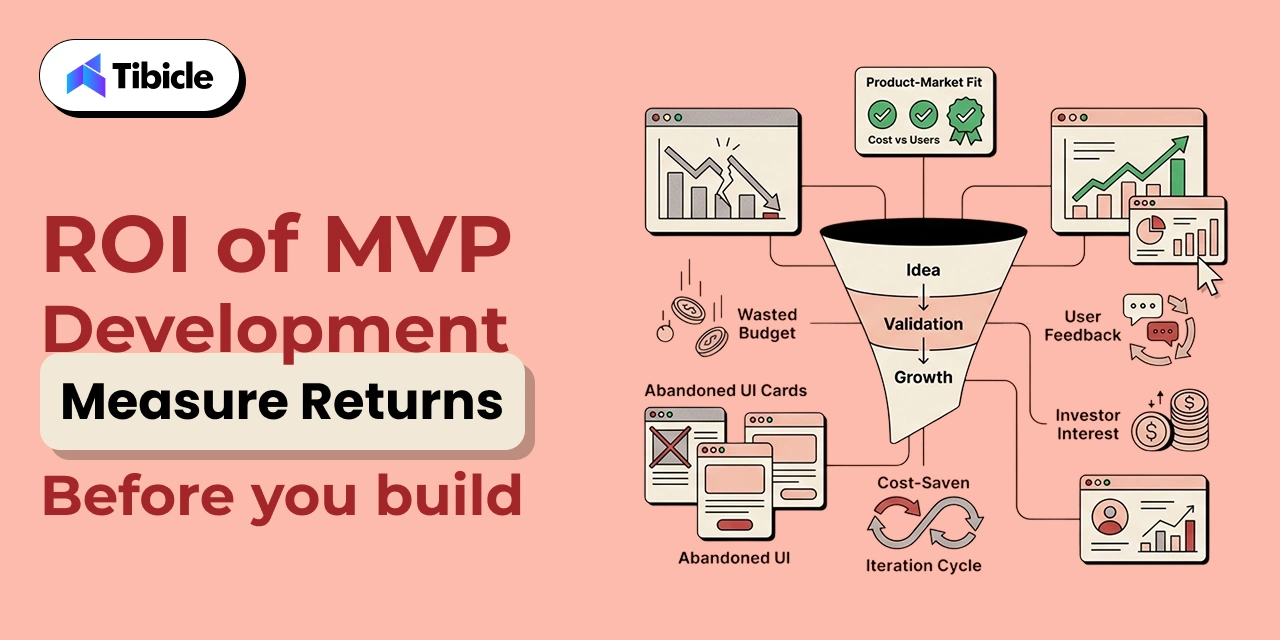
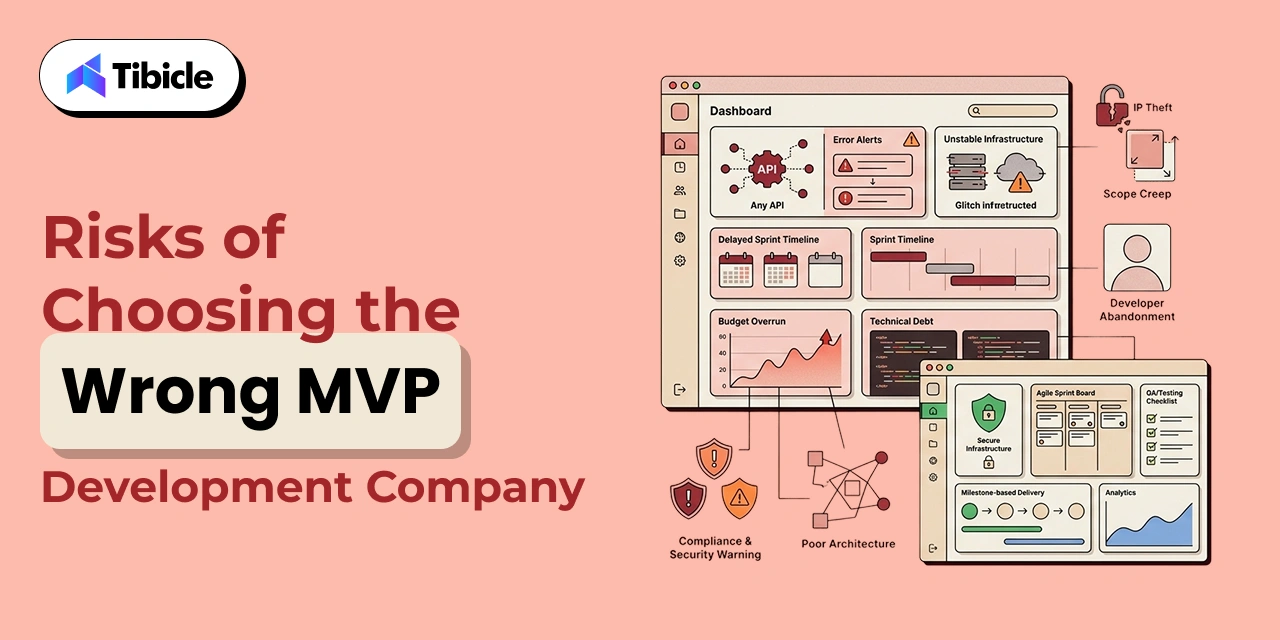
Minimum Viable Product (MVP) App Development: A Full Guide

Introduction

According to CB Insights, approximately 42% of startups fail because they build products that nobody wants. MVP app development helps founders spend months developing features, hiring teams, and investing heavily in marketing before validating whether a real market exists for their solution.
mvp app development

At the same time, the global MVP development market is projected to reach between $541 million and $569 million by 2031, growing at an estimated CAGR of 8.7–9.5%. This growth reflects a significant shift in how businesses approach software development. Instead of committing hundreds of thousands of dollars to full-scale products, organizations increasingly rely on MVP app development to validate demand before making major investments.

Building a complete software platform without validation can easily consume $250,000–$500,000 in development costs. For founders, product leaders, and innovation teams, this creates unnecessary financial risk and delays critical market feedback.

What Is MVP App Development (And What It Is Not)

It is the process of building a functional product with only the essential features required to solve a specific customer problem and validate market demand.

The objective is not to launch an incomplete product. The objective is to collect real-world feedback, test assumptions, and measure customer behavior before committing substantial resources to a full-scale build.

A successful minimum viable product for startups focuses on learning rather than feature completeness. Instead of building everything at once, teams launch a smaller version that delivers the core value proposition while generating measurable business insights.

This approach follows the principles of the lean startup methodology, where learning speed is often more valuable than feature volume.

MVP vs. Prototype vs. Beta: A Functional Distinction

Many teams mistakenly use MVP, prototype, and beta interchangeably. In practice, these represent different stages of product development and serve completely different business objectives.

Stage Purpose User Access Functionality
Prototype Validate concepts and design Internal stakeholders Limited or non-functional
MVP Validate market demand Real users Functional core product
Beta Test before full launch Selected external users Broad feature set

A prototype helps teams evaluate user flows and design assumptions. An MVP helps validate whether users actually want the product. A beta release focuses on refinement before a wider launch.

Understanding this distinction prevents companies from allocating budgets incorrectly and building products that solve the wrong problem.

Why the Definition Matters for Budget Allocation

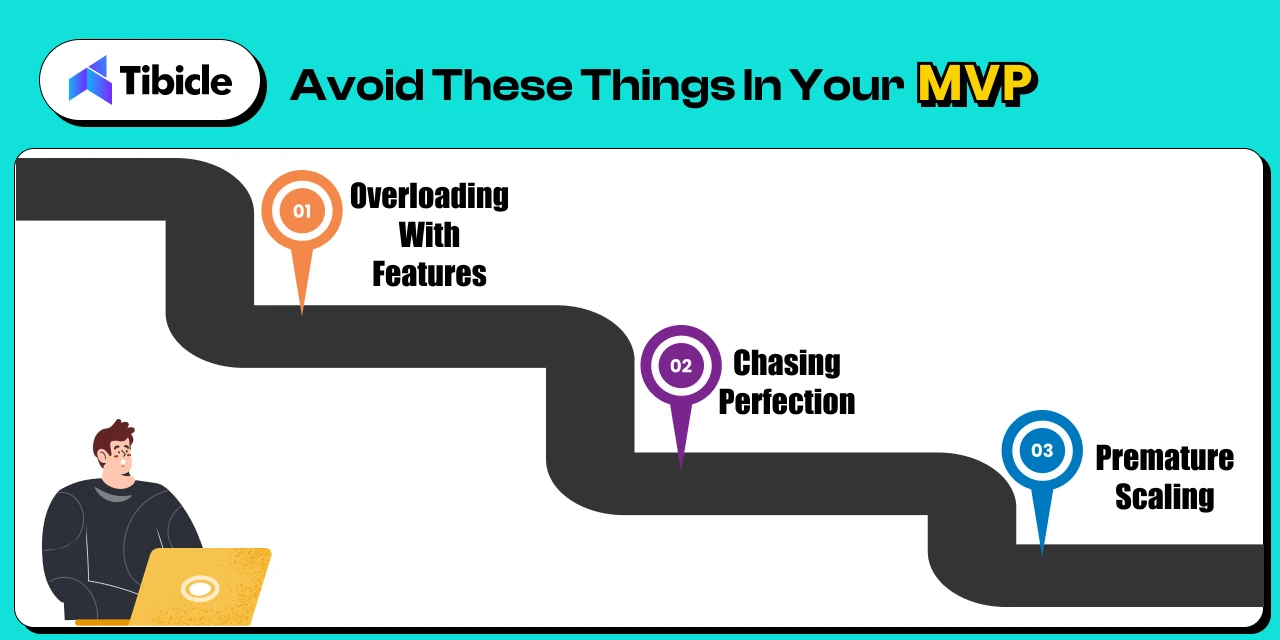
One of the most common reasons MVP initiatives fail is that stakeholders treat them as smaller versions of a final product rather than validation tools.

Once additional features start entering the roadmap, development timelines expand, budgets increase, and learning cycles slow down. Industry research suggests that approximately 60–70% of MVP projects exceed their original schedules due to uncontrolled feature expansion.

This is why every successful MVP relies on a disciplined feature prioritization framework. The goal is to identify the smallest set of features required to test business assumptions and gather meaningful user data.

Organizations that maintain strict scope control generally reach validation milestones faster and at significantly lower cost.

Why MVP App Development Is a Business Strategy, Not a Technical Shortcut

Many founders assume MVP app development exists primarily to reduce engineering expenses. While lower development costs are certainly a benefit, the true value of an MVP is strategic rather than technical.

An MVP is fundamentally a business validation framework. It allows organizations to test demand, evaluate user behavior, and measure market interest before investing heavily in product expansion, infrastructure, and operational growth.

The companies that succeed are not always the ones that build the fastest. They are often the ones who learn the fastest.

Market Validation Before Capital Commitment

Launching a full-scale product without validation remains one of the biggest financial risks in software development.

Startups using MVP strategies report significantly higher success rates because they test assumptions before making long-term commitments. Investors have also shifted expectations. Nearly 70% of seed-stage investors now prefer companies that can demonstrate market traction rather than relying solely on product concepts.

A properly executed MVP generates measurable signals such as:

  • Customer acquisition data
  • User engagement metrics
  • Retention performance
  • Revenue validation
  • Product-market fit indicators

These metrics provide evidence that demand exists before significant capital is deployed.

Speed-to-Market as a Competitive Lever

Traditional software products often require 12–18 months of development before reaching users. By contrast, most MVP initiatives launch within 8–16 weeks, depending on complexity and scope.

This shorter timeline allows organizations to:

  • Validate ideas faster
  • Reach customers sooner
  • Gather competitive intelligence
  • Reduce opportunity costs
  • Improve decision-making speed

Research shows that companies performing product-market fit validation within the first month of launch are significantly more likely to identify sustainable growth opportunities than organizations that spend a year building before collecting user feedback.

An MVP is not designed to be the final product. It is designed to create a rapid learning cycle that informs future development decisions and reduces business risk.

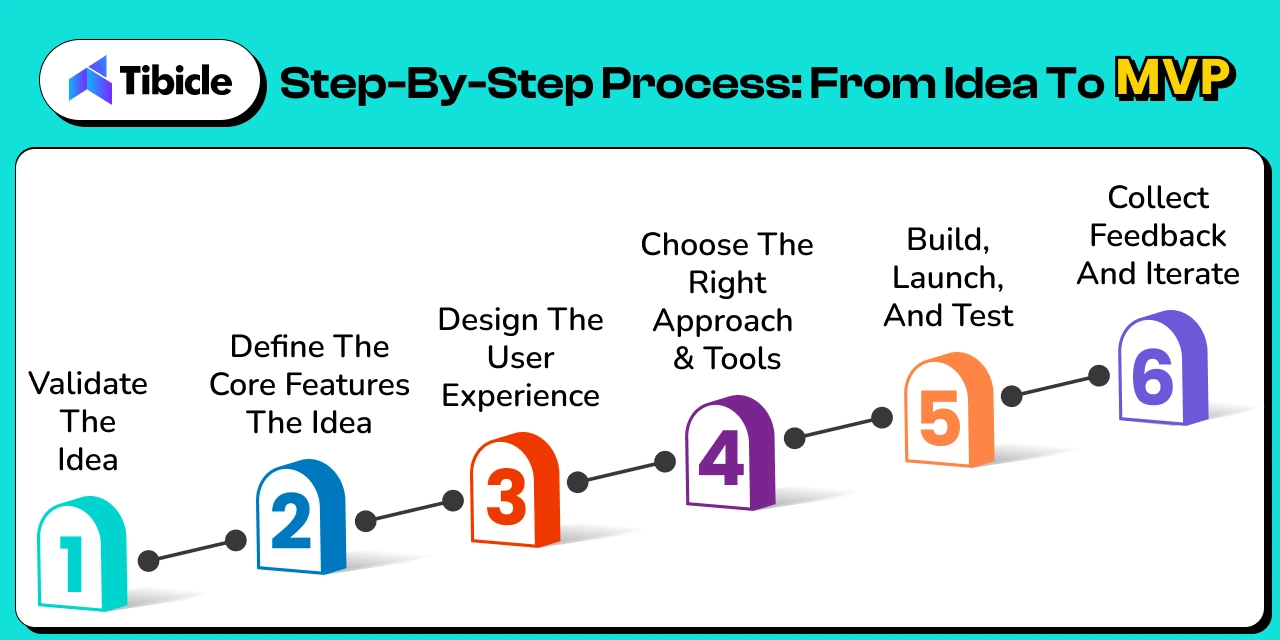
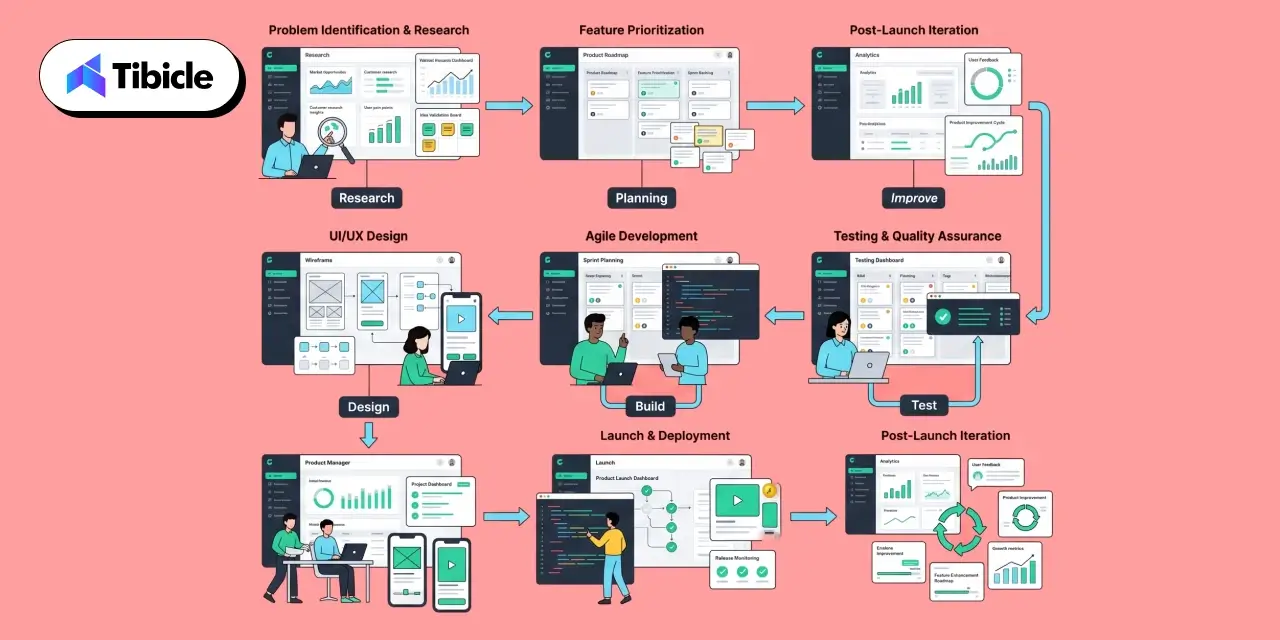
Step-by-Step MVP App Development Process
mvp app development

A successful MVP is not created by simply removing features from a larger product vision. Effective MVP follows a structured process designed to validate assumptions, reduce risk, and maximize learning.

Organizations that skip discovery, prioritization, or validation stages often end up rebuilding products after launch, significantly increasing costs and delaying growth.

Problem Definition and Audience Analysis

Every successful MVP starts with a clearly defined problem.

Before writing code, teams should identify:

  • The specific customer pain point
  • The target audience
  • Existing alternatives in the market
  • The core value proposition

The goal is not to build features. The goal is to understand what problem users are willing to pay to solve.

This stage often includes market research, competitor analysis, customer interviews, and validation workshops. Organizations that invest time here generally avoid building features that customers never use.

Feature Prioritization Using MoSCoW and RICE Frameworks

One of the biggest challenges in MVP is deciding what not to build.

Two widely adopted prioritization frameworks include:

MoSCoW Method

  • Must Have
  • Should Have
  • Could Have
  • Won’t Have

The MoSCoW method helps teams focus on features that directly support validation goals while postponing lower-priority functionality.

RICE Framework

  • Reach
  • Impact
  • Confidence
  • Effort

The RICE framework helps product teams quantify feature value and prioritize development efforts based on measurable business outcomes.

Most successful MVPs launch with only 20–30% of the functionality originally proposed during planning.

Tech Stack Selection for Scalability

Technology decisions made during MVP development often influence long-term product scalability.

While the goal is rapid validation, teams should avoid selecting technologies that create expensive migration challenges later.

Common considerations include:

  • Frontend framework selection
  • Backend architecture
  • Database scalability
  • Cloud infrastructure
  • Security requirements
  • Third-party integrations

Many modern products adopt an API-first architecture, allowing future mobile apps, web applications, and integrations to share the same backend infrastructure.

This approach improves flexibility and reduces redevelopment costs as products evolve.

Agile MVP App Development Sprint Execution and QA

Once requirements are finalized, development typically moves into sprint-based execution.

An agile MVP sprint model enables teams to deliver features incrementally while maintaining stakeholder visibility throughout development.

Most MVP projects use:

  • 1–2 week sprint cycles
  • Continuous stakeholder reviews
  • Incremental testing
  • Ongoing backlog refinement

Quality assurance should occur throughout development rather than after development ends.

A common misconception is that MVPs can sacrifice quality because they are “minimum” products. In reality, poor user experiences generate misleading feedback and reduce the value of validation efforts.

Launch, Measure, and Iterate

Launching the MVP is not the end of the process.

It is the beginning.

The most valuable insights often emerge after users start interacting with the product.

Teams should establish metrics for:

  • User acquisition
  • Feature engagement
  • Retention
  • Conversion
  • Customer satisfaction

This creates a continuous user feedback loop that guides future product decisions.

The most successful MVP initiatives rely on post-launch iteration rather than attempting to predict every requirement before launch

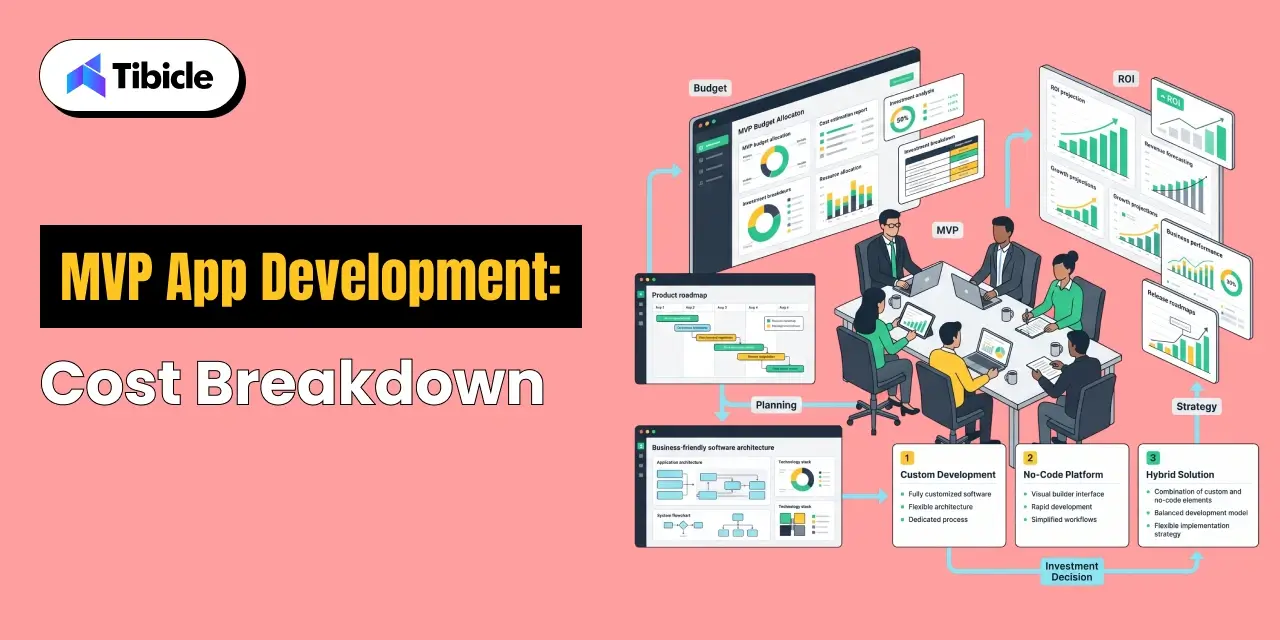
MVP App Development Cost Breakdown (2026 Benchmarks)
mvp app development

One of the most common questions founders ask is:

“How much does MVP cost?”

The answer depends on product complexity, industry requirements, technical architecture, and development approach.

Understanding realistic cost benchmarks helps organizations avoid underbudgeting and vendor misalignment.

Cost by Complexity Tier

MVP Type Cost Range Timeline
Simple (Landing Page + CRUD) $10,000–$30,000 5–8 Weeks
Standard SaaS Product $55,000–$140,000 8–14 Weeks
AI-Powered MVP $140,000–$300,000+ 3–6 Months
Enterprise / Compliance Heavy $200,000–$500,000+ 4–6 Months

Simple MVPs focus on validation and user acquisition.

Standard SaaS MVPs include user authentication, subscription workflows, dashboards, and reporting.

AI-powered products require model integration, training infrastructure, and additional testing.

Enterprise MVPs often include security, compliance, and integration requirements that increase both cost and complexity.

Hidden Costs Most Vendors Don’t Mention

The quoted development cost is rarely the complete investment.

Many organizations overlook expenses such as:

  • Discovery workshops
  • Product strategy sessions
  • Third-party APIs
  • Cloud infrastructure
  • Security testing
  • Compliance requirements
  • Analytics tools
  • Ongoing support

Discovery phases alone frequently cost between $2,000 and $10,000 depending on project scope.

Compliance requirements such as GDPR, HIPAA, or industry-specific regulations can add $25,000–$75,000 to overall project budgets.

Organizations should also allocate resources for post-launch iteration, as user feedback often drives significant product adjustments after launch.

Cost by Development Approach (Custom vs. No-Code vs. Hybrid)

The chosen development methodology has a significant impact on overall cost.

Custom Development

  • Highest flexibility
  • Best scalability
  • Highest upfront investment

No-Code MVP

A no-code mvp can reduce development expenses by up to five times compared to custom development.

Benefits include:

  • Rapid deployment
  • Lower validation costs
  • Reduced engineering effort

However, scalability and customization options are often limited.

Hybrid Development

Hybrid approaches combine low-code platforms with custom development components.

This strategy balances speed, flexibility, and long-term scalability while reducing initial investment requirements.

Industry analysts predict that nearly 70% of new applications will involve low-code or no-code technologies by 2026, making hybrid development increasingly attractive for validation-focused products.

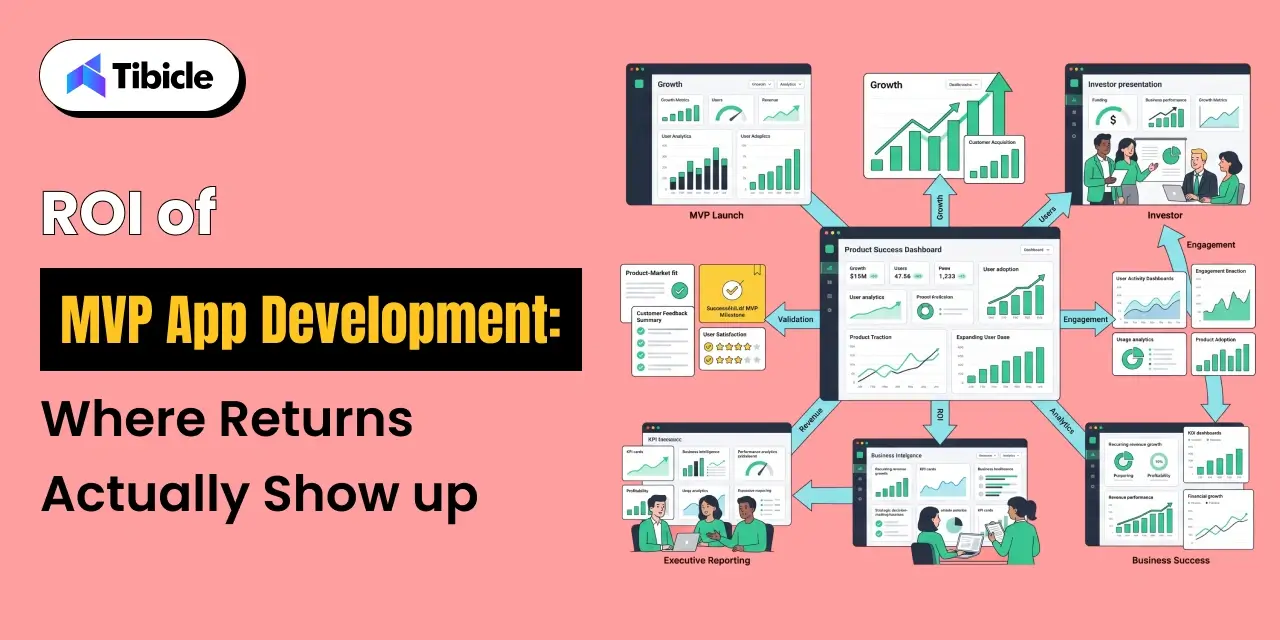
ROI of MVP App Development: Where Returns Actually Show Up
ROI of MVP

The value of an MVP is not measured solely by development cost savings.

The primary return comes from reducing uncertainty before committing substantial resources.

Avoided Sunk Cost on Unvalidated Products

Many failed software products consume hundreds of thousands of dollars before teams realize there is insufficient market demand.

The average failed SaaS initiative can burn between $250,000 and $500,000 before meaningful customer validation occurs.

An MVP provides an early go/no-go signal, helping organizations identify whether additional investment is justified.

Even a failed MVP can create value by preventing significantly larger financial losses.

Investor Conversion and Valuation Engineering

Investors increasingly favor products with measurable traction rather than purely conceptual business plans.

Companies that bootstrap to $50,000–$100,000 in annual recurring revenue before fundraising often achieve significantly stronger valuations than businesses raising capital with only prototypes or pitch decks.

An MVP demonstrates:

  • Market demand
  • Customer interest
  • Revenue potential
  • Product viability

This makes fundraising conversations more data-driven and significantly less speculative.

Lower Post-Launch Churn

Products built around assumptions frequently struggle with adoption and retention.

MVP-driven development uses real customer behavior to guide product evolution.

As a result, teams make decisions based on evidence rather than internal opinions.

Continuous customer validation and structured feedback collection often reduce churn while improving retention, engagement, and overall customer satisfaction.

Organizations that actively iterate based on customer behavior typically build stronger products than teams that attempt to perfect every feature before launch.

MVP App Development Approaches Compared

There is no single development approach that works for every business. The ideal strategy depends on budget, validation goals, scalability requirements, and time-to-market expectations.

Custom Build vs. No-Code vs. Hybrid vs. Pre-Built

Factor Custom Build No-Code Hybrid Pre-Built
Cost $50K–$150K $5K–$15K $25K–$50K $10K–$40K
Timeline 4–6 Months 2–4 Weeks 8–12 Weeks 2–4 Weeks
Scalability High Limited Moderate Moderate
Customization High Limited Strong Limited
Maintenance Flexible Platform Dependent Moderate Vendor Dependent
Best For Novel Innovation Quick Validation Moderate Customization Proven Business Models

Custom development provides maximum flexibility but requires larger upfront investments.

No-code platforms enable rapid validation at significantly lower costs, making them attractive for early-stage founders testing demand.

Hybrid development combines custom engineering with low-code acceleration tools, often providing the best balance between speed and scalability.

Pre-built solutions work well when businesses are entering proven markets and can adapt existing frameworks rather than creating entirely new products.

Industries Where MVP App Development Delivers the Highest ROI

Certain industries benefit more from MVP strategies because market validation significantly reduces risk before major investments are made.

Fintech and Digital Lending

Fintech products often involve regulatory requirements, customer trust concerns, and complex financial workflows.

Launching an MVP enables organizations to validate:

  • Lending demand
  • User acquisition costs
  • Transaction behavior
  • Retention patterns

before investing heavily in compliance infrastructure and enterprise-grade systems.

Healthtech and Remote Patient Monitoring

Healthcare solutions require extensive validation due to strict compliance requirements and high development costs.

MVPs help healthcare innovators test:

  • Patient adoption
  • Provider engagement
  • Monitoring workflows
  • Operational feasibility

before expanding into broader healthcare ecosystems.

EdTech and Competency Platforms

Education technology products often depend on user engagement and learning outcomes.

MVP development helps teams validate:

  • Course completion rates
  • Student engagement
  • Subscription willingness
  • Content effectiveness

before scaling content production and platform capabilities.

PropTech

Among startup sectors, PropTech consistently demonstrates strong MVP performance.

Industry research suggests PropTech startups achieve some of the highest MVP-to-Series A conversion rates because property marketplaces, tenant services, and real estate automation platforms can be validated efficiently before large-scale investment.

Risks and Challenges in MVP App Development

While MVP strategies reduce risk, poor execution can create misleading results and expensive technical debt.

Treating “Minimum” as a Quality Excuse

One of the most common mistakes is assuming an MVP can be low quality because it contains fewer features.

This assumption is dangerous.

Users judge products based on functionality, performance, and usability—not development philosophy.

A buggy MVP often produces false-negative validation signals because customers abandon the product due to poor experiences rather than lack of demand.

Minimum should define scope boundaries, not quality standards.

Scope Creep After Scope Lock

Feature expansion remains one of the largest causes of budget overruns.

Once development begins, stakeholders frequently request:

  • Additional dashboards
  • Reporting systems
  • Notifications
  • Integrations
  • Advanced permissions

These additions create delays, increase costs, and reduce learning speed.

Poorly controlled scope creep can increase overall development costs by three to five times the original estimate.

Vendor Lock-In With No-Code Platforms

While no-code platforms accelerate validation, they may create long-term dependency on proprietary ecosystems.

Common challenges include:

  • Limited customization
  • Export restrictions
  • Platform pricing increases
  • Migration complexity

Organizations should understand migration pathways before committing to a no-code strategy.

Compliance Gaps Discovered Post-Launch

Many startups postpone compliance discussions until after launch.

This creates significant risks for industries such as:

  • Healthcare
  • Finance
  • Insurance
  • Education

Retrofitting security and compliance controls later often costs substantially more than incorporating them during planning.

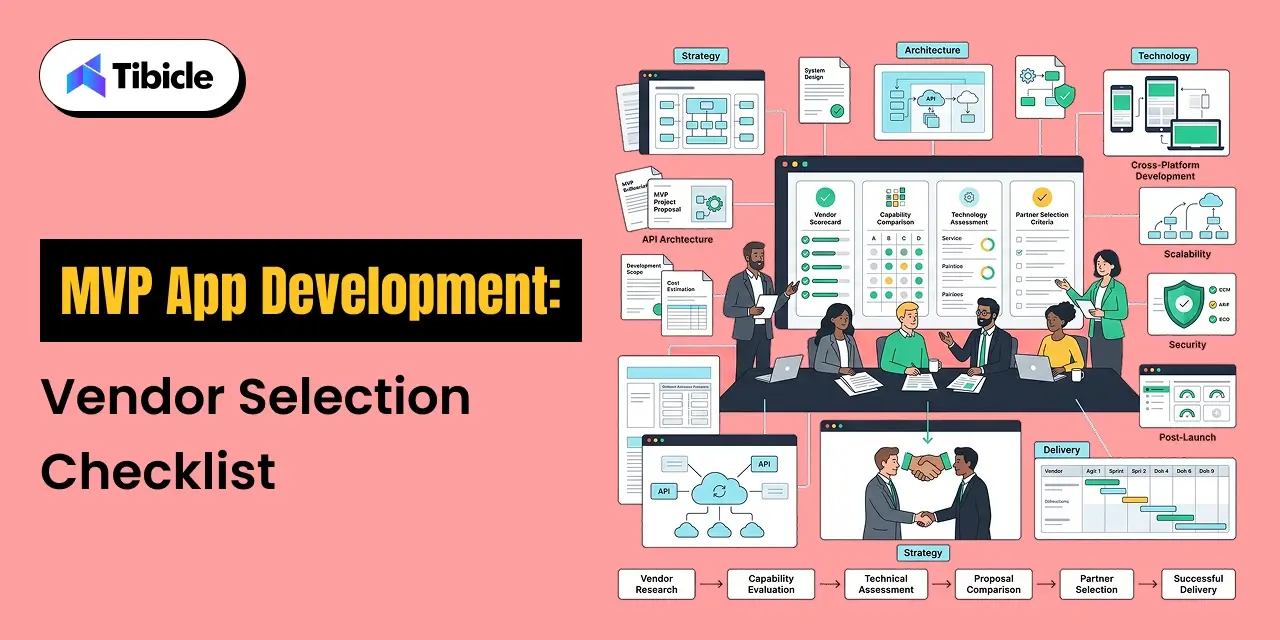
MVP App Development Vendor Selection Checklist
Vendor Selection

Selecting the right partner often has a greater impact on outcomes than selecting the right technology stack.

10-Point Evaluation Criteria

Before selecting an MVP software development company, evaluate:

  1. AI-first architecture readiness
  2. Fixed scope commitment before Sprint 1
  3. Post-launch accountability is included in contracts
  4. Verified client reviews and references
  5. Compliance planning during discovery
  6. Hybrid low-code capability
  7. Transparent pricing structure
  8. Dedicated post-launch iteration support
  9. Cross-platform development expertise
  10. Measurable client success stories

Strong vendors focus on validation outcomes rather than feature volume.

Red Flags That Disqualify a Vendor

Warning signs include:

  • No paid discovery phase
  • Unrealistically low pricing
  • Lack of post-launch support
  • Monolithic architecture recommendations
  • No product strategy involvement
  • Absence of client references
  • Fixed timelines without discovery

The best vendors challenge assumptions and help refine product strategy rather than simply accepting feature lists.

Why Tibicle Is a Strong Choice for MVP App Development

Many organizations fail not because their idea lacks potential, but because they overspend before validating market demand.

Tibicle approaches MVP app development with a validation-first mindset focused on reducing risk, accelerating learning, and maximizing ROI.

The team combines:

  • Offshore development efficiency
  • Agile delivery methodologies
  • Cross-industry product experience
  • Scalable architecture planning
  • Post-launch support structures

Rather than building oversized products, Tibicle helps founders and enterprises launch focused MVPs that generate actionable market feedback while maintaining long-term scalability.

Whether you’re building a SaaS platform, marketplace, fintech product, healthcare application, or enterprise tool, Tibicle helps align product development with business validation goals.

Talk to Tibicle’s team about scoping your MVP before committing to a full-scale build.

Conclusion

MVP app development is not simply a way to reduce engineering costs. It is a strategic approach to allocating capital more effectively while minimizing market risk.

With 42% of startups failing because they build products without sufficient demand, validation has become one of the most important stages of modern product development.

Organizations that adopt MVP strategies often achieve higher success rates, faster market feedback, stronger investor confidence, and significantly lower development waste.

The potential savings are substantial. Avoiding a failed full-scale build can preserve $250,000–$500,000 in capital while creating valuable market insights.

Ready to validate your product idea? Get a free MVP scoping session with Tibicle’s development team and identify the fastest path to market validation.
FAQs

How much does MVP app development cost in 2026?
MVP app development costs typically range from $10,000 for simple products to $300,000+ for AI-powered platforms. Standard SaaS MVPs generally fall between $55,000 and $140,000.

How long does it take to build an MVP App?
Most MVPs launch within 8–16 weeks. No-code solutions may launch within 2–4 weeks, while enterprise MVPs often require 4–6 months.

What is the difference between an MVP and a prototype?
A prototype validates concepts and design flows. An MVP is a functional product used by real customers to validate demand and collect behavioral data.

Should I use no-code tools to build my MVP App development ?
No-code platforms work well for rapid validation and cost-efficient testing. However, businesses expecting significant growth should evaluate long-term scalability requirements before committing fully.

What features should an MVP App development include?
An MVP should contain only the features necessary to deliver the core value proposition. Most successful MVPs launch with 5–7 essential screens and a limited feature set.

How do I choose the right MVP App development company?
Evaluate discovery processes, post-launch support, technical architecture, compliance planning, pricing transparency, client references, and measurable success outcomes before selecting a vendor.

5 Best Inventory Management Apps in 2026

Introduction

An inventory management apps is now a critical tool for businesses looking to reduce stockouts, improve inventory visibility, and scale operations efficiently. In 2023, inventory distortion, stemming from stockouts and overstocking, cost global retailers $1.77 trillion. This makes inventory management a critical operational decision. Despite this, 43% of companies still rely on spreadsheets for inventory visibility in 2026.

inventory management app

The inventory management software market is projected to reach $2.75 billion in 2026, growing at a 9.13% CAGR through 2034, driven by the increasing complexity of managing multiple channels and SKUs. Inefficient inventory practices can lead to an 11% loss in annual revenue.

For decision-makers, the challenge lies not in whether to invest in an inventory management app, but in choosing the right one from a crowded market with seemingly similar features and hidden costs. This manual reviews the 5 best inventory management apps of 2026, focusing on features, pricing, ROI, scalability, and use-case fit, to support informed decision-making.

What Is an Inventory Management Apps?

Core Functions That Define an Inventory Management Apps

inventory management app

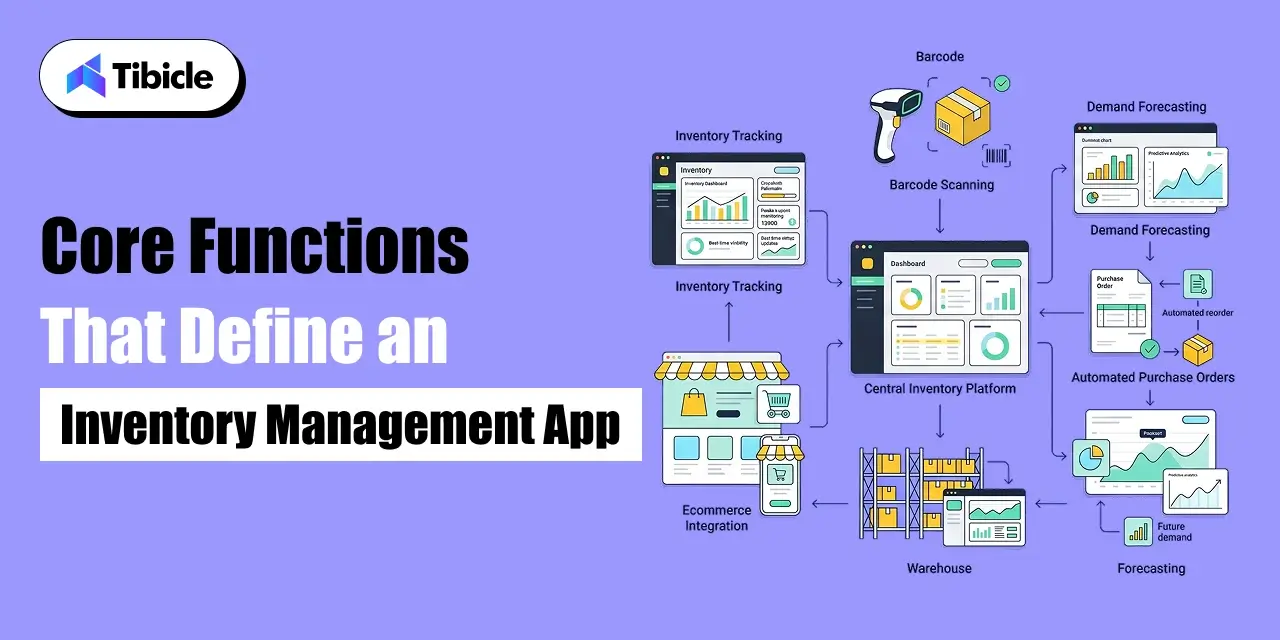
An inventory management app is a software system that tracks stock levels, manages purchase orders, monitors warehouse activity, and synchronises inventory data across sales channels and locations in real time. At its foundation, it replaces the spreadsheet with a system that updates automatically, alerts proactively, and integrates with the other tools the business depends on.

The core functions that define a production-grade inventory management system include:

Real-time inventory tracking: live stock level visibility across all locations and channels, updated with every transaction.

Automated reorder triggers: rules-based or AI-driven purchase order generation when stock falls below defined thresholds, the foundation of reorder automation.

Demand forecasting: historical sales data and seasonal trend analysis used to predict future stock requirements and prevent both stockouts and overstocking.

Barcode and QR scanning: mobile or fixed scanner integration for fast, accurate stock intake, picking, and cycle counting without manual data entry.

Multi-location inventory sync: unified visibility across multiple warehouses, stores, and 3PL partners from a single interface.

Purchase order management: end-to-end supplier order creation, tracking, and receipt confirmation with automated matching against expected deliveries.

Businesses that implement automated inventory management reduce stockouts by 30 % compared to manual approaches. That single metric, the reduction in revenue lost to empty shelves, is typically the primary driver of payback period calculation for any inventory management investment.

It is also worth distinguishing between standalone inventory management apps and ERP-embedded inventory modules. Standalone apps, the five covered in this guide, are purpose-built for inventory operations and offer faster implementation, lower cost, and more focused functionality. ERP-embedded modules offer deeper integration across finance, HR, and operations but come with significantly higher implementation cost and complexity. The right choice depends on operational scope and growth stage.

What to Look for Before Choosing an Inventory Management Apps

Scalability and Multi-Location Support

The most common and most expensive mistake in inventory management software selection is choosing a tool that fits today and breaks in 18 months. A business operating two warehouses today may need to manage 20 in three years. A retailer selling on one channel may expand to five. The app you select needs to support that growth without requiring a full platform migration, because platform migrations at scale are expensive, disruptive, and time-consuming.

Evaluate multi-location inventory capability not just as a feature checkbox but as an architectural question. How does the app handle stock transfers between locations? Does it support zone-level tracking within a warehouse? Can it sync in real time with third-party logistics partners? Supply chain visibility at the multi-location level is where mid-market inventory management systems most frequently fall short.

Integration With Existing Business Systems

An inventory management app that does not connect cleanly to your accounting system, ecommerce platform, and CRM is an app that creates manual reconciliation work, which is precisely the problem you are trying to eliminate. Before selecting any tool, map your current technology stack and verify native integration support for every system in it.

The integrations that matter most for most businesses are: QuickBooks or Xero for accounting, Shopify or WooCommerce for ecommerce, and the shipping or logistics platforms handling fulfilment. API availability and webhook support are important for any custom integration requirements beyond the standard connector library. A vendor with a limited API or no webhook support will constrain your ability to build the connected operations infrastructure your business needs as it grows.

Total Cost of Ownership vs. Sticker Price

The monthly subscription price is rarely the number that matters. Businesses spend 25 to 35 % of their operational budgets on inventory, making even small inefficiencies costly over time. That same principle applies to the tools managing inventory: the cost that appears in the pricing page is typically a fraction of what the tool actually costs over 36 months.

The cost components that consistently catch businesses off guard are per-user fees that scale with headcount, ecommerce channel add-ons charged per integration, implementation and data migration fees that are not included in the base subscription, staff training overhead that is never line-itemed in a vendor quote, and annual price escalation clauses in multi-year contracts. Evaluate every tool on a 3-year total cost of ownership basis, not a monthly sticker price.

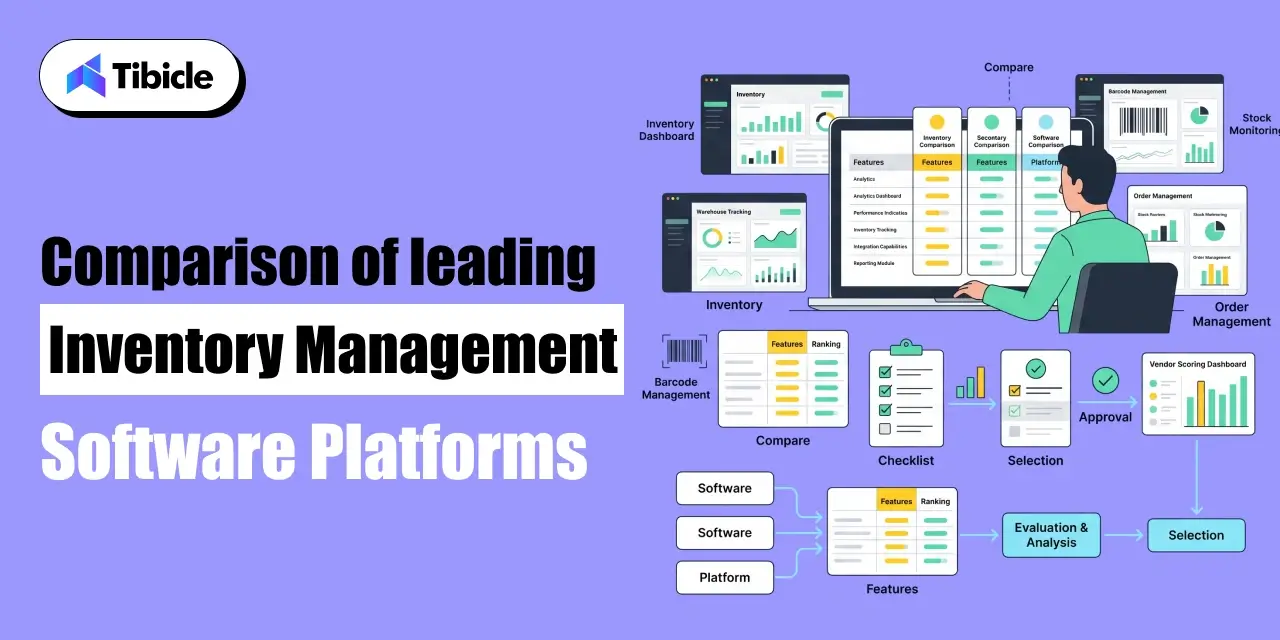
Comparison of leading inventory management software platforms

inventory management app

1. Cin7: Best for Multi-Channel Retail and Mid-Market Brands

Cin7 is a leading inventory management system for mid-market brands with multiple sales channels. It excels in channel integrations, offering a real-time inventory view across retail POS, ecommerce platforms, wholesale, and 3PL. For brands on Shopify, Amazon, and physical stores, Cin7 provides seamless multi-channel inventory sync, a feature that competitors often struggle to match without heavy customisation.

Key features: real-time multi-channel stock sync, advanced warehouse management with zone and bin tracking, built-in EDI for wholesale and retail compliance, demand forecasting as an add-on module, and automated purchase order management.

Pricing: starts at approximately $349 per month. Channel add-ons and per-user fees apply at higher tiers.

Limitations: native accounting integration is limited outside of Xero and QuickBooks. The demand forecasting module is an additional cost rather than included in the base subscription.

Ideal business size: mid-market retailers and wholesalers with 50 to 500 SKUs operating across two or more sales channels.

2. Zoho Inventory: Best for Growing SMBs and Multi-Marketplace Sellers

Zoho Inventory is an ideal choice for small and growing businesses needing affordable multi-channel inventory tracking. It’s particularly suited for businesses expanding to multiple marketplaces, like adding Amazon to Shopify, and requires a cost-effective solution to manage that growth.

Key features: multi-channel order and inventory management across Shopify, Amazon, eBay and others, barcode scanning with mobile app support; basic demand forecasting, native integration with Zoho Books for accounting; and automated reorder point alerts.

Pricing: starts at $39 per month, making it the most affordable option in this guide with a meaningful feature set.

Limitations: lower pricing tiers cap order volume and item count, which forces upgrades earlier than the price point suggests. The demand forecasting functionality is basic compared to that of Cin7 or NetSuite.

Ideal business size: SMBs and early-stage ecommerce brands with straightforward inventory needs and a Zoho ecosystem already in place.

3. Fishbowl: Best for Manufacturers and QuickBooks-Dependent Teams

Fishbowl is a specialised inventory management software designed for manufacturing businesses using QuickBooks. It offers unmatched integration with QuickBooks, eliminating reconciliation issues faced by other inventory management solutions. For those whose financial records rely on QuickBooks, Fishbowl provides a seamless experience.

Key features: Bill of Materials (BOM) and work order management for manufacturing, deep two-way QuickBooks sync, multi-location warehouse management, barcode scanning for shop floor and warehouse operations, and purchase order automation.

Pricing: approximately $349 per month on a SaaS model, or available as a one-time perpetual licence for businesses preferring to avoid recurring fees.

Limitations: a QuickBooks licence is effectively a prerequisite; the tool’s value proposition is substantially reduced without it. Demand forecasting capability is limited compared to AI-powered alternatives.

Ideal business size: small to mid-size manufacturers and product businesses with production operations that need BOM management alongside inventory tracking.

4. NetSuite: Best for Enterprise-Grade Operations and the Oracle Ecosystem

NetSuite stands out as the only true ERP in this comparison, ideal for enterprise-scale businesses with complex multi-entity, multi-currency, and multi-warehouse operations. Unlike standalone inventory management apps, NetSuite’s inventory system is integrated within a comprehensive financial and operational platform, allowing stock data to connect seamlessly with financial reporting, demand forecasting, procurement, and supply chain visibility.

Key features: AI-powered demand forecasting, real-time multi-location and multi-warehouse inventory, advanced financial consolidation across entities, built-in procurement and supplier management, and full supply chain visibility from PO to delivery.

Pricing: custom pricing, typically starting above $2,000 per month at mid-market scale. Implementation costs range from $10,000 to $100,000 or more depending on scope.

Limitations: the implementation cost and timeline make NetSuite inaccessible for most SMBs. The platform requires dedicated administrator resource post-launch. Total cost of ownership is significantly higher than any other option in this guide.

Ideal business size: enterprise businesses and fast-scaling mid-market companies with multi-entity operations, international presence, or complex supply chain requirements.

5. inFlow: Best for Lean Teams and Cost-Conscious Operations

inFlow is an excellent inventory tracking app for small teams seeking reliable, straightforward inventory management without unnecessary features. Its user-friendly interface stands out in its category, and it integrates seamlessly with QuickBooks and Xero for essential accounting connectivity. Ideal for lean operations managing a simple product catalog from one or two locations, inFlow provides the necessary tools without the complexity of larger platforms.

Key features: clean, user-friendly interface with low onboarding overhead, barcode scanning with mobile app, multi-location support, native QuickBooks and Xero integration, and purchase order management with supplier tracking.

Pricing: starts at $89 to $189 per month, positioned between Zoho’s entry price and the mid-market platforms.

Limitations: no demand forecasting capability. No Bill of Materials support, which rules it out for any manufacturing use case.

Ideal business size: small businesses, lean operations, and teams that prioritise ease of use and a clean interface over advanced analytics or manufacturing functionality.

Feature-by-Feature Comparison Table

The table below maps all five inventory management apps across the features that matter most to purchase decisions. Use it alongside the individual app profiles above to identify which tool aligns with your specific operational requirements.

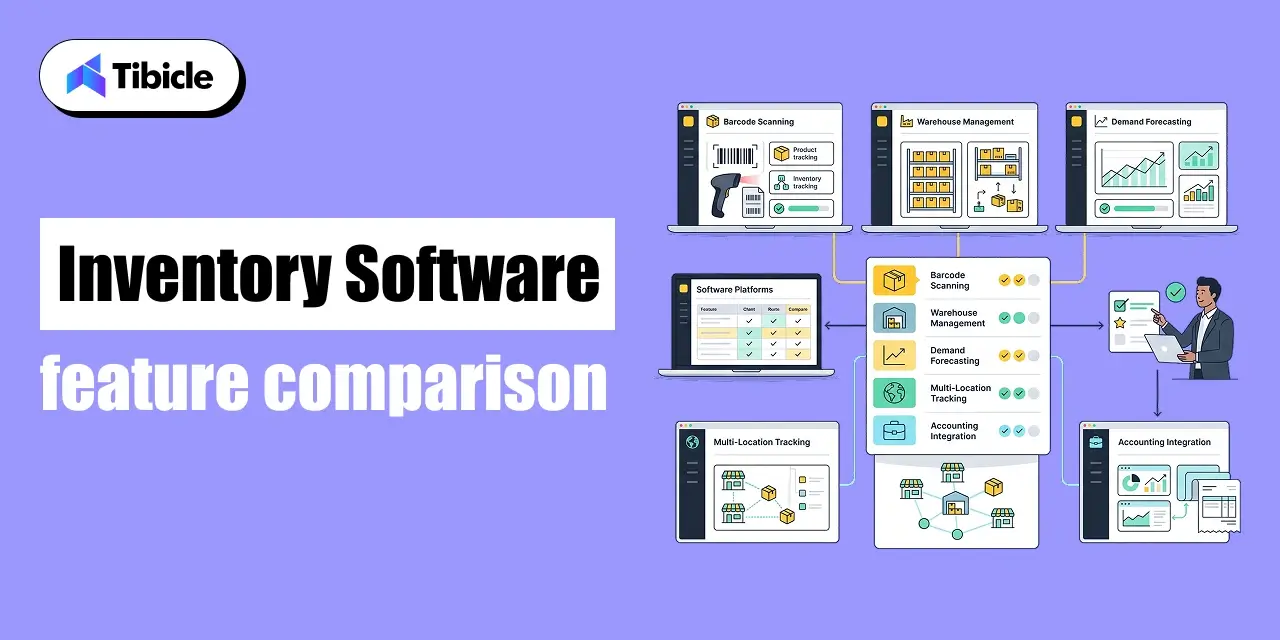
Inventory software feature comparison

Inventory software

The table below maps all five inventory management apps across the features that matter most to purchase decisions. Use it alongside the individual app profiles above to identify which tool aligns with your specific operational requirements.

Feature Cin7 Zoho Inventory Fishbowl NetSuite inFlow
Multi-Location Support ✅ ✅ ✅ ✅ ✅
Barcode/QR Scanning ✅ ✅ ✅ ✅ ✅
Demand Forecasting Add-on Basic Limited AI-powered No
Manufacturing (BOM) ✅ No ✅ ✅ No
Native Accounting Integration Limited Zoho Books QuickBooks Built-in QuickBooks/Xero
Starting Price/mo ~$349 $39 ~$349 (one-time license available) Custom $110
Best For Multi-channel retail Growing SMBs Manufacturers Enterprise Small teams

Note: Feature availability and pricing are based on published data as of 2026. Verify current pricing tiers with each vendor before committing, as subscription structures update regularly.

Which Inventory Management Apps Fits Your Business Model?

Feature parity at the surface level masks significant differences in use-case fit. The table below maps each app to the business model it serves best, based on the operational requirements that define each model.

Business Type Recommended App(s) Key Requirements Selection Note
Retail / eCommerce Cin7, Zoho Inventory Multi-channel sync, real-time inventory, barcode scanning Cin7 for multi-channel complexity; Zoho for early-stage cost control
Manufacturing Fishbowl, NetSuite Bill of Materials (BOM), work order management, production tracking Fishbowl for QuickBooks-dependent teams; NetSuite for full ERP scope
Wholesale / B2B Cin7, NetSuite Bulk order logic, tiered pricing, multi-warehouse management NetSuite for enterprise scale; Cin7 for mid-market efficiency
Small Business / Lean Teams inFlow, Zoho Inventory Simple interface, affordable pricing, core stock tracking inFlow for straightforward ops; Zoho for growing multi-channel sellers

Pricing Breakdown and Hidden Costs

App Base Price Typical Onboarding Cost Key Hidden Costs Best Model Fit
Cin7 ~$349/mo $1,000–$3,000 Channel add-ons, per-user fees Mid-market retail
Zoho Inventory $39/mo $500–$1,500 Order and item caps on lower tiers SMBs, startups
Fishbowl ~$349/mo or one-time license $1,000–$4,000 QuickBooks licence required Manufacturers
NetSuite Custom (typically $2,000+/mo) $10,000–$100,000+ Module fees, user licences Enterprise
inFlow $189/mo $500–$1,000 Limited forecasting, no BOM Lean teams

Subscription vs. One-Time Licence Models

Four of the five apps in this guide use SaaS subscription models: Cin7, Zoho Inventory, NetSuite, and inFlow. Fishbowl offers both a monthly SaaS option and a one-time perpetual license. Perpetual licenses can be cost-effective for businesses with stable inventory needs, while SaaS is ideal for those wanting regular updates and cloud access.

A common hidden cost in SaaS models is tier-based feature gating. Entry-level subscriptions on Zoho and Cin7 limit order volumes, item counts, and user seats, leading to quicker upgrades than expected. Choose your subscription tier based on an 18 to 24 month growth trajectory rather than current volume.

Implementation and Migration Costs

NetSuite implementations can range from $10,000 to $100,000 or more, depending on modules and customizations. Mid-tier tools like Cin7 and Fishbowl typically cost between $1,000 and $5,000 for onboarding, while Zoho and inFlow are more accessible at $500 to $1,500 for standard setups.

It’s important to consider additional costs that are often overlooked, including data migration, staff training (hands-on sessions for warehouse teams), and custom integration development, which can add 20 to 40 percent to the overall implementation cost.

When Free Becomes Expensive

Both Zoho Inventory and inFlow have low introductory pricing that makes them seem more affordable than Cin7 or Fishbowl initially. However, as your business grows, you’ll encounter limitations: Zoho’s $39 tier restricts users, order volume, and warehouse locations, while inFlow’s $189 tier limits user seats and reporting features. If you’re likely growing, you’ll hit these caps within 12 to 18 months and face increased upgrade costs. Always assess costs based on your projected volume in 24 months, not just your current levels.

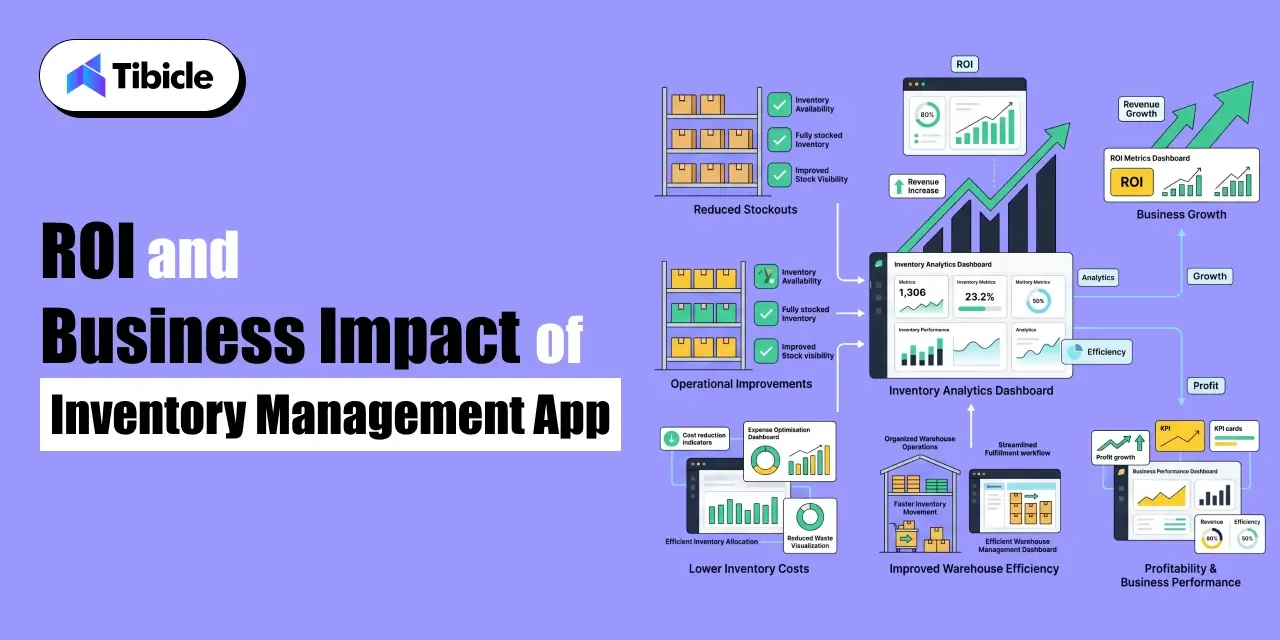
ROI and Business Impact of Inventory Management Apps

ROI and Business

Measurable Gains From Automated Inventory

The ROI for inventory management software is backed by documented performance data across various industries. In 2025, RFID-enabled merchants improved inventory accuracy by 15 percentage points, reducing fulfillment latency to under two hours, which positively impacted customer satisfaction. Overstocking can increase storage costs by 20-30%, but automated demand forecasting and reorder automation help mitigate this.

Key operational gains post-implementation include: reduced manual labor hours through barcode scanning, fewer emergency reorders due to proactive automation, lower inventory write-offs thanks to better demand forecasting, and faster order fulfillment with real-time stock visibility that minimizes errors.

Calculating Payback Period

The payback period formula for any inventory management app investment is straightforward: annual cost of the app divided by annual savings from reduced stockouts plus labour savings plus carrying cost reduction. For most mid-market businesses, this calculation produces a payback period of 4 to 8 months.

The KPIs to track once the system is live are inventory turnover ratio (how quickly stock is sold and replaced), stockout rate (the percentage of demand that goes unfulfilled due to zero stock), and order accuracy percentage (the proportion of orders fulfilled without error). These three metrics together form the operational scorecard that confirms whether the investment is delivering its projected return.

Vendor Lock-In and Data Portability

Proprietary data formats and limited export options in inventory management software can raise switching costs if the tool underperforms or the business outgrows it. Before signing a contract, ensure that stock data, transaction history, and supplier records can be exported in standard formats (at least CSV) and that the process is documented for user access.

The risk of vendor lock-in is highest with NetSuite due to high implementation and data migration costs, making switching difficult. In contrast, Zoho and inFlow have lower implementation costs, resulting in more manageable switching expenses. Consider this alongside feature fit and pricing during your selection process.

Vendor Selection Checklist for Decision-Makers

Use this checklist when evaluating any inventory management app or custom inventory management system before committing to a purchase or build decision:

  • Does the app support your current SKU volume and your projected volume at 24-month scale?
  • Can it integrate natively with your existing ERP, accounting platform, and ecommerce stack without custom middleware?
  • What is the total 3-year cost including subscription fees, implementation, training, and add-on modules?
  • Does the vendor offer SLA-backed uptime guarantees with defined compensation for downtime events?
  • Is data exportable in standard formats (CSV and API access) without requiring vendor assistance
  • Does the platform support your industry-specific compliance requirements (food expiry tracking, serial number traceability, lot management)?
  • What is the vendor’s documented track record with businesses at your size and operational complexity?
  • Is a free trial or sandbox environment available before committing to a paid subscription?

Why Tibicle Is a Strong Choice for Custom Inventory Management Apps Development

Off-the-shelf inventory management apps solve 80 % of inventory management requirements effectively. The remaining 20% of businesses with unique workflows, industry-specific compliance requirements, or operational complexity that standard tools cannot accommodate need a custom-built inventory management system designed around their exact processes, not adapted to fit the constraints of a generic platform.

Tibicle builds custom inventory management software for mid-market businesses that have outgrown spreadsheets and generic tools but do not need or cannot justify the cost of a full NetSuite ERP implementation. Core capabilities include multi-warehouse real-time inventory sync, role-based access control for warehouse, procurement, and management functions, custom reporting dashboards built around the KPIs that matter to your operations, and API integration with any existing ERP, accounting, or ecommerce system in your stack.

The engagement model starts with a structured discovery phase that maps your current inventory workflows, identifies the specific failure points costing revenue, and produces a build scope tied directly to measurable operational outcomes. Pricing is milestone-based with transparent phase-wise breakdowns, no lump-sum quotes, and no scope ambiguity. Post-launch support is provided under a defined SLA.

Cross-industry experience across retail, manufacturing, logistics, and wholesale means the team builds with commercial context, not just technical capability. If the five apps in this guide do not fit your operational requirements, a custom inventory management app built by Tibicle might. Talk to Tibicle’s team to scope an inventory management solution that matches your exact workflow.

Conclusion

The right inventory management app for your business is determined by three variables: your current and projected operational scale, the business model you are running, and the systems your new platform needs to integrate with. There is no single best answer but there is a right answer for each business context, and this guide has laid out the data to find it.

Zoho Inventory provides the most accessible entry point for SMBs and growing ecommerce brands thanks to its affordable pricing and strong multi-channel capabilities. Mid-market retailers operating across multiple sales channels will find Cin7 to be the most balanced solution for inventory visibility and operational control. Businesses that rely heavily on QuickBooks and require manufacturing functionality should consider Fishbowl. NetSuite remains the benchmark for enterprise organisations needing a complete ERP ecosystem with advanced inventory management. Meanwhile, inFlow is an excellent fit for lean teams seeking a straightforward, cost-effective solution without the complexity of larger platforms.

Use the feature comparison table and vendor checklist in this guide as your decision tools. If none of the five apps fits your operational requirements precisely, a custom inventory management system built around your specific workflows is the alternative worth evaluating. Schedule a free consultation with Tibicle to discuss a custom inventory management app built for your business needs.

Frequently Asked Questions

What is the best inventory management app for small businesses in 2026?
Zoho Inventory and inFlow are strong options for small teams. Zoho starts at $39/month with multi-channel support, while inFlow offers a clean interface with  QuickBooks/Xero integration from $110/month.

How much does an inventory management app cost?
Pricing ranges from $39/month (Zoho Inventory) to custom enterprise pricing (NetSuite). Factor in implementation, training, and add-on fees for an accurate 3-year cost estimate.

Can an inventory management app integrate with QuickBooks?
Yes. Fishbowl offers the deepest QuickBooks integration among standalone apps. Zoho Inventory and inFlow also support QuickBooks and Xero syncing.

What ROI can I expect from an inventory management app?
Mid-market businesses typically see a 4–8 month payback period through reduced stockouts, lower carrying costs, and fewer manual labor hours.

When should a business consider custom inventory management software instead of off-the-shelf apps?
When your workflows require industry-specific compliance, multi-system integrations that existing apps don’t support, or unique reporting and automation that standard tools can’t deliver.

Top 5 Postman Alternatives in 2026

Introduction

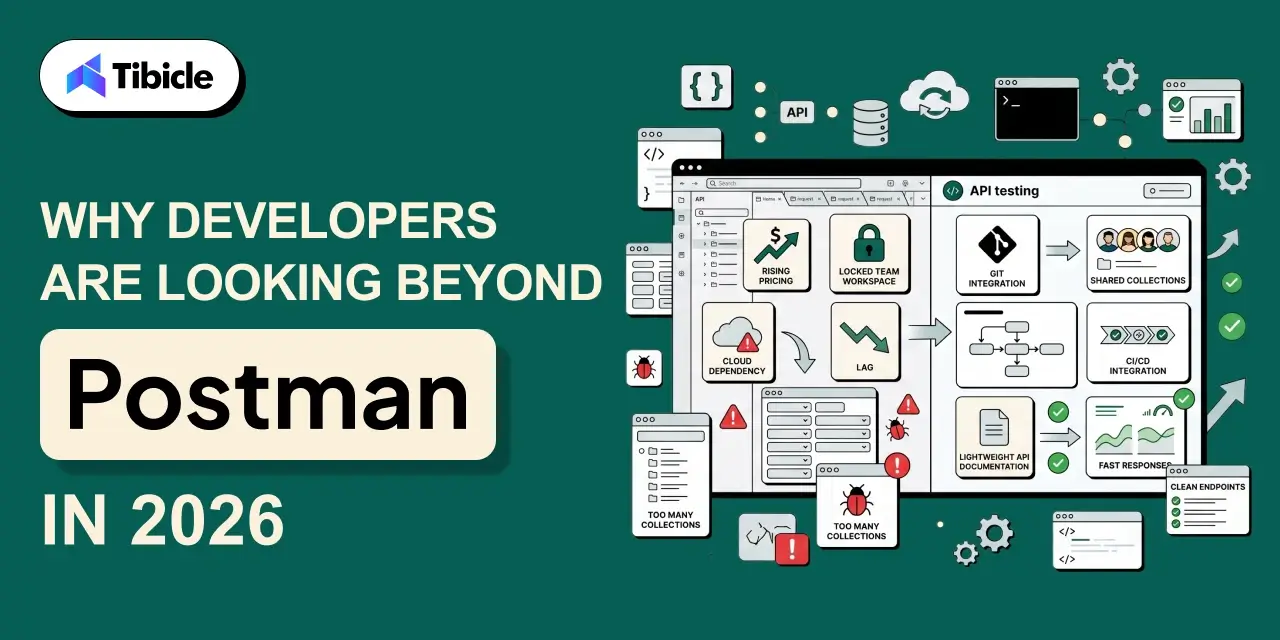
If you’ve been using Postman for API testing, you’re not alone. For years, it has been the go-to choice for developers building, testing, and documenting APIs. It helped define what a modern API client should look like a clean interface, collection management, environment variables, and team collaboration all in one place. For a long time, there was no real reason to look elsewhere. But in 2026, that’s changing. This guide covers the top 5 Postman alternatives, tools that have matured enough to make switching a serious conversation.

postman alternatives

As teams scale, projects get more complex, and the broader API tooling ecosystem has matured significantly. Developers are no longer choosing between Postman and nothing they’re choosing between genuinely strong alternatives, each built with a specific workflow philosophy in mind. Certain tools are built around Git-native collaboration, while others offer fully open-source, self-hostable architectures. There are also lightweight options designed specifically for fast-moving QA and development teams that can’t justify enterprise-level costs. And some combine API testing with capabilities that Postman simply doesn’t offer.

At the same time, Postman’s own trajectory has raised eyebrows. In March 2026, the platform restructured its free plan to single-user only, meaning any team collaboration now requires a paid subscription starting at $19 per user per month. For teams that had been using the free tier to collaborate, this was a significant shift. It accelerated a conversation that was already happening: is Postman still the right tool, or has the ecosystem caught up enough to make a switch worth it?

Why Developers Are Looking Beyond Postman Alternatives in 2026

postman alternatives

Postman remains a capable tool with a large community and a mature feature set. But in 2026, the frustrations that were once minor inconveniences have become genuine blockers for many teams, and the alternatives have matured enough to make switching a realistic conversation.

1. Rising costs at scale

 Postman’s free plan was restructured in March 2026 to support only a single user. Any team collaboration now requires a paid subscription starting at $19 per user per month. For a 10-person team, that’s nearly $2,300 per year just for API testing, a hard number to justify for startups and agencies already watching their tooling budgets carefully.

2. Feature bloat 

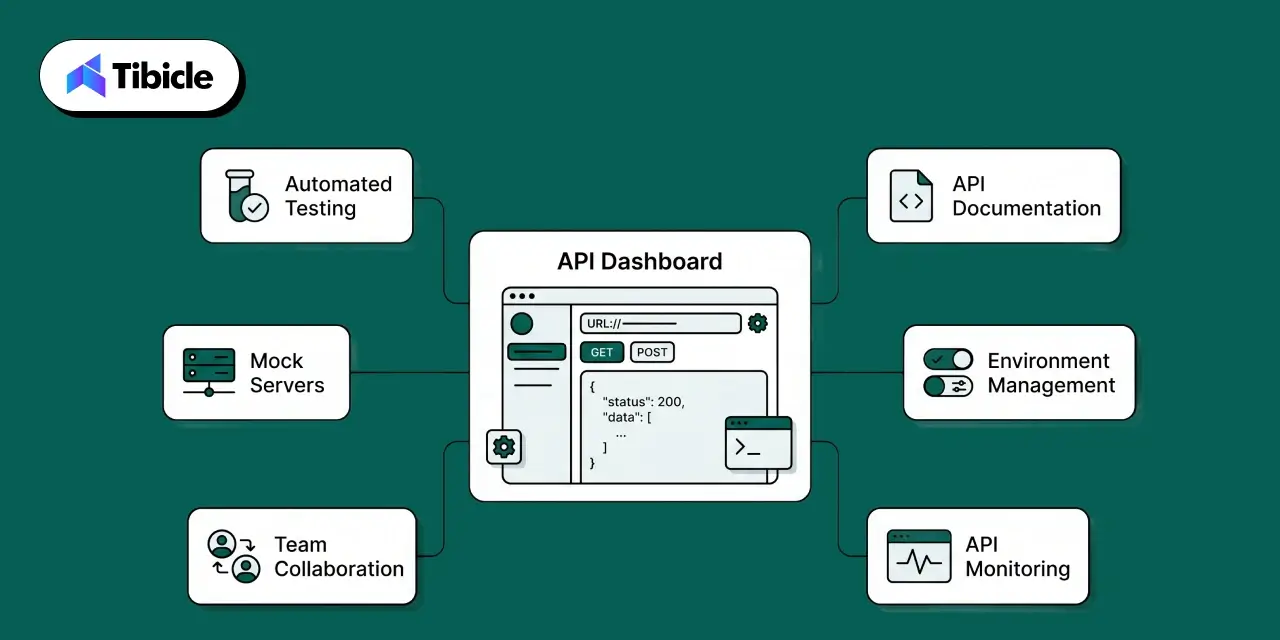
What started as a clean, focused request builder has grown into a sprawling platform with AI features, API hubs, monitors, mock servers, and a full governance layer. For teams that just need to build, test, and share API collections, navigating all of that adds friction rather than removing it. New team members routinely take longer to get productive in Postman than they should.

3. Collaboration friction

Sharing collections, managing environment variables across teams, and maintaining access controls at scale involve more manual overhead than many teams expect. Workspace governance in particular becomes a pain point as teams grow beyond a handful of developers.

4. Cloud dependency 

Postman discontinued its offline Scratch Pad mode in 2023, making cloud sync effectively mandatory for most workflows. For teams in regulated industries, healthcare, finance, government or those operating in air-gapped environments, this is a non-starter. The lack of a viable local-first option has pushed many of these teams toward Git-native alternatives.

None of these are dealbreakers for every team. Large engineering organizations with complex API governance needs may still find Postman’s feature depth worth the cost. But if any of these pain points sound familiar, the alternatives covered in this guide are worth a serious look, several of them have caught up significantly in the last 12 months.

What to Look for in a Postman Alternatives

postman alternatives

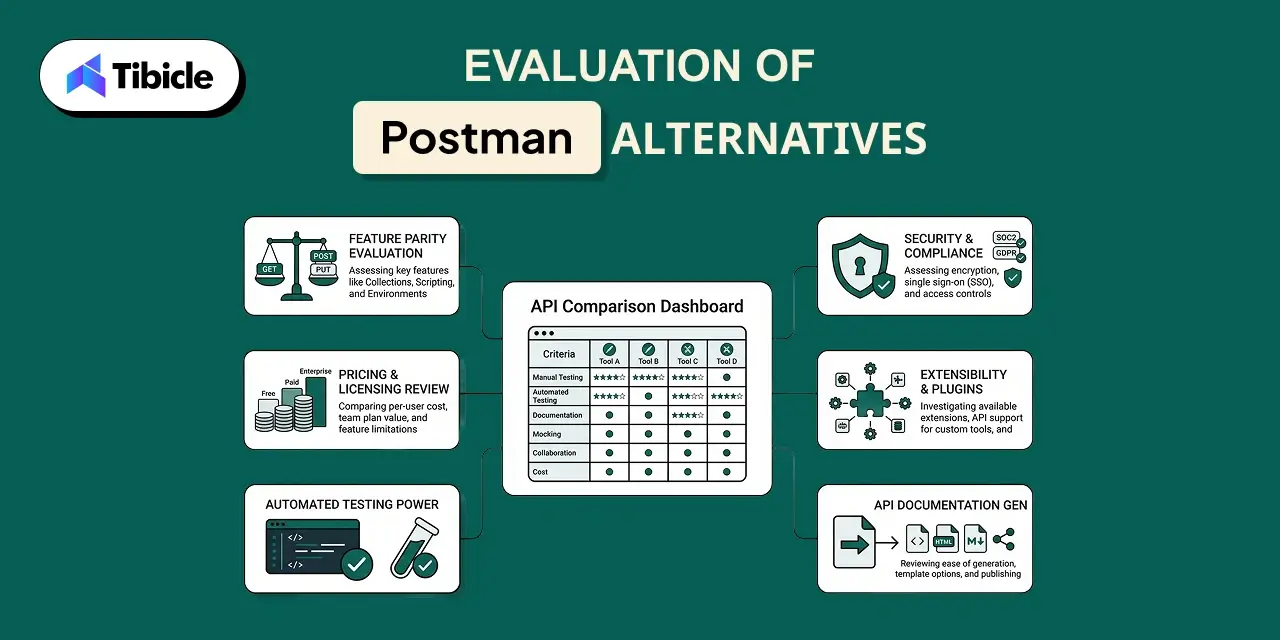
Switching API tools isn’t a decision you want to make twice. The wrong choice means re-migrating collections, re-training your team, and rebuilding workflows all over again. Before jumping into the comparison, it helps to have a clear framework for what actually matters because the best tool isn’t the one with the most features, it’s the one that fits how your team already works.

1. API testing capabilities

The basics matter, but so does depth. Does the tool support automated test scripts, pre-request hooks, and assertion libraries? Can you organize collections at scale without things getting messy? Environment variables and configuration management are table stakes what separates tools is how well they handle complexity as your API surface grows.

2. Collaboration features: 

A tool that works brilliantly for one developer but creates friction for a team of ten isn’t the right fit for most organizations. Look at how easy it is to share collections, manage team workspaces, set access controls, and onboard new members without a long setup process. The best tools make collaboration feel natural rather than like an afterthought bolted onto a solo workflow.

3. Version control support

APIs change constantly, endpoints get added, payloads shift, and authentication methods evolve. A tool that integrates with Git or offers built-in change tracking means your team can review API changes the same way they review code changes. For engineering teams already living in Git, this isn’t a nice-to-have; it’s a requirement.

4.Documentation

 API documentation is often treated as a separate problem, but the best tools solve it in-line. Can you generate and publish docs directly from your collections? Can you share them with external stakeholders or clients without exporting to a separate platform? Good documentation support saves hours of duplicated work across every sprint.

5. Pricing and scalability

 A tool that’s affordable for three people but becomes unmanageable at fifteen isn’t a long-term solution. Evaluate not just the current cost, but what the pricing looks like as your team grows. Free tiers that are genuinely functional, not crippled demos, matter especially for teams that want to evaluate thoroughly before committing budget.

6. Ease of use 

Developer tooling that requires a week of onboarding creates a real productivity drag. How long does it take a new team member to go from zero to their first successful API test? Is the interface intuitive enough that a QA engineer without deep API experience can work in it independently? Onboarding speed is often underweighted in tool evaluations and overweighted in regret after the fact.

With that framework in place, here are the five tools worth evaluating in 2026.

Evaluation of Postman Alternatives

Evaluation

1. Insomnia

Insomnia has built a strong following among API developers who prioritize a clean interface and API-design-first workflows. Originally a lightweight Postman alternative, it has matured into a full-featured platform.

Key Features:

  • API design and testing in a unified interface
  • Git synchronization for version-controlled workflows
  • Environment and variable management
  • Plugin ecosystem for extensibility

Pros:

  • Cleaner, less cluttered interface compared to Postman
  • Git sync allows collections to be version-controlled alongside the codebase
  • The plugin system lets teams extend functionality without vendor dependency
  • Strong API design workflow for teams that design before they build

Cons:

  • Advanced collaboration features are locked behind paid plans
  • Cost scales up quickly for larger teams
  • A desktop app can feel sluggish on resource-constrained machines

Pricing:

  • Hobby Plan — Free. Includes all core API design, debugging, and collaboration features, unlimited collaborators for one project, and 1,000 free mock requests per month.
  • Pro Plan — $12 per user/month. Unlocks unlimited collaborators across unlimited organizations, native Git support, role-based access control, and 10,000 free mock requests monthly.
  • Enterprise Plan — $45 per user/month (billed annually). Everything in Pro Plus Enterprise SSO (SAML, OIDC) and SCIM for user management.

Best Suited For: Individual API developers and engineering teams that prioritize clean UX and a strong API design workflow.

2. Hoppscotch

Hoppscotch (formerly Postwoman) is an open-source API development platform that runs in the browser. It’s built for speed and simplicity, and for many developers, it’s the fastest way to fire off a request without spinning up a desktop app.

Key Features:

  • Browser-based access, no installation required
  • Cloud sync for saving and sharing collections
  • Open-source codebase, self-hostable
  • Real-time collaboration on the paid tier

Pros:

  • Zero setup works entirely in the browser
  • Open-source with a self-hosted option for privacy-conscious teams
  • The free tier is genuinely usable for individuals and small teams
  • Low barrier to entry for developers new to API testing

Cons:

  • The enterprise feature set is limited compared to more established platforms
  • Test scripting and automation capabilities are less mature
  • Smaller community and plugin ecosystem

Pricing:

  • Free Plan: $0 forever. Includes unlimited workspaces, collections, requests, and runners, with community support through Discord and GitHub 
  • Organization Plan: $6 per user/month (billed annually). Includes everything from the free version plus an admin dashboard for managing team members, dedicated support, and custom payment options for enterprise needs.
  • Self-hosted option available for teams that need full data control

Best Suited For: Individual developers, open-source enthusiasts, and small teams that value simplicity and low setup overhead.

3. Bruno

Bruno takes a fundamentally different approach from most API clients: it stores collections directly on the filesystem as plain text files rather than in the cloud. If you want your API collections version-controlled in Git alongside your codebase, Bruno is designed exactly for that.

Key Features:

  • Local-first architecture  collections stored as files on disk
  • Native Git integration
  • Offline usage with no cloud dependency
  • Collection versioning through standard Git workflows

Pros:

  • Collections live in your repo, changes tracked through standard PRs
  • No cloud vendor dependency or data leaving your machine
  • Lightweight and fast compared to heavier desktop tools
  • Natural fit for teams already disciplined about Git workflows

Cons:

  • Real-time collaboration and shared workspaces are limited
  • Smaller ecosystem with fewer integrations
  • Steeper learning curve for developers not comfortable with Git-based workflows

Pricing:

  • Open Source — Free. Full core API testing functionality with unlimited collections, requests, and environments, offline access, Git integration, JavaScript testing, and CLI support at no cost.
  • Pro Plan — $6 per user/month. Adds advanced Git client integration, OpenAPI design tools, and priority support. 
  • Ultimate Plan — $11 per user/month. Everything from Pro plus additional enterprise features, advanced automation tools, and expanded OpenAPI capabilities.

Best Suited For: Developers and engineering teams that prefer local-first workflows and want API collections treated like code.

4. Roley

Roley is a newer entrant in the API testing space, built with a focus on team collaboration and streamlined workflows. It positions itself as an alternative for teams that find Postman’s collaboration experience cumbersome or its pricing hard to justify at scale.

Key Features:

  • API testing and automation
  • Shared team workspaces and collection management
  • Environment variables and configuration management
  • Postman collection import for easy migration
  • Centralized workspace for API documentation and sharing

Pros:

  • Smooth onboarding for teams migrating from Postman via collection import
  • The collaboration model is straightforward to set up for QA and dev teams
  • Pricing is significantly more accessible than Postman for growing teams
  • Workspace designed for parallel workflows between developers and QA engineers

Cons:

  • Newer platform with a smaller community and ecosystem
  • Advanced automation scripting and plugin support are still maturing
  • Teams with complex requirements should verify feature parity before committing

Pricing:

  • Free Plan — $0, up to 3 users. Includes access to the API client, ability to publish API documentation, and web and desktop app access with basic support.
  • Professional Plan — $4 per user/year (most popular tier, designed for growing teams).
  • Higher tiers are available for larger teams and organizations

Best Suited For: Startups, agencies, QA teams, and growing development teams that need solid collaboration features without the overhead of larger platforms.

5. Requestly

Requestly occupies a distinct niche in this list: it combines API testing with HTTP request interception and traffic modification. If your workflow involves debugging API requests in the browser, mocking responses, or modifying headers without touching the backend, Requestly offers capabilities that most pure API clients don’t.

Key Features:

  • API testing and collection management
  • HTTP request and response interception
  • API mocking and response simulation
  • Request modification rules for debugging
  • Browser extension and desktop application
  • Team collaboration and rule sharing

Pros:

  • Combines API testing and traffic interception in a single tool
  • Intercept and modify live requests without touching the backend
  • A browser extension makes it immediately accessible for frontend and QA workflows
  • Useful for mocking responses when backend services aren’t ready

Cons:

  • API testing capabilities are not as deep as dedicated platforms like Insomnia
  • Less suited for teams with heavy automation and scripting requirements
  • Advanced team features require paid plans

Pricing:

  • Free –  $0. Lite — $8/month. 
  • Basic – $15 per member/month. 
  • Professional –  $23 per member/month 
  • Custom pricing available for teams of 50 or more licenses 

Best Suited For: Frontend developers, QA engineers, and teams that need API testing combined with traffic interception and request mocking in a single workflow.

Side-by-Side Comparison of Postman Alternatives

Category Insomnia Hoppscotch Bruno Roley Requestly
API Testing Depth Comprehensive testing workflows Strong for standard use cases Strong for standard use cases Comprehensive testing workflows Good, with focus on debugging and request modification
Collaboration Strong team collaboration Real-time collaboration (paid plans) Git-centric collaboration Strong team collaboration Rule sharing and collaboration features
Git & Version Control Git Sync available Cloud-based collection management Git-native by design Cloud-based collection management Cloud-based collection management
Open Source No Yes, self-hostable Yes No No
Best for Beginners Moderate learning curve Easy onboarding Requires developer familiarity Easy onboarding Moderate learning curve
Pricing Accessibility Standard per-seat SaaS pricing Low entry cost Low entry cost Competitive team pricing Standard per-seat SaaS pricing

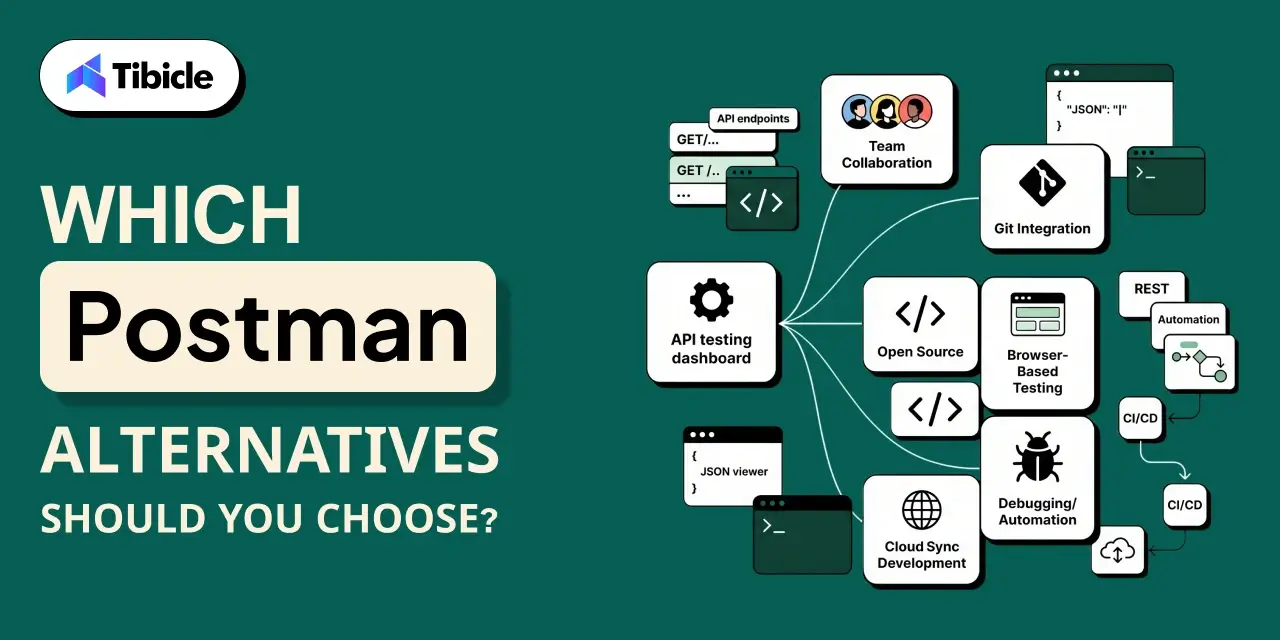
Which Postman Alternatives Should You Choose?

Postman

Tool Best For
Insomnia Teams that value a polished UI, API-design-first workflows, and Git-synced collections
Hoppscotch Developers looking for an open-source API platform with browser-based access and self-hosting capabilities
Bruno Teams that manage API collections as code, work heavily with Git, and prefer a local-first approach without cloud dependency.
Roley Teams focused on collaboration, seeking an easy migration from Postman, and wanting a cost-effective solution for growing teams
Requestly Teams that need API testing alongside request interception and debugging, especially frontend developers working extensively in the browser.

Conclusion

The API tooling market in 2026 has matured to the point where Postman is no longer the only serious option. Bruno, Hoppscotch, Insomnia, Requestly, and Roley each solve a distinct problem, whether that’s Git-native workflows, open-source flexibility, design-first testing, request interception, or straightforward team collaboration. The right choice comes down to how your team works, what your Git workflow looks like, and what you’re willing to spend. Take advantage of the free tiers, test against your actual requirements, and let your workflow make the decision, not the longest feature list.

Curious what Tibicle is using for API testing? Connect with us and we’ll walk you through our setup.

Frequently Asked Questions

What is the best API testing tool in 2026?
The best postman alternatives in 2026 depend entirely on your team’s workflow. Bruno stands out for Git-native teams, Roley for straightforward collaboration, Insomnia for a polished API-design experience, Hoppscotch for open-source flexibility, and Requestly for teams that need request interception alongside testing. There’s no universal winner, the right tool is the one your team will actually use consistently.

Why are developers moving away from Postman?
The most common reasons are pricing at scale, feature complexity in simple use cases, and a preference for postman alternatives that integrate more seamlessly with Git-based workflows. Some teams also prefer open-source or self-hosted options for data control.

Are these tools suitable for enterprise use?
Insomnia has the most mature enterprise feature set among the postman alternatives listed. Roley and Requestly are growing in this direction. Bruno and Hoppscotch (self-hosted) are viable for enterprises with engineering-heavy cultures but may require more custom workflow setup.

Can I migrate from Postman without losing my collections?
Most of these tools support Postman collection import. Roley, Insomnia, and Hoppscotch all offer migration paths. Bruno requires converting collections to its file format, but community tooling exists to help with this.

Is there a free option that’s actually usable?
Yes. If you’re exploring postman alternatives on a budget, Hoppscotch’s free tier is genuinely usable for individuals and small teams. Bruno’s core is free and fully functional. Roley also offers a free plan that supports up to 3 users, making it a practical starting point for small teams before committing to a paid plan.

What Is a Product Roadmap? The Complete Guide for 2026

Introduction

Your product roadmap is the document everyone references and almost no one trusts. According to Airtable’s 2025 Predictions Report, 92% of product leaders are directly responsible for revenue outcomes, yet only 26% have high visibility into the ROI of their launches. That gap does not come from weak strategies. It comes from roadmaps that disconnect vision from execution.

product roadmap

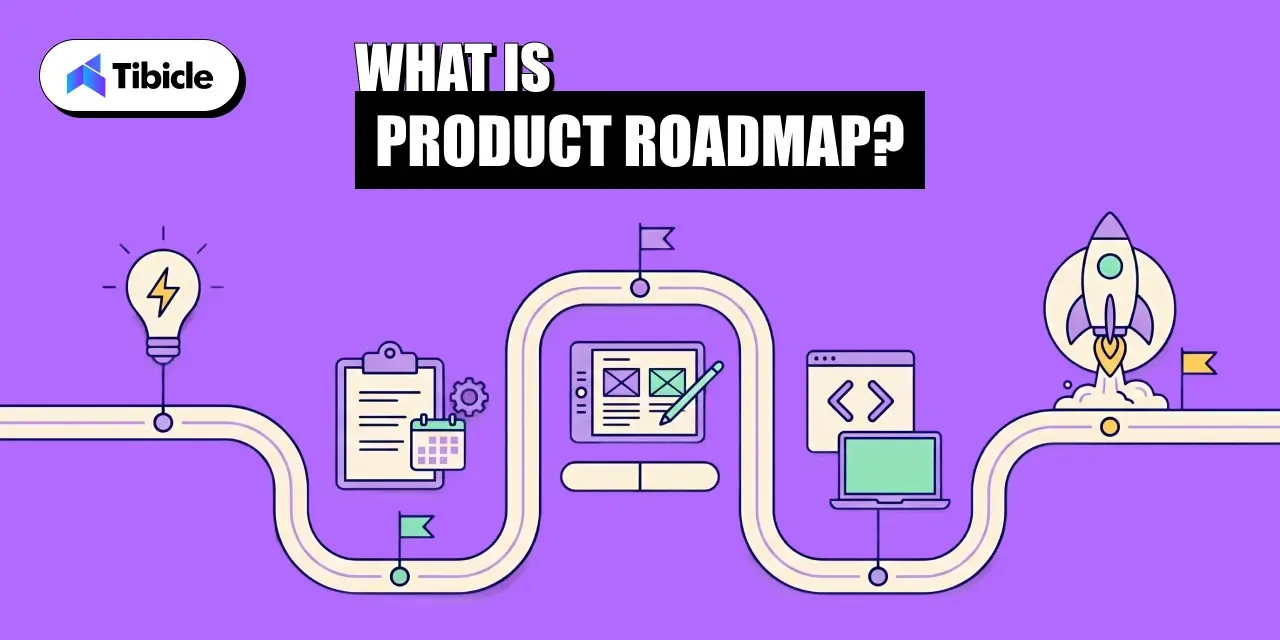
A product roadmap is a high-level strategic document that shows what a team is building, why it matters, and when it ships. Done right, it aligns engineering, marketing, sales, and leadership around a single source of truth. Done wrong, it becomes a graveyard of features nobody needed.

This guide covers everything you need to build a product roadmap that actually drives outcomes: the right format, the right prioritization frameworks, the right tools, and the most common mistakes teams make in 2026.

What Is a Product Roadmap?

A product roadmap is a strategic plan that maps the direction, priorities, and progress of a product over a set time horizon. It answers three questions: what are we building, why are we building it, and when will it ship.

The product roadmap sits between high-level company strategy and ground-level sprint planning. It is not a backlog, not a Gantt chart, and not a commitment list. It is a communication tool, and the moment it stops communicating clearly, it stops being useful. It is also useful in Custom software development to scale better.

Key distinction: A product roadmap shows strategic intent. A project plan shows task execution. Conflating the two is the single most common reason product roadmaps fail to align teams.

4 Core Components of Every Effective Roadmap

Every product roadmap that works in practice shares four components:

  • Vision: A one-to-two sentence statement of the product’s long-term direction, anchored to a business outcome.
  • Goals and OKRs: The measurable milestones the roadmap exists to achieve, tied to revenue, retention, or activation.
  • Initiatives and Features: The strategic bets being placed, grouped by theme rather than listed as individual tickets.
  • Timeline: A rough time horizon, typically quarters, not hard shipping dates.

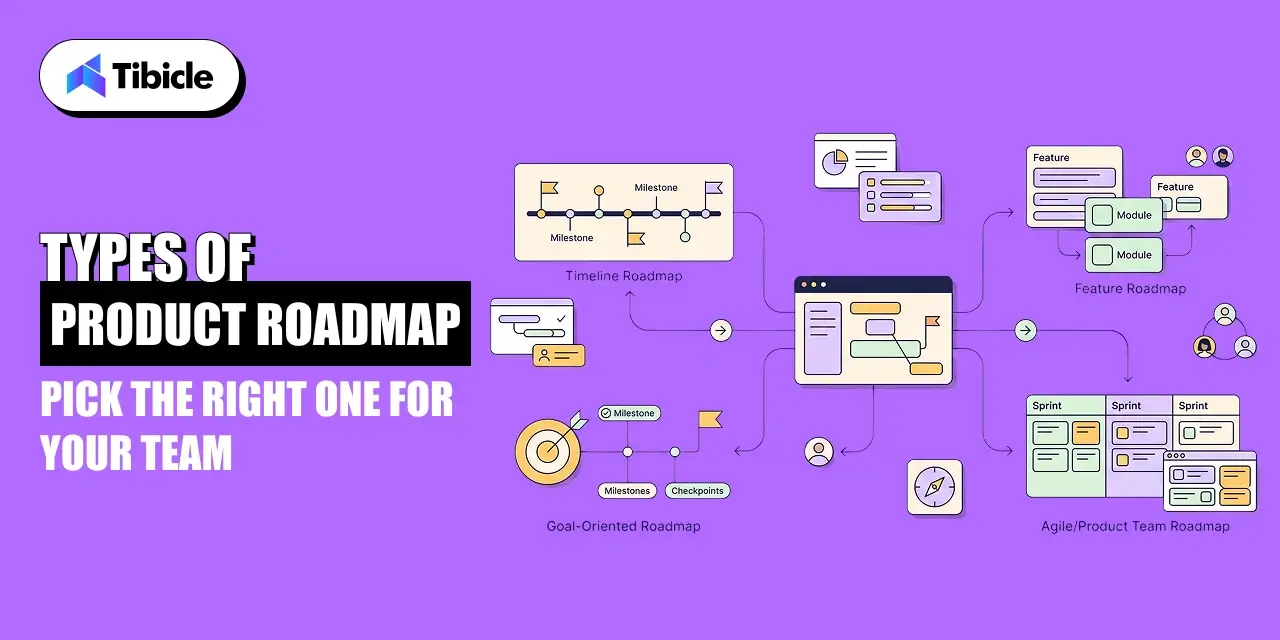
Types of Product Roadmaps: Pick the Right One for Your Team

product roadmap

Choosing the wrong product roadmap format is like choosing the wrong map for a trip. A city map will not help you navigate a national park. The three formats below cover most team needs in 2026.

Now Next Later Roadmap

The Now-Next-Later product roadmap organizes initiatives by priority horizon rather than calendar date. ‘Now’ holds what the team is actively building. ‘Next’ holds what ships after current work is complete. ‘Later’ holds validated ideas that are not yet resourced.

This format is best for teams running in uncertain or fast-changing environments where committing to calendar dates creates more confusion than clarity. It keeps the product roadmap honest by making prioritization explicit.

Theme Based Roadmap

The theme-based product roadmap groups initiatives under strategic outcomes rather than feature categories. Instead of ‘Improve Search’ appearing as a line item, it becomes ‘Reduce time-to-first-result by 40% for enterprise users.’ Every item on the roadmap ties to a measurable business theme.

This is the format most aligned with modern OKR-driven organizations. According to the State of Product Management Report 2026 by Product-Led Alliance and ProductPlan, 49.2% of teams cite resource and capacity constraints as the main cause of roadmap misalignment. Theme-based roadmaps reduce that friction by making trade-offs visible.

Timeline Based Roadmap

The timeline-based product roadmap uses a Gantt-style view showing when initiatives ship against a calendar. It is the most familiar format to stakeholders outside the product team, which makes it useful for executive reviews and go-to-market alignment.

The risk: timelines create implicit commitments. Sales teams start quoting ship dates. Marketing plans campaigns around them. When the roadmap slips, trust erodes. Use timeline-based roadmaps only when the audience understands they are estimates, not contracts.

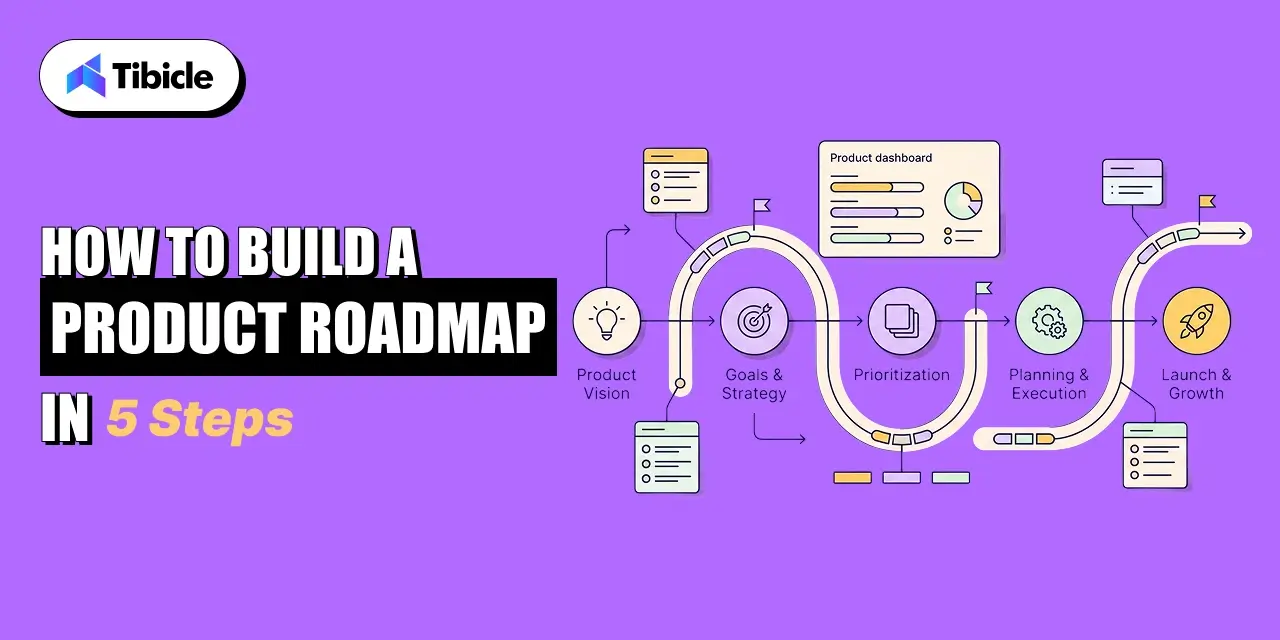
How to Build a Product Roadmap in 5 Steps

product roadmap

Building a product roadmap that holds up is a repeatable process. Here are the five  steps that produce roadmaps teams actually work from.

Step 1: Define Your Product Vision

A product roadmap without a product vision is a to-do list with extra formatting. The vision defines the 12-to-36-month destination the product development is navigating toward. Keep it to two sentences. Make it specific enough that a new hire reading it in three months would know which initiatives belong on the roadmap and which do not.

Step 2: Align with OKRs and Business Goals

Every initiative on the product roadmap must trace to a business goal. If it cannot, it does not belong. Productboard’s CPO Survey found that 39% of product investments were failing due to a lack of clear company strategy. OKR alignment is how the roadmap prevents that problem. For each initiative, answer: which OKR does this move, and by how much?

Step 3: Collect and Prioritize Customer Feedback

Airtable’s product roadmap research shows that teams using AI to synthesize feedback at scale identify trends across channels in real time and prioritize initiatives with more evidence behind them. Run a structured voice-of-customer process: analyze support tickets, CRM notes, sales calls, and survey data. Segment feedback by customer tier and use case before adding anything to the roadmap.

Step 4: Apply a Prioritization Framework

Raw feedback and stakeholder requests need a scoring system before they become roadmap items. The two most used frameworks in 2026 are RICE scoring and MoSCoW.

RICE scores each initiative on four dimensions: Reach (how many users it affects), Impact (the expected improvement per user), Confidence (how certain the team is), and Effort (engineering weeks required). The formula is (Reach x Impact x Confidence) / Effort. Higher scores surface first.

MoSCoW categorizes items as Must-have, Should-have, Could-have, or Won’t-have for the current cycle. It is faster to apply than RICE and works well when the team needs a quick consensus mechanism for a quarterly planning session.

Step 5: Draft the Roadmap and Review with Stakeholders

Draft the product roadmap in whichever format fits your audience. Share it with engineering, marketing, and sales before finalizing. The goal is not consensus on every item. The goal is eliminating surprises. Stakeholders who are surprised by a roadmap stop trusting it. Stakeholders who helped shape it defend it.

Top Product Roadmap Tools in 2026

The product roadmap tool market is projected to reach $52.85 billion by 2031. The right tool depends entirely on your team’s size, tech stack, and how much of the roadmap workflow you want integrated versus standalone.

Tool Best For Key Strength
Aha! Enterprise teams, detailed planning Most complete product management suite
Productboard Customer-feedback-driven prioritization Built-in feedback capture and scoring
Airtable Flexible, cross-functional teams Customizable views, AI-assisted prioritization
Jira Engineering-centric teams Native sprint and backlog integration

AI is changing how roadmap tools operate. Among teams already using AI in roadmapping, 37% report better feature prioritization and 32% cite stronger data analysis, according to Airtable’s research. Tools like Airtable now auto-generate roadmap drafts from customer data, reducing the manual synthesis work that previously consumed hours of PM time.

Common Product Roadmap Mistakes to Fix in 2026

Even well-intentioned roadmaps break down in the same ways. Here are the five most damaging patterns:

  • Treating the roadmap as a feature list. A product roadmap that lists 40 features with ship dates is a project plan, not a roadmap. Consolidate to themes and outcomes.
  • Locking timelines too early. Sales and marketing need planning lead time, but committing to specific ship dates 12 months out creates false precision. Use quarters, not months.
  • Skipping engineering input. Roadmaps built without capacity data get blown up in the first sprint review. Involve engineering in the prioritization stage, not just after the fact.
  • Not sharing the roadmap broadly enough. Atlassian’s State of Product 2026 found that 84% of product teams are concerned that what they are building will not succeed in the market. Most of that fear comes from insufficient feedback loops, not bad ideas.
  • Failing to cut. A product roadmap without a ‘won’t do this quarter’ list is not a prioritization tool. Saying no clearly is the most important function of the roadmap.

Why Tibicle Is the Right Partner for Product Roadmap Execution

product roadmap

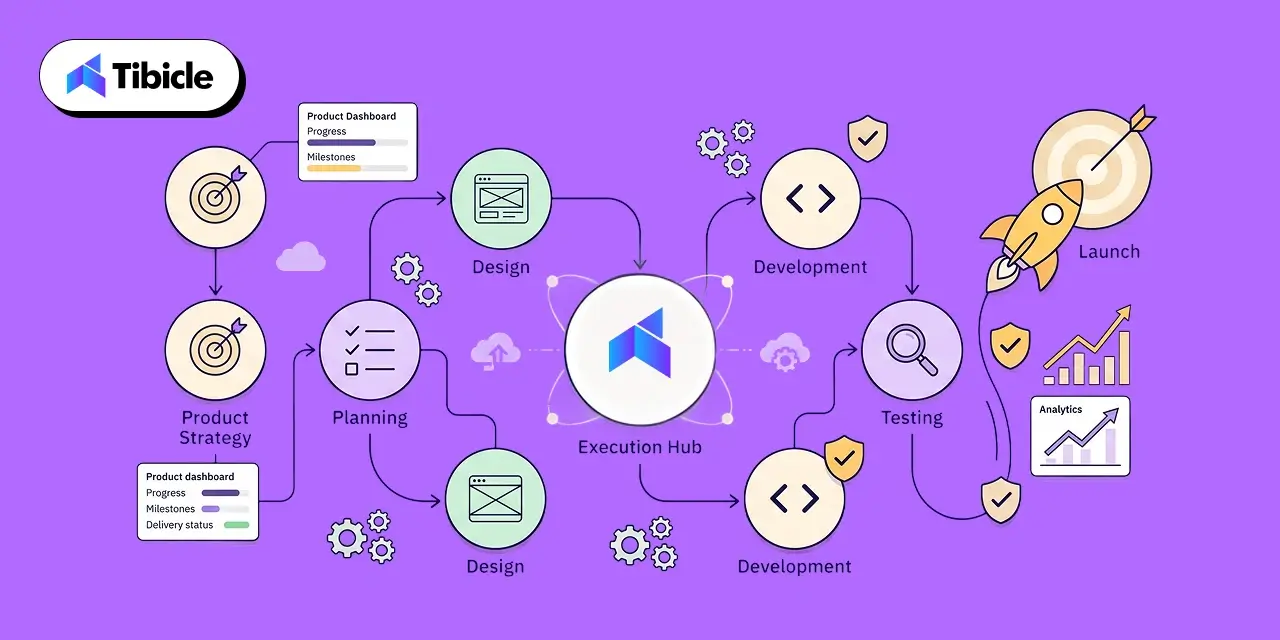
A product roadmap is only as strong as the team executing it. Tibicle is an AI-first software development company that has delivered 60+ projects with 100% job success across startups and enterprises. Their product consulting practice handles the full build lifecycle, from discovery and requirements definition to UI/UX, backend development, QA, and deployment making them a direct fit for teams who have a roadmap and need a technical partner to ship it.

What separates Tibicle from generalist dev shops is delivery structure. They run sprint-based engagements with weekly reviews, milestone-based accountability, and clear documentation at every stage. Clients on Clutch report that Tibicle delivered ahead of schedule and adapted to scope changes without breaking timelines. For product teams working from a Now-Next-Later or theme-based roadmap, that operational discipline means the roadmap stays credible rather than becoming the graveyard of features that most failed roadmaps turn into.

Tibicle’s engagement models, dedicated developers, team augmentation, or fixed-scope, map directly onto where most product teams get stuck: not strategy, but capacity. If your roadmap is clear and your internal team cannot execute it at the pace your business requires, Tibicle’s dedicated resource model gives you focused engineers who own your system rather than splitting attention across multiple clients.

Conclusion

A product roadmap that cannot drive execution is a presentation, not a strategy. The frameworks, formats, and prioritization tools covered in this guide give you the structure to build a roadmap your teams will work from. The next step is making sure the technical capacity exists to ship what the roadmap calls for.

If your team is at the point where execution speed is the bottleneck, talk to Tibicle. They have built the full stack  web, mobile, AI, and SaaS  for startups and enterprises that needed a reliable team to turn roadmap priorities into shipped product.

Frequently Asked Questions

What is a product roadmap used for?
A product roadmap communicates a product’s strategic direction across engineering, marketing, sales, and leadership. It aligns teams around shared priorities and gives stakeholders a clear picture of what is being built, why it matters, and roughly when it ships.

What is the difference between a product roadmap and a sprint backlog?
A product roadmap operates at a strategic level, typically covering quarters or years, and shows initiatives tied to business outcomes. A sprint backlog operates at a tactical level, covering the next one to two weeks, and contains specific tasks that developers pick up and complete. The roadmap decides what to build next. The backlog decides who is building what today.

How often should you update a product roadmap?
Most high-performing product teams review their roadmap monthly and perform a full refresh each quarter. The Now-Next-Later format allows lighter touch monthly updates. Timeline-based roadmaps typically need quarterly recalibration to stay credible with stakeholders.

What is the Now-Next-Later framework in product roadmaps?
Now-Next-Later is a product roadmap format that organizes initiatives by priority horizon rather than calendar dates. ‘Now’ holds active work. ‘Next’ holds what follows. ‘Later’ holds validated ideas not yet resourced. It reduces false precision in planning and keeps teams focused on the current priority set without overcommitting to future timelines.

Which product roadmap tool is best for small teams?
Airtable and Productboard both serve small teams well. Airtable is more flexible and integrates broadly with existing tools. Productboard is stronger for teams that want built-in customer feedback capture tied directly to prioritization. Jira works if your team is already living inside Atlassian’s ecosystem and wants roadmap and backlog managed in one place.

How to Build a Shopify Website (Step-by-Step Guide for 2026)

Introduction

If you’re planning to build a Shopify website, understanding the right setup, pricing, and development approach is critical. Shopify has become one of the most dominant eCommerce platforms globally, powering more than 5.6 million active stores and processing over $300 billion in GMV. Today, Shopify controls nearly 29% of the US eCommerce platform market, making it the preferred choice for startups, DTC brands, and enterprise retailers looking for scalable online selling infrastructure.

build Shopify website

But despite easier access to eCommerce tools, nearly 90% of online stores still fail within their first year. The biggest reasons are poor store planning, weak conversion-focused design, slow website performance, and choosing the wrong eCommerce platform for long-term growth.

For founders and business owners evaluating eCommerce solutions, the decision to build a Shopify website infrastructure is no longer just about launching a store. It’s about creating a scalable revenue engine that supports SEO, mobile commerce, customer retention, and operational efficiency.

This guide walks through the complete process to build a Shopify website architecture properly, from account setup and pricing selection to ROI benchmarks, platform comparisons, optimization strategies, and choosing the right Shopify website development partner.

What Is Shopify and Why Does It Dominate eCommerce?

Shopify is a SaaS-based ecommerce platform that allows businesses to create, manage, and scale online stores without handling hosting, server management, or backend infrastructure. Unlike self-hosted platforms, Shopify provides built-in hosting, PCI-compliant checkout systems, SSL security, and an ecosystem of more than 17,600 apps for extending store functionality.

The platform generated over $11.56 billion in revenue in 2025, reflecting nearly 30% year-over-year growth as more businesses shift toward digital commerce models.

One reason Shopify dominates the eCommerce industry is its flexibility across business sizes. Solo creators can launch with Shopify Starter plans at minimal cost, while enterprise brands like Gymshark, Tesla, and Estée Lauder operate large-scale stores using Shopify Plus infrastructure.

Shopify simplifies ecommerce operations while still supporting advanced scaling, automation, omnichannel selling, and international commerce.

Core Capabilities That Matter for Business Owners

When businesses build a Shopify website, these core capabilities directly impact scalability, performance, and long-term growth:

  • Built-in hosting and SSL security: Shopify manages servers, uptime, and SSL encryption, ensuring your store is secure and always accessible without needing technical infrastructure management.
  • Integrated payment processing: With Shopify Payments and multiple gateway options, businesses can accept payments globally while reducing dependency on third-party processors.
  • Multi-currency and multilingual support: Shopify enables international selling by allowing customers to browse and pay in their local currency and language, improving global conversion rates.
  • Mobile-responsive storefronts: Every Shopify theme is optimized for mobile devices, which is critical since the majority of ecommerce traffic now comes from smartphones.
  • POS integration for offline retail: Shopify seamlessly connects online and offline sales through its POS system, helping businesses manage inventory and sales across physical and digital stores.
  • App ecosystem for marketing and automation: With access to thousands of apps, businesses can automate email marketing, upselling, analytics, and customer engagement without custom development.
  • Inventory and order management: Shopify provides centralized control over stock levels, order tracking, and fulfillment, simplifying operations as your business scales.
  • PCI-compliant checkout systems: Built-in compliance ensures secure transactions and protects customer data without requiring additional security configurations.

Shopify Payments further reduces operational costs by eliminating extra transaction fees, making it a cost-efficient solution for growing eCommerce businesses.

Step-by-Step Guide to Build a Shopify Website

Building a Shopify website becomes much easier when you follow a structured process. Even if you have no prior technical experience, Shopify’s guided setup and intuitive dashboard allow you to launch a fully functional store step by step. The goal is not just to create a store, but to build a Shopify website that is optimized for conversions, performance, and long-term growth.

build Shopify website

Step 1 – Create Your Shopify Account and Select a Plan

Start by signing up on Shopify using your email address. You’ll get access to a free trial, which is enough to explore the dashboard and understand how the platform works. Once inside, Shopify will guide you through a few basic questions about your business.

When selecting a plan, don’t overcomplicate the decision:

  • Choose the Basic plan if you’re starting fresh
  • Upgrade later as your revenue grows
  • Focus on launching first, optimizing later

This step is about getting access to your store backend – everything else builds on this foundation.

Step 2 – Register a Custom Domain

Your domain name is the first thing customers notice, so it should reflect your brand clearly. Instead of using the default Shopify subdomain, invest in a custom domain to build credibility and trust.

Keep these best practices in mind:

  • Use a short and easy-to-spell name
  • Avoid numbers or complex words
  • Match your brand identity
  • Prefer “.com” if available

You can purchase a domain directly from Shopify or connect one from providers like GoDaddy. A clean domain improves both branding and SEO.

Step 3 – Choose and Customize a Theme

This is where your store starts to visually come alive. Shopify provides a wide range of free and premium themes that you can install instantly. Once selected, you can customize everything using a simple drag-and-drop editor.

While customizing your theme, focus on:

  • Keeping the design clean and clutter-free
  • Ensuring mobile responsiveness (most traffic is mobile)
  • Highlighting key sections like hero banner, products, and CTA
  • Maintaining consistent branding (colors, fonts, layout)

You don’t need coding skills here, just focus on creating a user-friendly and visually appealing store.

Step 4 – Add Products and Organize Collections

Your products are the core of your store, so this step needs attention to detail. Shopify allows you to add products manually or in bulk using CSV files.

For each product, ensure:

  • Clear and SEO-friendly product titles
  • Detailed and benefit-driven descriptions
  • High-quality product images
  • Proper pricing and variants (size, color, etc.)

Organize your products into collections like:

  • Categories (Men, Women, Accessories)
  • Seasonal collections
  • Best sellers or featured items

Good product structure improves navigation, SEO, and conversion rates.

Step 5 – Configure Payments and Checkout

To start selling, you need to enable payment options. Shopify Payments is the easiest choice, but you can also integrate PayPal, Apple Pay, and other gateways.

For better conversions:

  • Enable guest checkout
  • Offer multiple payment options
  • Show shipping costs upfront
  • Keep checkout steps minimal

A smooth checkout experience directly reduces cart abandonment and increases sales.

Step 6 – Set Up Shipping, Tax, and Legal Pages

Before launching, you need to configure operational and legal settings properly. Shopify allows flexible shipping rules based on your business model.

Key setup areas include:

  • Shipping: flat rate, free shipping, or location-based
  • Taxes: automatic calculation based on region
  • Legal pages: privacy policy, refund policy, terms of service

These elements build trust and ensure your store is compliant and ready for real customers.

Step 7 – Optimize for SEO and Launch

The final step is preparing your store for visibility and performance. SEO plays a major role in driving organic traffic and long-term growth.

Before launching, make sure to:

  • Add meta titles and descriptions
  • Use keyword-rich product pages
  • Optimize image alt text
  • Create clean and readable URLs
  • Test your store on mobile and desktop

Also:

  • Place a test order
  • Review all pages
  • Check loading speed

Once everything is ready, remove password protection and launch your store.

Why This Process Matters

Following these steps properly ensures you don’t just create Shopify store infrastructure, but build a high-performing eCommerce website. Skipping steps or rushing setup often leads to poor user experience, low conversions, and expensive fixes later.

How Long Does It Take to Build a Shopify Website?

The time required to build a Shopify website depends on the complexity of your store, the level of customization, and the number of integrations involved. While Shopify enables quick setup for simple stores, more advanced builds require structured design, development, and testing phases to ensure performance and scalability.

  • A basic Shopify store with a pre-built theme and minimal customization can typically be launched within 1–3 days.
  • A custom Shopify store with tailored design, app integrations, and optimized user experience usually takes around 3–6 weeks.
  • An enterprise-level Shopify store involving headless architecture, advanced features, and large-scale data handling can take 2–3 months to fully develop and deploy.\

Shopify Pricing Plans Breakdown (2026)

build Shopify website

Shopify offers multiple pricing tiers designed to support businesses at different growth stages, from solo creators to enterprise brands. Choosing the right plan depends on your store’s size, expected order volume, and the level of features you need for scaling efficiently. 

Pricing Overview:

Plan Monthly Cost Transaction Fee (3rd-party) Staff Accounts Best For
Starter $5 5% 1 Social selling
Basic $39 2% 2 New stores
Grow $79 1% 5 Scaling teams
Advanced $299 0.6% 15 High-volume stores
Plus $2,300+ Custom Custom Enterprise

The Basic plan is ideal for most beginners, offering all essential eCommerce features needed to launch and operate a store. As your business grows, upgrading to Grow or Advanced plans helps reduce transaction fees and unlock better reporting and team management capabilities. For large-scale operations, Shopify Plus provides enterprise-level customization and automation.

Keep in mind that beyond subscription costs, additional expenses like themes, apps, and marketing tools can add $300–$500/month, depending on your setup. Planning these costs early ensures smoother scaling without unexpected budget issues.

Hidden Costs to Factor In

Many businesses underestimate the true cost of creating a Shopify store infrastructure.

Additional expenses include: 

  • Premium themes typically cost $150–$400 and are often necessary to achieve a professional, conversion-focused design.
  • App subscriptions can add $50–$200/month, depending on the tools used for marketing, analytics, and automation.
  • Domain renewals are recurring yearly costs required to maintain brand identity and store credibility.
  • Email marketing tools introduce ongoing expenses but are essential for customer retention and repeat sales.
  • CRO tools improve conversion rates but add extra costs for testing, tracking, and optimization.
  • Third-party integrations may be needed for advanced features, increasing overall operational spending.

In reality, a mid-sized Shopify store generating $20K/month in revenue typically spends $300–$500/month across the full ecommerce stack, not just the Shopify subscription fee.

ROI and Business Impact of a Shopify Website

The ROI of a Shopify website depends on how well the store converts traffic and retains customers. On average, Shopify stores generate $104K–$235K in yearly GMV, with higher-performing brands exceeding this through optimized marketing and user experience. Conversion rates are a key driver, where most stores operate at 1.4–1.8%, while top performers reach 4.7%+ by focusing on UX and targeting. 

In addition, retention and acquisition channels like email and SEO significantly improve profitability, making Shopify a scalable platform for long-term growth. 

  • Average conversion rate typically ranges from 1.4–1.8%, setting the baseline for eCommerce performance.
  • Top-performing stores achieve 4.7%+ conversion rates through strong UX and targeting strategies.
  • Email marketing ROI delivers $36–$40 per $1 spent, making it a high-impact retention channel.
  • SEO ROI potential can reach up to 22:1 due to organic, high-intent traffic.
  • BFCM 2025 performance recorded $14.6 billion in sales, reflecting a 27% year-over-year growth 

When Does a Shopify Store Break Even?

A lean Shopify store typically operates at a monthly cost of around $95–$125, including the Basic plan and essential apps. Stores that consistently invest in SEO, conversion optimization, and retention strategies often reach breakeven within 3–6 months, depending on their niche, pricing strategy, and customer acquisition efficiency.

Shopify vs WooCommerce vs Wix vs BigCommerce

build Shopify website

Choosing the right eCommerce platform affects how easily you launch and manage your online store. Shopify is ideal for non-technical users due to its simplicity and all-in-one infrastructure. However, alternatives like WooCommerce, BigCommerce, and Wix cater to different business needs and technical skills.

Feature Shopify WooCommerce BigCommerce Wix
Hosting Included Yes No Yes Yes
Transaction Fees 0% (Shopify Payments) None (self-hosted) None None
App Ecosystem 17,600+ 60,000+ (WordPress) 1,300+ 500+
Scalability Starter to Plus Depends on hosting Limited by plan cap Limited
Technical Skill Needed Low High Medium Low
Best For Growth-focused sellers Developers, WP users Mid-market B2B Small/hobby stores

The key difference lies in how much control versus convenience you need. WooCommerce may appear more affordable upfront, but it requires separate hosting, security, and ongoing maintenance, which can quickly add complexity. In contrast, Shopify bundles everything into one platform, making it easier to manage, faster to launch, and more reliable for scaling businesses.

Why Businesses Choose Shopify to Build eCommerce Websites

Businesses Choose

Shopify has become a preferred eCommerce platform for businesses of all sizes because it simplifies store setup while offering the flexibility to scale. From startups to enterprise brands, it provides a balance of ease, performance, and global reach without requiring deep technical expertise.

  • Ease of setup allows businesses to launch quickly using pre-built themes and a user-friendly interface without coding knowledge.
  • Hosting included eliminates the need for separate server management, ensuring security, uptime, and performance are handled by Shopify.
  • Scalability enables stores to grow from small catalogs to high-volume operations without major infrastructure changes.
  • App ecosystem provides access to thousands of tools for marketing, analytics, and automation to extend store functionality.
  • Global payments support allows businesses to accept multiple currencies and payment methods, making international selling seamless.

Common Risks and Challenges When Building on Shopify

Common Risks and Challenges

While Shopify makes it easy to launch an online store, there are several challenges that can impact performance if not handled carefully. One major issue is over-reliance on apps, which can increase monthly costs and slow down site speed due to excessive scripts. eCommerce businesses also face a high cart abandonment rate of nearly 80%, meaning most users drop off before completing purchases.

Another challenge is mobile conversion performance, which is often about half of desktop rates, making mobile-first design essential for better results. Shopify also has limited native customization, and advanced functionality typically requires expertise in Liquid or Hydrogen frameworks. Additionally, using third-party payment gateways can add extra fees of 0.6%–2% on top of standard processing charges, reducing overall profit margins.

How to Mitigate These Risks:

  • A lean app stack helps control costs and improve performance, so limit usage to only essential tools (ideally 5–6 apps).
  • Before launch, mobile checkout testing is critical to ensure a smooth and frictionless user experience.
  • To reduce unnecessary transaction costs, Shopify Payments should be used wherever it is supported.
  • For advanced features or scalability, working with a professional developer ensures better customization and long-term stability.

Vendor Checklist to Build a Shopify Website with the Right Partner

Choosing the right Shopify development partner is not just a technical decision; it directly impacts how fast you launch, how well your store performs, and how easily it scales over time. Many businesses focus only on pricing, but long-term success depends on experience, process clarity, and post-launch support. Use the checklist below to evaluate potential partners effectively:

  • A verified Shopify Partner or Plus Partner status ensures credibility and platform expertise.
  • Relevant portfolio experience in your industry or revenue range indicates a practical understanding of similar business needs.
  • Proven experience with Online Store 2.0, Hydrogen, or headless builds reflects modern development capabilities.
  • Clear post-launch support and maintenance terms help avoid issues after deployment.
  • Transparent pricing models (fixed vs. hourly) provide better cost control and planning.
  • Strong SEO and CRO get in touch with Tibicle expertise to ensure your store is built for traffic and conversions, not just design.
  • Reliable client testimonials or Clutch/G2 ratings validate performance and client satisfaction.
  • Robust data migration capability is essential if you’re switching from platforms like WooCommerce or Magento.

Choosing the right development partner directly impacts store performance, time-to-launch, and long-term scalability.

Cost to Build a Shopify Website

The cost of building a Shopify website varies based on how you choose to build it, whether you do it yourself, hire a freelancer, or work with a professional agency. Each option offers different levels of customization, scalability, and support, so your choice should align with your business goals and budget.

Cost Breakdown by Store Type

Store Type Cost
DIY store $100–$500
Freelancer build $1k–$5k
Agency build $5k–$30k

A DIY store is the most budget-friendly option, suitable for simple setups using pre-built themes and minimal customization. Hiring a freelancer allows for better design and functionality while keeping costs moderate. For businesses aiming for scalability, performance, and custom features, an agency-built store offers end-to-end development, including design, integrations, and optimization.Keep in mind that these are initial build costs, and ongoing expenses like apps, themes, and marketing tools will add to your monthly budget.

Why Tibicle Is a Strong Choice for Shopify Website Development

Tibicle stands out as a reliable Shopify development partner for businesses aiming to build scalable and high-performing eCommerce stores. With experience in launching 500+ Shopify stores for startups and global brands, the team brings both speed and technical depth to every project. Their expertise spans Shopify 2.0, Hydrogen (headless React), Liquid templating, Remix, and Oxygen hosting, enabling modern and flexible store architectures.

Beyond development, Tibicle offers a full-service scope, including custom theme builds, app integrations, B2B portals, dropshipping setups, and seamless migrations from platforms like WooCommerce and Magento. A strong focus on mobile-first design, SEO, and analytics integration ensures that stores are optimized for both performance and growth from day one.

Flexible hiring models, hourly, monthly, or project-based, give businesses better control over budgets and timelines. Overall, Tibicle aligns closely with the key vendor selection criteria, covering certified expertise, transparent pricing, post-launch support, and cross-industry experience.

Conclusion

Building a Shopify eCommerce website is relatively simple, but creating one that consistently converts requires the right planning, setup, and development approach. As highlighted earlier, factors like conversion rates, SEO ROI, and retention channels play a critical role in long-term success. Additionally, choosing the right development partner using a structured checklist ensures better performance, faster launch timelines, and scalable growth.

If you’re looking to build a Shopify store that is optimized for speed, SEO, and conversions from day one, talk to Tibicle’s Shopify development team to launch a high-converting eCommerce store faster.

FAQs

Q1: How much does it cost to build a Shopify website from scratch?
Shopify plan fees range from $5 to $299/month, depending on your business size and feature needs. However, the total real-world cost, including premium themes, apps, and a domain, typically comes to $300–$500/month for a mid-sized store. Costs can vary based on customization and marketing tools.

Q2: Can I build a Shopify website without coding skills?
Yes, Shopify allows you to build a complete store using its drag-and-drop editor and pre-built themes without coding knowledge. However, for advanced customization, integrations, or performance optimization, basic knowledge of Liquid or support from a developer may be required.

Q3: How long does it take to build a Shopify website?
A basic Shopify store can be launched within 4–5 days if using ready-made themes and minimal customization. For custom-designed stores with integrations, branding, and SEO optimization, the timeline usually extends to 4–8 weeks, depending on complexity.

Q4: Is Shopify better than WooCommerce for eCommerce?
Shopify is easier to set up as it includes hosting, security, and payment systems in one platform. WooCommerce offers more flexibility and control but requires separate hosting, maintenance, and technical management, making it better suited for developers.

Q5: What is the average conversion rate for a Shopify store?
The average Shopify conversion rate ranges from 1.4% to 1.8%, which acts as a baseline for most stores. Top-performing stores exceed 4.7% by focusing on user experience, fast loading speeds, and targeted marketing strategies.

Q6: Do I need a Shopify developer, or can I do it myself?
You can build a simple Shopify store yourself using built-in tools and templates. However, for custom themes, third-party integrations, migrations, or headless commerce setups, hiring a professional Shopify developer helps reduce errors, save time, and improve performance.

Best 10 MVP Development Companies in India (2026)

Introduction

India has become one of the fastest-growing hubs for MVP development, driven by cost efficiency, strong engineering talent, and rapid product delivery capabilities. Choosing the right MVP development company is one of the most critical decisions for early-stage startups. .

MVP development company

Most company listicles give you surface-level rankings without the critical details that actually determine project outcomes. They skip pricing transparency, tech stack depth, and post-launch scalability, the three factors that separate successful MVP launches from costly rebuilds six months down the line.

This guide delivers what decision-makers actually need: transparent rankings of 10 leading development services providers in India based on delivery speed, cost structures, domain expertise, and verified client outcomes. By the end, you’ll have a clear framework for shortlisting the right MVP partner with confidence.

If you’re also planning your product budget, you can explore our detailed guide on mobile app development cost to understand full pricing breakdowns. 

What Makes a Good MVP Development Company in India?

A reliable MVP development company doesn’t just build fast; it builds for scale.

Speed vs. Scalability: Why You Cannot Optimize for Both Without a Plan

Most India-based MVP software development companies deliver MVPs in 8–16 weeks, with the fastest-closing projects in just 4–6 weeks. Speed sounds attractive, especially when you’re racing to market. But here’s the brutal truth: speed without proper architecture planning causes over 60% of post-launch rewrites.

The companies that slash timelines often skip critical infrastructure decisions. They build what works today, but fractures under tomorrow’s user load. A well-architected MVP takes slightly longer upfront but saves you from the 2x–3x rebuild costs when your user base scales from hundreds to thousands.

The Three Non-Negotiables for C-Level Buyers

When evaluating minimum viable product development partners, three criteria matter more than impressive portfolio screenshots:

Agile delivery with milestone-based billing protects your investment. You pay as value gets delivered, not upfront in full. This structure aligns incentives and gives you exit points if the partnership isn’t working.

Tech stack alignment with your 12-month roadmap prevents technical debt. If your MVP app development India partner suggests technologies they’re comfortable with rather than what your product actually needs (MERN, Django, Flutter, AWS), you’re setting yourself up for expensive migrations later.

Post-launch support SLA with defined response windows is non-negotiable. Most firms offer vague ‘support’ without specifying bug fix timelines. Enterprise-grade partners define response times: critical bugs within 4 hours, high-priority bugs within 24 hours, and feature requests within weekly sprints.

Why Choose India for MVP Development in 2026?

MVP development company

The numbers tell a clear story. Average Indian MVP development builds cost between $10,000 and $50,000, compared to $80,000–$200,000 in the US or UK for an equivalent scope. That’s a 60–75% cost reduction without compromising on engineering quality when you work with the right partners.

India produces 1.5 million STEM graduates annually, creating a deep talent pool that sustains technical expertise across modern frameworks and cloud architectures. The country’s time zone (IST) enables 4–6 hours of daily overlap with European markets, facilitating near-real-time collaboration that eliminates the lag common in fully asynchronous offshore arrangements.

ISO-certified firms dominate the Indian market, signaling process maturity beyond just competitive pricing. When you hire MVP developers India from established agencies, you’re accessing teams that follow rigorous quality assurance protocols, maintain secure development environments, and deliver under formalized IP protection standards.

Key advantages at a glance:

  • Cost efficiency: 60–75% lower than US/UK rates
  • Talent availability: 1.5M annual STEM graduates
  • Agile certification: ISO-certified process frameworks
  • IP protection: Formalized contracts and NDA standards

How to Choose the Right MVP Development Company in India?

Technical Evaluation Criteria

Frontend and backend stack depth determines whether your rapid prototyping phase will translate into production-ready code. Ask about specific experience with React, Node.js, Python/Django, and Flutter, not just bullet points on a capabilities deck, but active projects using these stacks in the past 12 months.

Cloud-native architecture capability separates firms that truly understand agile development methodology from those that bolt cloud services onto monolithic designs. Verify experience with AWS, GCP, or Azure deployments, including auto-scaling configurations and managed database services.

API integration experience relevant to your domain matters more than generic integration capabilities. If you’re building fintech, ask about payment gateway implementations (Stripe, Razorpay). For SaaS platforms, dig into authentication systems (Auth0, Firebase) and analytics pipelines (Segment, Mixpanel).

Commercial Evaluation Criteria

Fixed-price versus time-and-materials (T&M) engagement models each serve different scenarios. Fixed-price works when requirements are crystal clear and unlikely to change, think straightforward marketplaces or content platforms. T&M makes sense for exploratory builds where user feedback will drive iteration.

Milestone payment structures protect both parties better than upfront lump sums. Standard practice among reputable offshore software development firms involves 30% upfront, 40% at midpoint delivery, and 30% upon final handoff. Be cautious of any agency demanding 50%+ before showing working code.

Source code ownership and IP transfer clauses must be explicit in contracts, not assumed. Some agencies retain code ownership and license it back to you. Others charge 5–10% of project value for complete IP transfer at handoff. Clarify this upfront to avoid expensive surprises.

Signals That Predict Delivery Risk

Clutch or G2 ratings below 4.5 with fewer than 25 reviews should trigger extra diligence. Either the firm is too new to have built a reputation, or previous clients weren’t satisfied enough to leave positive feedback. Neither scenario inspires confidence for complex builds.

No dedicated QA team mentioned in proposals is a red flag for product-market fit validation. Testing shouldn’t be developers checking their own code during lunch breaks. Professional shops staff dedicated quality engineers who write test plans, execute regression suites, and validate edge cases.

Vague post-launch support terms are common dealbreakers, especially for SaaS builds. ‘We’ll support you after launch’ means nothing without defined SLAs. Get specifics: How many days of bug fixes are included? What response times for critical issues? When does paid maintenance begin?

To help you choose the right MVP development company, we’ve compared the top-performing firms in India.

Top 10 MVP Development Companies in India Compared (2026)

MVP development company

Selecting a partner for minimum viable product development isn’t just about finding a coder; it’s about finding a strategic ally who understands the stakes of a startup product launch. Based on the successful formatting of our previous industry analysis, we have profiled the top 10 firms in India. These rankings are based on their ability to balance rapid prototyping with long-term architecture, their agile development methodology, and verified product validation outcomes.

1. Tibicle LLP

Tibicle LLP ranks as a premier MVP development company recommendation for 2026, focusing on lean, milestone-driven delivery for B2B SaaS and startup clients. They prioritize transparent fixed-price models and utilize a structured discovery sprint to reduce scope risk before building begins.

Key Features:

  • High-velocity “Discovery Sprints” to prevent scope creep and align product vision.
  • Cloud-native AWS setups built specifically for post-MVP scalability.
  • Full intellectual property (IP) handoff and source code ownership at project close.
  • 90-day post-launch support window to ensure system stability under real traffic.

Services Offered: SaaS MVP builds, rapid prototyping, React & Node.js development, cloud-native architecture. 

Best For: Founders who need fast-to-market builds without architecture compromises or hidden costs. 

Avg. Project Size: $10,000 – $49,999

Client Review: ⭐⭐⭐⭐⭐ 5.0/5.0

2. PixelCrayons

PixelCrayons is a leading choice for offshore software development, recognized for its ability to handle complex industry compliance and high-tier agile delivery. They offer a flexible resource model that allows startups to scale their team size rapidly based on project needs.

Key Features:

  • “Plug-and-Play” team models allowing developer scaling within 48 hours.
  • Pre-configured builds for GDPR and HIPAA compliance.
  • Deep expertise in DevOps to ensure a seamless transition to a full-scale product.
  • Utilizes a global delivery model with a focus on ISO-certified processes.

Services Offered: mvp development company india, MERN stack development, Python, Blockchain frameworks.

 Best For: Complex FinTech or Healthcare startups requiring strict data security and compliance. 

Avg. Project Size: $25,000 – $75,000

Client Review: ⭐⭐⭐⭐⭐ 4.8/5.0

3. ValueCoders

ValueCoders stands out for its dedicated team model, providing startups with expert developers who act as a direct extension of the in-house staff. They emphasize technical vetting and rigorous quality assurance to maintain a high client retention rate.

Key Features:

  • Every assigned developer has a minimum of 5 years of experience in their tech stack.
  • Rigorous IP protection framework with $0-cost source code transfer.
  • Agile delivery with milestone-based billing to ensure financial transparency.
  • Focus on full-cycle development from initial concept to long-term maintenance.

Services Offered: Custom software development, hire mvp developers india, AI/ML integrations, Java & PHP development. 

Best For: Enterprises or well-funded startups seeking long-term technical partnerships and dedicated engineering talent. 

Avg. Project Size: $10,001 – $50,000

Client Review: ⭐⭐⭐⭐⭐ 4.8/5.0

4. Hidden Brains

Hidden Brains is a globally recognized mvp software development company that excels in high-end UX/UI and backend stability for disruptive ideas. They combine market analysis with technical execution to provide comprehensive end-to-end consulting.

Key Features:

  • “User-First” design methodology creating interactive prototypes before coding.
  • Access to an in-house R&D lab for testing AI and IoT features.
  • Comprehensive end-to-end consulting including deep market analysis.
  • Specialized tech stack selection guidance to ensure long-term viability.

Services Offered: minimum viable product development, React/Node.js builds, Hybrid mobile engineering, UI UX design. 

Best For: Startups needing heavy technical guidance and high-fidelity design to secure early investment. 

Avg. Project Size: $25,000+

Client Review: ⭐⭐⭐⭐⭐ 4.7/5.0

5. Moon Technolabs

As a leader in mvp app development india, Moon Technolabs focuses on a “Mobile First” philosophy to drive rapid consumer validation. They are experts at shortening the time between wireframes and live mobile store deployments.
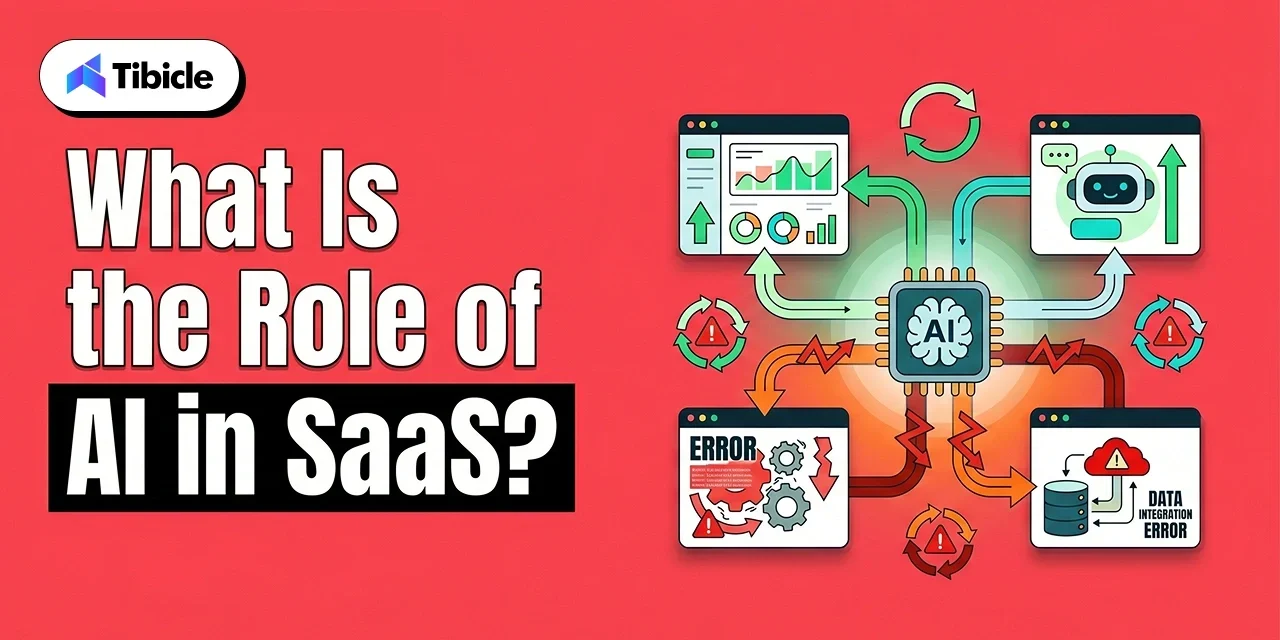
Key Features:

  • High-speed deployment cycles for Apple App Store and Google Play Store.
  • Performance benchmarking ensuring <2 second load times on budget devices.
  • Focus on high-engagement mobile interfaces to drive early user retention.
  • Expertise in cross-platform frameworks to reduce time to market.

Services Offered: Mobile MVP development, Flutter, React Native, iOS/Android Native engineering. 

Best For: On-demand service apps or consumer-facing mobile marketplaces needing a fast launch. 

Avg. Project Size: $10,000 – $40,000

Client Review: ⭐⭐⭐⭐⭐ 4.9/5.0

6. EnactOn Technologies

EnactOn Technologies is an AI-first product engineering company that has built 500+ products for clients across 65+ countries since 2013. They run a structured scoping process before writing any code to cut features that aren’t essential in version one, and they specialize in taking over vibe-coded prototypes and turning early traction into a platform that scales.

Key Features:

  • Structured scoping process that removes non-essential features before development starts, protecting founder budget on v1.
  • Four-gate release review (functional, security, performance, and deployment) on every build.
  • AI-accelerated engineering that speeds up the build itself, under senior human review.
  • Takes over vibe-coded prototypes built in Lovable, Bolt, Replit, Cursor, v0, or Claude Code and hardens them for production.

Services Offered: MVP & SaaS development, AI-prototype rescue and productionization, dedicated engineering teams.

Best For: Non-technical, early-stage SaaS and AI founders.

Avg. Project Size: $5k+

Client Review: ⭐⭐⭐⭐⭐ 4.8/5.0

7. Ouranos Technologies

Ouranos Technologies is an offshore software development company that helps startups, SMBs, and enterprises build custom software, web, mobile, and SaaS applications. Founded in 2014, the company offers full-cycle product development and flexible engagement models, including fixed-price engagements specifically suited to MVPs and POCs.

Key Features:

  • 12+ years of technology experience and 109+ completed projects, according to the company’s website.
  • Full-cycle development covering discovery, project planning, architecture, UX/UI, development, testing, deployment, and ongoing support.
  • Flexible fixed-price and time-and-material engagement models for different project requirements.
  • Expertise across web, mobile, SaaS, AI/ML, DevOps, CRM, and ERP technologies.

Services Offered: Custom software development, MVP development, SaaS application development, web and mobile app development, AI/ML development.

Best For:Startups and businesses that need custom MVP development with the flexibility to continue into full product development and long-term support.

Project Size: Custom/Project-based

Client Review: ⭐⭐⭐⭐⭐ 4.8/5.0

8. Aalpha Info Systems

Aalpha Info Systems is a top choice for founders seeking cost-effective and secure MVPs without the overhead of larger agencies. They specialize in fast turnarounds for straightforward web and mobile applications.

Key Features:

  • Exceptional time to market for web and mobile concepts.
  • Specialized in integrating new MVPs with older legacy systems.
  • Transparent, line-item pricing focusing only on essential validation features.
  • High standards for data security and regulatory compliance.

Services Offered: WordPress (Headless), PHP/Laravel, mvp development services india, Simple mobile builds. 

Best For: Bootstrapped startups that need to prove a concept with a limited initial budget. 

Avg. Project Size: $10,000 – $35,000

Client Review: ⭐⭐⭐⭐⭐ 4.9/5.0

9. RipenApps

RipenApps specializes in the “Emotional Design” of an MVP, ensuring that early-stage products feel premium and engage users immediately. They focus on high-fidelity UI/UX to help startups stand out in crowded markets.

Key Features:

  • Top-tier UI/UX talent focused on high-fidelity, investor-ready designs.
  • Integration of gamification principles to drive early user retention.
  • Access to partner networks for recruiting initial beta testing groups.
  • Focus on “look and feel” as a primary market differentiator.

Services Offered: Swift & Kotlin engineering, Flutter, UI UX design services, Consumer app MVPs. 

Best For: B2C apps where user interface and initial “wow factor” are critical for success. 

Avg. Project Size: $15,000 – $50,000

Client Review: ⭐⭐⭐⭐⭐ 4.8/5.0

10. Hyperlink InfoSystem

Hyperlink InfoSystem is a large-scale firm capable of integrating emerging technologies into simple MVPs to prove advanced concepts. They offer extensive scalability testing to ensure products are ready for global traffic.

Key Features:

  • Integration of AI, IoT, and AR/VR features into initial MVP builds.
  • In-house “Stress Lab” to simulate high-concurrency traffic before launch.
  • Cross-platform specialists ensuring identical performance across all devices.
  • Large talent pool capable of handling multi-technology integrations.

Services Offered: Python (AI), Unity development, Cloud IoT frameworks, mvp software development company services. 

Best For: Tech-forward products relying on hardware-software integration or advanced algorithms. 

Avg. Project Size: $25,000+

Client Review: ⭐⭐⭐⭐⭐ 4.9/5.0

Comparison Table:

Company Founded Clutch Rating Avg. Project Size Core Strength Best For
Tibicle LLP 2021 5.0 $10K–$49K Lean SaaS MVP development with cloud-native scalability B2B SaaS startups
PixelCrayons 2004 4.8 $25K–$75K Agile MVP + rapid prototyping SaaS / FinTech
ValueCoders 2004 4.8 $20K–$60K Full-cycle software development Enterprises
Hidden Brains 2003 4.7 $15K–$50K React / Node.js product engineering Startups
Moon Technolabs 2009 4.9 $10K–$40K Mobile-first MVP development Mobile apps
EnactOn Technologies 2013 4.8 $5K+ AI-accelerated MVP and SaaS engineering, prototype-to-production rescue Non-technical SaaS/AI founders
Ouranos Technologies 2014 4.8 Custom/ Project-based Custom Software, web/mobile/SaaS MVP development and flexible engagement Startups, SMBs & enterprises
Aalpha Info Systems 2008 4.9 $10K–$35K Cost-efficient and secure MVPs Bootstrapped startups
RipenApps 2017 4.8 $15K–$50K Consumer-focused mobile MVPs Consumer apps
Hyperlink InfoSystem 2011 4.9 $20K–$60K AI + IoT product engineering Tech-forward products

How Much Does MVP Development Cost in India?

Pricing Tiers by Project Complexity

Basic web MVPs featuring static content and simple user flows typically cost $8,000–$15,000 with 4–6 week delivery timelines using React and Node.js stacks. These builds suit content platforms, simple directories, or proof-of-concept demonstrations.

SaaS MVPs requiring user authentication, subscription management, and multi-tenant architectures run $20,000–$50,000 over 10–16 weeks. The MERN stack (MongoDB, Express, React, Node) or Django + PostgreSQL combinations dominate this tier, chosen for rapid prototyping capabilities without sacrificing production readiness.

Mobile MVPs for iOS and Android using Flutter or React Native cost $15,000–$40,000 across 8–14 weeks. Cross-platform frameworks reduce costs by 30–40% compared to native development while maintaining performance for most use cases.

AI-integrated MVPs incorporating natural language processing, recommendation engines, or computer vision start at $40,000 and extend to $80,000+ over 14–20 weeks. Python dominates these builds, paired with AWS or Google Cloud AI services for model deployment.

MVP Type Typical Cost (India) Timeline Recommended Tech Stack
Basic Web MVP $8,000–$15,000 4–6 weeks React + Node.js
SaaS MVP $20,000–$50,000 10–16 weeks MERN Stack / Django
Mobile MVP (iOS/Android) $15,000–$40,000 8–14 weeks Flutter / React Native
AI-integrated MVP $40,000–$80,000+ 14–20 weeks Python + AWS

Hidden Costs Buyers Overlook

UX/UI design gets billed separately by over 70% of development firms. Budget an additional $3,000–$8,000 for professional design work if your initial quote only covers engineering. Skipping this expense usually results in MVPs that function but fail to convert because users find them confusing or unattractive.

QA and testing often get excluded from base quotes, with proper testing suites adding 15–20% to total project costs. Without dedicated testing, you’re essentially releasing beta software and hoping users don’t encounter critical bugs during evaluation.

Post-launch bug fixes typically come with 30–90 day windows at no additional cost, but extended support transitions to monthly retainers of $2,000–$5,000 depending on complexity. Factor these ongoing costs into your 12-month budget, not just the initial build expense.

Source code handoff sometimes carries separate fees. Some agencies charge 5–10% of the total project value for complete IP transfer and repository access. Clarify this before signing to avoid surprise invoices when you need to hand the codebase to internal teams.

ROI of MVP Development: How to Measure Returns Before You Build

ROI of MVP Development

The Cost of Not Validating

CB Insights research shows that 42% of startups fail due to building products with no market demand. That’s nearly half of all failed ventures dying because they skipped validation. A $25,000 MVP that reveals your target market doesn’t actually want your solution prevents a $300,000+ full-build investment in a product nobody will buy.
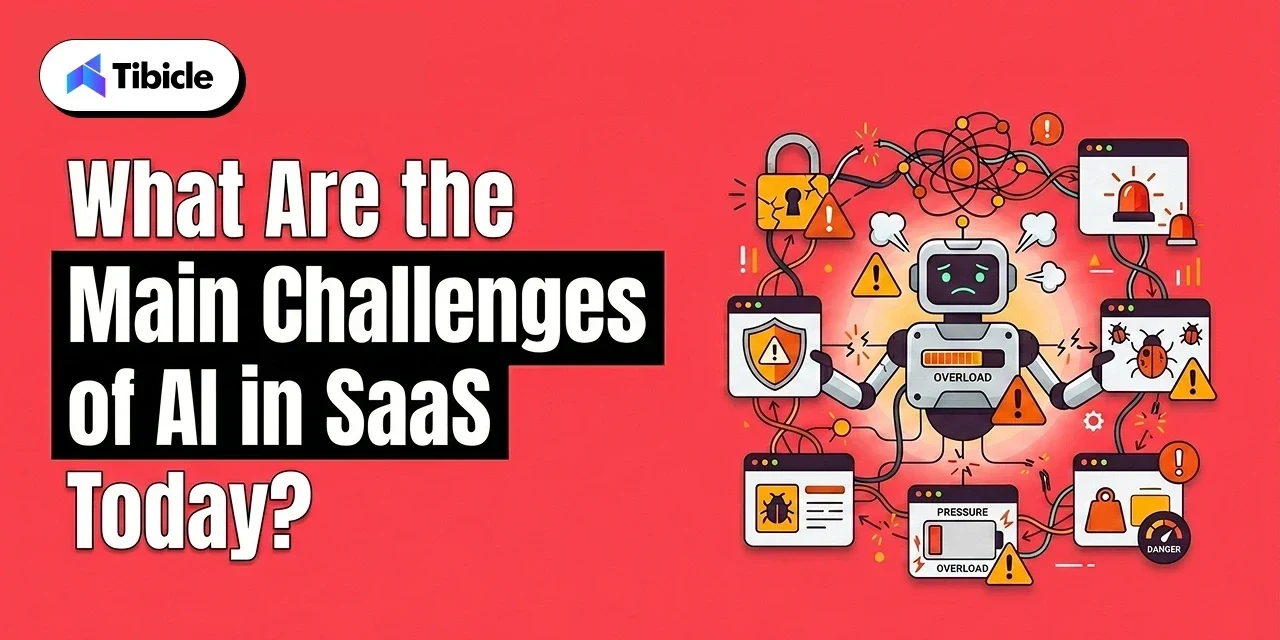
MVPs de-risk product development by testing core assumptions with real users before you commit to comprehensive builds. You learn whether people will actually pay for your solution, which features drive retention, and where your initial product thesis was wrong, all for a fraction of the cost of a complete build.

ROI Metrics C-Level Executives Should Track

Customer Acquisition Cost (CAC) at the MVP stage establishes your baseline efficiency. If you’re spending $200 to acquire each early user, you need to understand whether that cost will decrease with scale or whether your fundamental go-to-market approach needs revision.

Time-to-first-paying-customer post-MVP launch reveals whether your value proposition resonates. If you’re 60 days post-launch without a single conversion, your MVP succeeded by proving you need to pivot before investing in full development.

Iteration cost per feedback cycle differs dramatically based on your development cadence. Weekly sprint releases enable faster learning than monthly deployment cycles, even if individual sprints cost slightly more. Measure total learning velocity, not just per-sprint expenses.

Investor signal value matters for funded startups. MVPs generating 100+ active users and demonstrable engagement metrics significantly improve Series A success rates by proving market validation beyond founder conviction.

How to Calculate Expected ROI on Your MVP Investment

Calculate MVP ROI using this framework: (Validated learning value + Avoided full-build cost) / MVP development cost.

Validated learning value represents the market insights you gain from real user behavior. If your MVP proves that users will pay $50/month instead of your assumed $20/month, that insight alone might be worth $100,000+ in prevented revenue model errors.

Avoiding full-build cost quantifies the expense you didn’t waste on features users don’t want. If your MVP reveals that 80% of your planned features are unnecessary, you avoided spending $200,000+ on development that would have generated zero incremental revenue.

Well-executed MVPs typically show 3x–8x ROI within 12 months when product-market fit gets confirmed, and the product progresses to full development. Even failed MVPs that reveal flawed market assumptions generate positive ROI by preventing larger capital losses.

Risks of Choosing the Wrong Development Company

Wrong Development

Choosing the wrong MVP development partner can lead to expensive technical, operational, and legal issues that slow down growth and damage product scalability. Many startups prioritize low pricing or rapid delivery timelines, but overlooking engineering quality and process maturity often creates long-term problems after launch.

  • Tech debt accumulation: Rushed MVPs built without proper architecture planning often require major rewrites later. Poor database structure, weak APIs, and unscalable infrastructure can cost 2x–3x more to fix after launch than addressing them during the initial build.
  • IP theft exposure: Many offshore projects still move forward without strong NDA protection or clear source code ownership agreements. Weak contracts increase risks around intellectual property misuse and ownership disputes.
  • Scope creep: Fixed-price contracts without formal change request processes commonly inflate budgets by 30–40% through unplanned revisions, feature additions, and unclear deliverables.
  • Abandonment risk: Smaller agencies with limited engineering teams may struggle with resource stability, increasing the risk of project delays or developer turnover mid-build.
  • Compliance gaps: FinTech and HealthTech MVPs developed without industry compliance standards built into the architecture can face regulatory restrictions and launch delays later.

Vendor Selection Checklist Before You Sign

Use this checklist during vendor evaluation to protect your investment:

☐ A strong Clutch or G2 profile with 15+ verified reviews and a rating above 4.5
☐ Proven experience in your domain, with at least 2 relevant projects in the portfolio
☐ Clear mention of source code ownership and IP transfer within the contract
☐ A signed NDA before discussing any sensitive product details
☐ Well-defined milestone-based payment structure (avoid 50%+ upfront demands)
☐ Post-launch support clearly outlined, with a minimum 60-day support window
☐ Availability of a dedicated QA/testing team, not just developer-led testing
☐ Compliance readiness for regulations like GDPR if targeting international markets
☐ A dedicated project manager is assigned throughout the engagement
☐ Technology stack aligned with your long-term scalability roadmap

Why Tibicle LLP Earns a Place on This List

Tibicle LLP differentiates through a structured agile development methodology that prioritizes architectural integrity alongside delivery speed. While many agencies promise fast MVPs, Tibicle’s approach ensures those MVPs can actually scale when your product finds product-market fit.

The firm’s transparent fixed-price model with milestone-based billing protects founder interests. You pay as deliverables get completed and validated, not upfront in full. This structure aligns incentives and gives you visibility into progress throughout the build.

Tibicle’s tech stack expertise centers on React, Node.js, and AWS cloud-native architectures designed for horizontal scaling. When your user base grows from hundreds to thousands, your infrastructure scales without requiring expensive rewrites or migrations.

Their engagement model starts with discovery sprints that map technical requirements before code gets written. This front-loaded planning reduces mid-project scope changes that typically derail timelines and budgets.

Best fit: Founders building B2B SaaS or startup products who need fast market entry without accumulating technical debt. Ideal for teams that value architectural planning and transparent communication over rock-bottom pricing.

Conclusion

India delivers the strongest combination of cost efficiency, technical talent, and delivery speed for development company partnerships in 2025. The market’s projected growth from $12.1B to $21.5B by 2033 reflects global recognition of these advantages.

The difference between successful product launches and failed builds comes down to partner evaluation rigor, not budget size alone. Use the technical and commercial criteria outlined in this guide to separate capable agencies from those that oversell and underdeliver.

Every vendor on this list has demonstrated capacity for production-grade builds through verified client portfolios. Your next step: Apply the vendor selection checklist to shortlist 2–3 firms, then run discovery calls focused on your specific technical requirements.

If you’re planning to move beyond MVP, explore our complete guide on custom mobile app development services. Ultimately, selecting the right MVP development company determines how efficiently your idea turns into a scalable product.

Contact Tibicle LLP to scope your MVP build and receive a milestone-based project estimate that protects your investment.

FAQs

Q1: How much does MVP development cost in India?
MVP development in India typically costs between $8,000 and $80,000, depending on technical complexity and feature scope. Basic web MVPs start at $8,000–$15,000 for simple implementations using React and Node.js. SaaS MVP build projects requiring user authentication, subscription management, and multi-tenant architecture range from $20,000–$50,000. AI-integrated or enterprise MVPs with advanced features cost $40,000–$80,000+.

Q2: How long does it take to build an MVP with an Indian development company?
Most Indian MVP development services india providers deliver MVPs in 4–16 weeks, depending on complexity. Simple web MVPs with basic features take 4–6 weeks. SaaS platforms with user management, payment integration, and backend complexity typically require 10–16 weeks. Mobile MVPs using Flutter or React Native fall in the 8–14 week range for cross-platform builds.

Q3: What should I check before hiring an MVP development company in India?
Verify their Clutch or G2 rating exceeds 4.5 with at least 15 verified reviews from recent projects. Review their portfolio for at least two domain-relevant case studies matching your industry or technical requirements. Confirm IP ownership and source code transfer terms are explicitly stated in contracts, not assumed. Ensure the proposal includes a dedicated QA team, not just developers testing their own code. Check that post-launch support includes defined SLAs with specific response times for critical bugs.

Q4: What tech stack do top MVP development company in India use?
Leading hire MVP developers in India firms primarily use MERN stack (MongoDB, Express, React, Node.js) for web applications, Python with Django or Flask for data-intensive platforms, and Flutter or React Native for cross-platform mobile development. Cloud infrastructure typically runs on AWS, Google Cloud Platform, or Microsoft Azure. Your tech stack selection should align with your post-MVP scaling plan, not just what the agency prefers building.

Q5: Is it safe to share my idea with an MVP development company in India?
Yes, when the company signs a formal NDA before discovery discussions begin. Reputable agencies will sign NDAs without hesitation as standard business practice. Additionally, verify that source code ownership is explicitly stated in your contract with clear IP transfer clauses at project completion. Avoid any agency that resists formal IP protection agreements or suggests verbal understandings are sufficient.

Q6: What is the ROI of building an MVP before a full product launch?
Well-executed MVPs prevent costly full builds that fail validation. CB Insights data shows 42% of startups fail from building products with no market demand. A $25,000 MVP that validates your core assumptions prevents $300,000+ in wasted development on features users don’t want. Product validation through MVPs typically shows 3x–8x ROI within 12 months when product-market fit gets confirmed. Even MVPs that reveal flawed assumptions generate positive ROI by preventing larger capital losses.
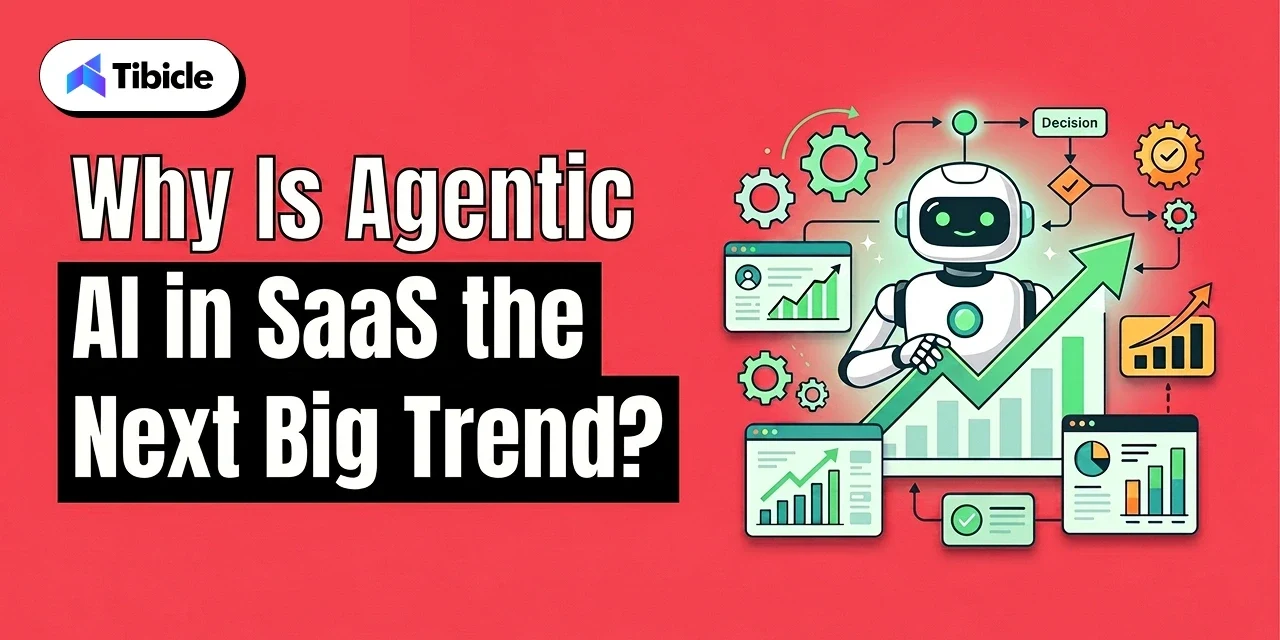
What is the role of ai in saas and is it worth the cost?

Introduction

Buying software without built-in intelligence is a legacy decision that compounds in cost every quarter. The global AI-Created SaaS market is on track to reach $1,051.11 billion by 2033, growing at a 39.6% CAGR. Meanwhile, end-user spending on public cloud services hit $723.4 billion in 2025, and 2026 projections push that figure higher as companies double down on intelligent automation.
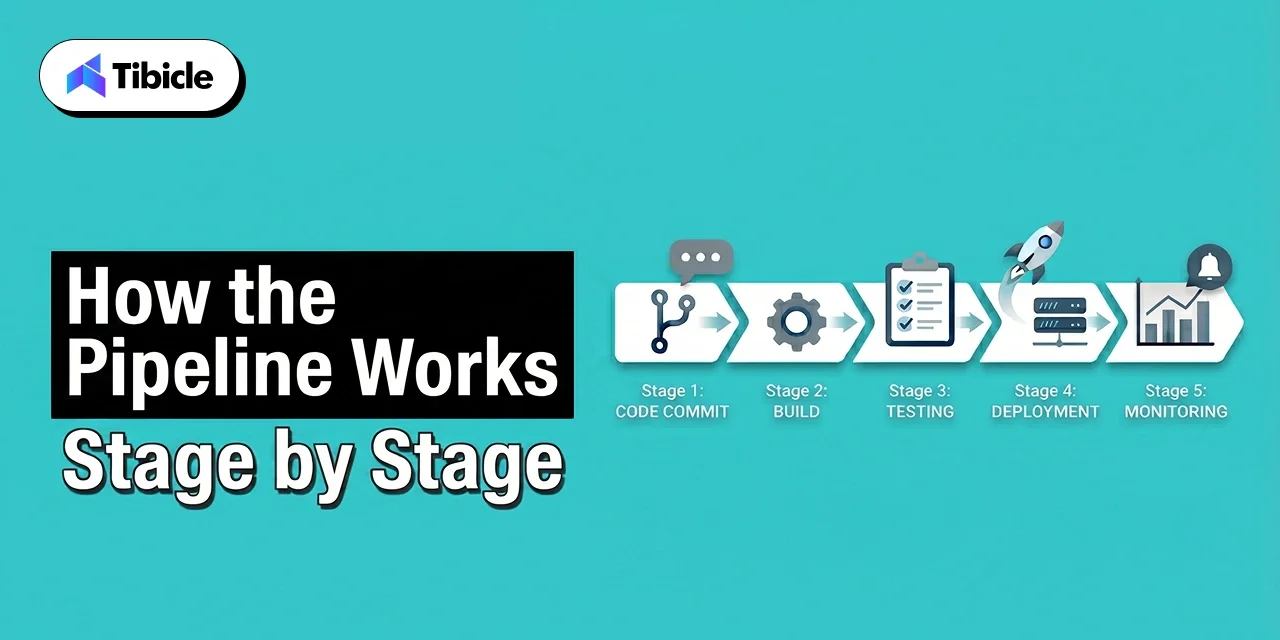
ai in saas

Most companies fail at integration because they treat AI in SaaS as an add-on feature rather than a core infrastructure layer. Currently, 60% of businesses are increasing their software budgets to include platforms with built-in generative AI SaaS features (Vena Solutions). This guide will break down how artificial intelligence is reshaping software delivery and the specific integration hurdles teams face in 2026.

What Is the Role of AI in SaaS?

ai in saas

AI in SaaS functions as an intelligent layer that automates decision-making and personalizes user experiences at scale. Unlike traditional software that follows fixed logic, AI in SaaS uses machine learning models to adapt to data patterns and execute actions without manual input.

Software is no longer a passive container for data. The dashboard era, where humans manually explored reports to find anomalies, is ending. When a platform still requires a user to spend hours looking for patterns, it has already failed its primary purpose. The real value of AI in SaaS lies in zero-click workflows where the system surfaces decisions rather than raw data. This is the fundamental shift: software that acts instead of software that waits.

1. Transition from Static Tools to Proactive Agents

Traditional software architecture forces users to interact with menus, buttons, and dashboards to extract value. Modern AI in SaaS flips this model. The software understands context, user behavior, and business outcomes, then acts on them before the user asks.

By the end of 2026, 40% of enterprise applications will include task-specific AI agents (Gartner). This agentic AI shift means software now performs work instead of hosting it. The difference between a tool and an agent is the difference between a calculator and a financial analyst. One requires instructions for every step. The other interprets objectives and delivers results.

2. Enhancing Vertical Market Growth

Specialized AI in SaaS solutions is outperforming broad tools by solving industry-specific problems through intelligence. Vertical SaaS companies reported a median growth rate of 31%, compared to 28% for horizontal peers (KeyBanc/Vena Solutions). Platforms in healthtech and fintech grow faster because they integrate directly into complex regulatory workflows and understand the unique data constraints of their niche. A generic CRM cannot compete with a purpose-built compliance tool that already speaks the language of the sector it serves.

This proactive intelligence directly feeds into the specific tools teams use to accelerate output, and the productivity gains are measurable.

How Do Generative AI SaaS Features Drive Productivity?

Generative AI SaaS features drive productivity by automating content creation, code generation, and complex data extraction. These tools allow teams to focus on strategy instead of repetitive tasks that consume 40-60% of a knowledge worker’s day.
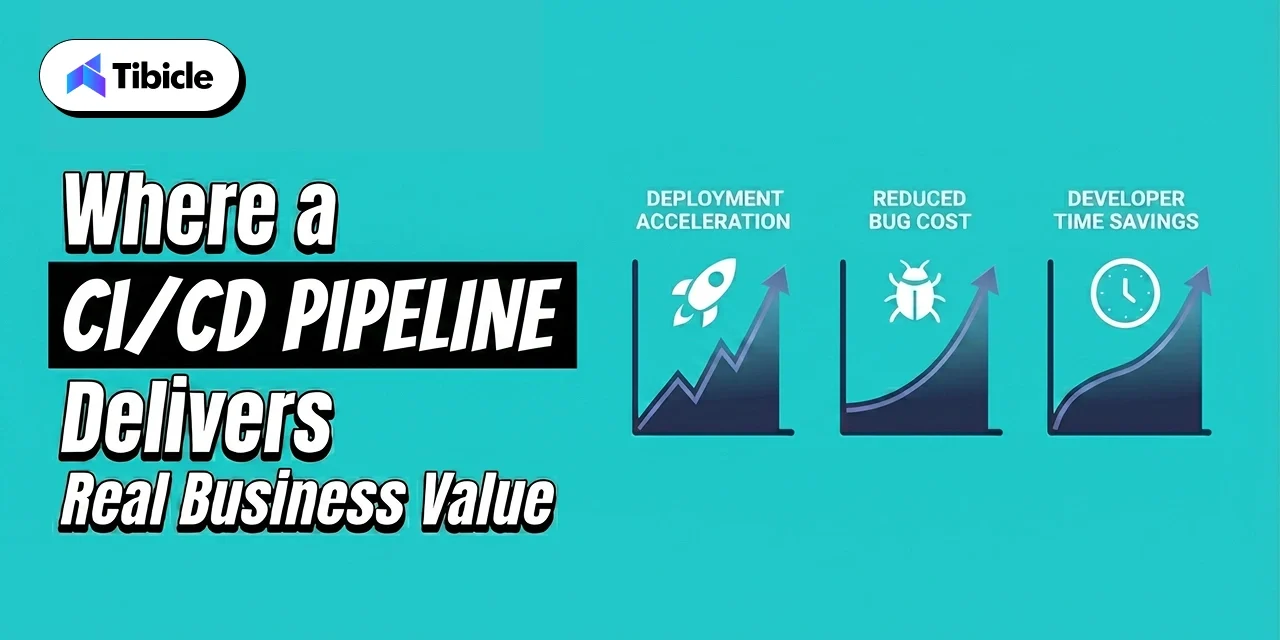
Productivity gains from generative AI SaaS features are about the total elimination of manual data entry in favor of software automation. High-performing teams that treat AI as a foundational infrastructure layer rather than a plugin are already seeing measurable returns. The shift from ‘AI helps you type faster’ to ‘AI completes the entire task’ is the defining change in 2026 enterprise software.
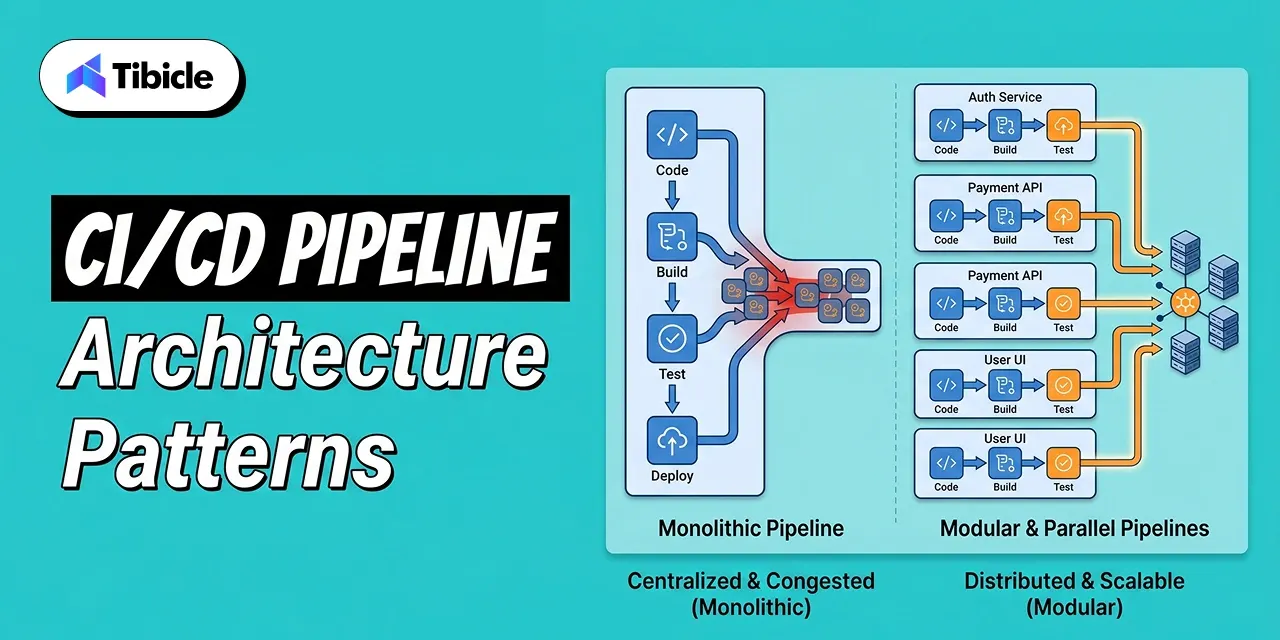
1. Automated Software Engineering and Coding

The development lifecycle is changing at a structural level. GitHub reports that 46% of all code committed on its platform in early 2026 is AI-assisted. Engineers using tools like GitHub Copilot complete routine tasks up to 55% faster, which frees capacity for architecture, security review, and product design.

This allows AI in SaaS platforms to ship critical updates weekly rather than quarterly. The standard is moving from simple autocomplete to agentic AI systems that write, test, and debug entire modules. The engineering team that refuses to adopt these tools today is competing against teams with twice the output capacity.

2. Hyper Personalization at the Process Level

True hyper-personalization means moving beyond static text replacement to dynamic, outcome-based journeys for every individual user. In fintech, AI assistants now manage budgets, provide real-time financial advice, and flag spending anomalies before users notice them.

These systems use predictive analytics to anticipate loan needs or churn risk weeks before a user acts. This level of personalization turns software into a proactive partner that anticipates friction and solves problems before they occur. The platforms that get this right see measurably higher retention and engagement, while those that rely on static segmentation fall behind.

These productivity gains are significant, but they bring technical and regulatory hurdles that deserve equal attention.
What Are the Main Challenges of AI in SaaS Today?

ai in saas

The main challenges of AI in SaaS include high financial investment, data privacy compliance gaps, and security risks from embedded AI features. SaaS breaches surged 300% between 2023 and 2024, often exploiting identity-based vulnerabilities and AI governance gaps rather than the models themselves.

Deploying AI without a strict governance framework exposes platforms to prompt injection, data leakage, and compliance failures that traditional firewalls cannot catch. The rush to market has left many organizations vulnerable because AI features are shipped enabled by default, often without formal security reviews.

Table: AI in SaaS Strategic Challenges and Insights Matrix

Challenge Category Key Market Impact Critical Strategic Insight
Security Governance SaaS breaches surged 300% from 2023 to 2024 (Obsidian Security) Most breaches exploit identity and governance gaps, not AI model weaknesses
Data Privacy Reliance on vast user data raises GDPR and cross-border compliance risk Generative AI SaaS features are expected to reduce noncompliance risks by 30% by 2028 (Gartner)
Financial Burden Skilled personnel and compute power create high AI integration costs Forecasting costs for dynamic AI usage remains a primary hurdle for cloud leaders
Operational Scaling Small companies struggle with the resource intensity of advanced models Outcome-based pricing is emerging to lower entry barriers for MVPs
Integration Logic Adaptive machine learning models are replacing fixed logic Vendors moving toward consumption and outcome-based pricing for AI workloads

The greatest challenges of AI in SaaS are not the technical limitations of models. They are the lack of transparency in how data is processed and the absence of enforceable governance standards. Without verifiable data privacy compliance, the efficiency gains from AI can be wiped out by a single regulatory fine or a high-profile data breach.

1. Data Privacy and Regulatory Compliance

Reliance on vast user data raises critical issues with GDPR and other strict global regulations. Among the most pressing challenges of AI in SaaS, companies must ensure that their AI in SaaS implementation does not leak sensitive information into public training sets where competitors or bad actors can access it.

By 2028, generative AI is expected to reduce noncompliance risks in cloud contracts by 30%. The immediate burden of auditing these systems remains a significant operational hurdle for most startups and mid-market companies that lack dedicated compliance teams.

2. The High Cost of AI Integration

The financial burden of skilled personnel and the technology required for AI systems remains a top barrier for market entry. This ranks among the most persistent challenges of AI in SaaS for growing companies. Forecasting costs for dynamic AI usage is a primary challenge for cloud leaders because compute power is expensive and unpredictable. AI integration costs for smaller organizations make it difficult to compete with enterprise giants that have unlimited R&D budgets. This creates a performance gap where only well-funded companies can afford to scale advanced intelligence.

Overcoming these hurdles is necessary to reach the next evolution of software, where agents act with near-total autonomy.

Why Is Agentic AI in SaaS the Next Big Trend?

ai in saas

Agentic AI in SaaS shifts software from a passive tool to an autonomous worker that executes multi-step workflows, manages systems, and drives outcomes without constant human oversight.

Static software has reached its peak utility. Organizations in 2026 are transitioning from simple prompts to autonomous software workers that handle routine support, report compilation, and cross-system data management independently. 

1. Multi-Agent Solutions and Cross-System Orchestration

Employees will soon command groups of agents that work across different databases to solve layered problems. One agent might pull sales figures while another updates the CRM, orchestrated by a central controller.

By 2027, Gartner predicts one-third of agentic AI implementations will combine agents with different skills to manage complex tasks within application and data environments. This orchestration removes the friction that has limited productivity for a decade, where humans served as the middleware between disconnected systems.

2. Shift to Outcome-Based Pricing Models

The market is moving toward pricing models that bill based on task success rather than user seats. This b2b software trends shift ensures faster development for minimum viable products because businesses only pay for successful task completion. Zendesk, for example, charges $1.50 per AI-resolved ticket. HubSpot ties pricing to metric-linked tiers. 
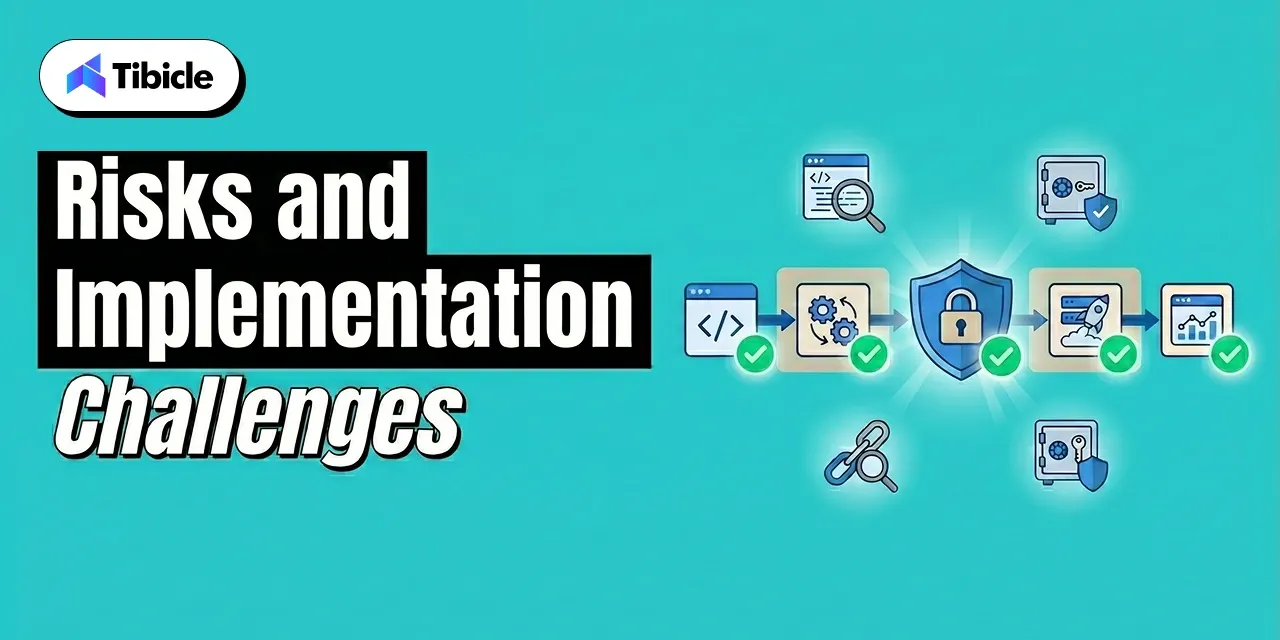

Gartner forecasts 40% of enterprise SaaS will include outcome-based pricing elements by 2026. Users no longer want to pay for a license. They want to pay for a closed support ticket or a qualified lead. This evolution from tools to workers requires a specialized engineering approach to ensure reliability and performance at scale.

How Tibicle Helps You Scale AI in SaaS

Pricing Models

Tibicle bridges the gap between design and architecture for AI in SaaS platforms. With 62+ projects delivered and a 90% customer retention rate, we accelerate time to market by removing technical roadblocks and building products that drive engagement and ROI.

  • Custom AI and Automation: We embed LLMs and intelligent agents directly into your platforms, automating workflows and decreasing manual operations by up to 60%.
  • Direct Senior Engineer Collaboration: Work directly with senior technical experts in an accountable agile environment. No proxy account managers, no junior developer delays.
  • Cross-Platform Engineering: We use React Native, Flutter, and Node.js to architect high-performance applications across mobile and web ecosystems.

Ready to build a resilient AI foundation? Book a quick demo to see how Tibicle simplifies your AI in SaaS implementation.

Conclusion

The role of AI in SaaS has moved from an optional enhancement to a core infrastructure for the 2026 software market. Leaders must prioritize governance to manage escalating security risks while scaling autonomous workflows. Success depends on balancing rapid automation with strict data compliance to maintain long-term trust.

Let’s sit down and explore how to build your AI-powered software architecture. Talk to Tibicle

FAQs

1. How does AI in SaaS improve customer retention?
AI in SaaS improves retention by using predictive analytics to identify users at risk of leaving and triggering personalized interventions. Nearly 90% of IT professionals confirm that automation is key to managing SaaS operations, leading to better user experiences and more accurate customer churn prediction (Vena Solutions).

2. What are the primary security risks of AI in SaaS?
Primary risks include unauthorized data access and embedded AI features sharing sensitive data with third parties without explicit consent. These challenges of AI in SaaS became more visible after SaaS breaches surged 300% in 2024 (Obsidian Security), largely because AI features were enabled by default without formal security reviews or governance protocols.

3. Are generative AI SaaS features worth the investment for small businesses?
While initial AI integration costs are high, the long-term value comes from increased efficiency, faster release cycles, and lower manual workload. 60% of businesses are already increasing software budgets to include generative AI SaaS features, signaling that smaller companies find them necessary to stay competitive (Vena Solutions).

4. How will agentic AI change software workflows in 2026?
Agentic AI will shift workflows from human-led to AI-powered with human approval. These agents execute multi-step tasks like demand forecasting and commercial planning independently. This allows employees to focus on creative strategy rather than toggling between multiple platforms.

5. What is the growth forecast for AI in the SaaS market?
The global market for AI in SaaS is expected to grow at a 40.2% CAGR through 2031, reaching over $770 billion (Coherent Market Insights). By 2026, the majority of enterprises will have deployed AI-enabled applications to gain adaptive workflows and automated insights (Gartner).

What Is a CI/CD Pipeline? Guide for Tech Leaders

Introduction

The global CI/CD tools market reached $1.73 billion in 2026 and is projected to climb to $4.53 billion by 2030, growing at a CAGR of 21.18% (Mordor Intelligence). That figure alone signals something important: a CI/CD pipeline is no longer a back-end engineering preference. It is a delivery infrastructure decision with direct and measurable consequences for release velocity, risk exposure, and engineering spend. At its core, it unifies continuous integration and continuous deployment practices into a single automated workflow.

ci/cd pipeline

For C-level leaders and engineering directors, understanding the mechanics and economics of a CI/CD pipeline is not optional. When pipeline architecture is misaligned with business requirements, the resulting slowdowns, failures, and security gaps show up in downtime costs, delayed product launches, and spiraling rework budgets. 

This guide covers how a CI/CD pipeline works, what it costs, what it returns, and how to choose the right platform for your engineering organisation with the depth and specificity needed to make confident, informed decisions.

What Is a CI/CD Pipeline?

This pipeline is an automated sequence that moves code from a developer’s commit through building, testing, and deployment without manual handoffs at each stage. Indeed, it is the operational backbone of modern software delivery, eliminating the bottlenecks that accumulate when teams rely on manual processes between writing code and releasing it to users. 

The term covers two distinct but interconnected practices: Continuous Integration (CI) and Continuous Delivery or Deployment (CD). Together, they form a pipeline that shortens the feedback loop between development and production, reducing both the cost and the risk of each release. 

CI vs. CD in a CI/CD Pipeline:The Distinction That Affects Your Risk Model 

The difference between CI and CD is not just technical it determines how much control your team retains at each release stage: 

  • Continuous Integration (CI): Every developer commit triggers an automated build and test sequence. Essentially, the goal is to detect integration errors immediately, before they compound. Failures are returned to the developer within minutes, not days.
  • Continuous Delivery (CD): Code is always maintained in a deployable state. Builds that pass automated testing are queued for production release, but a human approval step remains at the gate. The team decides when to release the pipeline and handles everything up to that point. 
  • Continuous Deployment: The pipeline runs end-to-end without human intervention, including the final production push. As a result, every commit that passes all automated checks is deployed automatically. Naturally, this model requires high test coverage and mature monitoring. 

ci/cd pipeline

Ultimately, the choice between Continuous Delivery and Continuous Deployment is a governance question as much as an engineering one. Regulated industries, organisations with strict audit requirements, or teams launching high-stakes changes typically prefer the manual gate of Continuous Delivery. Continuous Deployment suits teams with high deployment frequency, strong observability infrastructure, and established rollback procedures.

How the Pipeline Works Stage by Stage

A CI/CD pipeline moves through five core stages. Each stage gates the next: a failure at any point halts the pipeline and returns feedback to the team, preventing defective code from advancing toward production. 

ci/cd pipeline

Stage 1: Source Control Trigger

Every commit or pull request fires the pipeline. Git serves as the entry point when a developer pushes code, the version control system notifies the CI/CD platform and the automated sequence begins. Additionally, branch protection rules and merge policies define which events trigger full pipeline runs versus lighter checks. 

Stage 2: Build Layer 

The build stage the foundation of build automation compiles source code, resolves dependencies, and packages deployable artefacts. This is where slow builds inflict real cost: a build layer that takes 20 minutes instead of 5 costs each developer 15 minutes of idle time per commit cycle. At scale, across a team running multiple daily commits, that idle time compounds into significant wasted engineering budget. Consequently, build caching, dependency pre-fetching, and parallelisation directly reduce this cost. 

Stage 3: Automated Testing

Automated testing is the primary risk control mechanism in any CI/CD pipeline. Three levels operate in sequence: 

  • Unit tests: Fast, isolated tests validating individual functions or components. These run first because they provide the highest signal at the lowest execution cost. 
  • Integration tests: Validate that components interact correctly database connections, API calls, service-to-service communication. 
  • End-to-end (E2E) tests: Simulate real user flows through the full application stack. These run last because they are the slowest and most resource-intensive. 

Pipeline failures at the test stage halt all downstream stages and immediately return feedback to the developer. Catching bugs here costs a fraction of what the same defect costs in production research consistently places production bug fix costs at 6 to 10 times higher than early-stage detection. 

Stage 4: Deployment Stage 

Once testing is complete, passing code moves to staging environments before production. Deployment strategies in a mature CI/CD pipeline include: 

  • Blue-green deployment: Two identical production environments run simultaneously. Traffic shifts from the old (blue) to the new (green) version, with instant rollback capability if issues arise. 
  • Canary deployment: New code rolls out to a small percentage of users first. Subsequently, traffic expands progressively as the system validates stability. Therefore, risk is contained to a subset of users during the validation window. 
  • Rolling deployment: Instances are updated incrementally, replacing old versions one at a time. No downtime, but rollback is slower than blue-green. 

Stage 5: Monitoring and Feedback Loop 

In addition, the pipeline integrates post-deployment with observability tools Prometheus, Datadog, or Grafana to monitor application health in real time. Moreover, anomalies, error rate spikes, and performance degradation can trigger automated rollbacks or alert on-call teams before users report issues. This closed feedback loop is what separates a mature CI/CD pipeline from a basic automation script.

Where a CI/CD Pipeline Delivers Real Business Value

ci/cd pipeline

The business case for a CI/CD pipeline is grounded in measurable operational and financial outcomes. Three specific data points frame the return: 

Organisations with mature Continuous Delivery platforms deploy 208 times more frequently than low performers, according to the Puppet State of DevOps Report. Notably, deployment frequency is a proxy for competitive responsiveness; the ability to ship features, fixes, and experiments faster than rivals is a structural advantage. 

Fixing bugs in production costs 6 times more than catching them within a CI/CD pipeline. Simply put, the earlier in the delivery cycle a defect is detected, the lower the cost of resolution. This is not a marginal efficiency, it is a material reduction in engineering rework cost. 

Developer idle time from slow or broken builds is a hidden cost that most engineering budgets do not surface. When a developer waits 30 minutes for a build or spends three hours debugging a pipeline failure caused by configuration drift, that time appears as engineering headcount cost with zero productive output. 

Industry-Specific Use Cases for CI/CD Pipeline Automation 

For instance, different sectors prioritise different pipeline capabilities based on their regulatory environment and delivery requirements: 

Sector Primary CI/CD Driver Key CI/CD Pipeline Requirement
Fintech Compliance + speed Audit trails, policy gates
SaaS Multi-environment deployments Parallel pipelines, rollback
Enterprise Governance Self-hosted, access controls
Healthcare  Regulatory adherence Approval workflows, SAST

Fintech organisations face dual pressure: regulators require audit trails and policy-gated releases, while competitive dynamics demand release velocity. A CI/CD pipeline with built-in compliance gates resolves this tension without manual overhead. 

Healthcare pipelines prioritise approval workflows and static application security testing (SAST) to meet HIPAA and similar regulatory requirements. SaaS organisations running multi-tenant infrastructure need parallel pipelines and reliable rollback to maintain availability while deploying frequently across multiple environments.

CI/CD Pipeline Architecture Patterns 

Pipeline architecture decisions made early are difficult and expensive to reverse. The pattern you choose must align with your current codebase structure and the scale you expect to reach. 

Monolithic vs. Microservices-Native CI/CD Pipeline Architecture 

Monolithic pipelines run a single, sequential flow for the entire codebase. Although they are simple to configure and maintain at small scale, but they break under growth: one failing service blocks the pipeline for every other service. A change to a low-risk utility component triggers the same full test suite as a change to a core payment service, wasting execution time and slowing feedback. 

Parallel and modular pipelines isolate changes per service or component. In practice, each microservice has its own pipeline definition changes that trigger only the relevant pipeline, reducing total execution time and limiting blast radius when failures occur. This pattern is essential for organisations running more than 10 independent services. 

GitOps extends CI/CD pipeline automation to infrastructure through infrastructure as code practices. Configuration is declared in Git repositories, and deployments are triggered by commits to those repositories. The result is an auditable, reversible infrastructure delivery process every change has a git commit, every deployment has an approval record, and rollback is a git revert. 

ci/cd pipeline

AI-Assisted CI/CD Pipeline Automation in 2026

AI integration in CI/CD pipeline tooling has moved from experimental to production-ready. AI agents now diagnose flaky tests, identify the root cause of build failures, predict which tests are most likely to catch regressions for a given code change, and recommend remediation before developers manually investigate. Harness uses machine learning models to verify deployments and detect post-release anomalies flagging issues before they escalate into incidents. This capability reduces mean time to recovery (MTTR) and limits the engineering time spent on reactive investigation.

Tool Comparison Pricing and Use-Case Fit

Selecting the right CI/CD pipeline platform requires evaluating more than the headline feature list. In particular, pricing models, hosting requirements, ecosystem fit, and total cost of ownership all vary significantly across vendors. The table below provides a baseline comparison across the leading platforms. 

Quick Tool Summary
GitHub Actions: A CI/CD automation tool built natively into GitHub that triggers workflows on every commit or pull request.
GitLab CI/CD:  An integrated pipeline automation layer within the GitLab DevOps platform covering source control, testing, and deployment. 
Jenkins: An open-source automation server for building custom, self-hosted CI/CD pipelines with full configuration control.
CircleCI: A cloud-based pipeline automation platform optimised for build speed, parallelisation, and Docker-native workflows. 
Azure DevOps: Microsoft’s end-to-end DevOps pipeline suite tightly integrated with Azure cloud infrastructure and the Microsoft toolchain.
Harness: An AI-assisted software delivery platform that uses machine learning to verify deployments and automate rollback decisions.
Tool  Pricing (Approx.) Best For Hosting Model Maintenance Burden
GitHub Actions Free tier; $0.008 $0.16/min (runners) GitHub-native teams Cloud Low
GitLab CI/CD  $29 $99/user/month All-in-one DevOps Cloud / Self-hosted Low-Medium 
Jenkins  $0 license + infra  Custom enterprise needs  Self-hosted  High
CircleCI  $15/month + credits Build speed priority Cloud / Self-hosted Low 
Azure DevOps  $6/user/month Microsoft-stack teams Cloud Low
Harness  Custom enterprise pricing  AI-verified deployments  Cloud Low-Medium

Total Cost of Ownership What the CI/CD Pipeline Sticker Price Does Not Show 

However, licence cost is the least reliable metric for comparing CI/CD pipeline platforms. The real cost calculation must account for infrastructure, maintenance engineering time, migration effort, and the opportunity cost of pipeline downtime: 

  • Jenkins is open-source, but teams running Jenkins pipelines spend 5 to 10 hours per week on maintenance configuration management, plugin updates, security patching, and infrastructure upkeep. DORA research estimates this at $15,000 to $30,000 annually in engineering time for a mid-size team, making Jenkins one of the more expensive platforms despite its zero-license cost. 
  • GitHub Actions pipeline pricing scales with usage. However, the per-minute runner cost is modest for small teams but compounds quickly for larger organisations running frequent builds across many repositories. A team of 50 engineers running 200 pipeline executions per day can generate substantial monthly spend before factoring in storage costs. 
  • For a 10-developer team as a benchmark: GitLab Premium runs approximately $290 per month. CircleCI Performance starts at $15 per month plus usage credits, which scales with build volume. Jenkins, factoring in infrastructure and maintenance overhead, typically costs $400 to $800 per month in total, significantly more than its zero-license price suggests. 

Running a CI/CD audit for your team? Tibicle’s engineers can benchmark your current pipeline against DORA metrics and identify where you’re losing speed or taking on unnecessary risk. Book a free consultation.

ROI of a Well-Built Pipeline

Consequently, the return on a properly implemented CI/CD pipeline shows up across multiple business metrics simultaneously, not just engineering throughput. Organisations implementing CI/CD practices report a 50% increase in the ability to experiment and innovate, according to CA Technologies and Broadcom research. That capacity for controlled experimentation has direct product and revenue implications: teams that can safely test and ship features faster than competitors respond to market signals with greater agility. 

Higher deployment frequency and lower mean time to recovery (MTTR) reduce downtime costs and compress the cycle between identifying a production issue and resolving it. After all, every hour of downtime carries financial cost lost revenue, support overhead, reputational impact. A CI/CD pipeline with automated rollback and real-time monitoring shrinks that window. 

How to Measure CI/CD Pipeline ROI Using DORA Metrics 

DORA metrics, developed through the DevOps Research and Assessment programme, provide the most widely accepted measurement framework for CI/CD pipeline performance. The four key metrics are: 

  • Deployment frequency: How often your organisation successfully releases to production. Elite performers deploy on-demand, multiple times per day. Low performers deploy monthly or less. 
  • Lead time for changes: The time from code commit to code running in production. Shorter lead times indicate a more efficient CI/CD pipeline. 
  • Change failure rate: The percentage of deployments that cause a production incident. A mature CI/CD pipeline with strong automated testing keeps this below 15%. 
  • Mean time to recovery (MTTR): How long it takes to restore service after a production failure. MTTR below one hour is an indicator of a high-performing delivery organisation. 

ROI calculation framework: (Cost of failed deliveries + Productivity gain) minus (Solution cost + Overhead + Training cost), divided by total investment. Applying this formula using your actual deployment failure rate, average incident cost, and current engineering utilisation yields a specific, defensible ROI figure for stakeholder presentations. 

ci/cd pipeline

What Poor CI/CD Pipeline Performance Actually Costs 

The cost of an underperforming CI/CD pipeline is distributed across the organisation in ways that are easy to miss in budget reviews: 

  • 63% of CI/CD pipeline failures stem from resource exhaustion, according to the Datadog 2024 DevOps Report. Pipelines failing due to infrastructure limits generate both direct costs (re-runs, delayed releases) and indirect costs (developer context-switching, investigation time). 
  • Similarly, slow builds create compound developer friction. A developer waiting 30 minutes for a pipeline run instead of 5 minutes loses 25 minutes of productive capacity per cycle. Multiplied across daily commits and team size, this idle time represents significant engineering budget spent on non-output. 
  • Production bug fix costs run 6 to 10 times higher than catching the same defect in automated testing within the CI/CD pipeline. The financial argument for investing in test coverage and pipeline robustness is straightforward: prevention is materially cheaper than remediation.

Risks and Implementation Challenges

A CI/CD pipeline that moves fast without adequate security controls, scalability planning, or organisational alignment introduces risks that can outweigh the velocity benefits. Therefore, engineering leaders need to plan for four categories of failure. 

Security Gaps at CI/CD Pipeline Speed 

Furthermore, speed without security controls creates an attack surface that compounds with every release cycle: 

  • Open-source dependencies introduce supply chain vulnerabilities at the point of integration. Software Composition Analysis (SCA) scanning within the CI/CD pipeline identifies vulnerable dependencies before they reach staging environments. 
  • Furthermore, hardcoded secrets in configuration files, environment variable definitions, and pipeline scripts remain a leading attack vector. Secrets management tools HashiCorp Vault, AWS Secrets Manager provide centralised, auditable credential storage that eliminates hardcoded credentials from pipeline definitions.
  • DevSecOps integration shifts security testing left SAST, DAST, and dependency scanning run inside the CI/CD pipeline, not after it. This approach catches vulnerabilities when remediation cost is lowest and prevents security review from becoming a deployment bottleneck. 

ci/cd pipeline

Scalability Bottlenecks in CI/CD Pipeline Architecture 

As a result, monolithic pipeline architectures degrade predictably as microservices proliferate. A single service change triggering a full pipeline run for a 30-service application is both slow and wasteful. Pipeline architecture should be designed for the scale you expect to reach, not just the scale you operate at today. 

SaaS platforms scaling across users, data volume, and third-party integrations require CI/CD pipelines built for horizontal growth parallelisation, modular pipeline definitions, and infrastructure that scales compute on demand. 

Compliance and Audit Failures in CI/CD Pipeline Governance 

Removing manual approval gates in the pursuit of speed creates accountability gaps in regulated industries. When a pipeline deploys directly to production without a human review record, audit requirements become difficult to satisfy particularly in financial services and healthcare. 

GitOps and policy-as-code frameworks enforce compliance automatically through the CI/CD pipeline without slowing release velocity. Policy definitions codified in Git provide auditable change records. Deployment gates enforced by code rather than by individual approvers scale consistently across services and environments. 

Cultural and Organisational Readiness for CI/CD Pipeline Adoption 

The most underestimated CI/CD pipeline implementation risk is organisational. In practice, a well-configured pipeline installed into a team without developer buy-in, documented runbooks, or leadership visibility into pipeline health defaults back to manual workarounds within 60 to 90 days. Engineers route around automation they do not trust or understand. 

Successful CI/CD pipeline adoption requires: clear ownership of pipeline configuration and maintenance, visible pipeline metrics accessible to engineering leadership, documented incident response procedures for pipeline failures, and onboarding processes that build developer confidence in the automated system before eliminating manual safety nets.

Vendor Selection Checklist

Use this checklist before shortlisting any CI/CD pipeline platform. Each question surfaces a requirement category that commonly drives platform regret when ignored during evaluation: 

  • Does it integrate natively with your current version control system GitHub, GitLab, or Bitbucket? 
  • What are your data residency requirements? Does a cloud-hosted CI/CD pipeline comply, or do regulations require a self-hosted deployment? 
  • Does it support your deployment targets Kubernetes clusters, serverless functions, multi-cloud environments, or hybrid on-premise and cloud infrastructure? 
  • What is the realistic total cost of ownership, including infrastructure, maintenance engineering time, and training not just the licence fee? 
  • Does it support parallel builds and intelligent test splitting at the scale your team operates today and expects to reach within 24 months? 
  • Are SAST, DAST, and SCA scanning capabilities built into the platform or bolted on as third-party integrations requiring separate licensing and configuration? 
  • What observability integrations are available Prometheus, Grafana, Datadog and how deeply do they integrate with the pipeline rather than just consuming its output? 
  • Does it support advanced CI/CD pipeline deployment strategies: blue-green, canary, and rolling deployments with automated rollback? 
  • How complex and costly is migration if you outgrow the platform? What does the data portability story look like? 
  • What SLA does the vendor offer for CI/CD pipeline uptime, and what is the documented support response time for critical failures?

Top CI/CD Tools in 2026 Quick Reference

For organisations finalising a CI/CD pipeline platform shortlist, the following profiles provide a rapid comparison based on primary use-case fit: 

  • GitHub Actions: Best CI/CD pipeline choice for teams already on GitHub. Lowest setup friction, native integration with the most widely used version control platform, and a large library of community-maintained actions. 
  • GitLab CI/CD: Best all-in-one CI/CD pipeline option. Covers source control, CI/CD automation, and security scanning in a single platform eliminating the integration overhead of assembling separate tools. 
  • Jenkins: Best CI/CD pipeline solution for custom, self-hosted enterprise environments requiring full configuration control. Carries the highest maintenance burden but offers maximum extensibility. 
  • CircleCI: Best raw build speed among cloud-hosted CI/CD pipeline platforms. Strong Docker support and parallelisation capabilities make it a strong choice for teams where build duration is the primary constraint. 
  • Azure DevOps: Best CI/CD pipeline platform for Microsoft-aligned organisations. Integrates tightly with Azure infrastructure, Active Directory, and the Microsoft development toolchain. 
  • Harness: Best CI/CD pipeline option for teams requiring AI-assisted deployment verification and automated rollback. The ML-based deployment verification layer reduces the manual investigation load after each production release.

Why Tibicle LLP Is Worth Considering for CI/CD Pipeline Implementation

Most CI/CD pipeline failures are not tool failures. They are architecture failures, configuration failures, or adoption failures. The platform chosen rarely causes the problem of how it is designed, integrated, and embedded into team workflows determines whether a CI/CD pipeline delivers compounding value or recurring operational friction. 

Tibicle focuses on designing CI/CD pipelines that align with your existing technology stack rather than requiring a wholesale replacement. This approach reduces implementation risk, shortens time to value, and avoids the disruption of migrating live systems during a transformation initiative. 

Where Tibicle Fits in Your CI/CD Pipeline Decision 

  • Custom CI/CD pipeline architecture for complex or legacy technology stacks where standard platform documentation does not address your specific deployment constraints. 
  • DevSecOps integration security built into the CI/CD pipeline from day one, not retrofitted after an incident. 
  • Support for multi-cloud, hybrid, and microservices-native delivery environments requiring pipeline architectures that span infrastructure boundaries. 
  • Ongoing CI/CD pipeline performance audits using DORA metrics as the baseline identifying where deployment frequency, lead time, change failure rate, or MTTR are underperforming relative to industry benchmarks. 

See how Tibicle’s CI/CD pipeline implementation approach compares to your current setup. Book a Call to discuss your architecture, stack, and delivery objectives.

Conclusion

A CI/CD pipeline is a software delivery pipeline with measurable financial and operational implications not a technical configuration to delegate entirely to an engineering team. The platform you select, the architecture you build, and the metrics you track determine whether a CI/CD pipeline becomes a genuine competitive advantage or a recurring source of downtime, security exposure, and wasted engineering hours. 

The decision deserves the same rigour applied to any significant infrastructure investment: clear requirements, honest total cost analysis, and an honest assessment of organisational readiness not just technical readiness for the change. 

Talk to Tibicle LLP’s engineering team to audit your current CI/CD pipeline, benchmark it against DORA standards, and identify where you are leaving speed and reliability on the table. Schedule Your Pipeline Review. 

Frequently Asked Questions About CI/CD Pipelines

What is the difference between CI and CD in a CI/CD pipeline?
CI handles automatic code integration and testing on each commit. CD manages releases to staging (Continuous Delivery) or production (Continuous Deployment). The main difference is whether a production release needs manual approval or runs automatically. 

How long does it take to set up a CI/CD pipeline?
Cloud tools like GitHub Actions or CircleCI can be set up in a few days. Jenkins usually takes 2-4 weeks. Enterprise setups with compliance and multiple environments can take 1 3 months. 

What is the average cost of a CI/CD pipeline for a mid-size team?
For 10 developers: GitLab Premium is about $290/month. CircleCI starts at $15/month plus usage. Jenkins is free but typically costs $400 $800/month with infrastructure and maintenance.

How do you measure the ROI of a CI/CD pipeline?
Use DORA metrics: deployment frequency, lead time, failure rate, and MTTR. ROI = (failure cost + productivity gain − total costs) ÷ total investment. 

What are the biggest security risks in a CI/CD pipeline?
Key risks include hardcoded secrets, vulnerable dependencies, and weak access control. Reduce risk with SAST, DAST, SCA, and proper secrets management tools.

Best SaaS Development agency to Hire in 2026

Introduction

The global SaaS market is valued at USD 435.41 billion in 2026 and is projected to cross USD 976 billion by 2031 at a CAGR of 17.55%. With 27,526 SaaS companies operating in the US alone generating over $509 billion in revenue, choosing the right saas development agency has become one of the most consequential early decisions a product team can make.

SaaS Development Agencies

Pick the wrong partner, and you’re looking at $50,000 to $180,000 in rework costs and a 6 to 12 month setback to your go-to-market timeline. That’s not a recoverable mistake for most startups.

This guide ranks the top 5 saas development companies in 2026 across technical depth, AI workflow adoption, pricing transparency, and verified client outcomes so you can make a decision grounded in evidence, not marketing copy.

This guide will help you compare each saas software development company on criteria that directly impact your product’s speed, cost, and scalability.

What Makes a SaaS Development Agency Worth Hiring in 2026

Not every software agency understands what SaaS architecture actually demands at scale. Building a SaaS product isn’t just writing code, it’s making early decisions that determine whether your product can handle 10,000 users as comfortably as it handles 100.

The best saas development agency in 2026 must be equipped to handle:

  • Multi-tenant architecture designed from day one, not retrofitted later
  • Security compliance across GDPR, SOC 2, HIPAA, and ISO 27001
  • AI-assisted development workflows that cut build timelines by 20 to 30%
  • Cloud-native infrastructure on AWS, GCP, or Azure
  • Post-launch maintenance with sprint-based, milestone-driven delivery

Agencies that treat SaaS like a standard web project will create technical debt before you’ve closed your first paying customer.

Key Evaluation Criteria Used in This Ranking

Each saas development company in this list was evaluated across five core dimensions:

  • Tech stack flexibility and native AI integration capability
  • Proven portfolio with live, revenue-generating SaaS products
  • Hourly rate vs. total cost of ownership not just the upfront number
  • Client reviews verified on Clutch, G2, and DesignRush
  • End-to-end delivery spanning discovery, development, QA, and post-launch support

These aren’t vanity metrics. They’re the factors that separate agencies that ship great products from those that ship software that looks good in a demo.

Top 5 SaaS Development Agencies in India

SaaS Development Agencies

Here are the top five saas application development companies ranked for 2026 based on verified client outcomes, technical depth, and delivery track record.

1. Tibicle

Best For: Startups, SMBs, and enterprises needing full-cycle SaaS product engineering with AI integration

Tibicle is an India-based saas development agency delivering end-to-end technology solutions from SaaS product engineering and AI/ML integration to cloud infrastructure, DevOps, and dedicated developer hiring models. The agency’s portfolio includes an AI-powered recruitment platform with video interview sentiment analysis, a SaaS-based video editing solution, and an AI-powered learning management system.

Tibicle’s CEO brings 12+ years of hands-on experience in saas platform development and product architecture. That depth shows in the way the agency handles discovery, technical decisions are made with scale in mind, not convenience.

Industries served include edtech, healthcare, logistics, real estate, e-commerce, and enterprise SaaS.

Detail Info
Pricing Flexible hourly, monthly, or project-based
Clutch Rating 4.8/5
Notable Strength AI-driven saas product development services with agile sprint delivery and milestone-based transparency

2. Patoliya Infotech

Best For: AI-enabled SaaS products, startups, SMBs, and businesses seeking a full-cycle technology partner. 

Patoliya Infotech is an AI-first saas development company offering end-to-end product engineering, AI integration, cloud, automation, and custom software solutions. With 427+ projects across 10+ industries, they help businesses build scalable SaaS products beyond the MVP stage.

Their combination of AI development, cloud technologies, and automation makes them a strong option for businesses looking to build intelligent and scalable SaaS platforms.

Detail Info
Pricing $25–$49/hr
Clutch Rating 4.9/5
Notable Strength SaaS product engineering with AI, cloud, and automation

3. Simform

Best For: MVP validation under $50,000

Simform has built a strong reputation among early-stage founders who need enterprise-level architecture without the enterprise price tag. The agency ranks among the top saas software development companies for cost-efficient builds and has a consistent track record in cloud saas development across fintech, logistics, and edtech verticals.

Their AI-assisted workflows help compress timelines meaningfully, and their documentation standards make it easier for internal teams to take over post-launch. If budget discipline is a constraint, Simform deserves a spot in your evaluation.

Detail Info
Pricing $25–$49/hr
Clutch Rating 4.8/5
Notable Strength Budget-friendly with documented scalability from the MVP stage

4. Yalantis

Best For: AI, IoT, and Big Data SaaS products

With 15+ years in custom saas development, Yalantis handles the kind of complex, data-heavy platforms that most agencies won’t touch. Clients like Google X and Toyota Tsusho have trusted the agency to deliver secure and scalable solutions built on AngularJS, Node.js, AWS, and Azure.

Their compliance framework covering GDPR, HIPAA, and ISO 27001 makes them a natural fit for regulated industry saas platform development. If your product sits in healthcare, finance, or industrial tech, Yalantis understands what it takes to ship in those environments.

Detail Info
Pricing $50–$99/hr
Clutch Rating 4.8/5
Notable Strength AI and IoT-integrated SaaS builds for regulated verticals

5. DICEUS

Best For: Fully outsourced, certification-backed SaaS delivery

DICEUS is a certified saas application development company with 15+ years of experience and a team of 250+ full-time professionals. Their certifications, including Google Cloud, ISO 9001:2015, IBM Enterprise Design Thinking, and CBAP IIBA, signal a delivery structure built around process discipline, not ad hoc execution.

Their saas development services cover the full SDLC from discovery through QA, and their SaaS security posture management system actively screens for cloud vulnerabilities throughout the build cycle. For founders who want a structured, documentation-heavy outsourced partner, DICEUS delivers.

Detail Info
Pricing $25–$49/hr
Clutch Rating 4.7/5
Notable Strength Certified team with structured delivery and compliance governance

SaaS Development Agency Pricing: What to Expect in 2026

SaaS Development Agency

Cost ranges vary significantly based on geography, product complexity, and the tier of agency you engage. Based on 2026 market data:

  • Basic SaaS MVP: $35,000 to $75,000
  • Mid-level product: $75,000 to $180,000
  • Advanced platform: $180,000 to $450,000
  • Enterprise-grade solution: $300,000 and above

Agencies like Tibicle and Simform that have integrated AI-assisted workflows into their development process are consistently reducing MVP timelines and costs by 20 to 30% compared to traditional build approaches, a meaningful difference when the runway is finite.

Hidden Costs Most Founders Miss

The hourly rate is rarely the full picture. When budgeting your SaaS build, account for:

  • Re-architecture costs if scalability is deprioritized during early sprints
  • Third-party API and integration licensing fees that compound over time
  • Post-launch security audit cycles required for compliance certifications
  • CI/CD pipeline setup and cloud infrastructure overhead not always included in project quotes

A $40/hr agency that skips proper multi-tenant design can end up costing more than a $90/hr agency that gets the architecture right the first time.

How to Choose the Right SaaS Development Company for Your Product

Choosing the right saas development company ultimately comes down to three factors: your product stage, your budget ceiling, and your compliance obligations.

Pre-revenue startups should target agencies with MVPs under $50,000 that offer AI-assisted workflows and milestone-based billing. Paying for waterfall delivery before you’ve validated the market is a serious risk.

Growth-stage companies should verify their experience with multi-tenant architecture before signing anything. Ask for code samples, or request a technical discovery call to discuss architecture decisions explicitly.

Enterprise products requiring SOC 2 or HIPAA compliance need documented certification and an active security posture management process from day one, not patched in at the end of the build.

Match the agency to your stage, not to the most impressive logo on their homepage.

Why Tibicle Is a Strong SaaS Development Agency Choice for Lean and Growing Product Teams

SaaS Development Agency

For teams that need AI-integrated SaaS engineering without the overhead of a large agency, Tibicle covers the full stack from a single engagement:

  • Builds end-to-end SaaS products, including a video editing SaaS, an AI-powered LMS, and enterprise web platforms
  • 100% job success rate across 60+ projects with consistent on-time delivery flagged across Clutch reviews
  • SaaS product engineering, cloud and DevOps, and dedicated developer models available from a single India-based team at $25–$49/hr

For product teams that want a single partner who can own the full delivery cycle from product discovery through post-launch maintenance, Tibicle’s model is worth a serious look.

Conclusion

The right saas development agency in 2026 doesn’t just write code, it makes early architecture decisions that determine whether your product scales or stalls at 500 users.

Tibicle, RaftLabs, Simform, Yalantis, and DICEUS each offer proven saas development services suited to different stages, budgets, and compliance requirements. Tibicle stands out specifically for teams needing AI-integrated SaaS builds with flexible engagement and full-cycle ownership from discovery through post-launch.

Match your selection to your product stage and your required timeline before committing to any vendor. The agencies that ask the right technical questions before starting are usually the ones that ship the right product.

Ready to build your SaaS product? Connect with Tibicle today and get a scoped proposal within 48 hours.

Frequently Asked Questions

What does a SaaS development agency do?
A saas development agency builds subscription-based, cloud-hosted software. Services cover product discovery, UI/UX design, backend and frontend development, QA, cloud deployment, and post-launch maintenance.

How much does it cost to hire a SaaS development company?
Costs range from $35,000 for a basic MVP to over $300,000 for enterprise platforms depending on feature scope, compliance requirements, and agency location.

Why should startups consider Tibicle for SaaS development?
Tibicle offers flexible engagement models, AI-integrated builds, and milestone-based delivery, making it a strong fit for startups and SMBs that need both speed and technical depth.

How long does SaaS platform development take?
Most production-ready SaaS MVPs take 3 to 6 months. Timeline depends on security architecture, third-party integrations, and scalability decisions made during the discovery phase.

What tech stack do top SaaS development companies use in 2026?
The most common stack includes React or Next.js for frontend, Node.js or Python for backend, PostgreSQL for database, and AWS or Google Cloud for infrastructure.

How do I verify a SaaS development agency before hiring?
Check for live SaaS products in their portfolio, verified Clutch reviews, security certifications, AI workflow integration in their process, and a milestone-based contract structure before committing.

From Idea to Reality: A Step-by-Step Guide to Building Your MVP

Introduction

Every successful product you see today, like Airbnb, Dropbox, or Instagram, started with a simple idea. However, an idea alone isn’t enough. Many promising concepts never make it to market because their execution is unclear, rushed, or doesn’t meet real user needs. 

mvp

This is where a Minimum Viable Product (MVP) comes in. An MVP is the simplest, functional version of your idea that addresses a real problem for your audience. It’s not about creating a perfect product or adding every feature at once. Instead, it’s about testing, learning, and confirming your concept before putting in significant time and resources.

Starting with an MVP allows you to:

  • Test if your idea resonates with real users.
  • Save time and money by building only what’s essential.
  • Gather feedback early to improve your product iteratively.

In this guide, we will walk you through the steps to turn your idea into reality. You will learn what to do and what to avoid, along with real-life examples of successful MVPs that started small but grew significantly. Whether you are an entrepreneur, a small business owner, or someone with an idea ready to take off, this guide will help you move from concept to execution with confidence.

What is an MVP?

A Minimum Viable Product (MVP) is the first working version of your idea. It includes just enough features to solve the main problem for your audience. Think of it as a test version; it demonstrates your concept in action without all the extra details.

It’s important to understand the difference between a prototype, an MVP, and a final product:

  • Prototype: A rough draft or model of your idea. Often just a sketch or clickable mockup to show how it might work. It’s mostly for planning and testing ideas internally.
  • MVP: A usable product that real people can try. It has the minimum features needed to address a real problem and gather feedback.
  • Final Product: The polished, full-featured version of your idea, built after testing and learning from the MVP.

Example:

  • Dropbox: Before building the full file-syncing software, Dropbox created a simple demo video showing how it would work. That MVP helped them test the idea and gather real interest before investing in development.
  • Airbnb: Started by renting out a single apartment to see if people would pay to stay in someone else’s home. That small MVP validated the concept before scaling globally.

In short, an MVP is your safest first step. It helps you test if your idea addresses a real problem and if people are willing to use it. Plus, it allows you to do this without spending too much time or money at the start.

Why Start with an MVP?

mvp

Jumping right into creating a full product can be tempting, especially when your idea feels exciting. However, the truth is that many ideas fail not because they are bad but because they are not tested or are built too extensively.

Starting with an MVP offers you several benefits:

  1. Validate Your Idea Early

    Instead of assuming people will love your idea, an MVP lets you test it with real users. You get to see if it solves a real problem and whether people are willing to use it.

  2. Save Time and Money

    Building a full-fledged product requires significant resources. An MVP allows you to focus only on the core features that matter, reducing wasted effort on things people may not want.

  3. Learn from Real Feedback

    Early users provide invaluable insights. Their feedback helps you improve, refine, and prioritize features for the final product.

  4. Reduce Risks

    By testing your concept early, you avoid investing heavily in an idea that might not work. It’s a way to fail fast, learn fast, and adjust your plan.

Real-Life Example:

  • Instagram: When Instagram started, it wasn’t the full-featured app we know today. Its MVP simply allowed users to take a photo, apply a filter, and share it. By focusing on this single feature, the founders validated user interest, collected feedback, and gradually added more features like stories and direct messages.

Step-by-Step Process: From Idea to MVP

mvp

Step 1: Validate the Idea

Every idea seems exciting in your head. The real test is whether it solves a real problem for real people. Start by understanding your potential audience. What challenges do they face? How are they currently dealing with these challenges? Validation can be as simple as talking to potential users, observing existing solutions, or running small surveys. 

The goal is to confirm demand before building anything. A validated idea gives you confidence that the problem is worth solving. This reduces the risk of wasted effort later.

Tip: Ask questions like:

  • “Would you use or pay for this solution?”
  • “What alternatives are you currently using, and why do they fall short?”

Step 2: Define the Core Features

Once your idea is validated, focus on the essential features that solve the main problem. It’s easy to get carried away and add every feature you think of, but that complicates the MVP and slows down learning. 

Make a list of must-have features that provide value right away. Everything else, like extra options or nice-to-haves, can wait until later. By keeping the MVP lean, you can launch quickly, test, and gather meaningful feedback.

Tip: Prioritize features based on impact on the core problem. If a feature doesn’t directly solve it, leave it out for now.

Step 3: Design the User Experience

With the main features defined, picture how users will engage with your product. Create wireframes, mockups, or simple sketches to plan the layout and flow. This helps you spot potential usability problems and makes sure everyone on your team understands how the MVP should function. 

Even a basic, clickable prototype can be effective. It’s not about creating something flawless; it’s about turning your idea into something real, testable, and easy to grasp.

Tip: Focus on clarity of navigation and user flow rather than polished visuals. Early feedback is more valuable than perfect design.

Step 4: Choose the Right Approach & Tools

Decide how to build your MVP based on your skills and resources. Non-technical founders can use no-code or low-code platforms to launch quickly. More complex ideas may need you to work with developers or IT service providers. 

Focus on speed, flexibility, and ease of iteration. Avoid complicating things with advanced tools or features that aren’t necessary for testing your concept.

Tip: Pick tools that allow fast changes based on user feedback. The MVP should be easy to adapt.

Step 5: Build, Launch, and Test

Now it’s time to launch your MVP. Concentrate on the main features and release it to a small, specific audience. Early testing allows you to see how users engage, what they enjoy, and what leads to difficulties.

This stage focuses on learning, not perfection. The information you collect is crucial for improving your product, addressing usability problems, and figuring out which features are genuinely valuable.

Tip: Treat this as an experiment, collect user feedback, track behavior, and make improvements step by step.

Step 6: Collect Feedback and Iterate

Launching the MVP is just the beginning. Engage with early users to understand their experiences and improve based on their insights. Add features gradually, but only when they address real, verified problems. 

Iteration helps your product develop based on actual user needs instead of guesses. A product built this way has a much better chance of success when you scale.

Tip: Keep a feedback log and prioritize improvements based on impact versus effort. Consistent small updates often lead to the most meaningful results.

What NOT to Do When Building an MVP

mvp

Even the most promising ideas can fail if the MVP is executed poorly. It’s not just about building quickly; it’s about creating the right product and avoiding common mistakes that waste time, resources, and user trust. Here are the three biggest pitfalls to watch out for when developing your MVP:

  • Overloading with Features: Adding too many features to your MVP can overwhelm users and distract from the main problem. The purpose of an MVP is to test the essential functions, not to show every idea at once. Too many features can slow down development and make it difficult to gather clear feedback on what matters to users.
  • Chasing Perfection: Delaying the launch to make the product flawless can stop you from testing your idea in the real world. An MVP should be functional and usable, not perfect. Waiting too long can waste time, miss market opportunities, and limit your learning from real user behavior.
  • Premature Scaling: Expanding too quickly, whether by launching to a large audience or adding complex features before validating the MVP, can backfire. Premature scaling often wastes resources and creates unnecessary complications at this early stage. It’s important to validate, iterate, and refine before growing.

Execution Examples: Real-Life Stories

Ideas alone don’t guarantee success. Execution is what turns a concept into a thriving product.

Facebook is a prime example. It wasn’t the first social network. Friendster and MySpace came before it. What made Facebook successful was its focused execution. Mark Zuckerberg started small, targeting Harvard students, and gradually expanded to other universities. This careful step-by-step growth, combined with steady improvements and a clean product, allowed Facebook to thrive while others disappeared.

McDonald’s shows the power of execution. The McDonald brothers ran a small but innovative restaurant. Ray Kroc saw its potential. By systemizing processes, standardizing recipes, and franchising the model, he turned a small eatery into the world’s largest fast-food chain. While selling burgers wasn’t unique, executing a scalable and consistent model made all the difference.

These examples highlight a key lesson: ideas are just seeds. Execution, building, testing, iterating, and scaling thoughtfully is what helps them grow into successful ventures.

Key Takeaways

  • Focus on solving the core problem with essential features.
  • Launch early to gather insights from real users.
  • Iterate based on actual feedback and learning.
  • Avoid overcomplicating, overbuilding, or scaling prematurely.

Conclusion

Building an MVP is not just about making a bare-bones version of your ideal product; it’s about creating the right version at the right time. An MVP helps you test your assumptions, validate your idea, and learn from real users without spending too much time or money. By starting small, focusing on key features, and improving based on feedback, you position yourself for long-term success.

Whether you’re an entrepreneur, a small business owner, or someone with a concept ready to develop, the MVP approach makes sure that every decision you make is informed and strategic. It focuses on what your audience truly needs. Execution, careful planning, and ongoing learning are what turn ideas into reality.

At Tibicle, we help businesses transform ideas into scalable MVPs, whether it’s a Web App, Mobile App, SaaS platform, or AI-powered solutions. If you have an idea and want to see it come to life efficiently and effectively, we’d love to partner with you and guide you from concept to execution.

You can schedule a call from here or share your requirement from here, and our team will get back to you promptly to discuss the best approach for turning your idea into reality.