Introduction
If you’re planning to build a Shopify website, understanding the right setup, pricing, and development approach is critical. Shopify has become one of the most dominant eCommerce platforms globally, powering more than 5.6 million active stores and processing over $300 billion in GMV. Today, Shopify controls nearly 29% of the US eCommerce platform market, making it the preferred choice for startups, DTC brands, and enterprise retailers looking for scalable online selling infrastructure.
But despite easier access to eCommerce tools, nearly 90% of online stores still fail within their first year. The biggest reasons are poor store planning, weak conversion-focused design, slow website performance, and choosing the wrong eCommerce platform for long-term growth.
For founders and business owners evaluating eCommerce solutions, the decision to build a Shopify website infrastructure is no longer just about launching a store. It’s about creating a scalable revenue engine that supports SEO, mobile commerce, customer retention, and operational efficiency.
This guide walks through the complete process to build a Shopify website architecture properly, from account setup and pricing selection to ROI benchmarks, platform comparisons, optimization strategies, and choosing the right Shopify website development partner.
What Is Shopify and Why Does It Dominate eCommerce?
Shopify is a SaaS-based ecommerce platform that allows businesses to create, manage, and scale online stores without handling hosting, server management, or backend infrastructure. Unlike self-hosted platforms, Shopify provides built-in hosting, PCI-compliant checkout systems, SSL security, and an ecosystem of more than 17,600 apps for extending store functionality.
The platform generated over $11.56 billion in revenue in 2025, reflecting nearly 30% year-over-year growth as more businesses shift toward digital commerce models.
One reason Shopify dominates the eCommerce industry is its flexibility across business sizes. Solo creators can launch with Shopify Starter plans at minimal cost, while enterprise brands like Gymshark, Tesla, and Estée Lauder operate large-scale stores using Shopify Plus infrastructure.
Shopify simplifies ecommerce operations while still supporting advanced scaling, automation, omnichannel selling, and international commerce.
Core Capabilities That Matter for Business Owners
When businesses build a Shopify website, these core capabilities directly impact scalability, performance, and long-term growth:
- Built-in hosting and SSL security: Shopify manages servers, uptime, and SSL encryption, ensuring your store is secure and always accessible without needing technical infrastructure management.
- Integrated payment processing: With Shopify Payments and multiple gateway options, businesses can accept payments globally while reducing dependency on third-party processors.
- Multi-currency and multilingual support: Shopify enables international selling by allowing customers to browse and pay in their local currency and language, improving global conversion rates.
- Mobile-responsive storefronts: Every Shopify theme is optimized for mobile devices, which is critical since the majority of ecommerce traffic now comes from smartphones.
- POS integration for offline retail: Shopify seamlessly connects online and offline sales through its POS system, helping businesses manage inventory and sales across physical and digital stores.
- App ecosystem for marketing and automation: With access to thousands of apps, businesses can automate email marketing, upselling, analytics, and customer engagement without custom development.
- Inventory and order management: Shopify provides centralized control over stock levels, order tracking, and fulfillment, simplifying operations as your business scales.
- PCI-compliant checkout systems: Built-in compliance ensures secure transactions and protects customer data without requiring additional security configurations.
Shopify Payments further reduces operational costs by eliminating extra transaction fees, making it a cost-efficient solution for growing eCommerce businesses.
Step-by-Step Guide to Build a Shopify Website
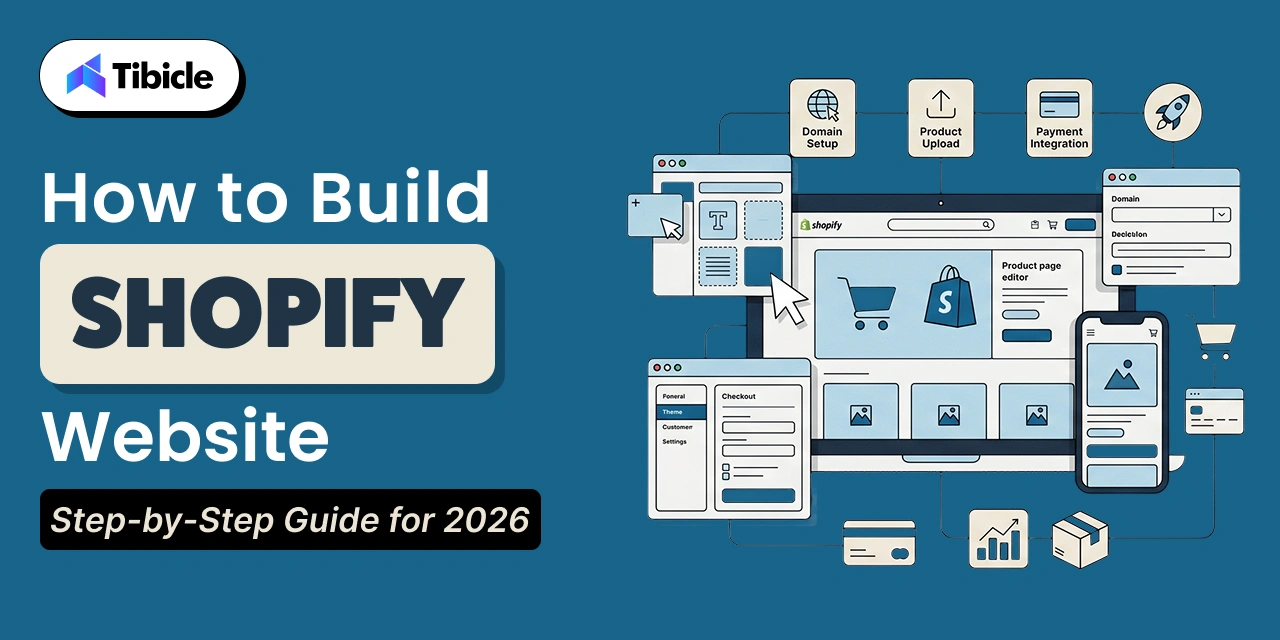
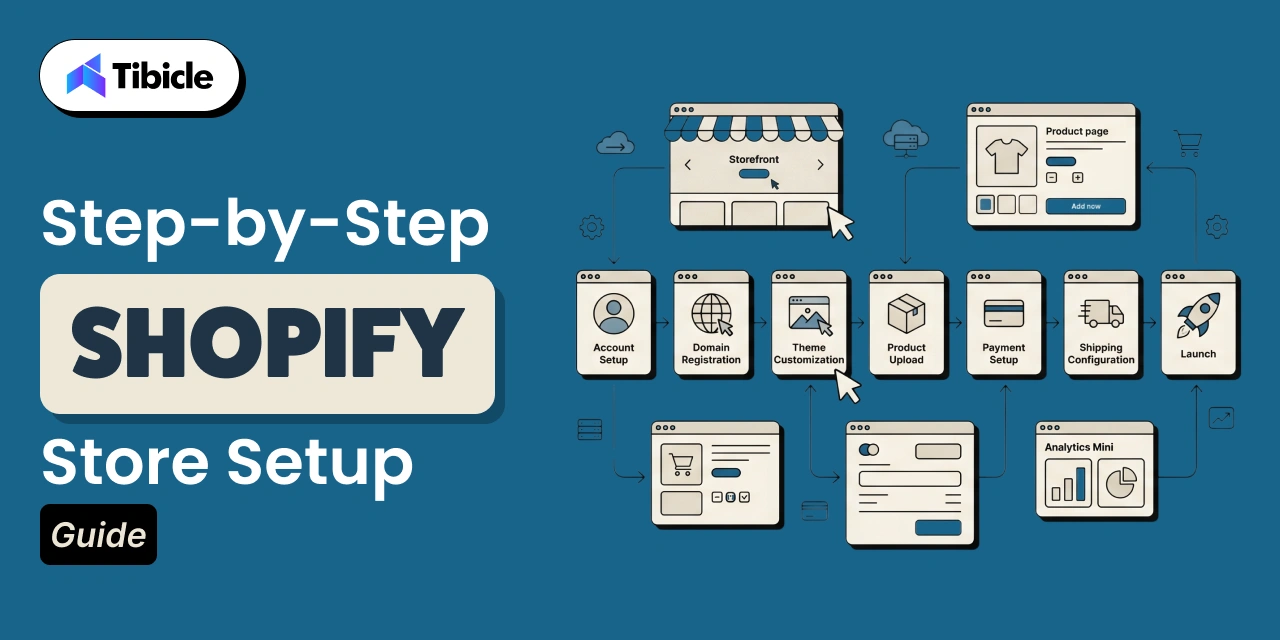
Building a Shopify website becomes much easier when you follow a structured process. Even if you have no prior technical experience, Shopify’s guided setup and intuitive dashboard allow you to launch a fully functional store step by step. The goal is not just to create a store, but to build a Shopify website that is optimized for conversions, performance, and long-term growth.
Step 1 – Create Your Shopify Account and Select a Plan
Start by signing up on Shopify using your email address. You’ll get access to a free trial, which is enough to explore the dashboard and understand how the platform works. Once inside, Shopify will guide you through a few basic questions about your business.
When selecting a plan, don’t overcomplicate the decision:
- Choose the Basic plan if you’re starting fresh
- Upgrade later as your revenue grows
- Focus on launching first, optimizing later
This step is about getting access to your store backend – everything else builds on this foundation.
Step 2 – Register a Custom Domain
Your domain name is the first thing customers notice, so it should reflect your brand clearly. Instead of using the default Shopify subdomain, invest in a custom domain to build credibility and trust.
Keep these best practices in mind:
- Use a short and easy-to-spell name
- Avoid numbers or complex words
- Match your brand identity
- Prefer “.com” if available
You can purchase a domain directly from Shopify or connect one from providers like GoDaddy. A clean domain improves both branding and SEO.
Step 3 – Choose and Customize a Theme
This is where your store starts to visually come alive. Shopify provides a wide range of free and premium themes that you can install instantly. Once selected, you can customize everything using a simple drag-and-drop editor.
While customizing your theme, focus on:
- Keeping the design clean and clutter-free
- Ensuring mobile responsiveness (most traffic is mobile)
- Highlighting key sections like hero banner, products, and CTA
- Maintaining consistent branding (colors, fonts, layout)
You don’t need coding skills here, just focus on creating a user-friendly and visually appealing store.
Step 4 – Add Products and Organize Collections
Your products are the core of your store, so this step needs attention to detail. Shopify allows you to add products manually or in bulk using CSV files.
For each product, ensure:
- Clear and SEO-friendly product titles
- Detailed and benefit-driven descriptions
- High-quality product images
- Proper pricing and variants (size, color, etc.)
Organize your products into collections like:
- Categories (Men, Women, Accessories)
- Seasonal collections
- Best sellers or featured items
Good product structure improves navigation, SEO, and conversion rates.
Step 5 – Configure Payments and Checkout
To start selling, you need to enable payment options. Shopify Payments is the easiest choice, but you can also integrate PayPal, Apple Pay, and other gateways.
For better conversions:
- Enable guest checkout
- Offer multiple payment options
- Show shipping costs upfront
- Keep checkout steps minimal
A smooth checkout experience directly reduces cart abandonment and increases sales.
Step 6 – Set Up Shipping, Tax, and Legal Pages
Before launching, you need to configure operational and legal settings properly. Shopify allows flexible shipping rules based on your business model.
Key setup areas include:
- Shipping: flat rate, free shipping, or location-based
- Taxes: automatic calculation based on region
- Legal pages: privacy policy, refund policy, terms of service
These elements build trust and ensure your store is compliant and ready for real customers.
Step 7 – Optimize for SEO and Launch
The final step is preparing your store for visibility and performance. SEO plays a major role in driving organic traffic and long-term growth.
Before launching, make sure to:
- Add meta titles and descriptions
- Use keyword-rich product pages
- Optimize image alt text
- Create clean and readable URLs
- Test your store on mobile and desktop
Also:
- Place a test order
- Review all pages
- Check loading speed
Once everything is ready, remove password protection and launch your store.
Why This Process Matters
Following these steps properly ensures you don’t just create Shopify store infrastructure, but build a high-performing eCommerce website. Skipping steps or rushing setup often leads to poor user experience, low conversions, and expensive fixes later.
How Long Does It Take to Build a Shopify Website?
The time required to build a Shopify website depends on the complexity of your store, the level of customization, and the number of integrations involved. While Shopify enables quick setup for simple stores, more advanced builds require structured design, development, and testing phases to ensure performance and scalability.
- A basic Shopify store with a pre-built theme and minimal customization can typically be launched within 1–3 days.
- A custom Shopify store with tailored design, app integrations, and optimized user experience usually takes around 3–6 weeks.
- An enterprise-level Shopify store involving headless architecture, advanced features, and large-scale data handling can take 2–3 months to fully develop and deploy.\
Shopify Pricing Plans Breakdown (2026)
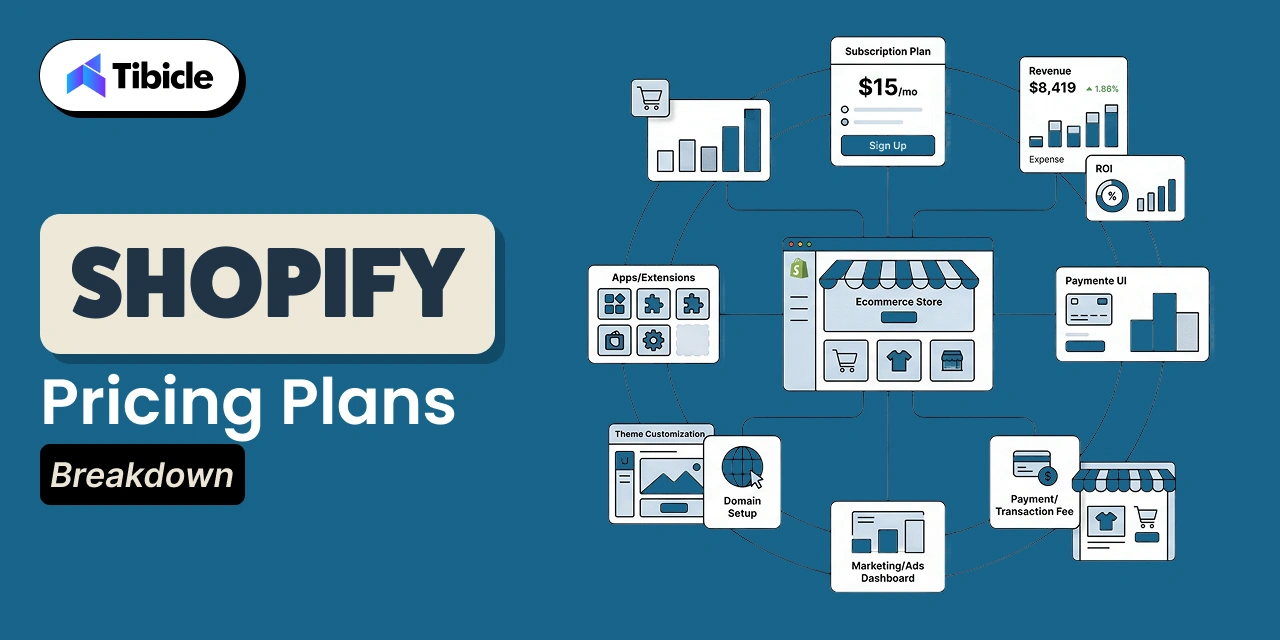
Shopify offers multiple pricing tiers designed to support businesses at different growth stages, from solo creators to enterprise brands. Choosing the right plan depends on your store’s size, expected order volume, and the level of features you need for scaling efficiently.
Pricing Overview:
| Plan |
Monthly Cost |
Transaction Fee (3rd-party) |
Staff Accounts |
Best For |
| Starter |
$5 |
5% |
1 |
Social selling |
| Basic |
$39 |
2% |
2 |
New stores |
| Grow |
$79 |
1% |
5 |
Scaling teams |
| Advanced |
$299 |
0.6% |
15 |
High-volume stores |
| Plus |
$2,300+ |
Custom |
Custom |
Enterprise |
The Basic plan is ideal for most beginners, offering all essential eCommerce features needed to launch and operate a store. As your business grows, upgrading to Grow or Advanced plans helps reduce transaction fees and unlock better reporting and team management capabilities. For large-scale operations, Shopify Plus provides enterprise-level customization and automation.
Keep in mind that beyond subscription costs, additional expenses like themes, apps, and marketing tools can add $300–$500/month, depending on your setup. Planning these costs early ensures smoother scaling without unexpected budget issues.
Hidden Costs to Factor In
Many businesses underestimate the true cost of creating a Shopify store infrastructure.
Additional expenses include:
- Premium themes typically cost $150–$400 and are often necessary to achieve a professional, conversion-focused design.
- App subscriptions can add $50–$200/month, depending on the tools used for marketing, analytics, and automation.
- Domain renewals are recurring yearly costs required to maintain brand identity and store credibility.
- Email marketing tools introduce ongoing expenses but are essential for customer retention and repeat sales.
- CRO tools improve conversion rates but add extra costs for testing, tracking, and optimization.
- Third-party integrations may be needed for advanced features, increasing overall operational spending.
In reality, a mid-sized Shopify store generating $20K/month in revenue typically spends $300–$500/month across the full ecommerce stack, not just the Shopify subscription fee.
ROI and Business Impact of a Shopify Website
The ROI of a Shopify website depends on how well the store converts traffic and retains customers. On average, Shopify stores generate $104K–$235K in yearly GMV, with higher-performing brands exceeding this through optimized marketing and user experience. Conversion rates are a key driver, where most stores operate at 1.4–1.8%, while top performers reach 4.7%+ by focusing on UX and targeting.
In addition, retention and acquisition channels like email and SEO significantly improve profitability, making Shopify a scalable platform for long-term growth.
- Average conversion rate typically ranges from 1.4–1.8%, setting the baseline for eCommerce performance.
- Top-performing stores achieve 4.7%+ conversion rates through strong UX and targeting strategies.
- Email marketing ROI delivers $36–$40 per $1 spent, making it a high-impact retention channel.
- SEO ROI potential can reach up to 22:1 due to organic, high-intent traffic.
- BFCM 2025 performance recorded $14.6 billion in sales, reflecting a 27% year-over-year growth
When Does a Shopify Store Break Even?
A lean Shopify store typically operates at a monthly cost of around $95–$125, including the Basic plan and essential apps. Stores that consistently invest in SEO, conversion optimization, and retention strategies often reach breakeven within 3–6 months, depending on their niche, pricing strategy, and customer acquisition efficiency.
Shopify vs WooCommerce vs Wix vs BigCommerce
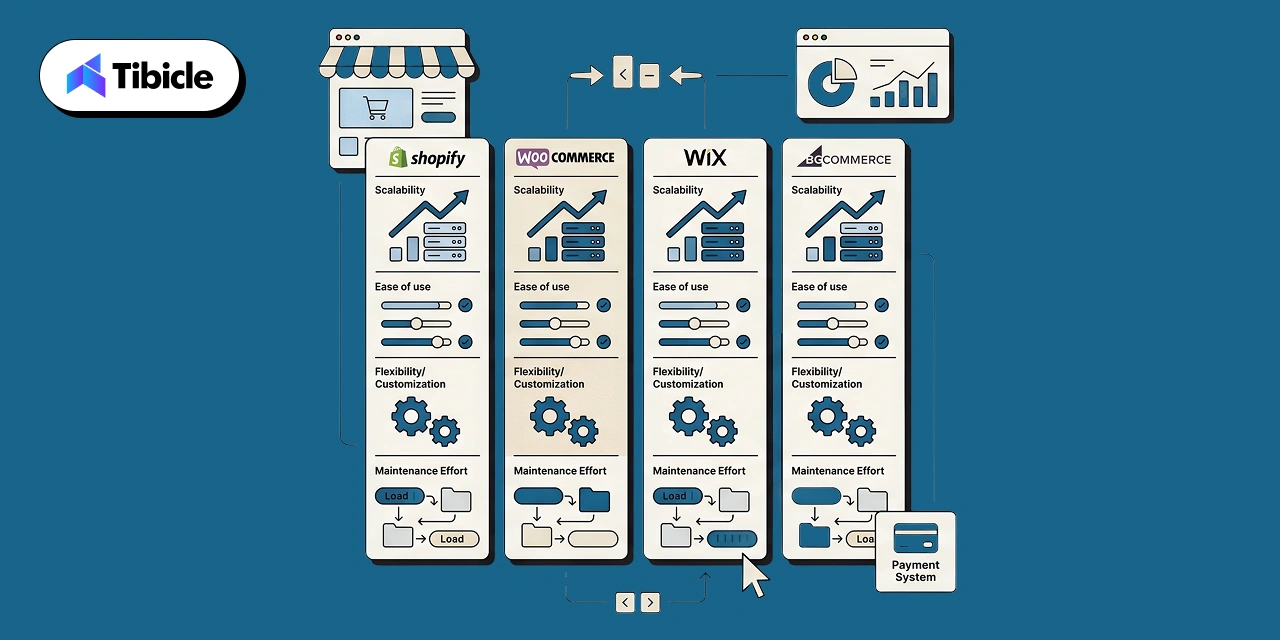
Choosing the right eCommerce platform affects how easily you launch and manage your online store. Shopify is ideal for non-technical users due to its simplicity and all-in-one infrastructure. However, alternatives like WooCommerce, BigCommerce, and Wix cater to different business needs and technical skills.
| Feature |
Shopify |
WooCommerce |
BigCommerce |
Wix |
| Hosting Included |
Yes |
No |
Yes |
Yes |
| Transaction Fees |
0% (Shopify Payments) |
None (self-hosted) |
None |
None |
| App Ecosystem |
17,600+ |
60,000+ (WordPress) |
1,300+ |
500+ |
| Scalability |
Starter to Plus |
Depends on hosting |
Limited by plan cap |
Limited |
| Technical Skill Needed |
Low |
High |
Medium |
Low |
| Best For |
Growth-focused sellers |
Developers, WP users |
Mid-market B2B |
Small/hobby stores |
The key difference lies in how much control versus convenience you need. WooCommerce may appear more affordable upfront, but it requires separate hosting, security, and ongoing maintenance, which can quickly add complexity. In contrast, Shopify bundles everything into one platform, making it easier to manage, faster to launch, and more reliable for scaling businesses.
Why Businesses Choose Shopify to Build eCommerce Websites
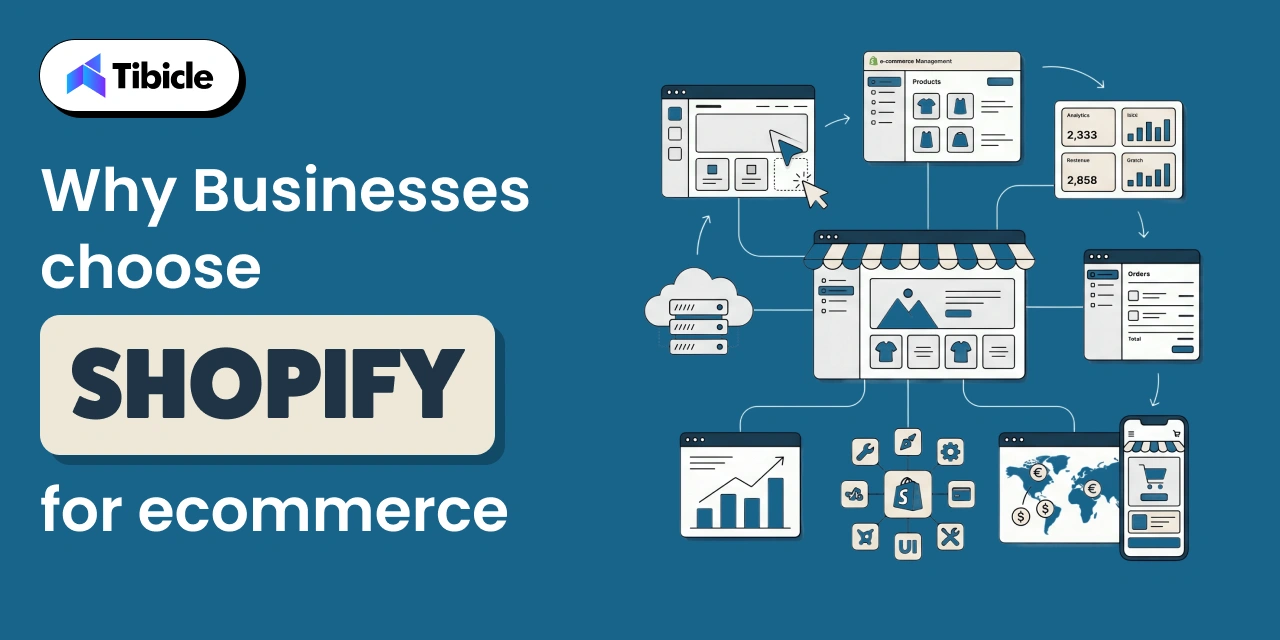
Shopify has become a preferred eCommerce platform for businesses of all sizes because it simplifies store setup while offering the flexibility to scale. From startups to enterprise brands, it provides a balance of ease, performance, and global reach without requiring deep technical expertise.
- Ease of setup allows businesses to launch quickly using pre-built themes and a user-friendly interface without coding knowledge.
- Hosting included eliminates the need for separate server management, ensuring security, uptime, and performance are handled by Shopify.
- Scalability enables stores to grow from small catalogs to high-volume operations without major infrastructure changes.
- App ecosystem provides access to thousands of tools for marketing, analytics, and automation to extend store functionality.
- Global payments support allows businesses to accept multiple currencies and payment methods, making international selling seamless.
Common Risks and Challenges When Building on Shopify
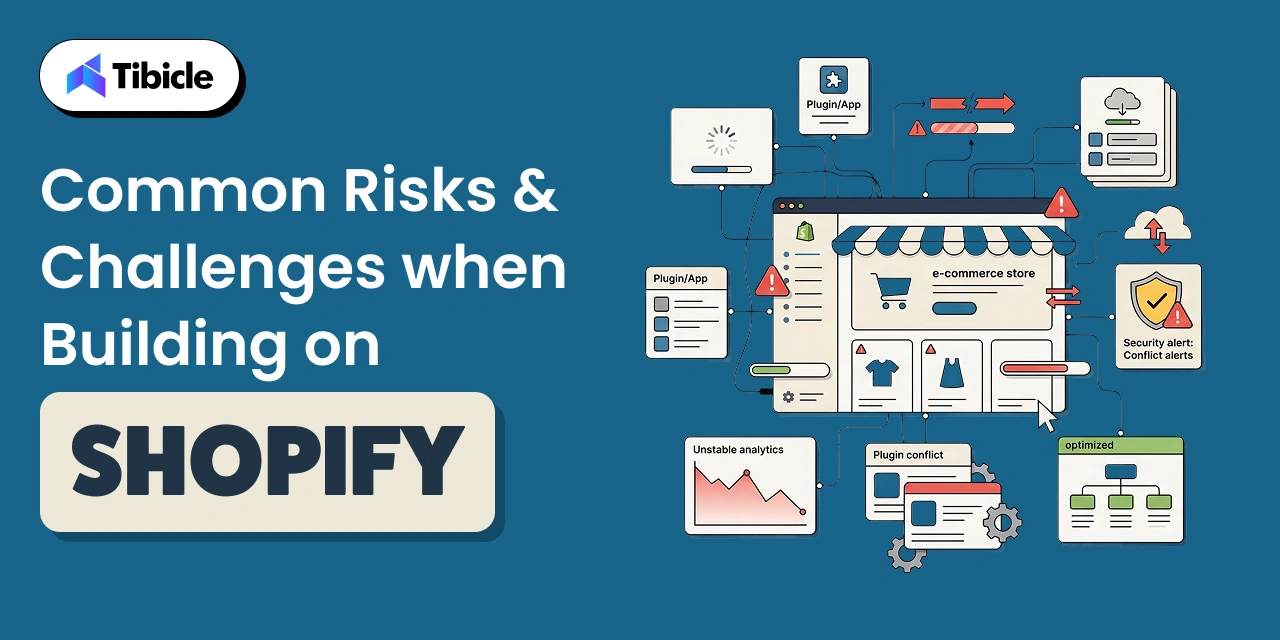
While Shopify makes it easy to launch an online store, there are several challenges that can impact performance if not handled carefully. One major issue is over-reliance on apps, which can increase monthly costs and slow down site speed due to excessive scripts. eCommerce businesses also face a high cart abandonment rate of nearly 80%, meaning most users drop off before completing purchases.
Another challenge is mobile conversion performance, which is often about half of desktop rates, making mobile-first design essential for better results. Shopify also has limited native customization, and advanced functionality typically requires expertise in Liquid or Hydrogen frameworks. Additionally, using third-party payment gateways can add extra fees of 0.6%–2% on top of standard processing charges, reducing overall profit margins.
How to Mitigate These Risks:
- A lean app stack helps control costs and improve performance, so limit usage to only essential tools (ideally 5–6 apps).
- Before launch, mobile checkout testing is critical to ensure a smooth and frictionless user experience.
- To reduce unnecessary transaction costs, Shopify Payments should be used wherever it is supported.
- For advanced features or scalability, working with a professional developer ensures better customization and long-term stability.
Vendor Checklist to Build a Shopify Website with the Right Partner
Choosing the right Shopify development partner is not just a technical decision; it directly impacts how fast you launch, how well your store performs, and how easily it scales over time. Many businesses focus only on pricing, but long-term success depends on experience, process clarity, and post-launch support. Use the checklist below to evaluate potential partners effectively:
- A verified Shopify Partner or Plus Partner status ensures credibility and platform expertise.
- Relevant portfolio experience in your industry or revenue range indicates a practical understanding of similar business needs.
- Proven experience with Online Store 2.0, Hydrogen, or headless builds reflects modern development capabilities.
- Clear post-launch support and maintenance terms help avoid issues after deployment.
- Transparent pricing models (fixed vs. hourly) provide better cost control and planning.
- Strong SEO and CRO get in touch with Tibicle expertise to ensure your store is built for traffic and conversions, not just design.
- Reliable client testimonials or Clutch/G2 ratings validate performance and client satisfaction.
- Robust data migration capability is essential if you’re switching from platforms like WooCommerce or Magento.
Choosing the right development partner directly impacts store performance, time-to-launch, and long-term scalability.
Cost to Build a Shopify Website
The cost of building a Shopify website varies based on how you choose to build it, whether you do it yourself, hire a freelancer, or work with a professional agency. Each option offers different levels of customization, scalability, and support, so your choice should align with your business goals and budget.
Cost Breakdown by Store Type
| Store Type |
Cost |
| DIY store |
$100–$500 |
| Freelancer build |
$1k–$5k |
| Agency build |
$5k–$30k |
A DIY store is the most budget-friendly option, suitable for simple setups using pre-built themes and minimal customization. Hiring a freelancer allows for better design and functionality while keeping costs moderate. For businesses aiming for scalability, performance, and custom features, an agency-built store offers end-to-end development, including design, integrations, and optimization.Keep in mind that these are initial build costs, and ongoing expenses like apps, themes, and marketing tools will add to your monthly budget.
Why Tibicle Is a Strong Choice for Shopify Website Development
Tibicle stands out as a reliable Shopify development partner for businesses aiming to build scalable and high-performing eCommerce stores. With experience in launching 500+ Shopify stores for startups and global brands, the team brings both speed and technical depth to every project. Their expertise spans Shopify 2.0, Hydrogen (headless React), Liquid templating, Remix, and Oxygen hosting, enabling modern and flexible store architectures.
Beyond development, Tibicle offers a full-service scope, including custom theme builds, app integrations, B2B portals, dropshipping setups, and seamless migrations from platforms like WooCommerce and Magento. A strong focus on mobile-first design, SEO, and analytics integration ensures that stores are optimized for both performance and growth from day one.
Flexible hiring models, hourly, monthly, or project-based, give businesses better control over budgets and timelines. Overall, Tibicle aligns closely with the key vendor selection criteria, covering certified expertise, transparent pricing, post-launch support, and cross-industry experience.
Conclusion
Building a Shopify eCommerce website is relatively simple, but creating one that consistently converts requires the right planning, setup, and development approach. As highlighted earlier, factors like conversion rates, SEO ROI, and retention channels play a critical role in long-term success. Additionally, choosing the right development partner using a structured checklist ensures better performance, faster launch timelines, and scalable growth.
If you’re looking to build a Shopify store that is optimized for speed, SEO, and conversions from day one, talk to Tibicle’s Shopify development team to launch a high-converting eCommerce store faster.
FAQs
Q1: How much does it cost to build a Shopify website from scratch?
Shopify plan fees range from $5 to $299/month, depending on your business size and feature needs. However, the total real-world cost, including premium themes, apps, and a domain, typically comes to $300–$500/month for a mid-sized store. Costs can vary based on customization and marketing tools.
Q2: Can I build a Shopify website without coding skills?
Yes, Shopify allows you to build a complete store using its drag-and-drop editor and pre-built themes without coding knowledge. However, for advanced customization, integrations, or performance optimization, basic knowledge of Liquid or support from a developer may be required.
Q3: How long does it take to build a Shopify website?
A basic Shopify store can be launched within 4–5 days if using ready-made themes and minimal customization. For custom-designed stores with integrations, branding, and SEO optimization, the timeline usually extends to 4–8 weeks, depending on complexity.
Q4: Is Shopify better than WooCommerce for eCommerce?
Shopify is easier to set up as it includes hosting, security, and payment systems in one platform. WooCommerce offers more flexibility and control but requires separate hosting, maintenance, and technical management, making it better suited for developers.
Q5: What is the average conversion rate for a Shopify store?
The average Shopify conversion rate ranges from 1.4% to 1.8%, which acts as a baseline for most stores. Top-performing stores exceed 4.7% by focusing on user experience, fast loading speeds, and targeted marketing strategies.
Q6: Do I need a Shopify developer, or can I do it myself?
You can build a simple Shopify store yourself using built-in tools and templates. However, for custom themes, third-party integrations, migrations, or headless commerce setups, hiring a professional Shopify developer helps reduce errors, save time, and improve performance.