Introduction
If you’ve been using Postman for API testing, you’re not alone. For years, it has been the go-to choice for developers building, testing, and documenting APIs. It helped define what a modern API client should look like a clean interface, collection management, environment variables, and team collaboration all in one place. For a long time, there was no real reason to look elsewhere. But in 2026, that’s changing. This guide covers the top 5 Postman alternatives, tools that have matured enough to make switching a serious conversation.
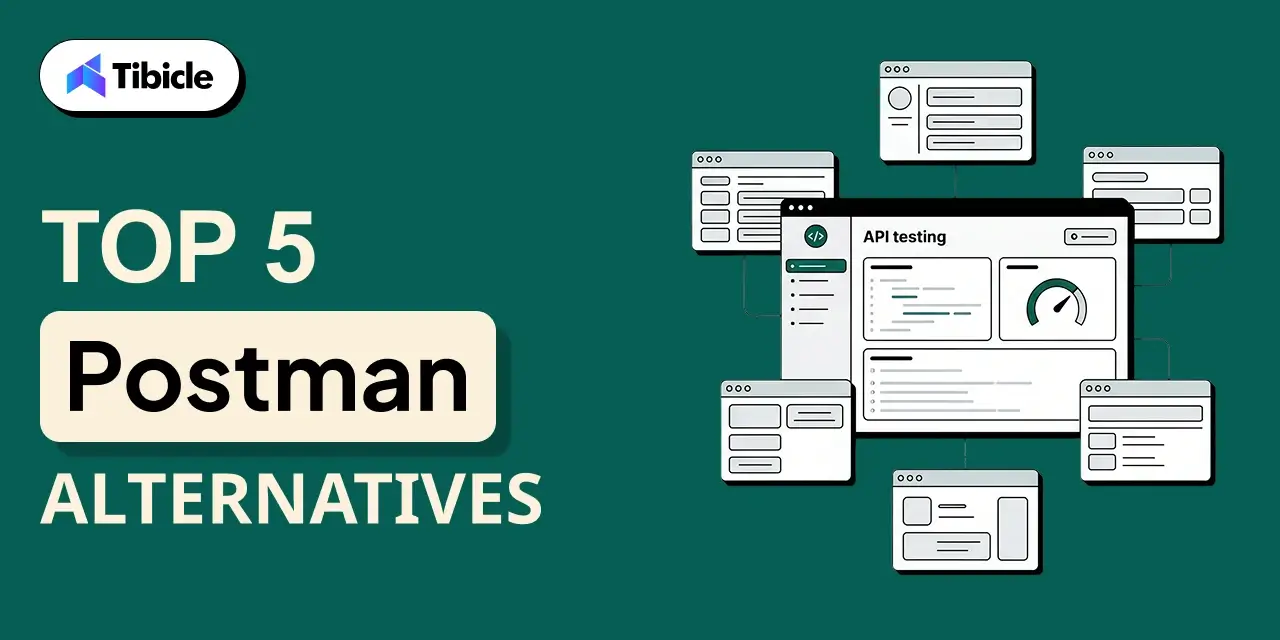
As teams scale, projects get more complex, and the broader API tooling ecosystem has matured significantly. Developers are no longer choosing between Postman and nothing they’re choosing between genuinely strong alternatives, each built with a specific workflow philosophy in mind. Certain tools are built around Git-native collaboration, while others offer fully open-source, self-hostable architectures. There are also lightweight options designed specifically for fast-moving QA and development teams that can’t justify enterprise-level costs. And some combine API testing with capabilities that Postman simply doesn’t offer.
At the same time, Postman’s own trajectory has raised eyebrows. In March 2026, the platform restructured its free plan to single-user only, meaning any team collaboration now requires a paid subscription starting at $19 per user per month. For teams that had been using the free tier to collaborate, this was a significant shift. It accelerated a conversation that was already happening: is Postman still the right tool, or has the ecosystem caught up enough to make a switch worth it?
Why Developers Are Looking Beyond Postman Alternatives in 2026
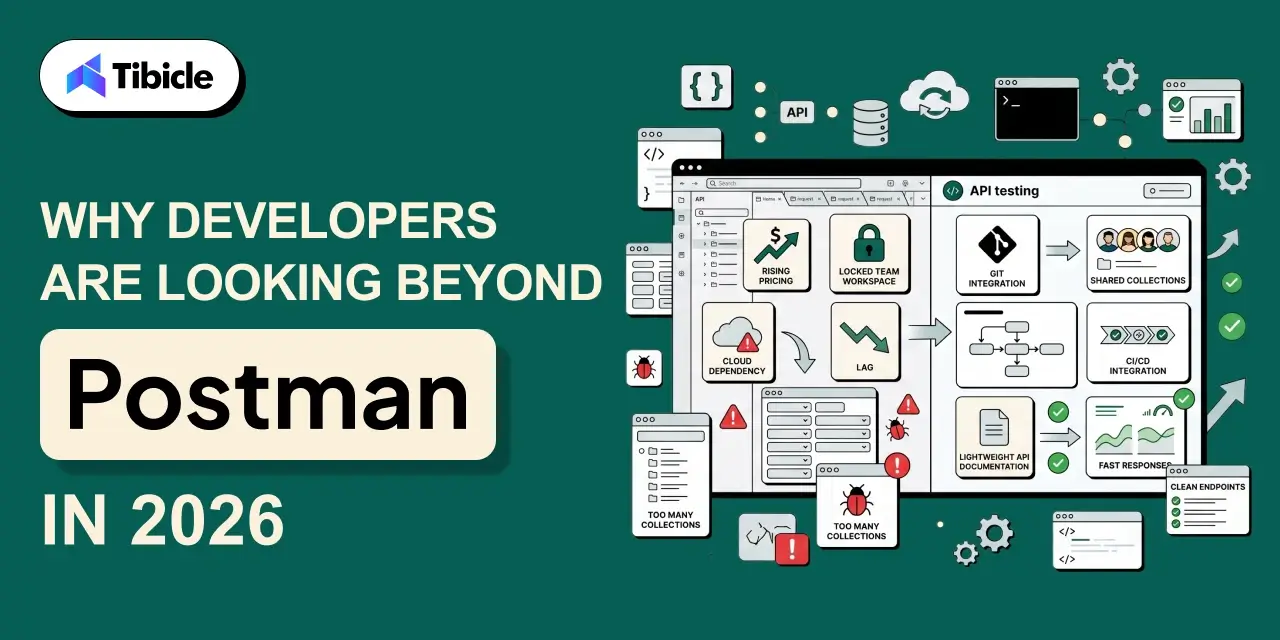
Postman remains a capable tool with a large community and a mature feature set. But in 2026, the frustrations that were once minor inconveniences have become genuine blockers for many teams, and the alternatives have matured enough to make switching a realistic conversation.
1. Rising costs at scale
Postman’s free plan was restructured in March 2026 to support only a single user. Any team collaboration now requires a paid subscription starting at $19 per user per month. For a 10-person team, that’s nearly $2,300 per year just for API testing, a hard number to justify for startups and agencies already watching their tooling budgets carefully.
2. Feature bloat
What started as a clean, focused request builder has grown into a sprawling platform with AI features, API hubs, monitors, mock servers, and a full governance layer. For teams that just need to build, test, and share API collections, navigating all of that adds friction rather than removing it. New team members routinely take longer to get productive in Postman than they should.
3. Collaboration friction
Sharing collections, managing environment variables across teams, and maintaining access controls at scale involve more manual overhead than many teams expect. Workspace governance in particular becomes a pain point as teams grow beyond a handful of developers.
4. Cloud dependency
Postman discontinued its offline Scratch Pad mode in 2023, making cloud sync effectively mandatory for most workflows. For teams in regulated industries, healthcare, finance, government or those operating in air-gapped environments, this is a non-starter. The lack of a viable local-first option has pushed many of these teams toward Git-native alternatives.
None of these are dealbreakers for every team. Large engineering organizations with complex API governance needs may still find Postman’s feature depth worth the cost. But if any of these pain points sound familiar, the alternatives covered in this guide are worth a serious look, several of them have caught up significantly in the last 12 months.
What to Look for in a Postman Alternatives
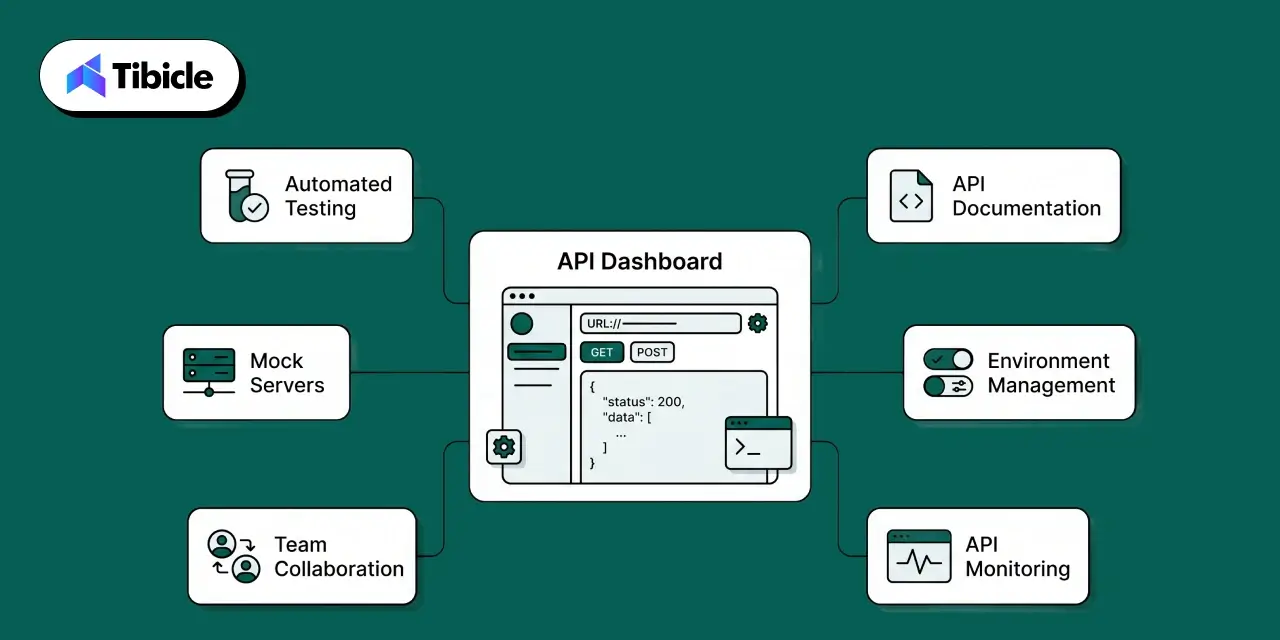
Switching API tools isn’t a decision you want to make twice. The wrong choice means re-migrating collections, re-training your team, and rebuilding workflows all over again. Before jumping into the comparison, it helps to have a clear framework for what actually matters because the best tool isn’t the one with the most features, it’s the one that fits how your team already works.
1. API testing capabilities
The basics matter, but so does depth. Does the tool support automated test scripts, pre-request hooks, and assertion libraries? Can you organize collections at scale without things getting messy? Environment variables and configuration management are table stakes what separates tools is how well they handle complexity as your API surface grows.
2. Collaboration features:
A tool that works brilliantly for one developer but creates friction for a team of ten isn’t the right fit for most organizations. Look at how easy it is to share collections, manage team workspaces, set access controls, and onboard new members without a long setup process. The best tools make collaboration feel natural rather than like an afterthought bolted onto a solo workflow.
3. Version control support
APIs change constantly, endpoints get added, payloads shift, and authentication methods evolve. A tool that integrates with Git or offers built-in change tracking means your team can review API changes the same way they review code changes. For engineering teams already living in Git, this isn’t a nice-to-have; it’s a requirement.
4.Documentation
API documentation is often treated as a separate problem, but the best tools solve it in-line. Can you generate and publish docs directly from your collections? Can you share them with external stakeholders or clients without exporting to a separate platform? Good documentation support saves hours of duplicated work across every sprint.
5. Pricing and scalability
A tool that’s affordable for three people but becomes unmanageable at fifteen isn’t a long-term solution. Evaluate not just the current cost, but what the pricing looks like as your team grows. Free tiers that are genuinely functional, not crippled demos, matter especially for teams that want to evaluate thoroughly before committing budget.
6. Ease of use
Developer tooling that requires a week of onboarding creates a real productivity drag. How long does it take a new team member to go from zero to their first successful API test? Is the interface intuitive enough that a QA engineer without deep API experience can work in it independently? Onboarding speed is often underweighted in tool evaluations and overweighted in regret after the fact.
With that framework in place, here are the five tools worth evaluating in 2026.
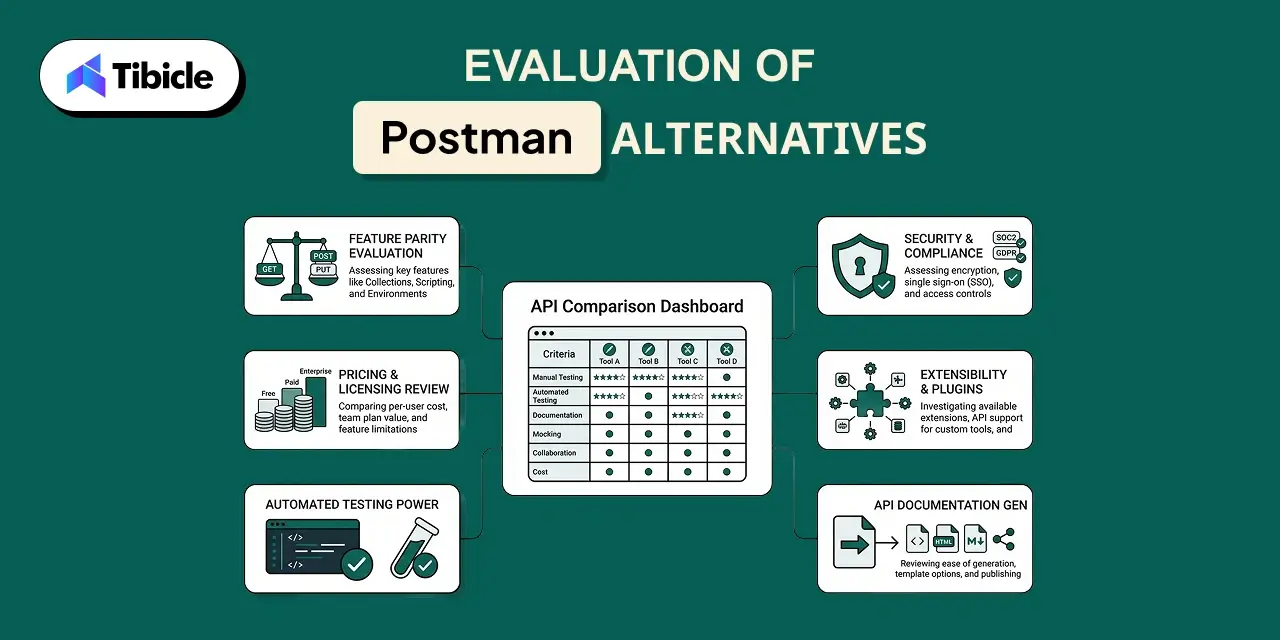
Evaluation of Postman Alternatives
1. Insomnia
Insomnia has built a strong following among API developers who prioritize a clean interface and API-design-first workflows. Originally a lightweight Postman alternative, it has matured into a full-featured platform.
Key Features:
- API design and testing in a unified interface
- Git synchronization for version-controlled workflows
- Environment and variable management
- Plugin ecosystem for extensibility
Pros:
- Cleaner, less cluttered interface compared to Postman
- Git sync allows collections to be version-controlled alongside the codebase
- The plugin system lets teams extend functionality without vendor dependency
- Strong API design workflow for teams that design before they build
Cons:
- Advanced collaboration features are locked behind paid plans
- Cost scales up quickly for larger teams
- A desktop app can feel sluggish on resource-constrained machines
Pricing:
- Hobby Plan — Free. Includes all core API design, debugging, and collaboration features, unlimited collaborators for one project, and 1,000 free mock requests per month.
- Pro Plan — $12 per user/month. Unlocks unlimited collaborators across unlimited organizations, native Git support, role-based access control, and 10,000 free mock requests monthly.
- Enterprise Plan — $45 per user/month (billed annually). Everything in Pro Plus Enterprise SSO (SAML, OIDC) and SCIM for user management.
Best Suited For: Individual API developers and engineering teams that prioritize clean UX and a strong API design workflow.
2. Hoppscotch
Hoppscotch (formerly Postwoman) is an open-source API development platform that runs in the browser. It’s built for speed and simplicity, and for many developers, it’s the fastest way to fire off a request without spinning up a desktop app.
Key Features:
- Browser-based access, no installation required
- Cloud sync for saving and sharing collections
- Open-source codebase, self-hostable
- Real-time collaboration on the paid tier
Pros:
- Zero setup works entirely in the browser
- Open-source with a self-hosted option for privacy-conscious teams
- The free tier is genuinely usable for individuals and small teams
- Low barrier to entry for developers new to API testing
Cons:
- The enterprise feature set is limited compared to more established platforms
- Test scripting and automation capabilities are less mature
- Smaller community and plugin ecosystem
Pricing:
- Free Plan: $0 forever. Includes unlimited workspaces, collections, requests, and runners, with community support through Discord and GitHub
- Organization Plan: $6 per user/month (billed annually). Includes everything from the free version plus an admin dashboard for managing team members, dedicated support, and custom payment options for enterprise needs.
- Self-hosted option available for teams that need full data control
Best Suited For: Individual developers, open-source enthusiasts, and small teams that value simplicity and low setup overhead.
3. Bruno
Bruno takes a fundamentally different approach from most API clients: it stores collections directly on the filesystem as plain text files rather than in the cloud. If you want your API collections version-controlled in Git alongside your codebase, Bruno is designed exactly for that.
Key Features:
- Local-first architecture collections stored as files on disk
- Native Git integration
- Offline usage with no cloud dependency
- Collection versioning through standard Git workflows
Pros:
- Collections live in your repo, changes tracked through standard PRs
- No cloud vendor dependency or data leaving your machine
- Lightweight and fast compared to heavier desktop tools
- Natural fit for teams already disciplined about Git workflows
Cons:
- Real-time collaboration and shared workspaces are limited
- Smaller ecosystem with fewer integrations
- Steeper learning curve for developers not comfortable with Git-based workflows
Pricing:
- Open Source — Free. Full core API testing functionality with unlimited collections, requests, and environments, offline access, Git integration, JavaScript testing, and CLI support at no cost.
- Pro Plan — $6 per user/month. Adds advanced Git client integration, OpenAPI design tools, and priority support.
- Ultimate Plan — $11 per user/month. Everything from Pro plus additional enterprise features, advanced automation tools, and expanded OpenAPI capabilities.
Best Suited For: Developers and engineering teams that prefer local-first workflows and want API collections treated like code.
4. Roley
Roley is a newer entrant in the API testing space, built with a focus on team collaboration and streamlined workflows. It positions itself as an alternative for teams that find Postman’s collaboration experience cumbersome or its pricing hard to justify at scale.
Key Features:
- API testing and automation
- Shared team workspaces and collection management
- Environment variables and configuration management
- Postman collection import for easy migration
- Centralized workspace for API documentation and sharing
Pros:
- Smooth onboarding for teams migrating from Postman via collection import
- The collaboration model is straightforward to set up for QA and dev teams
- Pricing is significantly more accessible than Postman for growing teams
- Workspace designed for parallel workflows between developers and QA engineers
Cons:
- Newer platform with a smaller community and ecosystem
- Advanced automation scripting and plugin support are still maturing
- Teams with complex requirements should verify feature parity before committing
Pricing:
- Free Plan — $0, up to 3 users. Includes access to the API client, ability to publish API documentation, and web and desktop app access with basic support.
- Professional Plan — $4 per user/year (most popular tier, designed for growing teams).
- Higher tiers are available for larger teams and organizations
Best Suited For: Startups, agencies, QA teams, and growing development teams that need solid collaboration features without the overhead of larger platforms.
5. Requestly
Requestly occupies a distinct niche in this list: it combines API testing with HTTP request interception and traffic modification. If your workflow involves debugging API requests in the browser, mocking responses, or modifying headers without touching the backend, Requestly offers capabilities that most pure API clients don’t.
Key Features:
- API testing and collection management
- HTTP request and response interception
- API mocking and response simulation
- Request modification rules for debugging
- Browser extension and desktop application
- Team collaboration and rule sharing
Pros:
- Combines API testing and traffic interception in a single tool
- Intercept and modify live requests without touching the backend
- A browser extension makes it immediately accessible for frontend and QA workflows
- Useful for mocking responses when backend services aren’t ready
Cons:
- API testing capabilities are not as deep as dedicated platforms like Insomnia
- Less suited for teams with heavy automation and scripting requirements
- Advanced team features require paid plans
Pricing:
- Free – $0. Lite — $8/month.
- Basic – $15 per member/month.
- Professional – $23 per member/month
- Custom pricing available for teams of 50 or more licenses
Best Suited For: Frontend developers, QA engineers, and teams that need API testing combined with traffic interception and request mocking in a single workflow.
Side-by-Side Comparison of Postman Alternatives
| Category |
Insomnia |
Hoppscotch |
Bruno |
Roley |
Requestly |
| API Testing Depth |
Comprehensive testing workflows |
Strong for standard use cases |
Strong for standard use cases |
Comprehensive testing workflows |
Good, with focus on debugging and request modification |
| Collaboration |
Strong team collaboration |
Real-time collaboration (paid plans) |
Git-centric collaboration |
Strong team collaboration |
Rule sharing and collaboration features |
| Git & Version Control |
Git Sync available |
Cloud-based collection management |
Git-native by design |
Cloud-based collection management |
Cloud-based collection management |
| Open Source |
No |
Yes, self-hostable |
Yes |
No |
No |
| Best for Beginners |
Moderate learning curve |
Easy onboarding |
Requires developer familiarity |
Easy onboarding |
Moderate learning curve |
| Pricing Accessibility |
Standard per-seat SaaS pricing |
Low entry cost |
Low entry cost |
Competitive team pricing |
Standard per-seat SaaS pricing |
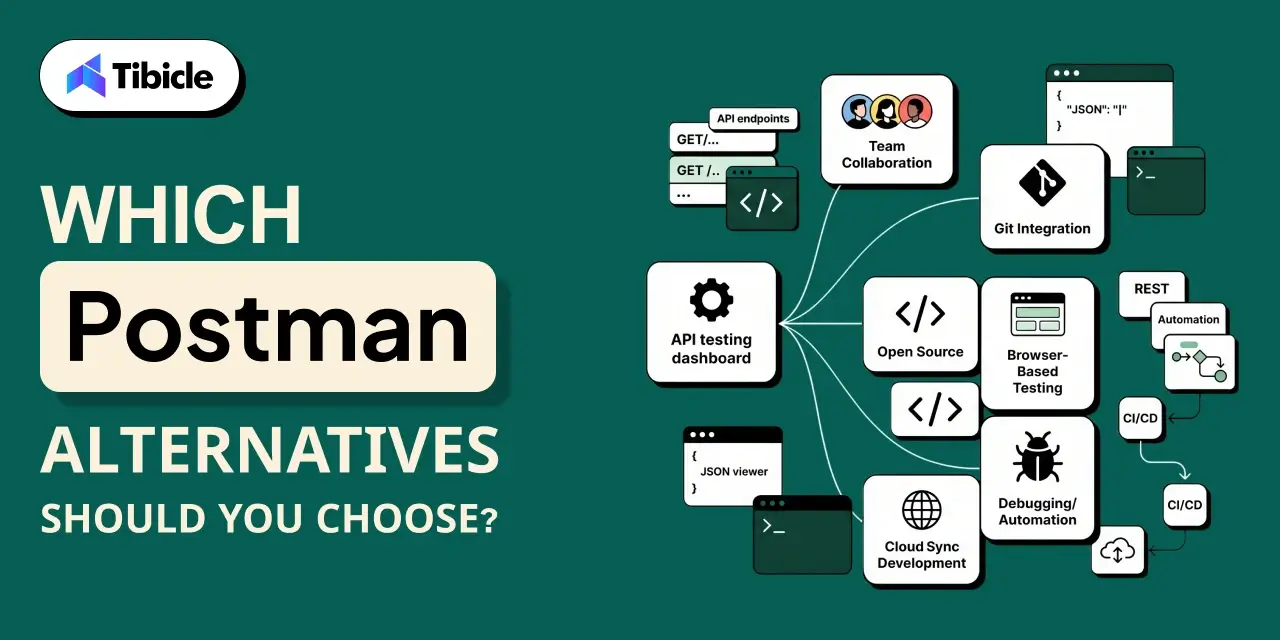
Which Postman Alternatives Should You Choose?
| Tool |
Best For |
| Insomnia |
Teams that value a polished UI, API-design-first workflows, and Git-synced collections |
| Hoppscotch |
Developers looking for an open-source API platform with browser-based access and self-hosting capabilities |
| Bruno |
Teams that manage API collections as code, work heavily with Git, and prefer a local-first approach without cloud dependency. |
| Roley |
Teams focused on collaboration, seeking an easy migration from Postman, and wanting a cost-effective solution for growing teams |
| Requestly |
Teams that need API testing alongside request interception and debugging, especially frontend developers working extensively in the browser. |
Conclusion
The API tooling market in 2026 has matured to the point where Postman is no longer the only serious option. Bruno, Hoppscotch, Insomnia, Requestly, and Roley each solve a distinct problem, whether that’s Git-native workflows, open-source flexibility, design-first testing, request interception, or straightforward team collaboration. The right choice comes down to how your team works, what your Git workflow looks like, and what you’re willing to spend. Take advantage of the free tiers, test against your actual requirements, and let your workflow make the decision, not the longest feature list.
Curious what Tibicle is using for API testing? Connect with us and we’ll walk you through our setup.
Frequently Asked Questions
What is the best API testing tool in 2026?
The best postman alternatives in 2026 depend entirely on your team’s workflow. Bruno stands out for Git-native teams, Roley for straightforward collaboration, Insomnia for a polished API-design experience, Hoppscotch for open-source flexibility, and Requestly for teams that need request interception alongside testing. There’s no universal winner, the right tool is the one your team will actually use consistently.
Why are developers moving away from Postman?
The most common reasons are pricing at scale, feature complexity in simple use cases, and a preference for postman alternatives that integrate more seamlessly with Git-based workflows. Some teams also prefer open-source or self-hosted options for data control.
Are these tools suitable for enterprise use?
Insomnia has the most mature enterprise feature set among the postman alternatives listed. Roley and Requestly are growing in this direction. Bruno and Hoppscotch (self-hosted) are viable for enterprises with engineering-heavy cultures but may require more custom workflow setup.
Can I migrate from Postman without losing my collections?
Most of these tools support Postman collection import. Roley, Insomnia, and Hoppscotch all offer migration paths. Bruno requires converting collections to its file format, but community tooling exists to help with this.
Is there a free option that’s actually usable?
Yes. If you’re exploring postman alternatives on a budget, Hoppscotch’s free tier is genuinely usable for individuals and small teams. Bruno’s core is free and fully functional. Roley also offers a free plan that supports up to 3 users, making it a practical starting point for small teams before committing to a paid plan.