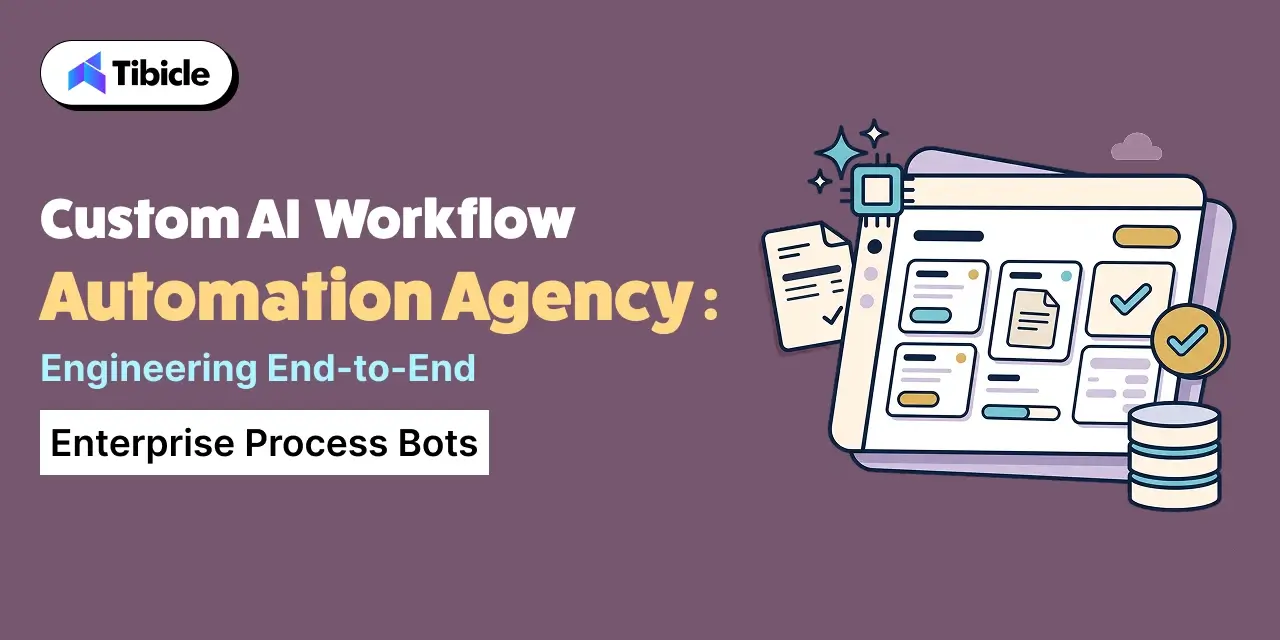
Enterprise AI Automation Development Agency

Who this is for: Operations leads, CTOs, and process owners evaluating an enterprise AI automation development agency for a full business process rather than a single bolted-on bot.

Search intent: Commercial evaluation with a technical backbone. The reader has moved past “what is workflow automation” and wants to know why point-solution RPA plateaus, what end-to-end automation actually requires, and how to scope a rollout that survives contact with a real process.

What you will walk away with: What end-to-end process automation requires beyond a single bot, current adoption and failure data from McKinsey, Gartner, EY, and a multi-agent systems study, a process-bots-vs-point-solution comparison table, and how Tibicle structures enterprise AI automation development around full processes, not isolated tasks.
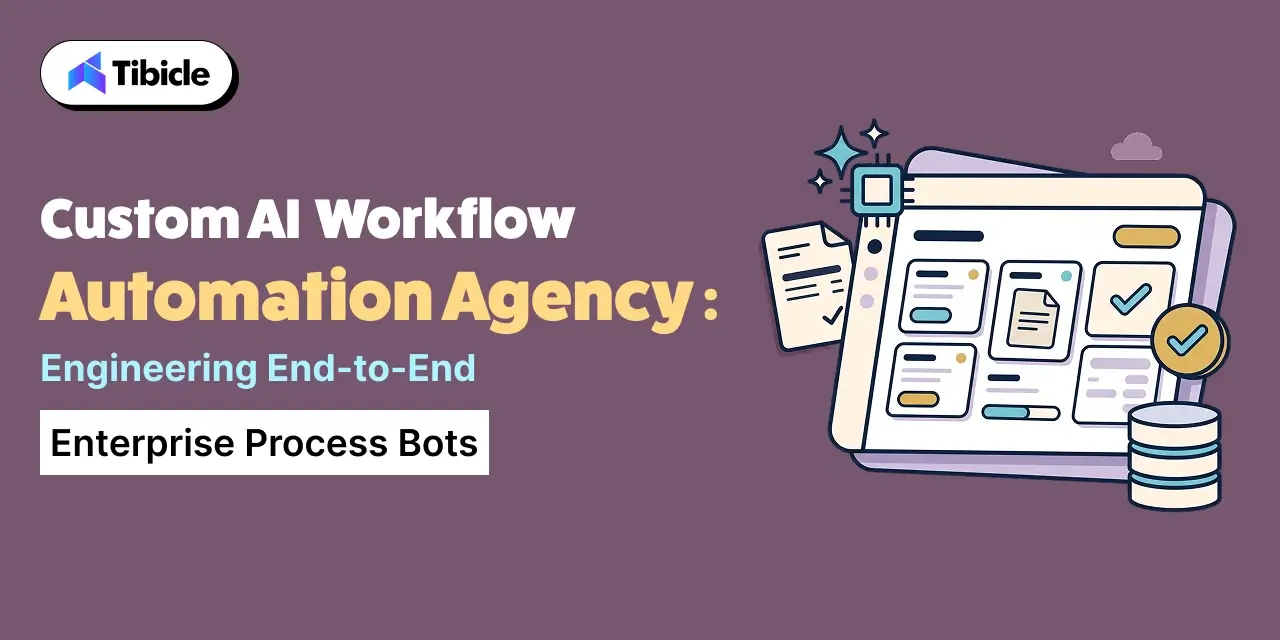
enterprise ai automation development agency

Introduction

An enterprise AI automation development agency builds bots that carry a business process from start to finish. A single script that automates one step and hands the rest back to a person does not qualify. McKinsey’s Global Institute found that current technology could automate work occupying 45% of employee time. That number explains why automation budgets keep growing. It also explains why so many automation projects disappoint. Most of that 45% sits inside processes that cross five or six different systems. It doesn’t sit inside one screen a single bot can operate. Hiring an enterprise AI automation development agency only pays off when the engagement covers the whole process. Think invoice to payment, application to approval, ticket to resolution, not just the one step that looked easiest to automate first. This guide covers what end-to-end process automation requires, and why workflow automation projects fail at a predictable rate. It also covers how to choose between point-solution RPA and a custom process bot, and how Tibicle structures this work around full processes.

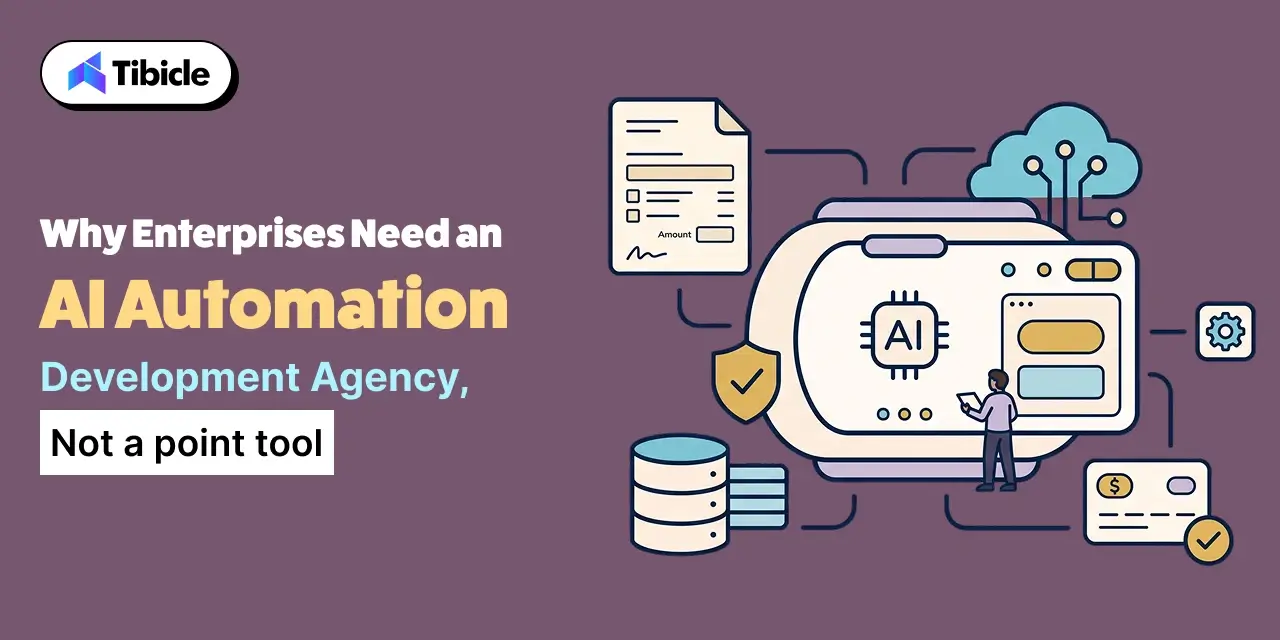
Why Enterprises Need an Enterprise AI Automation Development Agency, Not a Point Tool
enterprise ai automation development agency

From Single-Task Bots to End-to-End Process Automation

A single-task bot reads a form and copies data into a spreadsheet. End-to-end process automation follows that data through every subsequent step: validation, approval routing, exception handling, and the system update that closes the loop. Businesses hire an enterprise AI automation development agency specifically to own that full chain. A business rarely gets meaningful time back from automating only the easiest 20% of a process and leaving the rest manual.

The Market and Priority Behind This Shift

Gartner finds that 90% of large enterprises now name hyperautomation a stated priority. Fewer than 20% of organizations have actually mastered measuring what those initiatives deliver. The market reflects the same appetite. Fortune Business Insights values business process automation at $22.3 billion in 2026. The firm expects it to reach $56.68 billion by 2034, a 12.37% compound annual growth rate. The gap between stated priority and measured success is exactly where an enterprise AI automation development agency earns its fee.

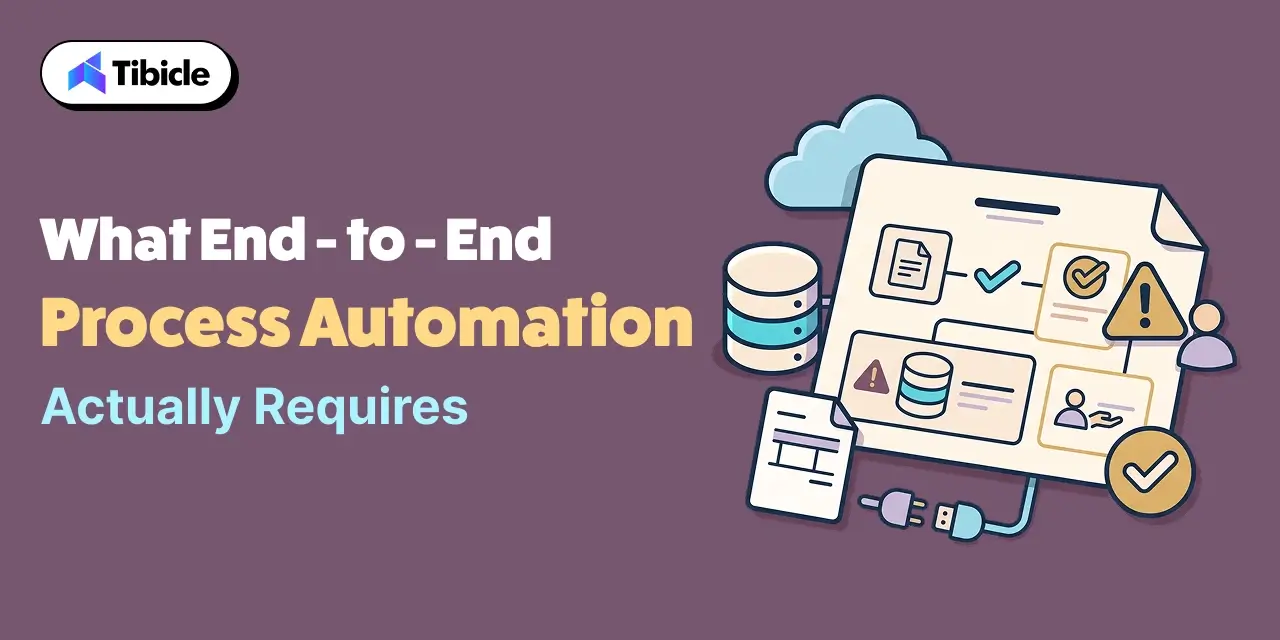
What End-to-End Process Automation Actually Requires
enterprise ai automation development agency

Mapping the Full Process Before Automating Any Step

Before a team builds any bot, it needs to map the actual process end to end. That includes the exceptions and edge cases nobody documents, because everyone already knows about them. Skipping this step is the single most common reason a workflow automation project only ever covers the easy path.

Connecting Systems That Were Never Built to Talk to Each Other

Most enterprise processes span a CRM, an ERP, an email inbox, and at least one legacy internal tool that predates all of them. Custom workflow automation bots need integration work at every one of these boundaries. That is exactly the part a generic no-code automation template skips over.

Exception Handling for the Cases Enterprise AI Automation Alone Can’t Resolve

Every real process has a percentage of cases that do not fit the standard path. Examples include a mismatched invoice, an incomplete application, or a request that needs a judgment call. A process bot with no path for these cases either breaks silently or produces a wrong result with confidence. Both outcomes are worse than simply routing the case to a person.

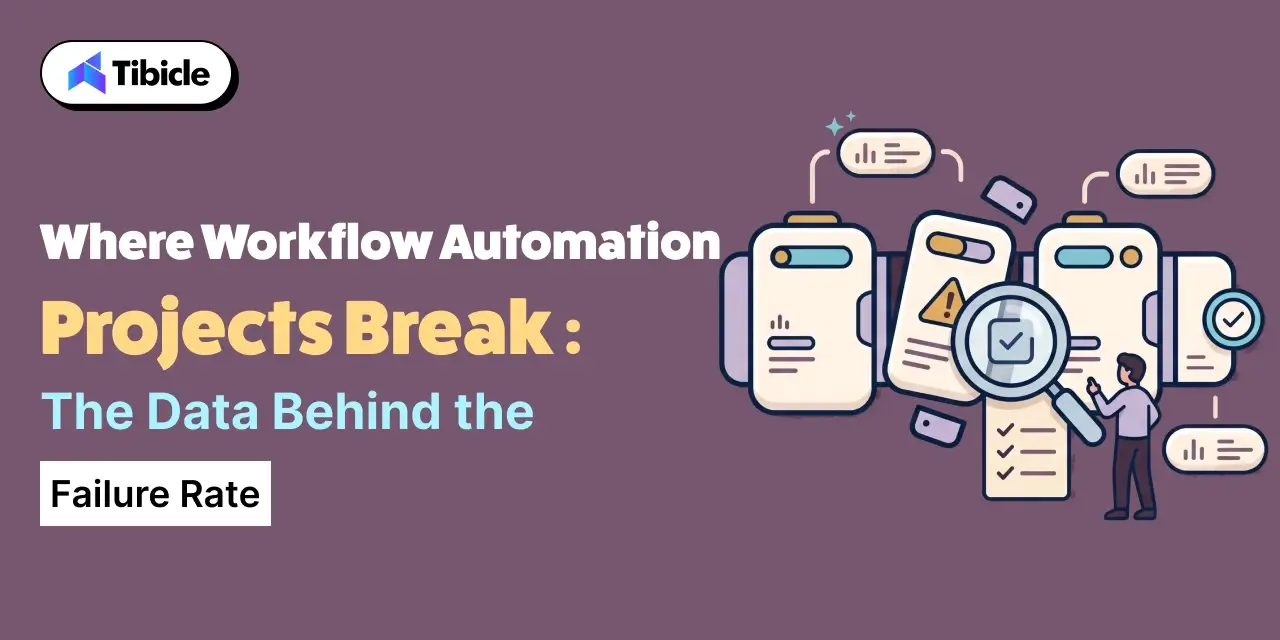
Where Enterprise AI Automation Workflow Projects Break: The Data Behind the Failure Rate
enterprise ai automation development agency

The Classic RPA Failure Pattern

EY’s own consulting practice has observed that 30% to 50% of initial RPA projects fail. Most often, the team never scoped the process correctly before automation began. The technology itself was rarely the problem. That failure pattern has held for years, across a technology shift from rules-based bots to AI-driven ones.

Why Multi-Bot Orchestration Fails More Than Expected

When a process needs multiple bots coordinating with each other, the failure risk compounds. A UC Berkeley study analyzed over 1,600 execution traces across seven popular multi-agent frameworks. It found failure rates between 41% and 86.7%. The causes: issues in system design, coordination between agents, and output verification. Enterprise process bots that hand off work between multiple automated steps inherit this same risk. The fix: build the orchestration layer deliberately, rather than assembling it from default settings.

What Separates the Projects That Scale

The projects that avoid this pattern share a common trait. The team scoped, mapped, and tested the process against real edge cases before a single bot went live. A named owner stayed accountable for what happens when a step fails.

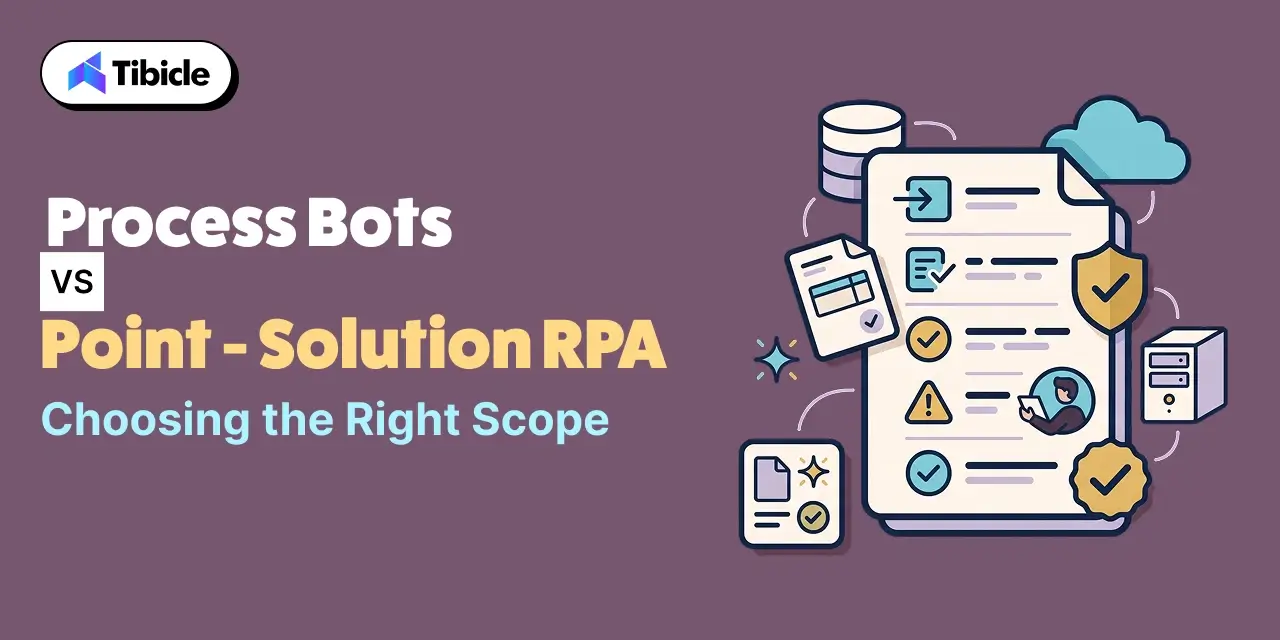
Process Bots vs Point-Solution RPA: Choosing the Right Scope
accountable

The right scope depends on how much of the process a bot needs to own end to end. It doesn’t depend on which tool looks most capable in a demo.

Factor Point-Solution RPA Custom Enterprise Process Bots
Scope Automates one step or screen Owns a process from trigger to completion
System integration Limited to pre-built connectors Built for the enterprise’s actual systems, legacy included
Exception handling Often absent or bolted on later Designed in from the start, with a routing path to a person
Scaling pattern Plateaus around a handful of bots Scales with the process, not with bot count
Best fit A single, well-defined, high-volume task A cross-system business process with real exceptions

Tibicle’s Enterprise & Internal Tools work applies this same end-to-end scoping to internal operations. Its Logistics & Supply Chain work applies the same approach to processes that span multiple external partners and internal systems.

Governance and Human Oversight for Enterprise AI Automation Process Bots

Role-Based Permissions Across Every System a Bot Touches

A process bot should hold the narrowest permission set needed for its specific step in every system it touches. It should not run on a shared service account with broad access, just because that’s convenient for the developer who set it up.

Exception Queues Instead of Silent Failures

Every automated step needs a defined path for what happens when it cannot complete. That means a queue a person actually monitors, not a log file nobody reads until something breaks downstream.

Audit Trails for Every Automated Decision

Enterprise process bots that touch financial, compliance, or customer-facing decisions need a record of what data drove each action. That record satisfies an audit and makes debugging a failed run possible in the first place.

Common Reasons Enterprise AI Automation Workflow Projects Never Reach Production

  • Nobody mapped the process end to end, so the bot only ever covered the easy path
  • No exception queue existed, so edge cases either broke the bot or produced silent wrong outputs
  • The team chained multiple bots together without a deliberate orchestration layer to coordinate them
  • Nobody owned the automation after launch, so it broke the first time an underlying system changed
  • The team never defined success with a measurable target, so nobody could tell if the project actually worked

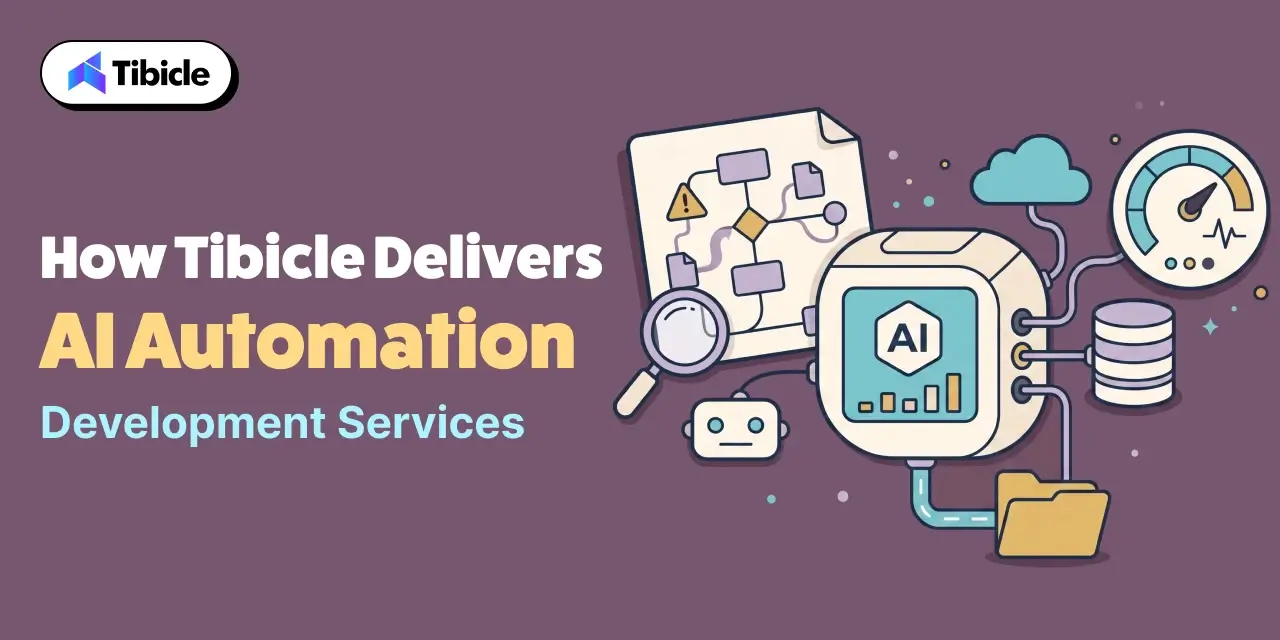
How Tibicle Delivers Enterprise AI Automation Development Services
accountable

Process Audit and Automation Roadmap

Tibicle starts by mapping the actual process end to end, including the exceptions, before scoping which parts to automate first. This stage draws on Tibicle’s AI & Automation Consulting practice.

Build: Integration, Orchestration, and Exception Handling

The build phase connects every system the process touches, sequences the automated steps deliberately, and routes exceptions to a person by design. Tibicle delivers this through its AI Development and Integration services. Enterprises that want an embedded automation team can tap ongoing capacity through Tibicle’s Dedicated Tech Resource Allocation model.

Monitoring and Continuous Improvement

After launch, Tibicle monitors the automation through its 24/7 Monitoring & Support service. The team tracks exception rates and adjusts the process bot as the underlying systems change.

Key Takeaways

  • An enterprise AI automation development agency scopes automation around a full process, not a single task. That’s what separates it from a point RPA tool
  • 45% of employee time is technically automatable today, but most of that time sits inside multi-step processes, not single screens
  • 30% to 50% of initial RPA projects fail, most often because nobody scoped the process correctly before automation began
  • Chaining multiple bots together without deliberate orchestration carries documented failure rates as high as 41% to 86.7%
  • Exception handling, audit trails, and a named process owner after launch are what separate automation that scales from automation that quietly breaks

Conclusion

End-to-end process automation earns its cost once a bot can carry a process through its exceptions, not just its easy path. That reliability comes from scoping and orchestration decisions made before a single bot goes live. 

Have a business process that needs full end-to-end automation? Talk to the Tibicle team.

Frequently Asked Questions

What does an enterprise AI automation development agency actually build, compared to RPA software?

RPA software automates a single task or screen. An enterprise AI automation development agency builds and owns a full process across every system it touches. That includes exception handling and orchestration between automated steps.

Why do so many enterprise ai automation workflow projects fail?

EY has observed that 30% to 50% of initial RPA projects fail. Most often, the team never mapped and scoped the process correctly before automation began. The underlying technology was rarely the problem.

Do we need point-solution RPA or a custom process bot?

Point-solution RPA fits a single, well-defined, high-volume task. A custom process bot fits a process that spans multiple systems and has real exceptions. It needs to scale without adding a new bot for every variation.

What happens when an enterprise ai automation process hits a case it can’t handle?

A well-designed enterprise process bot routes that case to a monitored exception queue for a person to resolve. It doesn’t fail silently or produce an output with false confidence.

Is chaining multiple bots together riskier than a single bot in enterprise ai automation?

Yes. Research on multi-agent systems found failure rates between 41% and 86.7% when multiple automated agents coordinate without a deliberate, purpose-built orchestration layer.

Does Tibicle offer enterprise AI automation development services for full business processes?

Yes. Tibicle builds end-to-end enterprise process bots, covering process mapping, system integration, exception handling, and ongoing monitoring after launch.
Legacy Application AI Modernization Services

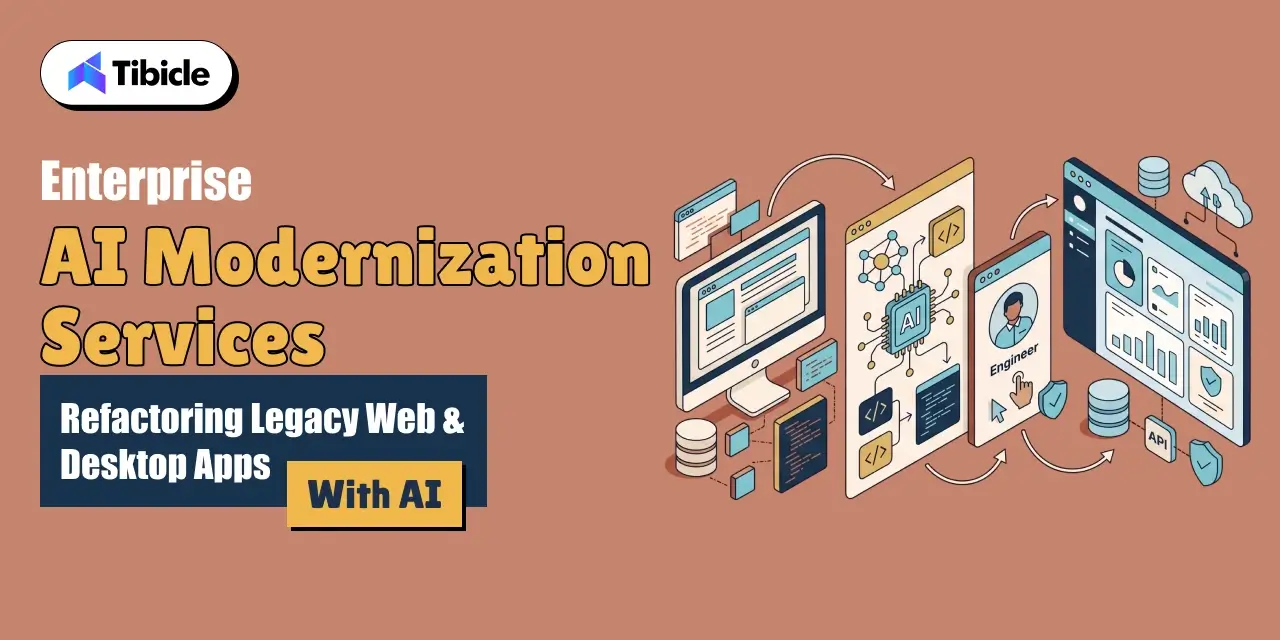
Who this is for: Engineering leads, CTOs, and IT decision-makers responsible for a legacy web or desktop application who are evaluating AI modernization services for legacy applications rather than a full ground-up rebuild.

Search intent: Commercial evaluation with a technical backbone. The reader has moved past “what is legacy modernization” and wants to know where AI genuinely speeds up the work, where it still needs a human reviewer, and how to scope a safe rollout.

What you will walk away with: Where AI-assisted code migration actually helps versus where it still fails, current market and technical debt data from Gartner, Stripe, Grand View Research, and a code-migration benchmark study, a refactor-vs-rebuild comparison table, and how Tibicle structures legacy application AI modernization services for web and desktop apps.

 legacy application ai modernization services

Introduction

Legacy application AI modernization services now cover far more ground than a manual line-by-line rewrite. Gartner predicts that by 2030, AI-native development platforms will drive 80% of organizations to adopt smaller software engineering teams. AI will augment these teams directly. That shift changes what a business should expect when it hires a partner for legacy application AI modernization services. AI tools can now read an undocumented codebase, draft tests before a refactor, and translate large chunks of deprecated syntax. What they cannot yet do reliably is judge intent. 

A model cannot tell whether a piece of business logic was a deliberate decision or an accidental bug. That judgment call is exactly where a modernization project goes wrong if nobody checks the model’s work. 

This guide covers where AI genuinely speeds up legacy modernization, and where it still falls short. It also covers how to choose between refactoring, re-platforming, and a full rebuild for a web or desktop app, and how Tibicle structures legacy application AI modernization services around human review, not blind automation.

Why Legacy Application AI Modernization Services Now Mean More Than a Rewrite

 legacy application ai modernization services

From Manual Rewrites to AI-Assisted legacy application ai modernization services Refactoring

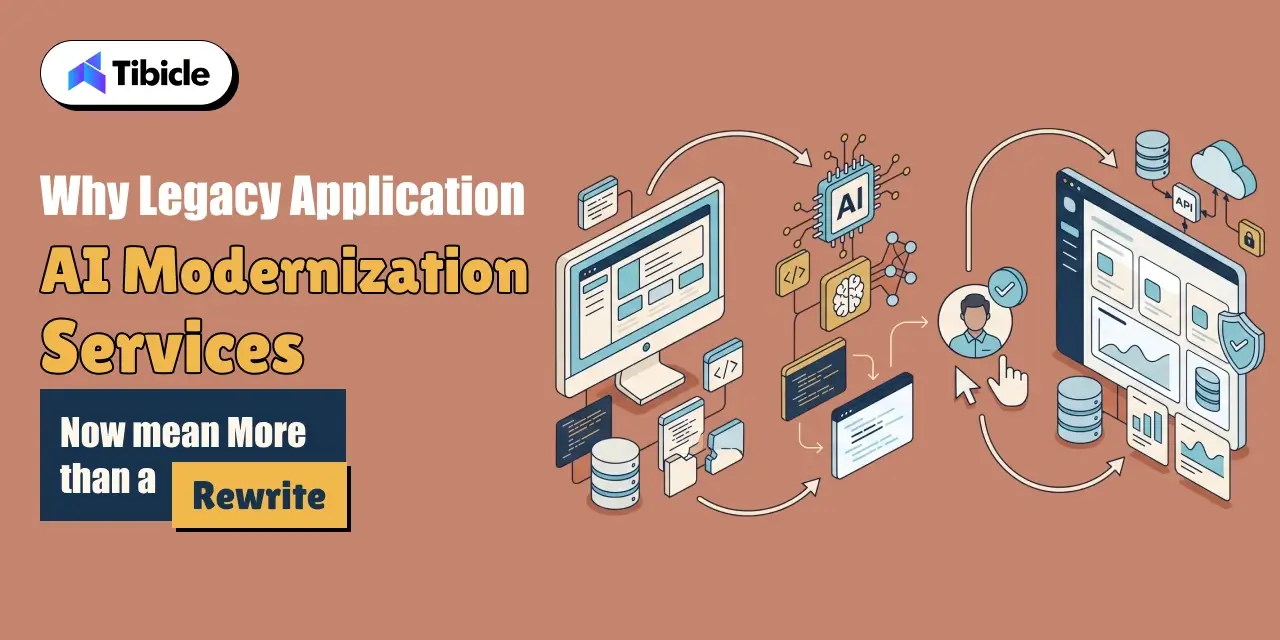
A manual legacy rewrite means a team reads old code, guesses at intent, and rebuilds it by hand. This process often takes months before anything ships. AI-assisted refactoring changes the shape of that work. A model can summarize what a function does, flag dead code, and draft a first-pass translation into a modern framework in minutes. Legacy application AI modernization services that use this workflow move faster. But the model’s draft is only a starting point for review, not a finished migration.

The Market and Cost Behind This Shift

The application modernization services market reflects how central this work has become. Grand View Research values it at $17.8 billion in 2023. The firm projects growth to $28.2 billion in 2026 and $52.5 billion by 2030, a 16.7% compound annual growth rate. The cost of standing still is just as concrete. Stripe’s Developer Coefficient survey polled over 1,000 developers. It found that engineers spend 17.3 hours of a 41.1-hour work week, roughly 42%, on technical debt and bad code rather than new development. Legacy application AI modernization services exist to claw back that time, not just to make old code look newer.

Where AI Actually Helps in a Legacy Application AI Modernization Services Project

 legacy application ai modernization services

Code Comprehension and Documentation for Undocumented Systems

Most legacy systems outlive the developers who wrote them. AI models are genuinely strong at reading undocumented code. They produce a plain-language summary of what a module does. That summary cuts the weeks a team would otherwise spend just understanding the system before touching it.

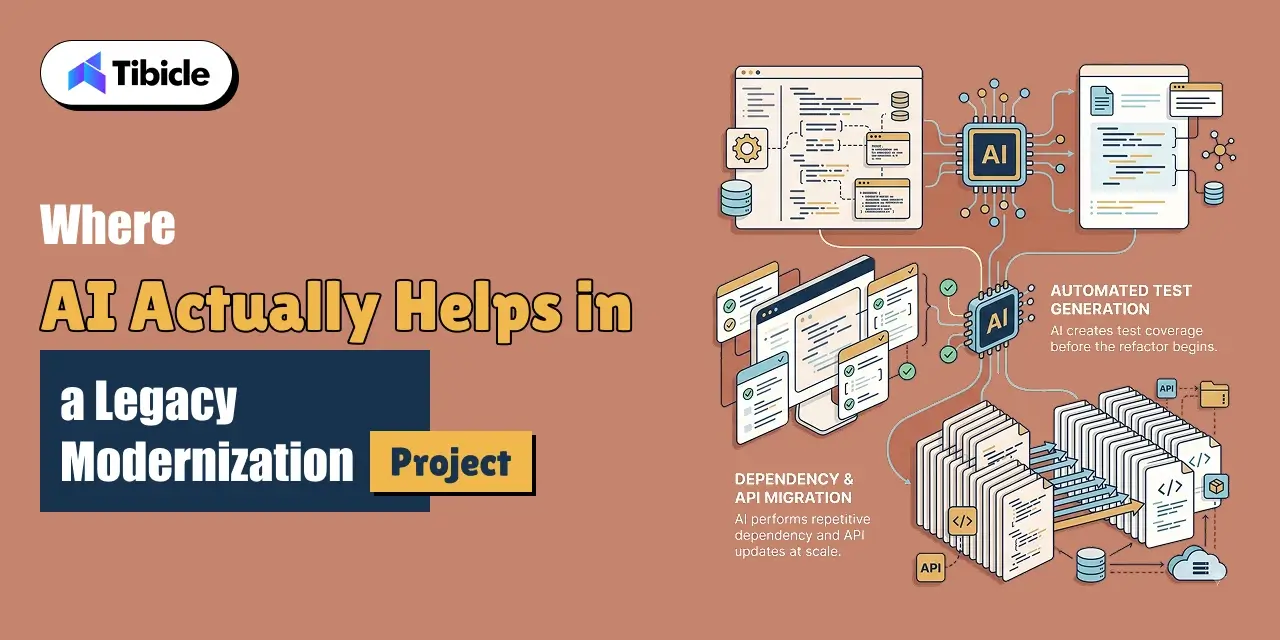
Automated Test Generation Before Refactoring

Before any refactor, a team needs tests that capture current behavior, bugs included. These tests keep a migration from silently changing what the system does. AI-assisted test generation drafts this coverage far faster than writing it by hand. It gives a modernization project a safety net before the first line of legacy code changes.

Dependency and API Migration at Scale

Bulk, mechanical changes are exactly the kind of repetitive task AI tools handle well. Think upgrading a deprecated API call across hundreds of files, or updating a library’s import syntax. This is where legacy application AI modernization services save the most calendar time with the least risk.

Where AI-Assisted Code Migration Still Falls Short

 legacy application ai modernization services

The Accuracy Gap on Complex Migrations

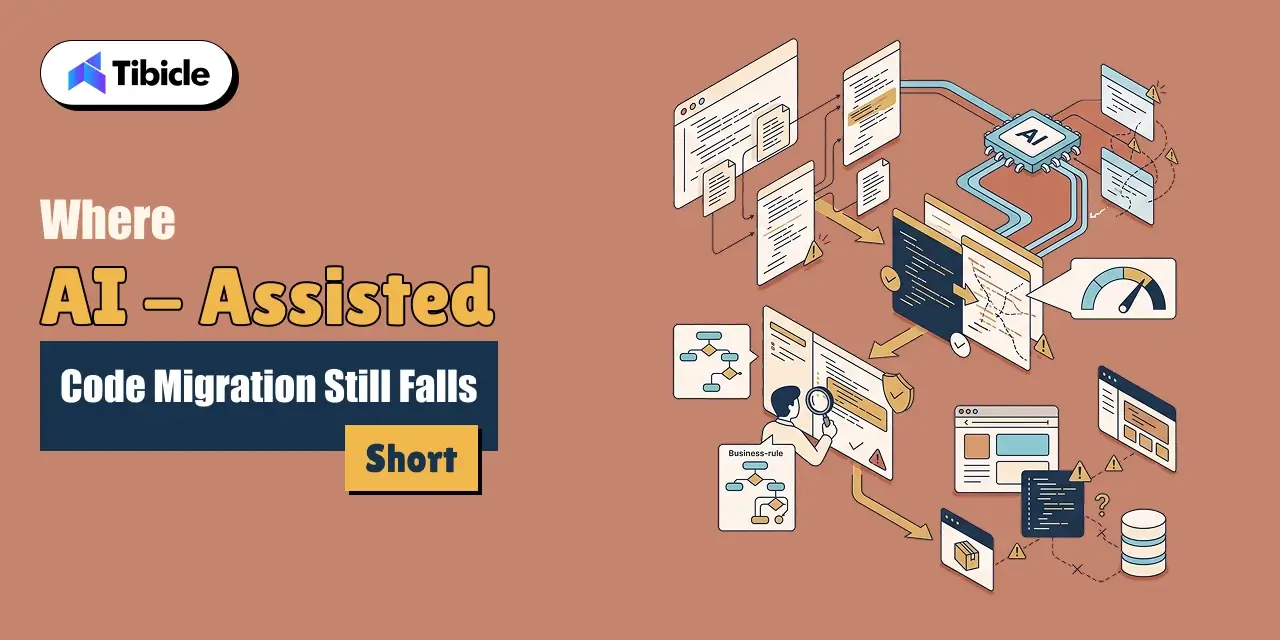
Complex, cross-file migrations are where AI-assisted code migration is still unreliable. CODEMENV is a benchmark built to test large language models on code migration across environments. It found an average pass rate of only 26.5% across seven models. The strongest model, GPT-4o, reached just 43.84%. That gap is the clearest argument against handing a legacy migration to a model unsupervised.

Why Business Logic Still Needs a Human Reviewer

A model cannot tell the difference between a rule the business requires and one that exists only because of a decade-old workaround nobody removed. Legacy application AI modernization services need a domain expert in the loop. That expert makes the call, migration by migration.

Legacy Frameworks AI Tools Handle Poorly

Niche or end-of-life frameworks give AI tools far less to work from. Think older desktop toolkits, uncommon enterprise Java frameworks, or proprietary internal libraries. Accuracy drops accordingly on these systems. They are the migrations that most need a team that has done this specific kind of work before.

Refactor, Re-Platform, or Rebuild: Choosing the Right Path for Web and Desktop Apps

The right modernization path depends on how much of the existing system is worth keeping. It does not depend on which approach sounds most thorough.

Approach What It Involves Best Fit
Refactor in place Clean up and modernize code within the existing architecture Systems with sound architecture but outdated code or dependencies
Re-platform Move the app to a new framework or runtime while keeping most business logic Apps on a deprecated stack that still fits the business well
Rebuild Redesign and rebuild the application from the ground up Systems where the architecture itself blocks the product roadmap

When Refactoring in Place Is Enough

Refactoring in place is the fastest and cheapest path when the architecture still fits the business. This applies when the problem is outdated syntax, unpatched dependencies, or missing tests. Tibicle’s Technology Consulting practice scopes this decision as the first step of any engagement, before any code changes.

When to Re-Platform Instead

A web application on a deprecated framework usually needs re-platforming even when the business logic is sound. The same applies to a desktop app tied to an unmaintained toolkit. Tibicle’s Website Development and Desktop App Development teams handle this kind of migration directly.

When a Full Rebuild Is Worth the Cost

A full rebuild earns its cost only when the current architecture blocks what the business needs next. It should not happen simply because the code looks old. Reserve this path for systems where refactoring or re-platforming would cost nearly as much as starting over.

The Security Case for Modernizing Now, Not After an Incident

For the first time in 19 years, exploiting a software vulnerability overtook stolen credentials as the leading attack method. Verizon’s 2026 Data Breach Investigations Report puts this at 31% of breaches. Legacy applications carry an outsized share of this risk. Unpatched frameworks, unsupported libraries, and years of accumulated workarounds give attackers more surface to work with than a current, actively maintained system. Legacy application AI modernization services that fold security hardening into the migration close this gap while a team already has the code open. Treating security as a separate project misses that window. Tibicle’s Annual Maintenance Contracts keep a modernized system patched after the migration ships.

What a Safe AI-Assisted Legacy Application AI Modernization Services Rollout Actually Looks Like

Maintenance

Human-in-the-Loop Review for AI-Generated Migrations

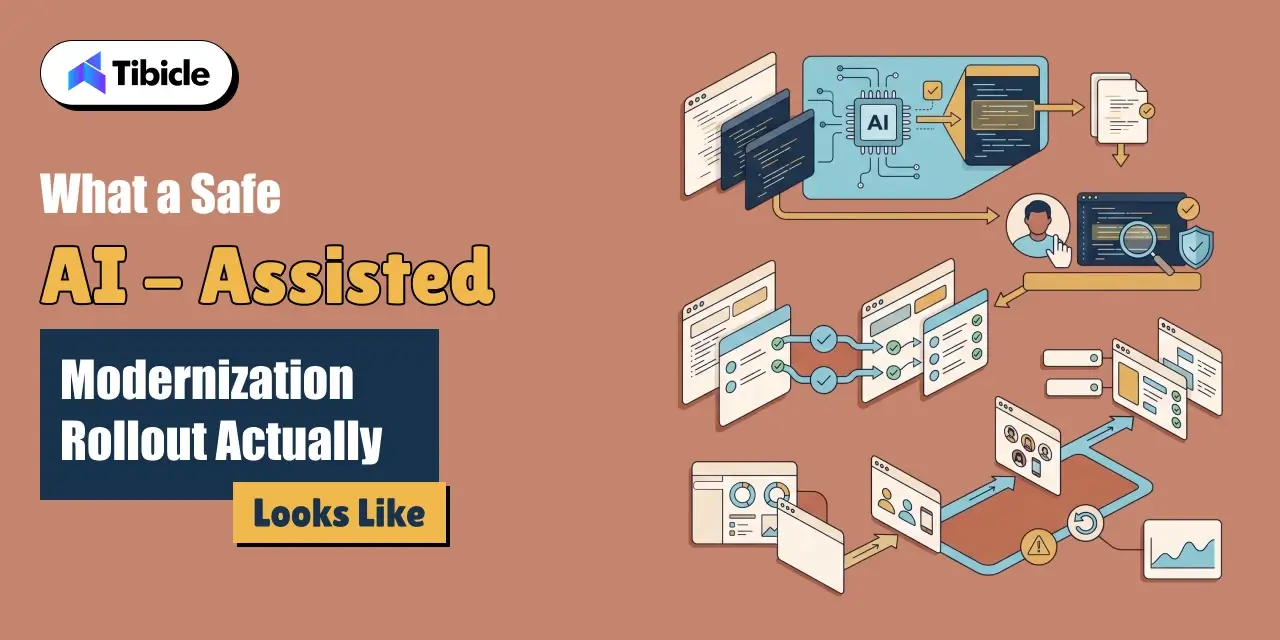
Every AI-generated migration needs a reviewer before it merges. That reviewer must understand the original system’s business context, not just its syntax. This single step separates a safe legacy application AI modernization services engagement from a risky one.

Test Coverage Before and After the Migration

A team should write tests against the legacy system’s actual behavior. Running those same tests against the migrated version confirms the refactor did not silently change what the system does.

Staged Rollout Instead of a Big-Bang Cutover

A staged rollout sends a modernized system to a small user group first. A fast rollback path backs this up. This approach catches problems a test suite misses before they reach every user at once.

Common Reasons Legacy Application AI Modernization Services Projects Stall

  • The team let an AI tool migrate business-critical logic without a domain expert reviewing the output.
  • No test suite existed to confirm the migrated system behaved the same way as the original.
  • The project chose a full rebuild when a refactor or re-platform would have solved the actual problem.
  • The team scoped security hardening as a separate project instead of folding it into the modernization work
  • The rollout went live for every user at once, with no staged path or rollback plan.

How Tibicle Delivers Legacy Application AI Modernization Services

Maintenance

Legacy Application Audit and Modernization Roadmap

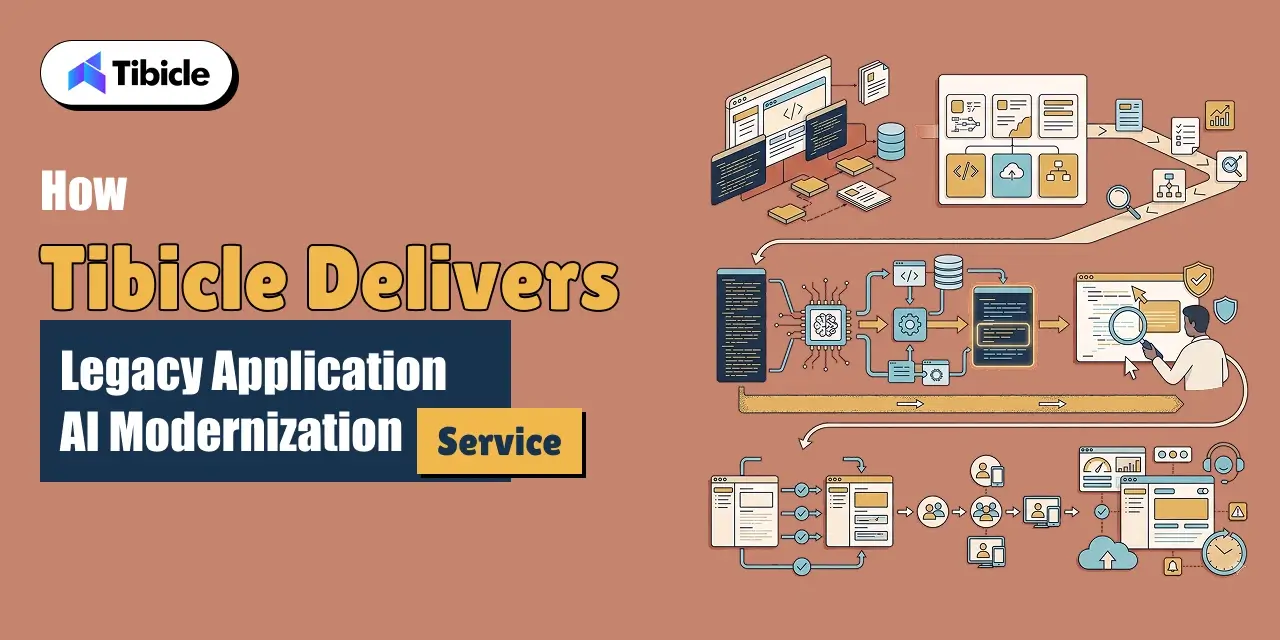
Tibicle starts with an audit of the existing system. The audit covers what still works, what is a genuine liability, and whether the right path is a refactor, a re-platform, or a rebuild. This scoping stage draws on Tibicle’s Technology Consulting practice.

AI-Assisted legacy Migration with Human Review 

The build phase uses AI tools for the mechanical, high-volume parts of the migration. A developer reviews every change that touches business logic before it merges.

Testing and Ongoing Legacy Application AI Modernization Services Support

After migration, Tibicle stages the rollout and verifies behavior against the original system. The team keeps the modernized application maintained through its 24/7 Monitoring & Support service.

Conclusion

AI genuinely speeds up legacy application modernization for comprehension, test generation, and bulk migration work. It still needs a human reviewer for anything touching business logic. Getting that balance right is exactly what a business hires a modernization partner to do. 

Have a legacy web or desktop application that needs modernizing? Talk to the Tibicle team.

Frequently Asked Questions

What do legacy application AI modernization services actually include?
They combine AI-assisted code comprehension, automated test generation, and bulk dependency migration with human review of business logic. Teams deliver this as a refactor, re-platform, or rebuild depending on the system.

How accurate is AI at migrating legacy application ai modernization services code on its own?
Benchmark research on code migration found an average pass rate of only 26.5% across tested models. The best model reached under 44%. That gap is why unsupervised AI migration is not reliable for complex systems.

Should we refactor, re-platform, or rebuild our legacy application ai modernization services?
Refactor if the architecture still fits the business and the code is just outdated. Re-platform if the stack itself is deprecated but the logic is sound. Rebuild only if the architecture blocks what the business needs next.

Why does legacy application AI modernization services matter for security, not just performance?
Vulnerability exploitation is now the leading cause of data breaches. Legacy systems carry a disproportionate share of unpatched, unsupported code, which gives attackers more to work with.

How long does a legacy application AI modernization services take?
It depends on scope. A focused refactor with AI-assisted comprehension and testing can take weeks. A full re-platform or rebuild of a business-critical system takes longer, and a team should stage it.

Does Tibicle offer legacy application AI modernization services for web and desktop apps?
Yes. Tibicle modernizes legacy web and desktop applications using AI-assisted migration with human review, covering refactoring, re-platforming, security hardening, and ongoing support after launch.
Custom Computer Vision Software Development Company

Who this is for: Engineering leads, product owners, and operations heads at B2B enterprises evaluating a custom computer vision software development company for a real visual-data workflow rather than a demo.

Search intent: Commercial evaluation with a technical backbone. The reader has moved past “what is computer vision” and wants architecture choices, accuracy data, and a build-vs-buy comparison before briefing a vendor.

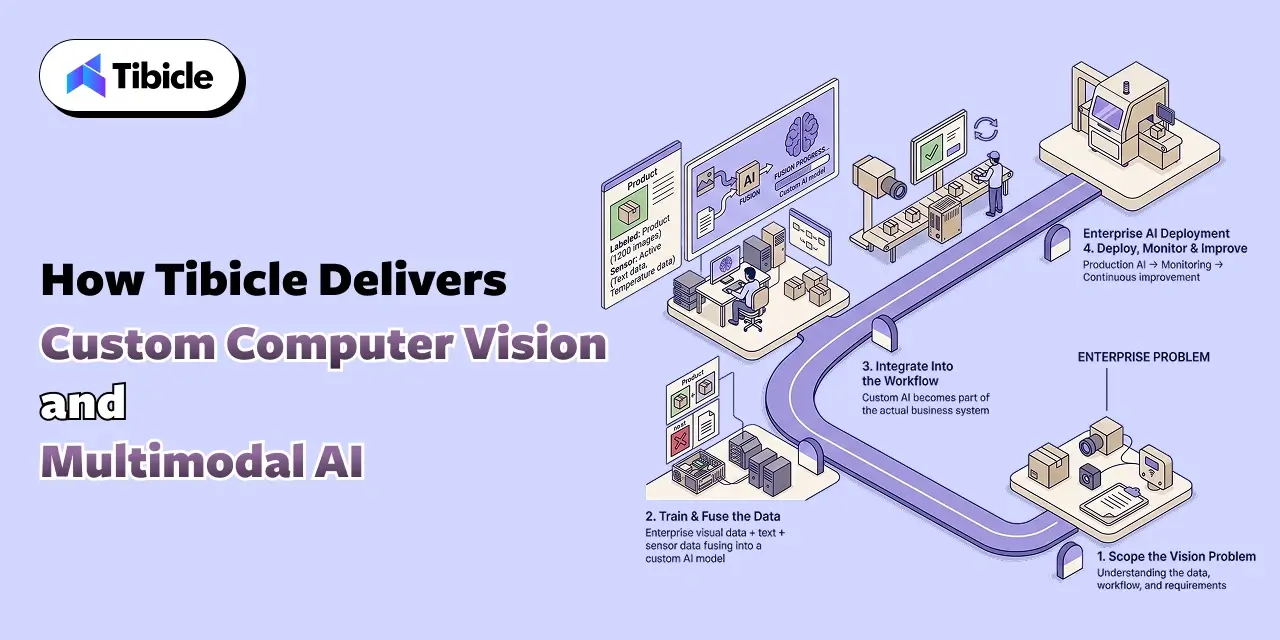
What you will walk away with: What a production computer vision and multimodal AI build actually requires, current market and accuracy data from Gartner, Grand View Research, and a UC-affiliated benchmark study, a build-vs-buy comparison table, and how Tibicle structures custom computer vision and multimodal AI application development for B2B enterprise.

computer vision software development company

Introduction

A custom computer vision software development company builds systems that read pixels and turn them into business decisions. It does not just label a photo and stop there. Gartner projects that 80% of enterprise software and applications will be multimodal by 2030, up from less than 10% in 2024. That shift changes what a B2B enterprise actually needs from a computer vision software development company. 

A generic vision API can tag a photo. However, a production system has to do more. For example, it must catch a hairline defect on a moving line, read a document buried inside a video frame, or flag an anomaly in real time. In addition, it then has to route that decision to the right person or system, without a human reviewing every frame. The gap between a vision demo and a system an enterprise can run in production sits in the architecture, not the model. 

Therefore, that means data pipelines, fusion across image, text, and sensor inputs, and a deployment plan that respects where the data can live. This guide covers what custom computer vision and multimodal AI development actually requires, and where it creates real enterprise value. It also covers why general-purpose vision APIs fall short on domain-specific data. And it covers how Tibicle structures custom computer vision and multimodal AI application development for B2B enterprise.

Why B2B Enterprises Need a Custom Computer Vision Software Development Company, Not a Vision API

computer vision software development company

From Single-Purpose Vision APIs to Multimodal Enterprise Systems

A stock vision API returns labels: this is a box, this is a face, this is a forklift. A B2B enterprise workflow needs more context than that. It needs to combine what a camera sees with what a sensor reports, what a document says, and what a business rule requires. It then acts on all three together. That combination is what multimodal AI application development actually means in practice. It is also why a computer vision software development company builds a pipeline, not a single model call.

The Market Shift Behind This Demand

Enterprise investment in visual AI is accelerating in a way that reflects this shift. Grand View Research values the global computer vision market at $23.6 billion in 2025. The firm projects growth to $28.2 billion in 2026 and $101.5 billion by 2033, a 20.1% compound annual growth rate. It attributes a meaningful share of that growth to the move toward multimodal AI models. These models combine visual, textual, and contextual data for more accurate analysis. A computer vision software development company sits right at that intersection. It builds the fusion layer generic tools do not provide out of the box.

What Custom Computer Vision Software Development and Multimodal AI Actually Requires

Data Pipelines: Capture, Labeling, and Model Training

A production vision system starts with a data pipeline, not a model. Cameras or sensors capture raw footage. A labeling process marks what matters for the specific task. A training loop then fine-tunes a model against that labeled set. Skipping the labeling step and relying on a general pretrained model instead is the single most common reason a computer vision pilot never reaches production.

Fusing Vision With Text, Sensor, and Structured Data

Multimodal AI application development means combining an image with the data around it. Think a timestamp, a sensor reading, a work order number, or a compliance rule stored as text. A system that flags a defect but cannot tie it to the right batch record only does half the job. The fusion layer, not the vision model alone, makes the output usable by another system or person.

Edge vs Cloud Custom Computer Vision Software Development Inference for Real-Time Decisions

A quality-control camera on a production line cannot wait on a round trip to a cloud API when the line moves faster than that latency allows. Edge inference keeps the decision local and fast. Cloud inference trades some latency for easier updates and more compute. A computer vision software development company picks this split based on the actual line speed and network reliability, not by default.

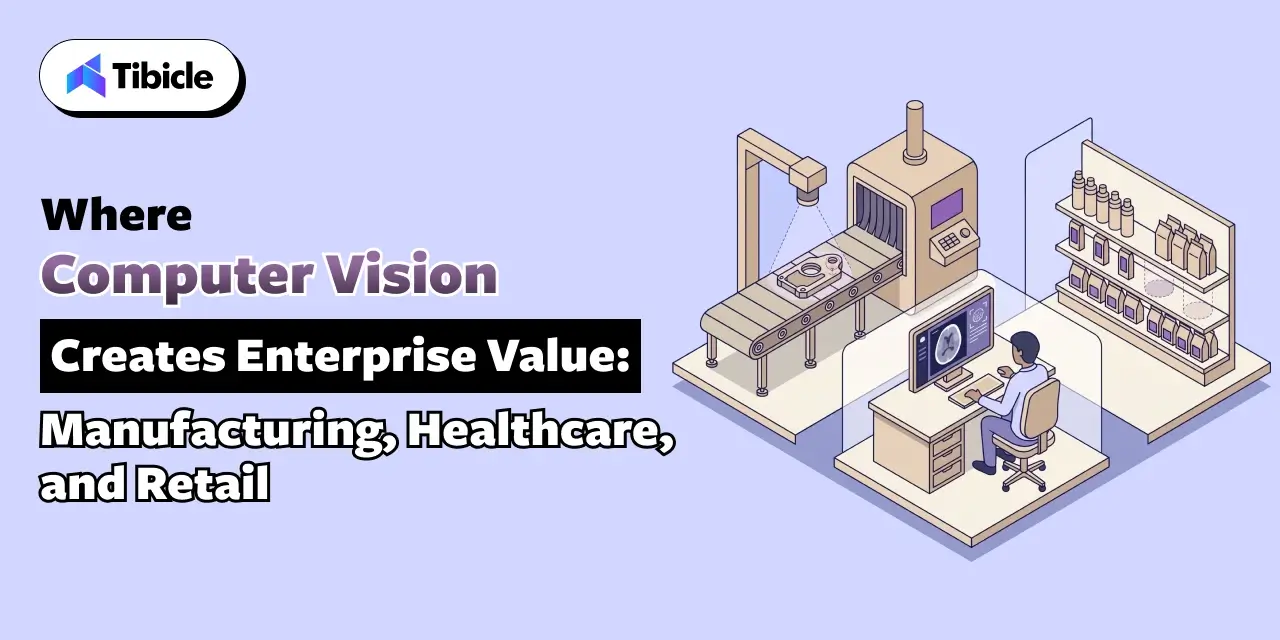
Where Custom Computer Vision Software Development Creates Enterprise Value: Manufacturing, Healthcare, and Retail

computer vision software development company

Manufacturing: Defect Detection and Quality Control

Manufacturing and IT functions report measurable cost benefits from AI use cases. Quality control and predictive maintenance are consistently among the strongest, according to McKinsey’s 2025 State of AI survey. A camera on the line that catches a surface defect before it reaches packaging replaces a manual inspection step. That manual step scales poorly and tires over an eight-hour shift. Tibicle’s IoT & Smart Solutions work covers the sensor and real-time monitoring layer this kind of inspection system depends on.

Healthcare: Medical Imaging and Diagnostic Support

Medical imaging is the single largest category of FDA-authorized AI and machine learning medical devices. A 2024 analysis found the agency cleared 168 machine-learning-enabled Class II devices that year. Radiology accounted for roughly 74% of them. That concentration reflects how mature computer vision has become for structured image analysis. It also reflects how much regulatory scrutiny a healthcare-facing build has to clear before launch. Tibicle’s HealthTech industry work covers this compliance layer directly.

Retail and Logistics: Shelf Monitoring and Inventory Accuracy

A camera that reads shelf gaps, verifies planogram compliance, or counts inventory at a dock door removes a manual audit step. That manual audit otherwise happens once a day at best. Tibicle’s Retail & E-Commerce work applies this same computer vision and multimodal AI pattern to shelf and inventory monitoring.

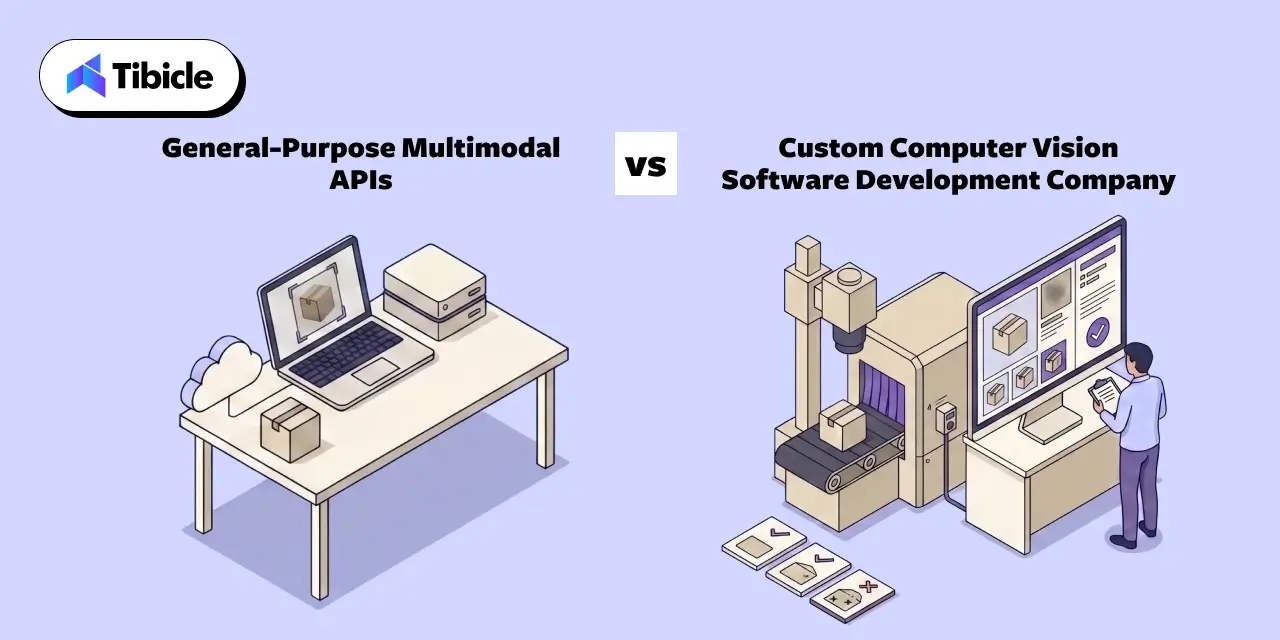
General-Purpose Multimodal APIs vs a Custom Computer Vision Software Development Company

Development

Where General-Purpose Vision APIs Are the Right Call

A general-purpose multimodal API handles common, well-represented tasks well: reading a receipt, tagging a product photo, moderating uploaded images. For those tasks, building custom is rarely worth the cost.

Why Accuracy Drops on Domain-Specific Visual Data

Accuracy drops fast once the task moves to specialized visual data the model never trained on. The MMAD benchmark tests multimodal large language models on industrial anomaly detection. Researchers built it specifically for that purpose. It found that GPT-4o, the strongest commercial model tested, reached only 74.9% average accuracy across defect and anomaly questions. The researchers note this falls far short of what industrial inspection actually requires. General-purpose models train on broad internet imagery, not the specific texture of a welded seam or a printed circuit board. That gap does not close on its own.

The Case for a Custom Computer Vision Software Development Build

A computer vision software development company closes that gap. It fine-tunes on the enterprise’s own visual data instead of relying on a general-purpose model’s out-of-the-box accuracy.

Factor General-Purpose Vision APIs Custom Computer Vision Development
Setup speed Live in days Live in weeks, scoped to the specific visual task
Accuracy on domain data Drops on specialized or unfamiliar imagery Fine-tuned on the enterprise’s own labeled data
Data control Images often processed through the vendor’s cloud Data and models stay inside your infrastructure by design
Latency Depends on network round trip Can run at the edge for real-time decisions
Cost at scale Per-call fees grow with image volume Fixed build cost, no recurring per-call fee
Best fit Common, well-represented visual tasks Specialized, regulated, or high-volume visual workflows

For workflow bots that need to run on a user’s own machine, the same architecture questions apply to a desktop shell rather than a browser tab. Tibicle’s guide on running local LLMs in Electron covers the process-model constraints that shape an on-device agent build.

Data Privacy, Compliance, and Governance for Visual and Biometric Data

When Visual Data Becomes Regulated Biometric Data

Not every image is ordinary personal data. Under GDPR, facial recognition footage at an access point counts as biometric data. This kind of footage falls under Article 9’s special category rules (ICO). Those rules carry a higher legal bar than standard personal data. A computer vision software development company needs to know which parts of a visual pipeline cross that line. That scoping has to happen before the first camera goes live, not after.

On-Prem and Edge Deployment for Sensitive Computer Vision Software Development Data

Keeping inference on-site or at the edge is often the simplest way to reduce this exposure. It beats routing every frame through a third-party cloud API. It also removes a dependency on an external vendor’s uptime for a workflow that cannot pause.

Human Review Checkpoints for High-Stakes Visual Decisions

Any visual decision with legal, safety, or diagnostic consequences needs a human checkpoint before it becomes final. A confidence score attached to an automated action is not enough on its own. Building that checkpoint into the workflow from day one costs far less than retrofitting it after an incorrect automated decision.

Common Reasons Custom Computer Vision Software Development Projects Fail to Reach Production

The pattern behind stalled computer vision projects repeats across industries:

  • The pilot used a small, clean dataset that does not reflect real production conditions, lighting, or camera angles
  • No labeling pipeline existed to keep the training data current as the visual task changed
  • The team evaluated the model on accuracy alone, without a plan for what happens when confidence is low
  • The team discovered edge or latency requirements only after building the cloud-based architecture
  • The team identified biometric or regulated visual data only after the system had already started collecting it

How Tibicle Delivers Custom Computer Vision Software Development and Multimodal AI Development

Development

Data and Model Scoping

Tibicle starts by auditing the actual visual task. That includes what the camera or sensor captures today, and what a labeled dataset needs to include. It also covers whether the workflow needs edge inference or can run in the cloud. This scoping stage draws on Tibicle’s AI & Automation Consulting practice.

Build: Model Training, Fusion, and Integration

The build phase fine-tunes a vision model against the enterprise’s own data. It also fuses that model with the text, sensor, and structured inputs the workflow depends on. Tibicle delivers this through its AI Development and Integration services.

Deployment and Monitoring

After launch, Tibicle monitors accuracy against production data, not just the original test set. The team retrains the model as the visual task or environment drifts.

Conclusion

A custom computer vision and multimodal AI system earns its cost once three things start to matter more than demo speed. Those three things: accuracy on real production data, latency, and data governance. All three come down to architecture decisions a team makes before training starts. Building a computer vision system for a real enterprise workflow? Talk to the Tibicle team.

Frequently Asked Questions

What does a custom computer vision software development company actually build, compared to a vision API?
A vision API returns labels for a single image. A computer vision software development company builds the full pipeline instead. That pipeline covers data capture, labeling, model training, fusion with other data sources, and deployment tuned to the enterprise’s latency and compliance needs.

How accurate are general-purpose multimodal AI models on specialized enterprise visual tasks?
Benchmark research on industrial anomaly detection found the strongest commercial multimodal model reached only 74.9% accuracy. That falls well short of what industrial inspection requires. This gap is why domain-specific fine-tuning matters for specialized visual tasks.

Does custom computer vision software development need to run on-site instead of through a cloud API?
It depends on latency and data sensitivity. Real-time production-line decisions often need edge or on-prem deployment. So does regulated visual data, such as biometric identification, rather than a round trip to a cloud API.

What industries get the most value from custom computer vision software development?
Manufacturing, healthcare, and retail show the clearest documented value today, covering defect detection, medical imaging analysis, and shelf or inventory monitoring.

When does visual data become regulated biometric data for custom computer vision software development?
Under GDPR, facial recognition footage at an access point counts as biometric data. Article 9’s special category rules cover this kind of data. Those rules require a stronger legal basis than ordinary personal data.

Does Tibicle offer custom computer vision software development and multimodal AI development for B2B enterprises?
Yes. Tibicle builds custom computer vision and multimodal AI applications for enterprise clients, covering data pipeline design, model fine-tuning, fusion with existing systems, and post-launch monitoring.

Custom Autonomous AI Agent Development Services: Building Task-Driven Workflow Bots

What This Guide Covers

Who this is for: Engineering leads, product owners, and operations heads evaluating AI agent development services for a real internal workflow rather than a chatbot pilot.

Search intent: Commercial evaluation with a technical backbone. The reader has moved past “what is an AI agent” and wants architecture choices, failure data, and a build-vs-buy comparison before they brief a vendor.

What you will walk away with: The agent loop a production build actually needs, current adoption and failure data from Gartner, McKinsey, and a UC Berkeley study on multi-agent systems, a build-vs-buy comparison table, and how Tibicle structures custom AI agent development services around task-driven workflow bots.

AI Agent Development Services

Introduction

AI agent development services now build software that finishes multi-step business tasks on its own. They do not just answer a single question and stop. Gartner projects that 40% of enterprise applications will carry task-specific AI agents by the end of 2026. That is up from less than 5% in 2025. That jump changes what a business actually asks for when it hires an AI agent development services partner. A chatbot answers a question. A task-driven workflow bot does more. It pulls data from three systems, checks it against a rule set, takes an action, and logs what it did. It does all this without a person clicking through each step. The gap between those two builds is where most projects stall. A prompt-only demo looks convincing in a sales call. It fails the moment a real workflow needs memory, tool access, and a way to recover from a bad step. This guide covers what a production-grade agent build needs, and how single-agent and multi-agent architectures compare for real workflows. It also covers where off-the-shelf platforms fall short. And it covers how Tibicle structures custom AI agent development services around task-driven workflow bots rather than chat widgets.

Why AI Agent Development Services Now Mean Task-Driven Workflow Bots, Not Chatbots

From Conversational Assistants to Autonomous Task Execution

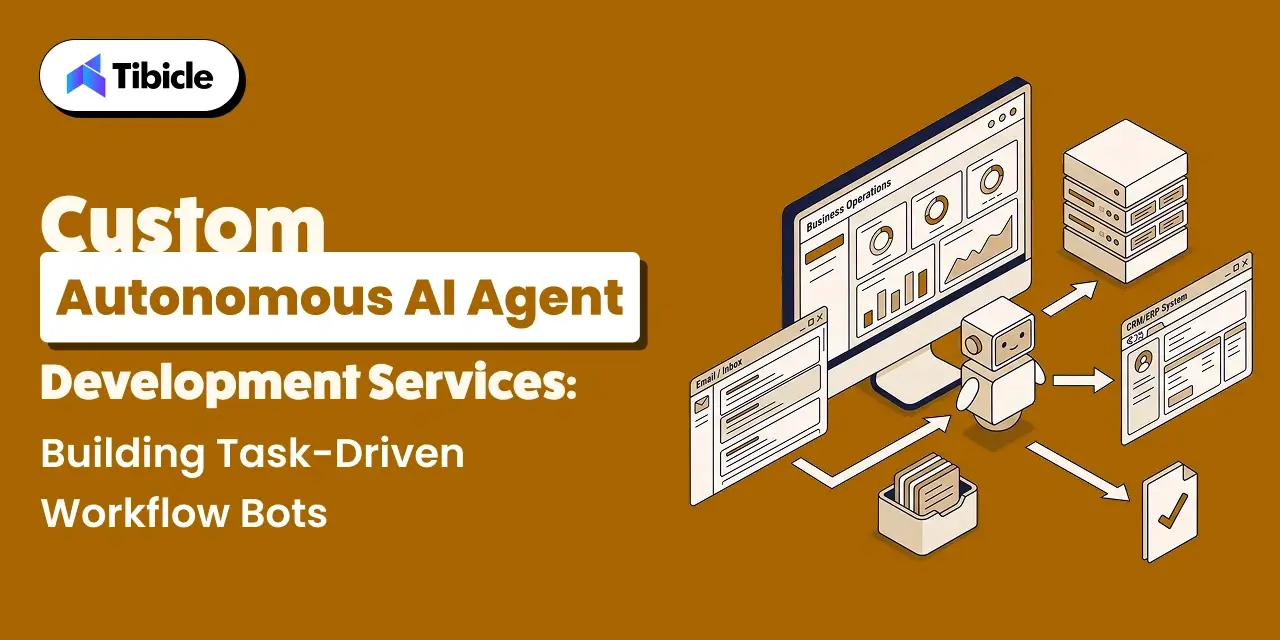
A chatbot waits for a message and replies. A task-driven workflow bot decides what to do next on its own, inside a loop. It reads the current state, plans the next step, calls a tool or API, checks the result, and repeats until the task closes out. This loop is what separates AI agent development services from a support widget on a website. An autonomous AI agent needs memory of what it already tried. It needs access to real tools instead of a static knowledge base. And it needs a point where it stops and asks a human when the next step carries real risk. Getting this loop right is most of the engineering work in a real agent build, more than the language model behind it. Tibicle covers the broader productivity case for this shift in its guide on AI agents boosting productivity in 2026.

The Adoption Curve Behind This Shift

Enterprise interest in AI agent development services is rising fast, but production use still lags the pitch decks. Gartner expects 33% of enterprise software applications to carry agentic AI by 2028, up from under 1% in 2024. McKinsey’s 2025 State of AI survey found that 62% of organizations are experimenting with AI agents. Yet no more than 10% have scaled an agent in any single business function. That gap between experimentation and production is exactly where a custom AI agent development services partner earns its fee. The partner closes the distance between a working demo and a bot a team can trust with a real task, every day, without supervision.

What a Production-Grade Autonomous AI Agent Needs to Run a Workflow

AI Agent Development Services

Perception, Planning, and Tool Calling in the Agent Loop

An autonomous AI agent reads its current state, breaks the goal into steps, and calls a tool or API for each one. Planning quality matters more than model size here. A weaker model with a tight, well-scoped plan often outperforms a stronger model given an open-ended instruction. Good AI agent development services spend real time on this planning layer, not just on wiring an API key into a prompt.

Memory and State Across Multi-Step Tasks

A workflow that spans ten steps needs to remember what happened in step three by the time it reaches step eight. Context windows alone do not solve this reliably once a task runs long or resumes after an interruption. Production builds pair short-term context with a persistent store, a database or vector index. That pairing lets the agent recover its place instead of starting over or repeating an action it already completed.

Guardrails: Where Autonomy Needs a Boundary

Every autonomous AI agent needs scoped permissions, not blanket system access. That means rate limits on tool calls. It also means an explicit list of actions the agent can take without approval, and a rollback plan for the ones it cannot undo. Skipping this step is the fastest way to turn a workflow bot into a liability rather than a time saver.

Single-Agent vs Multi-Agent Architecture for Task-Driven Workflow Bots

AI Agent Development Services

When One Agent Is Enough

Most business workflows do not need a team of agents. A single agent that plans, calls tools, and verifies its own output can handle sequential tasks. Think invoice matching, ticket triage, or report generation, all without added coordination overhead. Simpler architecture also means fewer places for a task-driven workflow bot to fail silently.

When to Split Work Across Specialized Agents for ai agent development services

Splitting work across agents earns its complexity only when a task genuinely needs different skills working in parallel. Picture one agent drafting a response, another checking it against policy, and a third executing the approved action. Gartner expects one-third of agentic AI implementations to combine agents with different skills by 2027, specifically to manage this kind of complex, multi-step task. 

Why Multi-Agent Systems Fail More Often Than Expected

Multi-agent systems carry a real failure cost that vendor demos rarely show. A UC Berkeley study analyzed over 1,600 execution traces across seven popular multi-agent frameworks. It found failure rates between 41% and 86.7%. The study identified 14 distinct failure modes across three categories: system design issues, inter-agent misalignment, and task verification failures. Here is the finding that matters most for a build decision. A single agent that holds the full task in context frequently beats a team of agents that has to coordinate. Split work across agents only when the task actually requires it.

Off-the-Shelf Agent Platforms vs Custom AI Agent Development Services

Where No-Code Agent Builders Get It Right

No-code agent platforms get a simple, single-tool workflow live in days. Think drafting a reply from a template, or pulling one API response into a spreadsheet. For those narrow tasks, they are often the right call and not worth building custom.

Where They Break Down for Real Business Workflows 

They break down once a workflow spans multiple internal systems or needs custom approval logic. The same happens when a workflow has to run inside data residency or compliance rules a generic vendor cannot guarantee. Pre-built connectors cover common tools, not the internal APIs and legacy systems most B2B workflows actually run on.

The Case for a Custom Build

Custom AI agent development services earn their cost once integration depth, data control, or scale start to matter more than setup speed.

Factor No-Code Agent Platforms Custom AI Agent Development Services
Setup speed Live in days Live in weeks, scoped to the actual workflow
Integration depth Pre-built connectors only Direct integration with internal APIs, databases, and legacy systems
Data control Data often routes through the vendor’s cloud Data stays inside your infrastructure by design
Guardrails Generic, vendor-set defaults Built around your specific approval rules and risk tolerance
Cost at scale Per-seat or per-run fees grow with usage Fixed build cost, no recurring per-run platform fee
Best fit Simple, single-tool tasks Multi-system, regulated, or high-volume workflows

For workflow bots that need to run on a user’s own machine, the same architecture questions apply to a desktop shell rather than a browser tab. Tibicle’s guide on running local LLMs in Electron covers the process-model constraints that shape an on-device agent build.

Governance and Human-in-the-Loop Controls for Autonomous AI Agents

Governance and Human-in-the-Loop

Role-Based Permissions for Autonomous Actions

An autonomous AI agent should hold the narrowest permission set that lets it do its job. The system should enforce this at the system level, not hide it behind a UI toggle. A finance workflow bot that can read invoices should not automatically hold write access to the payment system.

Human-in-the-Loop Checkpoints for High-Stakes Tasks

Any action with financial, legal, or customer-facing consequences needs a checkpoint where a human confirms before the agent proceeds. This slows the workflow by seconds. But it prevents the kind of error that erases the time the bot exists to save.

Audit Trails and Observability for Agent Decisions for ai agent development services

Every action a task-driven workflow bot takes needs a log: what it decided, what data it used, and what it changed. Close to three-quarters of companies plan to deploy agentic AI within two years. Yet only 21% report having a mature governance model for it. Building the audit trail in from the start, rather than retrofitting it after an incident, closes a real gap. It is one of the clearest gaps custom AI agent development services address.

Common Reasons AI Agent Development Projects Stall Before Production

Governance and Human-in-the-Loop

Gartner predicts that over 40% of agentic AI projects will collapse by the end of 2027. Escalating costs, unclear business value, and inadequate risk controls drive this pattern most often.

  • Nobody defined a clear success metric before the build started
  • The team scoped the agent around a demo task, not the messier real workflow
  • The team treated integration with existing systems as a later phase instead of a day-one requirement
  • The team added governance and approval logic after a near-miss instead of at design time
  • The team picked a multi-agent architecture the task never actually needed

How Tibicle Delivers Custom AI Agent Development Services

Workflow Audit and Agent Architecture Planning

Tibicle starts every engagement with an audit of the actual workflow. That audit covers which systems the agent needs to touch, where approval gates belong, and whether the task needs one agent or several. This planning stage draws on Tibicle’s AI & Automation Consulting practice. That practice focuses on scoping automation around measurable outcomes rather than a generic feature list.

Build: Orchestration, Tool Integration, and Guardrails

The build phase wires the agent into existing systems. Tibicle delivers this through its AI Development and Integration services. That work covers tool calling and memory. It also covers the permission boundaries a production autonomous AI agent needs from day one, not as a later patch.

Deployment, Monitoring, and Iteration

After launch, Tibicle keeps observability and audit logging active. This keeps a task-driven workflow bot’s decisions traceable. Tibicle also adjusts the agent’s scope as the workflow around it changes.

Key Takeaways

  • AI agent development services now build task-driven workflow bots that plan, act, and verify, not chat widgets that answer questions
  • Adoption is outpacing production readiness: 62% of organizations experiment with AI agents, but no more than 10% have scaled one in a single function
  • Multi-agent architecture adds real failure risk, with documented failure rates between 41% and 86.7% across popular frameworks; use it only when a task genuinely needs it
  • Off-the-shelf agent platforms fit simple, single-tool tasks; custom AI agent development services fit multi-system, regulated, or high-volume workflows
  • Governance and audit trails belong in the build from day one; teams should not add them after a near-miss

Conclusion

A task-driven workflow bot earns its place once it can plan, act, verify, and stop safely when a step carries real risk. Most of that reliability comes from architecture decisions a team makes before the first line of code, not from which model powers it. 

Building an autonomous AI agent for a real workflow? Talk to the Tibicle team.

Frequently Asked Questions

What do AI agent development services actually build, compared to a chatbot?
A chatbot answers questions in a conversation. AI agent development services build a system that plans and executes multi-step tasks on its own. That system calls tools, checks results, and logs every action it takes.

How long does a custom AI agent development project take?
It depends on integration scope. A single-workflow build with two or three system integrations typically takes a few weeks. A multi-agent build with heavy compliance requirements takes longer.

Do task-driven workflow bots need a multi-agent architecture?
No. Most workflows run fine on a single agent. Multi-agent architecture only earns its added complexity when distinct skills genuinely need to work in parallel on the same task.

How do AI agent development services handle data security and permissions?
Through role-based access at the system level, scoped tool permissions, and human approval checkpoints on any action with financial, legal, or customer-facing consequences.

Can an autonomous AI agent run on top of our existing software instead of replacing it?
Yes. Custom AI agent development services typically integrate directly with existing internal APIs, databases, and legacy systems. They rarely require a platform migration.

Does Tibicle offer AI agent development services for enterprise workflows?
Yes. Tibicle builds custom autonomous AI agents and task-driven workflow bots for enterprise clients, covering architecture planning, tool integration, guardrails, and post-launch monitoring.

The Product Manager’s Guide to Electron Enterprise App Distribution (MSI, DMG, and Apple Notarization)

What This Guide Covers

Who this is for:
Product Managers, engineering leads, and founders shipping for desktop Electron enterprise app distribution customers, and who need to plan Windows and macOS packaging, code signing, and Apple notarization into a release timeline instead of leaving it to engineering the week before launch.

Search intent:
Informational and planning. This guide is for PMs who already know an enterprise release needs an MSI installer, a signed DMG, and Apple notarization, but want a clear picture of what each approval actually requires, how long it takes, and where it belongs on a project timeline. Instead of a general Electron packaging tutorial, it breaks distribution into the certificates, approvals, and deployment channels a PM needs to plan for.

What you will walk away with:
A practical breakdown of MSI and DMG packaging requirements, the Apple notarization process and its typical turnaround time, what a Windows EV code signing certificate costs the release calendar, how enterprise IT departments deploy Electron apps through Intune, SCCM, and Jamf, and a sample release timeline you can adapt for your own launch.

electron enterprise app distribution

Introduction

The application development software market is on track to grow from $172.94 billion in 2026 to $826.48 billion by 2034, a compound annual growth rate of 21.60%, according to Fortune Business Insights. Enterprise buyers evaluating that growing pool of software now expect a desktop app to install through their existing IT tooling, not through a downloaded .exe that triggers a security warning. Electron enterprise app distribution is not a packaging afterthought. It is a roadmap item with its own approvals, lead times, and dependencies, and a PM who plans for it early avoids the most common reason enterprise launch dates slip. This guide walks through MSI packaging, DMG and notarization on macOS, certificate planning, enterprise deployment channels, and a release timeline you can build your own launch calendar around.

Why Distribution Planning Belongs on a Product Manager’s Roadmap

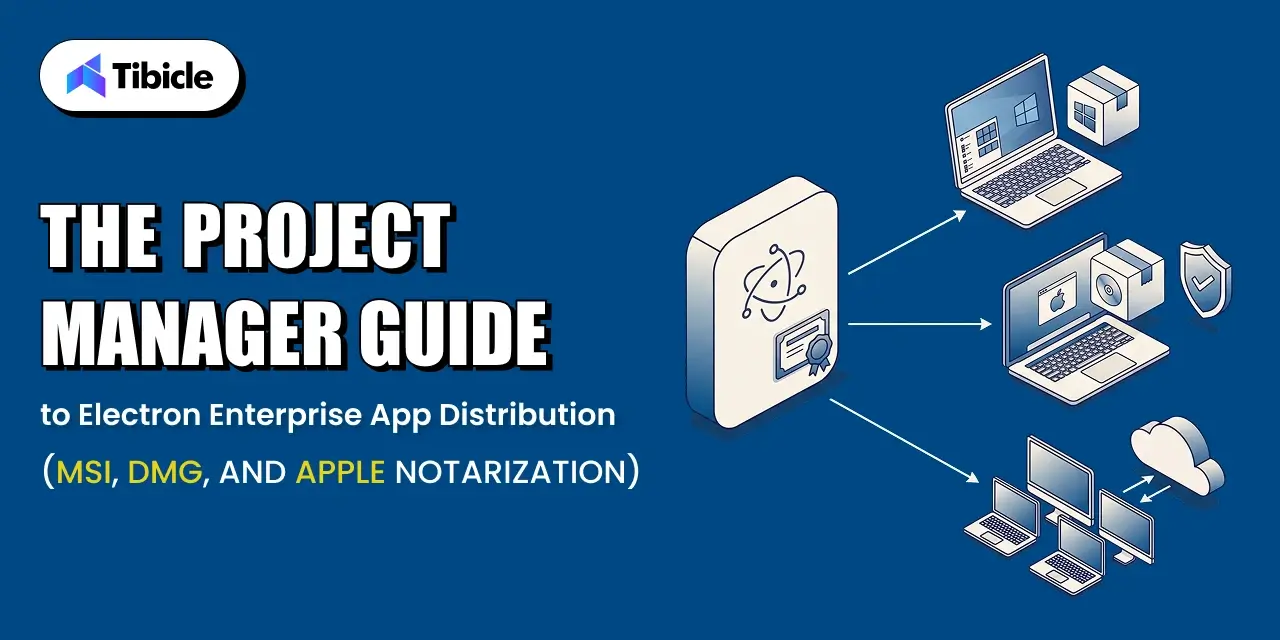
Electron app packaging for enterprise involves more approvals than a consumer download link. A Windows build needs an MSI installer that enterprise IT can push silently. A macOS build needs a Developer ID signature and a notarization ticket from Apple before Gatekeeper lets it run without warnings. Neither of those steps sits inside a normal sprint. They depend on external parties: a certificate authority, Apple’s notary service, and the customer’s own IT review process. When a PM treats them as engineering’s problem to solve at build time, the approvals surface late, and the launch date moves to absorb them.

What Happens When Distribution Is Planned Too Late

A team that discovers the EV certificate requirement during release week loses one to three weeks waiting on issuance. A team that submits for Apple notarization without testing the hardened runtime setting gets a rejection, then resubmits, then waits again. Each of these delays is avoidable on its own, but stacked together in the final week before launch, they routinely push a release by two to four weeks. The fix is not more engineering effort. It is moving the certificate and notarization steps onto the project plan months earlier.

The Three Approvals a Desktop Release Needs Before Launch

Every enterprise Electron release clears three separate approvals: a code signing certificate for each platform, Apple’s notarization for macOS, and the customer’s own IT review before rollout. The first two are vendor-side and largely under the PM’s control once budgeted for. The third depends on the customer’s procurement and security review cycle, and it is often the longest of the three. Treating all three as roadmap items, with owners and lead times attached, keeps distribution off the critical path instead of becoming it.

Windows Distribution: Building an MSI Installer for Enterprise IT

electron enterprise app distribution

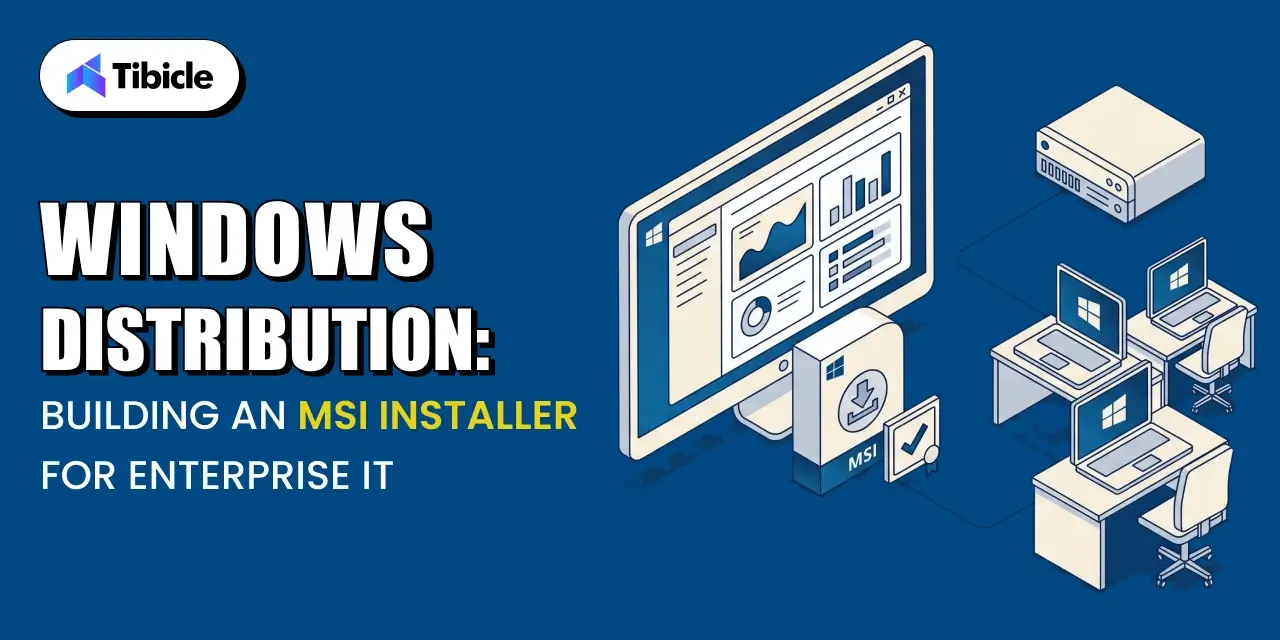
A standard .exe installer works for an individual downloading an app on their own machine. It does not work for an IT department managing thousands of endpoints. Enterprise IT departments deploy software through management tools that expect a specific installer format, predictable exit codes, and silent operation. That format is the Windows Installer package, commonly called an MSI.

MSI vs a Standard .exe Installer

Microsoft’s own documentation describes Windows Installer as an installation and configuration service built into Windows that gives customers better corporate deployment and a standard format for managing software components. A raw .exe installer does not offer that standard format. It can bundle any installation logic the developer chooses, which means IT tools cannot reliably predict how it behaves, whether it can run silently, or how to detect a completed install. An MSI exposes a consistent structure that management tools can query, repackage, and deploy the same way across every application in the fleet.

What Enterprise IT Actually Checks in an MSI Package

Before approving a rollout, IT administrators check that the MSI installs and uninstalls without a UI prompt, that it exposes a proper product code and version number for detection rules, that it supports per-machine installation for shared devices, and that it does not require a restart mid-install. These checks exist because IT teams manage installs at scale through scripts and policies, not by clicking through a wizard on each device. An MSI that fails any of these checks gets rejected during IT review, which is exactly the kind of delay a PM wants to catch before it reaches the customer.

Building an MSI From an Electron App

Electron does not produce an MSI by default. Teams typically use electron-builder or Electron Forge with a WiX-based maker to generate the MSI from the packaged app, then sign the resulting installer as a separate step from signing the app binary itself. The build pipeline needs to produce both artifacts, the signed app and the signed installer, before either reaches an IT admin for testing. Budgeting engineering time for this pipeline setup, rather than assuming the default Electron build output is enterprise-ready, is one of the simplest ways to avoid a late surprise.

macOS Distribution: DMG Packaging and the Apple Notarization Process

electron enterprise app distribution

macOS distribution follows a different path than Windows, but it carries the same lesson: the approval step is not optional, and it has its own timeline.

DMG vs PKG: Choosing a macOS Distribution Format

A DMG is a disk image that a user mounts and drags into their Applications folder. A PKG is a guided installer that can run scripts and place files in system locations beyond a single drag-and-drop. Most Electron apps distribute as a DMG because the app is self-contained and does not need install-time scripting. Enterprise deployment through Jamf Pro can wrap either format, but a DMG keeps the packaging simpler for teams that do not need PKG’s install-time scripting.

What Apple Notarization Actually Checks for electron enterprise app distribution

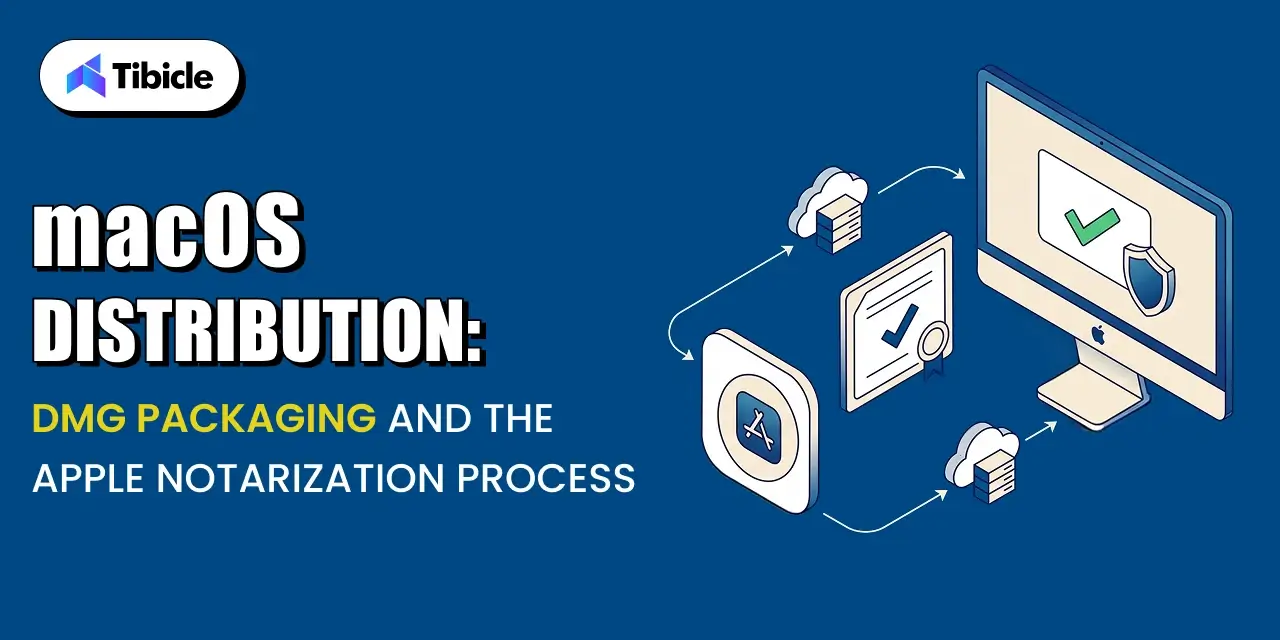
Apple’s own documentation describes notarization as a way to give users confidence in macOS software distributed outside the Mac App Store, by submitting it for an automated security scan before release. The notary service checks the binary for known malware signatures, confirms the code signature is valid and complete, and verifies the app was built with security protections enabled. A notarized app carries a ticket that Gatekeeper checks the first time the app runs, either online or from a locally stapled copy, before letting it open without a warning.

How Long Notarization Takes and What Blocks It

Apple’s automated scan usually completes in minutes, though it can take longer during periods of high submission volume, and Apple has noted that unpublished software processed through Xcode’s export flow typically finishes in under an hour. Submissions get rejected, not delayed, when a requirement is missing. Build the following into the release checklist so a rejection does not happen the week of launch:

  • A Developer ID certificate and an active Apple Developer Program membership
  • The hardened runtime enabled at build time
  • A secure timestamp included with the code signature
  • Stapling the notarization ticket to the app after approval

Code Signing Certificates: What a PM Needs to Budget and Plan For

Certificates are the part of Electron enterprise app distribution most likely to catch a PM off guard, because the cost and lead time changed significantly in recent years.

Windows EV Code Signing Certificates

Electron’s own documentation states that Microsoft has required software to be signed with an extended validation, or EV, code signing certificate since June 2023, replacing the older and cheaper authenticode certificates that Windows now treats as unsigned. EV certificates must live on a hardware storage module or a cloud-based signing service rather than a downloadable file, which changes how a CI pipeline handles signing and adds a procurement step most teams have not budgeted for before their first enterprise release.

Apple Developer Program Enrollment and Renewal

An Apple Developer Program membership is required for both code signing and notarization on macOS, and it renews annually. Enrollment for an existing account with documents ready typically completes in a day or two, but a new organization enrollment can take longer while Apple verifies the business. A PM shipping a first macOS enterprise release should confirm enrollment status months ahead of the target date, not weeks.

Building Certificate Lead Time Into the Release Calendar

Certificate issuance is the single easiest distribution delay to remove from a launch timeline, because it does not depend on the app itself being finished. A Windows EV certificate can take one to three weeks to issue depending on the vendor and verification requirements. Ordering it as soon as the release is scoped, rather than when code freeze approaches, removes an entire category of risk from the schedule.

Enterprise Deployment Channels: Intune, SCCM, and Jamf

Notarization

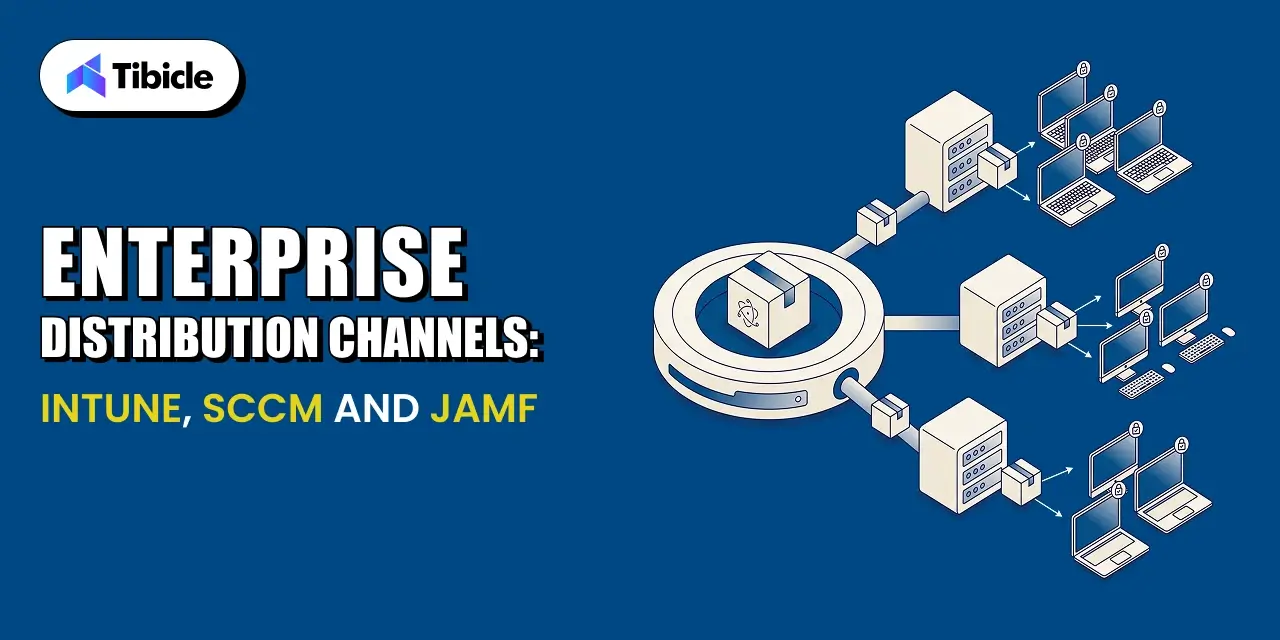
Enterprise IT does not install software one device at a time. It pushes a signed installer through a management platform to hundreds or thousands of managed devices at once, and each platform has its own packaging expectations.

Silent Install Requirements for Managed Deployment for electron enterprise app distribution

Microsoft’s documentation states plainly that Intune does not support interactive application installations, and that Win32 apps deployed through Intune must install silently without dialog boxes, prompts, or any UI input during the process. An MSI that pops a license agreement screen or a custom wizard step will fail Intune deployment even if it installs perfectly when a user double-clicks it manually. Testing the silent install command directly, not just testing the interactive install, is a required step before handing the package to a customer’s IT team.

Packaging Considerations for SCCM and Jamf

SCCM, used widely in larger Windows enterprise environments, expects the same silent-install behavior as Intune, plus predictable detection logic based on registry keys or file versions. Jamf Pro, the standard macOS management platform in enterprise IT, wraps a signed and notarized DMG or PKG into a policy that pushes to managed Macs, and it depends entirely on the app already being properly signed and notarized before it reaches Jamf.

What IT Will Ask Before Approving a Rollout for electron enterprise app distribution

Expect the customer’s IT team to ask for the exact silent install command, the detection method they should use to confirm a successful install, whether the app phones home to any external service, and how updates get delivered after the initial rollout. Having clear answers to all four ready before the first IT conversation shortens the review considerably.

Planning Your Release Timeline Around Signing and Notarization Lead Times

Notarization

Distribution does not need to be the reason a launch date slips. It needs a realistic calendar built around the lead times above.

A Sample Timeline From Code Freeze to Enterprise-Ready Build

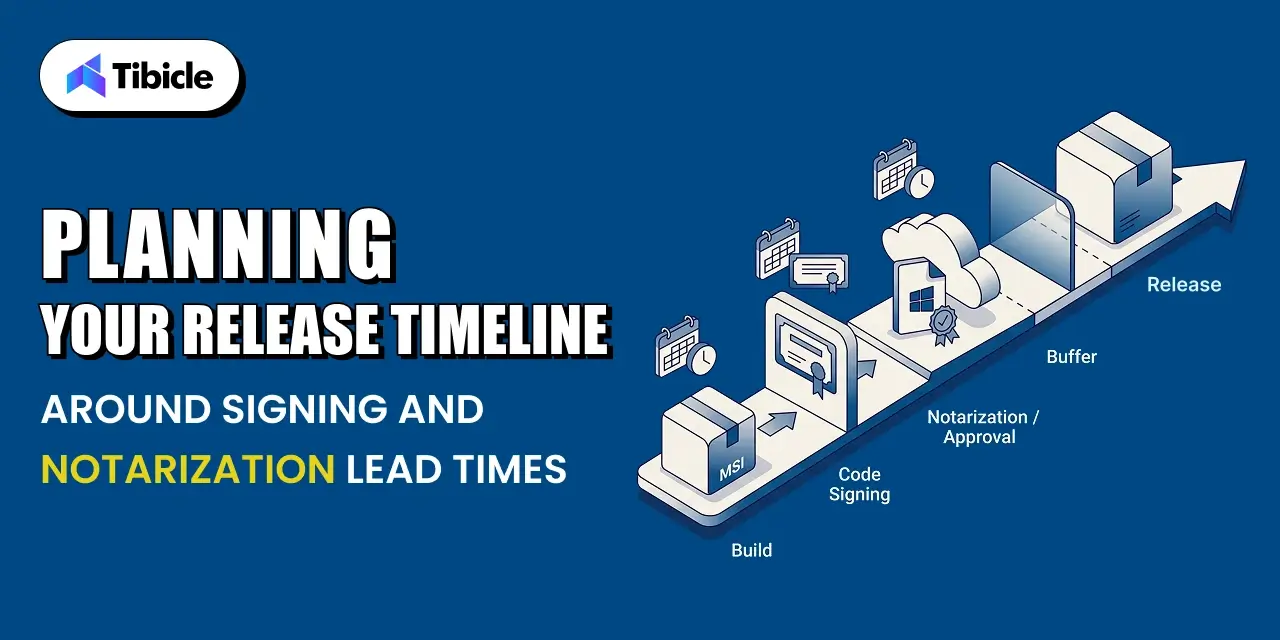
A workable pattern starts certificate procurement and Apple Developer Program renewal at project kickoff, well before code freeze. Once the app reaches feature-complete, the team builds and signs the MSI and DMG, submits the macOS build for notarization, and runs a full silent-install test against Intune or Jamf in a sandbox tenant. That sequence, run in parallel across platforms, typically fits inside a two-week window once certificates are already in hand.

Buffer Time for Notarization Rejections and Resubmission for electron enterprise app distribution

Even a well-prepared submission can get rejected for something small, like a missing entitlement or an unsigned embedded framework. Build at least one resubmission cycle into the calendar rather than assuming the first submission passes. A rejection plus a rebuild plus a resubmission can add a day or two, which is manageable if the calendar already expects it and costly if it does not.

Coordinating With Customer IT Teams Before Rollout for electron enterprise app distribution

Customer IT review is the step least within a vendor’s control and often the longest. Starting that conversation as soon as the enterprise-ready build exists, rather than after internal QA finishes, gives the customer’s security team time to run its own review in parallel with final testing instead of after it.

Table: Sample Distribution Timeline

Milestone Typical Lead Time Owner
Apple Developer Program enrollment 1 to 2 days once documents are ready Engineering or IT admin
Windows EV certificate issuance 1 to 3 weeks depending on vendor and verification Engineering or IT admin
Code signing and packaging 1 to 2 days per platform Engineering
Apple notarization Minutes to a few hours, longer if rejected Engineering
Customer IT review before rollout 1 to 4 weeks depending on the account Product and customer success

This table gives a PM a rough planning reference, not a guaranteed timeline. Actual lead times vary by certificate vendor, Apple’s submission queue, and each customer’s internal review process.

How Tibicle Manages Electron Distribution for Enterprise Releases for electron enterprise app distribution

Distribution planning gets easier with a pipeline that already handles signing, notarization, and packaging as a repeatable process instead of a one-off task for every release.

Packaging and Signing Pipeline Setup for electron enterprise app distribution

Tibicle sets up the build pipeline to produce a signed MSI and a signed, notarized DMG from the same codebase, with certificate handling wired into CI so signing does not depend on a single engineer’s local machine. This is part of Tibicle’s broader Electron desktop app development work for clients moving from a prototype to an enterprise-ready release.

Notarization, MSI Builds, and Release Automation for electron enterprise app distribution

The pipeline submits macOS builds for notarization automatically as part of the release process, staples the ticket, and validates the silent install command for both platforms before a build is marked ready for customer IT review. This removes the manual, error-prone steps that most commonly cause rejected notarization submissions or failed Intune deployments.

Ongoing Release Support and Enterprise IT Coordination for electron enterprise app distribution

Beyond the initial release, Tibicle supports the auto-update pipeline and coordinates directly with customer IT teams during rollout, including answering the detection-method and silent-install questions IT admins ask before approving a deployment. Teams building compliance-sensitive Electron apps often pair this distribution work with the data-handling practices covered in Tibicle’s guide to building GDPR-compliant desktop apps with Electron.

Key Takeaways for Product Managers for electron enterprise app distribution

  • MSI and DMG are not optional extras. Most enterprise IT teams require them before they will approve a rollout.
  • Certificate issuance and notarization both have lead times that belong on the project timeline, not just the engineering backlog.
  • Windows now requires an EV code signing certificate, which changes both cost and issuance time compared to older certificate types.
  • Customer IT review is often the longest step in the whole distribution timeline. Plan for it early.

Ready to plan your enterprise release calendar? Book a call with Tibicle to walk through your distribution timeline.

FAQs

Why does enterprise IT require an MSI installer instead of a regular .exe?
IT teams manage software at scale through tools that expect a standard, queryable installer format. An MSI exposes version and product information those tools can read; a generic .exe does not.

How long does Apple notarization actually take?
The automated scan usually finishes in minutes to under an hour. Delays happen mostly from rejections, not queue time, so build in a buffer for at least one resubmission.

What does an EV code signing certificate cost, and why does Windows require one now?
Costs vary by vendor and typically run several hundred dollars a year. Microsoft moved to requiring EV certificates in June 2023 because standard certificates no longer prevent Windows security warnings.

Can an Electron app be deployed silently through Intune or SCCM?
Yes, but only if the installer supports a true silent install command with no dialog boxes. Test this directly before handing the package to a customer’s IT team.

How far in advance should a PM plan for code signing and notarization?
Start certificate procurement and Apple Developer Program setup at project kickoff. Certificates alone can take one to three weeks, and customer IT review can take up to a month.

Does Tibicle handle the full distribution pipeline for enterprise Electron releases?
Yes. Tibicle sets up signing, MSI and DMG packaging, notarization, and ongoing release support as part of its Electron desktop app development work.

Setting Up a Zero-Trust Electron App Auto Update Pipeline via AWS/GitHub Releases

What This Guide Covers

Who this is for Electron engineering leads, desktop app architects, DevOps engineers, and product managers responsible for shipping and maintaining a production Electron application that needs a secure, reliable auto-update pipeline instead of an ad hoc release process.

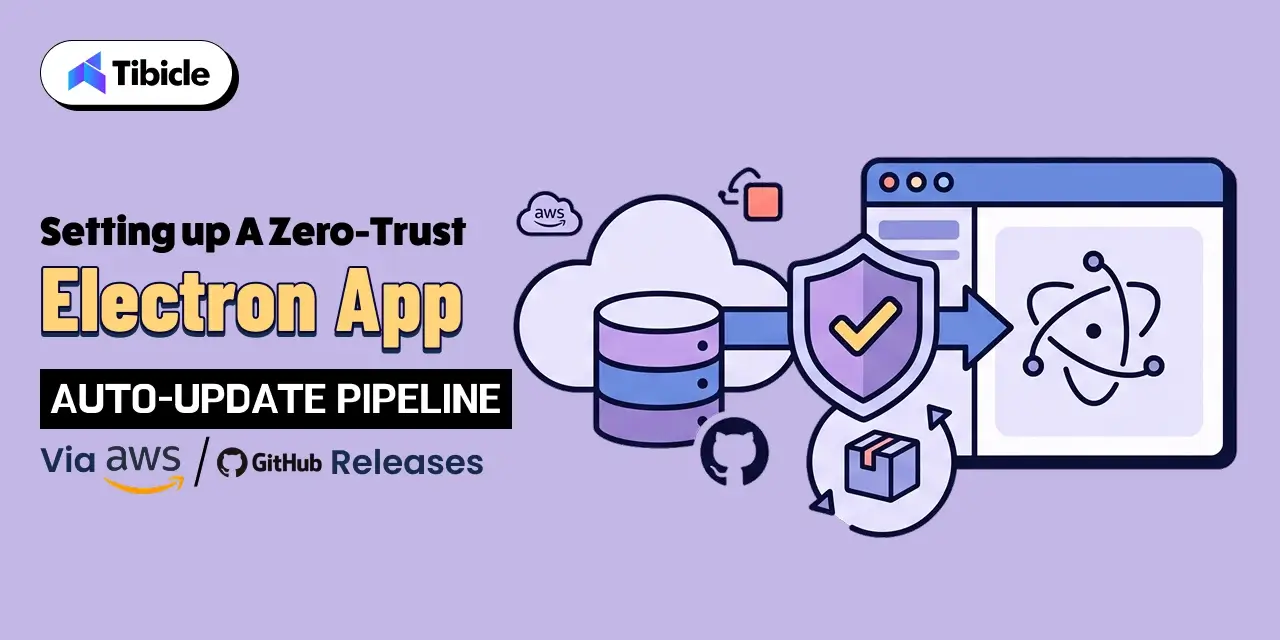
Search intent: Implementation and decision. This guide is for teams that already know they need to secure their Electron app’s update pipeline but want to understand how to actually build it. Instead of listing every possible update tool, it walks through zero-trust principles applied to auto-updates, compares AWS S3/CloudFront against GitHub Releases as update sources, and covers signature verification, electron-updater configuration, staged rollouts, and rollback strategy.

What you will walk away with A working model for a zero-trust Electron auto-update pipeline: which update source fits your team, how signature verification should work end to end, how to configure electron-updater securely, how to roll updates out in stages, and how to pull one back fast when something breaks.

electron app auto update pipeline

Introduction  

Third-party involvement in data breaches now sits at 48%, a figure that jumped 60% year over year according to Verizon’s 2026 Data Breach Investigations Report, and an unsecured update channel is one of the more direct paths a third-party compromise can take into your users’ machines (Verizon 2026 DBIR). An auto-update pipeline pushes and executes new code on every installed copy of your app, so zero trust is not an advanced upgrade for that pipeline. It is the baseline. This guide explains why an update channel deserves zero-trust treatment, breaks the model down into concrete engineering requirements, and walks through building the pipeline itself: choosing between AWS S3/CloudFront and GitHub Releases, signing and verifying updates, configuring electron-updater, and rolling updates out in stages with a fast path back.

Why Auto-Update Pipelines Need a Zero-Trust Architecture (electron app auto update pipeline)

electron app auto update pipeline

An update channel is not a typical feature. It is a mechanism that automatically downloads a binary and runs it with the same permissions as your application, on every machine that has your app installed. If an attacker compromises that channel, they do not need to trick a single user into opening a malicious file. They get remote code execution across your entire install base, delivered through a system your users already trust. That combination of automation, scale, and application-level permissions makes an auto-update pipeline one of the highest-value targets connected to your product, which is exactly why federal security guidance treats update mechanisms as supply chain infrastructure rather than a convenience feature.

An Update Pipeline Is Effectively Remote Code Execution by Design

Zero trust starts from a single premise: no request should be trusted just because of where it came from or who appears to control it. NIST’s Special Publication 800-207 defines zero trust architecture around removing implicit trust based on network location, prior authentication, or asset ownership, and instead evaluating every request on its own merits (NIST SP 800-207). Applied to an electron app auto update pipeline, that means the update server, the network path, and the downloaded file are all untrusted by default, regardless of whether they sit inside your own AWS account or on GitHub’s infrastructure.

What Federal Supply Chain Guidance Recommends for electron app auto update pipeline

CISA, together with the NSA and ODNI, published developer-facing guidance on securing the software supply chain that covers exactly this scenario: how software gets built, signed, released, and updated (CISA Securing the Software Supply Chain for Developers). The guidance frames update integrity as a core supply chain control, not an afterthought bolted on after release. For an Electron team, that translates into signing every artifact at build time, verifying that signature before installation, and treating any unverifiable update as a rejected update rather than a warning to log and ignore.

Core Principles of Zero-Trust Applied to Software Updates (zero trust software update architecture)

Zero trust is a set of tenets, not a product you install. Turning those tenets into an actual zero trust software update architecture means translating “never trust, always verify” into specific engineering requirements at each stage of the update flow.

Never Trust an Update Based on Source Alone

Whether your update feed lives on GitHub Releases or in an S3 bucket behind CloudFront, the source itself proves nothing about the integrity of a given file. Treat the update server as untrusted infrastructure, the same way you would treat a third-party API, not as an extension of your own build environment.

Verify Every Update’s Signature Before Execution

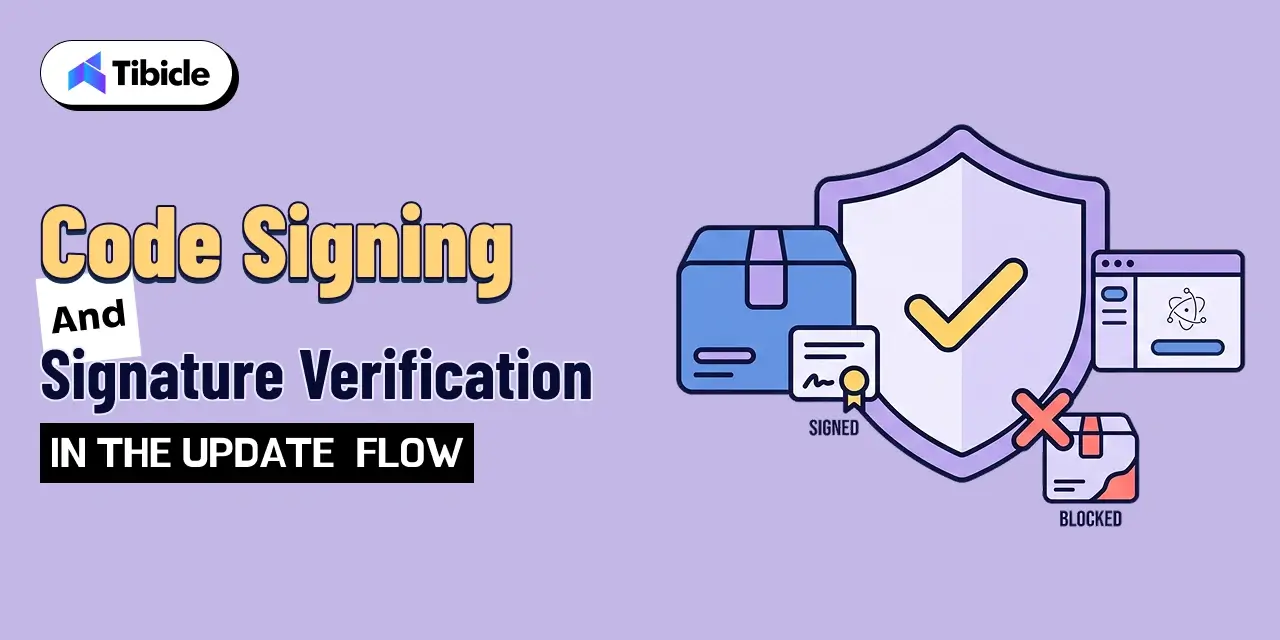
The single control that matters most in this entire pipeline is signature verification. electron-updater should confirm a cryptographic signature locally, on the user’s machine, before it applies any downloaded update. A compromised or tampered file needs to fail this check regardless of where it was hosted or how it was fetched.

Log and Monitor Every Update Check and Download

A zero-trust pipeline assumes compromise attempts will happen and builds in the visibility to catch them. That means logging update checks, download attempts, and verification failures, not only successful installs. A spike in failed verifications from a specific region or IP range is often the first signal that something is wrong upstream.

Zero-trust update requirements to build in from day one:

  • Treat the update server as untrusted infrastructure, not an extension of your app
  • Verify a cryptographic signature locally before applying any update
  • Fail closed: reject and log any update that cannot be verified
  • Monitor update check requests for anomalies, alongside successful installs

Choosing Between AWS S3/CloudFront and GitHub Releases as Update Sources

electron app auto update pipeline

Both options can host a secure electron app auto update pipeline. The right choice depends on your team’s release volume, compliance needs, and appetite for managing infrastructure.

GitHub Releases: Simplicity With Built-In Limits

GitHub Releases works well for smaller teams and lower-volume products because it needs almost no setup: electron-builder can publish directly to it. The tradeoff is a set of platform limits worth knowing in advance. GitHub documents a cap of 2 GiB per file attached to a release and up to 1,000 release assets per release, with no limit on total release size or bandwidth (GitHub Docs: About releases). For most desktop app installers, those limits are not a practical concern, but multi-platform builds with several architectures per release can approach the asset count limit faster than expected.

AWS S3 and CloudFront: Full Control at the Cost of Setup

An S3 bucket paired with CloudFront gives you a “generic” update provider with full control over caching behavior, access logging, and regional distribution. AWS describes CloudFront as a global content delivery network that uses more than 600 points of presence and 13 regional edge caches across over 100 cities in more than 50 countries to reduce latency for end users (AWS CloudFront Documentation). That infrastructure benefits update distribution at scale, but it comes with more moving parts: bucket policies, distribution settings, cache invalidation, and TLS certificate management that your team now owns directly.

Which Option Fits Which Team

Teams shipping to a smaller user base, without strict data residency requirements, generally get more value from GitHub Releases: less infrastructure, faster setup, and a workflow that plugs directly into existing CI. Teams with larger install bases, custom compliance requirements, or a need for tighter control over caching and access logging tend to outgrow GitHub Releases and move to AWS S3 and CloudFront, accepting the added setup in exchange for that control.

 Code Signing and Signature Verification in the Update Flow

Rollback

Whichever source you choose, the signature verification flow is what actually makes the pipeline zero-trust. This is the control that stops a compromised update source, a man-in-the-middle attempt, or a tampered file from ever executing on a user’s machine.

Signing the Update Artifact at Build Time

Every installer and update package needs a code signature applied during the build, using a certificate your CI environment protects and your build process never exposes in logs or artifacts. On Windows this means an Authenticode certificate; on macOS it means an Apple Developer ID certificate plus notarization. electron-builder handles both when the certificates are configured correctly in your CI secrets.

Verifying the Signature Before Installation

electron-updater checks the downloaded update’s signature against the expected certificate before it lets the installer run. This check happens on the client, independent of how the file was transported, so it catches tampering that occurred anywhere between the build server and the user’s machine, including a compromised CDN edge node or a corrupted download.

What Happens When Verification Fails for electron app auto update pipeline

A failed signature check should stop the update outright. The client logs the failure, discards the downloaded file, and does not retry with the same source until a human investigates. Silently falling back to an unsigned install, or prompting the user to override the check, defeats the entire point of the control.

Setting Up electron-updater With a Secure Update Server

With the architecture decisions made, the configuration itself is a small amount of code layered on top of solid defaults.

Configuring the Update Feed URL and Provider

Electron’s own documentation for electron-builder covers the publish configuration for each supported provider, including github and generic for S3/CloudFront setups (electron-builder Auto Update Docs). A typical GitHub-hosted setup needs only a provider, owner, and repo passed to setFeedURL, or a publish block in package.json if you let electron-builder manage publishing automatically. For a generic AWS-hosted feed, the provider points at your CloudFront distribution URL instead of a GitHub repo.

Enforcing HTTPS and Certificate Validation on Every Check

Every update check should run over HTTPS with standard certificate validation left enabled. Disabling certificate checks to work around a self-signed certificate or a local testing quirk is a shortcut that has a way of surviving into production. If your CI needs a workaround for testing, keep it isolated to a non-production build channel.

Testing the Update Flow Before It Reaches Production Users

Test the full cycle, including a deliberately broken signature, against a staging channel before any update reaches production users. electron-updater supports separate channels (latest, beta, and custom names), so a staging channel with its own feed URL lets you validate the entire flow, from download through signature failure handling, without touching real users.

Staged Rollouts and Rollback Strategies

Rollback

Signature verification protects against a compromised update. Staged rollouts protect against a broken one that still passes every check.

Percentage-Based Staged Rollouts for electron app auto update pipeline

electron-builder supports staged rollouts by adding a stagingPercentage field to the generated latest.yml (or the platform-specific equivalent) after a release goes out. electron-updater derives a persistent, per-installation value on the client and only applies the update if that value falls within the staged percentage, so the same subset of users stays in the rollout group across repeated checks. A typical first step is 5 to 10 percent, increasing gradually as the release proves stable.

Monitoring Crash Reports Before Increasing Rollout for electron app auto update pipeline

Before increasing the staging percentage, check crash reports and error telemetry from the users who already received the update. A rollout that looks clean on version numbers alone can still quietly increase crash rates in a way that only surfaces once you check the data directly.

Keeping a Fast Rollback Path Ready for electron app auto update pipeline

Because clients cache the update they have already installed, pulling a staged release means shipping a new version number higher than the broken one, not reverting the old file in place. Users already on the broken build will not step backward on their own, so a documented rollback plan needs a fast-follow release ready to publish. Removing the bad file from the server alone does nothing for clients that already installed it.

How Tibicle Builds Secure Electron app Auto Update Pipelines

Most of the Electron teams we work with already understand the update mechanism conceptually. What tends to be missing is the time and in-house security depth to build it correctly under deadline pressure, which is exactly where a gap in signature verification or rollout logic tends to slip through.

Update Architecture Design and Threat Modeling for electron app auto update pipeline

We start by mapping the update flow against a zero trust software update architecture: where the update source lives, how signatures get generated and verified, and where a compromised link in that chain would do the most damage. That threat model shapes whether GitHub Releases or an AWS S3/CloudFront setup fits the project better, based on release volume, team size, and compliance requirements.

Implementation With Signing, Verification, and Staged Rollouts for electron app auto update pipeline

From there, we implement code signing in CI, configure electron-updater against the chosen provider, and build staged rollout and rollback procedures into the release process rather than treating them as a manual afterthought. Every implementation gets tested against a staging channel with an intentionally broken signature before it goes anywhere near production.

Ongoing Monitoring and Release Pipeline Support for electron app auto update pipeline

Once the pipeline is live, we help teams keep it maintained: certificate renewals before they expire, update check logging and anomaly alerts, and release pipeline support as the app scales to more platforms and a larger install base. For related architecture work, see our Electron app development services page for the full picture of how we support desktop app teams. 

Key Takeaways for Engineering Teams for electron app auto update pipeline

  • An update pipeline should be treated as untrusted infrastructure until every update is cryptographically verified
  • GitHub Releases is simplest to set up, AWS S3 and CloudFront offer more control for larger rollouts
  • Signature verification should fail closed, an unverifiable update should never install
  • Staged rollouts and a fast rollback path catch problems before they reach every user

Ready to secure your Electron app’s release process? Book a call with our team.

FAQs

What does “zero trust” mean in the context of an electron app auto update pipeline?
It means no part of the update flow gets trusted by default, not the server, not the network path, and not the downloaded file. Every update has to pass a signature check on the client before it installs, regardless of where it came from.

Should I use GitHub Releases or AWS S3 for distributing Electron app updates?
GitHub Releases suits smaller teams that want a fast setup with minimal infrastructure to manage. AWS S3 and CloudFront suit larger install bases or teams that need more control over caching, access logging, and regional distribution.

How does electron-updater verify that an update hasn’t been tampered with?
It checks the downloaded file’s cryptographic signature locally against the certificate used to sign the build, before the installer runs. If the signature does not match, the update is rejected.

What happens if an update fails signature verification?
The client discards the file, logs the failure, and does not install it. It should not fall back to an unsigned install or silently retry from the same source without investigation.

How does a staged rollout work for a desktop app update?
electron-builder adds a staging percentage to the update manifest, and electron-updater uses a persistent per-installation value to decide whether a given client falls inside that percentage, so the rollout expands gradually and consistently across checks.

Does Tibicle set up and secure auto-update pipelines for existing Electron apps?
Yes. We design the update architecture, implement signing and verification, configure staged rollouts, and provide ongoing release pipeline support for Electron apps already in production.

HIPAA-Compliant Healthcare Desktop App Development in Electron

What This Guide Covers

Who this is for: Healthcare software companies, healthcare providers, HealthTech startups, hospitals, clinics, and product teams involved in healthcare desktop app development that create, receive, maintain, or transmit protected health information.

Search intent: Implementation and decision. This guide explains how HIPAA requirements translate into practical Electron architecture decisions, including offline PHI access, local storage, access controls, audit logging, encryption, software updates, and third-party vendors.

What you will walk away with: A practical model for building a HIPAA compliant Electron application, including how to minimize PHI exposure, secure Electron processes, protect offline data, implement audit controls, and evaluate vendors that may handle healthcare information.

healthcare desktop app development electron

Introduction

Healthcare data breaches reported to the U.S. Department of Health and Human Services Office for Civil Rights (OCR) show why healthcare desktop app development demands a different security approach from a typical B2B build. The HHS OCR Breach Portal tracks breaches of unsecured protected health information affecting 500 or more individuals, including incidents involving electronic medical records, laptops, desktop computers, and network servers.

A healthcare desktop application can expose PHI in more places than its backend database. Patient information may exist in local databases, application memory, temporary files, renderer storage, logs, or third-party services. Electron makes cross-platform desktop development practical, but its flexibility means security boundaries need to be designed deliberately.

Why Healthcare Desktop App Development Matters for Healthcare Companies

healthcare desktop app development electron

Healthcare environments often need applications that work reliably at clinical workstations, laboratories, pharmacies, and field locations. Desktop software can provide controlled workflows, local device access, and limited offline functionality when network connectivity is unavailable.

Electron is useful because teams can build cross-platform desktop applications using familiar web technologies while maintaining access to operating-system capabilities. For healthcare products, however, the healthcare desktop app development needs to account for where PHI exists on the endpoint and how that information is protected.

Healthcare Desktop App Development for Offline Clinical Access

Offline access can keep clinical workflows running when connectivity is unreliable. A field healthcare application may need to provide authorized patient information or schedules without requiring a constant connection to the backend.

The challenge is that offline functionality places PHI on the user’s device. Developers therefore need to define what information is synchronized, how long it remains available, how it is encrypted, and when it should be removed.

The Cost of Non-Compliance Makes Architecture Decisions Non-Negotiable

Healthcare has consistently been one of the most expensive industries for data breaches. IBM’s Cost of a Data Breach research reported an average healthcare breach cost of $10.93 million in its 2024 report, according to IBM’s Cost of a Data Breach: Healthcare.

That makes architecture decisions more than technical preferences. Storing PHI unnecessarily in local storage, exposing privileged Electron APIs, or sending sensitive information to third-party services can create additional risk. Security decisions should therefore be made during architecture planning rather than added immediately before launch.

HIPAA Requirements That Apply to Healthcare Desktop App Development

healthcare desktop app development electron

The HIPAA Security Rule establishes standards for protecting electronic protected health information and organizes its safeguards into administrative, physical, and technical categories, according to the HHS HIPAA Security Rule.

For an Electron application, these requirements can influence authentication, workstation use, local storage, access controls, audit logging, data integrity, and transmission security.

Administrative, Physical, and Technical Safeguards in Healthcare Desktop App Development

Administrative safeguards cover policies and procedures such as risk analysis, workforce security, access management, and contingency planning. Physical safeguards address workstations, devices, facilities, and electronic media.

Technical safeguards apply directly to the software architecture. They include access controls, authentication, audit controls, integrity protections, and transmission security. For Electron applications, these considerations affect how users authenticate, how PHI is stored locally, and how privileged application functions are protected.

Covered Entity vs Business Associate in Healthcare Desktop App Development

Covered entities include certain healthcare providers, health plans, and healthcare clearinghouses. A business associate generally performs functions or provides services for a covered entity that involve access to PHI, according to HHS guidance on Business Associates.

A software company is not automatically a business associate simply because it develops healthcare software. The relationship depends on whether it creates, receives, maintains, or transmits PHI on behalf of a covered entity or business associate.

What “Addressable” vs “Required” Actually Means for Developers

HIPAA implementation specifications can be classified as required or addressable. Addressable does not mean optional.

Organizations must assess whether an addressable specification is reasonable and appropriate for their environment and document the decision. Developers should therefore treat addressable requirements as items to evaluate, not automatically skip.

Healthcare Desktop App Development: Architecting PHI Handling in Electron

Electron separates application responsibilities between renderer and main processes, with preload scripts and IPC providing controlled communication between them.

For healthcare software, these boundaries become important because the renderer should not receive unnecessary privileges or become an uncontrolled storage location for PHI.

Healthcare Desktop App Development and Local PHI Encryption

The renderer should contain only the information required to provide the current workflow. Developers should minimize PHI in local storage, IndexedDB, URLs, browser caches, renderer state, and debugging output.

Electron’s context isolation separates preload scripts and Electron internals from the renderer’s JavaScript environment and is recommended as part of Electron’s security model, according to Electron Security.

Local Database Encryption for Offline PHI Access

Offline functionality may require authorized PHI to remain on the endpoint. NIST SP 800-111 identifies full-disk encryption, volume or virtual-disk encryption, and file/folder encryption as approaches for protecting information stored on end-user devices, according to NIST SP 800-111.

The appropriate approach depends on the application, device, storage environment, and threat model. Key protection, authentication, backups, and retention should also be considered alongside database encryption.

Clearing PHI From Memory and Temporary Files

PHI can exist outside the primary database through downloaded documents, exported reports, temporary files, application caches, crash dumps, and logs.

The application should define where temporary information can exist and when it is removed. Production debugging should also avoid recording unnecessary patient information in plain text.

Access Controls and Audit Logging for Healthcare Desktop App Development

A healthcare application needs more than authentication. Users should receive access based on their roles, sensitive actions should be attributable to individual users, and relevant activity should be available for review.

Role-Based Access Control Inside a healthcare desktop app development

Role-based access control allows different healthcare users to access only the information and functions required for their responsibilities.

A physician, nurse, billing employee, and administrator may use the same application but require different permissions. Those permissions should be enforced in trusted application layers rather than simply hiding buttons in the interface.

Automatic Logoff and Session Timeout

Healthcare workstations may be shared or left unattended. An application that remains authenticated indefinitely can therefore expose patient information to another person using the device.

Automatic session timeout can lock the application after a defined period of inactivity and require the user to authenticate again. The appropriate timeout should follow the organization’s policies and risk assessment.

Audit Logs That Satisfy the Security Rule’s Documentation Standard

HHS identifies audit controls as mechanisms for recording and examining activity in systems containing or using ePHI, according to the HHS HIPAA Security Rule.

A practical audit architecture should:

  • Log who accessed which record and when, not just that access occurred
  • Store audit logs separately from the data they describe
  • Apply automatic session timeout after a defined period of inactivity
  • Enforce role-based permissions in the main process, not just hide them in the UI

Encryption, Transmission Security, and Business Associate Agreements

Healthcare desktop applications commonly communicate with backend APIs, EHR systems, cloud infrastructure, document services, and monitoring tools.

A secure architecture needs to protect the data in transit while also evaluating the vendors involved in the data flow.

Encrypting PHI in Transit Between the App and Your Backend

PHI transmitted between an Electron application and its backend should use secure communication channels. HTTPS and WSS provide encrypted communication for web and WebSocket traffic and are part of Electron’s recommended security practices.

Encryption in transit does not replace authorization. The application still needs to authenticate users, validate permissions, and ensure APIs return only information the user is allowed to access.

Signed and Verified Auto-Updates for a Regulated App

A healthcare desktop application needs regular updates for security fixes, dependency changes, and operating-system compatibility.

The update mechanism should also be protected. Signed application packages, verified update sources, controlled release processes, and version tracking help reduce the risk of distributing compromised software.

Business Associate Agreements With Every Vendor Touching PHI

HHS provides sample Business Associate Agreement provisions covering permitted uses, safeguards, breach reporting, subcontractors, and the handling of PHI in its Business Associate Contract Provisions.

Not every vendor automatically requires a BAA. Healthcare teams should map their data flows and determine whether each vendor creates, receives, maintains, or transmits PHI on behalf of a covered entity or business associate.

Common HIPAA Compliance Gaps in Electron Healthcare Desktop App Development

associate

Many security gaps come from ordinary development shortcuts. Local caching, debug logging, third-party services, and update pipelines can all create unnecessary exposure if they are not considered during architecture planning.

PHI Cached in Renderer Local Storage or IndexedDB

Local storage and IndexedDB can improve application performance and support offline functionality.

The risk appears when they become uncontrolled repositories for patient information. Healthcare applications should minimize PHI in renderer storage and protect necessary local information through appropriate encryption and access controls.

Missing Business Associate Agreements With Sub-Processors

Healthcare applications may depend on cloud hosting, analytics, monitoring, crash reporting, storage, and support services.

The important question is whether those services actually receive PHI and whether their role creates a business associate relationship. HHS’s sample BAA provisions also address subcontractors that have access to PHI in its Business Associate Contract Provisions.

Audit Logs That Exist But Are Never Reviewed

Collecting audit logs does not automatically create an effective audit process. Organizations need to define what activity is reviewed, who reviews it, how often reviews occur, and how suspicious activity is investigated.

Common gaps include:

  • Debug logs that accidentally capture PHI in plain text
  • Third-party crash reporting tools that receive PHI without a signed BAA
  • No documented process for reviewing audit logs on a regular schedule
  • Auto-update pipelines that are not signed or verified end to end

How Tibicle Approaches Healthcare Desktop App Development

associate

Healthcare organizations often need software designed around specific clinical workflows rather than a generic platform.

Tibicle approaches custom healthcare desktop development by combining application architecture, integrations, security controls, and ongoing technical support.

HIPAA Risk Assessment and Architecture Planning

We start by identifying where PHI enters the application, where it is stored, which users need access, what needs to work offline, and which external services are involved.

For Electron applications, this includes reviewing renderer and main-process boundaries, IPC communication, local storage, authentication, APIs, and update mechanisms.

Implementation With Encryption, Access Control, and Audit Logging Built In

Security controls are incorporated into the application architecture rather than treated as final-stage additions.

Depending on the project, this can include encrypted local storage, secure API communication, role-based access control, session management, audit logging, context isolation, protected IPC, and controlled application updates.

Ongoing Compliance Support and Documentation

Healthcare software continues to change after launch. New features, integrations, dependencies, and vendors can affect the application’s security requirements.
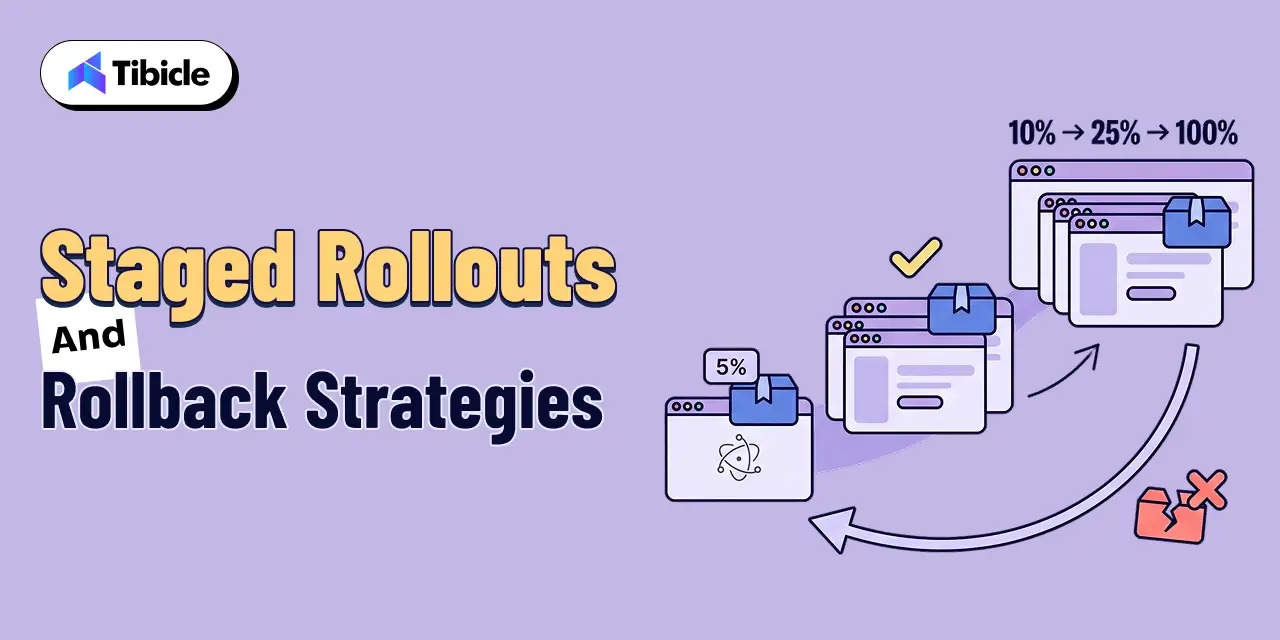
Tibicle can support ongoing development, maintenance, testing, security improvements, integrations, and technical documentation as the product evolves.

HIPAA compliance is an organizational responsibility and cannot be guaranteed by application code alone.

Key Takeaways for Healthcare Software Teams

  • HIPAA’s technical safeguards can directly affect how an Electron application stores, displays, transmits, and logs PHI
  • PHI cached in renderer local storage or IndexedDB can create an unnecessary security gap
  • Vendors that handle PHI need to be evaluated for applicable Business Associate Agreement requirements
  • Audit logging should support both collection and regular review of relevant activity

Ready to build a secure healthcare desktop application? Book a call with Tibicle.

FAQs

Does HIPAA apply to a desktop application, or only to servers and databases?
HIPAA can apply to desktop software when it creates, receives, maintains, or transmits electronic protected health information for a covered entity or business associate. The Security Rule applies to ePHI regardless of whether it is stored on a server, workstation, or local database.

What counts as protected health information inside an Electron app?
PHI can include individually identifiable information related to a person’s health condition, healthcare services, or payment for healthcare. In an Electron application, this may include patient details, diagnoses, medications, clinical notes, appointments, insurance information, and medical documents.

Do we need a Business Associate Agreement with our crash reporting or analytics vendor?
Not automatically. The key question is whether the vendor creates, receives, maintains, or transmits PHI on behalf of a covered entity or business associate. Healthcare teams should configure these services to avoid collecting PHI wherever possible and evaluate vendor relationships where PHI is involved.

How should PHI be encrypted when a healthcare app development needs offline access?
The appropriate approach depends on the application’s architecture, device environment, storage model, and risk profile. NIST identifies full-disk, volume or virtual-disk, and file/folder encryption as approaches for protecting information on end-user devices.

What audit logging does the HIPAA Security Rule actually require?
The Security Rule requires mechanisms to record and examine activity in information systems containing or using ePHI. A healthcare application should capture meaningful events such as record access, changes, exports, and administrative actions, while the organization should have a process for reviewing relevant activity.

Does Tibicle build HIPAA-compliant Electron applications for healthcare companies?
Yes, Tibicle can develop Electron-based healthcare applications with security requirements incorporated into the architecture, including secure local storage, authentication, role-based access control, audit logging, secure API communication, session management, and Electron security practices. HIPAA compliance itself extends beyond application code and remains an organizational responsibility.

Electron vs Tauri 2026: Desktop Framework Guide

What This Guide Covers

Who this is for:
Startup founders, CTOs, technical co-founders, product leaders, and engineering teams evaluating a desktop application framework for a new product or considering a migration from an existing Electron vs Tauri 2026 application. It is particularly relevant for small teams balancing time-to-market, engineering talent, application performance, security requirements, distribution strategy, and future mobile plans.

Search intent:
Commercial investigation and technical framework selection. The reader is not looking for a basic introduction to desktop app development. They are comparing Electron vs Tauri in 2026 to determine which architecture creates the lowest delivery and long-term maintenance risk for their startup. The decision comes down to practical factors such as bundle size, memory use, rendering consistency, JavaScript versus Rust talent availability, security posture, ecosystem maturity, and whether the product roadmap includes iOS or Android.

What you will walk away with:
A practical comparison of Electron and Tauri in 2026, covering their architectural differences, bundle size and performance implications, developer talent and hiring considerations, security models, ecosystem maturity, and Tauri 2’s expanded mobile capabilities. You will also get a scenario-based decision matrix showing which framework fits different startup requirements, guidance on when to benchmark a proof of concept before committing, and a framework-selection checklist to help you make the right architecture decision before development begins.

Introduction

electron framework vs tauri 2026

The Electron vs Tauri 2026 debate is not about framework popularity. It is a startup resourcing decision. The choice affects runway, team skills, and time-to-market. The application development software market is projected to reach $733.5 billion by 2030, growing at a CAGR of 24.3%, according to Fortune Business Insights. More startups are shipping desktop apps to capture that market than at any point in the last decade.

Choosing between Electron and Tauri affects your bundle size from day one. It also affects hiring and security requirements later. A poor choice can create expensive rework. You may need to rebuild the architecture while continuing to ship the product.

This guide covers what changed in 2026, how the two architectures differ, where each framework wins and loses for a Tauri vs. Electron decision for startups, and a direct decision matrix to close the comparison.

Electron vs Tauri 2026: What Actually Changed

The Electron vs Tauri 2026 comparison became more important after Tauri 2 launched. The release expanded Tauri’s competitive scope. Before Tauri 2, the comparison was desktop-only: which framework ships smaller, faster, more secure desktop apps. Tauri 2 also added iOS and Android targets. Both use the same Rust-backed codebase.That made Tauri a credible cross-platform option for startups whose roadmap includes mobile without a separate framework investment.

Electron did not sit still. It maintained its position as the production standard for desktop apps; VS Code, Slack, Figma, Discord, and 1Password all run on it. That ecosystem weight matters to a startup evaluating which framework will have community support, plugin availability, and Stack Overflow answers in two years. Production pedigree is a risk-reduction argument, not a performance argument.

Electron vs Tauri 2026: Where Electron Still Leads

Electron’s lead in 2026 is ecosystem depth and rendering consistency. Its plugin library, community knowledge base, and track record in production apps of every scale give it a stability argument that Tauri’s newer ecosystem cannot yet match. Consistent Chromium rendering across Windows, macOS, and Linux means a UI built in Electron looks identical on every target platform without OS-specific WebView workarounds. For startups with pixel-sensitive interfaces or teams shipping quickly on a JavaScript-only stack, Electron vs Tauri still resolves in Electron’s favour on these criteria.
Electron vs Tauri 2026: What Tauri 2 Changed

Tauri 2 introduced four capabilities that materially changed the framework’s competitive position for startups:

  • Native WebView instead of a bundled Chromium runtime — eliminating the 100MB+ overhead that makes Electron installers large by default
  • A Rust backend in place of a Node.js main process — trading JavaScript familiarity for memory efficiency and a more restrictive permission model
  • iOS and Android targets alongside desktop — making a single Tauri project deployable across all major platforms without a separate mobile framework
  • A capability-based permission system declared per app — where system access is explicitly scoped at build time rather than broadly available by default

Electron vs Tauri 2026 Architecture Differences: Chromium and Node.js vs Native WebView and Rust

electron framework vs tauri 2026

The architecture of Electron and Tauri drives the other comparisons in this guide. It affects bundle size, memory use, security, and talent requirements.

How Electron’s Main and Renderer Processes Work

Electron combines Chromium and Node.js into a single runtime. According to Electron’s official documentation, it “embeds Chromium and Node.js to enable web developers to create desktop applications.” The main process manages application lifecycle and system integration through Node.js. Each application window runs a separate renderer process backed by Chromium. This dual-process model includes Chromium and Node.js. Therefore, every Electron vs Tauri 2026 comparison starts with a larger runtime baseline.

How Tauri’s Rust Core and System WebView Work

Tauri replaces the bundled Chromium runtime with the operating system’s native WebView: WKWebView on macOS, WebView2 on Windows, and WebKitGTK on Linux. The backend process runs in Rust rather than Node.js. The frontend UI layer is still HTML, CSS, and JavaScript. In a Tauri vs Electron for startups architecture review, this means Tauri’s installer ships without a browser engine inside it; the system provides one. The Rust core handles native system calls through an explicit command interface that the frontend invokes over a message-passing bridge.

Why This Difference Drives Bundle Size and Memory Use

Every architectural consequence flows from one root cause: Electron ships a complete browser with every app; Tauri does not. Electron’s bundled Chromium accounts for the majority of its installer weight and is the primary driver of its idle memory footprint. Tauri applications start from a significantly smaller baseline because they inherit the WebView already present on the target OS. The main trade-off is runtime portability versus installation weight. Electron’s Chromium provides consistent rendering across operating systems. Tauri’s native WebView can vary by platform and OS version.

Electron vs Tauri 2026: Bundle Size and Performance

electron framework vs tauri 2026

For a startup distributing a cross-platform desktop app without an enterprise IT procurement channel, installer size and startup speed are user-facing product quality metrics, not internal engineering benchmarks. A 150MB installer that users abandon before completing download is a distribution problem, not a framework problem.

Installer Size: Bundled Chromium vs Native WebView

Electron applications ship with a bundled Chromium engine. A minimal Electron app installer typically starts at 50 to 80MB and scales with application logic. Tauri’s official documentation states a minimum application size of under 600KB. The difference is structural: Tauri’s installer contains application code; Electron’s installer contains application code plus a full browser engine. In a Tauri vs Electron for startups distribution decision, this gap matters most when users are downloading from a landing page rather than from a managed enterprise software portal.

Startup Time and Idle Memory Use

Electron’s multi-process Chromium model carries a memory baseline that scales with the number of open windows. A cross-platform desktop app in Electron running a single window at idle typically consumes 100 to 200MB of RAM depending on the complexity of the rendered UI. Tauri applications operating on the native WebView start from a lower baseline because the WebView process is shared with other system applications. On memory-constrained machines, older consumer hardware, and low-end Windows devices, that difference is perceptible to users without any benchmarking required.

Why Startups Should Benchmark Their Own App Before Deciding

Published benchmarks for the Electron framework vs.Tauri 2026 reflect the specific application tested, not your application. The spread between a UI-light Tauri app and a rendering-heavy one is wider than the spread between Electron and Tauri on similar workloads. Before treating any published number as a decision input:

  • Run both frameworks against your actual UI, not a hello-world sample
  • Measure on the lowest-spec device your target users actually run
  • Weigh bundle size against your update and distribution channel; an auto-updater narrows the first-install size advantage
  • Treat published benchmarks as directional context, not a final answer

Talent and Development Speed: JavaScript Depth vs Rust Learning Curve

JavaScript

The Electron framework vs Tauri 2026 choice is a hiring decision as much as a technical one. The framework your team cannot fully staff is a delivery risk, and the framework your team cannot onboard quickly is a runway risk. Both considerations hit before the first line of production code.

Image: “Startup development team comparing a large JavaScript ecosystem with a smaller specialized Rust ecosystem, developer tools and technology nodes, modern SaaS illustration, ”

The Size of the JavaScript Hiring Pool

JavaScript is used by 62.3% of professional developers, according to the Stack Overflow 2025 Developer Survey, the largest share of any language in the survey for the 12th consecutive year. An Electron-based stack is accessible to the majority of developers currently working in web or frontend roles. For a startup evaluating Tauri vs Electron for hiring plans, that pool size means faster onboarding, wider contractor availability, and a larger internal knowledge base for debugging production issues.

Rust’s Growing but Smaller Talent Pool

Rust ranked as the most admired programming language among developers in the Stack Overflow 2025 Developer Survey for the fifth consecutive year. Developer enthusiasm for Rust is well-documented. The working pool of engineers with production Rust experience is materially smaller than the JavaScript pool. Tauri can require longer onboarding for engineers new to Rust. It may also create a higher hiring bar for backend contributors. The contractor pool can be smaller as well.

What This Means for a Small Founding Engineering Team

A founding team of two to four engineers with JavaScript backgrounds should not underestimate what the Rust learning curve costs on a fixed runway. Learning Rust while shipping product features is not an abstract risk; it is a timeline risk with a dollar value attached to every week of delayed delivery. Tauri’s frontend remains JavaScript: the Rust exposure is at the command layer that bridges frontend to native system calls. That scope is narrower than full Rust development, but it is not trivial. For Tauri vs Electron for startups with no Rust experience, the question is whether the bundle size and security advantages are worth the onboarding cost on a specific product timeline.

Security Model Comparison

The Electron framework vs Tauri 2026 security comparison starts from each framework’s default posture, not from how carefully a team can configure it. Default matters because most startups ship with default settings at v1 and tighten later.

Electron’s Context Isolation and Sandboxed Renderers

Electron introduced context isolation and sandboxed renderer processes as the recommended security baseline in recent versions. Context isolation prevents renderer code from accessing Electron or Node.js internals directly. The IPC bridge, a defined interface between renderer and main process, is the only sanctioned communication channel. These are meaningful protections when configured correctly. The risk for a startup is that Electron’s default configuration still grants broader system access than Tauri’s baseline, and security hardening requires explicit configuration rather than defaulting to restriction. A cross-platform desktop app shipped under time pressure is at risk of launching with permissive defaults that a later security audit flags.

Tauri’s Capability-Based Permission System

Tauri’s architecture defaults to a capability-based permissions model where every system capability the application requires must be explicitly declared at build time. Filesystem access, network access, shell execution, and clipboard interaction are all scoped and declared rather than available by default. In a startup security review, this produces a smaller and more auditable attack surface from the first release, a meaningful advantage when enterprise procurement requires a security assessment before purchase.

What a Startup Security Review Will Actually Ask For

A Tauri vs Electron for startups security comparison in practice means answering these questions in a procurement questionnaire: what system permissions does the application request, how is IPC between frontend and backend validated, and how are dependencies audited for known CVEs. Tauri’s explicit capability declarations produce direct answers to the first two questions. Electron’s security posture depends on the team’s configuration choices, which means the security answer varies by implementation rather than by framework. For a startup where enterprise sales depend on passing security reviews, Tauri’s default-restrictive model is a procurement advantage.

The Decision Matrix: Which Framework Fits Your Startup

JavaScript

The electron framework vs tauri 2026 decision resolves differently depending on the startup’s specific constraints. Feature-by-feature comparisons obscure the answer; scenario-based matching reveals it. The five scenarios below cover the primary decision drivers for early-stage teams.

Start from your binding constraint, the one that, if ignored, will cost you the most. For most startups, that is either team skill set or a specific product requirement. Match that constraint to the table below.

Neither framework is categorically superior. Electron is safer for teams without Rust experience and products with rendering consistency requirements. Tauri is the stronger choice when bundle size, mobile roadmap, or security review posture are the primary variables.

Startup Scenario Recommended Framework Why
Rendering-heavy UI that must look identical across operating systems Electron Bundled Chromium guarantees consistent rendering regardless of OS WebView version
Small team with no Rust experience that needs to ship fast Electron JavaScript-only stack, largest plugin ecosystem, zero Rust learning curve
Bundle size or install friction is a stated user complaint Tauri Native WebView keeps installers in the single-digit MB range
Product roadmap includes iOS or Android from a shared codebase Tauri Tauri 2 supports mobile targets alongside desktop in the same project
Security review is a top procurement blocker Tauri Capability-based permission system scopes system access by default

Not sure which scenario fits your product? Book a framework selection call with Tibicle’s engineering team before writing the first line of production code.

How Tibicle Helps Startups Choose and Build the Right Framework

Most Tauri vs. Electron for startups decisions are made once and lived with for years. Tibicle’s involvement starts before that decision is made, not after the architecture is locked in.

Framework Selection Workshop and Technical Discovery

Tibicle’s framework selection process starts with a structured technical discovery session: mapping the product’s UI complexity, the team’s existing skill profile, the distribution model (direct download, auto-update, enterprise IT), and the security requirements on the procurement path. That mapping surfaces the binding constraint in the Electron framework vs Tauri 2026 decision for the specific product, rather than relying on a generic framework comparison. The output is a written recommendation with the reasoning behind it, not a vendor pitch for one framework over the other.
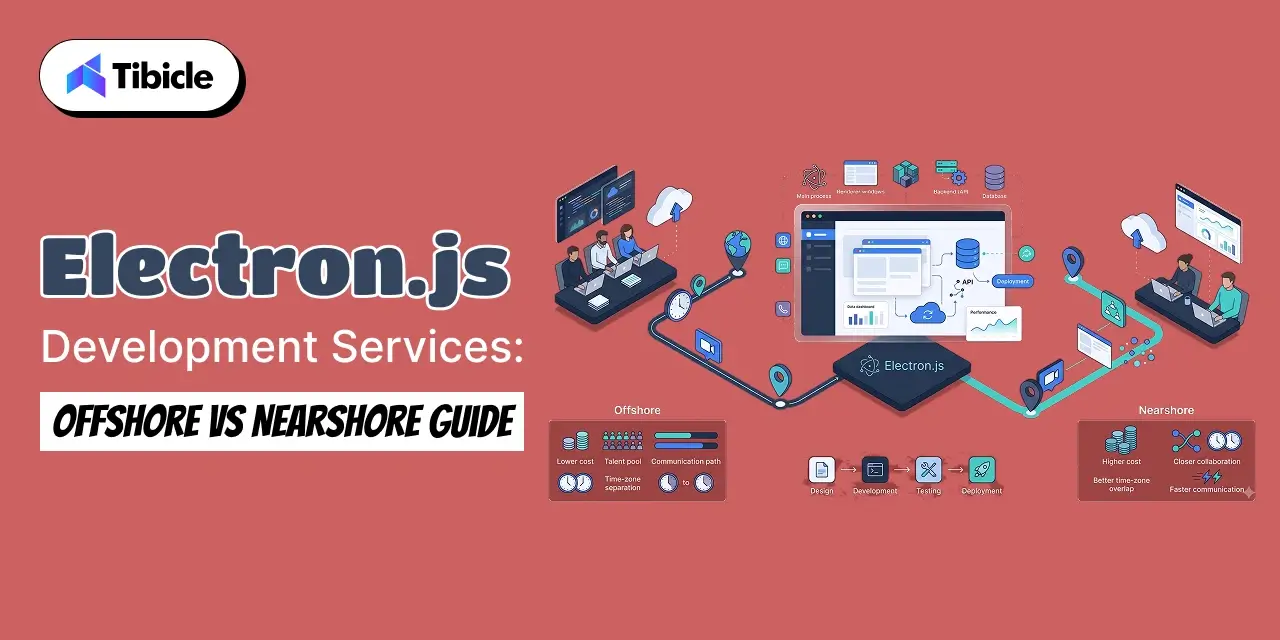
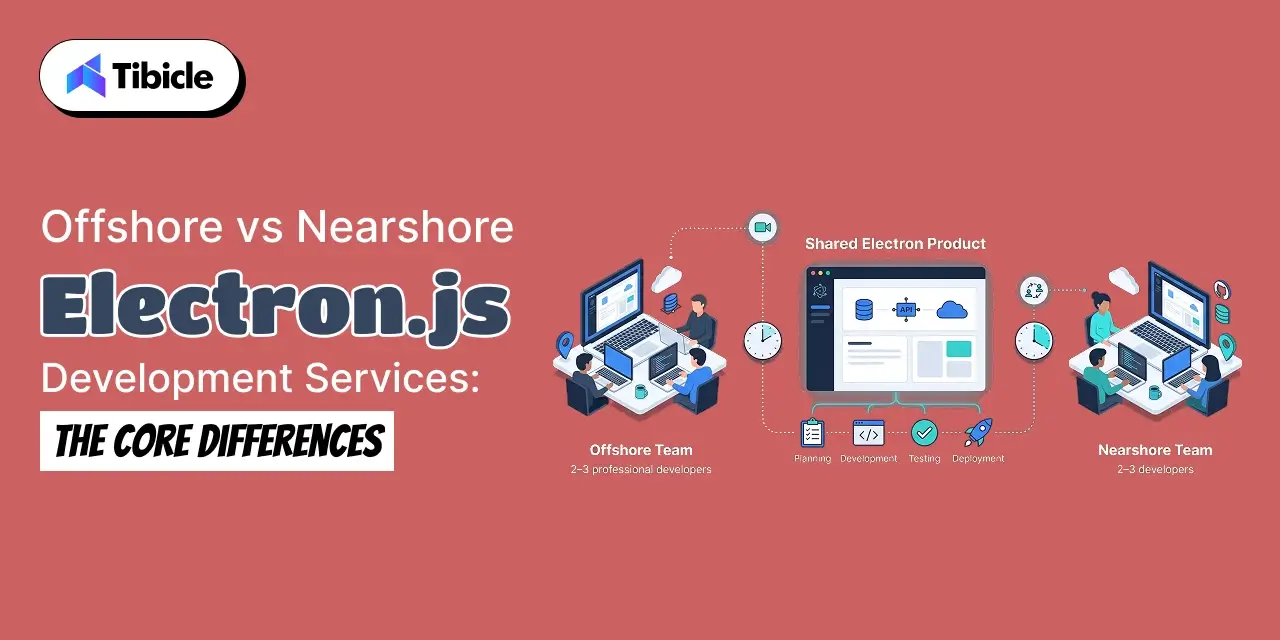
Proof-of-Concept Build in Electron or Tauri

After framework selection, Tibicle’s team builds a scoped proof of concept in the selected framework using the startup’s actual UI requirements, not a boilerplate sample. The POC tests the specific interaction patterns, native module integrations, and performance characteristics that the team identified as decision-critical during discovery. This produces a benchmark built on the real product rather than published comparisons, and gives the founding team a live codebase to evaluate before committing to a full build.

Production Build, Packaging, and Long-Term Support

Tibicle supports the full path from POC to production: build pipeline setup, code signing pipeline configuration for Windows and macOS distribution, auto-update integration, and packaging for both direct download and enterprise deployment. Post-launch support covers dependency updates, security patch management, and framework version migrations, including the Tauri 2 upgrade path for teams that built on Tauri 1. For startups building a cross-platform desktop app without a dedicated DevOps resource, that production infrastructure support is the part of the engagement that delivers the most sustained value.

Key Takeaways for Startup Founders and CTOs

Before shortlisting either framework, fix these four points as the decision inputs:

  • Electron remains the safer default for rendering-heavy apps and teams without Rust experience; the JavaScript ecosystem, community support, and production track record reduce delivery risk on a fixed timeline
  • Tauri wins on bundle size, idle memory, and default security posture at the cost of a Rust learning curve that has a real timeline and hiring implication for small founding teams
  • Benchmark the specific app, on the specific device profile of the target user, published Electron framework vs Tauri 2026 numbers reflect someone else’s product, not yours
  • The right framework depends on team skills and product roadmap, not which one is newer, which one is trending, or which one has a better marketing site

Book a framework selection call with Tibicle’s team. The session is scoped, structured, and produces a written recommendation before any code is written.

Electron vs Tauri 2026: Frequently Asked Questions

Electron vs Tauri 2026: Is Tauri better for startup?
It depends on the startup’s binding constraints. Tauri vs Electron for startups in 2026 favours Tauri when bundle size, mobile roadmap, or default security posture are the primary decision drivers. It favours Electron when the team has no Rust experience, the UI requires pixel-identical rendering across platforms, or time to market is the top constraint. Neither is universally better.

Does switching to Tauri mean rewriting the whole app?
The frontend layer HTML, CSS, JavaScript is portable between frameworks. The main process logic in Electron (Node.js) must be rewritten in Rust for Tauri’s command interface. For most apps, that represents the majority of the migration effort. A cross-platform desktop app with significant native module integrations will face a more complex migration than one with minimal system calls.

How much Rust do you actually need to know to use Tauri for electron vs tauri 2026?
Tauri’s frontend remains JavaScript. Rust knowledge is required for the command layer, the functions that bridge frontend calls to native system operations. For a simple app with basic filesystem or network access, the Rust surface area is limited. For apps with complex native integrations, hardware access, background processes, and custom system APIs, the Rust requirement grows proportionally. The Electron framework vs Tauri 2026 Rust question is scoped by what the app needs from the OS, not by the framework itself.

Can Tauri and Electron apps share the same frontend code in electron vs tauri 2026?
Yes. Both frameworks render HTML, CSS, and JavaScript in a WebView. A frontend built in React, Vue, Svelte, or plain JavaScript will run in both frameworks without modification. The framework-specific code sits in the main process layer: Node.js for Electron, Rust commands for Tauri. A migration from Electron to Tauri retains the frontend and rebuilds the backend layer.

Is Tauri secure enough for apps handling sensitive data in electron vs tauri 2026?
Tauri’s capability-based permission model is a strong baseline for apps handling sensitive data. Explicit capability declarations at build time mean the application’s system access is auditable from the first release. Whether it meets a specific enterprise security requirement depends on what that requirement asks for. For a Tauri vs Electron for startups security comparison in a procurement context, Tauri’s default-restrictive posture produces cleaner answers to standard security questionnaires than Electron’s default-permissive configuration.

Does Tibicle build in both Electron and Tauri?
Yes. Tibicle’s engineering teams have production experience in both frameworks and do not recommend one over the other as a default. Framework selection follows the technical discovery process described above, matching the framework to the specific product’s constraints rather than applying a blanket recommendation. If the Electron framework vs Tauri 2026 decision is genuinely mixed for a specific product, Tibicle’s team will say so and document the trade-offs before the client commits to either path.

Electron js development services: Offshore vs Nearshore Guide

What This Guide Covers

Who this is for: CTOs, SaaS founders, engineering leaders, product managers, and business owners evaluating Electron.js development services and deciding between offshore, nearshore, or blended development teams. It is especially useful for teams planning cross-platform desktop applications and looking to balance development cost, technical talent, communication, and delivery speed.

Search intent: Vendor evaluation and project planning. This guide is designed for teams that already understand the need for Electron.js development and want to determine which outsourcing model is the right fit. Rather than comparing vendors based only on hourly rates, it examines the broader factors that influence the real cost and success of an engagement, including time zone overlap, management overhead, talent availability, team structure, communication, IP protection, code quality, and vendor due diligence.

What you will walk away with: A practical comparison of offshore vs nearshore Electron.js development services, including regional hourly-rate benchmarks, total cost of ownership considerations, Electron-specific talent requirements, dedicated teams vs staff augmentation, communication models across time zones, and a structured vendor-vetting process. You will also learn how paid trial sprints, IP agreements, code reviews, and references can reduce outsourcing risk, along with how Tibicle supports US and EU teams through dedicated Electron teams, staff augmentation, structured communication, onboarding, and long-term support.

Introduction

 electron js development services

The global software development outsourcing market is worth roughly $618 billion in 2026. It is on track to reach $977 billion by 2031. The market is growing at a 9.6% annual rate. Meanwhile, Electron.js is a popular option for SaaS companies that need desktop apps. It lets teams build for Windows, macOS, and Linux from one codebase. As a result, companies can avoid maintaining separate native codebases.

For a CTO, the offshore versus nearshore decision on Electron.js development services rarely comes down to the hourly rate on a proposal. It comes down to total cost of ownership the rate, plus the management overhead, the ramp-up time, the review-cycle delays, and the risk of the wrong team touching your codebase. A cheaper rate that costs you three extra sprints in oversight isn’t actually cheaper.

This guide breaks down how offshore and nearshore Electron.js development services differ structurally, what they actually cost once the full picture is accounted for, how to evaluate talent depth, and what a vetting process should look like before you sign anything.

Why CTOs Choose Electron js Development Services

Electron.js has quietly become one of the more common outsourcing targets for SaaS companies that need a desktop presence. Building and maintaining native apps across three operating systems is expensive in a way that rarely shows up on a roadmap until a team is already behind. Electron collapses that into a single JavaScript, HTML, and CSS codebase that ships to all three platforms, which makes the required skill set look deceptively close to the web development skills most teams already have — while the actual engineering (native module bridging, code signing, auto-update pipelines, memory management) is a distinct discipline.

The Talent Gap Behind the Build vs Outsource Decision

The build-vs-outsource conversation is downstream of a talent problem that isn’t specific to Electron. 72% of employers globally reported difficulty finding the skilled talent they need in ManpowerGroup’s 2026 Talent Shortage Survey, a figure drawn from nearly 40,000 employers across 41 countries. Engineering and IT roles remain among the hardest to fill even as AI-specific skills have overtaken them at the very top of the list. For a CTO who needs a desktop app shipped on a fixed timeline, waiting on a domestic hire to materialize is often the more expensive option, even before comparing rates.

What Electron js Development Services Actually Cover

The label covers a wider range of engagements than most CTOs assume when they first start scoping a vendor:

  • Cross-platform desktop app builds on a single Electron codebase
  • Migration of an existing native app to Electron
  • Ongoing maintenance, patching, and version upgrades
  • Staff augmentation to extend an in-house team

Knowing which of these you actually need changes the sourcing conversation. A one-time migration project suits a fixed-scope offshore engagement. An ongoing product with a roadmap that changes every sprint suits nearshore staff augmentation or a blended model.

Offshore vs Nearshore Electron js Development Services: Key Differences

Rate is the number every proposal leads with, but it’s not the variable that determines whether the engagement actually works. Three structural differences matter more day to day: how much of the workday overlaps, how the team is managed, and how the contract is structured.

 electron js development services

Time Zone Overlap and Daily Collaboration

Nearshore teams, typically two to four time zones away, can usually join a live standup and overlap for most of a working day. Offshore teams, often eight to twelve time zones out, may share only an hour or two of live overlap, or none at all. That doesn’t make offshore unworkable; it changes how work gets handed off. A well-run offshore team operates on detailed written specs and asynchronous check-ins rather than live pairing.

Oversight, Reporting Lines, and Contract Structure

Nearshore engagements more often run as an extension of the in-house team, with the same daily rituals, the same sprint cadence, and a developer who effectively sits inside your existing reporting structure. Offshore engagements more commonly run through a vendor’s own project manager, with your side reviewing at milestone checkpoints rather than daily. Neither is inherently better oversight, it’s a different oversight model, and it should match how hands-on your own team wants to be.

Where Each Model Tends to Fit Best

  • Offshore for a defined scope with a mature specification and less need for daily sync
  • Nearshore for active product work that needs daily standups in a shared time window
  • A blended model with a nearshore lead and an offshore delivery team for cost control

Cost of Offshore vs Nearshore Electron js Development Services

The hourly rate on a proposal is the easiest number to compare and the least useful one on its own. It’s a starting point for a total-cost-of-ownership calculation, not the calculation itself.

Electron js Development Services: Regional Hourly Rates

Regional averages vary widely, and even within a region, rates shift with seniority, tech stack, and how specialized the work is. Accelerance’s 2026 Global Software Development Rates & Trends Guide puts current bands roughly as follows:

Region Typical Hourly Rate Range Common Fit
South Asia (including India) $15 to $45 Long-term dedicated teams, cost-sensitive builds
Eastern Europe $35 to $70 Senior engineering depth, EU time zone overlap
Latin America $25 to $60 US time zone overlap, active daily collaboration
Western Europe or North America $65 to $150+ Onshore oversight, highly regulated projects

These bands are for context when comparing proposals, not a quote for any specific engagement; actual rates depend on seniority, specialization, and engagement length.

What the Hourly Rate Does Not Include

A quoted rate almost never covers the full cost of getting an Electron.js build shipped:

  • Project management and account oversight time
  • Onboarding, ramp-up, and knowledge transfer
  • Time zone-driven delays on review cycles
  • Turnover and backfill risk on longer engagements

Calculating True Total Cost of Ownership

A useful way to stress-test a proposal is to add a management overhead line (typically 10–20% of the engineering spend for offshore, less for nearshore where oversight is lighter), a one-time ramp-up cost for the first four to six weeks, and a contingency line for backfill if a developer rotates off the project. Once those are added, a $25/hour offshore rate and a $50/hour nearshore rate can land closer together than the headline numbers suggest, which is the point of running the math before comparing quotes.

Talent Availability for Electron js Development services and JavaScript Development

Electron sits on top of a very large JavaScript talent pool, but the pool of engineers who have actually shipped a production Electron app is much smaller than the pool of engineers who list JavaScript on a resume.

 electron js development services

The Size of the JavaScript Talent Pool by Region

India illustrates the scale available in a single hub: the country’s technology industry workforce reached nearly 6 million employees in FY26, according to Nasscom’s Annual Strategic Review 2026, with the industry adding roughly 135,000 net new jobs during the year. That scale is what allows offshore vendors in hubs like India to staff dedicated Electron teams without pulling engineers off other client work, a depth that’s harder to replicate in smaller nearshore markets.

Vetting for Electron-Specific Experience, Not Just JavaScript

A general JavaScript developer and an Electron developer are not the same hire. Before engaging any vendor, check for:

  • Portfolio proof of shipped desktop apps, not only web apps
  • Familiarity with native module integration in C++ or Rust
  • Experience with code signing and auto-update pipelines
  • Comfort working across Windows, macOS, and Linux builds

Team Structure: Dedicated Team vs Staff Augmentation

A dedicated team works best when the Electron build is a distinct, ongoing product line with its own roadmap, the vendor owns architecture decisions within agreed guardrails. Staff augmentation works best when you already have technical leadership in-house and simply need hands to execute against a spec your own architects have set. Offshore vendors more commonly propose dedicated teams by default; nearshore engagements slot more naturally into staff augmentation.

Communication and Delivery Speed Across Time Zones

Cost and talent depth get most of the attention in vendor comparisons, but time zone mismatch is what actually slows delivery down week to week.

Communication

Daily Standups and Live Pairing Windows

With four or more hours of overlap, a live daily standup and same-day code review are realistic. That’s typically achievable with nearshore teams in Latin America for US-based CTOs, or Eastern Europe for EU-based CTOs.

Asynchronous Handoff Models for Wider Time Gaps

With little or no overlap, the model shifts to a handoff: your team ends the day with a written brief, the offshore team works through their day, and you review what’s ready when you’re back online. This works well for well-specified, self-contained tickets and poorly for ambiguous, fast-changing scope.

Language, Documentation, and Communication Norms

English proficiency is generally strong across the major outsourcing hubs, but written documentation quality varies more than spoken fluency does. For asynchronous models especially, ask a prospective vendor for a sample of how they document a handoff — it’s a better signal than a call.

How to Vet an Electron js Development Services Partner

The location decision and the vendor decision are separate. A strong nearshore vendor can be a poor fit, and a strong offshore vendor can be an excellent one,  due diligence is what tells them apart.

Communication

Code Quality and Architecture Review

Ask for a sample of recent Electron code, not just a portfolio site. Look specifically at how the main and renderer processes are separated, how IPC is handled, and whether the app follows current Electron security recommendations around context isolation.

IP Protection, Contracts, and Data Handling

Get a signed NDA and IP assignment agreement in place before any proprietary code or specs are shared, and confirm in writing where code and data are stored during development, not just after handover.

References and a Paid Trial Sprint

This is where sourcing diversification data becomes relevant: organizations aren’t just picking a single vendor and staying put. Deloitte’s Global Outsourcing Survey found 67% of surveyed executives are already moving toward outcome-based outsourcing relationships rather than simple time-and-materials contracts, reflecting a broader shift toward proving value before committing long-term. A paid trial sprint applies that same logic at the vendor level:

  • A signed IP assignment and NDA before any code is shared
  • A short paid trial sprint before a long-term commitment
  • References from a client of comparable size and industry
  • A clear escalation path if delivery slips

How Tibicle Delivers Electron js Development Services for US and EU Teams

Dedicated Team and Staff Augmentation Models

Tibicle works with CTOs under both models: a dedicated Electron team that owns a build end to end, or staff augmentation that slots experienced Electron developers into an existing engineering team without disrupting how that team already runs sprints.

Communication Cadence Across US and EU Time Zones

Engagements are structured around a live overlap window with US and EU teams for standups and reviews, backed by written handoff documentation for anything that falls outside that window, so delivery doesn’t stall on a missed call.

Onboarding, Code Handover, and Long-Term Support

Every engagement starts with a defined onboarding period covering codebase walkthroughs, access provisioning, and a documented architecture review, and continues into long-term support and version maintenance after launch, so the relationship doesn’t end at handover.

Key Takeaways for CTOs

Offshore and nearshore aren’t a single cost decision; oversight model and time zone overlap matter as much as the hourly rate on the table. The quoted rate is rarely the full cost once management time, ramp-up, and review-cycle delays are factored in. A large JavaScript talent pool narrows fast once you filter for actual shipped Electron experience, native module work, and code-signing familiarity. Before any long-term commitment, get a signed IP agreement in place and run a short paid trial sprint to see how the team actually works, not just how the proposal reads.

Ready to scope your Electron.js build? Book a call with Tibicle.

FAQ

What is the difference between offshore and nearshore Electron js development services?
Nearshore teams sit two to four time zones away and typically overlap for most of a working day, which supports live standups and same-day reviews. Offshore teams sit further out, often eight or more time zones away, with limited or no live overlap, which shifts collaboration toward written specs and asynchronous handoffs.

How much do Electron js development services cost offshore versus nearshore?
Offshore rates in South Asia typically run $15–$45 per hour, while nearshore rates in Latin America run closer to $25–$60 per hour, according to Accelerance’s 2026 rate benchmarks. The gap narrows once management overhead, ramp-up time, and review delays are added to each option’s total cost.

How do I vet an offshore team for Electron js development services experience specifically?
Ask for portfolio proof of shipped desktop apps rather than web apps alone, and probe for experience with native module integration, code signing, and auto-update pipelines. General JavaScript fluency doesn’t guarantee Electron-specific competence.

Does nearshore always mean better communication than offshore?
Not automatically. Nearshore gives you more live overlap, but communication quality still depends on the vendor’s documentation habits and English proficiency. A well-run offshore team with strong written handoffs can outperform a poorly managed nearshore one.

Can a CTO combine offshore and nearshore teams on the same Electron js development services project?
Yes. A common blended model uses a nearshore lead for daily collaboration and architecture decisions, paired with an offshore delivery team for cost-efficient execution on well-specified tickets.

Does Tibicle offer both dedicated team and staff augmentation models for Electron js development services projects?
Yes. Tibicle supports both a fully dedicated Electron team that owns the build end-to-end, and staff augmentation that adds experienced Electron developers into an existing in-house team.

How to Safely Outsource Desktop Software Development Safely

What This Guide Covers

Who this is for
CTOs, VPs of engineering, procurement leads, and executives evaluating whether to outsource a business-critical desktop software build. This is especially for buyers who have been burned before by a rate-only vendor comparison for outsource desktop software development. 

Search intent
Commercial investigation with an informational lead-in. The searcher already knows they want (or need) to outsource desktop software development. What they are looking for is a framework to avoid a bad vendor decision. That means how to structure contracts, calculate real cost, and vet a partner, not a basic explainer on what outsourcing is. 

What you will walk away with:
A risk mitigation framework covering IP assignment, escrow, and audit rights. A total cost of ownership model that goes beyond the hourly rate. A vendor due diligence checklist; and a contract structure (phased milestones, offboarding plan) that keeps the engagement safe past the signing date.

out-source desktop software development

Introduction

Buyers who outsource desktop software development now treat cost and risk as one decision, not two. The global software development outsourcing market is worth $618.38 billion in 2026. It will reach $977.04 billion by 2031, a 9.6% compound annual growth rate (Mordor Intelligence). That growth reflects a shift in buyer behavior, not falling rates. Buyers now price risk into every outsourcing decision. Global ROI on a desktop software engagement depends on risk-adjusted total cost, not the hourly rate on a vendor’s quote. A cheap rate that triggers a security incident wipes out the savings within one bad quarter. So does a rewrite or a stalled release.

This guide covers what actually makes an outsourcing engagement safe. It also covers the risk categories buyers need to plan for, the contract protections that should exist before code changes hands, a true cost model that goes beyond the rate card, a vendor vetting process, and how to structure the engagement itself to stay safe over its full life.

Why “Global ROI” Is the Right Framework for an Outsource desktop software development

Global ROI works as a framework because it forces a buyer to account for everything a rate comparison leaves out. Security exposure, IP protection, rework, and delivery risk. Outsourcing governance has matured across the industry precisely because rate-only comparisons kept producing expensive surprises. Executives now build risk into the sourcing decision from day one instead of treating it as a post-signing concern.

Rate Comparison Alone Hides the Real Cost to Outsource Desktop Software Development

A blended hourly rate tells a buyer nothing about rework hours, missed deadlines, security remediation, or the cost of replacing a vendor mid-project. Two vendors quoting the same rate can produce wildly different outcomes once quality, communication overhead, and risk exposure are factored in. The rate is the starting point of a cost model, not the whole model.

What “Safe” Actually Means in a Desktop Software Engagement

Safe outsourcing means the buyer’s intellectual property, source code, and business continuity are protected. This holds regardless of what happens with the vendor relationship. That includes signed IP assignment before work starts, a documented security posture for the vendor’s development environment, contractual audit rights, and a clear exit path. None of this eliminates outsourcing risk entirely. It converts unknown risk into managed, contracted risk, which is the actual goal of an outsourcing risk. That’s the actual goal of an outsourcing risk strategy: making risk visible and controllable rather than pretending it does not exist.

The Real Risks of Outsourcing Desktop Software Development

out-source desktop software development

The specific risks a buyer needs to plan for fall into three categories. Security exposure through the vendor, intellectual property loss, and quality or lock-in problems that surface after the contract is signed. Planning for each category before signing is what separates a managed engagement from a gamble.

Security and Third-Party Breach Exposure

Third-party involvement in data breaches reached 48% of all breaches in the latest reporting year, a 60% year-over-year increase. That’s because organizations lean harder on outside vendors for software and services (Verizon 2026 Data Breach Investigations Report). A desktop software vendor with weak access controls, unmanaged credentials, or an unreviewed development environment becomes an extension of the buyer’s own attack surface. This risk needs a security review before the contract, not after an incident.

Intellectual Property and Source Code Risk

Desktop software engagements often involve proprietary algorithms, licensing logic, or business rules that took years to develop internally. Without a signed IP assignment agreement in place before any code or specification is shared, ownership of that work can become disputed later, particularly across jurisdictions with different IP enforcement standards. Source code escrow adds a second layer of protection for long-term, business-critical builds.

Quality, Rework, and Vendor Lock-In Risk

A vendor that under-delivers on quality creates two costs: the rework itself, and the schedule delay while that rework happens. Vendor lock-in compounds this. If the buyer cannot easily move the codebase, credentials, and documentation to another team, a single underperforming vendor can hold an entire product roadmap hostage. Both risks are addressed through contract structure, not hope.

Building a Risk Mitigation Framework Before You Sign a Contract

The contractual and technical protections below should exist before a single line of code or specification changes hands. Retrofitting these protections after the engagement starts is far harder, and in some cases legally impossible.

IP Assignment, NDAs, and Source Code Escrow

BSA’s Global Software Survey put the commercial value of unlicensed and unprotected software worldwide at $46.3 billion, a reminder of how much value leaks out of software that lacks clear ownership and licensing controls (BSA Global Software Survey). A signed IP assignment agreement and an NDA should both be in place before the vendor sees any proprietary code or specification. For long-term, business-critical builds, source code escrow adds a neutral third party holding a current copy of the codebase, released to the buyer if the vendor cannot continue the engagement.

Security Review and Access Control Requirements for the Vendor

Before granting access to repositories or systems, the buyer should require a documented review of the vendor’s own development environment. How credentials are managed, whether multi-factor authentication is enforced, and how the vendor segments client codebases from each other. Access should be scoped to what the engagement actually requires, not granted broadly by default.

Audit Rights and Right-to-Exit Clauses

The contract should give the buyer the right to audit code quality, security practices, and compliance at agreed intervals, not only at the vendor’s discretion. A right-to-exit clause should spell out, in advance, what happens to code, credentials, and documentation if either party ends the engagement, so an exit does not turn into a scramble.

Bullet points worth building directly into the contract:

  • A signed IP assignment agreement before any code or specification is shared
  • Source code escrow for long-term, business-critical builds
  • A documented security review of the vendor’s own development environment
  • A clear exit clause defining what happens to code, credentials, and documentation if the engagement ends

Calculating True ROI: Beyond the Hourly Rate for Outsource desktop software development

out-source desktop software development

True ROI on an outsourcing engagement comes from a total cost of ownership model, not a single blended rate. Gartner defines total cost of ownership as a comprehensive assessment of IT or other costs across enterprise boundaries over time (Gartner IT Glossary), which is exactly the lens an outsourcing decision needs.

What a Total Cost of Ownership Model Actually Includes

A TCO model for a desktop software engagement should include the contracted rate, management overhead, ramp-up time, rework, and the opportunity cost of delay. Two vendors with identical rates can produce very different TCO figures once these additional cost lines are added, which is why rate alone is an incomplete comparison.

Pricing In Management Overhead and Ramp-Up Time

Every external team needs internal time to manage: status reviews, code review, and coordination across time zones. A vendor that requires heavy oversight is more expensive than its rate suggests, even if the rate itself is lower than a competitor’s.

Pricing In Rework, Delay, and Opportunity Cost

Delayed releases carry a cost even when no invoice reflects it directly, whether that is lost market position, delayed revenue, or a missed regulatory deadline. Rework hours should be estimated and priced into the comparison from the start, based on the vendor’s track record on similar projects, not assumed away.

Vetting a Desktop Software Development Partner for Safety and Quality

A due diligence process needs to cover technical, financial, and security dimensions at the same time, because a vendor can pass on one dimension and fail on another in ways that only surface mid-engagement.

Technical Portfolio and Architecture Review

Ask for work from a client of comparable size, industry, and project complexity, not a generic portfolio. Review how the vendor structured architecture decisions on a comparable build, and what tradeoffs they made and why.

Financial Stability and Business Continuity Checks

A vendor with a client logo wall is not the same as a vendor with financial stability. Check for signs of business continuity: staff turnover rates, how long the vendor has held key client relationships, and whether the vendor has a documented plan for team continuity if a lead developer leaves mid-project.

Security Posture and Compliance History

Ask directly about past security incidents and how they were handled, not whether any occurred. Every vendor of scale has faced some kind of security event; the useful signal is whether they disclosed it, contained it, and changed their process afterward.

Bullet points worth using as a vetting checklist:

  • References from a client of comparable size, industry, and project complexity
  • Evidence of financial stability, not just a signed logo wall
  • A documented incident history and how past security issues were handled
  • A short paid trial engagement before a long-term commitment

Structuring the Engagement for Long-Term Safety for Outsource desktop software development

How the contract and delivery model are structured determines how safe the engagement stays over its full life, not just at signing.

Phased Milestones Instead of a Single Long-Term Contract

Deloitte’s Global Outsourcing Survey found that 70% of executives report their vendor management function is not yet fully mature, and organizations are actively rebalancing sourcing models and expanding governance to manage that gap (Deloitte Global Outsourcing Survey). A phased milestone structure, rather than one long-term contract, gives the buyer a natural checkpoint to evaluate quality and security before committing further budget.

Regular Code and Security Audits Throughout the Engagement

Audits should not stop after the initial vendor review. Recurring code and security audits, built into the milestone schedule, catch drift before it compounds into a larger problem.

A Documented Offboarding Plan From Day One

An offboarding plan should exist from the first day of the engagement, not the last. It should define credential revocation, code and documentation handover, and a knowledge transfer window, regardless of whether the engagement is expected to end soon.

How Tibicle Delivers Safe, High-ROI Desktop Software Outsourcing

Outsourcing

Tibicle applies the risk mitigation framework above directly to every desktop software engagement, rather than treating it as optional add-on scope.

Security and IP Protection Built Into the Engagement Model

Every Tibicle engagement starts with a signed IP assignment agreement and NDA before any code or specification is shared. Access to client systems is scoped by role, and source code escrow is available for long-term, business-critical builds.

Transparent Milestone-Based Delivery and Reporting for Outsource desktop software development

Engagements are structured around phased milestones with scheduled code and security audits, giving clients a documented checkpoint to review quality and security posture before the next phase of budget is committed.

Long-Term Partnership Without Vendor Lock-In for Outsource desktop software development

A documented offboarding plan exists from day one of every engagement. Clients retain full ownership of code, credentials, and documentation, so a long-term partnership stays a choice rather than a dependency.

Key Takeaways for Buyers and Executives for Outsource desktop software development

Global ROI is a function of risk-adjusted total cost, not the lowest hourly rate on the table. Third-party involvement in breaches has grown sharply, and vendor security posture is now a board-level question rather than a technical footnote. IP assignment, escrow, and audit rights should exist before code is shared, not after a problem appears. Phased milestones and a documented offboarding plan reduce risk more than a longer contract term does. Buyers who price these factors into the decision consistently outperform buyers who compare rate cards alone.

Ready to structure a desktop software engagement around these protections? Book a call with Tibicle.

FAQs

What does it actually mean to “safely” outsource desktop software development?
Safe outsourcing means IP assignment, security review, and audit rights are contracted before any code is shared, and an exit plan exists from day one. It does not mean risk is eliminated. It means risk is documented, contracted, and managed.

How do you calculate the true ROI of an outsourcing engagement, not just the hourly rate?
Build a total cost of ownership model that adds management overhead, ramp-up time, rework, and delay costs to the contracted rate, then compare vendors on that total figure rather than the rate alone.

What contract protections should be in place before sharing source code with a vendor for outsource desktop software development?
A signed IP assignment agreement, an NDA, defined access controls, audit rights, and for long-term builds, source code escrow. All of these should be signed before the vendor sees proprietary code.

How much does third-party risk actually factor into outsourcing safety today?
Third-party involvement in breaches reached 48% of all breaches in the latest DBIR, up 60% year over year, which makes vendor security posture a direct extension of a buyer’s own risk exposure.

Should a long-term outsource desktop software contract be one engagement or phased milestones?
Phased milestones give the buyer a documented checkpoint to evaluate quality and security before committing further budget, which reduces risk more than locking into a single long-term contract upfront.

Does Tibicle offer milestone-based, IP-protected outsource desktop software development engagements?
Yes. Every engagement includes a signed IP assignment agreement before code is shared, phased milestones with scheduled audits, and a documented offboarding plan from day one.