What This Guide Covers
Who this is for Electron engineering leads, desktop app architects, DevOps engineers, and product managers responsible for shipping and maintaining a production Electron application that needs a secure, reliable auto-update pipeline instead of an ad hoc release process.
Search intent: Implementation and decision. This guide is for teams that already know they need to secure their Electron app’s update pipeline but want to understand how to actually build it. Instead of listing every possible update tool, it walks through zero-trust principles applied to auto-updates, compares AWS S3/CloudFront against GitHub Releases as update sources, and covers signature verification, electron-updater configuration, staged rollouts, and rollback strategy.
What you will walk away with A working model for a zero-trust Electron auto-update pipeline: which update source fits your team, how signature verification should work end to end, how to configure electron-updater securely, how to roll updates out in stages, and how to pull one back fast when something breaks.
Introduction
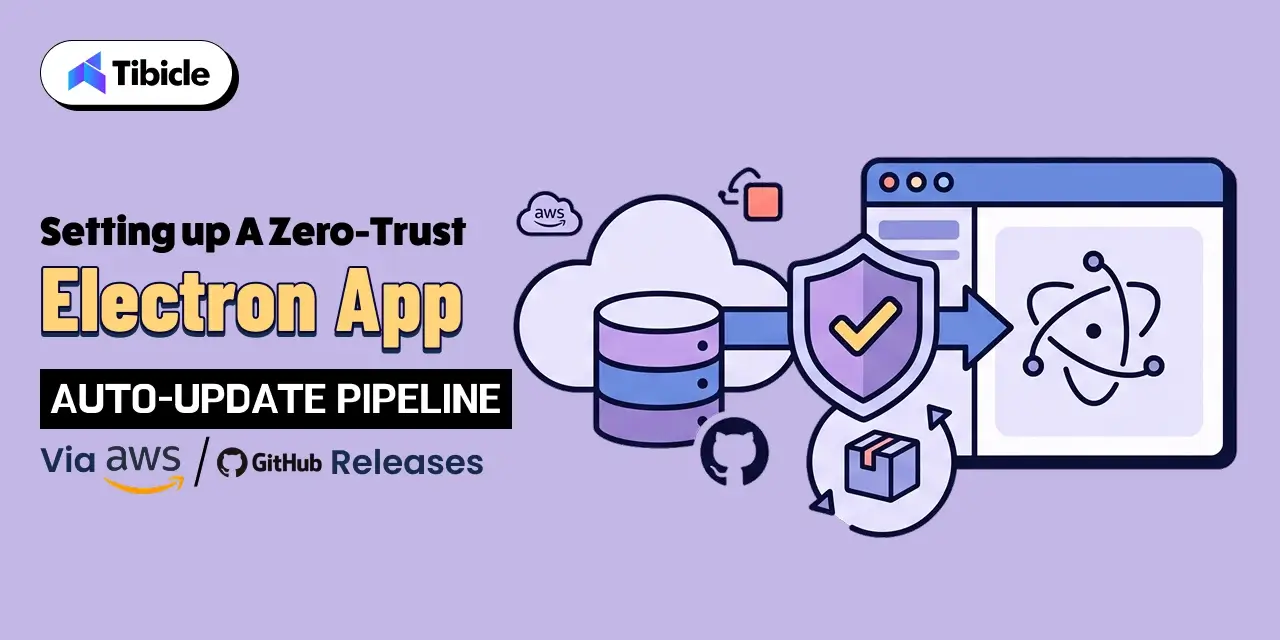
Third-party involvement in data breaches now sits at 48%, a figure that jumped 60% year over year according to Verizon’s 2026 Data Breach Investigations Report, and an unsecured update channel is one of the more direct paths a third-party compromise can take into your users’ machines (Verizon 2026 DBIR). An auto-update pipeline pushes and executes new code on every installed copy of your app, so zero trust is not an advanced upgrade for that pipeline. It is the baseline. This guide explains why an update channel deserves zero-trust treatment, breaks the model down into concrete engineering requirements, and walks through building the pipeline itself: choosing between AWS S3/CloudFront and GitHub Releases, signing and verifying updates, configuring electron-updater, and rolling updates out in stages with a fast path back.
Why Auto-Update Pipelines Need a Zero-Trust Architecture (electron app auto update pipeline)
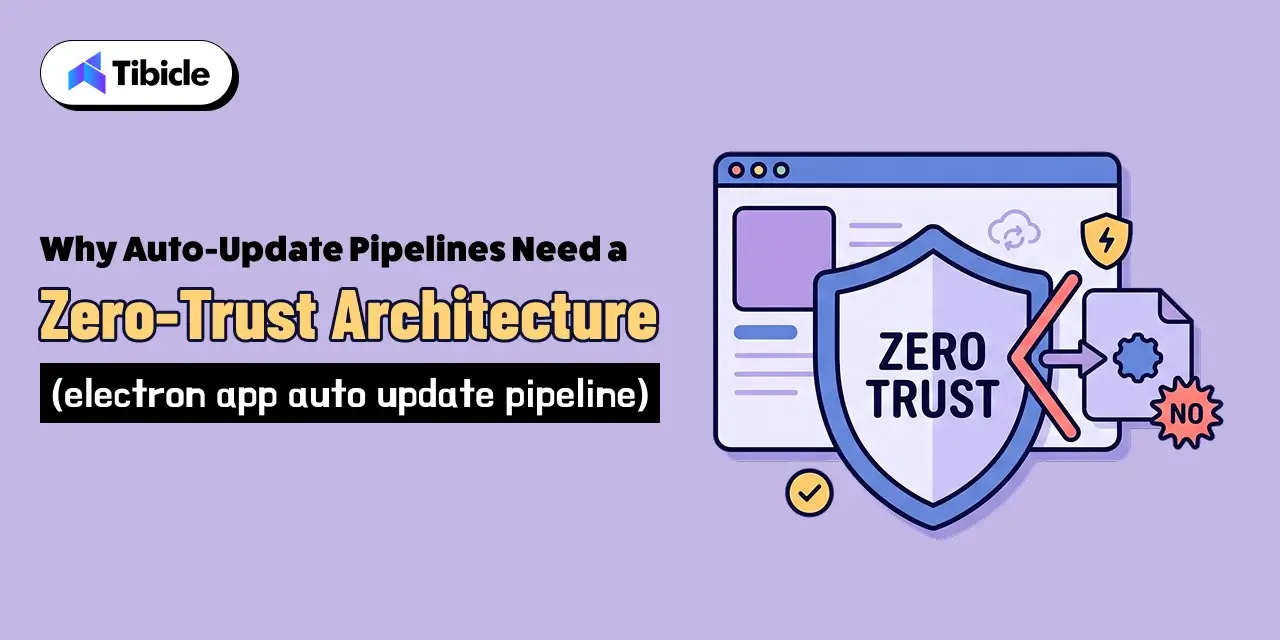
An update channel is not a typical feature. It is a mechanism that automatically downloads a binary and runs it with the same permissions as your application, on every machine that has your app installed. If an attacker compromises that channel, they do not need to trick a single user into opening a malicious file. They get remote code execution across your entire install base, delivered through a system your users already trust. That combination of automation, scale, and application-level permissions makes an auto-update pipeline one of the highest-value targets connected to your product, which is exactly why federal security guidance treats update mechanisms as supply chain infrastructure rather than a convenience feature.
An Update Pipeline Is Effectively Remote Code Execution by Design
Zero trust starts from a single premise: no request should be trusted just because of where it came from or who appears to control it. NIST’s Special Publication 800-207 defines zero trust architecture around removing implicit trust based on network location, prior authentication, or asset ownership, and instead evaluating every request on its own merits (NIST SP 800-207). Applied to an electron app auto update pipeline, that means the update server, the network path, and the downloaded file are all untrusted by default, regardless of whether they sit inside your own AWS account or on GitHub’s infrastructure.
What Federal Supply Chain Guidance Recommends for electron app auto update pipeline
CISA, together with the NSA and ODNI, published developer-facing guidance on securing the software supply chain that covers exactly this scenario: how software gets built, signed, released, and updated (CISA Securing the Software Supply Chain for Developers). The guidance frames update integrity as a core supply chain control, not an afterthought bolted on after release. For an Electron team, that translates into signing every artifact at build time, verifying that signature before installation, and treating any unverifiable update as a rejected update rather than a warning to log and ignore.
Core Principles of Zero-Trust Applied to Software Updates (zero trust software update architecture)
Zero trust is a set of tenets, not a product you install. Turning those tenets into an actual zero trust software update architecture means translating “never trust, always verify” into specific engineering requirements at each stage of the update flow.
Never Trust an Update Based on Source Alone
Whether your update feed lives on GitHub Releases or in an S3 bucket behind CloudFront, the source itself proves nothing about the integrity of a given file. Treat the update server as untrusted infrastructure, the same way you would treat a third-party API, not as an extension of your own build environment.
Verify Every Update’s Signature Before Execution
The single control that matters most in this entire pipeline is signature verification. electron-updater should confirm a cryptographic signature locally, on the user’s machine, before it applies any downloaded update. A compromised or tampered file needs to fail this check regardless of where it was hosted or how it was fetched.
Log and Monitor Every Update Check and Download
A zero-trust pipeline assumes compromise attempts will happen and builds in the visibility to catch them. That means logging update checks, download attempts, and verification failures, not only successful installs. A spike in failed verifications from a specific region or IP range is often the first signal that something is wrong upstream.
Zero-trust update requirements to build in from day one:
- Treat the update server as untrusted infrastructure, not an extension of your app
- Verify a cryptographic signature locally before applying any update
- Fail closed: reject and log any update that cannot be verified
- Monitor update check requests for anomalies, alongside successful installs
Choosing Between AWS S3/CloudFront and GitHub Releases as Update Sources
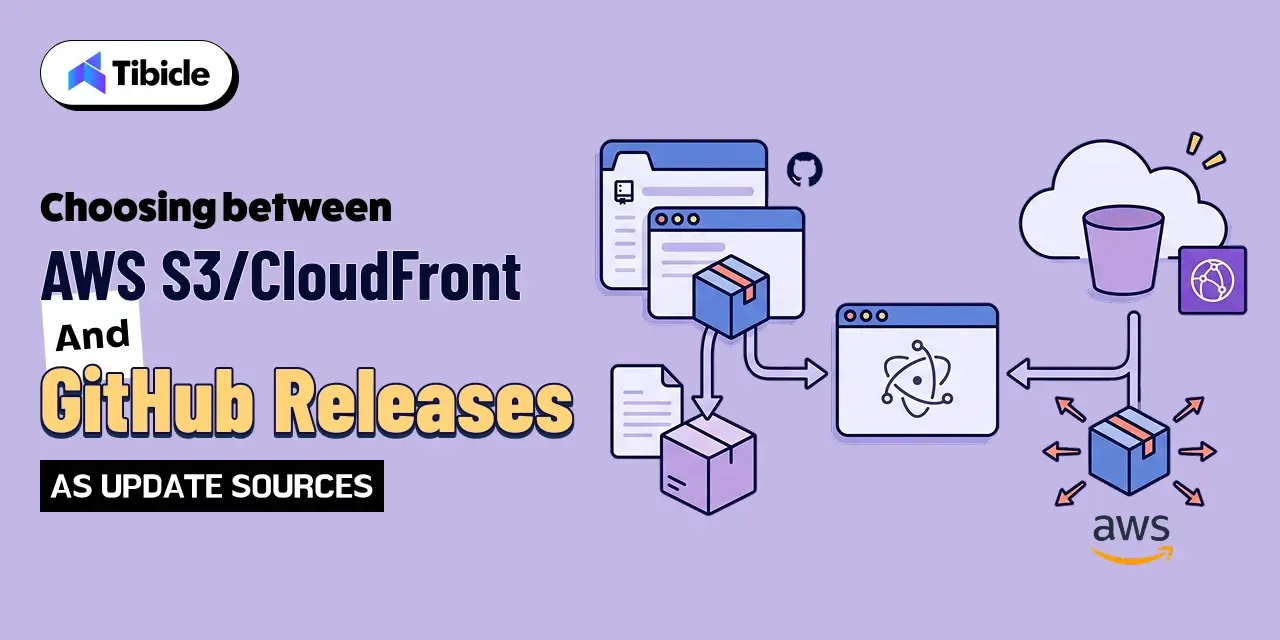
Both options can host a secure electron app auto update pipeline. The right choice depends on your team’s release volume, compliance needs, and appetite for managing infrastructure.
GitHub Releases: Simplicity With Built-In Limits
GitHub Releases works well for smaller teams and lower-volume products because it needs almost no setup: electron-builder can publish directly to it. The tradeoff is a set of platform limits worth knowing in advance. GitHub documents a cap of 2 GiB per file attached to a release and up to 1,000 release assets per release, with no limit on total release size or bandwidth (GitHub Docs: About releases). For most desktop app installers, those limits are not a practical concern, but multi-platform builds with several architectures per release can approach the asset count limit faster than expected.
AWS S3 and CloudFront: Full Control at the Cost of Setup
An S3 bucket paired with CloudFront gives you a “generic” update provider with full control over caching behavior, access logging, and regional distribution. AWS describes CloudFront as a global content delivery network that uses more than 600 points of presence and 13 regional edge caches across over 100 cities in more than 50 countries to reduce latency for end users (AWS CloudFront Documentation). That infrastructure benefits update distribution at scale, but it comes with more moving parts: bucket policies, distribution settings, cache invalidation, and TLS certificate management that your team now owns directly.
Which Option Fits Which Team
Teams shipping to a smaller user base, without strict data residency requirements, generally get more value from GitHub Releases: less infrastructure, faster setup, and a workflow that plugs directly into existing CI. Teams with larger install bases, custom compliance requirements, or a need for tighter control over caching and access logging tend to outgrow GitHub Releases and move to AWS S3 and CloudFront, accepting the added setup in exchange for that control.
Code Signing and Signature Verification in the Update Flow
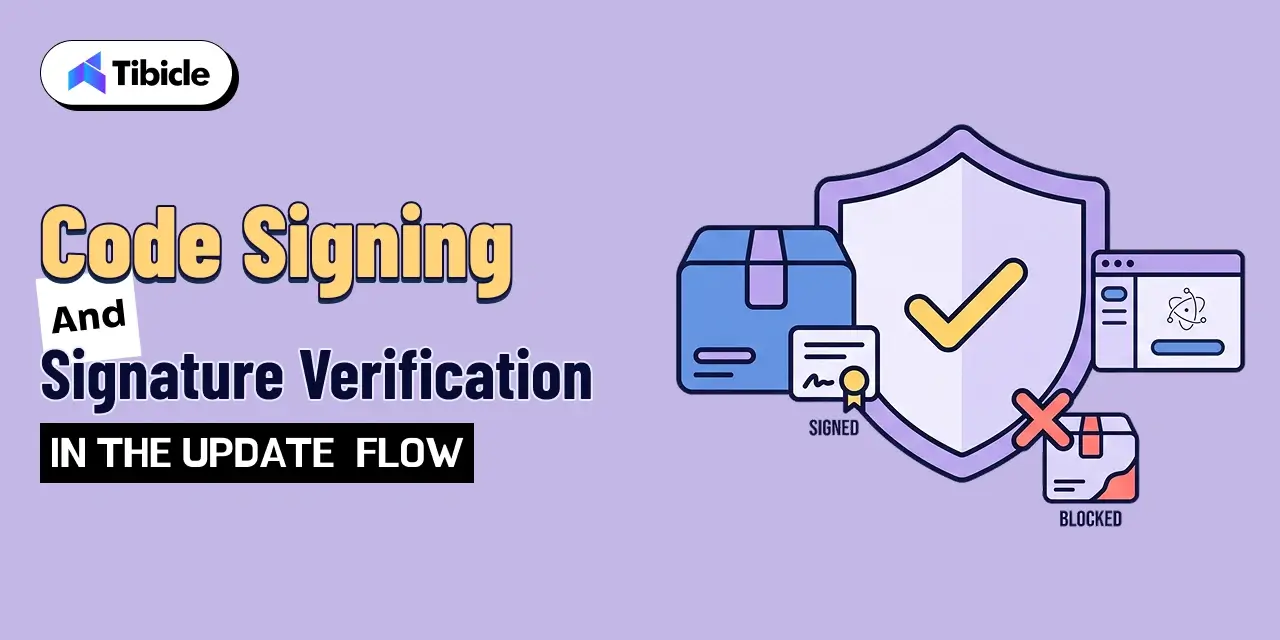
Whichever source you choose, the signature verification flow is what actually makes the pipeline zero-trust. This is the control that stops a compromised update source, a man-in-the-middle attempt, or a tampered file from ever executing on a user’s machine.
Signing the Update Artifact at Build Time
Every installer and update package needs a code signature applied during the build, using a certificate your CI environment protects and your build process never exposes in logs or artifacts. On Windows this means an Authenticode certificate; on macOS it means an Apple Developer ID certificate plus notarization. electron-builder handles both when the certificates are configured correctly in your CI secrets.
Verifying the Signature Before Installation
electron-updater checks the downloaded update’s signature against the expected certificate before it lets the installer run. This check happens on the client, independent of how the file was transported, so it catches tampering that occurred anywhere between the build server and the user’s machine, including a compromised CDN edge node or a corrupted download.
What Happens When Verification Fails for electron app auto update pipeline
A failed signature check should stop the update outright. The client logs the failure, discards the downloaded file, and does not retry with the same source until a human investigates. Silently falling back to an unsigned install, or prompting the user to override the check, defeats the entire point of the control.
Setting Up electron-updater With a Secure Update Server
With the architecture decisions made, the configuration itself is a small amount of code layered on top of solid defaults.
Configuring the Update Feed URL and Provider
Electron’s own documentation for electron-builder covers the publish configuration for each supported provider, including github and generic for S3/CloudFront setups (electron-builder Auto Update Docs). A typical GitHub-hosted setup needs only a provider, owner, and repo passed to setFeedURL, or a publish block in package.json if you let electron-builder manage publishing automatically. For a generic AWS-hosted feed, the provider points at your CloudFront distribution URL instead of a GitHub repo.
Enforcing HTTPS and Certificate Validation on Every Check
Every update check should run over HTTPS with standard certificate validation left enabled. Disabling certificate checks to work around a self-signed certificate or a local testing quirk is a shortcut that has a way of surviving into production. If your CI needs a workaround for testing, keep it isolated to a non-production build channel.
Testing the Update Flow Before It Reaches Production Users
Test the full cycle, including a deliberately broken signature, against a staging channel before any update reaches production users. electron-updater supports separate channels (latest, beta, and custom names), so a staging channel with its own feed URL lets you validate the entire flow, from download through signature failure handling, without touching real users.
Staged Rollouts and Rollback Strategies
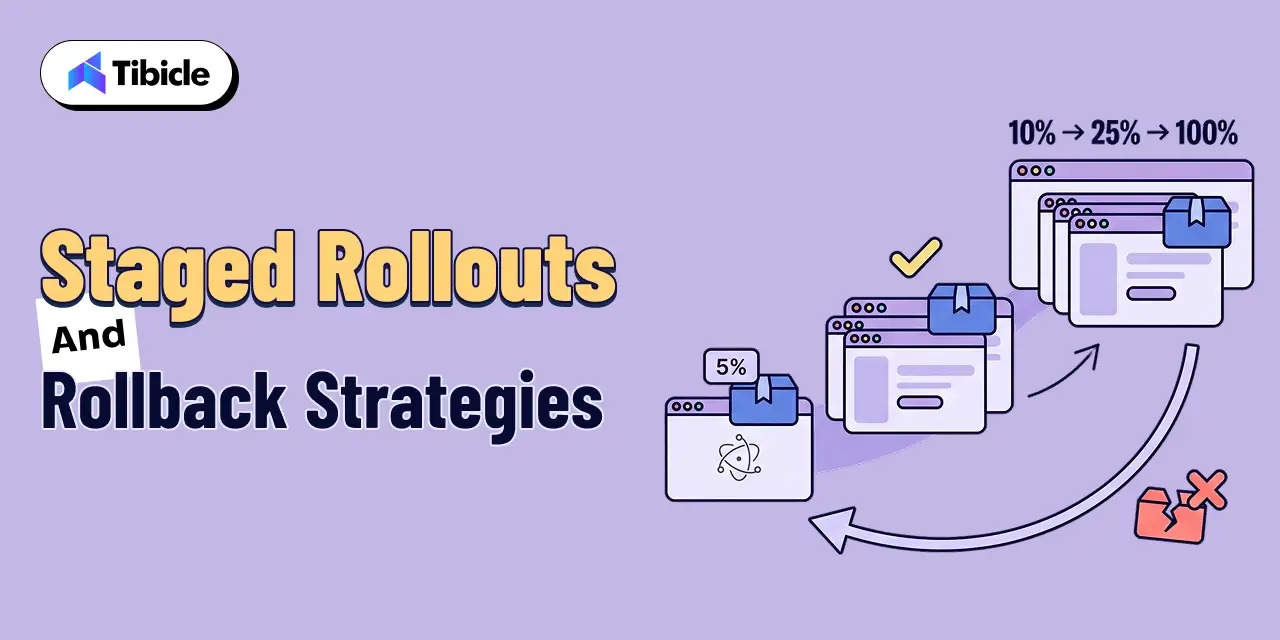
Signature verification protects against a compromised update. Staged rollouts protect against a broken one that still passes every check.
Percentage-Based Staged Rollouts for electron app auto update pipeline
electron-builder supports staged rollouts by adding a stagingPercentage field to the generated latest.yml (or the platform-specific equivalent) after a release goes out. electron-updater derives a persistent, per-installation value on the client and only applies the update if that value falls within the staged percentage, so the same subset of users stays in the rollout group across repeated checks. A typical first step is 5 to 10 percent, increasing gradually as the release proves stable.
Monitoring Crash Reports Before Increasing Rollout for electron app auto update pipeline
Before increasing the staging percentage, check crash reports and error telemetry from the users who already received the update. A rollout that looks clean on version numbers alone can still quietly increase crash rates in a way that only surfaces once you check the data directly.
Keeping a Fast Rollback Path Ready for electron app auto update pipeline
Because clients cache the update they have already installed, pulling a staged release means shipping a new version number higher than the broken one, not reverting the old file in place. Users already on the broken build will not step backward on their own, so a documented rollback plan needs a fast-follow release ready to publish. Removing the bad file from the server alone does nothing for clients that already installed it.
How Tibicle Builds Secure Electron app Auto Update Pipelines
Most of the Electron teams we work with already understand the update mechanism conceptually. What tends to be missing is the time and in-house security depth to build it correctly under deadline pressure, which is exactly where a gap in signature verification or rollout logic tends to slip through.
Update Architecture Design and Threat Modeling for electron app auto update pipeline
We start by mapping the update flow against a zero trust software update architecture: where the update source lives, how signatures get generated and verified, and where a compromised link in that chain would do the most damage. That threat model shapes whether GitHub Releases or an AWS S3/CloudFront setup fits the project better, based on release volume, team size, and compliance requirements.
Implementation With Signing, Verification, and Staged Rollouts for electron app auto update pipeline
From there, we implement code signing in CI, configure electron-updater against the chosen provider, and build staged rollout and rollback procedures into the release process rather than treating them as a manual afterthought. Every implementation gets tested against a staging channel with an intentionally broken signature before it goes anywhere near production.
Ongoing Monitoring and Release Pipeline Support for electron app auto update pipeline
Once the pipeline is live, we help teams keep it maintained: certificate renewals before they expire, update check logging and anomaly alerts, and release pipeline support as the app scales to more platforms and a larger install base. For related architecture work, see our Electron app development services page for the full picture of how we support desktop app teams.
Key Takeaways for Engineering Teams for electron app auto update pipeline
- An update pipeline should be treated as untrusted infrastructure until every update is cryptographically verified
- GitHub Releases is simplest to set up, AWS S3 and CloudFront offer more control for larger rollouts
- Signature verification should fail closed, an unverifiable update should never install
- Staged rollouts and a fast rollback path catch problems before they reach every user
Ready to secure your Electron app’s release process? Book a call with our team.
FAQs
What does “zero trust” mean in the context of an electron app auto update pipeline?
It means no part of the update flow gets trusted by default, not the server, not the network path, and not the downloaded file. Every update has to pass a signature check on the client before it installs, regardless of where it came from.
Should I use GitHub Releases or AWS S3 for distributing Electron app updates?
GitHub Releases suits smaller teams that want a fast setup with minimal infrastructure to manage. AWS S3 and CloudFront suit larger install bases or teams that need more control over caching, access logging, and regional distribution.
How does electron-updater verify that an update hasn’t been tampered with?
It checks the downloaded file’s cryptographic signature locally against the certificate used to sign the build, before the installer runs. If the signature does not match, the update is rejected.
What happens if an update fails signature verification?
The client discards the file, logs the failure, and does not install it. It should not fall back to an unsigned install or silently retry from the same source without investigation.
How does a staged rollout work for a desktop app update?
electron-builder adds a staging percentage to the update manifest, and electron-updater uses a persistent per-installation value to decide whether a given client falls inside that percentage, so the rollout expands gradually and consistently across checks.
Does Tibicle set up and secure auto-update pipelines for existing Electron apps?
Yes. We design the update architecture, implement signing and verification, configure staged rollouts, and provide ongoing release pipeline support for Electron apps already in production.