What This Guide Covers
Who this is for:
Product Managers, engineering leads, and founders shipping for desktop Electron enterprise app distribution customers, and who need to plan Windows and macOS packaging, code signing, and Apple notarization into a release timeline instead of leaving it to engineering the week before launch.
Search intent:
Informational and planning. This guide is for PMs who already know an enterprise release needs an MSI installer, a signed DMG, and Apple notarization, but want a clear picture of what each approval actually requires, how long it takes, and where it belongs on a project timeline. Instead of a general Electron packaging tutorial, it breaks distribution into the certificates, approvals, and deployment channels a PM needs to plan for.
What you will walk away with:
A practical breakdown of MSI and DMG packaging requirements, the Apple notarization process and its typical turnaround time, what a Windows EV code signing certificate costs the release calendar, how enterprise IT departments deploy Electron apps through Intune, SCCM, and Jamf, and a sample release timeline you can adapt for your own launch.
Introduction
The application development software market is on track to grow from $172.94 billion in 2026 to $826.48 billion by 2034, a compound annual growth rate of 21.60%, according to Fortune Business Insights. Enterprise buyers evaluating that growing pool of software now expect a desktop app to install through their existing IT tooling, not through a downloaded .exe that triggers a security warning. Electron enterprise app distribution is not a packaging afterthought. It is a roadmap item with its own approvals, lead times, and dependencies, and a PM who plans for it early avoids the most common reason enterprise launch dates slip. This guide walks through MSI packaging, DMG and notarization on macOS, certificate planning, enterprise deployment channels, and a release timeline you can build your own launch calendar around.
Why Distribution Planning Belongs on a Product Manager’s Roadmap
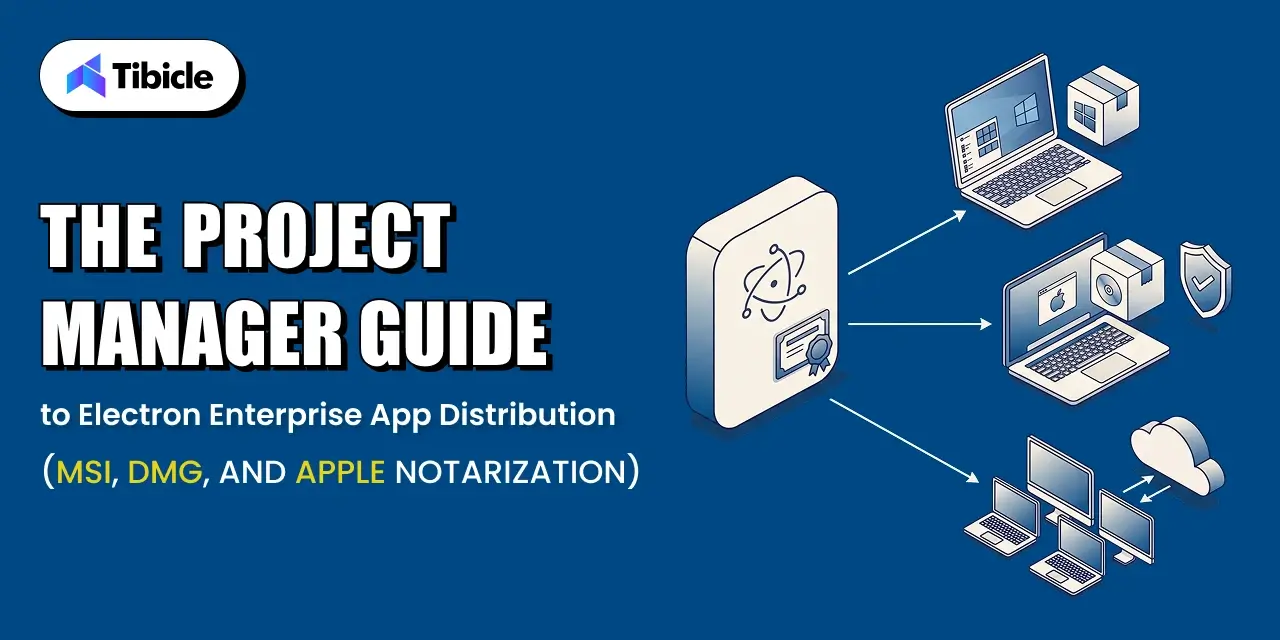
Electron app packaging for enterprise involves more approvals than a consumer download link. A Windows build needs an MSI installer that enterprise IT can push silently. A macOS build needs a Developer ID signature and a notarization ticket from Apple before Gatekeeper lets it run without warnings. Neither of those steps sits inside a normal sprint. They depend on external parties: a certificate authority, Apple’s notary service, and the customer’s own IT review process. When a PM treats them as engineering’s problem to solve at build time, the approvals surface late, and the launch date moves to absorb them.
What Happens When Distribution Is Planned Too Late
A team that discovers the EV certificate requirement during release week loses one to three weeks waiting on issuance. A team that submits for Apple notarization without testing the hardened runtime setting gets a rejection, then resubmits, then waits again. Each of these delays is avoidable on its own, but stacked together in the final week before launch, they routinely push a release by two to four weeks. The fix is not more engineering effort. It is moving the certificate and notarization steps onto the project plan months earlier.
The Three Approvals a Desktop Release Needs Before Launch
Every enterprise Electron release clears three separate approvals: a code signing certificate for each platform, Apple’s notarization for macOS, and the customer’s own IT review before rollout. The first two are vendor-side and largely under the PM’s control once budgeted for. The third depends on the customer’s procurement and security review cycle, and it is often the longest of the three. Treating all three as roadmap items, with owners and lead times attached, keeps distribution off the critical path instead of becoming it.
Windows Distribution: Building an MSI Installer for Enterprise IT
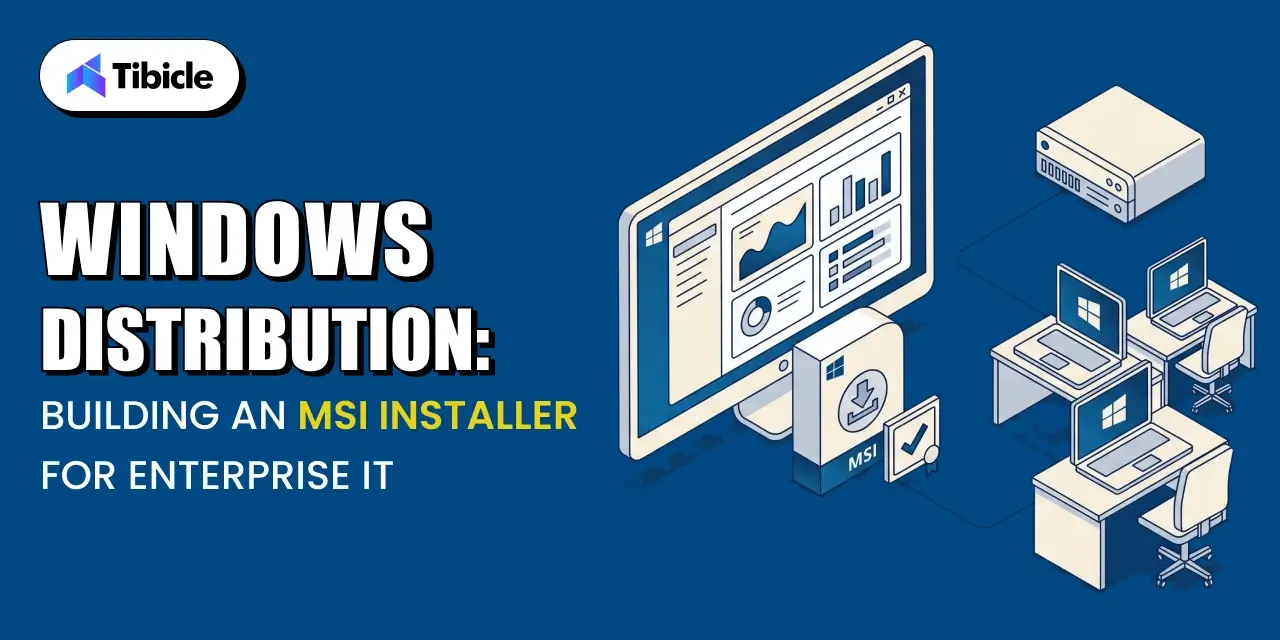
A standard .exe installer works for an individual downloading an app on their own machine. It does not work for an IT department managing thousands of endpoints. Enterprise IT departments deploy software through management tools that expect a specific installer format, predictable exit codes, and silent operation. That format is the Windows Installer package, commonly called an MSI.
MSI vs a Standard .exe Installer
Microsoft’s own documentation describes Windows Installer as an installation and configuration service built into Windows that gives customers better corporate deployment and a standard format for managing software components. A raw .exe installer does not offer that standard format. It can bundle any installation logic the developer chooses, which means IT tools cannot reliably predict how it behaves, whether it can run silently, or how to detect a completed install. An MSI exposes a consistent structure that management tools can query, repackage, and deploy the same way across every application in the fleet.
What Enterprise IT Actually Checks in an MSI Package
Before approving a rollout, IT administrators check that the MSI installs and uninstalls without a UI prompt, that it exposes a proper product code and version number for detection rules, that it supports per-machine installation for shared devices, and that it does not require a restart mid-install. These checks exist because IT teams manage installs at scale through scripts and policies, not by clicking through a wizard on each device. An MSI that fails any of these checks gets rejected during IT review, which is exactly the kind of delay a PM wants to catch before it reaches the customer.
Building an MSI From an Electron App
Electron does not produce an MSI by default. Teams typically use electron-builder or Electron Forge with a WiX-based maker to generate the MSI from the packaged app, then sign the resulting installer as a separate step from signing the app binary itself. The build pipeline needs to produce both artifacts, the signed app and the signed installer, before either reaches an IT admin for testing. Budgeting engineering time for this pipeline setup, rather than assuming the default Electron build output is enterprise-ready, is one of the simplest ways to avoid a late surprise.
macOS Distribution: DMG Packaging and the Apple Notarization Process
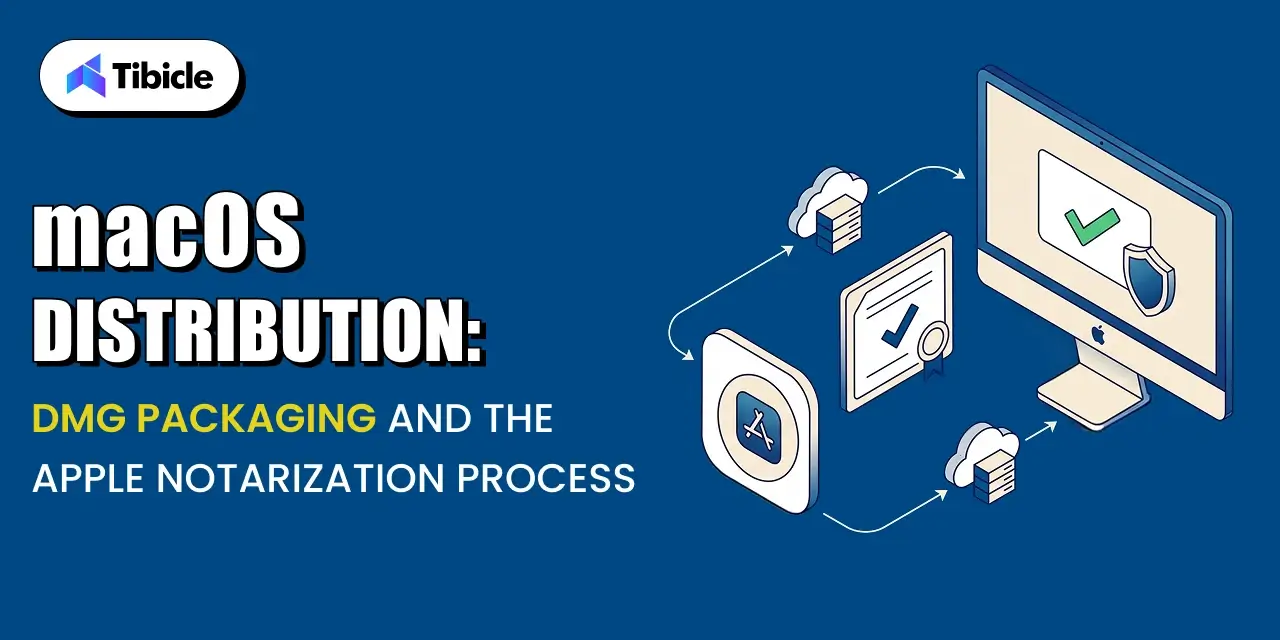
macOS distribution follows a different path than Windows, but it carries the same lesson: the approval step is not optional, and it has its own timeline.
DMG vs PKG: Choosing a macOS Distribution Format
A DMG is a disk image that a user mounts and drags into their Applications folder. A PKG is a guided installer that can run scripts and place files in system locations beyond a single drag-and-drop. Most Electron apps distribute as a DMG because the app is self-contained and does not need install-time scripting. Enterprise deployment through Jamf Pro can wrap either format, but a DMG keeps the packaging simpler for teams that do not need PKG’s install-time scripting.
What Apple Notarization Actually Checks for electron enterprise app distribution
Apple’s own documentation describes notarization as a way to give users confidence in macOS software distributed outside the Mac App Store, by submitting it for an automated security scan before release. The notary service checks the binary for known malware signatures, confirms the code signature is valid and complete, and verifies the app was built with security protections enabled. A notarized app carries a ticket that Gatekeeper checks the first time the app runs, either online or from a locally stapled copy, before letting it open without a warning.
How Long Notarization Takes and What Blocks It
Apple’s automated scan usually completes in minutes, though it can take longer during periods of high submission volume, and Apple has noted that unpublished software processed through Xcode’s export flow typically finishes in under an hour. Submissions get rejected, not delayed, when a requirement is missing. Build the following into the release checklist so a rejection does not happen the week of launch:
- A Developer ID certificate and an active Apple Developer Program membership
- The hardened runtime enabled at build time
- A secure timestamp included with the code signature
- Stapling the notarization ticket to the app after approval
Code Signing Certificates: What a PM Needs to Budget and Plan For
Certificates are the part of Electron enterprise app distribution most likely to catch a PM off guard, because the cost and lead time changed significantly in recent years.
Windows EV Code Signing Certificates
Electron’s own documentation states that Microsoft has required software to be signed with an extended validation, or EV, code signing certificate since June 2023, replacing the older and cheaper authenticode certificates that Windows now treats as unsigned. EV certificates must live on a hardware storage module or a cloud-based signing service rather than a downloadable file, which changes how a CI pipeline handles signing and adds a procurement step most teams have not budgeted for before their first enterprise release.
Apple Developer Program Enrollment and Renewal
An Apple Developer Program membership is required for both code signing and notarization on macOS, and it renews annually. Enrollment for an existing account with documents ready typically completes in a day or two, but a new organization enrollment can take longer while Apple verifies the business. A PM shipping a first macOS enterprise release should confirm enrollment status months ahead of the target date, not weeks.
Building Certificate Lead Time Into the Release Calendar
Certificate issuance is the single easiest distribution delay to remove from a launch timeline, because it does not depend on the app itself being finished. A Windows EV certificate can take one to three weeks to issue depending on the vendor and verification requirements. Ordering it as soon as the release is scoped, rather than when code freeze approaches, removes an entire category of risk from the schedule.
Enterprise Deployment Channels: Intune, SCCM, and Jamf
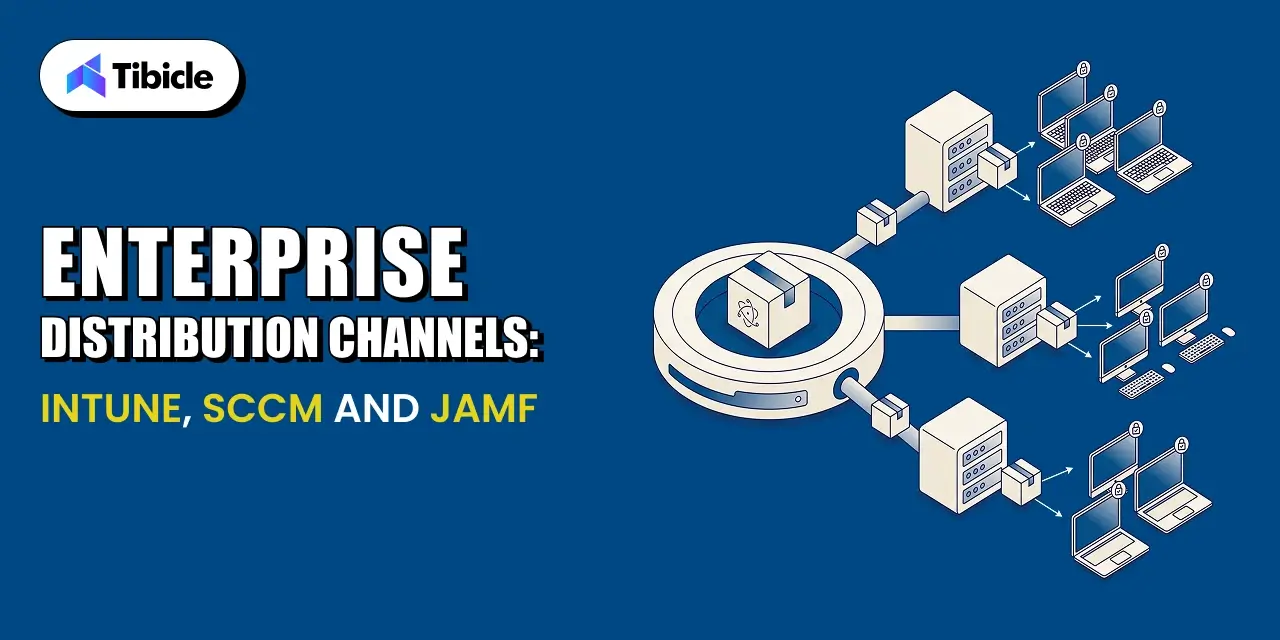
Enterprise IT does not install software one device at a time. It pushes a signed installer through a management platform to hundreds or thousands of managed devices at once, and each platform has its own packaging expectations.
Silent Install Requirements for Managed Deployment for electron enterprise app distribution
Microsoft’s documentation states plainly that Intune does not support interactive application installations, and that Win32 apps deployed through Intune must install silently without dialog boxes, prompts, or any UI input during the process. An MSI that pops a license agreement screen or a custom wizard step will fail Intune deployment even if it installs perfectly when a user double-clicks it manually. Testing the silent install command directly, not just testing the interactive install, is a required step before handing the package to a customer’s IT team.
Packaging Considerations for SCCM and Jamf
SCCM, used widely in larger Windows enterprise environments, expects the same silent-install behavior as Intune, plus predictable detection logic based on registry keys or file versions. Jamf Pro, the standard macOS management platform in enterprise IT, wraps a signed and notarized DMG or PKG into a policy that pushes to managed Macs, and it depends entirely on the app already being properly signed and notarized before it reaches Jamf.
What IT Will Ask Before Approving a Rollout for electron enterprise app distribution
Expect the customer’s IT team to ask for the exact silent install command, the detection method they should use to confirm a successful install, whether the app phones home to any external service, and how updates get delivered after the initial rollout. Having clear answers to all four ready before the first IT conversation shortens the review considerably.
Planning Your Release Timeline Around Signing and Notarization Lead Times
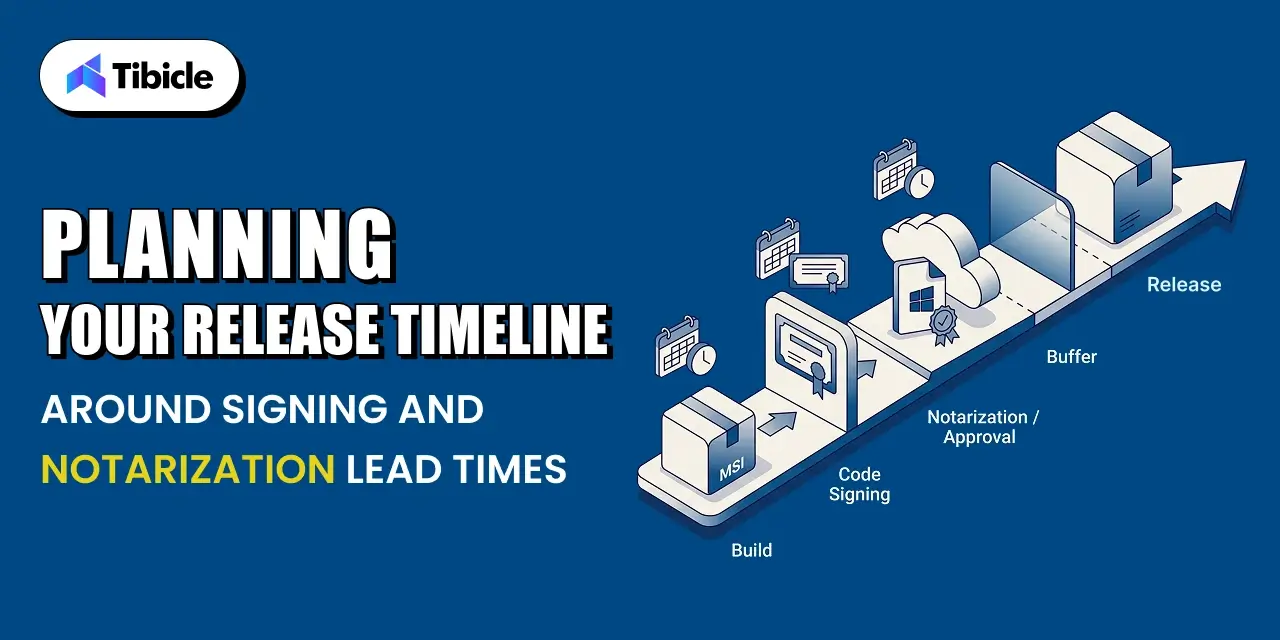
Distribution does not need to be the reason a launch date slips. It needs a realistic calendar built around the lead times above.
A Sample Timeline From Code Freeze to Enterprise-Ready Build
A workable pattern starts certificate procurement and Apple Developer Program renewal at project kickoff, well before code freeze. Once the app reaches feature-complete, the team builds and signs the MSI and DMG, submits the macOS build for notarization, and runs a full silent-install test against Intune or Jamf in a sandbox tenant. That sequence, run in parallel across platforms, typically fits inside a two-week window once certificates are already in hand.
Buffer Time for Notarization Rejections and Resubmission for electron enterprise app distribution
Even a well-prepared submission can get rejected for something small, like a missing entitlement or an unsigned embedded framework. Build at least one resubmission cycle into the calendar rather than assuming the first submission passes. A rejection plus a rebuild plus a resubmission can add a day or two, which is manageable if the calendar already expects it and costly if it does not.
Coordinating With Customer IT Teams Before Rollout for electron enterprise app distribution
Customer IT review is the step least within a vendor’s control and often the longest. Starting that conversation as soon as the enterprise-ready build exists, rather than after internal QA finishes, gives the customer’s security team time to run its own review in parallel with final testing instead of after it.
Table: Sample Distribution Timeline
| Milestone |
Typical Lead Time |
Owner |
| Apple Developer Program enrollment |
1 to 2 days once documents are ready |
Engineering or IT admin |
| Windows EV certificate issuance |
1 to 3 weeks depending on vendor and verification |
Engineering or IT admin |
| Code signing and packaging |
1 to 2 days per platform |
Engineering |
| Apple notarization |
Minutes to a few hours, longer if rejected |
Engineering |
| Customer IT review before rollout |
1 to 4 weeks depending on the account |
Product and customer success |
This table gives a PM a rough planning reference, not a guaranteed timeline. Actual lead times vary by certificate vendor, Apple’s submission queue, and each customer’s internal review process.
How Tibicle Manages Electron Distribution for Enterprise Releases for electron enterprise app distribution
Distribution planning gets easier with a pipeline that already handles signing, notarization, and packaging as a repeatable process instead of a one-off task for every release.
Packaging and Signing Pipeline Setup for electron enterprise app distribution
Tibicle sets up the build pipeline to produce a signed MSI and a signed, notarized DMG from the same codebase, with certificate handling wired into CI so signing does not depend on a single engineer’s local machine. This is part of Tibicle’s broader Electron desktop app development work for clients moving from a prototype to an enterprise-ready release.
Notarization, MSI Builds, and Release Automation for electron enterprise app distribution
The pipeline submits macOS builds for notarization automatically as part of the release process, staples the ticket, and validates the silent install command for both platforms before a build is marked ready for customer IT review. This removes the manual, error-prone steps that most commonly cause rejected notarization submissions or failed Intune deployments.
Ongoing Release Support and Enterprise IT Coordination for electron enterprise app distribution
Beyond the initial release, Tibicle supports the auto-update pipeline and coordinates directly with customer IT teams during rollout, including answering the detection-method and silent-install questions IT admins ask before approving a deployment. Teams building compliance-sensitive Electron apps often pair this distribution work with the data-handling practices covered in Tibicle’s guide to building GDPR-compliant desktop apps with Electron.
Key Takeaways for Product Managers for electron enterprise app distribution
- MSI and DMG are not optional extras. Most enterprise IT teams require them before they will approve a rollout.
- Certificate issuance and notarization both have lead times that belong on the project timeline, not just the engineering backlog.
- Windows now requires an EV code signing certificate, which changes both cost and issuance time compared to older certificate types.
- Customer IT review is often the longest step in the whole distribution timeline. Plan for it early.
Ready to plan your enterprise release calendar? Book a call with Tibicle to walk through your distribution timeline.
FAQs
Why does enterprise IT require an MSI installer instead of a regular .exe?
IT teams manage software at scale through tools that expect a standard, queryable installer format. An MSI exposes version and product information those tools can read; a generic .exe does not.
How long does Apple notarization actually take?
The automated scan usually finishes in minutes to under an hour. Delays happen mostly from rejections, not queue time, so build in a buffer for at least one resubmission.
What does an EV code signing certificate cost, and why does Windows require one now?
Costs vary by vendor and typically run several hundred dollars a year. Microsoft moved to requiring EV certificates in June 2023 because standard certificates no longer prevent Windows security warnings.
Can an Electron app be deployed silently through Intune or SCCM?
Yes, but only if the installer supports a true silent install command with no dialog boxes. Test this directly before handing the package to a customer’s IT team.
How far in advance should a PM plan for code signing and notarization?
Start certificate procurement and Apple Developer Program setup at project kickoff. Certificates alone can take one to three weeks, and customer IT review can take up to a month.
Does Tibicle handle the full distribution pipeline for enterprise Electron releases?
Yes. Tibicle sets up signing, MSI and DMG packaging, notarization, and ongoing release support as part of its Electron desktop app development work.