
Running Local LLMs: AI Desktop App Development Using the Electron Framework

Aug 12, 2026

Read in 5 Minutes
Table of Contents
- Introduction
- What AI Desktop App Development with Electron Actually Involves
- Why Local Inference Has to Run in the Main Process
- Hardware and Model Requirements to Plan For AI desktop app development Electron
- Packaging and Distribution Challenges Unique to Local LLMs
- Security and Model Provenance
- Local LLM vs Cloud API: When Local Wins for AI desktop app development Electron
- Conclusion
- Frequently Asked Questions
Who this is for: Engineering teams and product leads building an AI-powered desktop application that needs to run a language model locally on the user’s device, evaluating Ai desktop app development Electron for local inference specifically because sending prompts to an external API isn’t an option for their data, a common requirement in Tibicle’s AI integration automation work with regulated or privacy-sensitive clients.
Search intent: Technical architecture and feasibility planning. The reader has likely already decided to build local LLM inference into a product and needs to understand Electron-specific implementation constraints, where inference can actually run, how to package a multi-gigabyte model, and what hardware to plan for, not a general introduction to what a language model is.
What you will walk away with: Why node-llama-cpp and local inference have to run in Electron’s main process and will crash the app in the renderer, hardware and VRAM requirements by model size at Q4 quantization, packaging decisions for bundling versus downloading a GGUF model on first run, model provenance and security practices for community model files, a framework for choosing local inference over a cloud API, and how Tibicle’s desktop app development team builds AI-powered desktop tools with local model integration.
Introduction
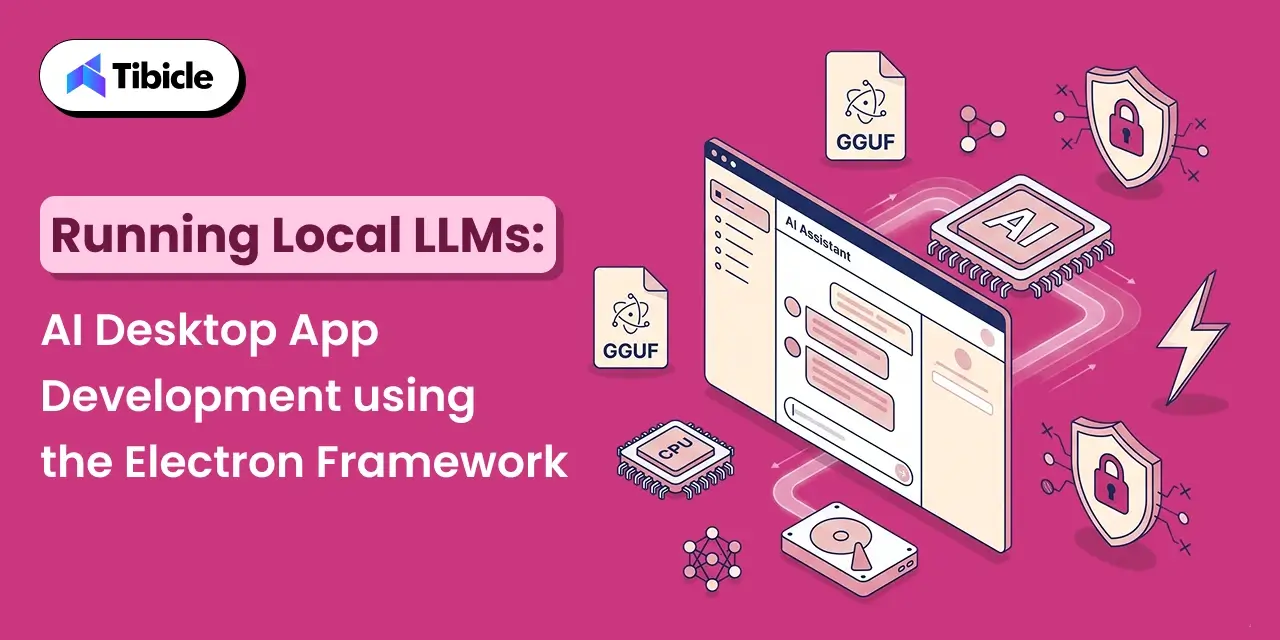
Running a language model entirely on a user’s machine, with no API call and no data leaving the device, has become one of the more practical reasons to build a desktop app in 2026. 44% of organizations identify data privacy and security as their top barrier to adopting LLMs, and a local LLM desktop application sidesteps that barrier by design: proprietary code, customer data, and regulated records never touch an external server. That is exactly why AI desktop app development Electron has become a real category rather than a hobbyist experiment, with tools like LM Studio, GPT4All, and Jan.ai proving the pattern works in production.
The catch is that AI desktop app development with Electron behaves differently from a typical CRUD or productivity app. A local LLM desktop application has to load multi-gigabyte model files, keep inference off the UI thread, and ship an installer that is not measured in megabytes anymore. This guide covers what building a local LLM desktop application with Electron actually involves, why the architecture has a hard constraint most teams learn about the hard way, the hardware and packaging realities to plan for, and when local inference is the right call versus a cloud API.
What AI Desktop App Development with Electron Actually Involves
A local LLM desktop application built on Electron combines three pieces: an inference engine that runs the model, a bridge that connects that engine to JavaScript, and the usual Electron split between a Node.js main process and a Chromium renderer. Framing this correctly from the start is the difference between a smooth AI desktop app development Electron project and one that stalls in its first sprint. The dominant inference engine in this space is llama.cpp, a C++ project that runs quantized language models on ordinary CPUs and GPUs, and the dominant bridge into Electron is node-llama-cpp, a Node.js binding that node-llama-cpp’s own documentation confirms is fully supported in Electron, and also includes custom Electron-specific adaptations.
Most AI desktop app development Electron in this category standardizes on the GGUF format, a single-file format maintained by the llama.cpp project that bundles model weights, tokenizer, and metadata together. Every mainstream local LLM desktop application, Ollama, LM Studio, GPT4All, Jan, and koboldcpp, consumes GGUF files directly, which is what makes model files portable between tools in the first place. This portability is a core design constraint for any AI desktop app development Electron project that wants to stay compatible with the broader local LLM ecosystem.
Why Local Inference Has to Run in the Main Process
The node-llama-cpp Process Constraint
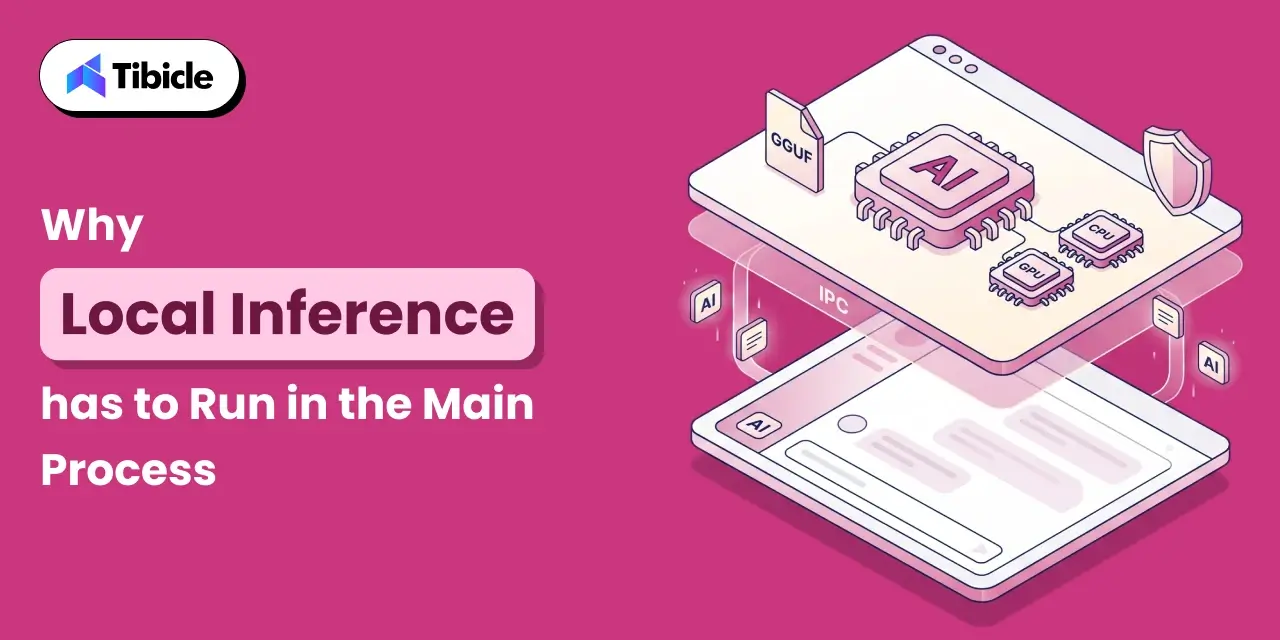
This is the single most important architectural fact in AI desktop app development Electron for local LLMs, and it is easy to miss until an app crashes in testing: you can only use node-llama-cpp on the main process in Electron applications; trying to use node-llama-cpp on a renderer process will crash the application, according to the library’s own documentation. The renderer process in Electron runs inside a sandboxed Chromium context and does not have the native module access that node-llama-cpp needs to talk to llama.cpp’s compiled C++ binaries. Every AI desktop app development Electron project built around local inference has to design around this boundary from day one.
In practice, that means every local LLM desktop application funnels prompts from the UI, in the renderer, through Electron’s IPC layer to the main process, where the model actually runs, and streams tokens back the same way. Getting this wrong is the most common early mistake in AI desktop app development Electron for teams coming from a typical web or SaaS desktop background.
A Reference Architecture: @electron/llm
The Electron project itself maintains @electron/llm, an experimental package that wraps node-llama-cpp with an API surface modeled on Chromium’s window.AI API, except that a local LLM desktop application built on it can supply any GGUF model instead of relying on a browser-bundled one. Its reference implementation loads the model in a utility process and uses Chromium Mojo IPC pipes to efficiently stream responses between that utility process and the renderer, which isolates a model crash from taking down the whole app, a pattern worth copying in any AI desktop app development Electron project even for teams not using the package directly.
Hardware and Model Requirements to Plan For AI desktop app development Electron
Every local LLM desktop application inherits its hardware floor from the model it loads, not from Electron itself, which is the first thing any AI desktop app development Electron budget needs to account for. LM Studio’s own system requirements page notes that the application itself uses under 400 MB at idle; the model you load sets the real floor. A 70B-parameter model at full FP16 precision needs roughly 140 GB of memory, which does not fit on any single consumer GPU, which is exactly the problem GGUF quantization exists to solve.
| Model Size | Q4_K_M Footprint | Practical Minimum | Typical Speed |
| 3B to 4B | ~2 to 3 GB | 4 to 6 GB VRAM or CPU-only | 2 to 8 tok/s on CPU |
| 7B | ~4 to 5 GB | 8 GB VRAM or RAM | 20 to 50 tok/s on an RTX 4060 |
| 13B to 14B | ~8 to 10 GB | 12 to 16 GB VRAM | Comfortable on mid-range GPUs |
| 70B | ~40 GB+ | 48 GB+ VRAM (workstation) | Requires high-end or multi-GPU setups |
For most business use cases, Q4_K_M is the widely recommended default, offering roughly 50% size reduction from full FP16 weights with minimal quality loss. Any AI desktop app development Electron project aimed at a general audience should design around the 7B to 14B range at Q4, since that is what a typical laptop with 16 GB of RAM can actually run, and this table is the starting reference for that decision.
Packaging and Distribution Challenges Unique to Local LLMs
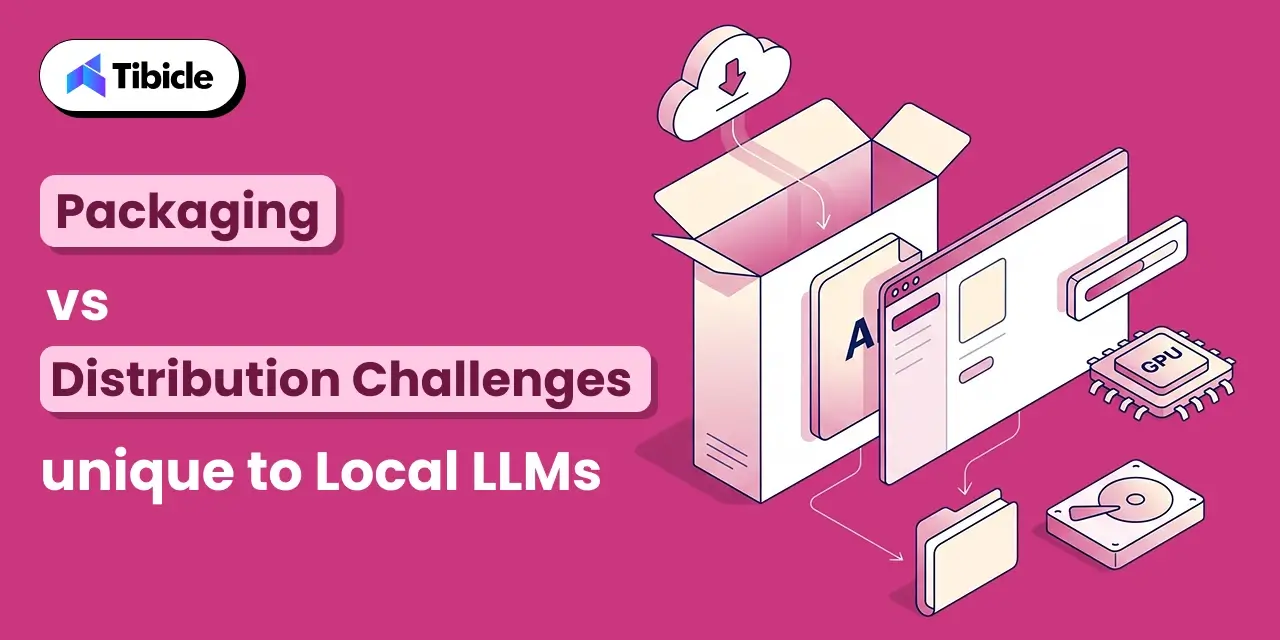
A local LLM desktop application inherits Electron’s usual installer weight and adds the model file on top of it, which is the packaging reality that catches most AI desktop app development Electron teams by surprise on their first release. Two packaging decisions shape the user’s first-run experience more than any UI choice:
- Bundle the model, or download it on first run: bundling a 4 to 5 GB model inside the installer guarantees it works offline immediately but makes the download itself heavy; downloading on first launch keeps the installer light but requires a good progress and resume experience.
- Native module compilation per platform: node-llama-cpp ships prebuilt binaries for common platforms, but when none is available for a given OS and CPU architecture, it will not build from source automatically, since the packaging step cannot assume the end user has build tools installed.
- Model storage location: GGUF files are typically cached outside the app bundle, for example in a user data directory, so updates to the app do not force a re-download of multi-gigabyte model weights, a detail every AI desktop app development Electron project should decide on before first release.
- GPU backend detection: the app needs to detect CUDA, Metal, or Vulkan availability at runtime and offload layers accordingly, since a one-size-fits-all build either under-uses available GPUs or crashes on machines without one.
Security and Model Provenance
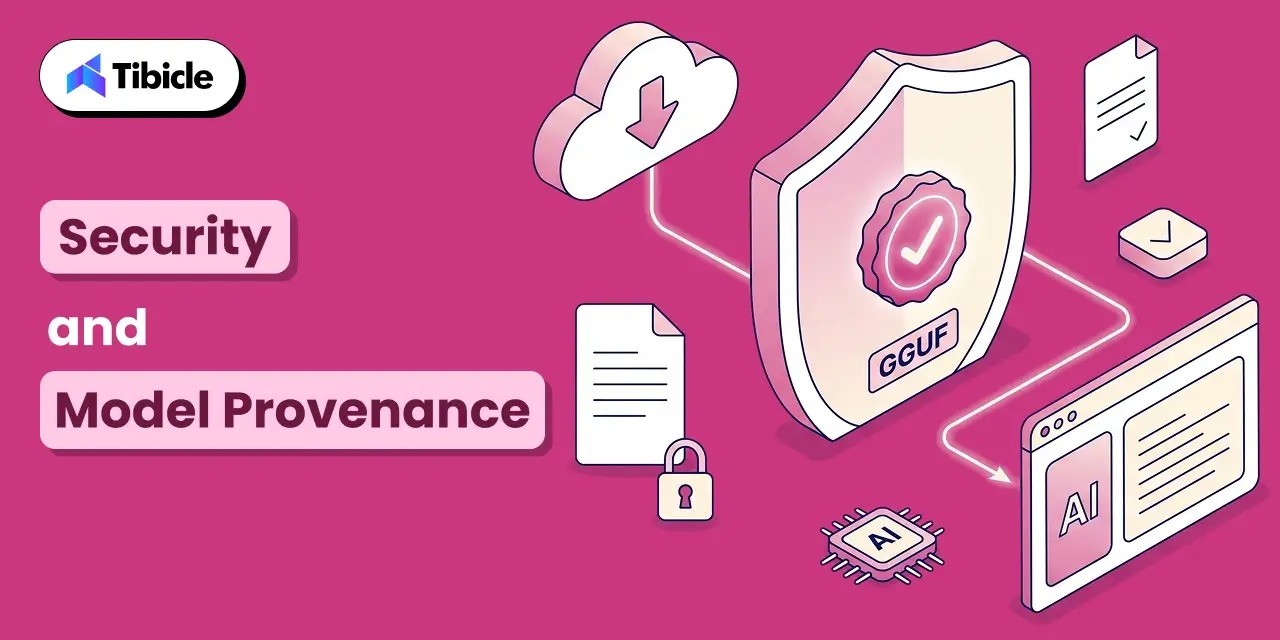
A local LLM desktop application introduces a supply chain risk that a typical desktop app does not carry: GGUF model files downloaded from community sources are binary blobs that the inference engine loads directly into memory. The safer practice is to prefer models from verified publishers on Hugging Face, where community scanning and audit mechanisms exist, and to check file checksums when available. GGUF and safetensors formats are meaningfully safer than older pickle-based PyTorch files, which can execute arbitrary code on load, the same class of risk as pulling a Docker image from an unknown registry.
Any AI desktop app development Electron project shipping local inference to non-technical users should also audit the runtime’s own logging: local inference engines can write prompts and responses to disk by default, which matters for exactly the privacy-sensitive use cases that motivated building a local LLM desktop application in the first place.
Local LLM vs Cloud API: When Local Wins for AI desktop app development Electron
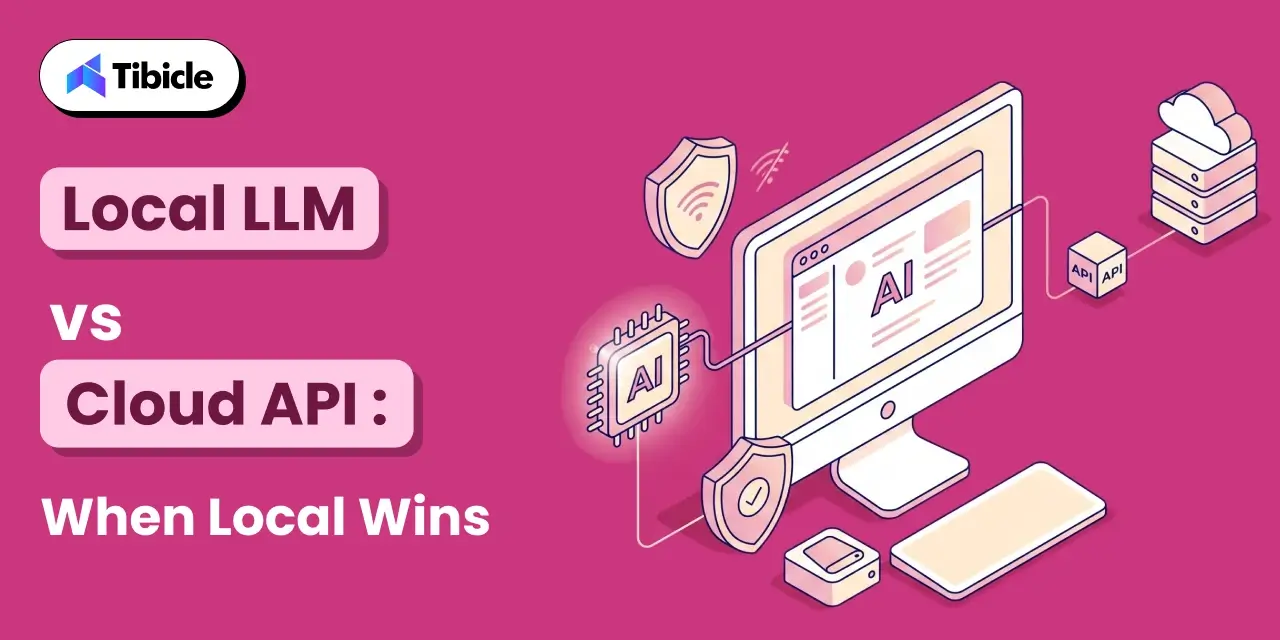
A local LLM desktop application is not always the right call. These are the conditions where it clearly beats a cloud API:
- Regulated or sensitive data: healthcare, finance, and legal workflows where data residency requirements make sending prompts to an external API a non-starter.
- Offline requirements: field tools, embedded environments, or any workflow that has to function without a reliable internet connection.
- Predictable cost at scale: no per-token API billing once hardware is provisioned, which matters for high-volume internal tools.
- Latency-sensitive interaction: a well-provisioned local model on a modern GPU can respond faster than a network round trip to a cloud API.
Cloud APIs still win when a product needs frontier-model quality that no local model at a runnable size can match, or when the user’s hardware cannot be assumed in advance. Many production local LLM desktop applications hedge by supporting both: a local model for privacy-sensitive or offline use, with an optional cloud fallback for harder tasks, and this hybrid pattern is quickly becoming the default shape of AI desktop app development Electron projects aimed at a broad user base.
Tibicle LLP builds custom Electron applications, including AI-powered desktop tools with local model integration, through its desktop app development service. Its approach to AI desktop app development Electron projects starts with the architecture decisions covered above, not with the UI. For the broader cost and architecture trade-offs behind any Electron build, see Tibicle’s guide on Electron vs Native for your next desktop app.
Conclusion
AI desktop app development Electron for local LLMs is a genuinely different engineering problem from a typical Electron app: inference has to live in the main process by design, model files change how the app is packaged and distributed, and hardware requirements set a hard floor on what the product can promise a user. Every AI desktop app development Electron team eventually learns these constraints; the goal of this guide is to shortcut that process. Get the architecture right: main-process inference, a utility process for isolation, GGUF at a sensible quantization, and a local LLM desktop application can deliver a real product advantage: no per-token cost, no data leaving the device, and no dependency on a network connection.
Most teams should prototype with node-llama-cpp directly, model the hardware tiers their actual users have, and treat the packaging and security questions above as first-class requirements, not afterthoughts. Approached this way, AI desktop app development Electron stops being a research project and starts being a shippable roadmap item. Building AI desktop app development Electron into your product? Talk to the Tibicle team.
Frequently Asked Questions
Can node-llama-cpp run in an Electron renderer process?
No. According to node-llama-cpp’s own documentation, it can only be used in the Electron main process; using it in a renderer process will crash the application. Prompts must pass through Electron’s IPC layer from the renderer to the main process, where inference actually happens. This is the first constraint any AI desktop app development Electron team should design around.
What is GGUF and why does it matter for a local LLM desktop application?
GGUF is a single-file format, maintained by the llama.cpp project, that bundles model weights, tokenizer, and metadata together. Nearly every mainstream local LLM desktop application, including Ollama, LM Studio, GPT4All, and Jan, consumes GGUF files directly, which makes models portable between tools.
How much RAM or VRAM does AI desktop app development Electron require?
It depends entirely on the model, not on Electron. A 7B model at Q4_K_M quantization needs roughly 4 to 5 GB, a 13B to 14B model needs 8 to 10 GB, and a 70B model needs 40 GB or more even at reduced precision. Any AI desktop app development Electron budget should be built around these tiers, not around Electron’s own footprint.
Is it safe to load community GGUF models in a desktop app?
GGUF and safetensors formats are safer than older pickle-based PyTorch files, which can execute arbitrary code on load. Even so, a local LLM desktop application should prefer models from verified Hugging Face publishers and check checksums where available, the same caution applied to pulling an unfamiliar Docker image.
Should a product use a local LLM or a cloud API?
Local wins for regulated data, offline requirements, predictable cost at scale, and latency-sensitive interactions. Cloud APIs still win when a product needs frontier-model quality beyond what a runnable local model can match, or when user hardware cannot be assumed in advance.
Schedule A Developer Interview And Get 15 Days Risk-Free Trial
Schedule a Call

Relevant Blog
Enterprise LLM Integration Services

Prejin Nadar

Building Private local AI Desktop App Development
Prejin Nadar
Written by

Recent Blogs
Enterprise LLM Integration Services
What This Guide Covers Who this is for Enterprise LLM integration services help engineering leaders, platform teams, and technology executives turn existing model access into working production workflows. This guide is for organisations connecting OpenAI, Claude, or both to systems that support real business processes, including CRM platforms, ticketing systems, document pipelines, and internal tools. […]
When to Hire an AI Software Development Consulting Firm.
What This Guide Covers Who this is for Engineering leaders, technology executives, and AI teams often struggle to turn completed initiatives into measurable results. This guide helps organisations address stalled pilots, failed AI implementations, rising costs, poor data quality, and workflows that function technically but fail to deliver measurable business value. An AI software development […]
Building Private local AI Desktop App Development
What This Guide Covers Who this is for: US tech firms, SaaS companies, startups, CTOs, engineering managers, and product teams looking for experienced Electron.js developers for ongoing private local AI desktop app development and custom desktop application development. Search intent: Hiring and decision. This guide covers where to find Electron.js developers, how to evaluate their […]
Got an Idea? Get FREE Consultation
In our world, there's no such thing as having too many clients

