GraphRAG Implementation Services

Who this is for: Engineering leads and product owners at enterprise SaaS companies evaluating GraphRAG implementation services for a knowledge base or retrieval system that vector search alone is not answering well.

Search intent: Commercial evaluation with a technical backbone. The reader has moved past “what is GraphRAG” and wants to know when a knowledge graph actually beats vector search, what implementation requires, and how the cost tradeoffs compare.

What you will walk away with: What the original GraphRAG research and follow-up studies actually show about graph versus vector retrieval, what a GraphRAG implementation requires, a cost-quality comparison across full GraphRAG, LazyGraphRAG, and vector RAG, and how Tibicle structures GraphRAG and knowledge graph integration services for enterprise SaaS.
graphrag implementation services

Introduction

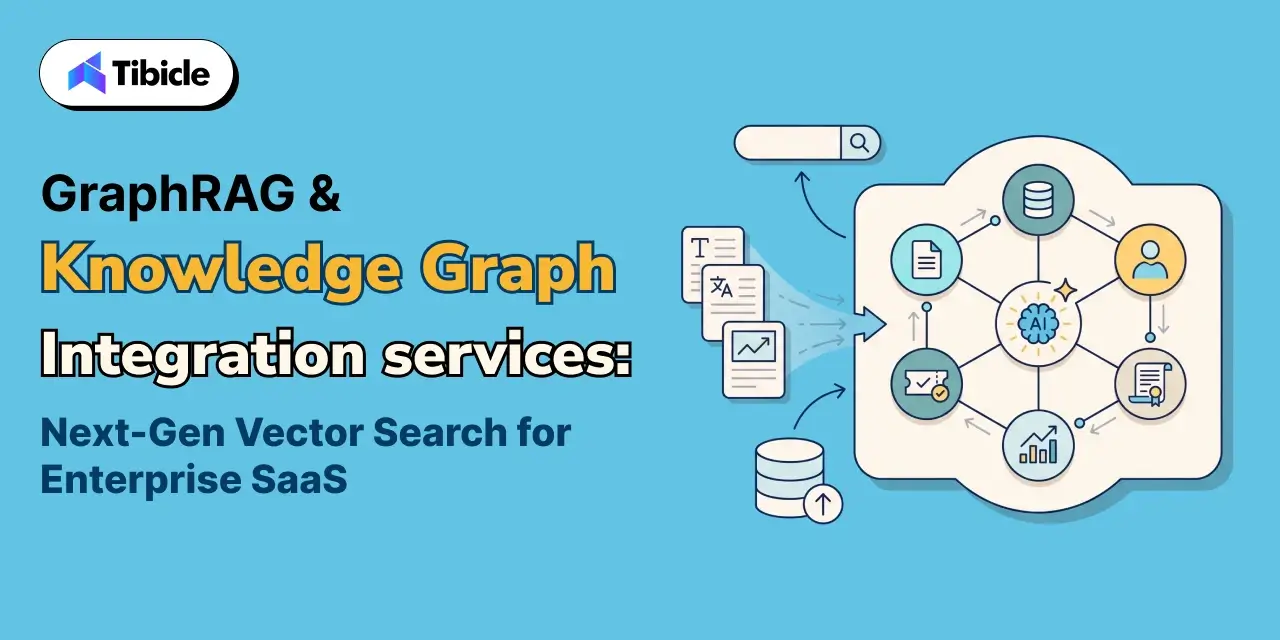
GraphRAG implementation services exist because vector search alone breaks down on one common question type. Some questions need an answer that pulls together an entire dataset. A single matching passage cannot answer them. Gartner names retrieval-augmented generation a cornerstone of enterprise GenAI deployment. Gartner tells organizations to evaluate vector search and graph technologies together when building RAG on existing data platforms. That pairing is the accurate framing, not a replacement. 

A knowledge graph encodes explicit relationships between entities. Vector search finds semantically similar text instead. Enterprise SaaS products run into this gap constantly. Take two examples: “what are the main themes across our support tickets” and “how does this customer’s usage connect to their contract terms.” 

Both need relationship reasoning, not similarity matching. This guide covers what the research shows about GraphRAG versus vector-only retrieval, and what a real implementation requires. It also covers the cost tradeoffs across GraphRAG variants, and how Tibicle structures these services for enterprise SaaS products.

Why Enterprise SaaS Teams Need GraphRAG Implementation Services, Not Just a Vector Database
graphrag implementation services

From Similarity Search to Relationship-Aware Retrieval

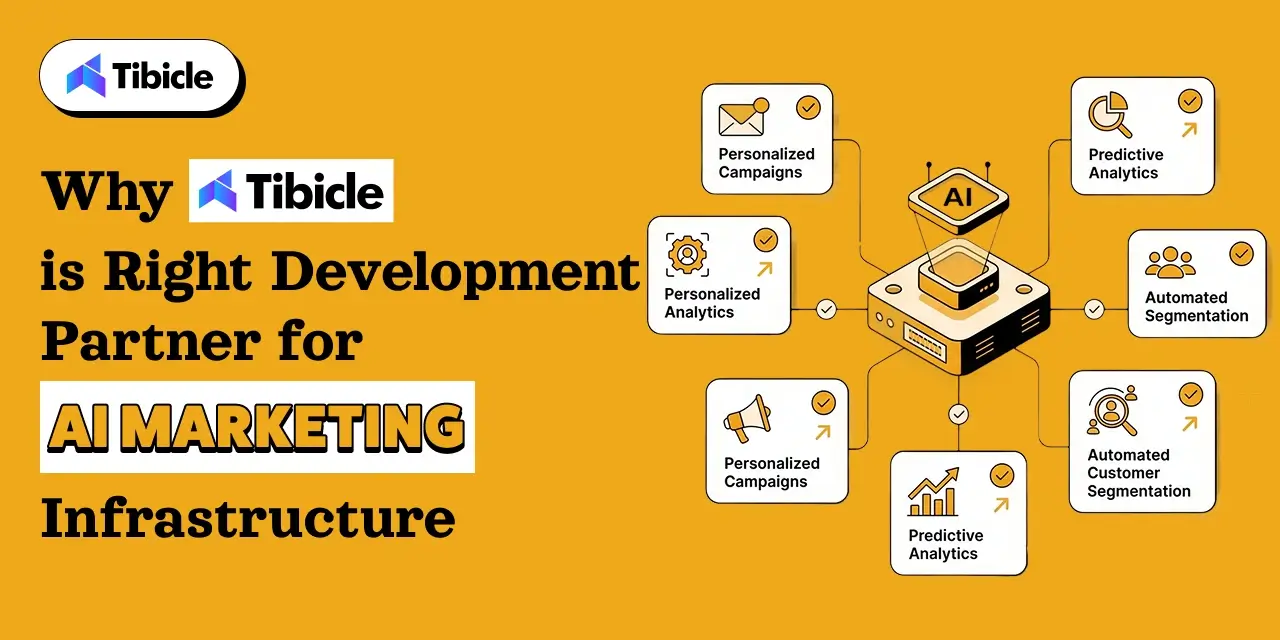
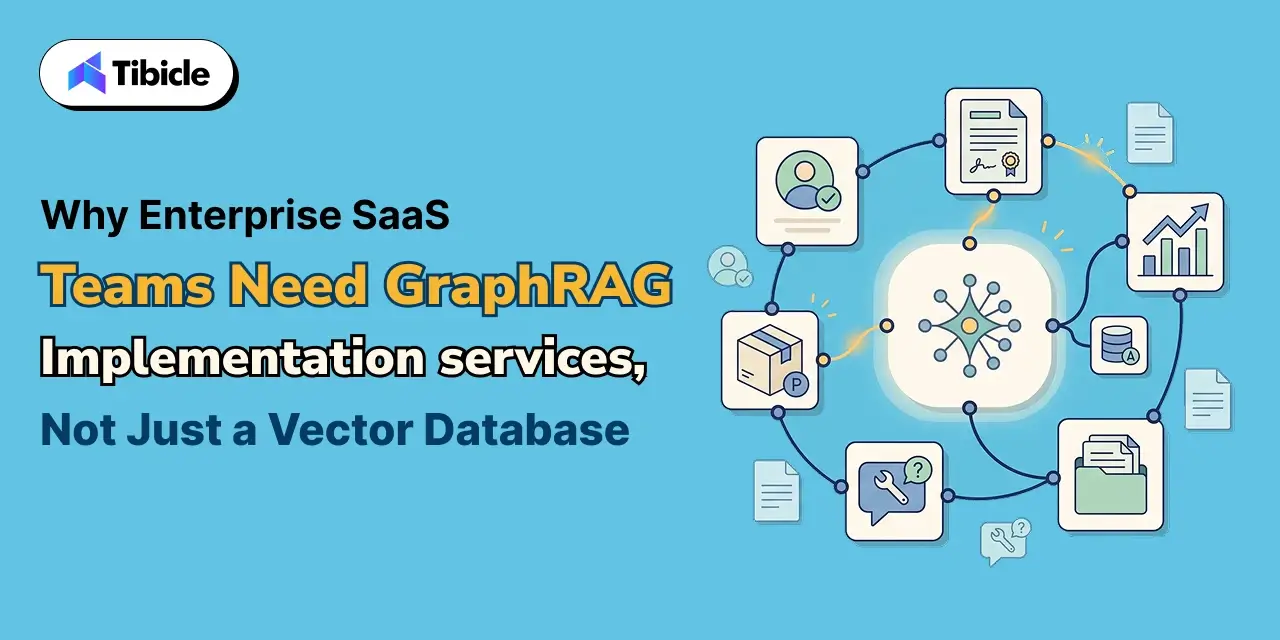
A vector database finds text chunks that resemble the query. It has no sense of how those chunks relate to each other. That gap is fine for a direct factual lookup. It becomes a real limitation once a question spans the whole dataset. GraphRAG implementation services address this gap directly. The pipeline extracts entities and relationships from the source data. It organizes them into a queryable graph structure. A retrieval system can then reason across connections that a similarity score alone cannot see.

The Market and Priority Behind This Shift

The infrastructure behind this shift is scaling fast. Grand View Research values the vector database market at $1.66 billion in 2023. The firm projects it will reach $7.34 billion by 2030, a 23.7% compound annual growth rate. Gartner’s own guidance to enterprises building GenAI applications is explicit. Prioritize RAG technologies, including vector search, graph, and chunking, together. Do not treat them as competing choices. GraphRAG implementation services sit at exactly that intersection.

GraphRAG vs Vector-Only RAG: What the Research Actually Shows
graphrag implementation services

Where GraphRAG Wins: Global and Multi-Hop Questions

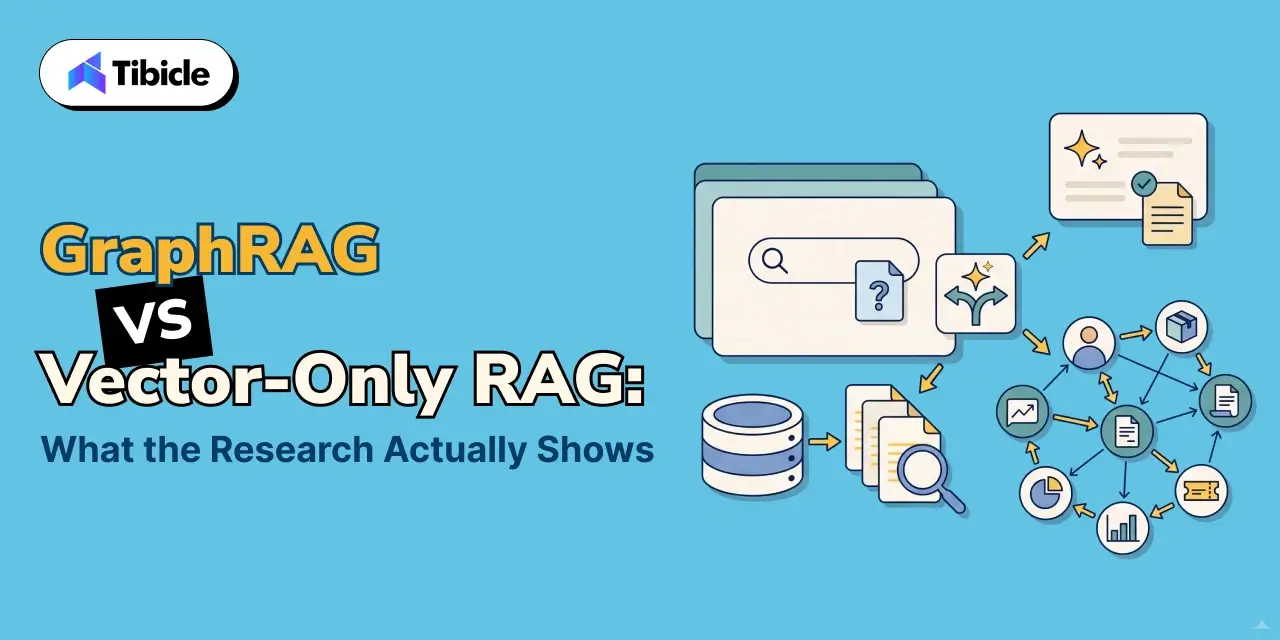
Microsoft’s own research team introduced GraphRAG. The team found that graph-based retrieval using community summaries beat naive vector RAG on comprehensiveness and diversity. The win rate ran roughly 70% to 80% on global, sense-making questions. These questions ask an AI system to synthesize themes across an entire dataset, not answer a single factual lookup. This is the specific class of question where a knowledge graph earns its complexity.

Where Vector Search Still Wins: Local, Factual Lookups

The same Microsoft research team is direct about the limits. Vector RAG remains the better tool for local queries, the “who,” “what,” “when,” and “where” questions. The answer to these sits inside a specific, findable text region. GraphRAG’s advantage shows up specifically on global queries that address the whole dataset instead. GraphRAG implementation services that skip this distinction end up graphing data that never needed it.

Why the Answer Is Usually Both, Not One or the Other

Most enterprise SaaS products field both kinds of questions. One query asks a specific factual lookup. The next asks a synthesis question across the whole knowledge base. A production system typically needs vector retrieval for the first case and graph-aware retrieval for the second. A routing layer should send each query to the right method. Forcing every query through one path wastes the other method’s strength.

What GraphRAG Implementation Actually Requires
production

Entity and Relationship Extraction From Your Data

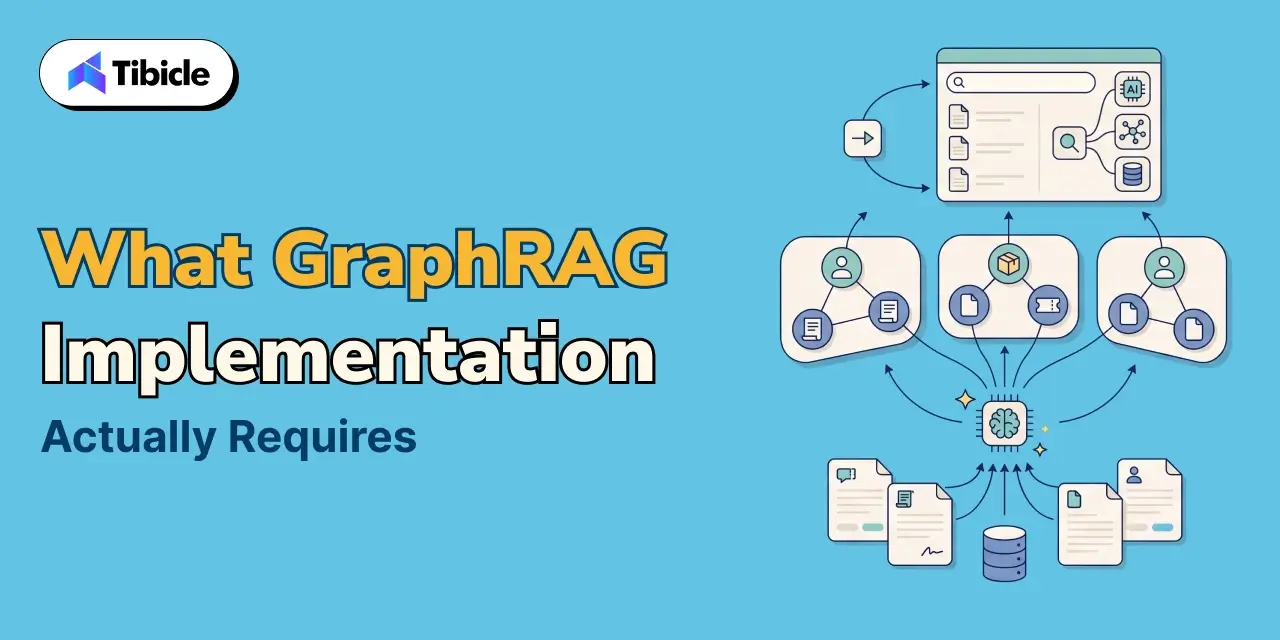
A GraphRAG pipeline starts with an LLM. The model extracts entities and the relationships between them from the source text. This step turns unstructured documents into a structured graph in the first place. The quality of this extraction step sets a ceiling on everything downstream.

Building the Community Hierarchy

Full GraphRAG groups related entities into hierarchical communities. It pre-generates summaries at each level. This structure lets the system answer a global query from a handful of summaries instead of the entire source corpus.

Integrating Graph Retrieval Into an Existing SaaS Product

The graph itself only earns its value once a team wires it into the product’s actual retrieval path, alongside the existing vector search. A routing layer needs to send local queries one way and global queries the other. Tibicle’s AI Development and Integration services cover this integration work directly. That includes teams that already run local model inference, a pattern covered in Tibicle’s guide on running local LLMs in Electron.

Full GraphRAG vs LazyGraphRAG vs Vector RAG: Choosing the Right Cost-Quality Tradeoff

Indexing cost is the practical constraint that decides which of these approaches actually fits a given dataset and budget.

Approach Indexing Cost Best Fit
Vector RAG Lowest; embeddings only Local, factual queries with a findable answer in one region
LazyGraphRAG Same as vector RAG, roughly 0.1% of full GraphRAG Teams that want graph-quality global answers without upfront summarization cost
Full GraphRAG Highest; LLM-generated entity, relationship, and community summaries Datasets queried repeatedly for global, sense-making questions, where the graph pays for itself over many queries

Microsoft’s own comparison found LazyGraphRAG’s data indexing costs identical to vector RAG. That cost runs roughly 0.1% of full GraphRAG’s cost. LazyGraphRAG still matches or beats full GraphRAG’s answer quality, at a fraction of the query cost. Enterprise SaaS teams often can’t tell whether their query volume justifies full GraphRAG’s upfront cost. For them, this middle path is often the right starting point.

Common Reasons GraphRAG Projects Fail to Reach Production

Gartner has found that at least 30% of generative AI projects never make it past proof of concept. The recurring causes: poor data quality, inadequate risk controls, escalating costs, and unclear business value. GraphRAG projects fail for a related, more specific set of reasons:

  • The team graphed the entire dataset instead of scoping the graph to questions that actually need relationship reasoning
  • Nobody validated entity extraction quality against a labeled sample before the team built the graph at scale
  • No routing layer existed between local and global queries, so every question paid the cost of graph retrieval
  • The team underestimated full GraphRAG’s indexing cost against the actual query volume the graph needed to justify
  • The team measured success by whether the graph looked complete, not by whether retrieval quality actually improved for real user questions

How Tibicle Delivers GraphRAG & Knowledge Graph Integration Services
production

Data and Graph Architecture Scoping

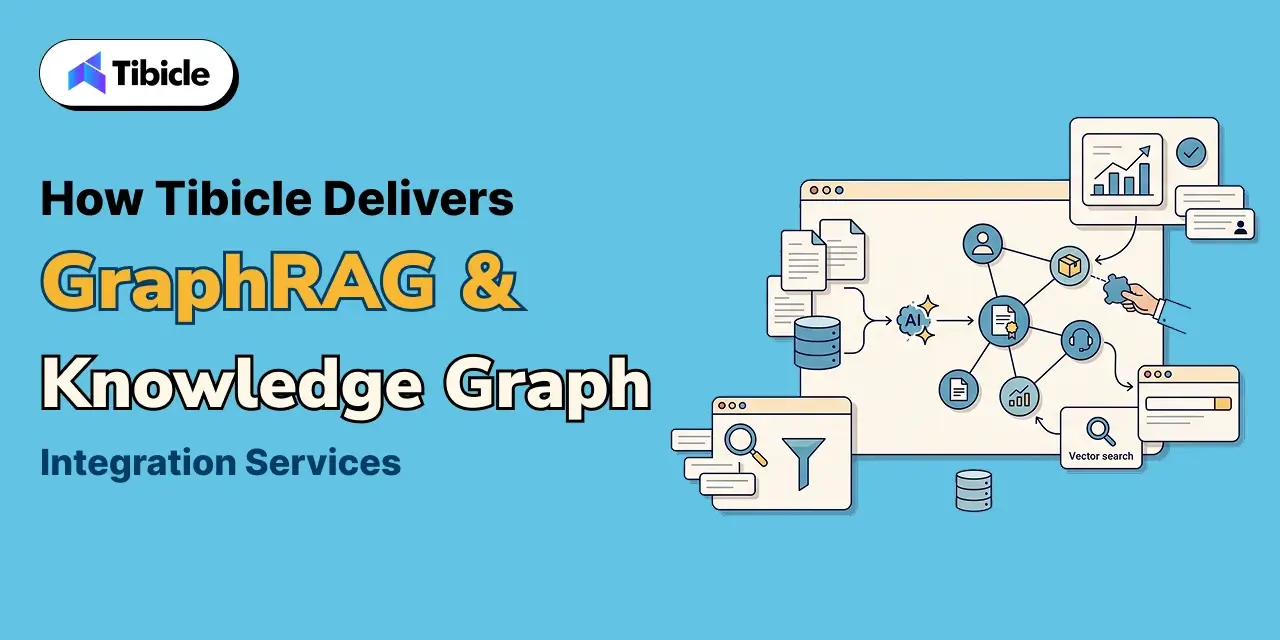
Tibicle starts by identifying which parts of a SaaS product’s query volume are genuinely global and multi-hop. These are the questions that justify a graph. Local lookups, by contrast, are ones vector search already handles well. This scoping stage draws on Tibicle’s AI & Automation Consulting practice. It applies directly to internal knowledge bases through Tibicle’s Enterprise & Internal Tools work.

Build: Entity Extraction, Graph Construction, and Retrieval Integration

The build phase extracts entities and relationships, constructs the graph, and integrates graph-aware retrieval alongside existing vector search. A routing layer then sends each query down the right path.

Evaluation and Ongoing Tuning

After launch, Tibicle evaluates retrieval quality against real user queries, not just synthetic benchmarks. The team tunes the graph as the underlying data and query patterns evolve. Tibicle’s healthcare implementations apply this same evaluation discipline to clinical and research knowledge graphs, under its HealthTech industry work.

Conclusion

GraphRAG earns its place once a product’s questions genuinely need reasoning across relationships, not just similarity to a query. The right implementation then routes local and global questions to whichever retrieval method actually answers them well. 

Evaluating GraphRAG or knowledge graph integration for your SaaS product? Talk to the Tibicle team.

Frequently Asked Questions

What do GraphRAG implementation services actually build, compared to a vector database?

A vector database retrieves text chunks by similarity alone. GraphRAG implementation services build a knowledge graph of entities and relationships extracted from your data. They then integrate graph-aware retrieval alongside vector search for questions that need reasoning across connections.

Does GraphRAG implementation services replace vector search entirely?

No. Research from Microsoft’s own GraphRAG team found vector search remains the better tool for local, factual queries. Graph-based retrieval wins specifically on global, sense-making questions that span an entire dataset.

How much more expensive is GraphRAG implementation services than standard vector RAG?

Full GraphRAG’s indexing cost runs significantly higher due to LLM-generated entity, relationship, and community summaries. LazyGraphRAG offers a middle path, with indexing costs matching vector RAG at roughly 0.1% of full GraphRAG’s cost.

What kind of questions actually benefit from a knowledge graph?

Global, multi-hop, or sense-making questions benefit most- the kind that require synthesizing information across many documents. Examples include identifying themes across a dataset or tracing a relationship between distant entities.

Why do GraphRAG implementation services projects fail to reach production?

Common causes include unvalidated entity extraction quality and no routing layer between local and global queries. Another frequent mistake: graphing an entire dataset instead of scoping it to questions that actually need relationship reasoning.

Does Tibicle offer GraphRAG implementation services and knowledge graph integration services for enterprise SaaS?

Yes. Tibicle builds GraphRAG and knowledge graph integration services for enterprise SaaS products. That includes data scoping, entity extraction, graph construction, retrieval integration, and ongoing evaluation.
Enterprise AI Automation Development Agency

Who this is for: Operations leads, CTOs, and process owners evaluating an enterprise AI automation development agency for a full business process rather than a single bolted-on bot.

Search intent: Commercial evaluation with a technical backbone. The reader has moved past “what is workflow automation” and wants to know why point-solution RPA plateaus, what end-to-end automation actually requires, and how to scope a rollout that survives contact with a real process.

What you will walk away with: What end-to-end process automation requires beyond a single bot, current adoption and failure data from McKinsey, Gartner, EY, and a multi-agent systems study, a process-bots-vs-point-solution comparison table, and how Tibicle structures enterprise AI automation development around full processes, not isolated tasks.

enterprise ai automation development agency

Introduction

An enterprise AI automation development agency builds bots that carry a business process from start to finish. A single script that automates one step and hands the rest back to a person does not qualify. McKinsey’s Global Institute found that current technology could automate work occupying 45% of employee time. That number explains why automation budgets keep growing. It also explains why so many automation projects disappoint. Most of that 45% sits inside processes that cross five or six different systems. It doesn’t sit inside one screen a single bot can operate. Hiring an enterprise AI automation development agency only pays off when the engagement covers the whole process. Think invoice to payment, application to approval, ticket to resolution, not just the one step that looked easiest to automate first. This guide covers what end-to-end process automation requires, and why workflow automation projects fail at a predictable rate. It also covers how to choose between point-solution RPA and a custom process bot, and how Tibicle structures this work around full processes.

Why Enterprises Need an Enterprise AI Automation Development Agency, Not a Point Tool

enterprise ai automation development agency

From Single-Task Bots to End-to-End Process Automation

A single-task bot reads a form and copies data into a spreadsheet. End-to-end process automation follows that data through every subsequent step: validation, approval routing, exception handling, and the system update that closes the loop. Businesses hire an enterprise AI automation development agency specifically to own that full chain. A business rarely gets meaningful time back from automating only the easiest 20% of a process and leaving the rest manual.

The Market and Priority Behind This Shift

Gartner finds that 90% of large enterprises now name hyperautomation a stated priority. Fewer than 20% of organizations have actually mastered measuring what those initiatives deliver. The market reflects the same appetite. Fortune Business Insights values business process automation at $22.3 billion in 2026. The firm expects it to reach $56.68 billion by 2034, a 12.37% compound annual growth rate. The gap between stated priority and measured success is exactly where an enterprise AI automation development agency earns its fee.

What End-to-End Process Automation Actually Requires

enterprise ai automation development agency

Mapping the Full Process Before Automating Any Step

Before a team builds any bot, it needs to map the actual process end to end. That includes the exceptions and edge cases nobody documents, because everyone already knows about them. Skipping this step is the single most common reason a workflow automation project only ever covers the easy path.

Connecting Systems That Were Never Built to Talk to Each Other

Most enterprise processes span a CRM, an ERP, an email inbox, and at least one legacy internal tool that predates all of them. Custom workflow automation bots need integration work at every one of these boundaries. That is exactly the part a generic no-code automation template skips over.

Exception Handling for the Cases Enterprise AI Automation Alone Can’t Resolve

Every real process has a percentage of cases that do not fit the standard path. Examples include a mismatched invoice, an incomplete application, or a request that needs a judgment call. A process bot with no path for these cases either breaks silently or produces a wrong result with confidence. Both outcomes are worse than simply routing the case to a person.

Where Enterprise AI Automation Workflow Projects Break: The Data Behind the Failure Rate

enterprise ai automation development agency

The Classic RPA Failure Pattern

EY’s own consulting practice has observed that 30% to 50% of initial RPA projects fail. Most often, the team never scoped the process correctly before automation began. The technology itself was rarely the problem. That failure pattern has held for years, across a technology shift from rules-based bots to AI-driven ones.

Why Multi-Bot Orchestration Fails More Than Expected

When a process needs multiple bots coordinating with each other, the failure risk compounds. A UC Berkeley study analyzed over 1,600 execution traces across seven popular multi-agent frameworks. It found failure rates between 41% and 86.7%. The causes: issues in system design, coordination between agents, and output verification. Enterprise process bots that hand off work between multiple automated steps inherit this same risk. The fix: build the orchestration layer deliberately, rather than assembling it from default settings.
What Separates the Projects That Scale

The projects that avoid this pattern share a common trait. The team scoped, mapped, and tested the process against real edge cases before a single bot went live. A named owner stayed accountable for what happens when a step fails.

Process Bots vs Point-Solution RPA: Choosing the Right Scope

accountable

The right scope depends on how much of the process a bot needs to own end to end. It doesn’t depend on which tool looks most capable in a demo.

Factor Point-Solution RPA Custom Enterprise Process Bots
Scope Automates one step or screen Owns a process from trigger to completion
System integration Limited to pre-built connectors Built for the enterprise’s actual systems, legacy included
Exception handling Often absent or bolted on later Designed in from the start, with a routing path to a person
Scaling pattern Plateaus around a handful of bots Scales with the process, not with bot count
Best fit A single, well-defined, high-volume task A cross-system business process with real exceptions

Tibicle’s Enterprise & Internal Tools work applies this same end-to-end scoping to internal operations. Its Logistics & Supply Chain work applies the same approach to processes that span multiple external partners and internal systems.

Governance and Human Oversight for Enterprise AI Automation Process Bots

Role-Based Permissions Across Every System a Bot Touches

A process bot should hold the narrowest permission set needed for its specific step in every system it touches. It should not run on a shared service account with broad access, just because that’s convenient for the developer who set it up.

Exception Queues Instead of Silent Failures

Every automated step needs a defined path for what happens when it cannot complete. That means a queue a person actually monitors, not a log file nobody reads until something breaks downstream.

Audit Trails for Every Automated Decision

Enterprise process bots that touch financial, compliance, or customer-facing decisions need a record of what data drove each action. That record satisfies an audit and makes debugging a failed run possible in the first place.
Common Reasons Enterprise AI Automation Workflow Projects Never Reach Production

  • Nobody mapped the process end to end, so the bot only ever covered the easy path
  • No exception queue existed, so edge cases either broke the bot or produced silent wrong outputs
  • The team chained multiple bots together without a deliberate orchestration layer to coordinate them
  • Nobody owned the automation after launch, so it broke the first time an underlying system changed
  • The team never defined success with a measurable target, so nobody could tell if the project actually worked

How Tibicle Delivers Enterprise AI Automation Development Services

accountable

Process Audit and Automation Roadmap

Tibicle starts by mapping the actual process end to end, including the exceptions, before scoping which parts to automate first. This stage draws on Tibicle’s AI & Automation Consulting practice.

Build: Integration, Orchestration, and Exception Handling

The build phase connects every system the process touches, sequences the automated steps deliberately, and routes exceptions to a person by design. Tibicle delivers this through its AI Development and Integration services. Enterprises that want an embedded automation team can tap ongoing capacity through Tibicle’s Dedicated Tech Resource Allocation model.

Monitoring and Continuous Improvement

After launch, Tibicle monitors the automation through its 24/7 Monitoring & Support service. The team tracks exception rates and adjusts the process bot as the underlying systems change.

Key Takeaways

  • An enterprise AI automation development agency scopes automation around a full process, not a single task. That’s what separates it from a point RPA tool
  • 45% of employee time is technically automatable today, but most of that time sits inside multi-step processes, not single screens
  • 30% to 50% of initial RPA projects fail, most often because nobody scoped the process correctly before automation began
  • Chaining multiple bots together without deliberate orchestration carries documented failure rates as high as 41% to 86.7%
  • Exception handling, audit trails, and a named process owner after launch are what separate automation that scales from automation that quietly breaks

Conclusion

End-to-end process automation earns its cost once a bot can carry a process through its exceptions, not just its easy path. That reliability comes from scoping and orchestration decisions made before a single bot goes live. 

Have a business process that needs full end-to-end automation? Talk to the Tibicle team.

Frequently Asked Questions

What does an enterprise AI automation development agency actually build, compared to RPA software?

RPA software automates a single task or screen. An enterprise AI automation development agency builds and owns a full process across every system it touches. That includes exception handling and orchestration between automated steps.

Why do so many enterprise ai automation workflow projects fail?

EY has observed that 30% to 50% of initial RPA projects fail. Most often, the team never mapped and scoped the process correctly before automation began. The underlying technology was rarely the problem.

Do we need point-solution RPA or a custom process bot?

Point-solution RPA fits a single, well-defined, high-volume task. A custom process bot fits a process that spans multiple systems and has real exceptions. It needs to scale without adding a new bot for every variation.
What happens when an enterprise ai automation process hits a case it can’t handle?

A well-designed enterprise process bot routes that case to a monitored exception queue for a person to resolve. It doesn’t fail silently or produce an output with false confidence.

Is chaining multiple bots together riskier than a single bot in enterprise ai automation?

Yes. Research on multi-agent systems found failure rates between 41% and 86.7% when multiple automated agents coordinate without a deliberate, purpose-built orchestration layer.

Does Tibicle offer enterprise AI automation development services for full business processes?

Yes. Tibicle builds end-to-end enterprise process bots, covering process mapping, system integration, exception handling, and ongoing monitoring after launch.

Legacy Application AI Modernization Services

Who this is for: Engineering leads, CTOs, and IT decision-makers responsible for a legacy web or desktop application who are evaluating AI modernization services for legacy applications rather than a full ground-up rebuild.

Search intent: Commercial evaluation with a technical backbone. The reader has moved past “what is legacy modernization” and wants to know where AI genuinely speeds up the work, where it still needs a human reviewer, and how to scope a safe rollout.

What you will walk away with: Where AI-assisted code migration actually helps versus where it still fails, current market and technical debt data from Gartner, Stripe, Grand View Research, and a code-migration benchmark study, a refactor-vs-rebuild comparison table, and how Tibicle structures legacy application AI modernization services for web and desktop apps.

 legacy application ai modernization services

Introduction

Legacy application AI modernization services now cover far more ground than a manual line-by-line rewrite. Gartner predicts that by 2030, AI-native development platforms will drive 80% of organizations to adopt smaller software engineering teams. AI will augment these teams directly. That shift changes what a business should expect when it hires a partner for legacy application AI modernization services. AI tools can now read an undocumented codebase, draft tests before a refactor, and translate large chunks of deprecated syntax. What they cannot yet do reliably is judge intent. 

A model cannot tell whether a piece of business logic was a deliberate decision or an accidental bug. That judgment call is exactly where a modernization project goes wrong if nobody checks the model’s work. 

This guide covers where AI genuinely speeds up legacy modernization, and where it still falls short. It also covers how to choose between refactoring, re-platforming, and a full rebuild for a web or desktop app, and how Tibicle structures legacy application AI modernization services around human review, not blind automation.
Why Legacy Application AI Modernization Services Now Mean More Than a Rewrite

 legacy application ai modernization services

From Manual Rewrites to AI-Assisted legacy application ai modernization services Refactoring

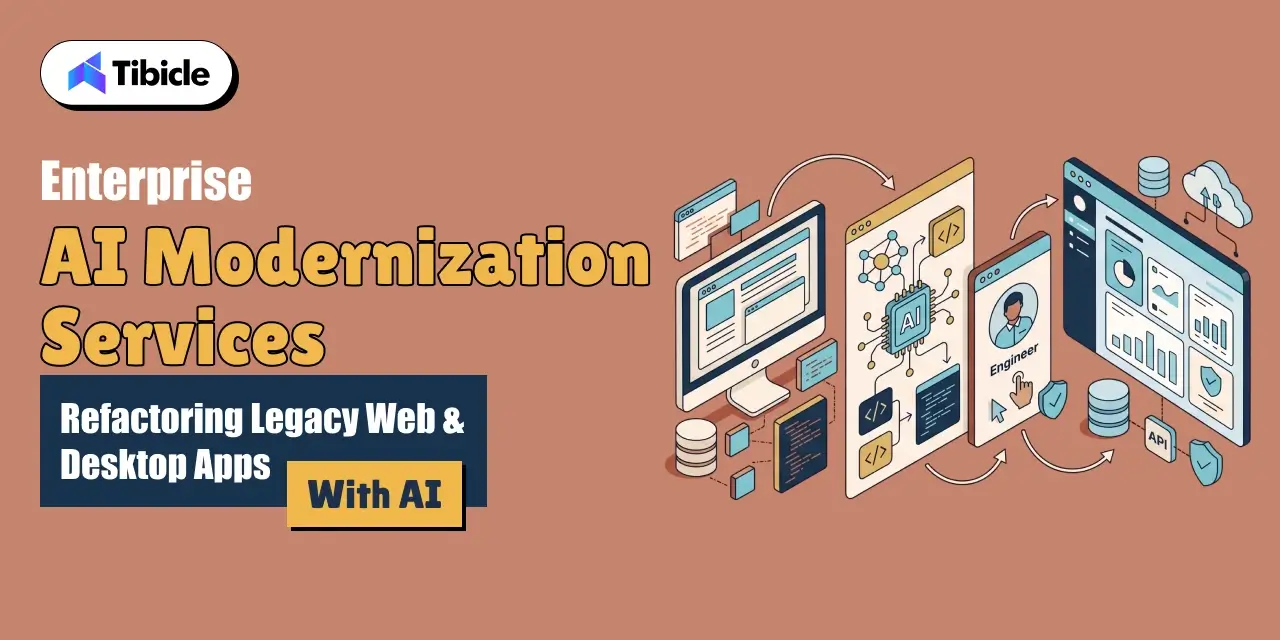
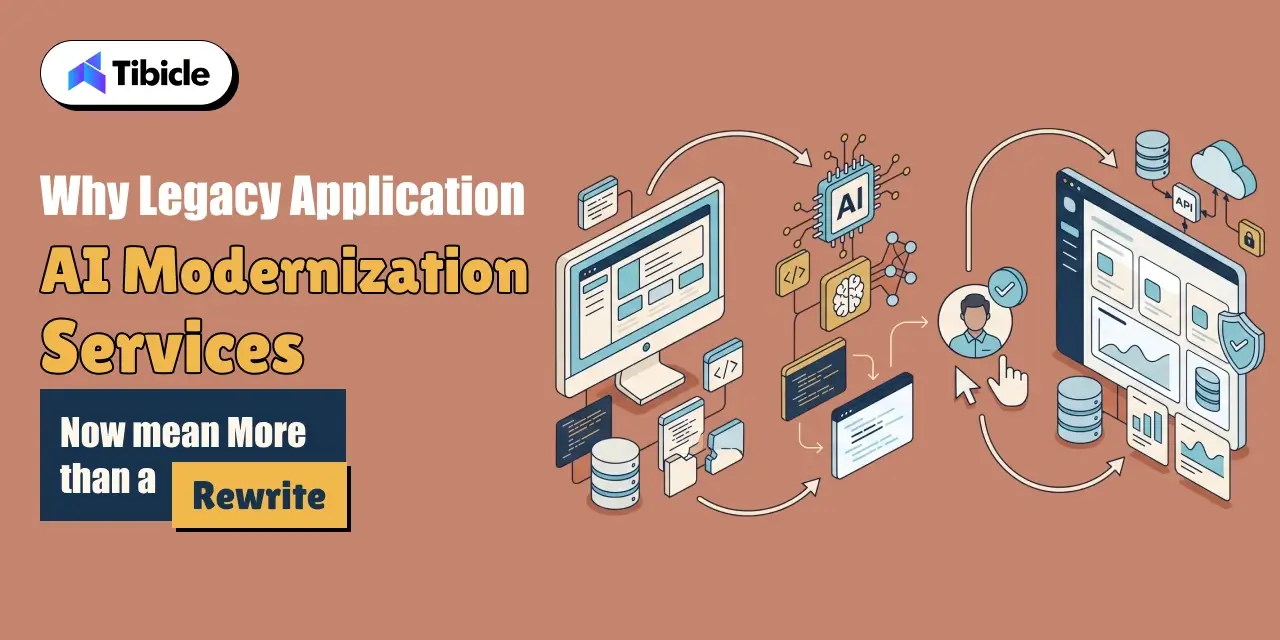
A manual legacy rewrite means a team reads old code, guesses at intent, and rebuilds it by hand. This process often takes months before anything ships. AI-assisted refactoring changes the shape of that work. A model can summarize what a function does, flag dead code, and draft a first-pass translation into a modern framework in minutes. Legacy application AI modernization services that use this workflow move faster. But the model’s draft is only a starting point for review, not a finished migration.
The Market and Cost Behind This Shift

The application modernization services market reflects how central this work has become. Grand View Research values it at $17.8 billion in 2023. The firm projects growth to $28.2 billion in 2026 and $52.5 billion by 2030, a 16.7% compound annual growth rate. The cost of standing still is just as concrete. Stripe’s Developer Coefficient survey polled over 1,000 developers. It found that engineers spend 17.3 hours of a 41.1-hour work week, roughly 42%, on technical debt and bad code rather than new development. Legacy application AI modernization services exist to claw back that time, not just to make old code look newer.
Where AI Actually Helps in a Legacy Application AI Modernization Services Project

 legacy application ai modernization services

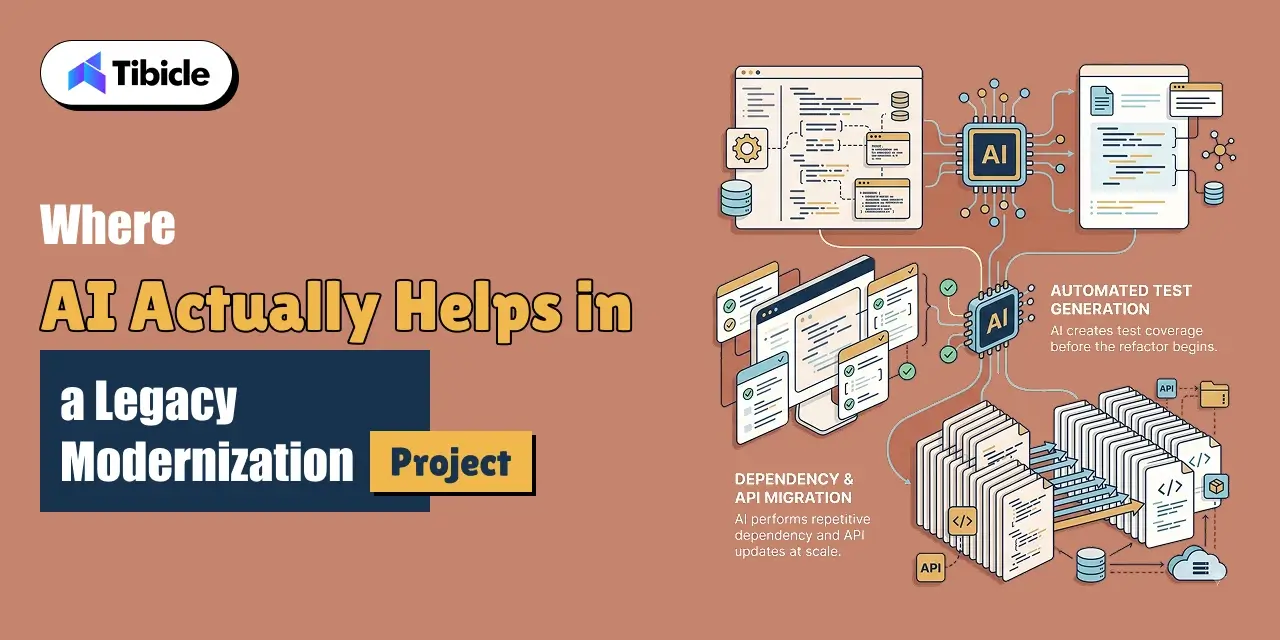
Code Comprehension and Documentation for Undocumented Systems

Most legacy systems outlive the developers who wrote them. AI models are genuinely strong at reading undocumented code. They produce a plain-language summary of what a module does. That summary cuts the weeks a team would otherwise spend just understanding the system before touching it.

Automated Test Generation Before Refactoring

Before any refactor, a team needs tests that capture current behavior, bugs included. These tests keep a migration from silently changing what the system does. AI-assisted test generation drafts this coverage far faster than writing it by hand. It gives a modernization project a safety net before the first line of legacy code changes.

Dependency and API Migration at Scale

Bulk, mechanical changes are exactly the kind of repetitive task AI tools handle well. Think upgrading a deprecated API call across hundreds of files, or updating a library’s import syntax. This is where legacy application AI modernization services save the most calendar time with the least risk.

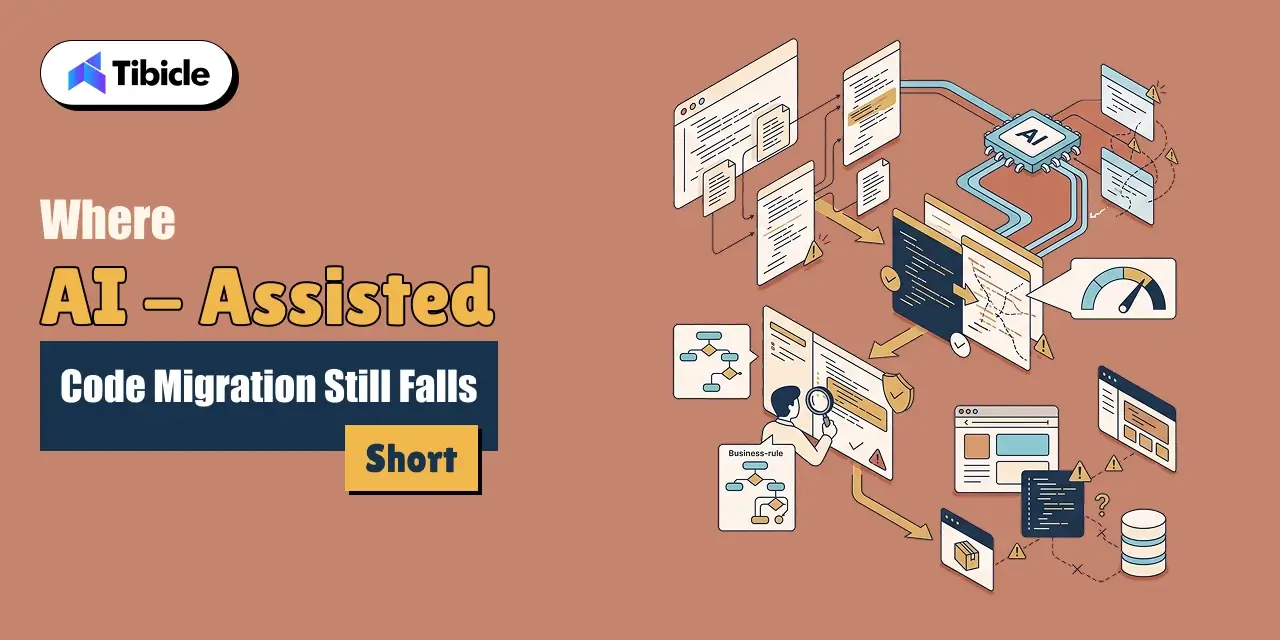
Where AI-Assisted Code Migration Still Falls Short

 legacy application ai modernization services

The Accuracy Gap on Complex Migrations

Complex, cross-file migrations are where AI-assisted code migration is still unreliable. CODEMENV is a benchmark built to test large language models on code migration across environments. It found an average pass rate of only 26.5% across seven models. The strongest model, GPT-4o, reached just 43.84%. That gap is the clearest argument against handing a legacy migration to a model unsupervised.

Why Business Logic Still Needs a Human Reviewer

A model cannot tell the difference between a rule the business requires and one that exists only because of a decade-old workaround nobody removed. Legacy application AI modernization services need a domain expert in the loop. That expert makes the call, migration by migration.

Legacy Frameworks AI Tools Handle Poorly

Niche or end-of-life frameworks give AI tools far less to work from. Think older desktop toolkits, uncommon enterprise Java frameworks, or proprietary internal libraries. Accuracy drops accordingly on these systems. They are the migrations that most need a team that has done this specific kind of work before.

Refactor, Re-Platform, or Rebuild: Choosing the Right Path for Web and Desktop Apps

The right modernization path depends on how much of the existing system is worth keeping. It does not depend on which approach sounds most thorough.

Approach What It Involves Best Fit
Refactor in place Clean up and modernize code within the existing architecture Systems with sound architecture but outdated code or dependencies
Re-platform Move the app to a new framework or runtime while keeping most business logic Apps on a deprecated stack that still fits the business well
Rebuild Redesign and rebuild the application from the ground up Systems where the architecture itself blocks the product roadmap

When Refactoring in Place Is Enough

Refactoring in place is the fastest and cheapest path when the architecture still fits the business. This applies when the problem is outdated syntax, unpatched dependencies, or missing tests. Tibicle’s Technology Consulting practice scopes this decision as the first step of any engagement, before any code changes.

When to Re-Platform Instead

A web application on a deprecated framework usually needs re-platforming even when the business logic is sound. The same applies to a desktop app tied to an unmaintained toolkit. Tibicle’s Website Development and Desktop App Development teams handle this kind of migration directly.

When a Full Rebuild Is Worth the Cost

A full rebuild earns its cost only when the current architecture blocks what the business needs next. It should not happen simply because the code looks old. Reserve this path for systems where refactoring or re-platforming would cost nearly as much as starting over.

The Security Case for Modernizing Now, Not After an Incident

For the first time in 19 years, exploiting a software vulnerability overtook stolen credentials as the leading attack method. Verizon’s 2026 Data Breach Investigations Report puts this at 31% of breaches. Legacy applications carry an outsized share of this risk. Unpatched frameworks, unsupported libraries, and years of accumulated workarounds give attackers more surface to work with than a current, actively maintained system. Legacy application AI modernization services that fold security hardening into the migration close this gap while a team already has the code open. Treating security as a separate project misses that window. Tibicle’s Annual Maintenance Contracts keep a modernized system patched after the migration ships.

What a Safe AI-Assisted Legacy Application AI Modernization Services Rollout Actually Looks Like

Maintenance

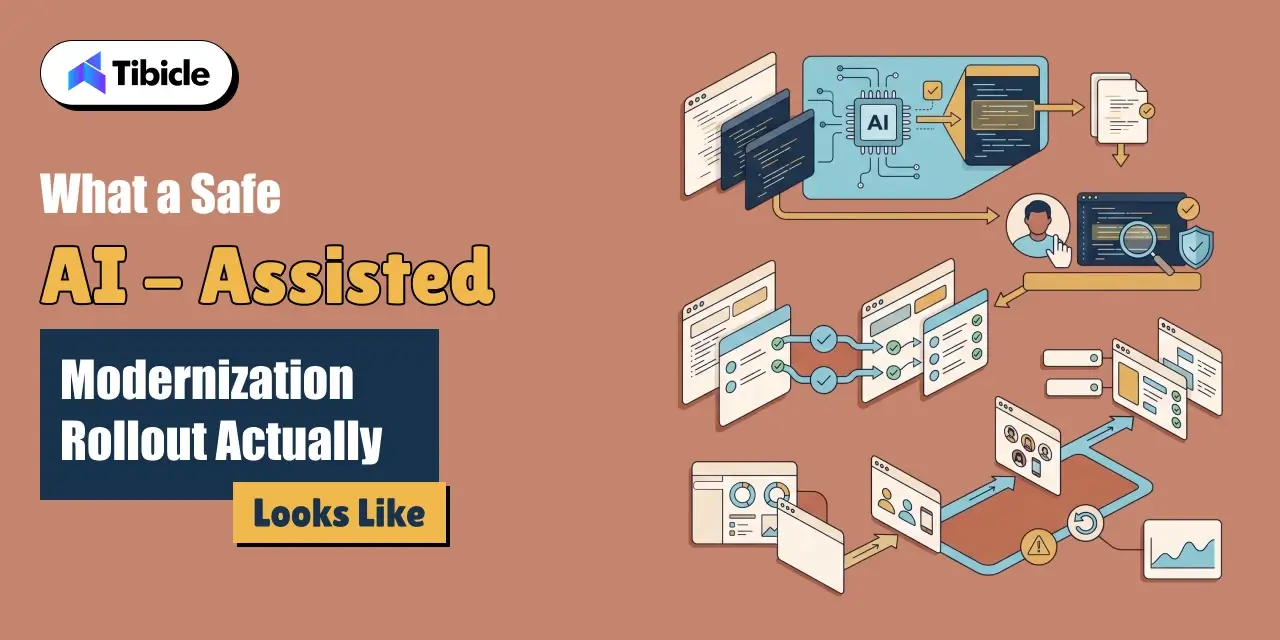
Human-in-the-Loop Review for AI-Generated Migrations

Every AI-generated migration needs a reviewer before it merges. That reviewer must understand the original system’s business context, not just its syntax. This single step separates a safe legacy application AI modernization services engagement from a risky one.

Test Coverage Before and After the Migration

A team should write tests against the legacy system’s actual behavior. Running those same tests against the migrated version confirms the refactor did not silently change what the system does.

Staged Rollout Instead of a Big-Bang Cutover

A staged rollout sends a modernized system to a small user group first. A fast rollback path backs this up. This approach catches problems a test suite misses before they reach every user at once.

Common Reasons Legacy Application AI Modernization Services Projects Stall

  • The team let an AI tool migrate business-critical logic without a domain expert reviewing the output.
  • No test suite existed to confirm the migrated system behaved the same way as the original.
  • The project chose a full rebuild when a refactor or re-platform would have solved the actual problem.
  • The team scoped security hardening as a separate project instead of folding it into the modernization work
  • The rollout went live for every user at once, with no staged path or rollback plan.

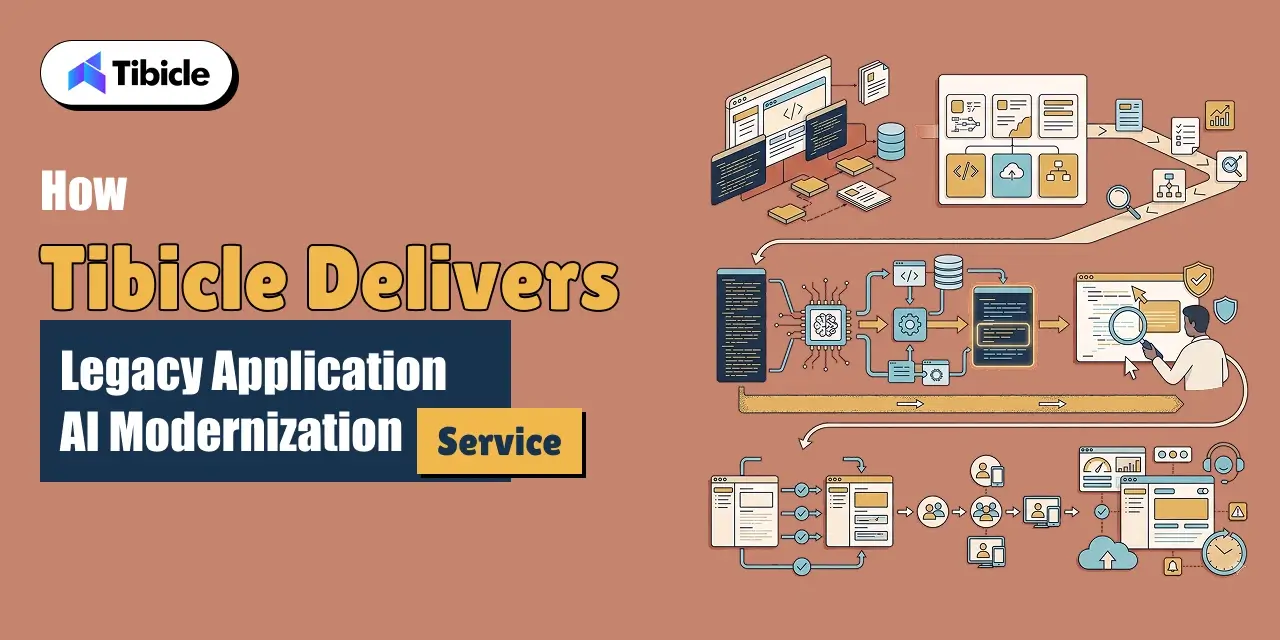
How Tibicle Delivers Legacy Application AI Modernization Services

Maintenance

Legacy Application Audit and Modernization Roadmap

Tibicle starts with an audit of the existing system. The audit covers what still works, what is a genuine liability, and whether the right path is a refactor, a re-platform, or a rebuild. This scoping stage draws on Tibicle’s Technology Consulting practice.

AI-Assisted legacy Migration with Human Review 

The build phase uses AI tools for the mechanical, high-volume parts of the migration. A developer reviews every change that touches business logic before it merges.

Testing and Ongoing Legacy Application AI Modernization Services Support

After migration, Tibicle stages the rollout and verifies behavior against the original system. The team keeps the modernized application maintained through its 24/7 Monitoring & Support service.

Conclusion

AI genuinely speeds up legacy application modernization for comprehension, test generation, and bulk migration work. It still needs a human reviewer for anything touching business logic. Getting that balance right is exactly what a business hires a modernization partner to do. 

Have a legacy web or desktop application that needs modernizing? Talk to the Tibicle team.

Frequently Asked Questions

What do legacy application AI modernization services actually include?
They combine AI-assisted code comprehension, automated test generation, and bulk dependency migration with human review of business logic. Teams deliver this as a refactor, re-platform, or rebuild depending on the system.

How accurate is AI at migrating legacy application ai modernization services code on its own?
Benchmark research on code migration found an average pass rate of only 26.5% across tested models. The best model reached under 44%. That gap is why unsupervised AI migration is not reliable for complex systems.

Should we refactor, re-platform, or rebuild our legacy application ai modernization services?
Refactor if the architecture still fits the business and the code is just outdated. Re-platform if the stack itself is deprecated but the logic is sound. Rebuild only if the architecture blocks what the business needs next.

Why does legacy application AI modernization services matter for security, not just performance?
Vulnerability exploitation is now the leading cause of data breaches. Legacy systems carry a disproportionate share of unpatched, unsupported code, which gives attackers more to work with.

How long does a legacy application AI modernization services take?
It depends on scope. A focused refactor with AI-assisted comprehension and testing can take weeks. A full re-platform or rebuild of a business-critical system takes longer, and a team should stage it.

Does Tibicle offer legacy application AI modernization services for web and desktop apps?
Yes. Tibicle modernizes legacy web and desktop applications using AI-assisted migration with human review, covering refactoring, re-platforming, security hardening, and ongoing support after launch.

Custom Computer Vision Software Development Company

Who this is for: Engineering leads, product owners, and operations heads at B2B enterprises evaluating a custom computer vision software development company for a real visual-data workflow rather than a demo.

Search intent: Commercial evaluation with a technical backbone. The reader has moved past “what is computer vision” and wants architecture choices, accuracy data, and a build-vs-buy comparison before briefing a vendor.

What you will walk away with: What a production computer vision and multimodal AI build actually requires, current market and accuracy data from Gartner, Grand View Research, and a UC-affiliated benchmark study, a build-vs-buy comparison table, and how Tibicle structures custom computer vision and multimodal AI application development for B2B enterprise.

computer vision software development company

Introduction

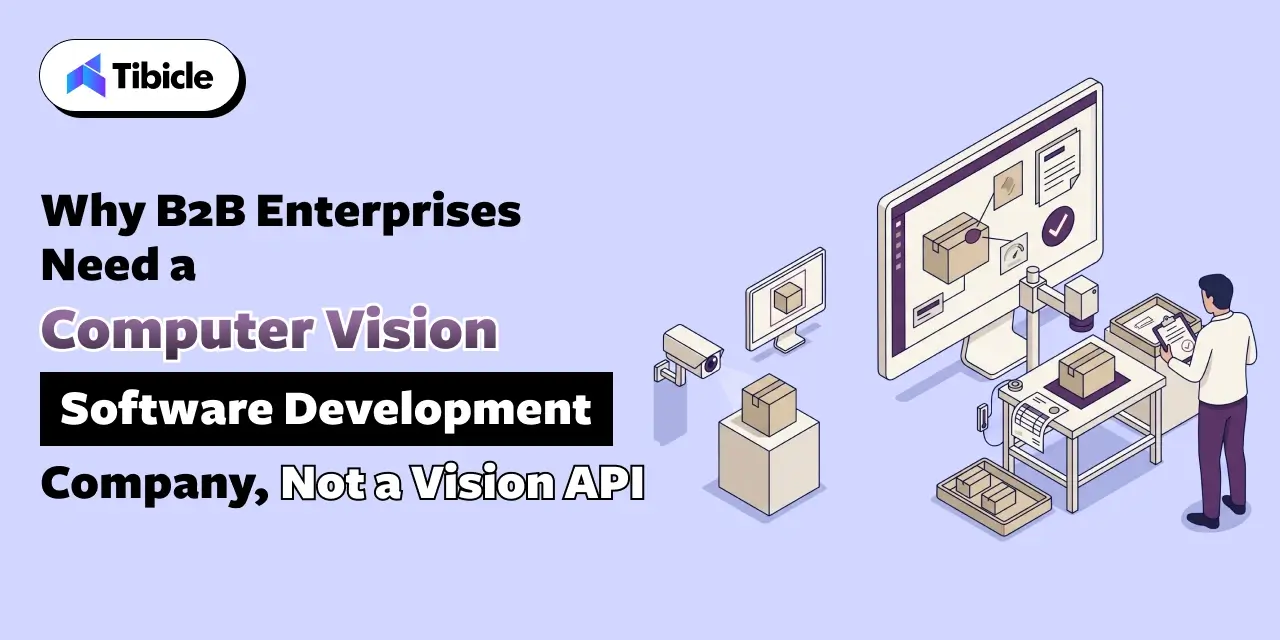
A custom computer vision software development company builds systems that read pixels and turn them into business decisions. It does not just label a photo and stop there. Gartner projects that 80% of enterprise software and applications will be multimodal by 2030, up from less than 10% in 2024. That shift changes what a B2B enterprise actually needs from a computer vision software development company. 

A generic vision API can tag a photo. However, a production system has to do more. For example, it must catch a hairline defect on a moving line, read a document buried inside a video frame, or flag an anomaly in real time. In addition, it then has to route that decision to the right person or system, without a human reviewing every frame. The gap between a vision demo and a system an enterprise can run in production sits in the architecture, not the model. 

Therefore, that means data pipelines, fusion across image, text, and sensor inputs, and a deployment plan that respects where the data can live. This guide covers what custom computer vision and multimodal AI development actually requires, and where it creates real enterprise value. It also covers why general-purpose vision APIs fall short on domain-specific data. And it covers how Tibicle structures custom computer vision and multimodal AI application development for B2B enterprise.

Why B2B Enterprises Need a Custom Computer Vision Software Development Company, Not a Vision API

computer vision software development company

From Single-Purpose Vision APIs to Multimodal Enterprise Systems

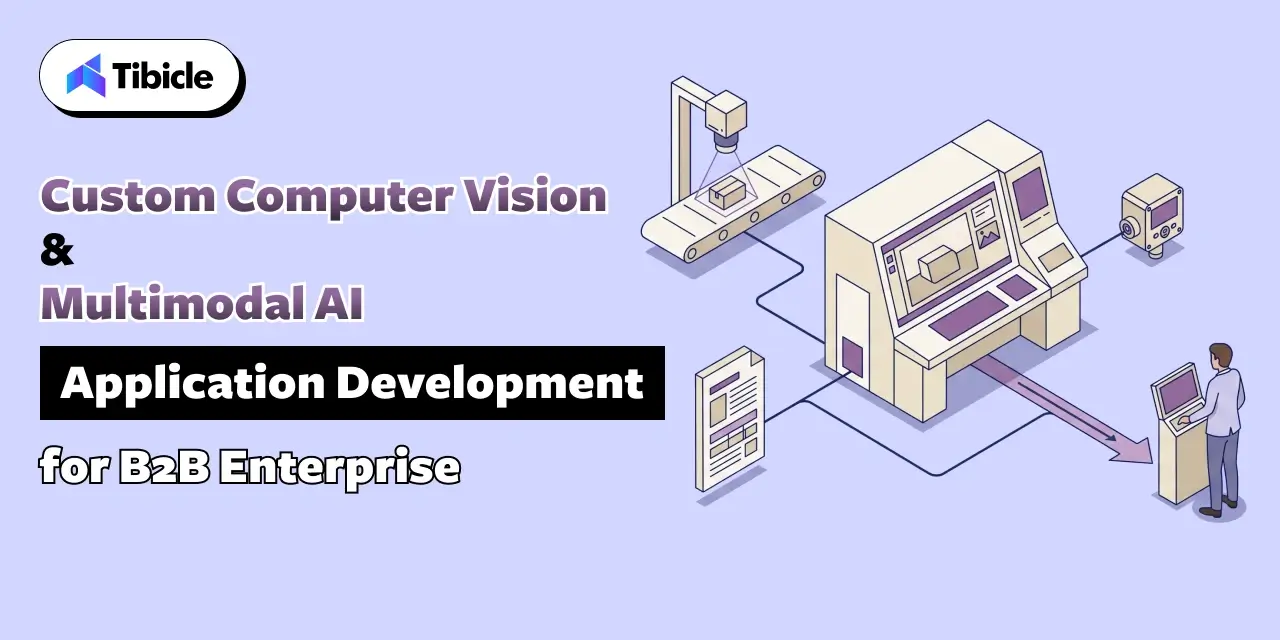
A stock vision API returns labels: this is a box, this is a face, this is a forklift. A B2B enterprise workflow needs more context than that. It needs to combine what a camera sees with what a sensor reports, what a document says, and what a business rule requires. It then acts on all three together. That combination is what multimodal AI application development actually means in practice. It is also why a computer vision software development company builds a pipeline, not a single model call.

The Market Shift Behind This Demand

Enterprise investment in visual AI is accelerating in a way that reflects this shift. Grand View Research values the global computer vision market at $23.6 billion in 2025. The firm projects growth to $28.2 billion in 2026 and $101.5 billion by 2033, a 20.1% compound annual growth rate. It attributes a meaningful share of that growth to the move toward multimodal AI models. These models combine visual, textual, and contextual data for more accurate analysis. A computer vision software development company sits right at that intersection. It builds the fusion layer generic tools do not provide out of the box.

What Custom Computer Vision Software Development and Multimodal AI Actually Requires

Data Pipelines: Capture, Labeling, and Model Training

A production vision system starts with a data pipeline, not a model. Cameras or sensors capture raw footage. A labeling process marks what matters for the specific task. A training loop then fine-tunes a model against that labeled set. Skipping the labeling step and relying on a general pretrained model instead is the single most common reason a computer vision pilot never reaches production.

Fusing Vision With Text, Sensor, and Structured Data

Multimodal AI application development means combining an image with the data around it. Think a timestamp, a sensor reading, a work order number, or a compliance rule stored as text. A system that flags a defect but cannot tie it to the right batch record only does half the job. The fusion layer, not the vision model alone, makes the output usable by another system or person.

Edge vs Cloud Custom Computer Vision Software Development Inference for Real-Time Decisions

A quality-control camera on a production line cannot wait on a round trip to a cloud API when the line moves faster than that latency allows. Edge inference keeps the decision local and fast. Cloud inference trades some latency for easier updates and more compute. A computer vision software development company picks this split based on the actual line speed and network reliability, not by default.

Where Custom Computer Vision Software Development Creates Enterprise Value: Manufacturing, Healthcare, and Retail

computer vision software development company

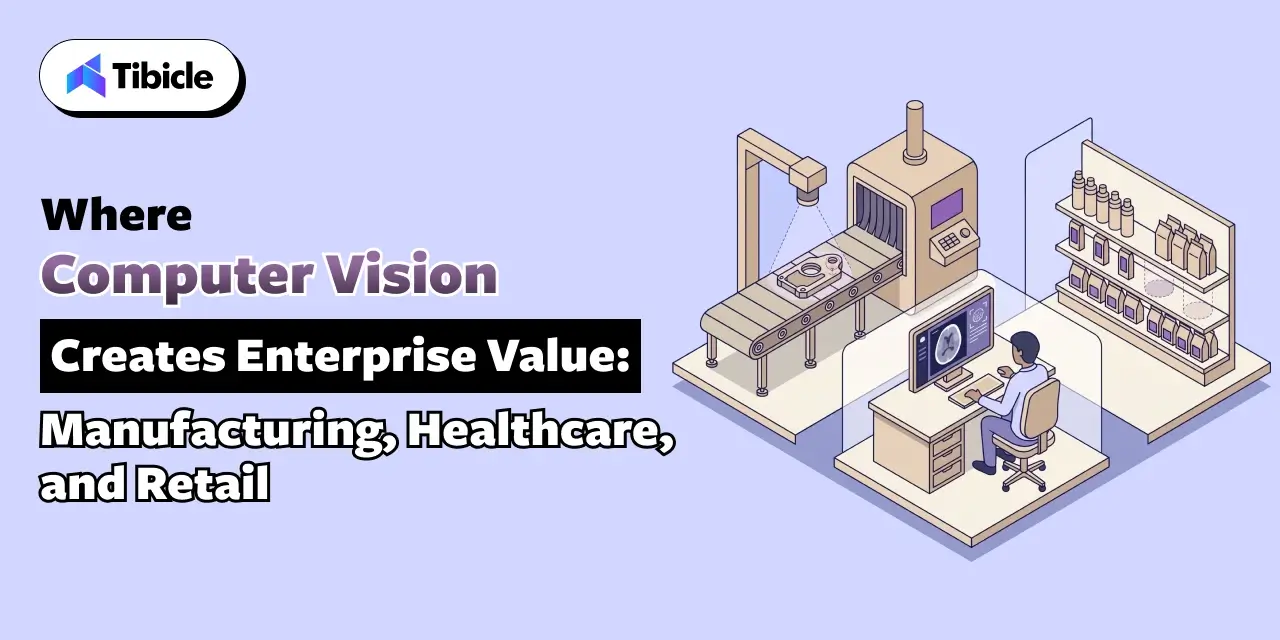
Manufacturing: Defect Detection and Quality Control

Manufacturing and IT functions report measurable cost benefits from AI use cases. Quality control and predictive maintenance are consistently among the strongest, according to McKinsey’s 2025 State of AI survey. A camera on the line that catches a surface defect before it reaches packaging replaces a manual inspection step. That manual step scales poorly and tires over an eight-hour shift. Tibicle’s IoT & Smart Solutions work covers the sensor and real-time monitoring layer this kind of inspection system depends on.

Healthcare: Medical Imaging and Diagnostic Support

Medical imaging is the single largest category of FDA-authorized AI and machine learning medical devices. A 2024 analysis found the agency cleared 168 machine-learning-enabled Class II devices that year. Radiology accounted for roughly 74% of them. That concentration reflects how mature computer vision has become for structured image analysis. It also reflects how much regulatory scrutiny a healthcare-facing build has to clear before launch. Tibicle’s HealthTech industry work covers this compliance layer directly.

Retail and Logistics: Shelf Monitoring and Inventory Accuracy

A camera that reads shelf gaps, verifies planogram compliance, or counts inventory at a dock door removes a manual audit step. That manual audit otherwise happens once a day at best. Tibicle’s Retail & E-Commerce work applies this same computer vision and multimodal AI pattern to shelf and inventory monitoring.

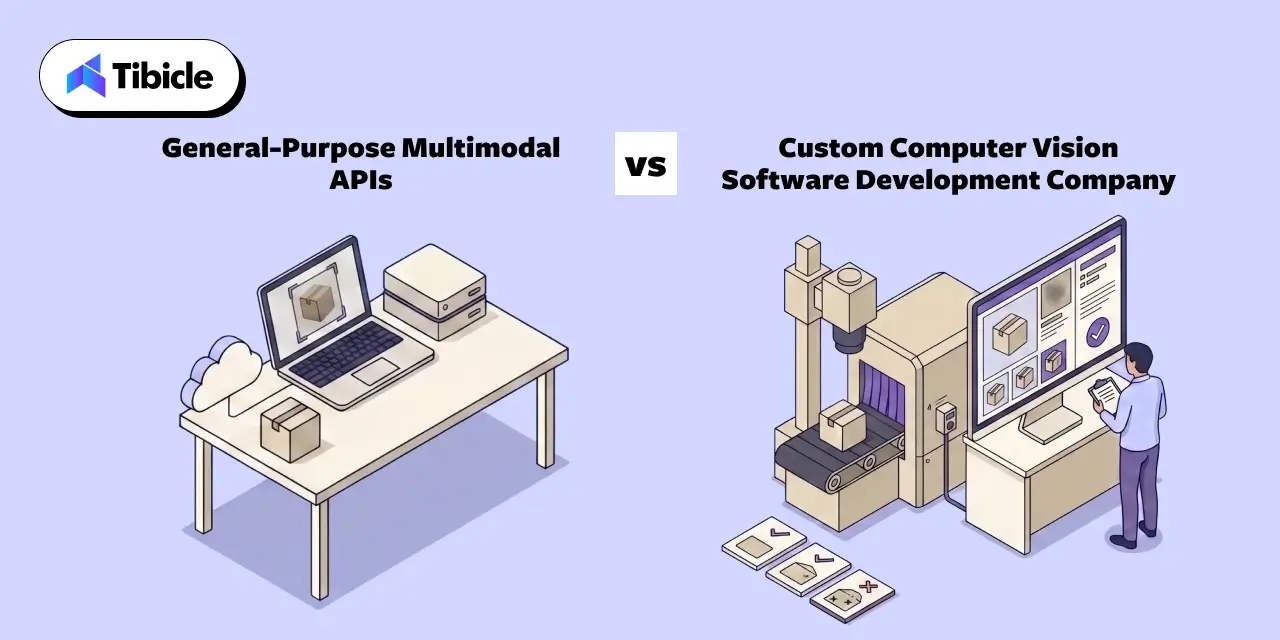
General-Purpose Multimodal APIs vs a Custom Computer Vision Software Development Company

Development

Where General-Purpose Vision APIs Are the Right Call

A general-purpose multimodal API handles common, well-represented tasks well: reading a receipt, tagging a product photo, moderating uploaded images. For those tasks, building custom is rarely worth the cost.

Why Accuracy Drops on Domain-Specific Visual Data

Accuracy drops fast once the task moves to specialized visual data the model never trained on. The MMAD benchmark tests multimodal large language models on industrial anomaly detection. Researchers built it specifically for that purpose. It found that GPT-4o, the strongest commercial model tested, reached only 74.9% average accuracy across defect and anomaly questions. The researchers note this falls far short of what industrial inspection actually requires. General-purpose models train on broad internet imagery, not the specific texture of a welded seam or a printed circuit board. That gap does not close on its own.

The Case for a Custom Computer Vision Software Development Build

A computer vision software development company closes that gap. It fine-tunes on the enterprise’s own visual data instead of relying on a general-purpose model’s out-of-the-box accuracy.

Factor General-Purpose Vision APIs Custom Computer Vision Development
Setup speed Live in days Live in weeks, scoped to the specific visual task
Accuracy on domain data Drops on specialized or unfamiliar imagery Fine-tuned on the enterprise’s own labeled data
Data control Images often processed through the vendor’s cloud Data and models stay inside your infrastructure by design
Latency Depends on network round trip Can run at the edge for real-time decisions
Cost at scale Per-call fees grow with image volume Fixed build cost, no recurring per-call fee
Best fit Common, well-represented visual tasks Specialized, regulated, or high-volume visual workflows

For workflow bots that need to run on a user’s own machine, the same architecture questions apply to a desktop shell rather than a browser tab. Tibicle’s guide on running local LLMs in Electron covers the process-model constraints that shape an on-device agent build.

Data Privacy, Compliance, and Governance for Visual and Biometric Data

When Visual Data Becomes Regulated Biometric Data

Not every image is ordinary personal data. Under GDPR, facial recognition footage at an access point counts as biometric data. This kind of footage falls under Article 9’s special category rules (ICO). Those rules carry a higher legal bar than standard personal data. A computer vision software development company needs to know which parts of a visual pipeline cross that line. That scoping has to happen before the first camera goes live, not after.

On-Prem and Edge Deployment for Sensitive Computer Vision Software Development Data

Keeping inference on-site or at the edge is often the simplest way to reduce this exposure. It beats routing every frame through a third-party cloud API. It also removes a dependency on an external vendor’s uptime for a workflow that cannot pause.

Human Review Checkpoints for High-Stakes Visual Decisions

Any visual decision with legal, safety, or diagnostic consequences needs a human checkpoint before it becomes final. A confidence score attached to an automated action is not enough on its own. Building that checkpoint into the workflow from day one costs far less than retrofitting it after an incorrect automated decision.

Common Reasons Custom Computer Vision Software Development Projects Fail to Reach Production

The pattern behind stalled computer vision projects repeats across industries:

  • The pilot used a small, clean dataset that does not reflect real production conditions, lighting, or camera angles
  • No labeling pipeline existed to keep the training data current as the visual task changed
  • The team evaluated the model on accuracy alone, without a plan for what happens when confidence is low
  • The team discovered edge or latency requirements only after building the cloud-based architecture
  • The team identified biometric or regulated visual data only after the system had already started collecting it

How Tibicle Delivers Custom Computer Vision Software Development and Multimodal AI Development

Development

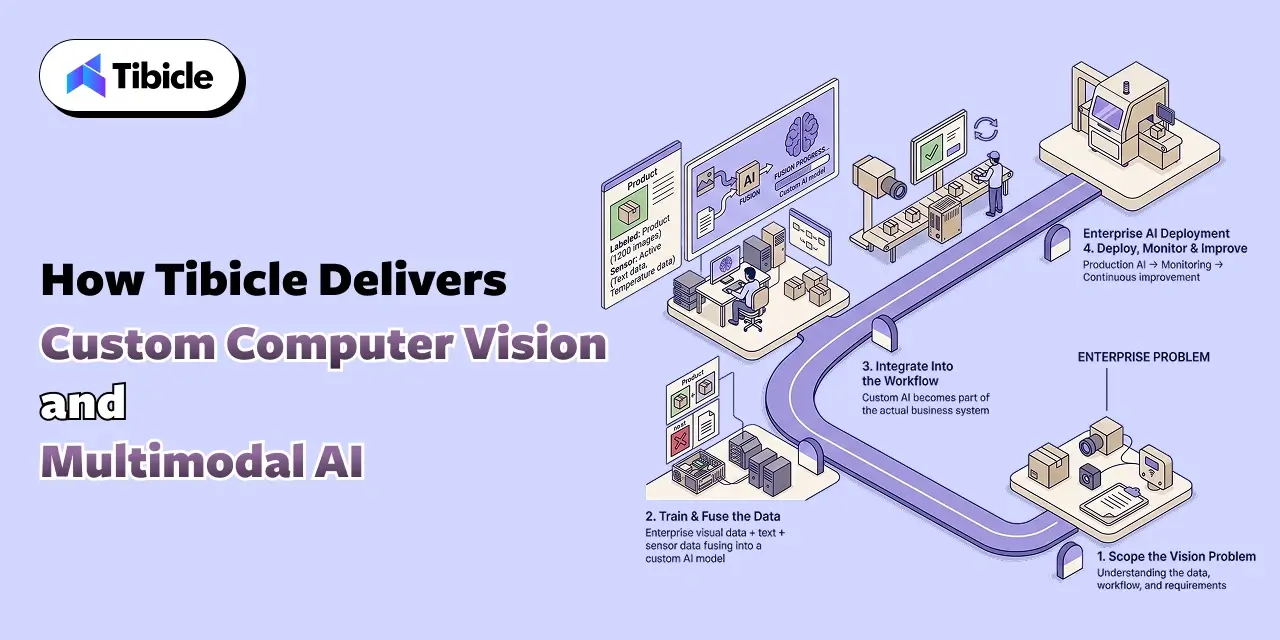
Data and Model Scoping

Tibicle starts by auditing the actual visual task. That includes what the camera or sensor captures today, and what a labeled dataset needs to include. It also covers whether the workflow needs edge inference or can run in the cloud. This scoping stage draws on Tibicle’s AI & Automation Consulting practice.

Build: Model Training, Fusion, and Integration

The build phase fine-tunes a vision model against the enterprise’s own data. It also fuses that model with the text, sensor, and structured inputs the workflow depends on. Tibicle delivers this through its AI Development and Integration services.

Deployment and Monitoring

After launch, Tibicle monitors accuracy against production data, not just the original test set. The team retrains the model as the visual task or environment drifts.

Conclusion

A custom computer vision and multimodal AI system earns its cost once three things start to matter more than demo speed. Those three things: accuracy on real production data, latency, and data governance. All three come down to architecture decisions a team makes before training starts. Building a computer vision system for a real enterprise workflow? Talk to the Tibicle team.

Frequently Asked Questions

What does a custom computer vision software development company actually build, compared to a vision API?
A vision API returns labels for a single image. A computer vision software development company builds the full pipeline instead. That pipeline covers data capture, labeling, model training, fusion with other data sources, and deployment tuned to the enterprise’s latency and compliance needs.

How accurate are general-purpose multimodal AI models on specialized enterprise visual tasks?
Benchmark research on industrial anomaly detection found the strongest commercial multimodal model reached only 74.9% accuracy. That falls well short of what industrial inspection requires. This gap is why domain-specific fine-tuning matters for specialized visual tasks.

Does custom computer vision software development need to run on-site instead of through a cloud API?
It depends on latency and data sensitivity. Real-time production-line decisions often need edge or on-prem deployment. So does regulated visual data, such as biometric identification, rather than a round trip to a cloud API.

What industries get the most value from custom computer vision software development?
Manufacturing, healthcare, and retail show the clearest documented value today, covering defect detection, medical imaging analysis, and shelf or inventory monitoring.

When does visual data become regulated biometric data for custom computer vision software development?
Under GDPR, facial recognition footage at an access point counts as biometric data. Article 9’s special category rules cover this kind of data. Those rules require a stronger legal basis than ordinary personal data.

Does Tibicle offer custom computer vision software development and multimodal AI development for B2B enterprises?
Yes. Tibicle builds custom computer vision and multimodal AI applications for enterprise clients, covering data pipeline design, model fine-tuning, fusion with existing systems, and post-launch monitoring.

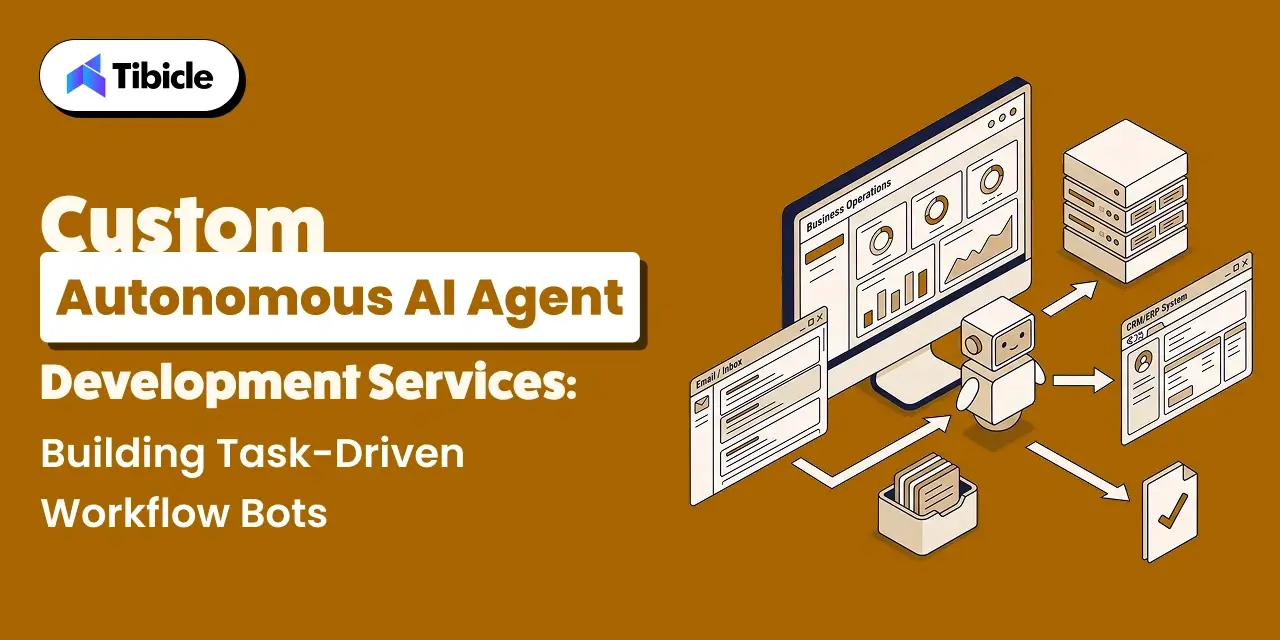
Custom Autonomous AI Agent Development Services: Building Task-Driven Workflow Bots

What This Guide Covers

Who this is for: Engineering leads, product owners, and operations heads evaluating AI agent development services for a real internal workflow rather than a chatbot pilot.

Search intent: Commercial evaluation with a technical backbone. The reader has moved past “what is an AI agent” and wants architecture choices, failure data, and a build-vs-buy comparison before they brief a vendor.

What you will walk away with: The agent loop a production build actually needs, current adoption and failure data from Gartner, McKinsey, and a UC Berkeley study on multi-agent systems, a build-vs-buy comparison table, and how Tibicle structures custom AI agent development services around task-driven workflow bots.

AI Agent Development Services

Introduction

AI agent development services now build software that finishes multi-step business tasks on its own. They do not just answer a single question and stop. Gartner projects that 40% of enterprise applications will carry task-specific AI agents by the end of 2026. That is up from less than 5% in 2025. That jump changes what a business actually asks for when it hires an AI agent development services partner. A chatbot answers a question. A task-driven workflow bot does more. It pulls data from three systems, checks it against a rule set, takes an action, and logs what it did. It does all this without a person clicking through each step. The gap between those two builds is where most projects stall. A prompt-only demo looks convincing in a sales call. It fails the moment a real workflow needs memory, tool access, and a way to recover from a bad step. This guide covers what a production-grade agent build needs, and how single-agent and multi-agent architectures compare for real workflows. It also covers where off-the-shelf platforms fall short. And it covers how Tibicle structures custom AI agent development services around task-driven workflow bots rather than chat widgets.

Why AI Agent Development Services Now Mean Task-Driven Workflow Bots, Not Chatbots

From Conversational Assistants to Autonomous Task Execution

A chatbot waits for a message and replies. A task-driven workflow bot decides what to do next on its own, inside a loop. It reads the current state, plans the next step, calls a tool or API, checks the result, and repeats until the task closes out. This loop is what separates AI agent development services from a support widget on a website. An autonomous AI agent needs memory of what it already tried. It needs access to real tools instead of a static knowledge base. And it needs a point where it stops and asks a human when the next step carries real risk. Getting this loop right is most of the engineering work in a real agent build, more than the language model behind it. Tibicle covers the broader productivity case for this shift in its guide on AI agents boosting productivity in 2026.

The Adoption Curve Behind This Shift

Enterprise interest in AI agent development services is rising fast, but production use still lags the pitch decks. Gartner expects 33% of enterprise software applications to carry agentic AI by 2028, up from under 1% in 2024. McKinsey’s 2025 State of AI survey found that 62% of organizations are experimenting with AI agents. Yet no more than 10% have scaled an agent in any single business function. That gap between experimentation and production is exactly where a custom AI agent development services partner earns its fee. The partner closes the distance between a working demo and a bot a team can trust with a real task, every day, without supervision.

What a Production-Grade Autonomous AI Agent Needs to Run a Workflow

AI Agent Development Services

Perception, Planning, and Tool Calling in the Agent Loop

An autonomous AI agent reads its current state, breaks the goal into steps, and calls a tool or API for each one. Planning quality matters more than model size here. A weaker model with a tight, well-scoped plan often outperforms a stronger model given an open-ended instruction. Good AI agent development services spend real time on this planning layer, not just on wiring an API key into a prompt.

Memory and State Across Multi-Step Tasks

A workflow that spans ten steps needs to remember what happened in step three by the time it reaches step eight. Context windows alone do not solve this reliably once a task runs long or resumes after an interruption. Production builds pair short-term context with a persistent store, a database or vector index. That pairing lets the agent recover its place instead of starting over or repeating an action it already completed.

Guardrails: Where Autonomy Needs a Boundary

Every autonomous AI agent needs scoped permissions, not blanket system access. That means rate limits on tool calls. It also means an explicit list of actions the agent can take without approval, and a rollback plan for the ones it cannot undo. Skipping this step is the fastest way to turn a workflow bot into a liability rather than a time saver.

Single-Agent vs Multi-Agent Architecture for Task-Driven Workflow Bots

AI Agent Development Services

When One Agent Is Enough

Most business workflows do not need a team of agents. A single agent that plans, calls tools, and verifies its own output can handle sequential tasks. Think invoice matching, ticket triage, or report generation, all without added coordination overhead. Simpler architecture also means fewer places for a task-driven workflow bot to fail silently.

When to Split Work Across Specialized Agents for ai agent development services

Splitting work across agents earns its complexity only when a task genuinely needs different skills working in parallel. Picture one agent drafting a response, another checking it against policy, and a third executing the approved action. Gartner expects one-third of agentic AI implementations to combine agents with different skills by 2027, specifically to manage this kind of complex, multi-step task. 

Why Multi-Agent Systems Fail More Often Than Expected

Multi-agent systems carry a real failure cost that vendor demos rarely show. A UC Berkeley study analyzed over 1,600 execution traces across seven popular multi-agent frameworks. It found failure rates between 41% and 86.7%. The study identified 14 distinct failure modes across three categories: system design issues, inter-agent misalignment, and task verification failures. Here is the finding that matters most for a build decision. A single agent that holds the full task in context frequently beats a team of agents that has to coordinate. Split work across agents only when the task actually requires it.

Off-the-Shelf Agent Platforms vs Custom AI Agent Development Services

Where No-Code Agent Builders Get It Right

No-code agent platforms get a simple, single-tool workflow live in days. Think drafting a reply from a template, or pulling one API response into a spreadsheet. For those narrow tasks, they are often the right call and not worth building custom.

Where They Break Down for Real Business Workflows 

They break down once a workflow spans multiple internal systems or needs custom approval logic. The same happens when a workflow has to run inside data residency or compliance rules a generic vendor cannot guarantee. Pre-built connectors cover common tools, not the internal APIs and legacy systems most B2B workflows actually run on.

The Case for a Custom Build

Custom AI agent development services earn their cost once integration depth, data control, or scale start to matter more than setup speed.

Factor No-Code Agent Platforms Custom AI Agent Development Services
Setup speed Live in days Live in weeks, scoped to the actual workflow
Integration depth Pre-built connectors only Direct integration with internal APIs, databases, and legacy systems
Data control Data often routes through the vendor’s cloud Data stays inside your infrastructure by design
Guardrails Generic, vendor-set defaults Built around your specific approval rules and risk tolerance
Cost at scale Per-seat or per-run fees grow with usage Fixed build cost, no recurring per-run platform fee
Best fit Simple, single-tool tasks Multi-system, regulated, or high-volume workflows

For workflow bots that need to run on a user’s own machine, the same architecture questions apply to a desktop shell rather than a browser tab. Tibicle’s guide on running local LLMs in Electron covers the process-model constraints that shape an on-device agent build.

Governance and Human-in-the-Loop Controls for Autonomous AI Agents

Governance and Human-in-the-Loop

Role-Based Permissions for Autonomous Actions

An autonomous AI agent should hold the narrowest permission set that lets it do its job. The system should enforce this at the system level, not hide it behind a UI toggle. A finance workflow bot that can read invoices should not automatically hold write access to the payment system.

Human-in-the-Loop Checkpoints for High-Stakes Tasks

Any action with financial, legal, or customer-facing consequences needs a checkpoint where a human confirms before the agent proceeds. This slows the workflow by seconds. But it prevents the kind of error that erases the time the bot exists to save.

Audit Trails and Observability for Agent Decisions for ai agent development services

Every action a task-driven workflow bot takes needs a log: what it decided, what data it used, and what it changed. Close to three-quarters of companies plan to deploy agentic AI within two years. Yet only 21% report having a mature governance model for it. Building the audit trail in from the start, rather than retrofitting it after an incident, closes a real gap. It is one of the clearest gaps custom AI agent development services address.

Common Reasons AI Agent Development Projects Stall Before Production

Governance and Human-in-the-Loop

Gartner predicts that over 40% of agentic AI projects will collapse by the end of 2027. Escalating costs, unclear business value, and inadequate risk controls drive this pattern most often.

  • Nobody defined a clear success metric before the build started
  • The team scoped the agent around a demo task, not the messier real workflow
  • The team treated integration with existing systems as a later phase instead of a day-one requirement
  • The team added governance and approval logic after a near-miss instead of at design time
  • The team picked a multi-agent architecture the task never actually needed

How Tibicle Delivers Custom AI Agent Development Services

Workflow Audit and Agent Architecture Planning

Tibicle starts every engagement with an audit of the actual workflow. That audit covers which systems the agent needs to touch, where approval gates belong, and whether the task needs one agent or several. This planning stage draws on Tibicle’s AI & Automation Consulting practice. That practice focuses on scoping automation around measurable outcomes rather than a generic feature list.

Build: Orchestration, Tool Integration, and Guardrails

The build phase wires the agent into existing systems. Tibicle delivers this through its AI Development and Integration services. That work covers tool calling and memory. It also covers the permission boundaries a production autonomous AI agent needs from day one, not as a later patch.

Deployment, Monitoring, and Iteration

After launch, Tibicle keeps observability and audit logging active. This keeps a task-driven workflow bot’s decisions traceable. Tibicle also adjusts the agent’s scope as the workflow around it changes.

Key Takeaways

  • AI agent development services now build task-driven workflow bots that plan, act, and verify, not chat widgets that answer questions
  • Adoption is outpacing production readiness: 62% of organizations experiment with AI agents, but no more than 10% have scaled one in a single function
  • Multi-agent architecture adds real failure risk, with documented failure rates between 41% and 86.7% across popular frameworks; use it only when a task genuinely needs it
  • Off-the-shelf agent platforms fit simple, single-tool tasks; custom AI agent development services fit multi-system, regulated, or high-volume workflows
  • Governance and audit trails belong in the build from day one; teams should not add them after a near-miss

Conclusion

A task-driven workflow bot earns its place once it can plan, act, verify, and stop safely when a step carries real risk. Most of that reliability comes from architecture decisions a team makes before the first line of code, not from which model powers it. 

Building an autonomous AI agent for a real workflow? Talk to the Tibicle team.

Frequently Asked Questions

What do AI agent development services actually build, compared to a chatbot?
A chatbot answers questions in a conversation. AI agent development services build a system that plans and executes multi-step tasks on its own. That system calls tools, checks results, and logs every action it takes.

How long does a custom AI agent development project take?
It depends on integration scope. A single-workflow build with two or three system integrations typically takes a few weeks. A multi-agent build with heavy compliance requirements takes longer.

Do task-driven workflow bots need a multi-agent architecture?
No. Most workflows run fine on a single agent. Multi-agent architecture only earns its added complexity when distinct skills genuinely need to work in parallel on the same task.

How do AI agent development services handle data security and permissions?
Through role-based access at the system level, scoped tool permissions, and human approval checkpoints on any action with financial, legal, or customer-facing consequences.

Can an autonomous AI agent run on top of our existing software instead of replacing it?
Yes. Custom AI agent development services typically integrate directly with existing internal APIs, databases, and legacy systems. They rarely require a platform migration.

Does Tibicle offer AI agent development services for enterprise workflows?
Yes. Tibicle builds custom autonomous AI agents and task-driven workflow bots for enterprise clients, covering architecture planning, tool integration, guardrails, and post-launch monitoring.

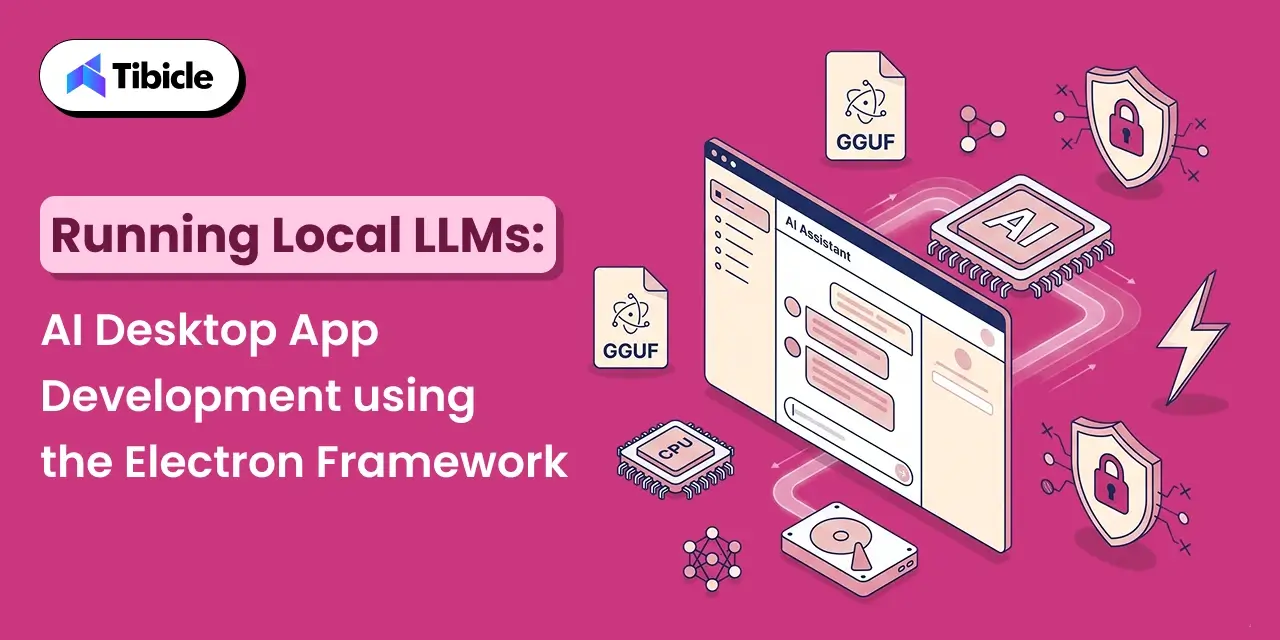
Running Local LLMs: AI Desktop App Development Using the Electron Framework

Who this is for: Engineering teams and product leads building an AI-powered desktop application that needs to run a language model locally on the user’s device, evaluating Ai desktop app development Electron for local inference specifically because sending prompts to an external API isn’t an option for their data, a common requirement in Tibicle’s AI integration automation work with regulated or privacy-sensitive clients.

Search intent: Technical architecture and feasibility planning. The reader has likely already decided to build local LLM inference into a product and needs to understand Electron-specific implementation constraints, where inference can actually run, how to package a multi-gigabyte model, and what hardware to plan for, not a general introduction to what a language model is.

What you will walk away with: Why node-llama-cpp and local inference have to run in Electron’s main process and will crash the app in the renderer, hardware and VRAM requirements by model size at Q4 quantization, packaging decisions for bundling versus downloading a GGUF model on first run, model provenance and security practices for community model files, a framework for choosing local inference over a cloud API, and how Tibicle’s desktop app development team builds AI-powered desktop tools with local model integration.

AI desktop app development Electron

Introduction

Running a language model entirely on a user’s machine, with no API call and no data leaving the device, has become one of the more practical reasons to build a desktop app in 2026. 44% of organizations identify data privacy and security as their top barrier to adopting LLMs, and a local LLM desktop application sidesteps that barrier by design: proprietary code, customer data, and regulated records never touch an external server. That is exactly why AI desktop app development Electron has become a real category rather than a hobbyist experiment, with tools like LM Studio, GPT4All, and Jan.ai proving the pattern works in production.

The catch is that AI desktop app development with Electron behaves differently from a typical CRUD or productivity app. A local LLM desktop application has to load multi-gigabyte model files, keep inference off the UI thread, and ship an installer that is not measured in megabytes anymore. This guide covers what building a local LLM desktop application with Electron actually involves, why the architecture has a hard constraint most teams learn about the hard way, the hardware and packaging realities to plan for, and when local inference is the right call versus a cloud API.

What AI Desktop App Development with Electron Actually Involves

A local LLM desktop application built on Electron combines three pieces: an inference engine that runs the model, a bridge that connects that engine to JavaScript, and the usual Electron split between a Node.js main process and a Chromium renderer. Framing this correctly from the start is the difference between a smooth AI desktop app development Electron project and one that stalls in its first sprint. The dominant inference engine in this space is llama.cpp, a C++ project that runs quantized language models on ordinary CPUs and GPUs, and the dominant bridge into Electron is node-llama-cpp, a Node.js binding that node-llama-cpp’s own documentation confirms is fully supported in Electron, and also includes custom Electron-specific adaptations.

Most AI desktop app development Electron in this category standardizes on the GGUF format, a single-file format maintained by the llama.cpp project that bundles model weights, tokenizer, and metadata together. Every mainstream local LLM desktop application, Ollama, LM Studio, GPT4All, Jan, and koboldcpp, consumes GGUF files directly, which is what makes model files portable between tools in the first place. This portability is a core design constraint for any AI desktop app development Electron project that wants to stay compatible with the broader local LLM ecosystem.

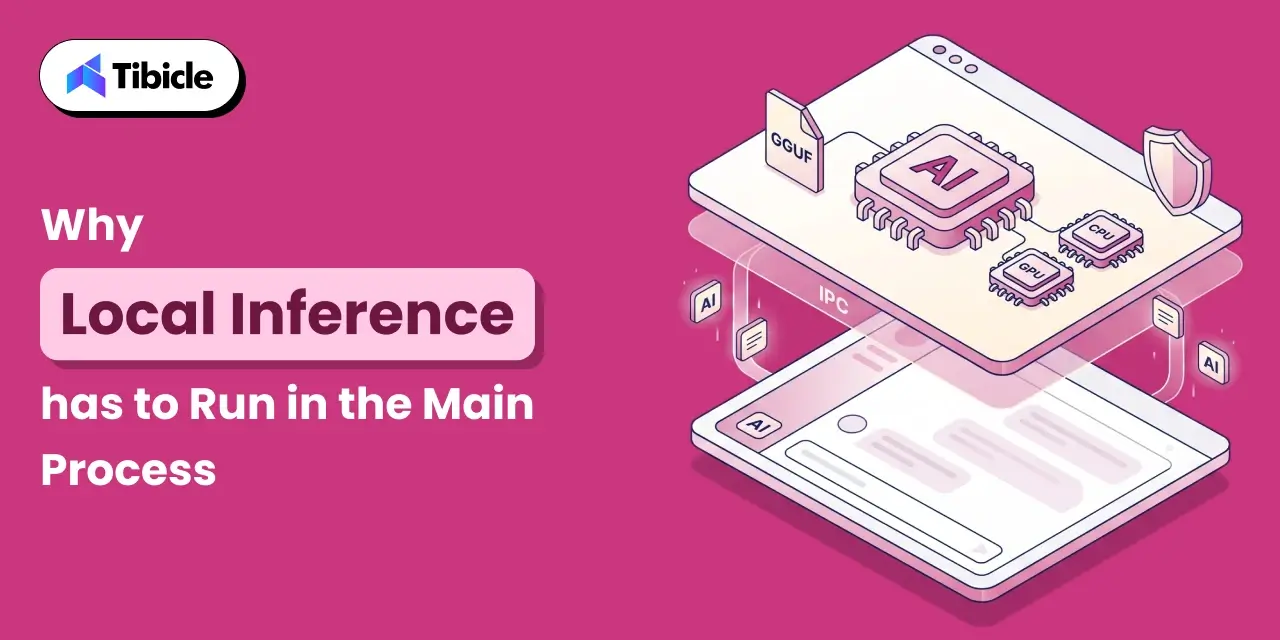
Why Local Inference Has to Run in the Main Process

AI desktop app development Electron

The node-llama-cpp Process Constraint

This is the single most important architectural fact in AI desktop app development Electron for local LLMs, and it is easy to miss until an app crashes in testing: you can only use node-llama-cpp on the main process in Electron applications; trying to use node-llama-cpp on a renderer process will crash the application, according to the library’s own documentation. The renderer process in Electron runs inside a sandboxed Chromium context and does not have the native module access that node-llama-cpp needs to talk to llama.cpp’s compiled C++ binaries. Every AI desktop app development Electron project built around local inference has to design around this boundary from day one.

In practice, that means every local LLM desktop application funnels prompts from the UI, in the renderer, through Electron’s IPC layer to the main process, where the model actually runs, and streams tokens back the same way. Getting this wrong is the most common early mistake in AI desktop app development Electron for teams coming from a typical web or SaaS desktop background.

A Reference Architecture: @electron/llm

The Electron project itself maintains @electron/llm, an experimental package that wraps node-llama-cpp with an API surface modeled on Chromium’s window.AI API, except that a local LLM desktop application built on it can supply any GGUF model instead of relying on a browser-bundled one. Its reference implementation loads the model in a utility process and uses Chromium Mojo IPC pipes to efficiently stream responses between that utility process and the renderer, which isolates a model crash from taking down the whole app, a pattern worth copying in any AI desktop app development Electron project even for teams not using the package directly.

Hardware and Model Requirements to Plan For AI desktop app development Electron

Every local LLM desktop application inherits its hardware floor from the model it loads, not from Electron itself, which is the first thing any AI desktop app development Electron budget needs to account for. LM Studio’s own system requirements page notes that the application itself uses under 400 MB at idle; the model you load sets the real floor. A 70B-parameter model at full FP16 precision needs roughly 140 GB of memory, which does not fit on any single consumer GPU, which is exactly the problem GGUF quantization exists to solve.

Model Size Q4_K_M Footprint Practical Minimum Typical Speed
3B to 4B ~2 to 3 GB 4 to 6 GB VRAM or CPU-only 2 to 8 tok/s on CPU
7B ~4 to 5 GB 8 GB VRAM or RAM 20 to 50 tok/s on an RTX 4060
13B to 14B ~8 to 10 GB 12 to 16 GB VRAM Comfortable on mid-range GPUs
70B ~40 GB+ 48 GB+ VRAM (workstation) Requires high-end or multi-GPU setups

For most business use cases, Q4_K_M is the widely recommended default, offering roughly 50% size reduction from full FP16 weights with minimal quality loss. Any AI desktop app development Electron project aimed at a general audience should design around the 7B to 14B range at Q4, since that is what a typical laptop with 16 GB of RAM can actually run, and this table is the starting reference for that decision.

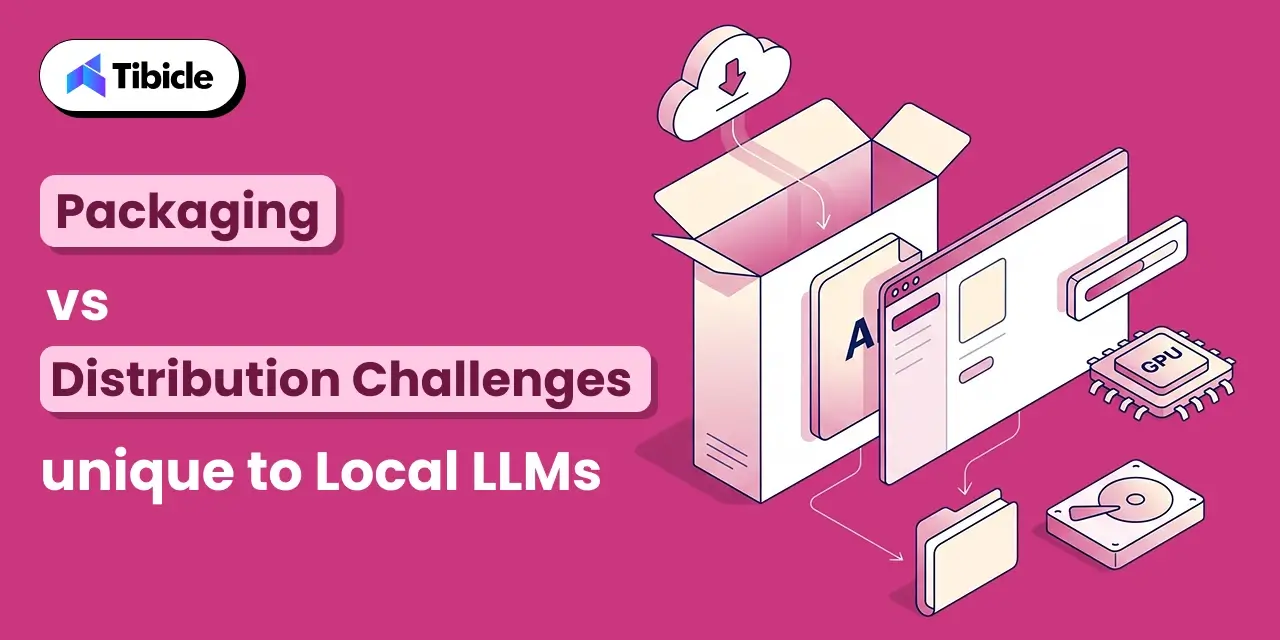
Packaging and Distribution Challenges Unique to Local LLMs

AI desktop app development Electron

A local LLM desktop application inherits Electron’s usual installer weight and adds the model file on top of it, which is the packaging reality that catches most AI desktop app development Electron teams by surprise on their first release. Two packaging decisions shape the user’s first-run experience more than any UI choice:

  • Bundle the model, or download it on first run: bundling a 4 to 5 GB model inside the installer guarantees it works offline immediately but makes the download itself heavy; downloading on first launch keeps the installer light but requires a good progress and resume experience.
  • Native module compilation per platform: node-llama-cpp ships prebuilt binaries for common platforms, but when none is available for a given OS and CPU architecture, it will not build from source automatically, since the packaging step cannot assume the end user has build tools installed.
  • Model storage location: GGUF files are typically cached outside the app bundle, for example in a user data directory, so updates to the app do not force a re-download of multi-gigabyte model weights, a detail every AI desktop app development Electron project should decide on before first release.
  • GPU backend detection: the app needs to detect CUDA, Metal, or Vulkan availability at runtime and offload layers accordingly, since a one-size-fits-all build either under-uses available GPUs or crashes on machines without one.

Security and Model Provenance

Security and Model Provenance

A local LLM desktop application introduces a supply chain risk that a typical desktop app does not carry: GGUF model files downloaded from community sources are binary blobs that the inference engine loads directly into memory. The safer practice is to prefer models from verified publishers on Hugging Face, where community scanning and audit mechanisms exist, and to check file checksums when available. GGUF and safetensors formats are meaningfully safer than older pickle-based PyTorch files, which can execute arbitrary code on load, the same class of risk as pulling a Docker image from an unknown registry.

Any AI desktop app development Electron project shipping local inference to non-technical users should also audit the runtime’s own logging: local inference engines can write prompts and responses to disk by default, which matters for exactly the privacy-sensitive use cases that motivated building a local LLM desktop application in the first place.

Local LLM vs Cloud API: When Local Wins for AI desktop app development Electron

Local LLM vs Cloud API

A local LLM desktop application is not always the right call. These are the conditions where it clearly beats a cloud API:

  • Regulated or sensitive data: healthcare, finance, and legal workflows where data residency requirements make sending prompts to an external API a non-starter.
  • Offline requirements: field tools, embedded environments, or any workflow that has to function without a reliable internet connection.
  • Predictable cost at scale: no per-token API billing once hardware is provisioned, which matters for high-volume internal tools.
  • Latency-sensitive interaction: a well-provisioned local model on a modern GPU can respond faster than a network round trip to a cloud API.

Cloud APIs still win when a product needs frontier-model quality that no local model at a runnable size can match, or when the user’s hardware cannot be assumed in advance. Many production local LLM desktop applications hedge by supporting both: a local model for privacy-sensitive or offline use, with an optional cloud fallback for harder tasks, and this hybrid pattern is quickly becoming the default shape of AI desktop app development Electron projects aimed at a broad user base.

Tibicle LLP builds custom Electron applications, including AI-powered desktop tools with local model integration, through its desktop app development service. Its approach to AI desktop app development Electron projects starts with the architecture decisions covered above, not with the UI. For the broader cost and architecture trade-offs behind any Electron build, see Tibicle’s guide on Electron vs Native for your next desktop app.

Conclusion

AI desktop app development Electron for local LLMs is a genuinely different engineering problem from a typical Electron app: inference has to live in the main process by design, model files change how the app is packaged and distributed, and hardware requirements set a hard floor on what the product can promise a user. Every AI desktop app development Electron team eventually learns these constraints; the goal of this guide is to shortcut that process. Get the architecture right: main-process inference, a utility process for isolation, GGUF at a sensible quantization, and a local LLM desktop application can deliver a real product advantage: no per-token cost, no data leaving the device, and no dependency on a network connection.

Most teams should prototype with node-llama-cpp directly, model the hardware tiers their actual users have, and treat the packaging and security questions above as first-class requirements, not afterthoughts. Approached this way, AI desktop app development Electron stops being a research project and starts being a shippable roadmap item. Building AI desktop app development Electron into your product? Talk to the Tibicle team.

Frequently Asked Questions

Can node-llama-cpp run in an Electron renderer process?
No. According to node-llama-cpp’s own documentation, it can only be used in the Electron main process; using it in a renderer process will crash the application. Prompts must pass through Electron’s IPC layer from the renderer to the main process, where inference actually happens. This is the first constraint any AI desktop app development Electron team should design around.

What is GGUF and why does it matter for a local LLM desktop application?
GGUF is a single-file format, maintained by the llama.cpp project, that bundles model weights, tokenizer, and metadata together. Nearly every mainstream local LLM desktop application, including Ollama, LM Studio, GPT4All, and Jan, consumes GGUF files directly, which makes models portable between tools.

How much RAM or VRAM does AI desktop app development Electron require?
It depends entirely on the model, not on Electron. A 7B model at Q4_K_M quantization needs roughly 4 to 5 GB, a 13B to 14B model needs 8 to 10 GB, and a 70B model needs 40 GB or more even at reduced precision. Any AI desktop app development Electron budget should be built around these tiers, not around Electron’s own footprint.

Is it safe to load community GGUF models in a desktop app?
GGUF and safetensors formats are safer than older pickle-based PyTorch files, which can execute arbitrary code on load. Even so, a local LLM desktop application should prefer models from verified Hugging Face publishers and check checksums where available, the same caution applied to pulling an unfamiliar Docker image.

Should a product use a local LLM or a cloud API?
Local wins for regulated data, offline requirements, predictable cost at scale, and latency-sensitive interactions. Cloud APIs still win when a product needs frontier-model quality beyond what a runnable local model can match, or when user hardware cannot be assumed in advance.

What is eCommerce Automation? How It Works

Introduction

The pace of online retail has outgrown manual management, and the cracks are showing. Inventory counts fall out of sync across channels. Orders slip through fulfillment gaps. Customer emails go unanswered for hours. Support teams burn out chasing routine queries instead of solving real problems. Margin quietly erodes with every manual error, delay, and missed upsell opportunity. This is not a staffing problem. It is a scaling problem and without eCommerce automation, it compounds fast.

eCommerce automation

According to industry research, 80% of retail executives expect AI-powered automation adoption to be mainstream by the end of 2025. More striking still: businesses already deploying eCommerce automations report up to 30% reductions in operational costs and conversion rate lifts of up to 77%. The operations that are pulling ahead are not hiring faster, they are automating smarter.

The root problem is straightforward. Manual order processing, inventory tracking, and customer follow-ups work reasonably well at 50 orders per month. At 5,000 orders per month, the same manual processes become bottlenecks that cost revenue, damage customer experience, and burn out teams.

For decision-makers evaluating the automation layer, the question is no longer whether to automate, it is what to automate first, at what investment level, and with which tools.

This guide breaks down precisely how eCommerce automations work, what they cost, where ROI is concentrated, and how to select the right vendor for your specific operational complexity.

What Is eCommerce Automation?

eCommerce automation is the software-driven execution of repetitive business tasks in online retail without requiring manual input for each transaction or event. Rather than having a team member update stock levels, send confirmation emails, or flag a suspicious order, automated eCommerce processes handle these tasks the moment a defined condition is met.

The scope of eCommerce workflow automation is broad. It covers inventory updates, order processing, customer communications, eCommerce marketing automation, fraud alerts, and fulfillment routing, essentially any task that follows a predictable pattern.

As of 2024, 40% of businesses globally have integrated some form of eCommerce automation tools, and this number is accelerating sharply into 2026.

It is worth addressing the most persistent misconception directly: automation does not replace teams. What it does is eliminate low-value manual work so that staff can focus on strategy, customer relationships, and growth. Automation handles the repetitive; humans handle the complex.

How eCommerce Automation Works

At the technical level, virtually every eCommerce automation runs on a three-part framework: trigger, condition, and action. Understanding this framework makes it straightforward to evaluate any automation tool or workflow.

The Trigger-Condition-Action Framework

Trigger: What initiates the workflow. A customer places an order, stock drops below a threshold, a cart is abandoned for more than two hours, or a customer reaches a spending milestone. Triggers are the “if this happens” component of trigger-condition-action workflows.

Condition: The rule that determines whether the action should fire. For example, “if customer lifetime spend exceeds $3,000” or “if inventory falls below 10 units.” Conditions add precision and prevent irrelevant actions from executing.

Action: The automated output that executes when both trigger and condition are satisfied. Send a recovery email, generate a reorder purchase order, apply a discount code, tag a customer segment in the CRM, or push a fulfillment request to a warehouse.

A practical example: A shopper adds three items to their cart and leaves the site. After two hours, the system checks whether the cart value exceeds $75. If yes, it automatically sends a recovery email with a 10% discount code, a classic abandoned cart recovery workflow that requires zero manual intervention.

Where Automation Sits in the Tech Stack

eCommerce automation tools function as connective tissue across the technology stack. They sit between the eCommerce platform (Shopify, WooCommerce, Magento) and the surrounding ecosystem: CRM systems, ERPs, email and SMS platforms, shipping providers, payment gateways, and accounting software.

94% of employees still perform repetitive or mundane tasks as a core part of their daily workflows (Zapier research). eCommerce workflow automation intercepts these tasks at scale, removing the manual loops that slow operations.

This is where no-code automation platforms like Zapier and Make have found strong adoption. They allow non-technical operators to build multi-step workflows across 7,000+ applications without writing custom integration code. For more complex requirements, RPA in eCommerce (robotic process automation) handles structured data processing and legacy system integration that modern API-based tools cannot reach.

Key Areas Where eCommerce Automation Drives Results

eCommerce automation

eCommerce automations deliver measurable impact across five core operational areas. Each represents a category of automated eCommerce processes where the frequency of repetition makes manual handling unsustainable at scale.

Order and Fulfillment Automation

Order fulfillment automation covers the full cycle from payment verification through delivery confirmation. When an order is placed, the workflow automatically verifies payment, generates a shipping label with the appropriate carrier, sends tracking information to the customer, and triggers a delivery confirmation notification when the package is scanned as delivered.

The operational gains are material: fewer processing errors, faster cycle times, and a significant reduction in customer service inquiries about order status. Fulfillment teams shift from administrative processing to exception handling.

Inventory and Restocking Automation

Inventory sync across multiple sales channels, your own website, Amazon, and wholesale portals, requires real-time data coordination that manual processes cannot sustain accurately at scale.As a result, automated systems maintain accurate stock counts across all channels and trigger reorders when inventory reaches predefined thresholds. This helps prevent stockouts and overstock situations that reduce profit margins.

eCommerce Marketing Automation

eCommerce marketing automation is where most businesses see the fastest return on investment. Abandoned cart recovery sequences, post-purchase upsell flows, loyalty program triggers, and segmented email and SMS campaigns all operate through trigger-condition-action logic.

Automated abandoned cart recovery messages recover approximately 10.5% of lost sales on average, a direct revenue impact with minimal ongoing effort after initial setup.

Post-purchase sequences review requests, cross-sell recommendations, and replenishment reminders extend customer lifetime value without requiring manual outreach for each transaction.

Customer Support Automation

AI-powered eCommerce customer support now handles a significant and growing share of inbound queries. Chatbots manage order status checks, return initiation, and FAQ responses around the clock without staffing costs.

AI chatbots handled 30% of customer service queries in 2025. This figure is projected to reach 50% by 2027 as natural language processing capabilities improve and customer comfort with AI support grows.

Automation also handles ticket routing, directing complex issues to appropriate agents, flagging VIP customer contacts for priority handling, and populating support tickets with order history before an agent sees the case.

Pricing and Merchandising Automation

Rule-based pricing adjustments allow eCommerce operators to respond dynamically to competitor price movements, demand signals, and margin targets without daily manual monitoring. Pricing automation enforces floor and ceiling rules while executing adjustments within defined parameters, protecting margin while maintaining competitive positioning.

eCommerce Automation Use Cases by Business Size

The right automation strategy depends heavily on operational scale. Applying enterprise-grade orchestration to a business doing $200K in annual revenue creates unnecessary complexity and maintenance overhead. Conversely, relying on basic email flows when processing thousands of orders daily creates bottlenecks that compound over time.

SMBs (Under $1M Revenue): The highest-priority automated eCommerce processes are cart recovery, welcome email sequences, and basic low-stock alerts. Tools like Omnisend or Shopify Flow provide native eCommerce workflow automation at low cost and implementation complexity. ROI is typically visible within 30 to 60 days.

Mid-Market ($1M–$20M): Multi-channel inventory sync, segmented eCommerce marketing automation, fulfillment routing, and CRM integration become critical. The Klaviyo and Zapier combination handles most requirements at this scale, with optional ERP connections as complexity grows.

Enterprise ($20M+): Cross-platform orchestration, AI-driven demand forecasting, dynamic pricing engines, and warehouse automation require purpose-built solutions. Salesforce Marketing Cloud, UiPath (for RPA in eCommerce), and custom-built workflows are common at this scale. Custom API integrations replace generic connectors.

The guiding principle: automation strategy must match operational complexity. Over-automating early creates maintenance debt. Under-automating late creates revenue-limiting bottlenecks.

Best eCommerce Automation Tools in 2026

The eCommerce automation tools market spans from free native platform extensions to enterprise-grade orchestration platforms. The table below covers the primary options evaluated by mid-market and growing eCommerce operations.

Tool Best For Pricing (Starting) Key Strength Limitation
Shopify Flow Shopify-native workflows Free (with Shopify plan) Zero-cost entry, native triggers Limited to Shopify ecosystem
Klaviyo Email/SMS marketing automation Free up to 250 contacts; paid scales by list size Predictive CLV, churn scoring Expensive at scale
Zapier Cross-platform integrations $19.99/mo (Starter) 7,000+ app connections Usage-based pricing adds up fast
Make (Integromat) Cost-efficient multi-step workflows $9/mo for 10,000 operations Lower cost per operation vs Zapier Steeper learning curve
Gorgias Customer support automation $10/mo Built for eCommerce helpdesks Narrow scope (support only)
ActiveCampaign Full lifecycle email automation $29/mo Deep automation sequencing Complex setup for beginners

Important note: Subscription price is not total cost. Factor in middleware and integration expenses when platforms do not connect natively, learning curve and onboarding time, scaling fees as contact lists and order volumes grow, and ongoing maintenance. Total cost of ownership often runs 2–3x the subscription price, a figure that must be part of any accurate ROI calculation.

How Much Does eCommerce Automation Cost?

eCommerce automation

Pricing Tiers

Entry-level ($0–$50/month): Basic email flows, Shopify Flow for native Shopify triggers, and free-tier tools from platforms like Omnisend or Klaviyo. Appropriate for businesses processing under a few hundred orders per month.

Mid-range ($50–$500/month): Multi-channel eCommerce marketing automation, inventory sync, CRM integration, and cross-platform workflow tools. This tier covers most growing DTC and wholesale operations.

Enterprise ($500–$5,000+/month): AI-driven personalization, warehouse automation, custom eCommerce workflow automation, and RPA in eCommerce platforms. Custom builds are common at this level when off-the-shelf tools create limitations.

Hidden Cost Factors

  • Middleware and integration tools when platforms do not connect natively via API
  • Staff training and onboarding time, particularly for tools with steeper learning curves
  • Maintenance: automations break when third-party APIs update, platforms push version changes, or business logic evolves. Ongoing monitoring is not optional
  • Scaling fees: most usage-based eCommerce automation tools charge more as order volume and contact list size grow

Total cost of ownership typically runs 2–3x the subscription price when integration, training, and scaling costs are included in the calculation.

ROI and Business Impact of eCommerce Automations

ROI and Business

The financial case for eCommerce automations is well-documented across multiple independent research sources. The ROI concentrates in three primary areas: cart abandonment recovery, post-purchase upsell sequences, and inventory accuracy improvements.

Companies deploying marketing automation see $5.44 in revenue for every $1 invested  a 544% three-year ROI across the customer lifecycle.

69% of retailers report revenue increases directly traceable to AI-powered eCommerce automation investments. 72% report measurable cost reductions.

eCommerce stores using automation tools report 10–12% average revenue increases attributable to automated flows alone.

A practical ROI formula for evaluating any automation investment:

ROI = (Incremental Gross Profit + Cost Savings − Total Cost) / Total Cost

Typical payback periods: 3 to 6 months for eCommerce marketing automation; 6 to 12 months for full operational automation including fulfillment and inventory systems.

For businesses new to automation, the highest-ROI starting point is almost always the same: abandoned cart recovery sequences, post-purchase upsell flows, and inventory reorder alerts. These are high-frequency, high-impact, and low-complexity to implement.

Risks and Challenges of eCommerce Automation

eCommerce workflow automation delivers significant upside, but the risks are real and worth addressing before implementation, not after.

Over-automation: Not every business process should be automated. Complex returns involving multiple parties, VIP customer complaints, and sensitive dispute situations require human judgment. Automating these creates friction and damages customer relationships that have real revenue value.

Data security: eCommerce automation tools access sensitive customer data, payment records, and behavioral data. Each integration expands the attack surface. Vendor SOC 2 compliance and data processing agreements are not optional considerations.

Integration fragility: Automated eCommerce processes break when third-party APIs change, platforms push updates, or data schemas shift. Workflows built on brittle integrations require active maintenance, not periodic check-ins.

Vendor lock-in: Deep integrations with a single platform make future switching expensive. Data portability and export capabilities should be evaluated before commitment.

The set-and-forget trap: 71% of eCommerce stores have experimented with AI-powered automation, but only 33% achieve full implementation and sustained results. The gap is almost always due to insufficient ongoing optimization. Automations that worked well six months ago may underperform today due to changed business conditions.

Mitigation approach: Start with a focused 2 to 4 week pilot on a single high-frequency workflow. Assign clear internal ownership for monitoring. Schedule quarterly workflow reviews. Expand only after the initial automation is performing and monitored.

Vendor Selection Checklist for eCommerce Automation Tools

Use this checklist when evaluating any eCommerce automation platform or tool. Each question targets a failure point that causes automation projects to underperform.

  1. Does it integrate natively with your eCommerce platform (Shopify, WooCommerce, Magento)  or does it require a middleware layer?
  2. Does pricing scale predictably with order volume and contact list growth, or do costs spike non-linearly at key thresholds?
  3. Is there real-time data sync, or does the tool batch-process on a delay that could cause inventory discrepancies or missed triggers?
  4. What is the realistic onboarding timeline? Under 2 weeks is acceptable. Over 8 weeks should prompt a closer look at implementation complexity.
  5. Does it include eCommerce-specific automation templates, cart recovery, post-purchase sequences, restock alerts, or does everything need to be built from scratch?
  6. What does support look like? Live chat support is a meaningful advantage over email-only for time-sensitive operational issues.
  7. Can you export your data if you switch vendors? Data portability is a standard that every credible vendor should meet.
  8. Does the tool support multi-channel automation (email + SMS + push notifications) or single-channel only?
  9. Are there active community forums, eCommerce-specific documentation, and an accessible knowledge base?
  10. Is the vendor SOC 2 compliant or equivalent? Data security requirements are non-negotiable for any tool handling customer payment and behavioral data.

Need help identifying the right eCommerce automation stack for your business? Talk to Tibicle’s technical team for a workflow audit and vendor-neutral recommendation.

Why Tibicle Is a Strong Choice for eCommerce Automation Projects

eCommerce Automation

Most eCommerce automation tools handle the standard use cases well. Where they fall short is custom business logic, complex multi-platform integrations, and the architecture required when an operation outgrows off-the-shelf eCommerce workflow automation.

Tibicle builds custom eCommerce solutions, including automation workflow layers, API integrations, and platform migrations for mid-market and enterprise brands that need automation architectures beyond what Zapier, Shopify Flow, or similar tools can deliver.

The Tibicle technical approach connects eCommerce platforms with CRMs, ERPs, payment gateways, and fulfillment systems under a unified workflow architecture. Rather than stitching together incompatible tools, Tibicle builds the integration layer that makes the full stack operate as a single coordinated system.

Differentiators: Offshore development cost advantage, full-stack engineering capability, proven experience across Shopify, WooCommerce, and Magento ecosystems, and dedicated QA processes that prevent the integration fragility that breaks automated eCommerce processes in production.

Use-case fit: Mid-market and enterprise eCommerce brands that need custom automation beyond what generic no-code platforms can handle.

Explore how Tibicle’s development team can build automation workflows specific to your store operations.

Conclusion

eCommerce automations are no longer a competitive advantage,they are an operational requirement at scale. Businesses that automate order processing, eCommerce marketing automation workflows, and inventory management report measurable, sustained gains in revenue, accuracy, and team productivity.

The right approach is systematic rather than ambitious. Audit your current manual workflows. Identify the highest-frequency, lowest-complexity tasks abandoned cart recovery, order confirmations, and restock alerts. Choose vendors based on total cost of ownership, not subscription price alone. Assign internal ownership for ongoing monitoring and quarterly optimization.

Contact Tibicle to discuss a custom eCommerce automation strategy built for your business operations and growth targets.

Frequently Asked Questions

What is eCommerce automation, and how does it work?
eCommerce automation uses software to execute repetitive tasks, such as order processing, inventory updates, and eCommerce marketing automation emails through trigger-condition-action workflows, without manual input for each event. When a defined trigger fires and the associated condition is met, the system executes the action automatically.

How much does eCommerce automation cost for a small business?
Entry-level eCommerce automation tools start at $0 to $50 per month. Mid-range setups with multi-channel eCommerce workflow automation and CRM integration cost $50 to $500 per month. Total cost of ownership is typically 2 to 3 times the subscription price when integration middleware, training, and ongoing maintenance are included.

What is the ROI of eCommerce automation?
Marketing automation alone returns $5.44 per $1 invested. eCommerce stores using automation tools report 10 to 12% average revenue increases from automated flows, with payback periods of 3 to 6 months for marketing automation and 6 to 12 months for full operational automation.

What are the best eCommerce automation tools in 2026?
Top eCommerce automation tools for 2026 include Shopify Flow for free native Shopify workflows, Klaviyo for eCommerce marketing automation, Zapier for cross-platform integrations, Gorgias for support automation, and Make (Integromat) for cost-efficient multi-step eCommerce workflow automation.

What tasks should I automate first in my eCommerce store?
Start with abandoned cart recovery sequences, order confirmation and shipping notification emails, and low-stock reorder alerts. These are the highest-frequency, highest-ROI automated eCommerce processes with the lowest setup complexity and the fastest path to measurable return.

Can eCommerce automation replace my customer support team?
No. AI-powered eCommerce automation handles routine queries, order status checks, FAQ responses, and return initiation with AI chatbots currently managing around 30% of support queries. Complex issues, VIP customer escalations, and situations requiring human judgment still require skilled agents. Automation extends team capacity; it does not replace it.

Artificial Intelligence in Retail: Top 4 Use Cases and Examples

Introduction

The global Artificial Intelligence in retail market reached approximately $18.4 billion in 2026, with nearly 89% of retailers actively using or piloting AI technologies across operations. Despite this momentum, most retailers still struggle to move beyond experimentation. Industry studies show that only about one-third of retail organizations have successfully scaled AI deployments across multiple operational functions.

artificial intelligence in retail

Retail businesses are simultaneously facing growing margin pressure, labor shortages, inventory inefficiencies, compressed profitability, and increasing omnichannel complexity. These operational challenges are forcing leadership teams to evaluate AI investments not as experimental innovation projects, but as measurable business infrastructure decisions tied directly to revenue growth and operational efficiency.

For leadership teams, the challenge is no longer deciding whether artificial intelligence in retail matters; it is identifying which use cases generate measurable business outcomes, realistic implementation timelines, and sustainable ROI.

Businesses evaluating AI investments must balance operational readiness, data maturity, implementation cost, vendor capability, and long-term scalability before expanding deployments across retail systems.

This article explores four high-impact AI retail use cases supported by performance benchmarks, pricing context, ROI insights, and vendor evaluation criteria for retail decision-makers in 2026.

What Is Artificial Intelligence in Retail?

AI in retail refers to the integration of machine learning, natural language processing, computer vision, and predictive analytics into retail operations and customer experiences.

Retailers use AI-powered retail solutions to automate workflows, personalize shopping journeys, optimize inventory management, improve pricing decisions, and strengthen customer engagement across physical and digital channels.

Industry analysts describe 2025–2026 as the “AI pivot years,” where retail adoption shifts from isolated experiments into production-level operational infrastructure. NVIDIA reports that 69% of retailers implementing AI directly increased revenue, while 72% achieved operational cost reductions through automation and optimization initiatives.

Top 4 Artificial Intelligence Use Cases in Retail

artificial intelligence in retail

1. Personalized Product Recommendations

Personalization currently represents nearly one-third of total AI retail market revenue because of its direct impact on customer spending and retention.

Studies from McKinsey show AI-driven personalized recommendations increase revenue between 10–15% on average. Highly engaged customers exposed to intelligent recommendation engines can increase average order value by as much as 369%.

Retailers increasingly use AI for retail businesses to reduce cart abandonment, improve retention, and increase customer lifetime value through behavior-based targeting and contextual product discovery.

A well-known example is Macy’s “Ask Macy’s” shopping assistant, where users reportedly spent 400% more than non-users interacting with the platform. Recommendation systems also strengthen omnichannel engagement by synchronizing browsing history, loyalty data, and purchase patterns across devices.

For ecommerce and D2C brands, personalization often becomes the fastest path to measurable AI ROI because implementation complexity remains relatively manageable compared to supply chain or pricing systems.

2. Demand Forecasting and Inventory Optimization

Demand forecasting and inventory optimization account for one of the largest segments of retail AI investment spending globally.

Modern machine learning demand forecasting systems achieve approximately 82–88% SKU-level accuracy compared to traditional statistical forecasting models averaging around 65–75%. These improvements significantly reduce inventory waste and operational inefficiencies.

AI-driven inventory optimization systems also reduce stockouts by nearly 50% while lowering overstocks by approximately 25%. Retailers use these systems to balance procurement, warehouse allocation, and replenishment strategies in real time.

Doe Beauty reportedly saves nearly $30,000 weekly through AI-driven retail automation and inventory management workflows. Businesses implementing forecasting systems typically benefit from:

  • Lower carrying costs
  • Reduced markdown waste
  • Higher sell-through rates
  • Faster replenishment decisions

This category delivers particularly strong value for retailers operating across multiple locations or managing seasonal inventory complexity.

3. Dynamic Pricing and Markdown Optimization

Dynamic pricing systems use artificial intelligence in retail to automatically adjust pricing based on demand, competition, inventory levels, seasonality, and customer behavior.

By 2023, nearly 68% of European retailers had adopted AI-driven pricing optimization systems. Retailers implementing dynamic pricing report average margin improvements of approximately 5.1%.

AI pricing engines also improve markdown efficiency by increasing clearance revenue and recovering lost margin on seasonal inventory. Businesses frequently achieve:

  • 18% improvement in clearance revenue
  • 2–4 percentage point margin recovery
  • Faster inventory turnover

Retailers operating in fashion, electronics, and fast-moving seasonal categories benefit especially from real-time pricing optimization because margins shift rapidly during promotional cycles.

4. Artificial Intelligence Powered Customer Service and Conversational Commerce

Conversational AI remains one of the fastest-growing AI retail use cases because of its rapid payback period and operational scalability.

Retail chatbots increase sales by approximately 67%, while companies deploying AI customer service systems generate roughly $3.50 in return for every $1 invested. AI agents can autonomously handle more than 74% of support requests without human intervention.

Retail businesses also dramatically reduce support costs because AI interactions often cost under $1 compared to $6–$14 for traditional human-assisted service interactions.

DRUID’s conversational AI platform reportedly handled more than 110,000 customer conversations and 85,000 users within three months for a retail deployment.

AI customer service systems improve:

  • 24/7 support availability
  • Order tracking automation
  • Customer response speed
  • Lead qualification workflows
  • Conversational commerce experiences

For many retailers, chatbot deployments become the first production-level AI implementation because they require lower operational complexity than enterprise-wide AI infrastructure.

Artificial Intelligence in Retail Use Case Comparison

Parameter Personalization Demand Forecasting Dynamic Pricing AI Customer Service
Avg. Implementation Time 12–18 weeks 14–22 weeks 10–16 weeks 8–14 weeks
Complexity Medium High Medium Medium
Avg. ROI Timeline 3–6 months 6–12 months 3–6 months 1–3 months
Revenue Impact 10–15% lift 20% sales increase 5.1% margin gain 67% sales boost
Best For D2C, ecommerce Multi-location retail Seasonal inventory High-volume support

Retailers should prioritize AI implementation based on operational maturity, data readiness, and the use case most directly tied to measurable business outcomes. Customer service AI often produces the fastest ROI, while forecasting and personalization deliver stronger long-term operational value.

How Much Does Artificial Intelligence in Retail Cost?

artificial intelligence in retail

AI implementation cost varies significantly depending on deployment scale, infrastructure complexity, and vendor model.

Large enterprise retailers spend an average of approximately $5.2 million on full-scale AI deployment programs. SMB and mid-market businesses typically rely on SaaS-based AI-powered retail solutions ranging from around $349 monthly for entry-level support systems to more than $10,000 monthly for advanced personalization platforms.

Median payback periods have improved substantially. In 2025, average AI investment payback dropped to approximately 4.2 months compared to 7.8 months in 2024.

Industry analysts increasingly recommend allocating:

  • 20–25% of technology budgets toward AI initiatives in 2025
  • 30%+ by 2027

Retailers also reduce implementation risk through phased rollouts, funding each expansion stage only after measurable ROI validation.

ROI and Business Impact of Artificial Intelligence in Retail

ROI and Business

AI in retail now produces measurable operational and financial outcomes rather than experimental benefits.

Research shows:

  • 87% of retailers report direct revenue increases from AI
  • 94% achieved operational cost reductions
  • AI leaders generated 1.7x higher revenue growth
  • Top-performing AI organizations delivered 3.6x stronger shareholder returns over three years

Retailers implementing AI across supply chains, finance systems, and customer operations report cost savings between 26–31%.

One of the strongest indicators of success is use case prioritization. High-performing retailers focus on outcome-driven deployments rather than scattered experimentation. Organizations with strong AI ROI typically select projects based on measurable commercial impact instead of trend adoption.

This matters because nearly 46% of AI proof-of-concept projects never reach production environments due to weak ROI planning and unclear implementation priorities.

Key Challenges and Risks of AI in Retail

Data Quality and Integration Gaps

Approximately 67% of AI deployments face challenges integrating with legacy POS, ERP, and e-commerce systems.

Talent Shortage

Around 58% of retailers report AI skill shortages that delay projects by six to twelve months.

Data Privacy and Compliance

Regulatory concerns remain significant, especially across Europe where 72% of retailers cite compliance uncertainty surrounding AI deployment and evolving EU AI Act enforcement.

Bias in Artificial Intelligence Recommendations

Poorly trained recommendation systems affected nearly 30% of personalization initiatives, negatively impacting customer trust and recommendation accuracy.

Businesses must also address ROI measurement carefully because approximately 42% of companies abandoned most AI initiatives in 2025 after failing to establish measurable commercial outcomes.

AI Vendor Selection Checklist for Retail

AI Vendor

Retailers evaluating AI vendors should assess:

  • Retail-specific AI models vs generic tooling
  • Integration capabilities across POS, CRM, ERP, and e-commerce systems
  • Documented implementation timelines and ROI benchmarks
  • Scalability across channels and locations
  • Compliance certifications, including GDPR and SOC 2
  • Total cost of ownership, including support and retraining
  • Pilot-first deployment flexibility
  • Ongoing model monitoring and optimization support

Vendor selection should focus on operational fit and measurable outcomes rather than feature volume alone.

Top AI Solutions and Platforms for Retail

Several platforms dominate specific AI retail categories:

The right platform depends on the retailer’s operational priorities, data maturity, implementation budget, and scalability requirements identified earlier in the evaluation process.

Looking to implement AI in your retail operations? Connect with an experienced development partner to scope your first pilot.

Why Tibicle Is a Strong Choice for AI in Retail Implementation

Tibicle operates as an AI consulting and development partner, helping businesses implement practical AI-powered retail solutions rather than selling prepackaged software products.

The company supports organizations through AI consulting, custom AI development, automation systems, semantic search implementation, recommendation engines, and conversational AI deployment strategies.

Tibicle has experience delivering AI systems across retail, healthcare, logistics, and edtech sectors using phased sprint-based implementation models that align with the pilot-first deployment strategy recommended throughout this article.

Their dedicated developer engagement structure also allows businesses to scale AI initiatives cost-effectively while maintaining operational flexibility during rollout phases.

Speak with Tibicle’s AI team to evaluate which retail AI use case fits your business first.

Conclusion

AI in retail has moved beyond experimentation. With nearly 89% retailer adoption and measurable ROI across personalization, forecasting, pricing, and customer service, AI now represents an operational investment rather than an emerging trend.

Retailers should prioritize AI use cases based on data readiness, operational bottlenecks, and projected ROI rather than attempting broad deployments immediately. Phased pilots, measurable KPIs, and strong vendor selection processes remain critical for long-term success.

Get in touch with Tibicle to scope an AI pilot for your retail operations today.

FAQs

What are the most common AI use cases in retail?
Personalized recommendations, demand forecasting, dynamic pricing, and AI-powered customer service remain the highest-impact retail AI use cases based on current adoption and ROI benchmarks.

How much does it cost to implement AI in retail?
Costs range from approximately $349 monthly for SaaS-based AI tools to several million dollars for enterprise-scale AI infrastructure deployments.

What ROI can retailers expect from AI?
Most retailers report measurable revenue growth and operational cost reductions. AI customer service systems alone return approximately $3.50 for every $1 invested.

What are the biggest challenges of AI adoption in retail?
Legacy integration complexity, AI talent shortages, compliance concerns, and poor ROI measurement remain the largest implementation barriers.

How long does it take to see results from AI in retail?
Customer service AI often shows results within 1–3 months, while forecasting and personalization systems typically require 6–12 months for full operational impact.

How do I choose the right AI vendor for retail?
Retailers should evaluate vendors based on retail-specific expertise, integration capabilities, compliance readiness, documented ROI timelines, scalability, and long-term support structure.

12 AI Marketing Tools That Actually Move Metrics in 2026

Introduction

The share of marketers using generative AI in at least one recurring workflow reached 87% in Q1 2026, according to Salesforce’s State of Marketing 2026 report. That is up from 51% in Q1 2024 and 76% in Q1 2025. Two years ago, AI in marketing was an experiment. In 2026, it is the operational baseline.

ai marketing tools

The challenge is no longer access. Every major marketing platform now ships with AI features. Every software vendor added ‘AI-powered‘ to their homepage in 2024. The problem is selection. The gap between AI marketing tools that move metrics and tools that look impressive in a demo is wider than it has ever been.

According to McKinsey’s Global AI Survey, AI content drafting delivers 3.2x ROI, personalization engines 2.7x, and audience research 2.4x. But only 19% of organizations track KPIs specific to generative AI, per McKinsey. Most teams are adopting AI marketing tools faster than they are measuring whether they work.

This guide covers 12 AI marketing tools across six categories: content, social, email, advertising, analytics, and workflow. Each tool is reviewed by what it actually does, who it is built for, and what problem it solves.

How to Evaluate AI Marketing Tools Before You Buy

ai marketing tools

Before adding any AI marketing tools to your stack, answer these seven questions:

  1. What specific bottleneck am I solving? Content production, ad optimization, email performance, or analytics?
  2. Does this tool integrate with my existing CRM and data sources?
  3. What does my current stack already do? Adding a tool that duplicates a capability you pay for elsewhere adds cost without adding value.
  4. How will I measure success? Define the KPI before onboarding, not after.
  5. What is the total cost of ownership? Include integration, training, and data migration.
  6. Does it support brand voice controls? AI tools that cannot be constrained to brand guidelines create as many quality problems as they solve.
  7. What is the vendor’s data use policy? AI marketing tools trained on customer data have significant privacy implications.

The median payback on AI marketing tool investments is now 4.2 months, down from 7.8 months in 2024, per HubSpot AI Trends 2026. For content-heavy teams, payback arrives in under three months. Start with the highest-leverage bottleneck and prove ROI before expanding.

AI Content Marketing Tools

1. Jasper: Brand-Consistent Content at Scale

Jasper is the leading AI marketing tool for enterprise content production. Its core value is brand voice: you configure tone, style, and vocabulary guidelines that persist across every output. For marketing teams producing high volumes of content across multiple formats, blog posts, ad copy, landing pages, email sequences, brand consistency at scale is the operational problem Jasper solves.

Jasper’s 2026 data shows 91% of marketers actively using AI marketing tools in their workflow. The teams getting the most from Jasper are those that invest in setting up brand voice documentation before generating content, not after. Without that configuration, Jasper’s output is generic.

Best for: enterprise marketing teams producing 50 or more pieces of content per month across multiple channels and formats.

2. Surfer SEO: Real-Time Content Scoring and Keyword Optimization

Surfer SEO integrates AI SEO tools with content production. As you write, Surfer scores your content against the top-ranking pages for your target keyword, surfacing gaps in topic coverage, keyword usage, and structural completeness. The real-time feedback loop reduces the editing cycle between writer and SEO reviewer from hours to minutes.

For teams targeting AI Overviews and GEO (Generative Engine Optimization), Surfer’s content scoring increasingly incorporates the passage-level quality signals that AI search systems extract. A well-structured, Surfer-optimized piece is more likely to be cited in an AI Overview than a piece that only optimized for traditional keyword density.

Best for: content and SEO teams writing blog content where organic ranking and AI citation visibility are both business objectives.

3. ChatGPT: Fast Drafting, Repurposing, and Brainstorming

ChatGPT is the most widely adopted AI marketing tool for general-purpose content tasks. 88% of marketers use AI marketing tools in their daily workflow per HubSpot, and ChatGPT accounts for a significant portion of that adoption. Its strength is breadth: it drafts, repurposes, brainstorms angles, rewrites for different audiences, and synthesizes research.

Its weakness is consistency. ChatGPT has no persistent memory of your brand, your audience, or your previous outputs unless you configure a custom GPT with those constraints. Teams that use it without a prompt engineering framework produce inconsistent output quality that requires heavy editing.

Best for: individual marketers and small teams who need a fast first draft or quick repurposing across formats, with human editing as a given.

AI Social Media and Visual Tools

4. Canva AI: On-Brand Visuals Without a Designer

Canva AI has become the default visual production tool for marketing teams without dedicated design resources. Its AI features include text-to-image generation, background removal, Magic Resize for adapting a design across formats, and an AI writing assistant integrated into the design canvas.

For social media specifically, Canva AI solves the production bottleneck: creating a single design and generating platform-specific variants for Instagram, LinkedIn, Facebook, and Twitter in minutes rather than hours. Brand Kit enforcement ensures colors, fonts, and logos stay consistent across AI-generated designs.

Best for: marketing teams producing social media content at volume without in-house designers.

5. Sprout Social: Sentiment Analysis and Crisis Prediction

Sprout Social’s AI layer focuses on listening and intelligence rather than content generation. Its sentiment analysis tracks brand mentions across social platforms in real time, flagging shifts in tone that may signal an emerging issue before it becomes a crisis. Its publishing AI suggests optimal posting times based on historical engagement data.

The AI marketing tools use case here is risk reduction and efficiency, not content production. For brands with significant social media presence, the cost of a missed crisis signal typically dwarfs the cost of the tool.

Best for: brands with significant social media followings where audience sentiment monitoring and crisis prevention are operational requirements.

6. Predis.ai: Product Catalog to Social Posts Automatically

Predis.ai generates social media posts directly from product catalogs and URLs. Feed it a product URL and it produces captions, hashtags, and visual assets sized for each platform. For e-commerce and retail marketing teams managing hundreds of SKUs, manual social content creation is an impossible volume. Predis.ai makes it tractable.

Best for: e-commerce and retail marketing teams needing to promote product inventory at scale across social channels.

AI Email Marketing and Automation Tools

7. HubSpot AI (Breeze): CRM-Powered Campaign Automation

HubSpot’s Breeze AI is the most integrated AI marketing tool for teams already living in the HubSpot ecosystem. Breeze generates email sequences, scores leads, suggests segmentation, and drafts content using the CRM data your team has already collected. Because it draws on behavioral history and contact attributes, its personalization is more contextually accurate than standalone AI marketing tools working from a blank slate.

Per HubSpot AI Trends 2026, marketers recover an average of 6.1 hours per week using AI marketing tools for email and campaign management. Senior practitioners save 8-10 hours weekly. The compounding ROI of that time across a team of five makes email automation one of the fastest payback categories in the AI marketing tools stack.

Best for: marketing teams already using HubSpot CRM who want native AI capabilities across their entire campaign lifecycle without additional integration.

8. Seventh Sense: AI Send-Time Optimization for Email

Seventh Sense does one thing: it determines the optimal time to send each email to each individual contact based on their historical engagement patterns. Most email platforms offer send-time optimization at the segment level. Seventh Sense operates at the individual level, analyzing each contact’s past open behavior and delivering email at the moment that contact is most likely to engage.

Companies using AI for email marketing see 28% higher open rates, per McKinsey Digital. Seventh Sense integrates with HubSpot and Marketo, adding individual-level timing intelligence without replacing the sending platform.

Best for: B2B marketing teams running large email lists where improving open rates by 20-30% would materially affect pipeline generation.

AI Advertising and Analytics Tools

9. Madgicx: Autonomous Facebook and Instagram Ad Management

Madgicx applies AI to Meta advertising performance, analyzing campaign data to identify which audiences, creatives, and placements are underperforming and autonomously shifting budget toward what is working. For teams running significant Facebook and Instagram ad spend, manual optimization cannot keep pace with Meta’s algorithm changes. Madgicx operates continuously rather than during weekly check-ins.

Best for: DTC and e-commerce brands spending $10,000 or more monthly on Meta ads where the optimization frequency of manual management is a documented bottleneck.

10. Google Performance Max: AI Asset Creation Across Channels

Google Performance Max is the channel-agnostic campaign type that uses Google’s AI marketing tools to allocate budget and serve ads across Search, Display, YouTube, Gmail, and Maps simultaneously. You provide assets, audience signals, and conversion goals. The AI determines where and when to show ads.

For advertisers comfortable surrendering granular placement control in exchange for AI-driven optimization across Google’s full inventory, Performance Max typically delivers lower cost-per-conversion than channel-specific campaigns at equivalent spend levels.

Best for: advertisers with conversion tracking in place who want Google’s AI marketing tools to handle cross-channel budget allocation.

11. Improvado AI Agent: Unified Marketing Analytics in Plain English

Improvado aggregates marketing performance data from across the stack, paid media, organic, email, social, CRM, and makes it queryable in plain English. Marketing leaders can ask ‘which campaigns drove the most pipeline this quarter’ and receive an answer drawn from unified data rather than manually cross-referencing five dashboards.

Only 19% of organizations track KPIs specific to their AI marketing tools investments, per McKinsey. Improvado addresses the measurement gap that prevents teams from proving ROI on their broader AI marketing tools stack.

Best for: marketing operations teams managing fragmented data sources who need a unified analytics layer without a dedicated data engineering team.

AI Workflow and GEO Tools

12. Zapier AI: Cross-Platform Workflow Automation

Zapier AI connects AI marketing tools to each other and to the broader software stack without requiring developer resources. A workflow might automatically send a Slack notification when a new high-intent lead comes in from Surfer-optimized content, route the contact to HubSpot Breeze for an automated email sequence, and log the attribution data in Improvado. Each of those handoffs is a Zap.

For AI marketing tools specifically, Zapier’s AI can interpret incoming data and make routing decisions based on natural language conditions, reducing the rule complexity that makes traditional Zaps brittle.

Best for: marketing teams using 4 or more disconnected tools who are losing time to manual data entry and tool switching.

Building Your AI Marketing Stack for 2026

ai marketing tools

Companies consolidating their martech stacks around AI-capable platforms report 50-77% cost reductions compared to maintaining a sprawling collection of specialized tools, per research cited in Gartner’s CMO surveys. Fewer, more capable platforms outperform many point solutions.

The practical approach: identify your single largest operational bottleneck, content production, ad performance, email engagement, or analytics fragmentation, and solve that first with the highest-ROI tool in the relevant category. Measure for 90 days. Then add the next tool.

AI marketing tools are not a stack to build all at once. They are a capability to develop systematically, starting where the leverage is highest and measuring every addition against a predefined KPI.

Why Tibicle Is the Right Development Partner for AI Marketing Infrastructure

Right Development Partner

The 12 tools reviewed in this guide cover the marketing workflow layer. The infrastructure layer the custom AI integrations, CRM connections, data pipelines, and automation logic that make those tools work together is where most marketing teams need a development partner.

Tibicle builds the backend that AI marketing stacks run on. Their AI/ML integration practice covers custom workflow automation, multilingual AI chatbots, CRM integrations, and predictive analytics  the exact capabilities that tools like HubSpot Breeze, Improvado, and Zapier AI are built to surface but often cannot fully deliver without custom engineering connecting them to a company’s specific data architecture.

One documented client outcome: a Tibicle-built AI chatbot handled over 75% of customer queries within one month of launch and cut manual ticket creation by 60%. That is the kind of metric movement that the McKinsey data attributes to well-implemented AI but it requires custom integration work, not just a SaaS subscription. Tibicle’s sprint-based model with weekly reviews and scope flexibility means marketing teams get a development partner who moves at marketing speed, not enterprise-IT speed.

For marketing teams evaluating whether to buy an AI marketing tool or build a custom workflow, Tibicle’s $25–$49/hour rate makes the build-versus-buy analysis more favorable than most marketing leaders expect.

Conclusion

The 12 AI marketing tools in this guide each solve a specific problem in a specific category. The teams getting the best ROI from these tools the ones inside that 19% who actually track AI-specific KPIs  are the ones who built the integration layer that connects tools to data and data to decisions.

If your marketing stack needs custom AI integration, workflow automation, or a development team to build what no off-the-shelf tool provides, Tibicle’s AI development team is the partner to talk to. Book a consultation to discuss your current stack, your highest-leverage bottleneck, and what a custom AI solution would cost to build.

Frequently Asked Questions

What are AI marketing tools?
AI marketing tools are software platforms that use machine learning, natural language processing, or generative AI to automate, optimize, or enhance marketing tasks. They cover content creation, social media management, email personalization, advertising optimization, analytics, and workflow automation.

Which AI tool is best for content marketing in 2026?
Jasper is the strongest option for enterprise teams that need brand-consistent content at volume. Surfer SEO is the strongest option for teams where organic ranking and AI citation visibility are the primary goals. ChatGPT works well for individual marketers and small teams who need a fast first draft with human editing as a given.

Can AI marketing tools replace human marketers?
No. McKinsey’s data shows AI marketing tools improve productivity and ROI, not headcount elimination. What changes is the work: junior copywriting roles are contracting, per Gartner’s CMO Spend Survey (23% of agencies reduced junior copywriting headcount in 2025), while demand for senior strategists, data analysts, and AI marketing tools operators is growing. The marketers who thrive are those who direct AI output rather than compete with it.

How do I choose the right AI marketing tool for my team?
Start by identifying your highest-leverage bottleneck: content production speed, ad performance, email open rates, or analytics visibility. Choose the tool with the strongest fit for that specific problem. Define a success KPI before onboarding. Measure for 90 days. Only add a second AI marketing tool after the first one has demonstrated ROI against its defined metric.

What is Generative Engine Optimization (GEO) and why does it matter?
GEO is the practice of optimizing content to be cited and extracted by AI search systems, including Google AI Overviews, ChatGPT Search, and Perplexity, rather than only ranking in traditional SERP positions. Gartner predicts traditional search volume will drop 25% as users shift to AI-powered search. GEO is how content remains visible in that shift. The core practices: write extractable, passage-independent sections, cite primary sources, use direct answer formats, and build topical authority through comprehensive coverage rather than isolated posts.

5 Biggest Challenges of Cloud Computing in 2026 (And How to Fix Each One)

Introduction

Cloud adoption is essentially universal. The Flexera 2026 State of the Cloud Report, based on a survey of 753 global cloud decision-makers, found that 94% of organizations are using public cloud in some capacity. The question that actually matters in 2026 is not whether to use the cloud. It is whether your organization can govern it.

challenges of cloud computing

Cloud governance data tells a clearer story. 85% of respondents say managing cloud spend is their biggest challenge. 29% of estimated cloud spend is wasted, marking the first increase in five years. 73% of organizations are running hybrid environments, often by accident rather than by design. And GenAI workloads, now used by 58% of organizations through public cloud services, are introducing cost unpredictability that existing FinOps practices were not built to handle.

Today, We’ll talk about the five most significant challenges of cloud computing in 2026, what is driving each one, and the specific practices that are helping organizations fix them.

Challenge 1: Cloud Cost Management

challenges of cloud computing

The challenges of cloud computing have been topped by cost management for three consecutive years in Flexera’s report. In 2026, 68% of organizations rank optimizing cloud costs as their top priority. More striking: 76% of large enterprises now spend more than $5 million per month on cloud services, and 17% exceeded their cloud budget in the past year.

The core problem is complexity compounding faster than governance practices can keep up. Cloud providers continuously add services. GenAI services cost more than traditional cloud options. Their usage patterns are also harder to predict. A team spinning up an AI workload for a prototype can generate unexpected charges that blow a quarterly budget in days.

Why Cloud Bills Keep Growing

Three patterns drive most cloud cost overruns in 2026. First, resource sprawl: teams provision infrastructure for peak loads and leave it running at baseline consumption. Cloud resources idle at full cost. Second, GenAI unpredictability: AI workloads do not consume compute linearly. A model inference call can cost 10x more than a standard API call, and usage spikes are difficult to anticipate. Third, fragmented ownership: in 73% of hybrid organizations, cost data sits across multiple clouds and on-premises systems with no unified view.

How to Fix It: FinOps Framework and Rightsizing

Organizations that have successfully reduced cloud cost challenges implement FinOps as an operational discipline, not a quarterly reporting exercise. The Flexera 2026 data shows 63% of organizations now have dedicated FinOps teams of various companies, up four points year over year. CCOE (Cloud Center of Excellence) adoption reached 71%.

The specific practices that move the needle: establish unit economics before scaling (cost per transaction, cost per user, cost per deployment), implement tagging governance so every resource has an owner, right-size instances quarterly using utilization data rather than original provisioning assumptions, and set automated anomaly detection on AI workload spend so unusual patterns trigger alerts within hours rather than at month-end billing review.

Challenge 2: Cloud Security and Misconfiguration Risks

challenges of cloud computing

Security has historically been the top challenges of cloud computing, and in 2026 it remains the second-ranked challenge overall. For cloud-based AI initiatives specifically, security and compliance are the top concern for 53% of organizations, per Flexera 2026.

The dominant security challenge of cloud computing is not external attack. It is misconfiguration: resources accidentally exposed to the internet, over-permissive identity and access management policies, and data stored without encryption because the default configuration did not enforce it. Most cloud breaches in recent years trace to configuration errors, not zero-day exploits.

Why Misconfigurations Lead to Breaches

Cloud infrastructure moves fast. Developer teams provision resources to meet delivery timelines, and security review happens after the fact, if at all. A single misconfigured S3 bucket or an IAM role with wildcard permissions can expose sensitive data. The shared responsibility model means cloud providers secure the infrastructure; the organization is responsible for how it configures and uses it.

How to Fix It: Zero Trust Architecture and Policy as Code

Zero Trust architecture eliminates the assumption that anything inside the network perimeter is trustworthy. Every access request, regardless of source, is authenticated, authorized, and encrypted. NIST’s Zero Trust Architecture framework (SP 800-207) provides the foundational model.

Policy as Code takes security rules out of documentation and into automated enforcement. Tools like Open Policy Agent and HashiCorp Sentinel evaluate every infrastructure change against security policy before it deploys. A misconfiguration that would have passed manual review gets caught in the pipeline.

For AI-specific security challenges of cloud computing, 47% of large enterprises are establishing dedicated AI governance teams or leaders, per Flexera 2026. Treating AI workloads with distinct security profiles, including data lineage tracking and access controls on model inputs and outputs, is becoming standard practice.

Challenge 3: Cloud Compliance and Data Sovereignty

challenges of cloud computing

Compliance has become a more complex challenges of cloud computing as data sovereignty regulations have proliferated. GDPR in Europe, state-level privacy laws in the US, and sector-specific regulations like HIPAA and PCI DSS all impose requirements on where data can be stored, how it must be protected, and who can access it.

For multi-cloud environments, where 73% of organizations now operate, compliance verification is a manual, expensive, and error-prone process. Data that starts in a compliant region can drift to a non-compliant one through replication policies that nobody audited.

How to Fix It: Compliance as Code and Region-Aware Deployments

Compliance as Code applies the same policy-as-code approach to regulatory requirements. Data classification policies, retention requirements, and access restrictions are encoded as infrastructure constraints that run automatically against every deployment. Organizations that have implemented this report significant reduction in compliance audit preparation time because evidence is generated automatically rather than collected manually.

Region-aware deployment architecture ensures that data subject to specific sovereignty requirements never leaves its designated geography. This requires deliberate infrastructure design: separate data planes for different regulatory jurisdictions, and automated controls that prevent data movement across compliance boundaries. European organizations in the Flexera 2026 sample led globally in cloud sustainability initiative adoption (47% with defined programs), signaling that governance maturity is broadly stronger in regulated markets.

Challenge 4: Cloud Skills Gap and Talent Shortage

challenges of cloud computing

The challenges of cloud computing include a skills gap that has not closed despite years of attention. Cloud environments have grown more complex faster than the workforce has developed expertise to manage them.

In 2026, GenAI services, Kubernetes orchestration, FinOps practices, and multi-cloud governance are all skills that organizations need but cannot easily hire. The gap is most acute in security: 53% of organizations cite security and compliance as the top challenge for cloud AI initiatives, and the talent shortage in cloud security is a significant contributor.

How to Fix It: Upskilling Programs and Managed Cloud Services

Organizations addressing the cloud skills gap in 2026 are taking two parallel approaches. Internally, they are investing in structured upskilling through certifications (AWS Certified Solutions Architect, Google Cloud Professional, Microsoft Azure Fundamentals are the most widely pursued), paired with internal working groups that translate certification knowledge into applied practice on real workloads.

Externally, 62% of enterprise organizations now rely on managed service providers (MSPs) for at least some public cloud management, up from 56% in 2024, per Flexera 2026. MSPs handle operational complexity while internal teams develop expertise. The organizations that struggle are those that offshore all cloud management to MSPs without building internal capability, creating a permanent dependency rather than a bridge to self-sufficiency.

Challenge 5: Vendor Lock-In and Multi-Cloud Complexity

challenges

The challenges of cloud computing include a strategic risk that most organizations only recognize after the fact: vendor lock-in. When applications are built using proprietary services from a single cloud provider, moving them becomes prohibitively expensive. The lock-in is not contractual; it is architectural.

Multi-cloud adoption has grown as organizations try to avoid lock-in, but 73% of hybrid environments in 2026 exist by accident rather than deliberate strategy, per Flexera. Mergers, acquisitions, and siloed developer decisions have spread workloads across AWS, Azure, and Google Cloud without a unified management model. The result is compounding operational complexity rather than genuine cloud provider optionality.

How to Fix It: Portability Strategy and Open Standards

Cloud portability requires investment in abstraction layers: containerization with Docker and orchestration with Kubernetes makes applications less dependent on cloud-provider-specific infrastructure. Infrastructure as Code tools like Terraform work across cloud providers and reduce the replatforming cost of switching or distributing workloads.

The more practical fix for most organizations is deliberate multi-cloud governance rather than full portability. Define which workloads belong on which cloud based on performance, cost, and compliance requirements. Centralize cost and usage visibility across all clouds using a platform that normalizes data from multiple providers. Most importantly, make multi-cloud decisions intentionally rather than inheriting them from individual team choices.

Why Tibicle Is the Right Partner for Cloud Challenges in 2026

Cloud Challenges

The five challenges covered in this guide cost sprawl, misconfiguration risk, compliance complexity, skills gaps, and vendor lock-in each require hands-on engineering to fix. Tibicle’s cloud and DevOps practice addresses all five through a combination of dedicated engineering resources, AI/ML integration, and security-first architecture.

Tibicle has delivered cloud-hosted systems for clients across healthcare, logistics, edtech, and enterprise SaaS industries where compliance and security are not optional. Their development practice includes automated testing, agile delivery, and milestone-based accountability, which maps directly to the FinOps and governance discipline that Flexera’s 2026 data identifies as the main separator between organizations controlling their cloud spend and those watching 29% of it disappear.

On the skills gap specifically: 62% of enterprises now rely on managed service providers for at least some cloud operations because the internal talent market cannot keep pace with multi-cloud complexity. Tibicle’s dedicated DevOps and cloud engineers work as an extension of your internal team, handling operational complexity while your team builds capability over time. Their hourly rates ($25–$49/hour) make this model financially accessible for organizations that cannot justify a full-time cloud architect hire.

Tibicle’s AI integration capabilities also cover the GenAI workload governance problem that most FinOps practices are not yet equipped to handle: anomaly detection, cost attribution for AI services, and architecture patterns that prevent AI prototype spend from becoming production budget surprises.

Conclusion

The five challenges of cloud computing in 2026  cost management, misconfiguration, compliance, skills gaps, and vendor lock-in  each have specific fixes. None of them are solved by the cloud provider. They require engineering decisions, governance practices, and consistent operational discipline applied to your specific environment.

If your organization is hitting any of these challenges and needs a technical partner to address them, Tibicle’s cloud and DevOps team is available for dedicated engagements, team augmentation, and fixed-scope implementations. Start with a technical assessment and a clear picture of where your cloud operations stand today.

Frequently Asked Questions

What is the biggest challenge in cloud computing today?
Cloud cost management is the top challenges of cloud computing in 2026, cited by 85% of organizations in Flexera’s annual State of the Cloud Report. 29% of estimated cloud spend is wasted, and the adoption of GenAI services has introduced new cost unpredictability that existing FinOps practices are still adapting to handle.

How can businesses reduce cloud computing costs?
The most effective approaches: establish FinOps as an ongoing practice rather than a quarterly review, implement resource tagging so every cost has a clear owner, right-size instances based on actual utilization data rather than peak provisioning, set automated anomaly detection on AI workloads, and consolidate discount instruments like reserved instances through automated commitment management tools.

What is vendor lock-in in cloud computing and how do you avoid it?
Vendor lock-in occurs when an application’s architecture depends on proprietary services from a single cloud provider, making migration prohibitively expensive. Avoiding it requires using open standards and containerized architectures, deploying with Terraform or similar cross-cloud IaC tools, and making deliberate decisions about which services create dependency versus which create value.

Why is cloud security still a problem even after migration?
Migration moves workloads to the cloud, but it does not automatically apply security best practices. The shared responsibility model means the cloud provider secures the infrastructure; the organization is responsible for configuration, access management, and data protection. Misconfiguration, not exploitation, is the primary cause of most cloud security incidents.

What is cloud sprawl and why does it matter?
Cloud sprawl is the uncontrolled proliferation of cloud resources, services, and accounts across an organization. It occurs when teams provision infrastructure independently without central visibility or governance. Sprawl drives cost waste, creates security blind spots, and makes compliance verification manually intensive.

What certifications help close the cloud skills gap?
The most widely pursued certifications for closing the cloud skills gap in 2026: AWS Certified Solutions Architect (Associate and Professional), Google Cloud Professional Cloud Architect, Microsoft Azure Administrator, and the FinOps Certified Practitioner from the FinOps Foundation. Security-focused roles benefit from the AWS Certified Security Specialty and the CCSP (Certified Cloud Security Professional).