
Native Desktop vs Electron Framework: Evaluating Total Cost of Ownership (TCO) for Startups

Aug 11, 2026

Read in 6 Minutes
Table of Contents
- Introduction
- What TCO Actually Includes for a Desktop Framework
- Electron: The Full Cost Picture
- Native Desktop: The Full Cost Picture
- Side-by-Side: 3-Year TCO for a Startup Desktop App
- When Electron Wins on TCO
- When Native Wins Despite the Higher Upfront Cost
- A Simple Framework for Deciding native desktop vs Electron framework
- Conclusion
- Frequently Asked Questions
Who this is for: Startup founders, CTOs, and technical decision-makers who have already ruled out the “can Electron work” question and are now trying to model what a native desktop vs Electron framework choice actually costs over a 2- to 3-year horizon, not just at v1.
Search intent: Financial and technical decision-making. The reader is comparing vendor quotes, building a board-ready cost case, or revisiting an earlier framework choice as user count grows, and needs a real cost model across build, bandwidth, talent, and maintenance, not a basic explanation of what Electron or native development means.
What you will walk away with: The five cost categories a defensible TCO model actually scores (build cost, distribution bandwidth, talent availability, maintenance and patching, and performance support burden), real 2026 build-cost figures by project complexity, a bandwidth cost model showing how update size compounds at scale, a side-by-side 3-year TCO table for a 50,000-user SaaS desktop app, a weighted scoring framework for making the call defensibly, and how Tibicle’s desktop app development team helps startups score this decision against their actual roadmap rather than a generic template.
Introduction
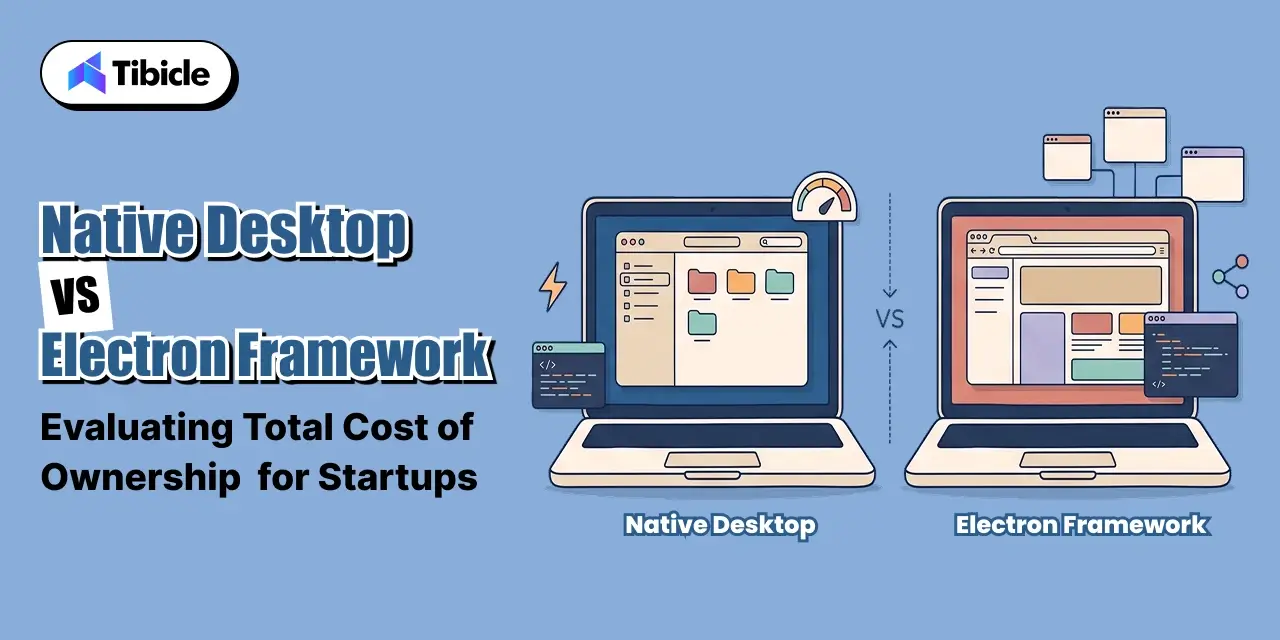
Every startup building a desktop client eventually has the same argument in a planning meeting: native desktop vs Electron framework. That single question shapes the next three years of engineering budget more than almost any other early technical decision. Electron already powers VS Code, Slack, Discord, Figma Desktop, Notion, and WhatsApp Desktop, real products with more than 100 million active users between them, which settles the can it work question. It does not settle the what will it cost us over three years question, and that second question is where most startups get the native desktop vs Electron framework decision wrong.
The upfront quote is the easiest number to compare and the least useful one. Electron total cost of ownership includes bandwidth at scale, talent availability, and security patching cadence, not just the initial build. Native app development cost includes per-platform engineering multiplication and specialist hiring, not just a higher day rate. This guide breaks down what actually belongs in a native desktop vs Electron framework TCO comparison, the real numbers for each side, a side-by-side model for a typical startup desktop app, and a simple framework for making the call.
What TCO Actually Includes for a Desktop Framework
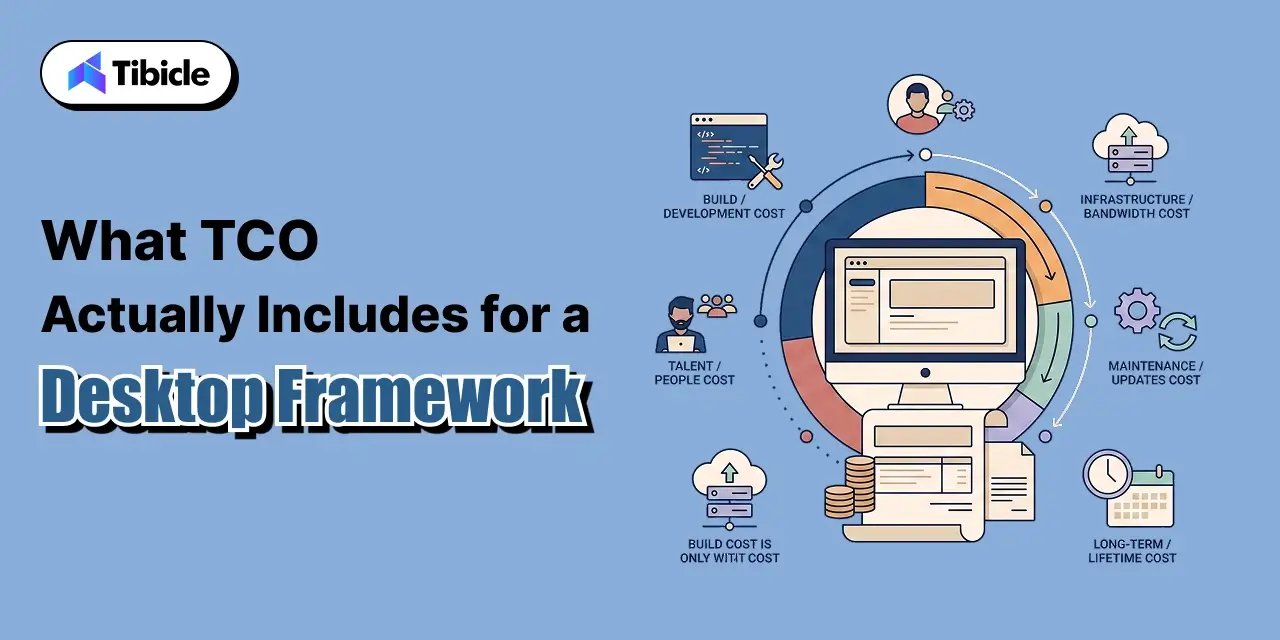
A native desktop vs Electron framework comparison done on build cost alone misses most of the real difference, and skipping this step is the most common mistake in a native desktop vs Electron framework evaluation. A defensible TCO model, adapted from how evaluation frameworks in the desktop space score the decision, weighs five cost categories over the app’s realistic lifetime, not just its first release. Any serious native desktop vs Electron framework evaluation should score all five before a single line of code is written.
- Initial build cost: engineering hours to reach a shippable v1, which scales very differently depending on how many codebases the team maintains, the first fork in any native desktop vs Electron framework budget.
- Distribution and bandwidth cost: update size multiplied by user count multiplied by update frequency, which compounds every month a product is live and shifts the native desktop vs Electron framework balance as a company grows.
- Talent availability and hiring cost: how large the hiring pool is and what it costs to fill a seat when someone leaves.
- Ongoing maintenance and security patching: how often the framework ships security-relevant updates and what it costs to stay current, a recurring line inside Electron total cost of ownership.
- Performance-related support burden: how much of the support queue is complaints about memory usage, battery drain, or sluggishness that a different framework would not generate, a cost Electron total cost of ownership models frequently omit.
Electron: The Full Cost Picture
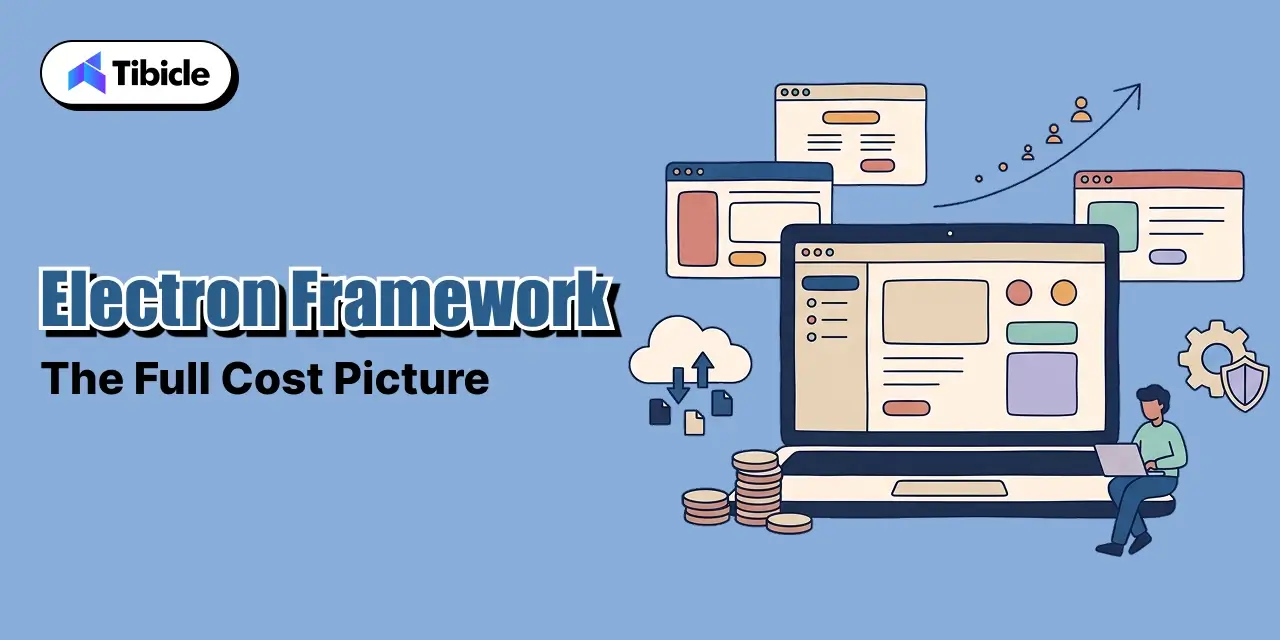
Every category below rolls up into Electron total cost of ownership, and each one behaves differently as a startup scales. Electron total cost of ownership is rarely one number; it is four separate cost curves that move at different speeds.
Build Cost by Project Size
Electron total cost of ownership starts with build cost, and Electron’s build-cost advantage in any native desktop vs Electron framework decision comes from one codebase covering Windows, macOS, and Linux at once. Realistic 2026 figures put an MVP desktop client at $25,000 to $80,000 over 6 to 10 weeks, a mid-complexity SaaS desktop app at $80,000 to $200,000 over 3 to 4 months, and an enterprise-grade client at $200,000 to $500,000 or more over 6 to 9 months. Those figures already assume a single JavaScript or TypeScript team; a native app development cost model that requires separate teams per platform starts from a materially higher baseline for the same feature set, which is the first number every Electron total cost of ownership model should anchor to.
Bundle Size and Distribution Bandwidth
This is the cost category most native desktop vs Electron framework comparisons skip. Every Electron app ships its own Chromium instance, which puts a typical installer at 50 to 150 MB and runtime memory as high as 200 to 500 MB for a moderately complex app. That footprint becomes a real line item in Electron total cost of ownership at scale: for an application with 100,000 users receiving monthly updates, Electron transfers roughly 10 to 15 TB of update data per cycle versus 500 GB to 1.5 TB for a lighter alternative, which at typical CDN pricing works out to a $725 to $1,148 monthly difference, or $8,700 to $13,775 a year, and that gap scales linearly with the user base, the single largest variable in any native desktop vs Electron framework model at scale.
Talent Availability and Hiring Cost
JavaScript and TypeScript developers are far more abundant in the market than Swift, C++, or platform-specific native specialists, which shortens hiring cycles and keeps replacement cost lower when someone leaves the team, a real factor in Electron total cost of ownership that rarely shows up in an initial quote. This talent-pool gap is not unique to Electron; the same pattern shows up wherever a mainstream web-adjacent language competes with a specialist systems language, for instance Rust developers command 15 to 25% higher salaries than equivalent JavaScript or TypeScript developers in the Tauri ecosystem, and native desktop specialists show a similar premium that widens the Electron total cost of ownership gap on hiring alone.
Ongoing Maintenance and Security Patching
Maintenance is the category most likely to be underestimated in a native desktop vs Electron framework budget. Electron ships a major version roughly every 8 weeks, with security backports for several months after each release, under OpenJS Foundation governance. That cadence is a recurring cost line in Electron total cost of ownership, not a one-time one: Electron development is typically cheaper upfront and over time because one team maintains one codebase, while native development usually requires separate teams or skills for each platform to stay patched. Well-engineered Electron apps in 2026 also report cold start times under 500 ms, which pushes back on the assumption that Electron automatically means a sluggish app, and shifts the native desktop vs Electron framework debate away from pure performance and toward cost.
Native Desktop: The Full Cost Picture
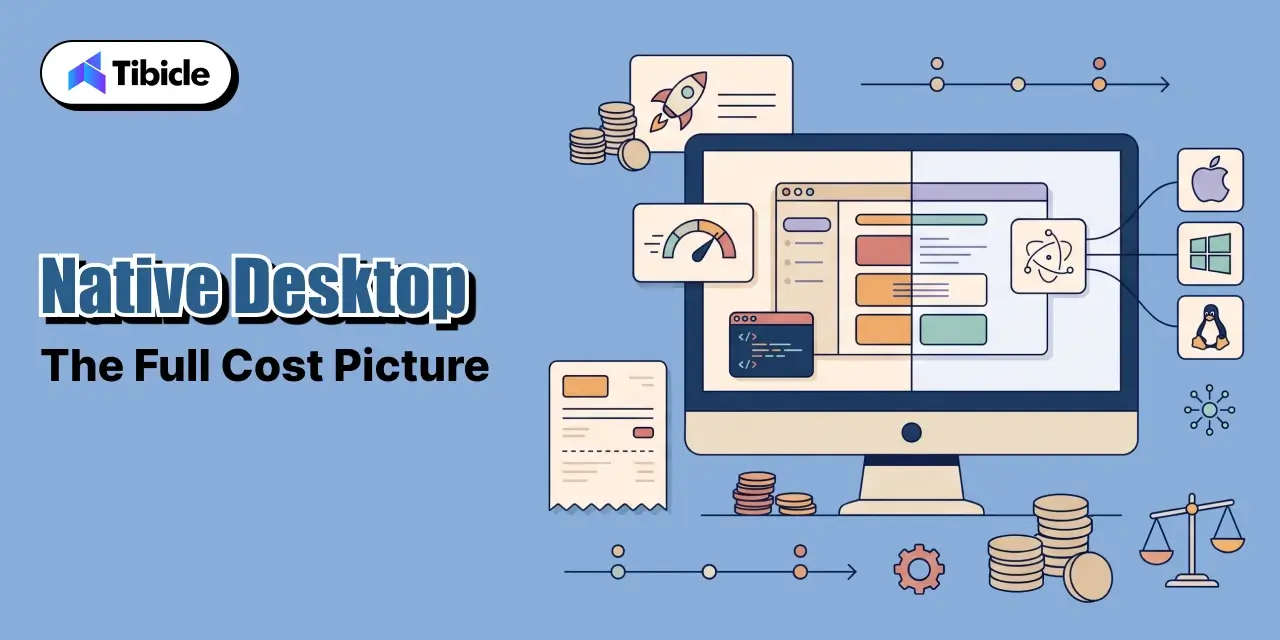
Every category below rolls up into native app development cost, and the balance shifts as requirements get more demanding. This is the side of the native desktop vs Electron framework ledger that looks worse upfront and better over a longer horizon.
Build Cost: Per-Platform Multiplication
Native app development cost is driven by a simple mechanic: each additional OS is close to a separate codebase, the core asymmetry behind every native desktop vs Electron framework budget. The same economics show up clearly in mobile development, where building separate native apps instead of one shared codebase runs roughly 30 to 40% higher in development cost, with engineering hours scaling from about 2,500 to 4,000 for the same feature set. Desktop follows the same logic: a Windows-only WinUI build, a macOS-only SwiftUI build, and a Linux build do not share UI code unless the team standardizes on a native-compiling framework like Qt, which compiles one C++ codebase to native binaries across Windows, macOS, and Linux at the cost of requiring C++ expertise instead of web skills. Every native app development cost estimate should start from this per-platform multiplier before adding features.
Talent Scarcity and Specialist Rates
This is the second-biggest lever in any native desktop vs Electron framework budget. Native app development cost is pushed up further by who can build it. Specialist native developers, Swift, C++, or platform-specific Linux toolkits, are a smaller pool than JavaScript and TypeScript developers and typically command higher rates, which lengthens hiring timelines and raises the cost of replacing someone mid-project. Where a startup would post one JavaScript role for an Electron team, the native equivalent may mean separate specialist hires per platform, which is exactly why native app development cost estimates routinely run over budget on hiring alone.
Where Native Wins Back Cost
Native app development cost is not purely a penalty, and this is where Electron total cost of ownership starts losing ground at scale. A native build typically ships a dramatically smaller installer and lower runtime memory footprint than Electron, which reduces distribution bandwidth cost at scale and cuts the slice of the support queue caused by performance complaints. For performance-sensitive, long-lived, or embedded software, that trade usually favors a native-compiling framework over a browser-based wrapper, even after accounting for the higher native app development cost upfront, and it is the clearest case where native desktop vs Electron framework favors native outright.
Side-by-Side: 3-Year TCO for a Startup Desktop App
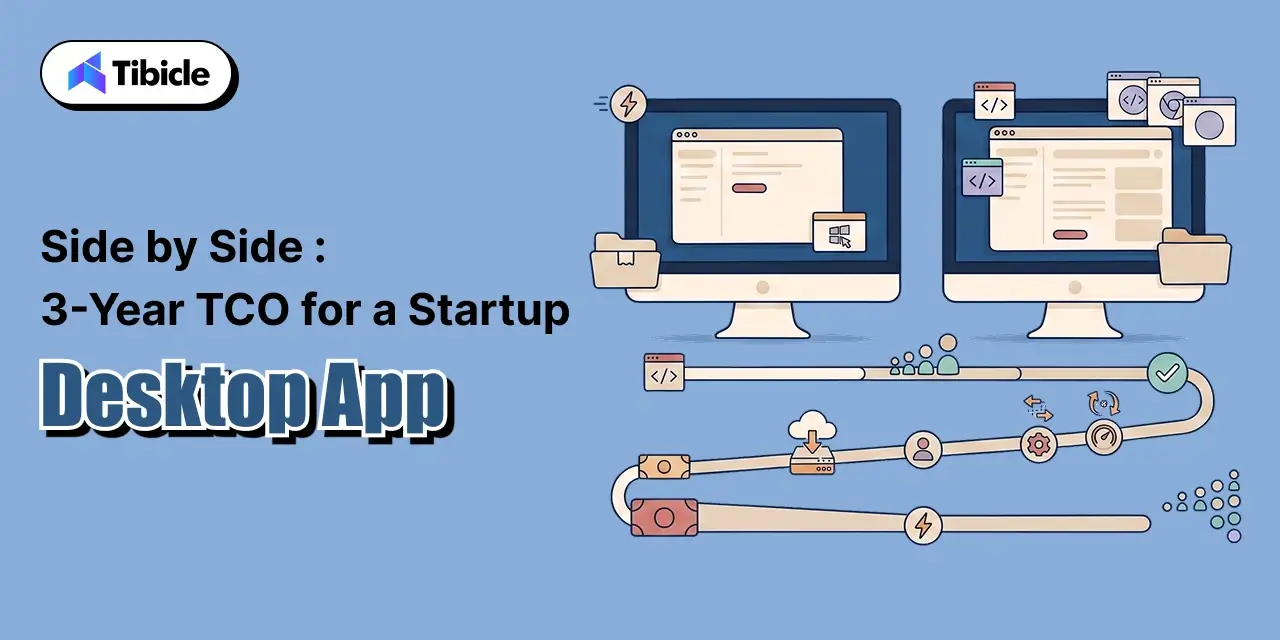
A simplified native desktop vs Electron framework model for a mid-complexity SaaS desktop app, one team, targeting Windows, macOS, and Linux, at 50,000 active users by year three:
| Cost Category (native desktop vs Electron framework) | Electron | Native (Qt or per-OS) |
| Initial build (v1) | $80,000 to $200,000 | Roughly 30 to 40% higher for equivalent scope (native app development cost) |
| Distribution / bandwidth (yearly) | Meaningfully higher; scales with installer size (Electron total cost of ownership driver) | Lower; smaller installers reduce CDN cost at the same user count |
| Talent / hiring | Large JS/TS pool, faster hiring, lower rates | Smaller specialist pool, slower hiring, higher rates |
| Maintenance / patching | One codebase to patch on an 8-week release cadence | Per-platform patching, but a smaller and more stable surface |
| Performance support burden | Higher, tied to memory and bundle size complaints | Lower; native performance reduces this ticket category |
Read as a total, not row by row: Electron usually wins the native desktop vs Electron framework comparison on cumulative TCO for a typical startup timeline, because the build-cost and talent advantages compound faster than the bandwidth and performance disadvantages accumulate, especially before a startup reaches six-figure user counts. That balance is exactly why native desktop vs Electron framework decisions should be revisited as a company scales, not locked in at the seed stage.
When Electron Wins on TCO
These are the conditions where the native desktop vs Electron framework decision tilts clearly toward Electron:
- Small team, one codebase to own: a startup with a React or TypeScript team already in place avoids hiring a second or third specialist team entirely, which is the single biggest lever in Electron total cost of ownership.
- Speed to a fundable v1 matters more than footprint: shipping in 6 to 10 weeks beats a technically leaner build that ships in twice the time.
- User count is still in the thousands, not hundreds of thousands: bandwidth cost is proportional to scale, so it is not the deciding factor early in a native desktop vs Electron framework choice.
- The product is not performance-critical: productivity tools, internal software, and most SaaS desktop clients tolerate Electron’s footprint fine.
When Native Wins Despite the Higher Upfront Cost
These are the conditions where native desktop vs Electron framework tilts the other way, even with a steeper native app development cost upfront:
- Distribution scale changes the math: past a few hundred thousand users, the yearly bandwidth gap alone can outweigh the native app development cost premium paid upfront, flipping the native desktop vs Electron framework math.
- The product is performance-critical: 4K video processing, real-time audio, or heavy local compute make Electron’s overhead a product problem, not a preference.
- Deep OS integration is core to the value proposition: hardware access, embedded targets, or system-level features that a Chromium wrapper cannot reach cleanly.
- The company is optimizing for a 5 to 10 year lifespan: a longer amortization window makes the higher native app development cost easier to justify against Electron’s compounding bandwidth and support costs, and it is often the deciding factor in a native desktop vs Electron framework choice for infrastructure software.
A Simple Framework for Deciding native desktop vs Electron framework
Score both options on the five TCO categories above, weighted to the startup’s actual priorities, rather than defaulting to whichever framework the founding team already knows. This scoring exercise is the fastest way to make a decision defensible to a board or an investor. A workable starting weighting for an early-stage startup evaluating : build cost and time-to-market at 40%, talent availability at 20%, maintenance at 20%, and distribution and performance cost at 20%, then revisit the weighting once user count or performance requirements change materially.
Tibicle LLP builds both Electron and native desktop applications and helps startups score the decision against their actual roadmap, not a generic template, through its desktop app development service. For a deeper technical comparison of the two approaches, see Tibicle’s guides on Electron vs Native for your next desktop app and the best framework for desktop application in 2026.
Conclusion
Native desktop vs Electron framework is not a question with one right answer; it is a question with one right method, scoring build cost, distribution bandwidth, talent availability, maintenance, and performance support burden against a startup’s actual growth trajectory. Revisiting as the business scales matters more than getting the initial call perfect. Electron total cost of ownership tends to win for early-stage teams shipping fast on a shared codebase. Native app development cost, higher upfront, tends to win once user count, performance requirements, or product lifespan cross a threshold that makes the bandwidth and support savings outweigh the extra build spend.
Most startups should start with Electron and revisit their idea as they scale, rather than over-engineering for a native rebuild they may never need. Weighing native desktop vs Electron framework for your product? Talk to the Tibicle team.
Frequently Asked Questions
What does TCO include beyond the initial build cost?
A full native desktop vs Electron framework comparison includes distribution and bandwidth cost, talent availability and hiring cost, ongoing maintenance and security patching, and the performance-related support burden, in addition to the initial build cost. Electron total cost of ownership and native app development cost both hide most of their difference in these categories, not the sticker price, which is why a native desktop vs Electron framework decision made on quote alone is usually wrong.
Is Electron total cost of ownership lower than native for a startup?
Usually, in the early stages. Electron total cost of ownership benefits from a single codebase, a large JavaScript and TypeScript talent pool, and a fast time to market, which typically outweighs its higher bandwidth and memory costs until a product reaches large user counts or performance-critical requirements. This is the core reason native desktop vs Electron framework decisions tend to favor Electron early on.
How much higher is native app development cost than Electron?
Native app development cost runs roughly 30 to 40% higher than an equivalent single-codebase build, largely because each additional operating system requires close to a separate codebase and, often, separate specialist talent. That gap is the single biggest input into any native desktop vs Electron framework budget.
At what scale does native start winning on cost?
Once a product reaches hundreds of thousands of users, Electron total cost of ownership starts rising through bandwidth from larger update sizes, and native’s smaller footprint and lower support burden begin to outweigh its higher upfront native app development cost.
Should an early-stage startup default to Electron?
For most non-performance-critical products, yes. Electron lets a small team ship across Windows, macOS, and Linux from one codebase quickly, which matters more at the fundraising and early-traction stage than the bandwidth or memory savings native app development cost would eventually justify. This is the practical answer to most debates at the seed stage.
Schedule A Developer Interview And Get 15 Days Risk-Free Trial
Schedule a Call

Relevant Blog
Enterprise LLM Integration Services

Prejin Nadar

Building Private local AI Desktop App Development
Prejin Nadar
Written by

Recent Blogs
Enterprise LLM Integration Services
What This Guide Covers Who this is for Enterprise LLM integration services help engineering leaders, platform teams, and technology executives turn existing model access into working production workflows. This guide is for organisations connecting OpenAI, Claude, or both to systems that support real business processes, including CRM platforms, ticketing systems, document pipelines, and internal tools. […]

When to Hire an AI Software Development Consulting Firm.
What This Guide Covers Who this is for Engineering leaders, technology executives, and AI teams often struggle to turn completed initiatives into measurable results. This guide helps organisations address stalled pilots, failed AI implementations, rising costs, poor data quality, and workflows that function technically but fail to deliver measurable business value. An AI software development […]
Building Private local AI Desktop App Development
What This Guide Covers Who this is for: US tech firms, SaaS companies, startups, CTOs, engineering managers, and product teams looking for experienced Electron.js developers for ongoing private local AI desktop app development and custom desktop application development. Search intent: Hiring and decision. This guide covers where to find Electron.js developers, how to evaluate their […]
Got an Idea? Get FREE Consultation
In our world, there's no such thing as having too many clients

