

No Centralized Teacher Onboarding
Without a review process, there was no way to verify teacher quality before they could publish courses on the platform.

Case Study
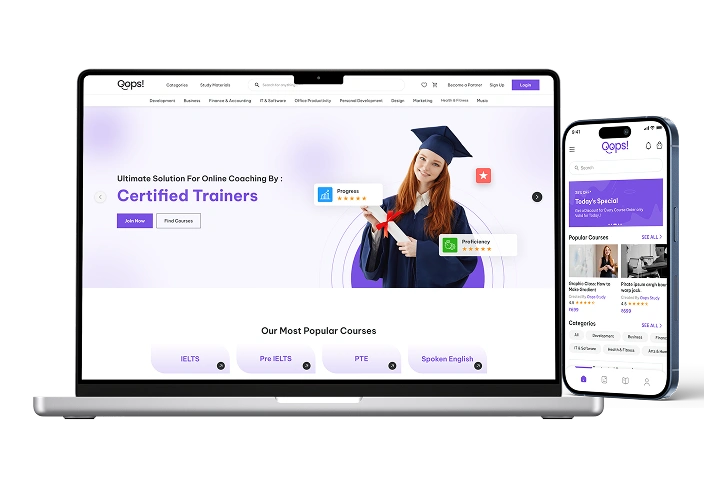
A custom-built e-learning platform that connected teachers and students for live learning, recorded content delivery, and interactive webinars, giving the client a single system to manage courses, sessions, and certifications.
Bringing Live Learning, Recorded Content, and Webinars Under One
Without a review process, there was no way to verify teacher quality before they could publish courses on the platform.
Recorded videos, PDF notes, live sessions, and webinars had no common home, making it harder for students to access everything tied to a course in one place.
Scheduling 1-on-1 sessions and webinars manually left no room for automated reminders or slot management as demand grew.
Without screen recording or screenshot restrictions, paid course content was vulnerable to unauthorized capture and distribution.
Manually issuing completion certificates didn't scale as student volume increased across courses.
Students had no unified way to browse, purchase, and track progress across recorded and live course content.
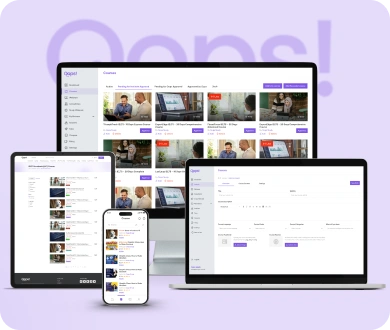
Managing an e-learning platform shouldn't mean giving every user the same level of access. With Oops Study, the platform is built around three distinct roles, each with its own permissions and workflows. Admins review and approve teacher registrations to maintain platform quality, teachers manage their profiles and course content from a web-only dashboard, and learners register, browse, and purchase courses from either web or mobile. The result is a platform that keeps quality control and access aligned with how each user actually works.
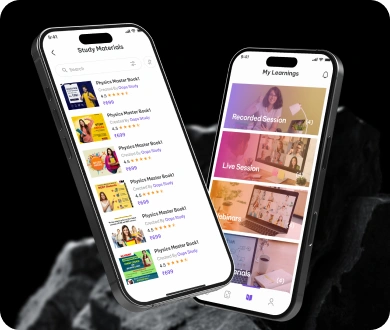
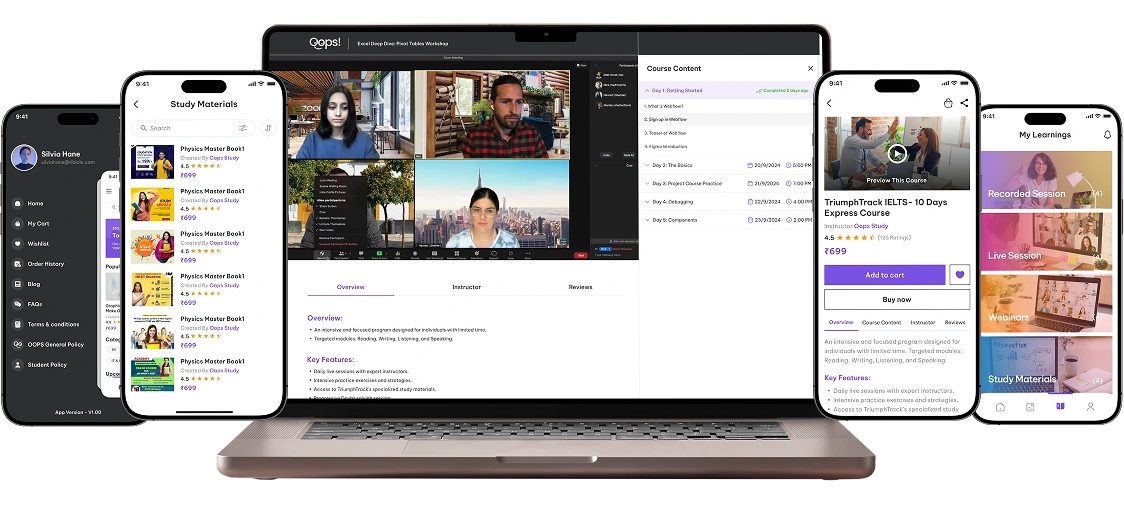
Students learn differently, and Oops Study was built to support that. Recorded videos play through a custom in-app video player, PDF notes open in an in-app document viewer, and live sessions and webinars run on Zoom SDK with slot-based scheduling. Live 1-on-1 sessions come with automated reminder notifications 15 minutes before start, while webinars support 1-to-many broadcasts capped at one hour, with students selecting their slot before payment. Every format lives inside the same platform, so students never have to leave the app to access their course.
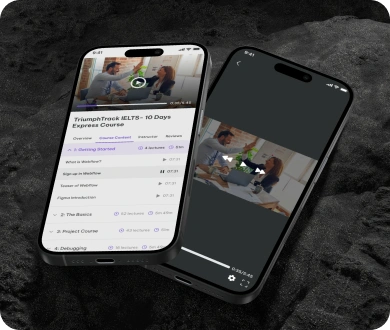
Paid course content needed protection the client's previous setup couldn't provide. Oops Study addresses this with screen recording restrictions active across both the web and mobile video players, preventing unauthorized capture of live and recorded sessions. Inside the PDF reader, screenshot restrictions are disabled at the system level, protecting written course materials from being copied and redistributed outside the platform.
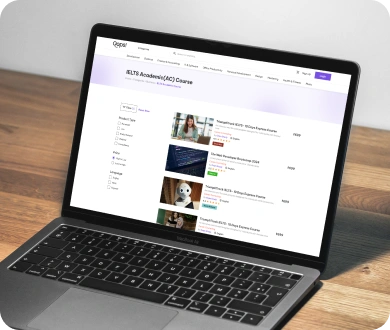
Signing up for a course shouldn't mean guessing what you're paying for or losing track of where you left off. Oops Study gives learners a clear path from discovery to completion: browse courses, see pricing upfront, and purchase via web or mobile. Once enrolled, students track their progress and pick up recorded content or notes exactly where they stopped. The same account carries through to certification, keeping the entire learning journey in one place.
40%
Screen recording and screenshot restrictions reduced content piracy.
35%
Unified videos, notes, and live sessions improved student engagement.
2x
Slot-based scheduling and reminders reduced no-shows.
3
Recorded videos, 1-on-1 sessions, and webinars in one platform.
In our world, there's no such thing as having too many clients


