

Real-Time Preview Without Native Rendering
Browsers don't have native access to a video editing engine, so every preview frame, trim point, and filter effect had to be rendered on the fly using Three.js.

Case Study
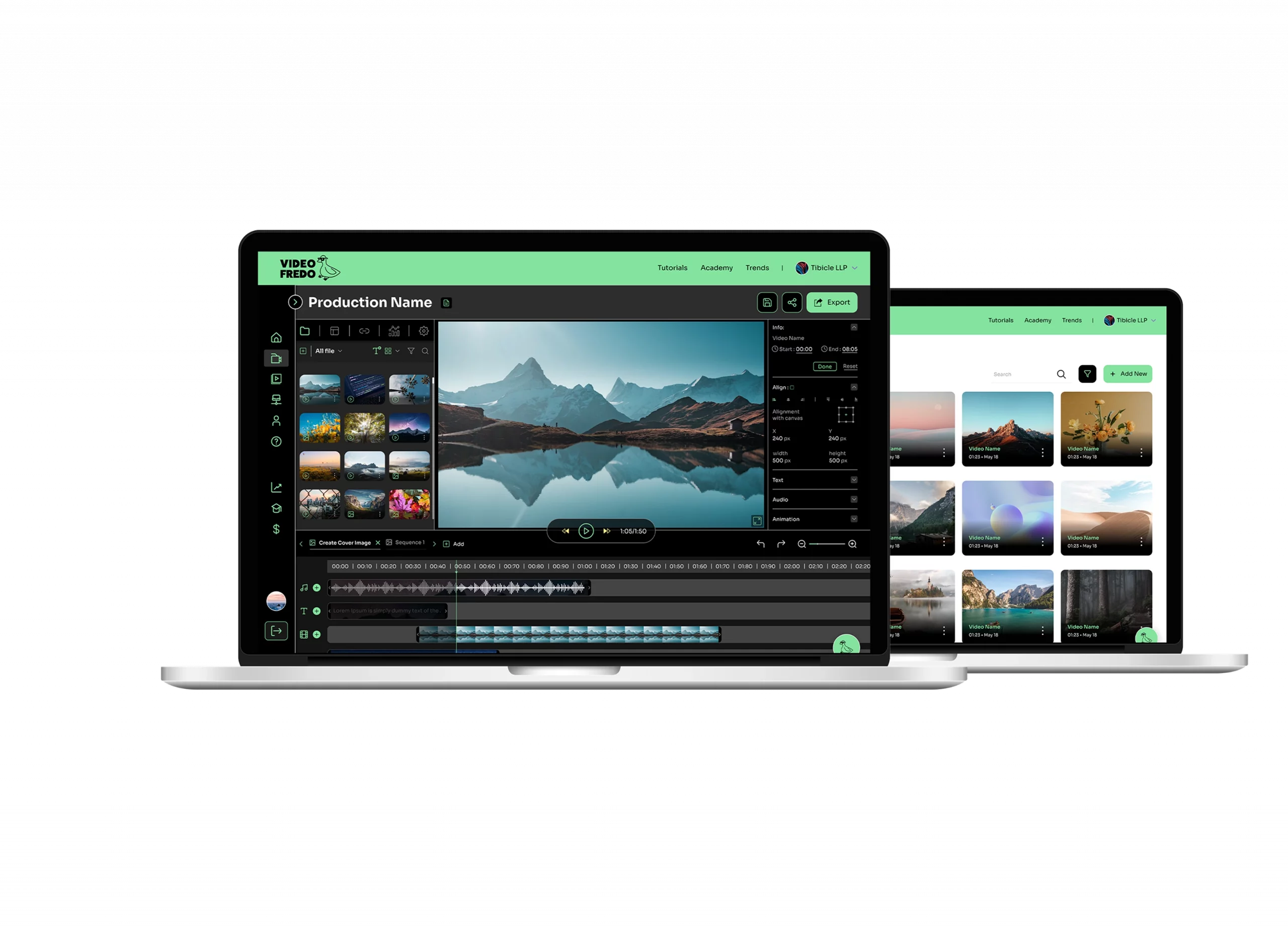
A browser-based video editing platform built entirely on Angular and Three.js, giving users the ability to upload, merge, trim, and apply filters to their videos, then export in their desired quality, without relying on heavy desktop editing software.
Bringing Desktop-Grade Video Editing to the Browser
Browsers don't have native access to a video editing engine, so every preview frame, trim point, and filter effect had to be rendered on the fly using Three.js.
Handling multi-clip merges and precise trim operations client-side, without offloading every action to a server round-trip, required a rendering approach built for responsiveness.
Applying various filter types to video content needed to stay performant even as clip length and filter complexity increased.
ideo and image files are significantly heavier than typical web assets, so the upload flow had to manage large file sizes without stalling the browser or degrading the editing experience.
Users needed a way to export finished videos in their desired quality directly from the browser, which meant building a server-side FFmpeg pipeline to handle final rendering and encoding.
All of the above needed to stay simple enough for non-technical users, hiding the complexity of the rendering and export pipeline behind a clean interface.
Traditional video editors rely on native desktop rendering to show users what their edit will actually look like, something browsers were never built to do out of the box. VideoFredo solves this with a custom rendering engine built on Three.js, giving users a live, accurate preview of every merge, trim, and filter the moment they apply it. There's no waiting on a server to process a change just to see the result, and no exporting a rough draft to check if an edit worked. The rendering layer was built to stay responsive even as timelines grow more complex, so the preview experience feels closer to desktop software than a typical web app.
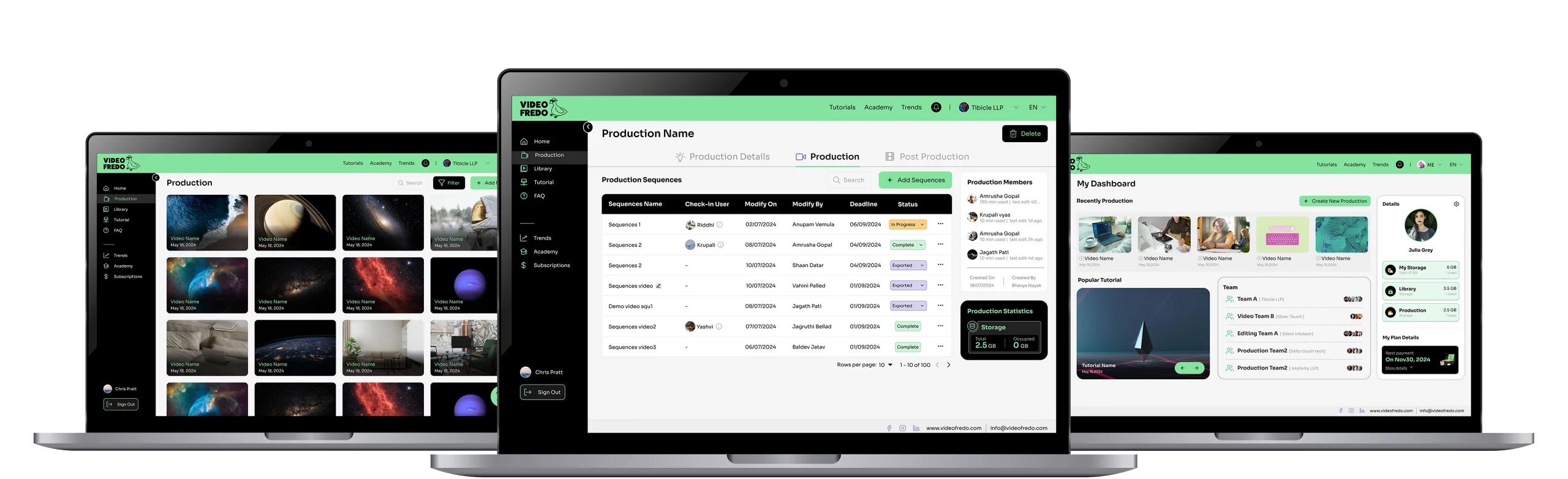
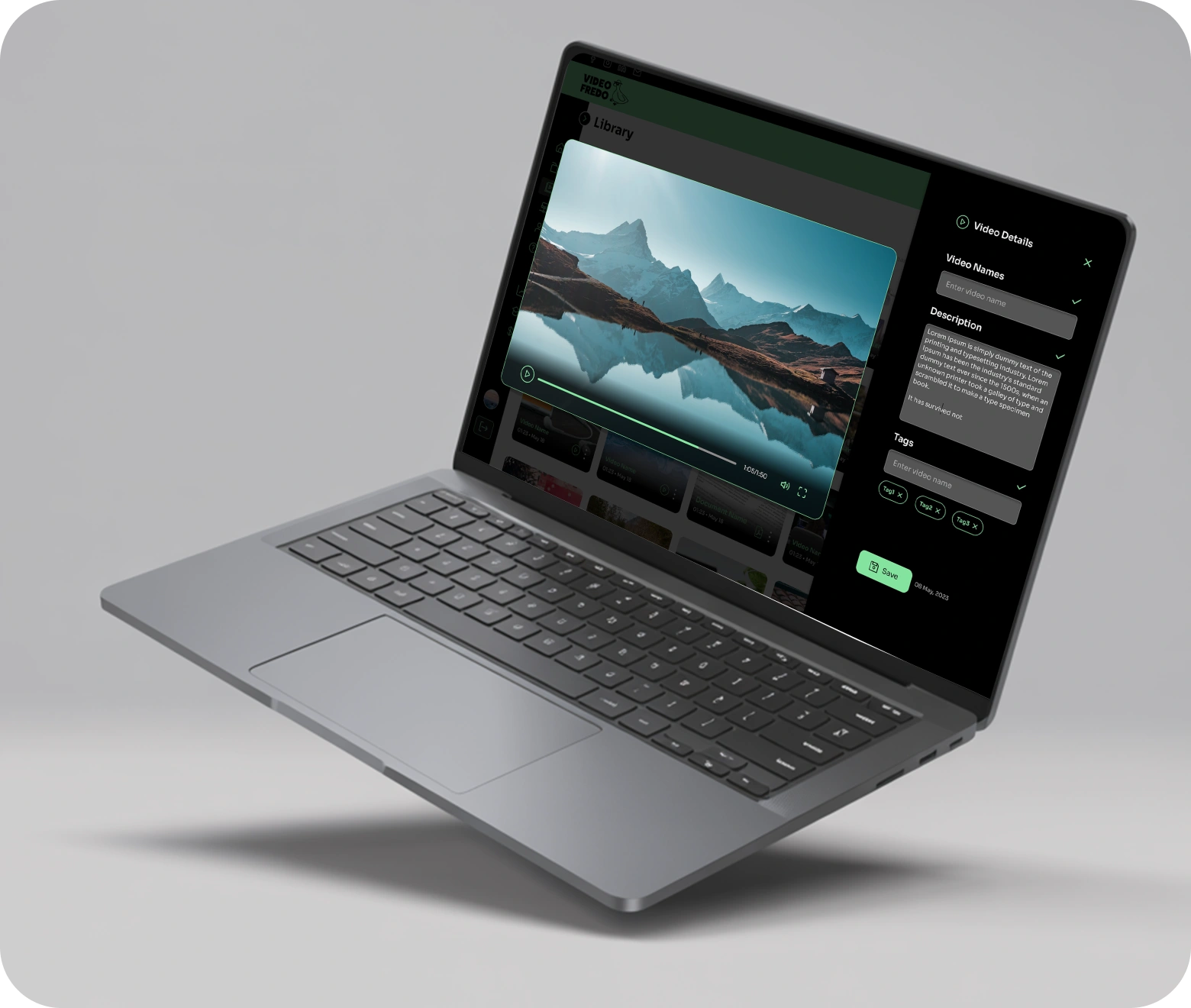
Getting raw footage into a finished sequence is the first and most repeated task in any editing workflow, so it needed to feel effortless. VideoFredo lets users bring in videos and images directly from their device and start building a sequence right away, without conversion steps or format restrictions getting in the way. Multiple clips can be arranged and merged into a single timeline, while precise trim controls let users cut each clip down to exactly the moment they want. The goal was to make the core assembly work, the part every project starts with, as fast and frictionless as possible.
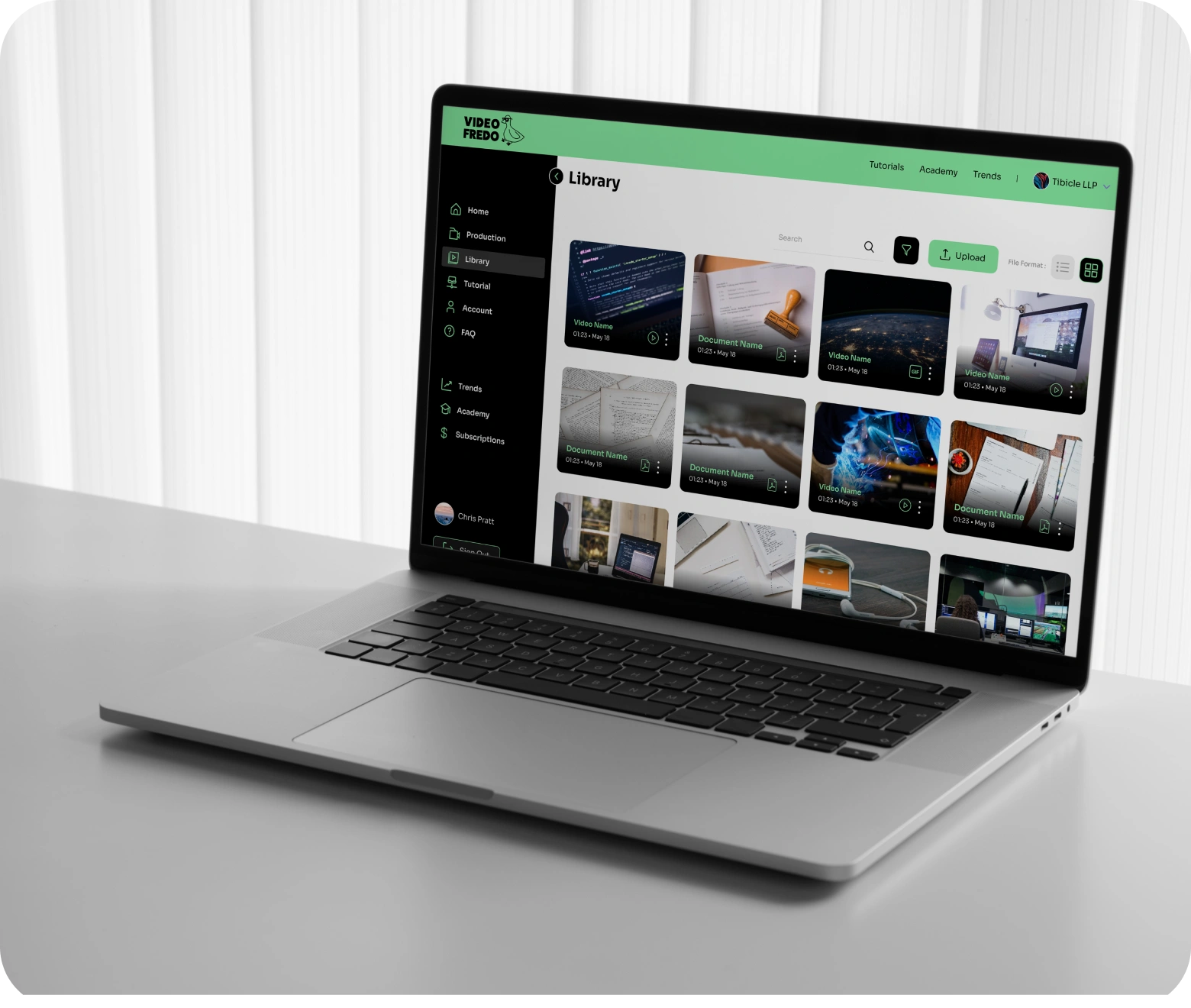
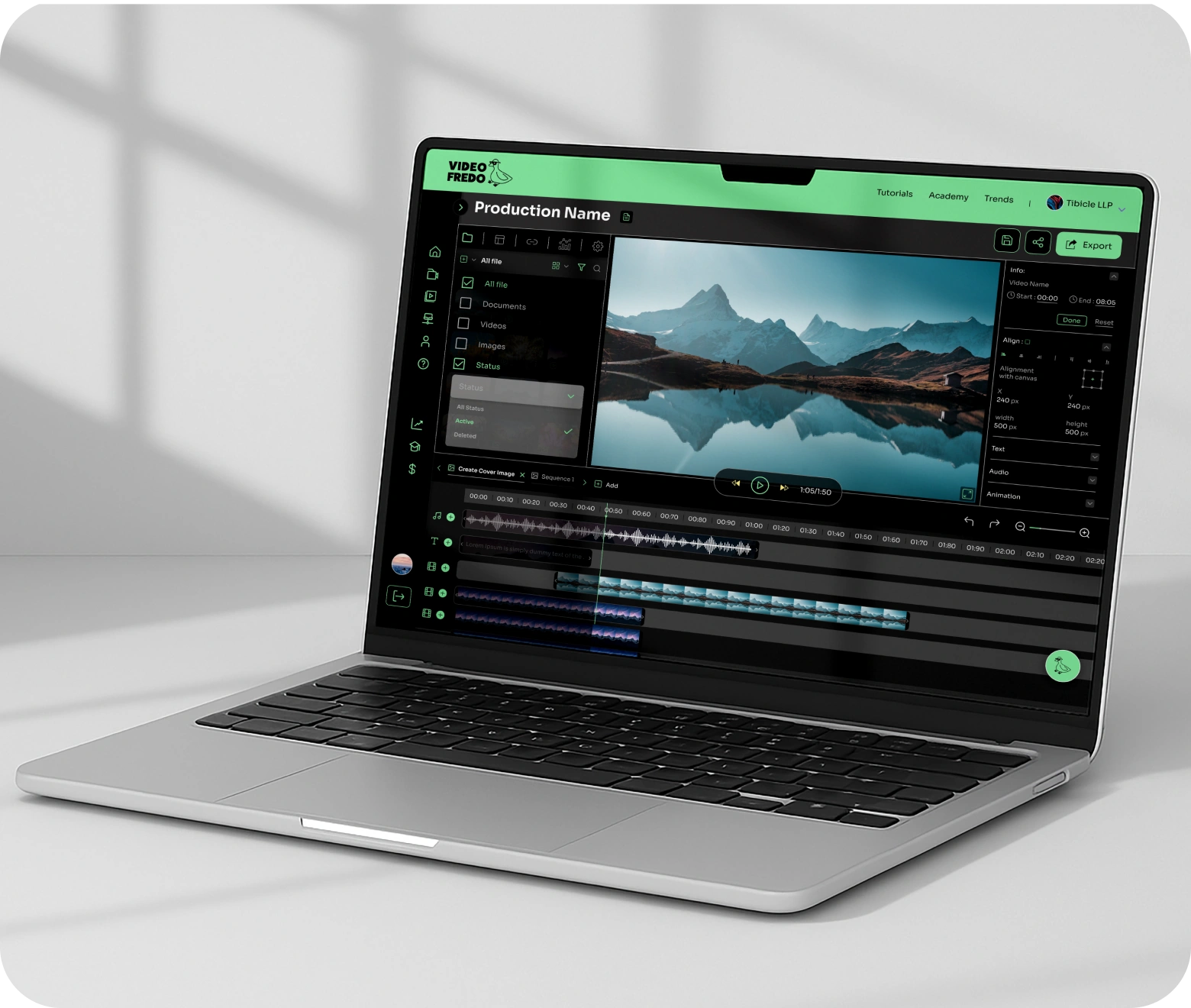
Editing raw footage into something polished usually means switching to a separate tool just to adjust color, tone, or style. VideoFredo brings that step into the same workflow with a built-in filter library, letting users apply a variety of filter types directly to their video content without leaving the editor. Because filters render through the same Three.js preview layer as merges and trims, users see the exact result in real time, no guessing how a filter will look once exported. This keeps the entire creative decision-making process, from assembly to styling, inside one connected interface.
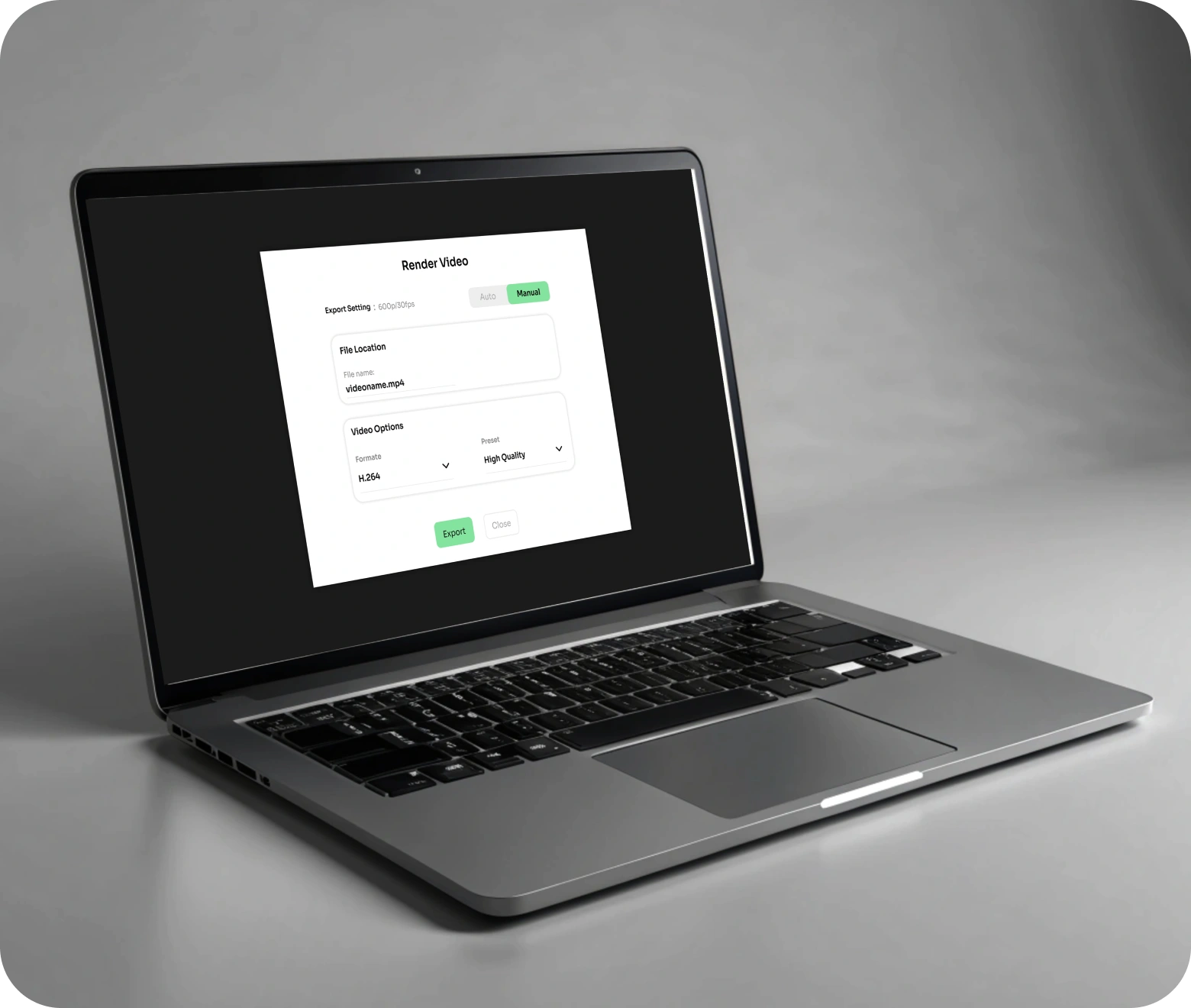
A preview is only useful if the final export matches it, and getting there without desktop software meant solving one of the hardest parts of browser-based editing. VideoFredo handles this with a dedicated export pipeline powered by FFmpeg, running server-side and completely independent of the in-browser preview engine. This separation means the quality of the final video is never limited by what a browser can render on screen. Users simply choose their desired export quality, and the platform handles encoding in the background, delivering a finished, ready-to-use video without any manual conversion steps.
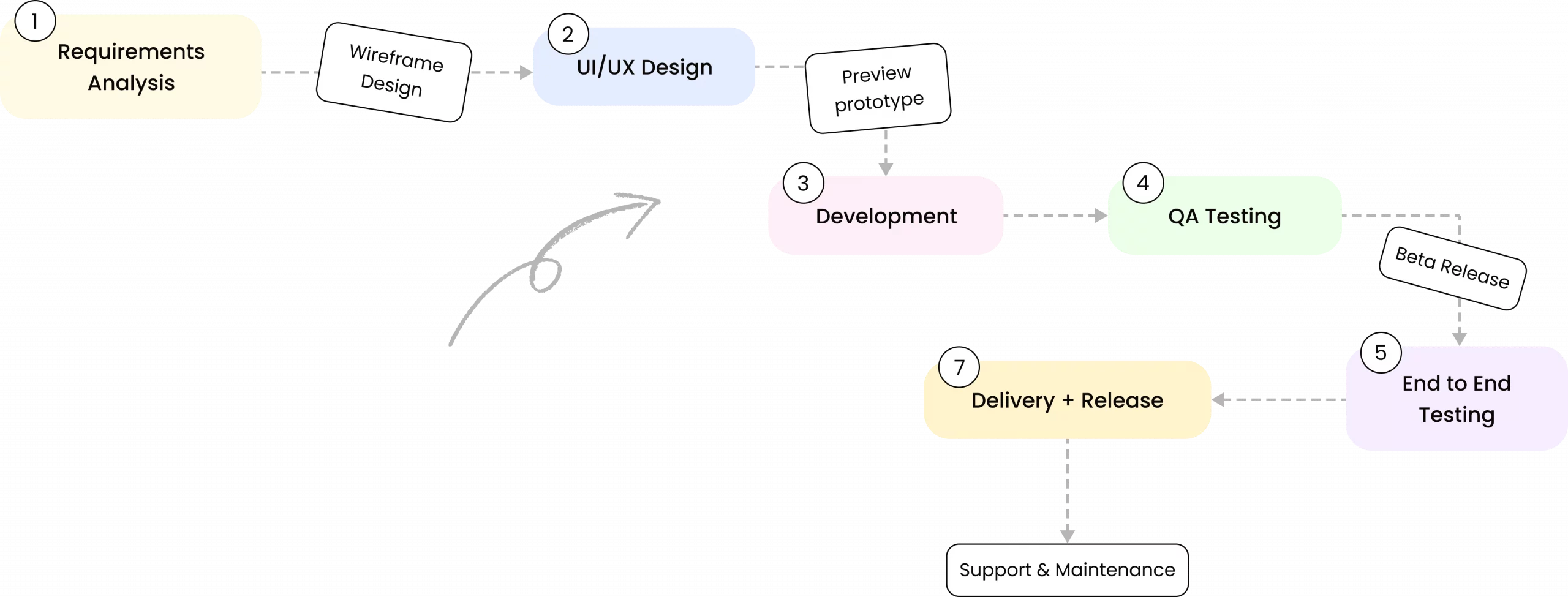
100%
Entire editing process, from upload to export, runs in the browser with no desktop software required.
3-in-1
Merge, trim, and filter tools combined into a single in-browser workflow, replacing the need for separate editing tools.
2
Three.js powers real-time preview while FFmpeg handles final export, kept independent for performance and quality.
<1
No desktop software or plugins needed, users go from upload to export entirely in the browser.

Lorem ipsum dolor sit amet consectetur. Eget in eu nibh eu vulputate tincidunt nibh ut in. Elit suspendisse vulputate magna elementum. Aenean dui dignissim et magna. Pellentesque sit leo non urna in lacus fringilla at habitasse. Adipiscing massa nibh velit facilisis facilisis hac a. Bibendum turpis urna sed blandit sit. Convallis sit blandit mauris viverra interdum tincidunt duis in. Lorem ipsum dolor sit amet consectetur. Eget in eu nibh eu vulputate tincidunt nibh ut in. Elit suspendisse vulputate magna elementum. Aenean dui dignissim et magna.
In our world, there's no such thing as having too many clients


