
Cafe POS System: Features, Pricing & What to Buy in 2025

Jul 13, 2026

Read in 7 Minutes
Table of Contents
- What This Guide Covers
- Introduction
- What a Cafe POS System Actually Does Beyond Taking Payments
- The 8 Cafe POS System Features That Separate High-ROI Systems from Expensive Mistakes
- Where Cafes Actually Use a Cafe POS System: Operational Use Cases
- Cafe POS System Comparison: The 5 Systems Decision-Makers Actually Choose
- Honest Cafe POS System Pricing Breakdown What You’ll Actually Pay Over 12 Months
- Cafe POS ROI and Business Impact What Changes When You Get the POS Right
- Cafe POS System Risks Buyers Do Not See Until After Signing
- Cafe POS System Vendor Selection Checklist 12 Questions to Ask Before You Sign
- Top Cafe POS Systems Worth Evaluating in 2025
- Why Tibicle LLP Is a Strong Partner for Cafe POS Implementation
- Conclusion
- Frequently Asked Questions
What This Guide Covers
Who this is for: Cafe owners, coffee shop operators, and F&B decision-makers who are either running a legacy terminal that is costing them operationally or actively comparing cafe POS systems before making a purchase decision at single-location, multi-location, or growth-stage scale.
Search intent: Comparison and purchase decision, the reader already knows they need a POS system for cafe operations. They are evaluating which system fits their format and volume, what it will realistically cost across all three layers, and what contract and integration risks to avoid before signing.
What you will walk away with: A feature-by-feature breakdown of the 8 capabilities that determine ROI on a coffee shop POS system, a side-by-side comparison of the 5 systems operators actually choose, a full 12-month total cost of ownership model including processing fees, a 12-question vendor checklist, and a break-even timeline specific to your cafe’s transaction volume and format.
Introduction
Your cafe POS system goes down at 9:47 AM on a Saturday. The line has 15 customers. The terminal is frozen, the barista is writing orders on a notepad, and the manager is on hold with tech support.
That is not a technology failure. It is a business failure one that costs you covers, tips, and repeat customers in the span of 20 minutes.
Choosing the wrong cafe POS system does not just cause operational friction. It drains margin, drives staff turnover, and accelerates customer churn. The average cafe that replaces a failing POS mid-year loses 2 to 4 weeks of operational efficiency during the transition. (Source)
What follows cuts through vendor noise and tells you exactly what to evaluate, what to budget, and what to avoid.
What a Cafe POS System Actually Does Beyond Taking Payments
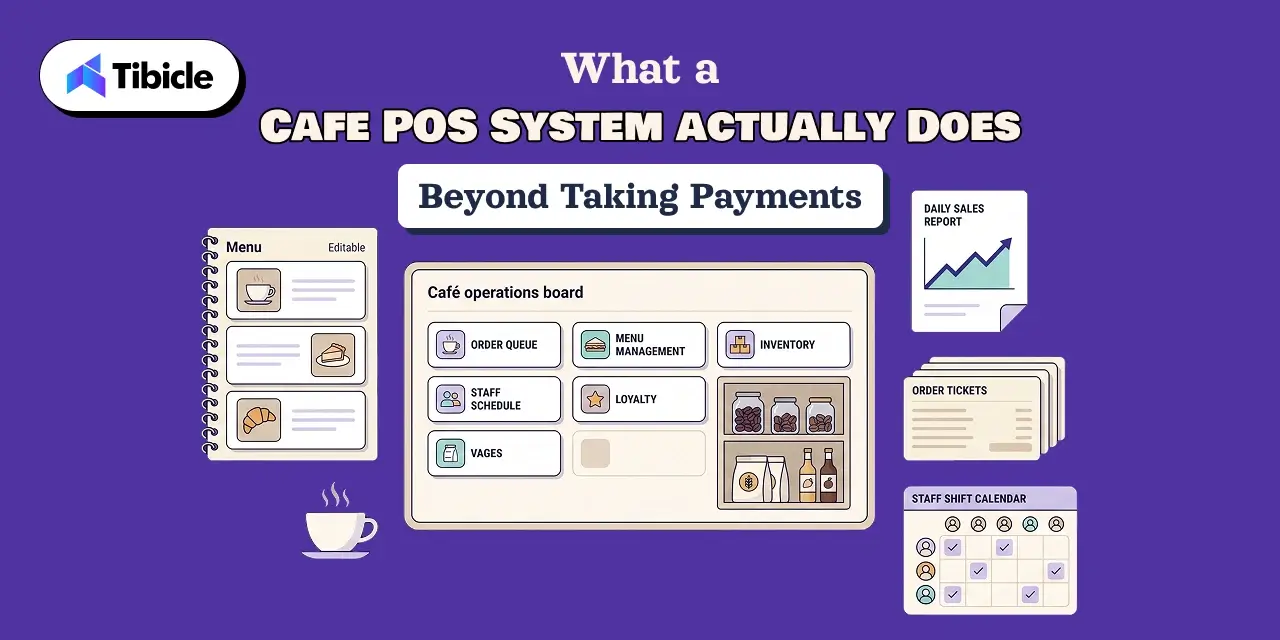
Most buyers evaluate a POS system for cafe operations based on what they see at the counter: a screen, a card reader, a receipt printer. The purchase decision rarely accounts for what is underneath and that gap is where implementation failures and margin loss start.
The Core Components You’re Actually Buying
A cafe POS system is three layers operating simultaneously.
The software layer handles order management, sales reporting, third-party integrations, and data storage, this is where operational intelligence lives.
The hardware layer includes terminals, card readers, a kitchen display system (KDS), and receipt printers. Hardware cost and compatibility determine total upfront spend more than software pricing.
The payment processing layer is where hidden costs concentrate. Processing fees compound with every transaction this is addressed in detail in the pricing section below.
One structural difference matters above all: cloud-based architecture stores and syncs data online in real time, while legacy systems store data locally on-premise and require manual reconciliation.
How a Modern POS System Differs from What Most Cafes Currently Run
Legacy systems are siloed, require on-site servers, and depend on manual reporting cycles. A cloud-based POS system syncs across devices in real time, allows remote access from any browser, auto-updates without technician visits, and integrates with delivery platforms natively.
This is not an incremental upgrade. It is an architectural shift. As a result Cloud-based POS adoption in the broader retail sector reached roughly 72% in 2025. (Source) Separately, 65% of coffee companies are actively investing in digital transformation to improve customer experience. (Source) Operators still on legacy infrastructure are not holding a stable position. They are ceding ground.
The 8 Cafe POS System Features That Separate High-ROI Systems from Expensive Mistakes
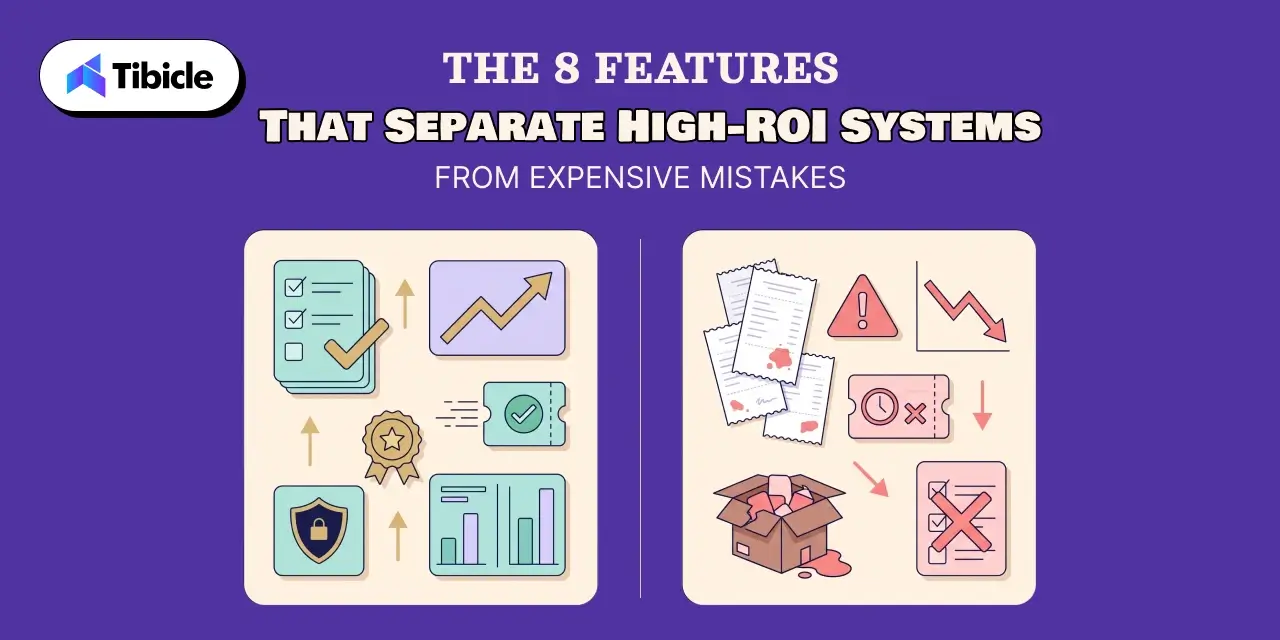
Not every feature on a vendor’s spec sheet affects your bottom line equally. These eight determine whether your coffee shop POS system pays back its cost or compounds it.
1. Drink Modifier Engine and Menu Customization
Generic retail POS systems are built for static SKUs. A cafe does not sell static SKUs. Oat milk substitutions, half-caf requests, size variants, and seasonal specials require a modifier engine with nested logic and auto price adjustment.
What to look for: modifier trees that update automatically, seasonal menu toggling without developer support, and price rules that apply per modifier combination without manual overrides.
2. Ingredient-Level Inventory Tracking
Item-level inventory tells you how many lattes you sold. Ingredient-level inventory tracking tells you how much oat milk, espresso, and syrup each latte consumed.
The business case is direct: a cafe losing $200 per week to over-purchased syrups and perishable waste can contain most of that loss with ingredient-level recipe tracking. Several POS systems on the market lack this feature entirely. Therefore, knowing which vendors cut this corner is a pre-purchase necessity, not a post-purchase discovery.
3. Integrated Customer Loyalty Program
Punch cards generate no data. A paper stamp does not tell you that a customer visits three times a week, always orders a cortado, and has not returned since a price increase in March.
An integrated customer loyalty program tied to POS transaction data captures order history, visit frequency, and preferences. That data feeds personalized offers and re-engagement campaigns. However, a loyalty tool bolted on from a third-party platform introduces sync delays and data gaps that reduce its effectiveness.
4. Kitchen Display System (KDS) Integration
At peak hours, paper ticket systems create a compounding error rate. A kitchen display system eliminates ticket loss, reduces spoken order errors, and directly improves order accuracy and table turn speed.
The integration must be native, not a third-party API bolt-on. Otherwise, external KDS integrations introduce sync latency that defeats the purpose at high volume.
5. Sales Analytics Dashboard and Reporting
The reporting features that decision-makers actually use are: peak-hour sales breakdowns, best-seller rankings, and labor-to-revenue ratios by shift.Red flag: systems that place this data behind expensive reporting add-ons. If the analytics tier you need costs more than the base plan, the vendor’s pricing model is working against you.
6. Multi-Location POS and Scalability Architecture
Multi-location operations require centralized menu control and unified reporting across sites. A single corporate menu update should push to all locations simultaneously, not require per-location manual entry.
Ask vendors directly: does per-location pricing scale linearly, or does the architecture hold its structure across sites? The answer determines whether expansion is additive or exponentially expensive.
7. Staff Management and Time Tracking
Clock-in and clock-out via POS, role-based access permissions, and payroll export are baseline requirements. They should be included in the base plan. They frequently are not. Confirm before signing.
8. Offline Mode and Network Resilience
Wi-Fi drops. Power fluctuates. A POS system that goes down when the network goes down is not a POS system it is a liability.Offline mode that continues processing transactions and syncs when connectivity restores is a non-negotiable requirement, not a premium feature.
Where Cafes Actually Use a Cafe POS System: Operational Use Cases
The right best POS for cafe operations depends on your format. The same system that works for a single-location independent cafe will create bottlenecks in a high-volume quick-service environment.
Single-Location Independent Cafe
Priority: low upfront cost, fast onboarding, and simplicity.
Optimize for: a mobile POS terminal, integrated payments, and loyalty from day one. Avoid systems with hardware lease models or long contracts that limit exit flexibility.
High-Volume Quick-Service Cafe
Priority: throughput speed, KDS integration, and kiosk ordering compatibility.
Key metric: order processing time per transaction. A 20-second average versus a 45-second average does not sound significant. Across 300 daily transactions, it is the difference between manageable queues and visible customer frustration.
Multi-Location Cafe Chain
Priority: multi-location POS architecture, centralized control, and consolidated analytics.
Risk at this scale: siloed data per location produces no pricing strategy visibility. If your top-performing location is subsidizing an underperforming one and your reports do not surface that, the POS is failing its core job.
Cafe-Bakery Hybrid and Food-Forward Concepts
Priority: ingredient-level inventory tracking, perishable waste control, and combo pricing logic.
Specific requirement: recipe costing built into the POS. Managing recipe costs in a separate spreadsheet that reconciles manually with POS sales data is an error-prone process that scales poorly.
Cafe POS System Comparison: The 5 Systems Decision-Makers Actually Choose
The market has over 50 options. Decision-makers seriously evaluate five. Here is how they compare on the criteria that affect your bottom line.
| System | Best For | Pricing Model | KDS Native | Multi-Location | Inventory Depth | Contract Lock-In |
| Square for Restaurants | New/single-location cafes | Free to $69/mo + processing | Add-on | Limited | Item-level only | No contract |
| Toast POS | High-volume, growth-stage | $0 to $165/mo + 2.49% to 3.5% | Native | Strong | Ingredient-level | Yes (2 to 3 yr) |
| Lightspeed Restaurant | Multi-location, analytics-heavy | $189+/mo | Native | Strong | Advanced | Annual |
| Clover | Quick-service, simple ops | $14.95 to $84.95/mo | Add-on | Moderate | Basic | Hardware lease |
| Epos Now | UK/international, scaling cafes | ~$39/mo | Native | Strong | Moderate | Varies |
What the Table Does Not Show Where Each System Quietly Falls Short
Square lacks cost-versus-profit features and recipe-level inventory tracking. For margin-focused operators, this is a real operational gap that becomes apparent at higher volume.
Toast is a powerful system. The 2 to 3 year contract and processing fee lock-in can punish low-volume periods disproportionately. Calculate your break-even on processing fees before signing.
Lightspeed carries premium pricing that is difficult to justify below three locations. The per-location cost structure is not optimized for single-site or two-site operations.
Clover uses a hardware lease model that creates exit barriers many buyers miss at signup. Review the lease terms with the same attention you give the software contract.
Epos Now has a noted learning curve that translates into higher training time costs than its lower price point suggests.
Not sure which system fits your cafe’s growth stage? Tibicle’s team has mapped POS configurations for 40+ F&B businesses. Get a free 30-minute vendor shortlisting call.
Honest Cafe POS System Pricing Breakdown What You’ll Actually Pay Over 12 Months
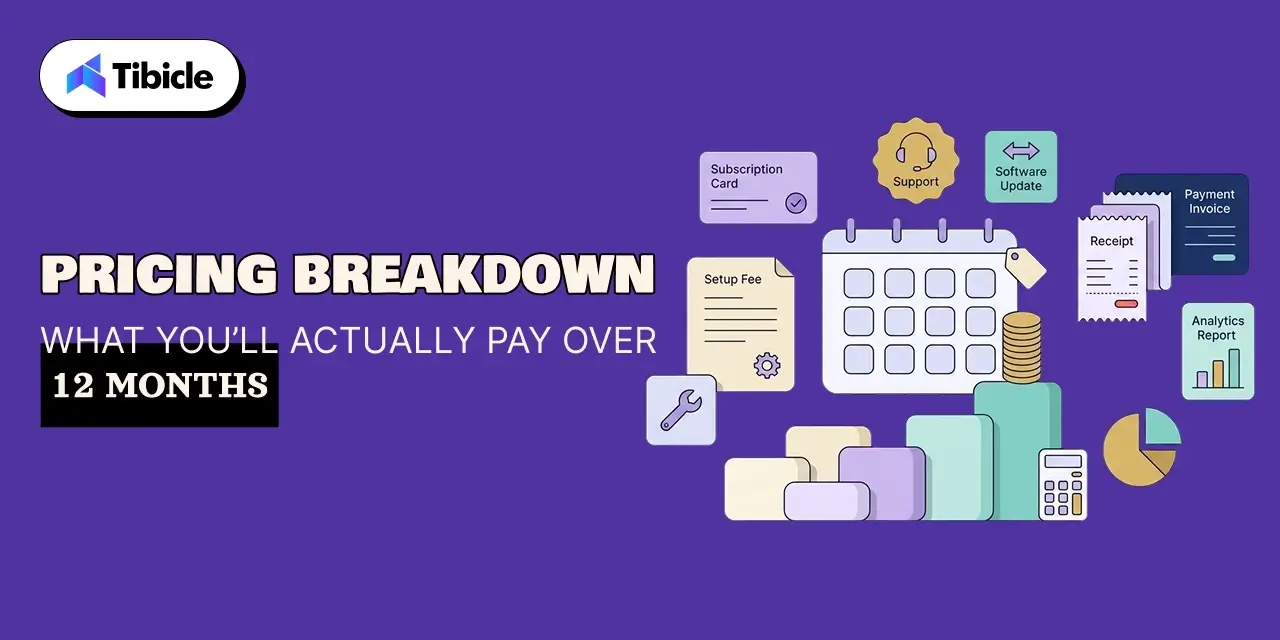
Vendor pricing pages show the minimum. What you pay over 12 months is determined by three layers that most buyers underestimate at the selection stage.
The Three Cost Layers Every Buyer Underestimates
Software subscription: $0 to $189 per month depending on tier and vendor.
Hardware: Legacy proprietary terminals run $1,000 or more per unit. Tablet-based or mobile POS terminal setups can cost as little as $600 for a full terminal, stand, and card reader. (Source)
Payment processing fees: Credit card transaction processing fees range from 2.3% to 3.5% per transaction. (Source) On a cafe doing $30,000 per month in revenue, that is $690 to $1,050 in processing costs alone, every month. Over 12 months, processing fees routinely exceed the annual software cost on mid-to-high volume operations.
Hidden Costs That Inflate Year-1 Spend
Professional installation charges can exceed $500 and are frequently excluded from base quotes.
Cancellation fees on locked contracts are real. Calculate the exit cost before entering.
Monthly add-ons for loyalty modules, order management system features, online ordering, and advanced reporting are often marketed as included in the platform but priced separately in practice.
Staff training time should be calculated at your average hourly labor rate multiplied by total onboarding hours. This cost is invisible in vendor quotes and consistent in actual spend.
Data migration from legacy systems is almost always out-of-scope in vendor proposals. Get it in writing before signing.
Total Cost of Ownership A 12-Month Model for a Single-Location Cafe
| Cost Item | Low Estimate | High Estimate |
| Software (annual) | $0 | $2,268 |
| Hardware (one-time) | $600 | $2,500 |
| Processing fees | $4,140 | $12,600 |
| Add-ons and integrations | $300 | $1,800 |
| Training and onboarding | $0 | $800 |
| Year-1 Total | ~$5,040 | ~$19,968 |
Processing fees dominate total cost of ownership at any meaningful transaction volume. Negotiate your rate or choose flat-rate models for predictability.
Cafe POS ROI and Business Impact What Changes When You Get the POS Right
The question is not whether a new cafe POS system costs money. It does. The question is what operational losses it stops and what revenue it recovers.
Revenue Leakage the Right POS Eliminates
Order errors at peak hours cost an average of $3 to $8 per incorrect order in replacement costs, plus repeat visit probability drops for each customer who experiences one. (Source)
Inventory shrinkage compounds silently. AI-powered restaurant POS software can predict ingredient usage patterns to prevent stockouts during peak periods and reduce overstocking that leads to spoilage. The savings quantify quickly at the ingredient level.
Loyalty program gaps leave direct revenue on the table. 51% of restaurant customers say they would visit more often if they received personalized offers based on their order history. (Source) Without integrated loyalty tied to POS transaction data, that preference gap stays a gap.
Operational Efficiency Gains Translating to Labor Cost
A native KDS reduces kitchen errors. Fewer errors mean fewer staff hours spent on remakes and fewer ingredient costs on replacement orders.
Automated inventory reordering, enabled by ingredient-level inventory tracking, reduces manager time on stock management by an estimated 3 to 5 hours per week. (Source)
POS-based staff clock-in and clock-out eliminates manual timesheet discrepancies and payroll errors that quietly inflate labor cost.
Quantified: at $15 per hour in labor, recovering 4 hours per week through POS-enabled process automation equals $3,120 per year recaptured.
Break-Even Timeline When Does the Investment Pay Back?
Break-even calculation: (Annual TCO) divided by (weekly savings in labor + reduced waste + incremental loyalty revenue).
For most single-location cafes on a cloud-based POS system, break-even occurs between 6 and 14 months. Faster payback is driven by high transaction volume, loyalty program adoption from day one, and multi-location rollout that spreads fixed costs across sites.
Cafe POS System Risks Buyers Do Not See Until After Signing
Every system on the market has limitations. The buyers who manage them successfully identified them before signing. The ones who did not are mid-contract with no exit.
Vendor Lock-In and Contract Terms
Proprietary hardware ties you to a single payment processor. Switching that processor mid-contract is either prohibited or carries fees that make it economically nonviable.
Toast’s multi-year contracts carry early termination fees. Calculate the full exit cost before the contract is signed. Ask every vendor: “What does offboarding look like and what does it cost?”
Integration Failures with Third-Party Delivery Platforms
Limited integration capability with delivery platforms is a core operational risk for any cafe running DoorDash, Uber Eats, or in-house delivery.
Manual order entry from a disconnected delivery tablet doubles the error rate and adds unnecessary labor. As a result, native integration that pushes orders directly into the POS and KDS is the standard to evaluate against.
Data Security and PCI Compliance
Data security represents a critical operational concern. A breach carries consequences for customer trust and financial data integrity that can be irreversible at the brand level. (Source)
Verify that the system maintains PCI DSS compliance and confirm in writing who bears liability in the event of a breach.
Staff Resistance and Implementation Lag
Training complexity is a meaningful operational restraint. Plan for 2 to 4 weeks of parallel running before full system cutover, regardless of vendor onboarding claims.
Systems with high learning curves, including Epos Now, carry training time costs that exceed what their lower price point suggests on paper. Factor this into your total cost of ownership calculation before selecting on price.
Cafe POS System Vendor Selection Checklist 12 Questions to Ask Before You Sign
Use this before your final vendor conversation. The answers to these questions separate buyers who understand what they are purchasing from those who discover problems at implementation.
Technical Questions
- Does the system work offline, and for how long before it requires reconnection?
- Is KDS native or a third-party integration?
- What delivery platforms integrate natively versus via API workaround?
- Is inventory tracking at ingredient level or item level?
- How are menu updates pushed across locations?
Commercial Questions
- What is the total contract length and the early termination fee?
- Are contactless payment processing rates fixed or variable?
- Which features are add-ons versus included in the base plan?
- What does onboarding include, and is training billed separately?
Support and Exit Questions
- What is your uptime SLA, and what is the compensation if it is breached?
- What does data migration look like if we change vendors in year two?
- Who owns the customer loyalty data us or you?
Top Cafe POS Systems Worth Evaluating in 2025
These systems consistently appear across operator reviews, industry benchmarks, and independent evaluations. This is a shortlist to begin your process, not an endorsement.
Toast POS: Best for high-volume cafe chains that need end-to-end integration across ordering, kitchen, and reporting. Strong multi-location POS architecture.
Square for Restaurants: Best entry point for first-time cafe owners. Transparent pricing, no monthly fee at the base tier, and no contract make it the most accessible option for new operators.
Lightspeed Restaurant: Best for data-heavy multi-location operations where the sales analytics dashboard and consolidated reporting justify the premium pricing.
Clover: Best for simple quick-service models. Review the hardware lease terms carefully before committing.
Epos Now: Strong for international operators, particularly UK-based or globally expanding cafe groups. Factor in training time costs.
Each system has a ceiling. The right choice depends on transaction volume, location count, and growth horizon. Brand recognition is not a selection criterion.
Why Tibicle LLP Is a Strong Partner for Cafe POS Implementation
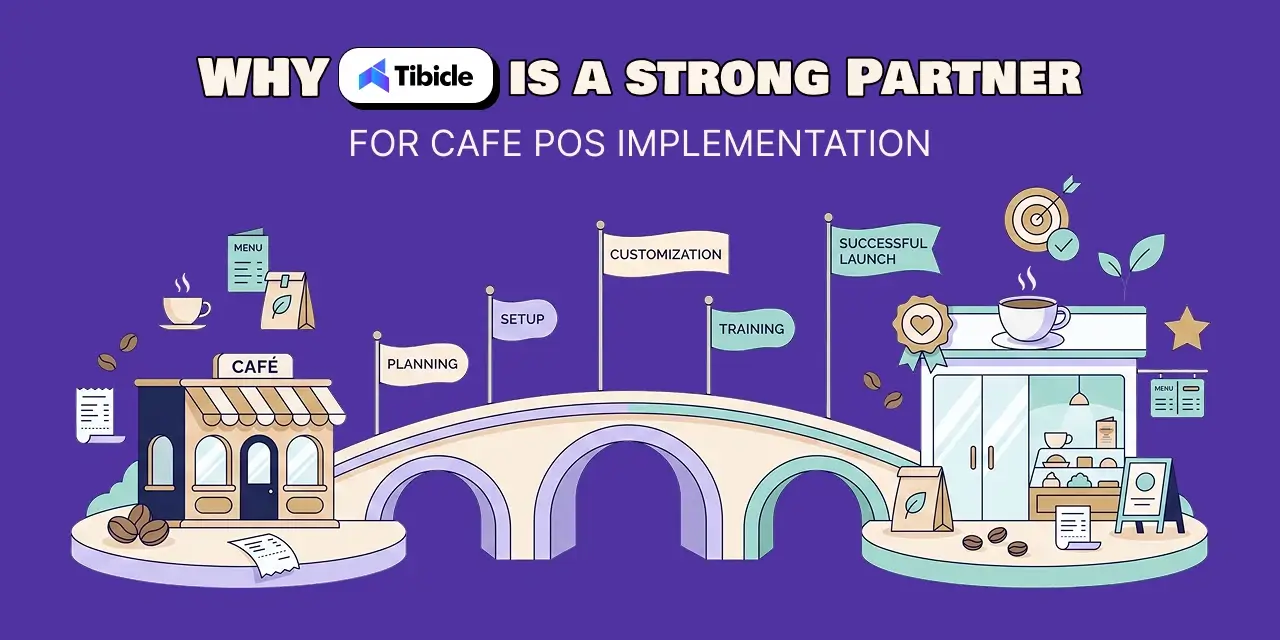
Selecting a cafe POS system is one decision. Configuring it to match your operational model, integrating it with your delivery platforms, and optimizing it as your volume grows is a different scope of work.
Where Tibicle Fits in the POS Selection Process
Tibicle LLP works with F&B operators at the selection, integration, and optimization stage. Not just implementation.
Tibicle is vendor-agnostic. It does not resell any specific POS platform, which removes selection bias from the process. The recommendation is matched to your operation, not to a vendor partnership agreement.
This matters most for multi-location cafe operators managing vendor lock-in risks and integration complexity with delivery platforms. Before any contract is signed, Tibicle maps POS selection to a break-even model specific to your transaction volume and cost structure.
See how Tibicle has guided F&B businesses through POS selection without vendor bias. Book a discovery call.
Conclusion
A cafe POS system is not a technology purchase. It is an operational infrastructure decision. The wrong system does not just cause friction in year one. It costs more in year two than it saved at selection.
The decision framework is straightforward: match the system to your use case and format, calculate the true 12-month TCO including processing fees and add-ons, interrogate the contract terms before the conversation ends, and run the break-even model before you sign.
Operators who treat POS selection as a strategic decision consistently outperform those who choose on software price alone. The difference is rarely the system. It is the rigor of the selection process.
Ready to select the right POS without vendor bias? Contact Tibicle LLP for a free vendor shortlisting call tailored to your cafe’s growth stage.
Frequently Asked Questions
How much does a cafe POS system cost per month?
Software ranges from $0 to $189 per month. However, payment processing fees, between 2.3% and 3.5% per transaction, typically exceed software costs at any meaningful transaction volume. Total year-1 cost for a single-location cafe ranges from approximately $5,000 to $20,000 when hardware, processing fees, and add-ons are included.
What is the difference between a cloud-based POS system and a legacy POS?
A cloud-based POS system stores data online, allows remote access, auto-updates, and typically integrates more directly with delivery platforms and loyalty tools. Legacy systems are on-premise, require manual updates, and carry higher long-term maintenance costs, though some offer greater offline reliability on local networks.
Which cafe POS system is best for a small independent cafe?
Square for Restaurants is the most accessible entry point: no monthly fee at the base tier, no contract, and straightforward onboarding. For cafes with higher volume or plans to scale, Toast or Lightspeed offer more operational depth at significantly higher cost.
Does a cafe POS system integrate with Uber Eats and DoorDash?
Many do, but integration quality varies significantly. Native integrations push orders directly into the POS and KDS without manual intervention. API-based workarounds frequently require manual steps and introduce order error risk. Verify delivery platform compatibility before signing any contract.
What hidden costs should I watch for when buying a cafe POS system?
Payment processing fees, professional installation charges, monthly add-on costs for loyalty and reporting modules, early contract termination fees, and staff training time are the most consistent sources of budget overrun. Request a full 12-month TCO breakdown from any vendor before signing.
How long does it take to see ROI from a new cafe POS system?
For most single-location cafes, break-even occurs between 6 and 14 months. This is driven primarily by labor savings from automation, reduced inventory waste from ingredient-level tracking, and incremental loyalty revenue. Higher transaction volume and loyalty program adoption from day one accelerate payback significantly.
Schedule A Developer Interview And Get 15 Days Risk-Free Trial
Schedule a Call

Relevant Blog
Enterprise LLM Integration Services

Prejin Nadar

Building Private local AI Desktop App Development
Prejin Nadar
Written by

Recent Blogs
Enterprise LLM Integration Services
What This Guide Covers Who this is for Enterprise LLM integration services help engineering leaders, platform teams, and technology executives turn existing model access into working production workflows. This guide is for organisations connecting OpenAI, Claude, or both to systems that support real business processes, including CRM platforms, ticketing systems, document pipelines, and internal tools. […]
When to Hire an AI Software Development Consulting Firm.
What This Guide Covers Who this is for Engineering leaders, technology executives, and AI teams often struggle to turn completed initiatives into measurable results. This guide helps organisations address stalled pilots, failed AI implementations, rising costs, poor data quality, and workflows that function technically but fail to deliver measurable business value. An AI software development […]
Building Private local AI Desktop App Development
What This Guide Covers Who this is for: US tech firms, SaaS companies, startups, CTOs, engineering managers, and product teams looking for experienced Electron.js developers for ongoing private local AI desktop app development and custom desktop application development. Search intent: Hiring and decision. This guide covers where to find Electron.js developers, how to evaluate their […]
Got an Idea? Get FREE Consultation
In our world, there's no such thing as having too many clients

