
Top 5 Restaurant Inventory Management Software in 2026

Jul 01, 2026

Read in 8 Minutes
Table of Contents
- Introduction
- Why Restaurant Inventory Management Is a Financial Decision, Not a Tech Decision
- The 5 Features Every Restaurant Inventory Management Software Should Offer
- Top 5 Restaurant Inventory Management Software Platforms in 2026
- Restaurant Inventory Management Software Comparison (2026)
- What These Platforms Actually Cost: A Realistic Pricing Breakdown
- ROI and Business Impact: What the Data Shows for 2026
- Risks of Implementing Restaurant Inventory Management Software
- Vendor Selection Checklist: What to Evaluate Before You Sign
- Why Tibicle LLP Is Worth Considering When Off-the-Shelf Doesn’t Fit
- Conclusion
- Frequently Asked Questions
Introduction
Restaurant inventory management software has become one of the most important investments for restaurants looking to control food costs, reduce waste, and improve operational efficiency. Food and beverage costs average 28 to 35% of revenue for full-service restaurants, yet many operators assume the problem lies in purchasing or portion control. More often than not, the real issue is visibility; restaurants don’t know what they’re losing until the month-end P&L arrives, when the financial impact has already occurred.
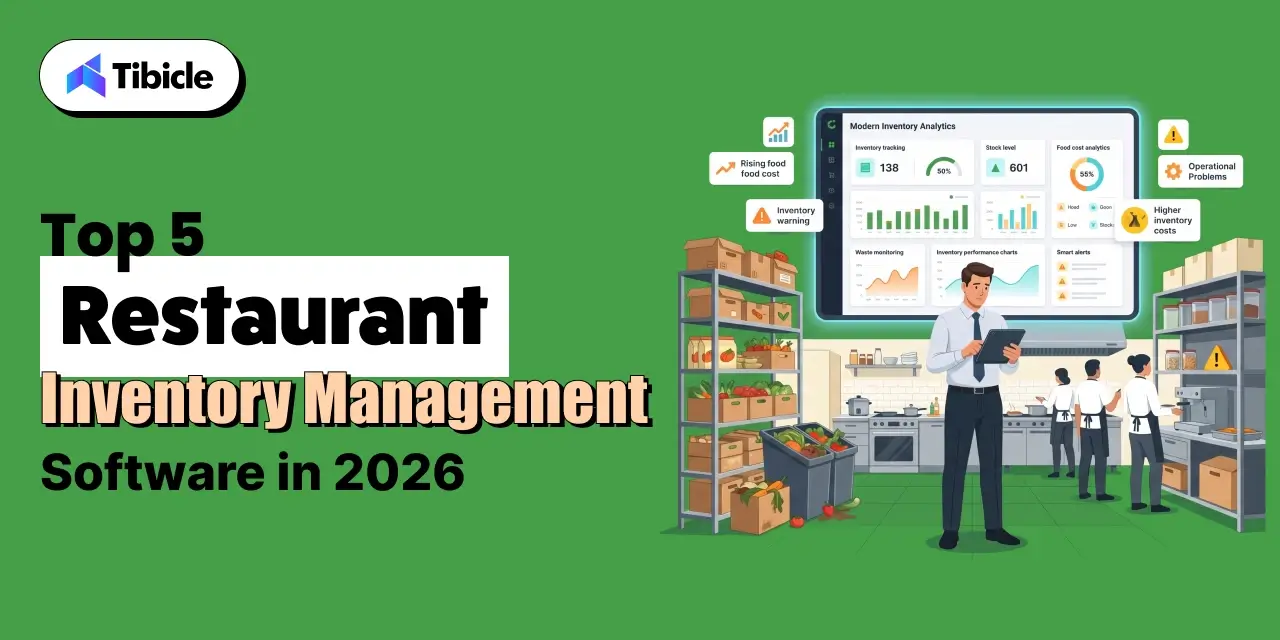
The wrong software decision compounds that problem. A platform that doesn’t integrate cleanly with your POS, can’t handle multi-location reporting, or gets abandoned by BOH staff after 60 days doesn’t save money; it adds cost to an already-tight margin structure. The restaurant inventory management software market is projected to grow from $4.55 billion in 2025 to $9.18 billion by 2030, and the number of platforms competing for that spend is growing with it.
That makes the evaluation harder, not easier. The five platforms covered here are assessed on what actually moves the needle for operators: food-cost impact, implementation risk, scalability, and total cost of ownership, not on feature checklists.
Why Restaurant Inventory Management Is a Financial Decision, Not a Tech Decision
Most operators frame the inventory software decision as an IT question: which platform has the best interface, which one integrates with our current stack, which one the team will complain about least. That framing is expensive. The right question is which platform removes the most dollars from your cost structure with the least implementation risk.
Inventory software doesn’t improve food costs by itself. It improves visibility, and visibility creates the conditions where problems get caught early enough to fix. That distinction matters when you’re evaluating platforms and trying to build a business case for the investment.
What the Numbers Say About Inventory Mismanagement in 2026
The operational and financial cost of manual inventory management is well-documented at this point. Food and beverage costs average 28 to 35% of revenue for full-service restaurants, with variance that compounds across locations. Manual inventory counting consumes 15 to 20 hours per week of management time, time that isn’t being spent on the floor, on scheduling, or on the supplier relationships that affect purchasing costs. Over 38% of fruits and vegetables are wasted in restaurant operations due to inaccurate demand planning. That’s not a storage problem. It’s a forecasting problem that software is built to solve.
What Modern Restaurant Inventory Management Software Actually Does
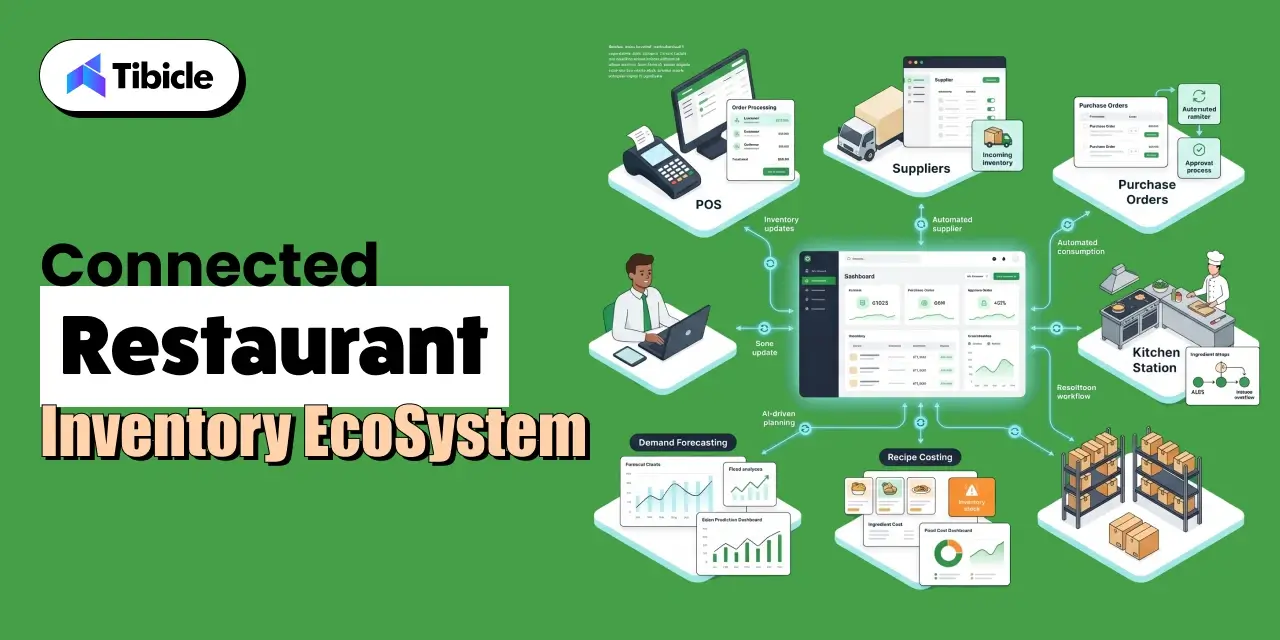
Modern restaurant inventory management software does far more than replace spreadsheets. The platforms in this guide provide real-time stock visibility, purchasing automation, recipe costing, and forecasting that directly improve restaurant profitability.
It handles real-time stock depletion linked directly to POS sales data, purchase order automation and supplier management, recipe costing with theoretical versus actual usage variance, multi-location inventory tracking and transfer management, and AI-powered demand forecasting to reduce over-ordering. Each of those capabilities translates directly to a line item on the P&L. The question for operators is which combination of capabilities maps to their actual cost problem, and which platform delivers those capabilities without a 12-month implementation.
The 5 Features Every Restaurant Inventory Management Software Should Offer
Not all inventory platforms are solving the same problem. Before comparing vendors, operators need a clear evaluation framework, one built around financial outcomes, not feature counts.
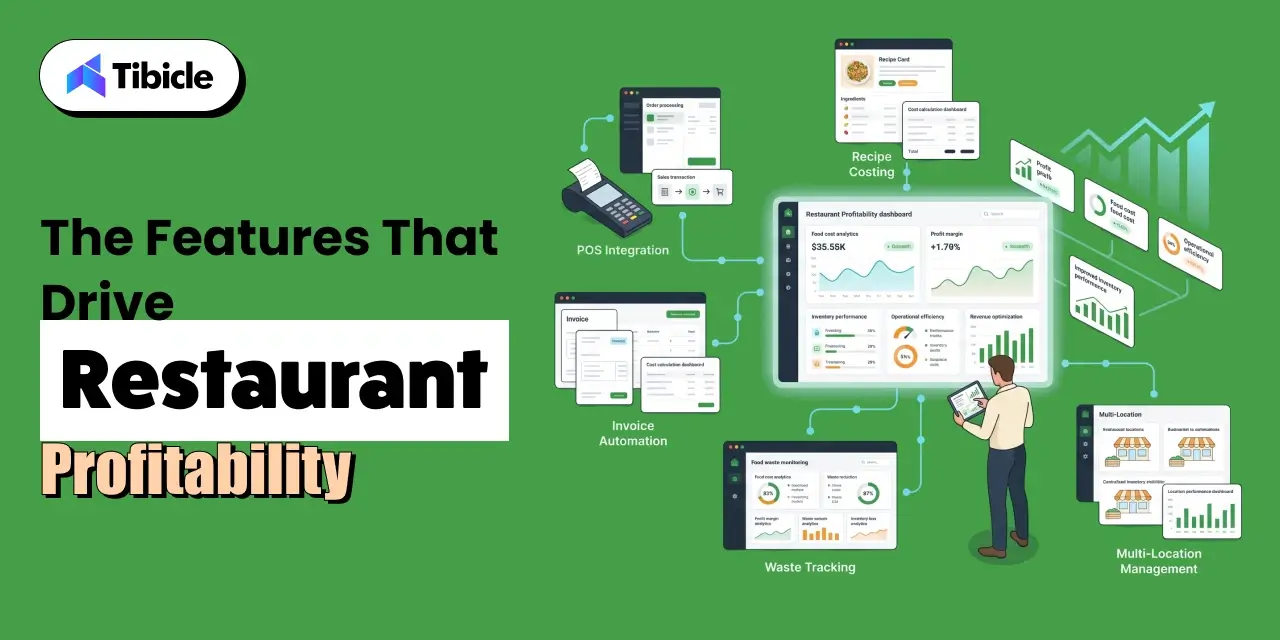
POS Integration Depth
Real-time stock depletion tied to POS sales data is categorically different from end-of-day sync. When food cost runs hot mid-week, a platform that updates inventory once every 24 hours gives you yesterday’s problem, not today’s. The integration question isn’t whether a platform connects to your POS; it’s how often and how cleanly. Ask vendors specifically about sync frequency and what happens when the integration drops.
Recipe Costing Accuracy
Recipe costing is only as accurate as the invoice pricing feeding it. Platforms that pull live invoice pricing into recipe cost calculations, accounting for yield tracking and prep loss, give operators a real cost-per-plate number, not a theoretical one from three months ago. The gap between those two numbers is often where food cost variance hides.
Invoice Processing and AP Automation
Manual invoice entry is slow and error-prone. Automated invoice processing eliminates data entry lag and catches receiving discrepancies before they close into the books. For multi-location operators managing hundreds of invoices monthly, this capability alone can justify the platform cost through labor recovery and error reduction.
Waste Tracking and Reporting Granularity
A single waste total tells you nothing actionable. Waste logs broken down by reason code, spoilage, overproduction, prep error, and transfer tell you where to intervene. The difference between a platform that shows you a waste number and one that shows you why waste is happening is the difference between data and a decision.
Scalability Across Locations
A platform that works well at 3 locations doesn’t automatically scale to 30. Evaluate whether the pricing model compounds predictably as you add units, whether permissions and reporting hierarchies support regional or concept-level management, and whether the vendor has reference customers at the scale you’re planning, not just at your current size.
Top 5 Restaurant Inventory Management Software Platforms in 2026
Each platform below is evaluated on its strongest use case, its standout capability, and its most meaningful limitation. No platform is the right answer for every operation; the goal is to narrow the field to the one that fits your cost structure, team size, and growth plan.
1. Restaurant365: Best for Multi-Unit Operators Needing Consolidated Financials
What it is: Restaurant365 is a cloud-based platform that replaces standalone accounting and inventory systems with a single integrated environment. For operators who are running QuickBooks alongside a separate inventory tool and reconciling them manually, Restaurant365 eliminates that workflow.
Ideal for: Groups with five or more locations that need integrated payroll, general ledger, and inventory in one system. Operators who need daily P&L by location, not a consolidated report at month-end, will find this capability particularly valuable.
Standout capability: Consolidated reporting across all locations is the core differentiator. Finance teams can see daily food cost by unit without pulling reports from multiple systems or waiting for a close cycle. For CFOs and controllers managing complex P&L structures, that visibility changes how quickly problems get addressed.
Limitation: Setup complexity is real. Teams new to integrated accounting software face a steeper learning curve than platforms built for operations-only users. Implementation timelines are longer, and the investment in onboarding is higher. For single-location operators or groups under 5 units without an accounting integration problem, this is more platform than they need.
2. MarketMan: Best for Food Cost Control and Supplier Management
What it is: MarketMan is a dedicated inventory and procurement platform built specifically for food cost reduction. It doesn’t try to replace accounting software; it focuses on the back-of-house workflows that drive food cost variance: counting, ordering, invoicing, and recipe costing.
Ideal for: Independent restaurants and growing groups with complex menus and multiple vendor relationships. Operators who are losing money on food cost but can’t identify exactly where will find the most immediate ROI here.
Standout capability: Theoretical versus actual usage tracking is where MarketMan earns its positioning. When actual usage consistently runs above theoretical, the platform flags the variance by item, making it possible to identify whether the problem is portioning, theft, spoilage, or receiving discrepancies. Waste logging by reason code and recipe costing connected to live invoice pricing round out a genuinely strong food cost control feature set.
Limitation: MarketMan doesn’t include built-in accounting. Operators who need financial consolidation across locations will need a third-party integration, typically QuickBooks or Sage, which adds cost and a data sync dependency.
3. MarginEdge: Best for Fast Visibility Into Daily Food Costs
What it is: MarginEdge sits at the intersection of invoice processing and POS integration. It isn’t a full inventory platform; it’s built to give operators food cost data within the period, not at month-end close.
Ideal for: Operators who need to know their food cost number now, not when the accountant closes the books. If the current workflow involves waiting for a month-end report to find out whether food cost was in line, MarginEdge solves that specific problem faster than most alternatives.
Standout capability: The invoice coding team is a differentiator that often gets overlooked in feature comparisons. MarginEdge employs humans to manually code invoices, which means operators don’t need to map their own vendor catalogs or train staff on AP workflows. Daily food cost dashboards are often live within days of setup — a much faster time-to-value than platforms requiring weeks of configuration.
Limitation: MarginEdge isn’t a replacement for a full inventory platform. Recipe costing is less granular than MarketMan, and operators needing detailed yield tracking or waste logging by reason code will find gaps. It works best as a financial visibility layer alongside, not instead of, a dedicated inventory tool for operations with complex menus.
4. Toast Inventory: Best for Restaurants Already on Toast POS
What it is: Toast Inventory is the inventory layer built directly into the Toast POS ecosystem. For operators already running Toast, it’s the path of least resistance to inventory tracking: no separate vendor, no integration configuration, no additional login.
Ideal for: Independent restaurants and small chains already on Toast POS that need basic inventory visibility without the overhead of evaluating and implementing a standalone platform. The elimination of vendor management complexity is a genuine operational benefit.
Standout capability: Automatic stock depletion per sale is the core value here. Every item sold removes the corresponding ingredient quantities from inventory in real time. Built-in sales alerts and usage tracking give operators a clear picture of what’s moving and what’s sitting, without any manual data entry.
Limitation: Toast Inventory is functional for basic tracking and doesn’t go much further. Complex multi-supplier recipe costing, waste logging by reason code, or theoretical versus actual usage variance are outside its scope. Operators with sophisticated food cost control needs will outgrow this quickly.
5. Crunchtime: Best for Large Enterprise Restaurant Chains
What it is: Crunchtime is an enterprise operations platform with AI-powered forecasting and multi-unit audit capabilities. Its purpose is built for the complexity of large chain operations, centralized control, consistent standards enforcement, and chain-wide visibility into costs and compliance.
Ideal for: QSR chains and large casual dining groups with 50 or more locations that need centralized operational control. At this scale, the ROI calculation changes: the savings from AI-driven demand forecasting and suggested prep across hundreds of units can dwarf the platform cost.
Standout capability: AI-driven demand forecasting, suggested ordering, and suggested prep are the capabilities that separate Crunchtime from the platforms above it on this list. For enterprise chains, purchase order automation at scale, informed by historical sales patterns and current inventory levels, directly reduces over-ordering and the food waste that follows. Chain-wide waste tracking completes the visibility picture.
Limitation: Entry-level pricing starts above $5,000 per month, and enterprise contracts are custom. Crunchtime is not suited for operators below 20 to 25 units. For growing groups that haven’t reached that threshold, the cost structure and implementation complexity are mismatched to operational needs.
Restaurant Inventory Management Software Comparison (2026)
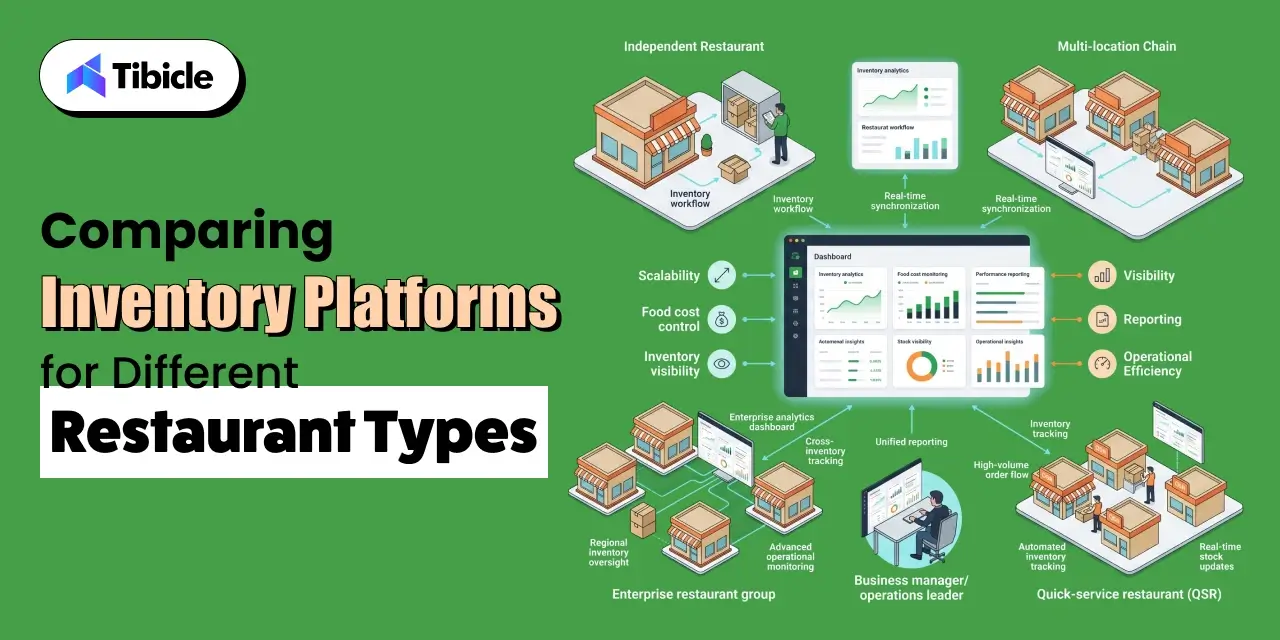
Use this table as a starting point for vendor conversations, not as a final decision framework. Pricing reflects publicly available 2026 data per location per month and will vary with setup fees, tier upgrades, and contract structure. Verify directly with each vendor before building a budget .
| Platform | Best For | Starting Price | POS Integration | Recipe Costing | Multi-Location | Accounting Built-In |
| Restaurant365 | Multi-unit chains | ~$249/mo/location | Yes | Yes | Yes | Yes |
| MarketMan | Food cost control | ~$$1,500 /mo per location | Yes | Advanced | Yes | No |
| MarginEdge | Daily P&L visibility | ~$350/mo/location | Yes | Basic | Yes | No |
| Toast Inventory | Toast POS users | Bundled with Toast | Native | Basic | Limited | No |
| Crunchtime | Enterprise chains | $5,000+/mo | Yes | Advanced | Yes | No |
Note: Pricing reflects publicly available 2026 data per location/month and may vary with setup fees and tier upgrades.
Running a multi-location operation and evaluating which platform fits your current cost structure? Talk to a specialist before committing to a contract.
What These Platforms Actually Cost: A Realistic Pricing Breakdown
Most vendors publish starting prices. What they don’t publish is what operators actually end up paying after setup fees, integration configuration, training, and the inevitable tier upgrade when entry-level features don’t cover operational needs. This section covers the realistic cost picture.
Per-Location vs. Enterprise Pricing: What to Budget
Pricing scales with locations and feature tiers in ways that aren’t always obvious from vendor websites. Here’s what operators should budget for:
- MarketMan at 3 locations plus BlueCart for purchasing: $800 to $1,000 per month
- MarketMan at 5 locations with full onboarding: $1,200 to $1,800 per month
- Adding MarginEdge as a financial visibility layer at 5 locations: an additional $900 to $1,500 per month
- Restaurant365 at 10 users: $999 to $1,999 per month depending on tier
- Crunchtime: custom enterprise contracts starting above $5,000 per month
Hidden Costs Operators Frequently Underestimate
The monthly subscription is rarely the whole cost. Budget for:
- Onboarding and setup fees: MarketMan charges approximately $500 per location
- Invoice scan overages on entry-tier plans
- POS integration configuration time and IT resource cost
- Staff training hours, particularly for teams new to digital back-of-house systems
When to Stack Tools vs. Use One Platform
For operators with 1 to 5 locations, stacking a dedicated inventory platform with a separate accounting integration often costs less and deploys faster than an all-in-one system. Above 10 locations, particularly when multi-concept or multi-brand complexity enters the picture, the consolidation benefits of a platform like Restaurant365 start to outweigh the stacking cost savings. The right answer depends on where operational complexity sits today and where it’s headed in the next 24 to 36 months.
ROI and Business Impact: What the Data Shows for 2026
The ROI case for restaurant inventory software isn’t theoretical. It’s a math problem with well-established inputs, and for most operations, the payback period is shorter than most software investments.
Food Cost Reduction You Can Expect
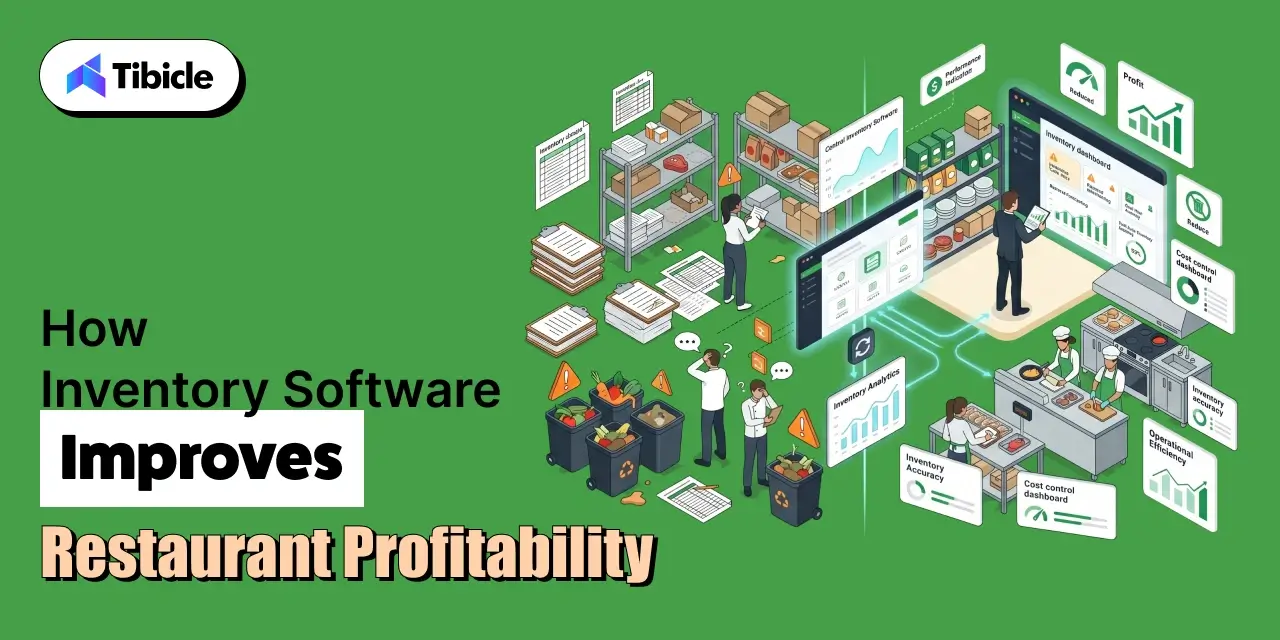
Automated inventory systems reduce food waste by an average of 26% and over-ordering by 31%. Restaurants that implement the right platform and follow through on data hygiene can reduce food costs by up to 20%. For a restaurant spending $30,000 per month on food, that’s a potential savings of $6,000 per month, $72,000 per year. For a $1.5 million revenue restaurant, a 5% food cost reduction saves $24,750 annually. Most platform costs at that scale run $150 to $400 per month. The math isn’t complicated.
Labor Savings From Automation
Manual inventory counting consumes 15 to 20 hours per week of management time. At $18 to $25 per hour for management-level labor, that’s $280 to $500 per week in recovered cost, before accounting for the accuracy improvement that comes with digital counting versus clipboard estimates. Most restaurants see measurable food cost changes within 30 to 60 days of going live, which means the ROI case materializes quickly enough to validate the investment in the same quarter it’s made.
Payback Timeline by Operation Size
Payback timelines vary with operation complexity and how aggressively the platform is implemented:
- Independent restaurants with 1 to 2 locations: 3 to 6 month payback is typical
- Mid-market groups with 3 to 10 locations: often under 90 days when food cost variance is addressed directly
- Enterprise chains: ROI is calculated across waste reduction, labor recovery, and purchasing efficiency at scale; individual unit metrics compound across the portfolio
Risks of Implementing Restaurant Inventory Management Software
Integration Failures With Existing POS Systems
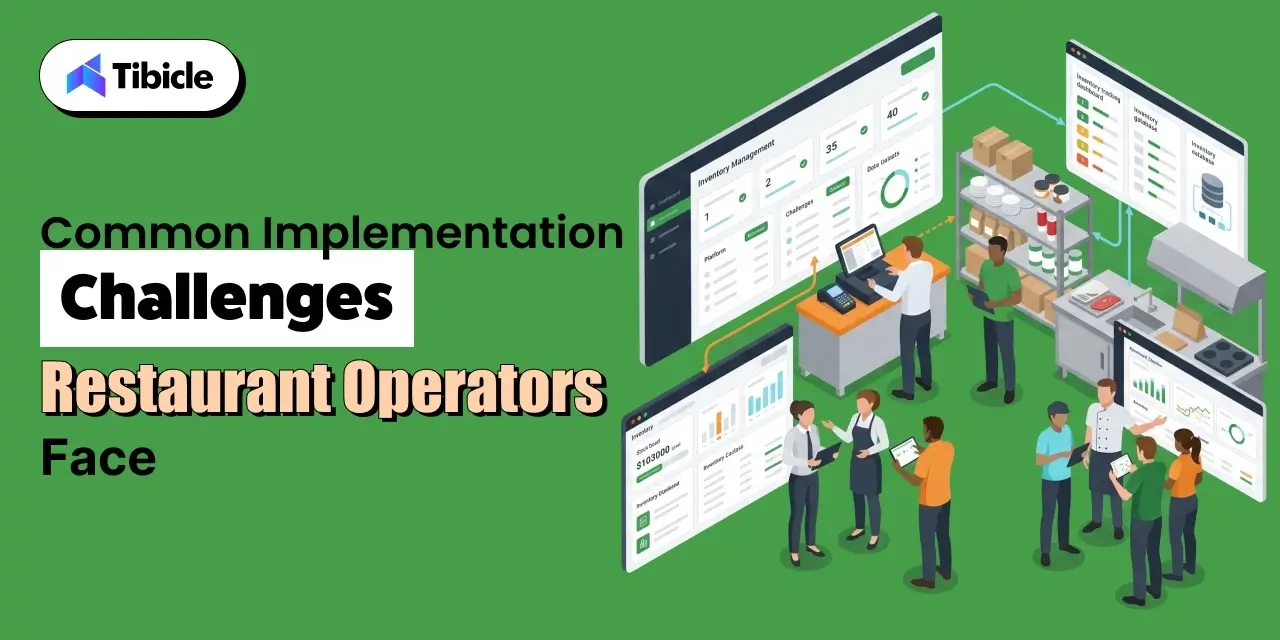
Not every POS integrates cleanly with every inventory platform. Before signing a contract, verify API compatibility, data sync frequency, and whether your specific POS version is on the vendor’s supported integrations list. Ask for a reference from another operator running your POS on their platform. Integration issues are the most common cause of delayed go-lives and the most expensive to fix post-contract.
Data Accuracy Problems During the First 90 Days
Recipe libraries, unit-of-measure mismatches, and supplier catalog errors are the most common causes of inaccurate food cost data after implementation. A platform is only as accurate as the data entered into it. Who owns data hygiene internally matters as much as the platform itself; identify that person before go-live, not after the first count discrepancy.
Adoption Resistance From Kitchen and BOH Staff
The fastest-failing implementations share one trait: no change management plan. Restaurant back-of-house staff are busy, skeptical of new systems, and not always the intended audience for vendor onboarding materials. Mobile accessibility and structured training investment directly determine whether inventory counts happen accurately and consistently, or whether the system becomes a compliance checkbox that no one trusts.
Scaling Risk: When You Outgrow Your First Platform
Choosing a platform suited for 2 locations when you plan to operate 20 within 3 years creates a costly migration event. Platform migrations are expensive in time, data, and disruption. Build the growth plan into the vendor evaluation from the start; ask vendors explicitly about customers at your target scale, not just your current size.
Vendor Selection Checklist: What to Evaluate Before You Sign
Use this checklist when evaluating any restaurant inventory management software vendor. These are the questions that separate a good demo from a good fit.
Operational Fit
- Does it integrate with your current POS system without custom development?
- Does pricing scale predictably as you add locations?
- Does it support your supplier network and automate purchase orders?
Financial Visibility
- Can you access daily food cost data, not just month-end reports?
- Does it track theoretical versus actual usage variance by item?
- Does it flag receiving discrepancies before they close?
Implementation
- What is the onboarding timeline and who owns setup?
- Is there a dedicated implementation support contact?
- What does the training program look like for BOH staff?
Scalability
- Is the platform built for multi-location operations, or adapted to it?
- Are enterprise pricing tiers clearly defined before contract?
- What is the vendor’s uptime SLA and support response standard?
Why Tibicle LLP Is Worth Considering When Off-the-Shelf Doesn’t Fit
The five platforms above cover the majority of restaurant operations well. There’s a segment they don’t cover: operators with non-standard workflows that standard platforms can’t accommodate without expensive workarounds.
Dark kitchens running multiple brands from a single facility, cloud kitchen aggregators managing proprietary supplier contracts across concepts, and vertically integrated food and beverage chains with custom procurement logic are all examples of operations where off-the-shelf software requires enough customization that a purpose-built system becomes cost-competitive.
Tibicle LLP builds AI-powered web and mobile applications and custom backend systems for restaurant operators in that category. The engagement model is flexible, from scoped MVP builds to full ongoing development partnerships. There are no pricing promises here; the right starting point is a conversation about what your operation actually requires.
For restaurant operators who have outgrown standard platforms or need a purpose-built solution, explore what a custom build looks like for your operational model.
Conclusion
Choosing the right restaurant inventory management software isn’t about comparing feature lists. It’s about selecting a platform that removes costs, improves visibility, and supports long-term operational growth. It’s about which platform removes the largest dollar figure from your cost structure with the least implementation risk.
Restaurant365 is the right call for multi-unit operators who need integrated accounting and consolidated financials. MarketMan is where independent restaurants and growing groups with food cost problems should start. MarginEdge solves the daily visibility problem faster than any other platform on this list. Toast Inventory serves Toast POS users who want basic tracking without a separate vendor relationship. Crunchtime is purpose-built for enterprise chains with the scale to absorb its cost and complexity.
Single-location operators have a different right answer than growing groups, and growing groups have a different right answer than enterprise chains. The decision logic is the same across all three: match the platform to the cost structure and the growth plan, not to the demo that looked best in a conference room.
Ready to match your operation size and cost structure to the right platform? Book a free inventory software consultation or contact Tibicle for a custom build assessment.
Frequently Asked Questions
What is restaurant inventory management software and how does it differ from a standard POS?
A POS records sales transactions. Restaurant inventory management software tracks what those sales consume, depleting stock, updating recipe costs, and flagging when actual usage diverges from theoretical. Most modern platforms integrate with POS systems rather than replacing them. The two systems serve different functions: one captures revenue, the other controls cost.
How much should be budgeted for Restaurant inventory management software in 2026?
Single-location restaurants typically spend $149 to $400 per month. Multi-unit groups of 3 to 10 locations should budget $800 to $2,500 per month depending on platform and feature tier. Enterprise chains on platforms like Crunchtime start above $5,000 per month. Add 15 to 20% for setup fees, onboarding, and integration configuration when building an initial budget.
How long does it take to see ROI after implementing inventory software?
Most operators see measurable food cost improvement within 30 to 60 days. Full payback on software cost typically occurs within 3 to 6 months for independent restaurants and faster for multi-unit groups where food cost variance is already high. The operators who see the slowest payback are typically the ones who underinvested in data setup and staff training during implementation.
What’s the biggest mistake made when choosing restaurant inventory management software?
Choosing a platform designed for their current size rather than the size they plan to be in 24 to 36 months. A platform migration mid-growth is expensive in time, money, and operational disruption. Evaluating vendors against a 3-year growth plan rather than today’s footprint is one of the highest-value decisions operators can make in this process.
Can restaurant inventory management software integrate with accounting tools like QuickBooks?
Yes. Most platforms, including MarketMan, MarginEdge, and Restaurant365, support integrations with QuickBooks, Sage, and other accounting software. Restaurant365 replaces accounting software entirely for operators who prefer a consolidated system. Verify integration compatibility and sync frequency directly with vendors before committing; not all integrations perform equally.
When does it make sense to build custom inventory software instead of buying off-the-shelf?
When your operation has non-standard workflows, multiple kitchen formats, proprietary supplier contracts, or multi-brand aggregation, that standard platforms can’t accommodate without expensive workarounds. Custom development becomes cost-competitive above a certain complexity threshold, typically when the cost of platform customization and ongoing workarounds approaches the cost of a purpose-built system.
Schedule A Developer Interview And Get 15 Days Risk-Free Trial
Schedule a Call

Relevant Blog

Best Restaurant Accounting Software in 2026

Avni Kanabar

Digital Transformation in Retail: Pros and Cons
Avni Kanabar
Written by

Recent Blogs
Top 5 Restaurant Inventory Management Software in 2026
Introduction Restaurant inventory management software has become one of the most important investments for restaurants looking to control food costs, reduce waste, and improve operational efficiency. Food and beverage costs average 28 to 35% of revenue for full-service restaurants, yet many operators assume the problem lies in purchasing or portion control. More often than not, […]
App Development Cost 2026: Complete Pricing Strategies
Introduction The mobile app development market is valued at $305 billion in 2026, growing at a 15.18% CAGR (Mordor Intelligence). Yet despite this massive opportunity, incorrect budgeting remains the number one reason app projects fail mid-build. Understanding App Development Cost 2026: Complete Pricing Strategies is now essential for any business planning a digital product because […]
Best Restaurant Accounting Software in 2026
Introduction With restaurant profit margins averaging just 3-5%, a single mistake in food cost tracking, payroll reporting, or inventory accounting can erase an entire week’s profit. Restaurant accounting software helps operators improve financial accuracy and gain better control over these critical areas. As restaurants expand operations, spreadsheets and manual bookkeeping become increasingly difficult to manage, […]
Got an Idea? Get FREE Consultation
In our world, there's no such thing as having too many clients

