
Desktop AI App Development Cost Guide: Budgeting On-Device LLMs via Electron in 2026

Oct 08, 2026

Read in 7 Minutes
Table of Contents
- What This Guide Covers
- Introduction
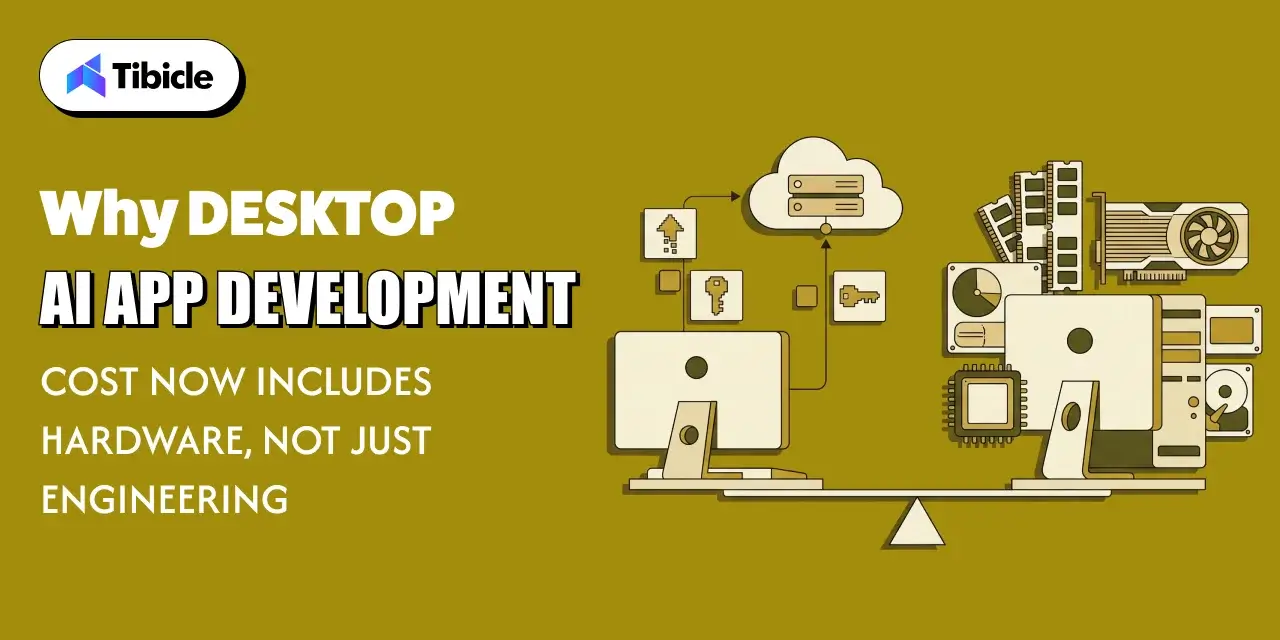
- Why Desktop AI App Development Cost Now Includes Hardware, Not Just Engineering
- Cloud LLM APIs vs On-Device Inference: Where the Real Costs Sit
- Hardware Budgeting for On-Device LLMs in an Electron App
- Model Selection and Quantization: The Biggest Lever on desktop ai app development cost
- Electron-Specific Engineering Costs for On-Device LLM Integration
- Building a Realistic Budget: What a Desktop AI App Actually Costs
- How Tibicle Budgets and Builds On-Device LLM Desktop Apps
- Key Takeaways for Teams Budgeting a Desktop AI App
- Frequently Asked Questions
What This Guide Covers
Who this is for: CTOs, product managers, and founders at SaaS and software companies planning a desktop app with local AI features, or adding on-device inference to an existing Electron product for desktop ai app development cost.
Search intent: Understand desktop AI app development cost, including on-device LLM integration cost, hardware requirements, and when local inference beats a cloud API.
What you will walk away with: USD cost ranges from MVP to enterprise, a cloud vs on-device vs hybrid comparison, RAM and VRAM guidance by model size, and a list of budget-blowing mistakes to avoid.
Introduction
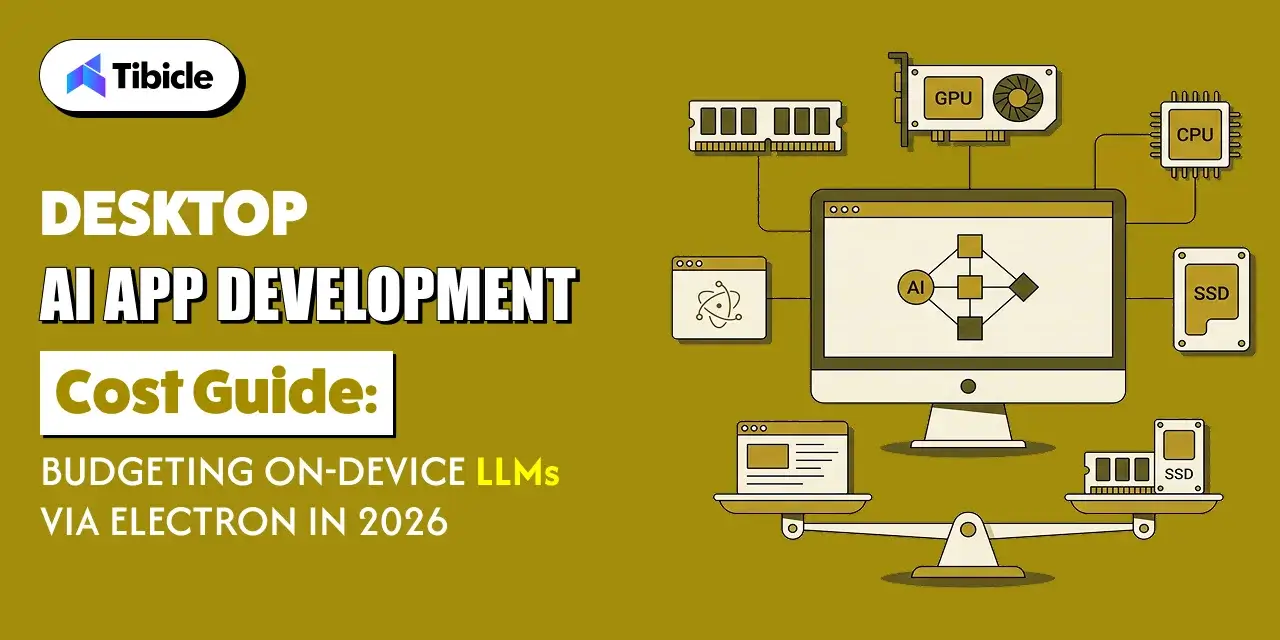
The global edge AI market was valued at $24.9 billion in 2025 and is projected to reach $118.7 billion by 2033, growing at a 21.7% CAGR from 2026 to 2033, according to Grand View Research. Some of that growth is landing on ordinary laptops and desktops, where product teams now run language models locally instead of sending every request to a remote cloud API and paying for each token.
That fundamentally changes how desktop AI app development cost gets calculated. A cloud integration asked two questions: how many engineering hours, and how many tokens. An on-device LLM adds a third: what hardware does every user need to run it? RAM, VRAM, model size, and quantization level now shape both the engineering scope and who can actually install and use the product. This guide breaks down the engineering, hardware, and ongoing costs of shipping an on-device LLM through Electron in 2026, starting with why hardware now belongs in the project budget at all.
Why Desktop AI App Development Cost Now Includes Hardware, Not Just Engineering
The Old Cost Model: Cloud API Calls and Dev Hours
Until recently, adding AI to a desktop app meant calling a cloud API. The budget had two lines: engineering hours to build the integration, and per-token usage fees that scaled with active users. Hardware barely mattered, because any machine that could run the app could send a prompt to OpenAI or Anthropic. Electron app development pricing looked much like any other desktop project, with AI as one feature among many. Finance could forecast costs by multiplying expected users by average tokens per session, then adding a margin for growth. That model still works well for many products today.
The New Cost Model: Local Compute, Memory, and Model Size
On-device LLM inference flips that model. Per-token fees disappear, but three new cost drivers appear: the compute and memory each user’s machine needs, the size of the model you ship, and the engineering required to run it reliably across Windows, macOS, and Linux. On-device LLM integration cost is mostly paid upfront, in engineering and testing, rather than monthly in API bills.
The trade-off is not static. Epoch AI found that LLM inference prices have fallen between 9x and 900x per year, depending on the performance milestone, which keeps making cloud APIs cheaper. Local inference therefore has to justify itself on more than price: offline access, data privacy, low latency, and predictable costs at scale.
For budgeting, the practical change is that hardware requirements for local AI become a product decision. Every gigabyte of RAM your model needs narrows the audience that can run your app, which affects revenue as much as cost.
Cloud LLM APIs vs On-Device Inference: Where the Real Costs Sit
When Cloud API Costs Win at Small Scale
For an early-stage product, cloud APIs are almost always cheaper. There is no model packaging, no hardware detection, and no cross-platform inference testing, so an MVP can ship in weeks. Costs scale with usage, so a product with a few hundred active users may spend less per month on tokens than a single day of engineering time. Cloud models are also more capable than anything a typical laptop can run. For SaaS startups still validating demand, that speed and capability usually matter more than long-term unit costs. The catch is that the bill grows with every new user.
When On-Device Inference Wins at Scale or for Offline Use
On-device inference starts to win when usage is high, steady, and repetitive. Once the model ships with the app, each additional query costs you nothing, because the user’s hardware does the work. For a product with tens of thousands of daily active users running frequent tasks like summarization, classification, or autocomplete, that can remove a large and growing API bill. Local inference also wins wherever cloud calls are not allowed or not practical: regulated industries with strict data rules, air-gapped environments, field teams with poor connectivity, and privacy-conscious users who do not want their data leaving the device.
Hybrid Architectures That Split the Difference
Most products end up with a hybrid cloud and local AI architecture. A small quantized model runs on-device for fast, frequent, or private tasks, such as autocomplete, classification, redaction, or offline drafts. Complex requests, such as long document analysis or multi-step reasoning, route to a cloud model through a standard AI integration when a connection and user permission are available. A router decides based on task type, device capability, connectivity, and data sensitivity. The added cost is the routing logic and testing both paths, but it lowers cloud spend, supports weaker hardware, and keeps the product working offline.
The table below compares the three inference architectures on cost driver and best fit.
| Architecture | Primary Cost Driver | Best Fit |
| Cloud API only | Per-token usage cost, scales with active users | Low-volume apps or fast-moving MVPs |
| Pure on-device | One-time engineering cost plus user hardware requirements | Offline, regulated, or high-volume desktop apps |
| Hybrid | Engineering cost for routing logic plus reduced cloud usage | Apps that need both offline basics and cloud-grade complex tasks |
Hardware Budgeting for On-Device LLMs in an Electron App
Minimum RAM and VRAM Requirements by Model Size
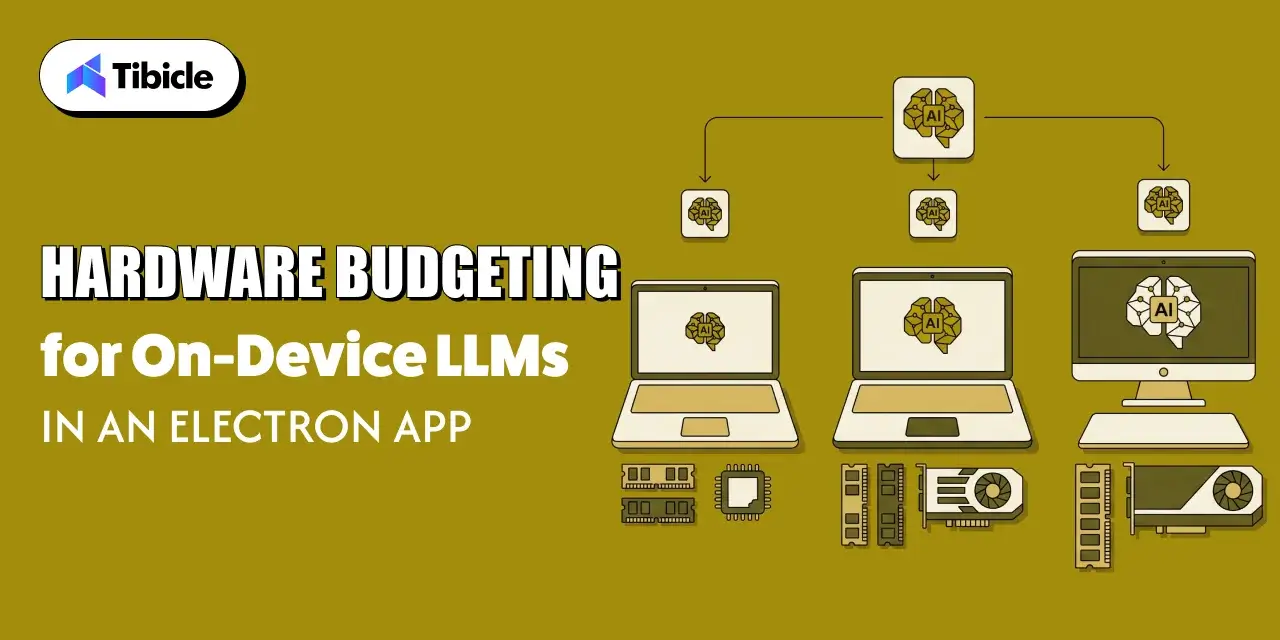
VRAM and RAM budgeting starts with a simple rule: a model’s memory footprint is roughly its parameter count multiplied by bits per weight, plus working memory for context. At a common 4-bit quantization, a 3B parameter model needs about 2GB, a 7B to 8B model about 4GB to 5GB, and a 13B to 14B model about 8GB to 9GB, before context. Add the Electron app, the operating system, and everything else the user has open, and a 7B model realistically needs a 16GB machine. GPU vs CPU inference cost matters too: CPU inference runs almost anywhere but slowly, while GPU inference is faster but needs matching VRAM.
Why Memory Prices Are Reshaping Minimum Spec Decisions in 2026
Minimum spec depends on what your users can afford to buy. In February 2026, TrendForce raised its forecast for first-quarter conventional DRAM contract prices to a 90% to 95% quarter-over-quarter increase, up from 55% to 60%, and projected PC DRAM prices to rise more than 100%, driven by AI and data center demand. When memory gets that much more expensive, laptop makers and IT departments have strong reasons to hold RAM configurations flat and delay upgrades. If your app needs a 16GB machine for its local model, a meaningful share of target users may not qualify. Revisit minimum spec close to launch.
Budgeting for Dev and QA Hardware Across Model Tiers
Your team needs the hardware your users have, not just the fastest machines in the office. A realistic QA lab covers each supported tier: a low-end Windows laptop with 8GB of RAM and integrated graphics, a mid-range Windows machine with an 8GB NVIDIA GPU, an Apple Silicon Mac with 16GB of unified memory, and a Linux machine if you support it. As an indicative figure, expect $8,000 to $20,000 for a small physical test lab, or use cloud-hosted Windows, Mac, and GPU instances for burst testing. Developer workstations also need enough memory to run several model variants side by side.
Model Selection and Quantization: The Biggest Lever on desktop ai app development cost
Quantization Levels and What They Cost You in desktop ai app development cost
Model quantization for desktop apps compresses a model’s weights from 16-bit precision down to 8, 5, 4, or even fewer bits. Each step cuts memory and speeds up inference, at some cost to output quality. The surprise is how well larger compressed models hold up. A Systematic Evaluation of On-Device LLMs found that heavily quantized larger models consistently outperform smaller high-precision models, with a threshold around 3.5 effective bits per weight. In budget terms, a 4-bit 8B model is often a better buy than a 16-bit 3B model using similar memory, and that advantage fades below the threshold.
Picking a Model Size That Matches Your User’s Actual Hardware and desktop ai app development cost
The right model is the largest one your minimum-spec user can run comfortably, not the one that looked best on a developer’s workstation. Start with real device data: telemetry from an existing app, customer IT standards, or surveys of your target segment. Then define two or three tiers, such as a 1B to 3B model for 8GB machines, a 7B to 8B model for 16GB machines, and optional GPU acceleration above that. Detect hardware at install or first launch and download the matching model. This keeps the app usable on older machines while rewarding users with better hardware.
GGUF, llama.cpp, and Other Runtime Choices That Affect desktop ai app development cost
The runtime you choose shapes engineering cost as much as the model does. The GGUF model format, used by llama.cpp, packs weights and metadata into a single file built for fast loading, with a wide range of quantization levels. For llama.cpp Electron integration, libraries such as node-llama-cpp provide Node.js bindings with prebuilt binaries for CPU, CUDA, Metal, and Vulkan backends. Alternatives include ONNX Runtime, which suits smaller task-specific models, or wrapping an external engine like Ollama. Choosing a mature, well-maintained runtime avoids months of custom native code. Runtime maturity also decides how much on-device LLM integration cost shifts into maintenance later.
Electron-Specific Engineering Costs for On-Device LLM Integration
Bundling or Downloading Models: Packaging Cost Trade-offs
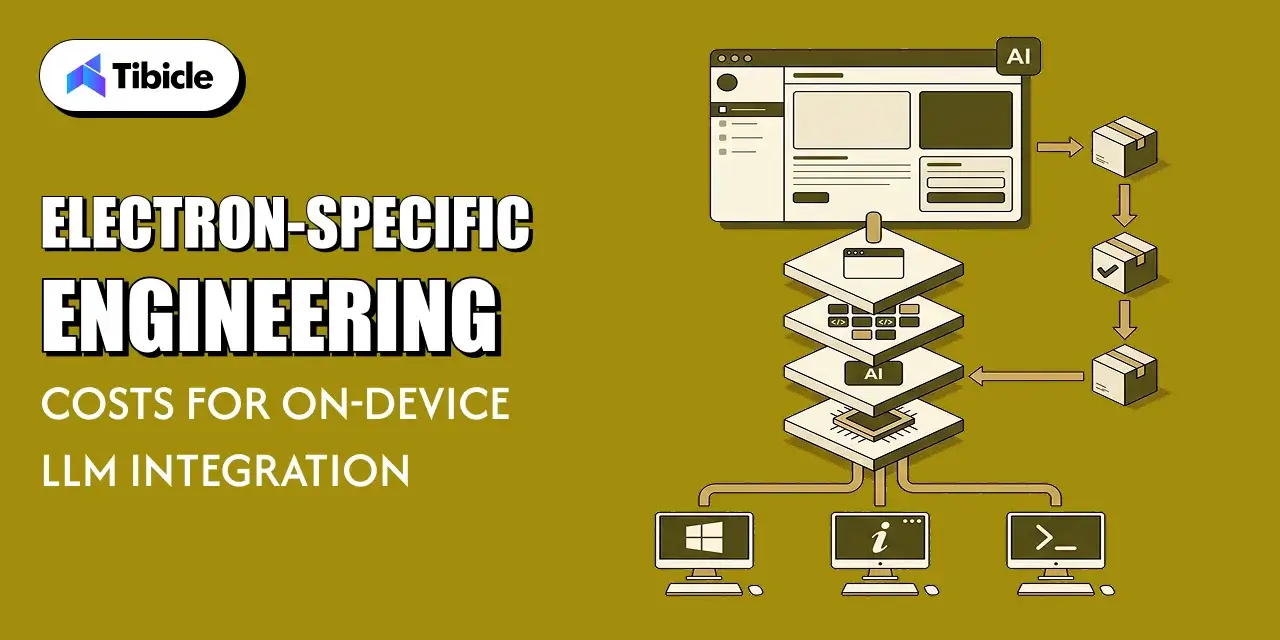
A 4GB model changes how you ship software. Bundling it inside the installer keeps first launch simple and works offline, but it creates multi-gigabyte downloads, slows every app update, and can run into size limits in some app stores and enterprise deployment tools. Downloading the model on first launch keeps the installer small and lets you pick the right model for each machine, but it requires a resumable downloader, checksum verification, disk space checks, and CDN hosting. Most products download models separately and store them outside the app bundle, so app and model updates can ship on independent schedules.
Native Module Integration for Local Inference Engines
Inference engines are native code, and native code is where Electron projects lose unplanned hours. Bindings must match your Electron version, run in the main process or a utility process rather than the renderer, and stay outside the asar archive so binaries load correctly. Each platform and GPU backend needs its own build and test pass. That work is billed at normal engineering rates: Clutch’s Software Development Company Pricing Guide reports that most software development companies charge $24 to $49 per hour, with an average project cost of about $132,480. Native integration alone can consume several weeks of that budget.
Auto-Update and Model Distribution Across Windows, macOS, and Linux
Auto-update model distribution adds its own line item. Electron’s built-in autoUpdater supports macOS and Windows but not Linux, so Linux builds need a separate path, such as AppImage updates or package repositories. macOS builds must be code-signed and notarized, and Windows builds need code signing to avoid SmartScreen warnings. Models need their own versioned manifest, staged downloads, and rollback if a new model underperforms. Budget for update hosting and CDN bandwidth, which climbs quickly when every model update means a multi-gigabyte download across your whole user base. Signing and update pipelines often take a dedicated sprint to get right across all three platforms.
Building a Realistic Budget: What a Desktop AI App Actually Costs
Cost Ranges by Project Complexity (MVP to Enterprise)
Putting the pieces together, desktop AI app development cost typically falls into three bands. These are indicative ranges based on common project scopes:
- MVP on one platform with one local model and basic chat or summarization: $25,000 to $60,000
- Production app across Windows and macOS with hardware tiers, hybrid fallback, and auto-update: $60,000 to $150,000
- Enterprise app adding Linux, local document search, admin controls, and managed deployment: $150,000 to $350,000+
Model licensing cost is usually low, since many open-weight models allow commercial use, but some carry conditions your legal team should review.
Ongoing Costs: Model Updates, Support, and Hardware Support Matrix
Launch is where desktop AI app development cost shifts, not where it ends. New open-weight models arrive every few months, and each upgrade means re-quantizing, benchmarking on every hardware tier, and redistributing multi-gigabyte files. Electron and runtime updates bring security patches and occasional breaking changes to native modules. Support costs grow with your hardware support matrix, because every supported GPU, operating system version, and memory tier generates its own bug reports. A practical total cost of ownership AI desktop app estimate sets aside 15% to 25% of the initial build per year for maintenance, plus CDN bandwidth and any cloud usage from hybrid routing.
Common Budget-Blowing Mistakes in On-Device LLM Projects for desktop ai app development cost
Most on-device LLM budgets are not blown by one large surprise. They leak through a handful of decisions made too early or skipped entirely. A model that ran well on a developer’s machine fails on customer laptops. A quantization choice made in week two never gets revisited. The first model update ships without a distribution plan. Users with weaker hardware get error messages instead of a fallback. Each of these turns into rework, support tickets, or refunds after launch, when fixes cost the most. Watch for these four in particular:
- Scoping the model against a demo machine instead of the customer’s actual minimum spec
- Treating quantization as a one-time decision instead of testing multiple levels against real hardware
- Underbudgeting for model update and redistribution costs after the first release
- Skipping a hybrid fallback path, which turns a hardware gap into a support ticket instead of a graceful degradation
How Tibicle Budgets and Builds On-Device LLM Desktop Apps
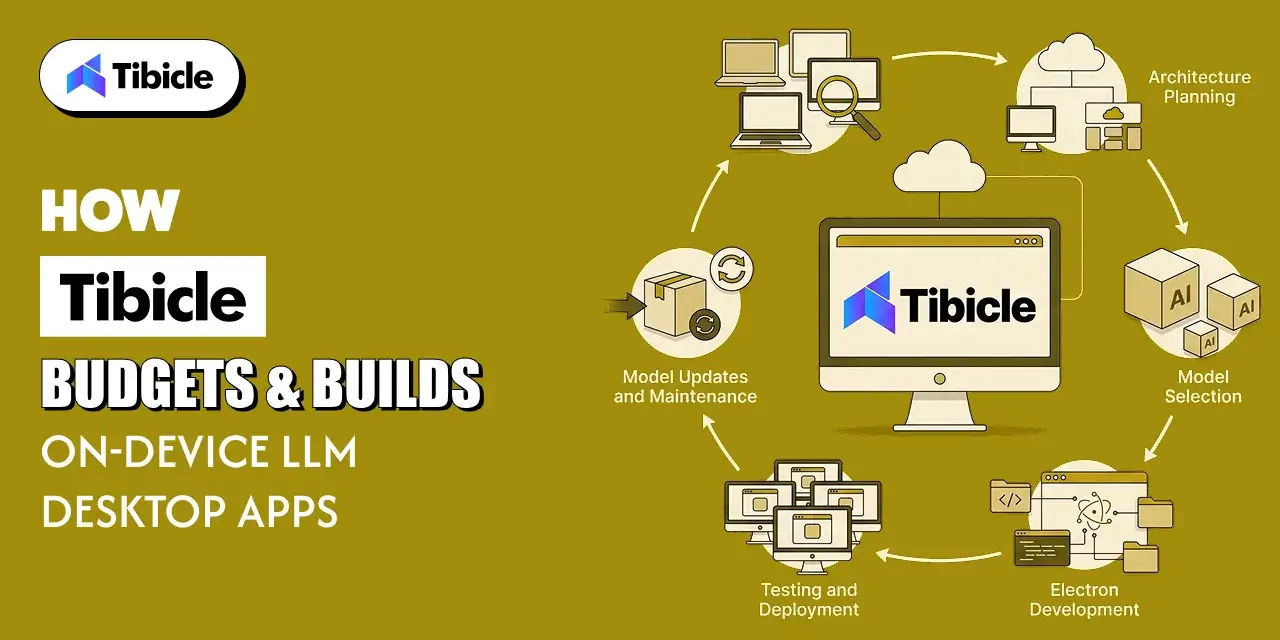
Cost and Architecture Assessment Before Any Code for desktop ai app development cost
Every Tibicle desktop AI engagement starts with numbers, not code. Our technology consulting team maps your target users’ hardware, expected usage volume, data sensitivity, and offline requirements, then models the cost of cloud-only, on-device, and hybrid architectures side by side. We benchmark candidate models and quantization levels on real minimum-spec machines, so the recommendation reflects what your customers actually own. If the numbers favor a cloud API, we say so. You get a minimum spec, a model tier plan, a build estimate, and a projected three-year total cost of ownership before committing to development, which makes budget conversations with finance far easier.
Implementation With Quantized Models and Native Integration for desktop ai app development cost
Our desktop app development team builds the Electron application with inference isolated from the UI, using mature runtimes like llama.cpp through Node.js bindings rather than custom native code. We ship quantized models in GGUF or ONNX formats matched to each hardware tier, with hardware detection, resumable model downloads, code signing, and a hybrid fallback to a cloud model where your data policies allow it. Every build is tested on the QA hardware matrix agreed during assessment, not just on developer workstations. Our guide to running local LLMs in Electron goes deeper into the technical architecture behind these builds.
Ongoing Support and Model Update Management for desktop ai app development cost
After launch, Tibicle manages the model lifecycle alongside the app. We track new open-weight releases, re-quantize and benchmark promising candidates on your hardware tiers, and ship model updates through a versioned, staged distribution process with rollback. Electron and runtime upgrades are tested on every supported platform before release. Annual maintenance contracts keep these costs predictable, while 24/7 monitoring and support covers production issues. Quarterly reviews compare model quality, hardware reach, and cost against the original plan. Teams that prefer to own development in-house can add Tibicle engineers through dedicated tech resource allocation. You can see examples of our work in our project portfolio.
Key Takeaways for Teams Budgeting a Desktop AI App
- Desktop AI app development cost splits into engineering cost and user hardware cost once inference moves on-device, and both need a budget line.
- Quantization level is the single biggest lever on both hardware requirements and output quality, not a late-stage tuning detail.
- Memory prices are moving fast enough in 2026 that minimum spec decisions need revisiting closer to launch, not locked in at kickoff.
- A hybrid cloud-plus-local architecture is often cheaper to build and support than forcing every task through an on-device model.
- Model updates, redistribution, and QA hardware are recurring costs, so plan for them from day one rather than after the first release.
- Budget against your users’ real minimum spec, not a developer workstation.
Budgeting a desktop AI app with on-device LLMs? Book a 30-minute call with Tibicle.
Frequently Asked Questions
What does desktop AI app development cost typically range from for an MVP versus a full product?
An MVP with one platform and one local model typically costs $25,000 to $60,000. A production app across Windows and macOS with hardware tiers, hybrid fallback, and auto-update runs $60,000 to $150,000. Enterprise builds with Linux support, admin controls, and managed deployment often exceed $150,000. The biggest variables are platform count and hardware tiers.
Is it cheaper to run an LLM on-device or call a cloud API from an Electron app?
At low volume, cloud APIs are usually cheaper because there is no model packaging or hardware testing. At high, steady volume, on-device inference often wins because each extra query costs you nothing. Many teams use a hybrid, running frequent simple tasks locally and routing complex ones to the cloud.
How much RAM or VRAM does a desktop app need to support a local LLM?
At 4-bit quantization, a 3B model needs about 2GB and a 7B to 8B model about 4GB to 5GB, plus memory for context. In practice, plan small models for 8GB machines and 7B to 8B models for 16GB machines. GPU acceleration needs enough VRAM to hold the model.
Does model quantization actually save money, or just reduce quality?
It saves money by lowering hardware requirements, widening your addressable audience, and shrinking download sizes. Quality loss stays modest down to around 4 bits per weight, and research shows larger quantized models often beat smaller full-precision ones. Test several levels on real hardware before choosing.
What ongoing costs come with shipping a desktop app with an on-device model?
Expect model updates and re-quantization, benchmarking across hardware tiers, CDN bandwidth for multi-gigabyte downloads, Electron and runtime upgrades, and support across your hardware matrix. A common planning figure is 15% to 25% of the initial build cost per year. Hybrid apps also carry some ongoing cloud API usage.
Does Tibicle build and budget on-device LLM desktop applications with Electron?
Yes. Tibicle assesses your users’ hardware, models cloud, local, and hybrid costs, then builds Electron apps with quantized models, native inference integration, and ongoing model update management. Every engagement starts with a cost and architecture assessment. Contact our team to scope your project and get a realistic budget.
Schedule A Developer Interview And Get 15 Days Risk-Free Trial
Schedule a Call

Relevant Blog
Offline Local LLM Desktop App Integration in Electron

Aditya Changlani

Custom AI POS Software Development with Electron & IoT
Aditya Changlani
Written by

Dhairya Dadhania
Business Development Executive
I'm Dhairya Dadhania, Business Development Executive at Tibicle LLP. I help businesses move beyond their current limitations by defining a clear and ambitious digital vision by focusing on identifying core opportunities and aligning them with purposeful, innovative digital solutions.
Related posts
Offline Local LLM Desktop App Integration in Electron
What This Guide Covers Who this is for This guide is intended for engineering leads, staff engineers, and technical founders building or maintaining Electron-based desktop applications that must function without a constant connection, particularly teams undertaking offline local LLM desktop app integration to add on-device inference. It is also relevant to product managers scoping offline […]
07 Oct 2026 | Aditya Changlani
Custom AI POS Software Development with Electron & IoT
What This Guide Covers Who this is for: CTOs, retail technology leaders, and product owners at retail chains, grocery and convenience operators, and POS vendors evaluating custom AI POS software development for an AI-enabled checkout or a terminal refresh. Search intent: Understand how custom AI POS software development works, including Electron architecture, IoT integration […]
06 Oct 2026 | Aditya Changlani
Fine-Tuning vs. RAG Deployment: Total Cost of Ownership (TCO) for Enterprise AI Apps
What This Guide Covers Who this is for Commercial investigation. The reader is comparing two viable technical approaches before a budget or architecture decision, not looking for a definition of either term. They want numbers, a framework, and a clear answer on when each approach wins on cost. Search intent Enterprise engineering leads, ML platform […]
05 Oct 2026 | Aditya Changlani
Got an Idea? Get FREE Consultation
In our world, there's no such thing as having too many clients

Email
tea@tibicle.com

Phone
+91 9724922880