
Custom TMS vs Off the Shelf: How to Choose Transportation Software

Nov 24, 2026

Read in 5 Minutes
Table of Contents
- What This Guide Covers
- Introduction
- When Do Carrier Workflows Justify Custom TMS vs Off-the-Shelf Software?
- Which Integrations Drive Effort in Custom TMS vs Off the Shelf?
- How Far Can You Customize an Off the Shelf TMS?
- How Do Implementation and Five-Year Costs Compare in a Build vs Buy Transportation Management System Decision?
- TMS Selection Matrix: Custom TMS vs Off the Shelf
- How Do You Migrate From an Old TMS?
- How Tibicle Builds Logistics Platforms
- FAQs
- Next Step: Count Workarounds, Then Price Five Years
What This Guide Covers
Who this is for: Freight brokers, 3PL owners, shipper logistics directors, carrier operations managers and CTOs at logistics tech firms who are weighing custom TMS vs off-the-shelf software, or planning a move off a legacy TMS.
Search intent: Compare the two paths before talking to a vendor or development partner, and find which option fits your exceptions, what each costs over five years and which integrations decide the effort.
What you will walk away with: A fit-gap test based on a one-week workaround count, a list of the EDI and ELD integrations that drive build effort, a five-year cost worksheet with a risk adjustment for custom builds, a weighted selection matrix with scoring rules and a three-phase migration plan.
Introduction
Trucks carried about 11.5 billion tons of US freight in 2017 and moved about $12.4 trillion in goods (BTS). A transportation management system (TMS) touches every one of those loads, so the platform choice affects tenders, tracking, billing and carrier pay.
Choosing between custom TMS vs off-the-shelf software is a fit question first and a cost question second. Standard loads run in any TMS. Exceptions, such as multi-leg moves and customer-specific billing, decide which option holds up.
The two costly mistakes are paying for a packaged product that does not fit and building what a vendor already sells. Both are avoidable when each option is scored on fit, cost and integration effort before money is committed.
This guide walks through fit gaps and integrations, then cost and a weighted matrix for the build vs buy transportation management system decision.
When Do Carrier Workflows Justify Custom TMS vs Off-the-Shelf Software?
Custom software pays off when exceptions drive daily work and the workarounds cost more than a build. Packaged software fits standard flows. The signals below show where that line sits for your operation.
Which Fit-Gap Signals Point to Custom TMS Benefits in a Custom TMS vs Off the Shelf Choice?
Look for these fit-gap signals:
- Multi-leg or cross-border loads that need manual handoffs
- Specialized equipment rules the packaged product cannot model
- Customer-specific billing and freight audit rules
- Dock scheduling or carrier portal needs outside the standard feature set
- Heavy manual rekeying between systems
Rekeying is the clearest signal. A broker who copies rates from email into the TMS, then copies the same load into an accounting system, pays for every entry twice and creates two places for billing errors. Multiply that by each customer with its own accessorial schedule and the gap becomes a measurable cost.
Custom TMS benefits follow from those gaps: workflow fit, an owned data model, no per-load fees and faster changes to rules. A practical test: count the workarounds your team uses in one week, including spreadsheets, rekeyed entries and email approvals. A high count marks a gap that configuration is unlikely to close. Log each workaround with the person who performs it, the minutes it takes and the load types it touches. That log becomes the evidence for the fit score in the matrix further down.
Sort the log by cause. Workarounds caused by missing fields or reports are cheap to fix with configuration. Workarounds caused by missing logic, such as a billing rule or a routing constraint, point to code and therefore to a build or a vendor change request.
When Does a Packaged TMS Win in Custom TMS vs Off the Shelf?
Packaged software wins for standard truckload or LTL operations, small teams and companies with no in-house technology owner. The product ships with tested tender, tracking and rating logic, plus vendor support.
Packaged products also win on time to go live. Vendors have onboarding playbooks, sample data maps and trained partners, so a team with standard flows can start moving loads sooner than a build allows.
A build needs someone to own the roadmap, support and upgrades. Without that owner, fee savings disappear into delays. In a custom TMS vs off-the-shelf comparison, a small brokerage with standard flows usually starts packaged and revisits the decision when workarounds pile up.
Which Integrations Drive Effort in Custom TMS vs Off the Shelf?
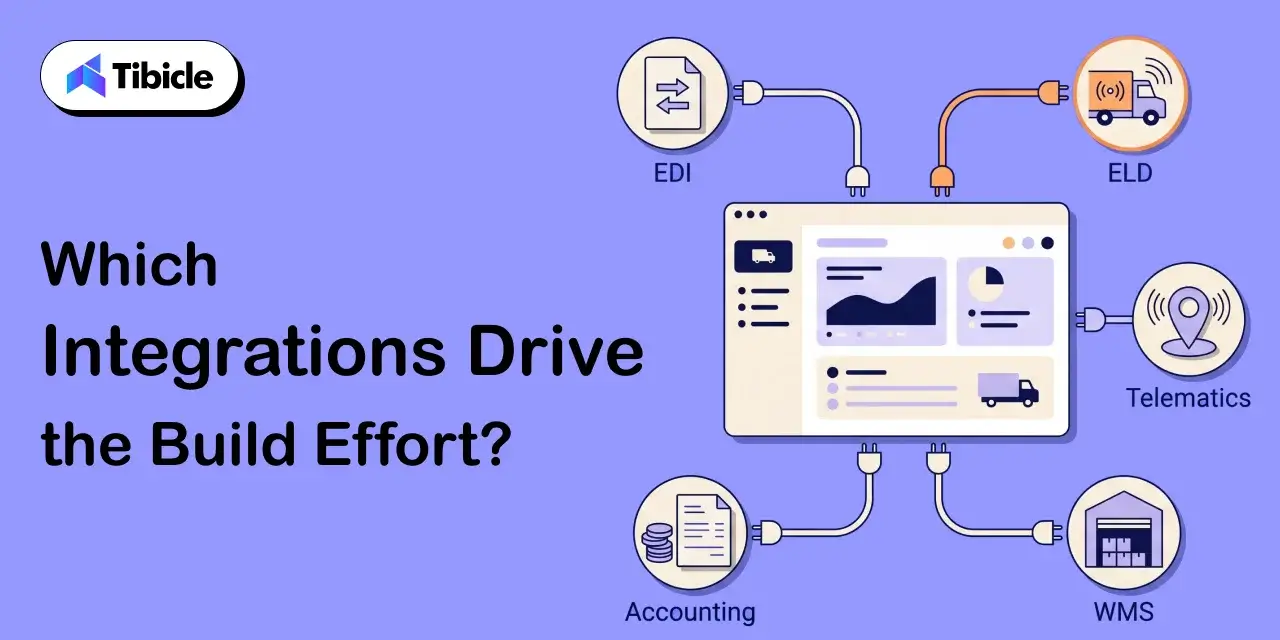
Integrations drive build effort more than screens do. Each connection adds mapping, testing and ongoing support, and the list of connections grows with every customer and carrier.
What EDI Transactions Matter in Custom TMS vs Off the Shelf Planning?
Buyers search by transaction set number, so name them. X12 204 is the motor carrier load tender, and X12 214 is the transportation carrier shipment status message (AWS B2B Data Interchange X12 list). Add the 990 load tender response and the 210 freight invoice where customers require them.
A typical truckload exchange runs in this order: the shipper sends a 204 tender, the carrier answers with a 990 accept or decline, status updates arrive as 214 messages at pickup and delivery milestones, and the carrier bills with a 210.
Each trading partner publishes its own implementation guide. That means separate mapping and test cycles for the same transaction set.
How Do ELDs and Other Links Affect a Custom TMS vs Off the Shelf Decision?
The FMCSA ELD rule, mandated by MAP-21, requires devices that sync with the vehicle engine to record driving time for hours-of-service records (FMCSA). ELD data feeds dispatch decisions and customer status updates, so a TMS that cannot read it leaves dispatchers checking a second screen.
Scope these other links as well:
- Telematics
- Rate shopping sources
- Accounting
- WMS
- Customer portals
For each link, write down the data direction, the owner and the test plan. Packaged products list standard connectors, so confirm which of your partners they cover and which need paid mapping work. A custom build controls every connector and carries the full build and support cost.
How Far Can You Customize an Off the Shelf TMS?
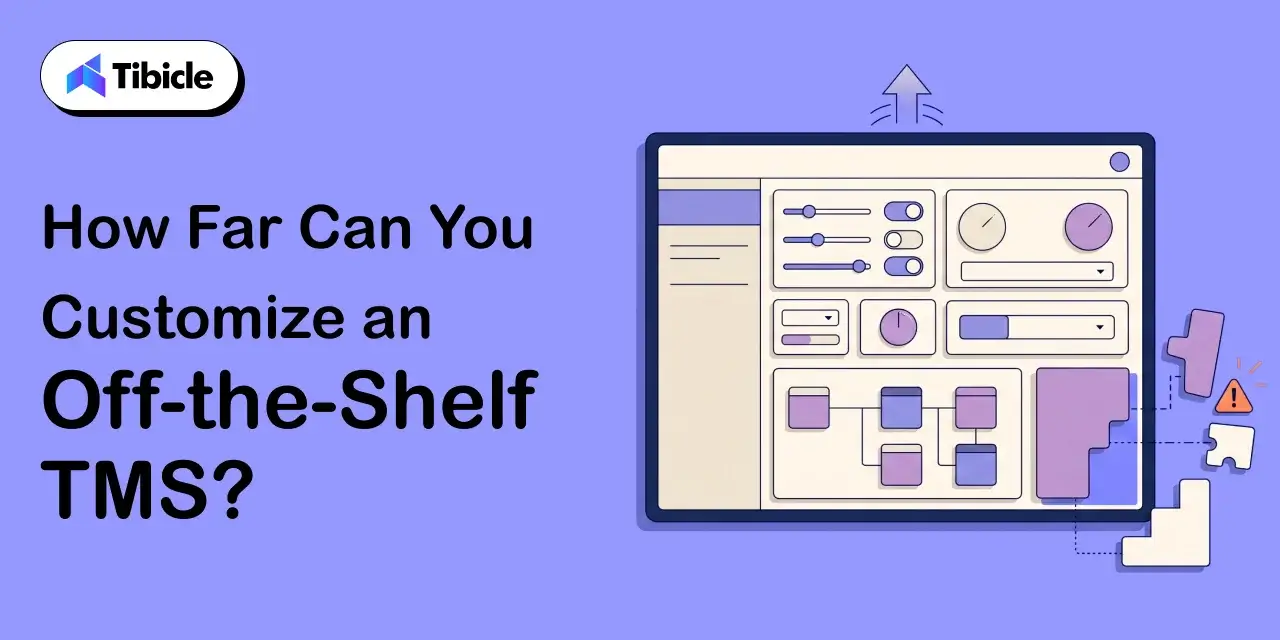
Configuration changes settings inside the vendor’s design. Code changes alter the design itself. Most packaged products allow the first and restrict the second.
- Configuration: fields, rules, workflows, alerts and reports inside supported options. It survives upgrades and needs no developer.
- Code changes: custom modules on a packaged product need rework at each release, which creates upgrade risk.
- Roadmap dependence: a missing feature waits for the vendor’s schedule, and your request competes with every other customer’s.
Ask each vendor these questions in writing:
- Which changes survive an upgrade without rework?
- Who pays for rework when a release breaks custom code?
- How long does a feature request take from submission to release?
Then test the answers against your three most expensive exceptions. If the vendor cannot handle them through configuration, count them as fit gaps in the matrix below.
How Do Implementation and Five-Year Costs Compare in a Build vs Buy Transportation Management System Decision?
Compare all five years, because year 1 alone misleads. Subscription fees rise with volume and price escalation. A custom build front-loads cost and lowers run cost. A total cost of ownership worksheet shows both.
| Cost line | Off-the-shelf | Custom |
| Licenses or per-load fees | Recurring, scales with volume | None, replaced by build cost |
| Implementation | Vendor or partner fees | Discovery, design, build, testing |
| Integrations | Connector fees or custom mapping | Built to each partner’s specification |
| Data migration | One time | One t ime |
| Training | Vendor materials plus internal time | Internal documentation plus internal time |
| Hosting | Included or billed separately | Cloud bill |
| Support | Vendor support tier | Retainer or internal team |
| Internal admin | Configuration owner | Product owner |
| Change requests | Vendor roadmap or paid services | Your backlog |
Fill each row with a yearly figure from vendor quotes and developer estimates. Price internal admin at a loaded salary rate, since it is a real cost on both sides.
Read the worksheet by year, not by total. Year 1 usually favors the packaged option because the build has not shipped yet. Years 3 to 5 show whether per-load fees overtake the build cost as volume grows. Add a row for exit cost, meaning what it takes to leave each option, because switching platforms later costs another migration.
Add a risk adjustment to the custom column. In a study of 1,471 IT projects, the average cost overrun was 27% (Flyvbjerg and Budzier). One in six projects overran by about 200% (Flyvbjerg and Budzier). Apply contingency to the custom column and price escalation to the subscription column.
TMS Selection Matrix: Custom TMS vs Off the Shelf
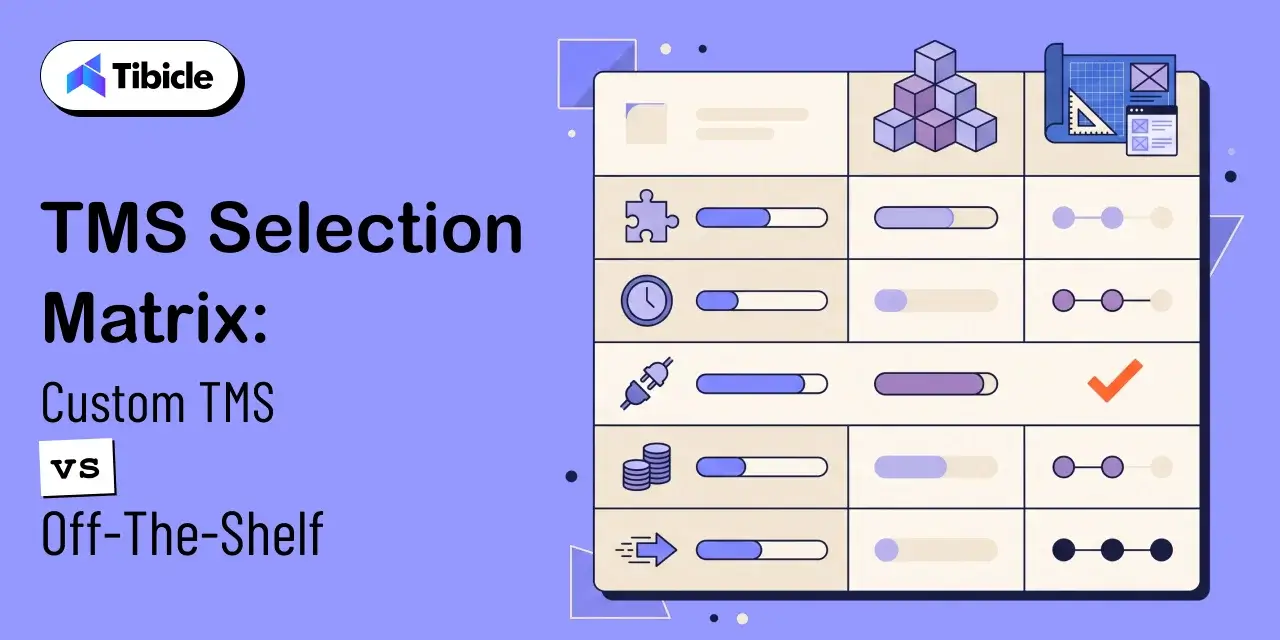
A weighted matrix turns the choice into numbers your team can defend. Use the weights below as a template, then change them to match your operation.
| Criterion | Weight | Off-the-shelf | Custom |
| Workflow fit | 25% | Standard flows | Your exact flows |
| Time to go live | 20% | Faster | Slower |
| Integration control | 20% | Vendor connectors | Built to need |
| Five-year cost | 20% | Fees scale with volume | Upfront, then lower run cost |
| Change speed | 15% | Vendor roadmap | Your backlog |
How Do You Score the Matrix?
Score each criterion from 1 to 5 for each option, multiply by the weight and compare the totals. Run the exercise with operations, finance and IT together, since each group sees different risks. Use the workaround count and the five-year worksheet as evidence for the workflow fit and cost scores. Write one sentence of evidence beside each score, so a reviewer can challenge the number rather than the opinion behind it.
How Should the Weights Change?
Raise workflow fit when exceptions drive revenue. A legacy contract that ends soon calls for a higher weight on time to go live. If volume is growing, give five-year cost more weight. Keep the weights at 100% in total. The template names no overall winner, because the answer depends on your scores.
How Do You Migrate From an Old TMS?
Migrate in three phases and define rollback criteria before the first switch.
- Phase 1, data audit: review customers, carriers, lanes, rates and open loads. Remove duplicates and expired rates before moving anything. Agree on which system holds the master record for each data type.
- Phase 2, parallel run: run a subset of lanes in both systems. Compare tenders, statuses and invoices every day and log each mismatch with its cause.
- Phase 3, cutover: switch by region or customer. Keep the old system available until the rollback window closes, and assign an owner to each open load that crosses the cutover date. Brief customers and carriers on the new tender and status formats before their lanes move.
Dispatchers cannot pause freight while the data moves, so each phase should end with a go or no-go check signed by operations.
How Tibicle Builds Logistics Platforms
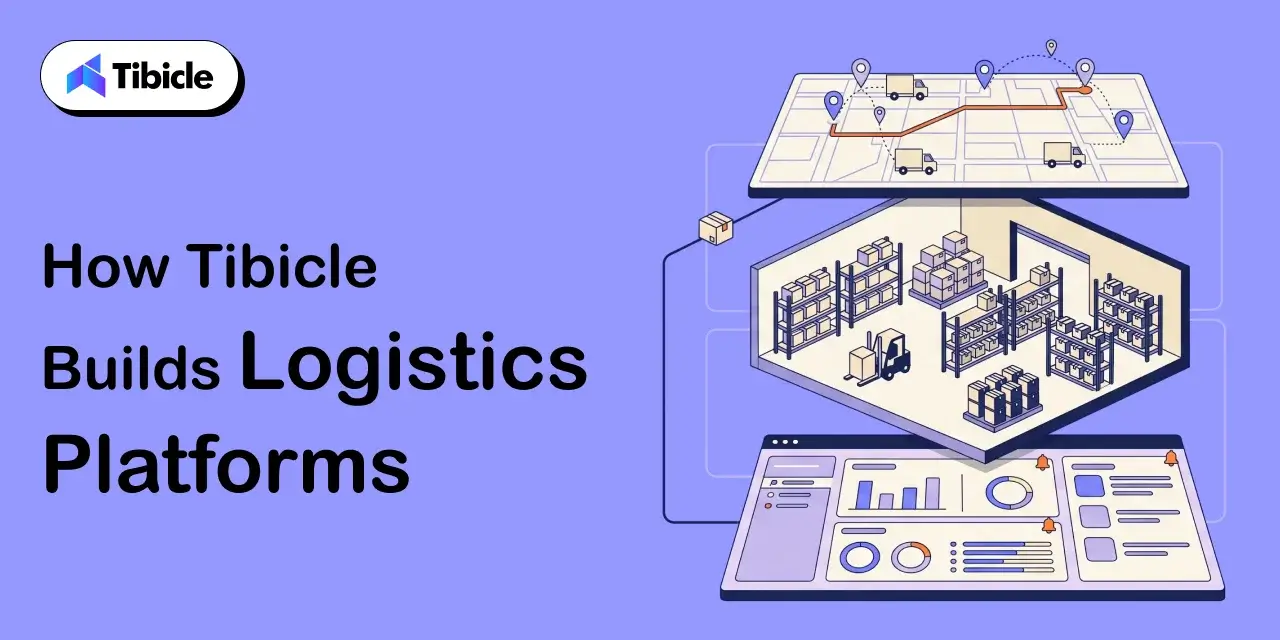
Tibicle’s logistics page lists fleet and shipment tracking with order tracking, plus warehouse and inventory systems. It also covers AI that optimizes routes and costs against demand, ERP and IoT integration, and live dashboards with alerts.
See our custom logistics software development work, or bring your workflow gaps to a TMS fit-gap workshop and leave with a scored list of gaps: Book the workshop.
FAQs
Is a custom TMS worth it for a small brokerage?
Usually not at first. In a custom TMS vs off-the-shelf comparison, a small brokerage with standard flows, a few customers and no technical owner gets more from a packaged TMS. Revisit the choice when weekly workarounds climb or per-load fees outgrow the build budget.
What are the main custom TMS benefits?
Three: workflow fit, data ownership and change speed. A custom system models your exact flows, keeps data in your own schema and ships rule changes from your backlog instead of a vendor roadmap. You also stop paying per-load fees.
How long does a custom TMS take to build?
It depends on the integrations. A core with tenders, dispatch and billing comes first, and each EDI partner or ELD feed adds mapping and testing time. Ask for a phased plan with a go-live date for each integration group, so loads move on the first phase while later ones are built.
What belongs in a TMS selection matrix?
Five weighted criteria: workflow fit, time to go live, integration control, five-year cost and change speed. Score each option from 1 to 5, multiply by the weight and compare totals. Add or drop criteria to match your operation, and keep the weights at 100%.
Which EDI transactions does a TMS need?
At minimum, the X12 204 load tender and 214 shipment status, plus the invoice set your customers use. Get each trading partner’s implementation guide before you scope the work, since field requirements differ by customer.
Next Step: Count Workarounds, Then Price Five Years
Count the workarounds your team runs in a week, then price all five years for both paths. The custom TMS vs off-the-shelf choice follows from those two numbers and your scores in the TMS selection matrix. Exception-heavy operations tend to favor a build.
Book a TMS fit-gap workshop with Tibicle.
Schedule A Developer Interview And Get 15 Days Risk-Free Trial
Schedule a Call

Relevant Blog
Dedicated Development Team vs Staff Augmentation Guide

Diya Koradiya


React Native vs Flutter for Startups
Diya Koradiya
SaaS MVP Feature Checklist

Prejin Nadar
Written by

Aditya Changlani
Business Development Executive
I’m Aditya Changlani, a Business Development Professional at Tibicle LLP, passionate about turning conversations into opportunities and ideas into impactful digital solutions. I work closely with businesses to understand their challenges, uncover growth opportunities, and connect them with the right technology across web, mobile, AI, and custom software development. For me, business development isn’t just about making a sale, it’s about understanding people, solving the right problems, building genuine relationships, and creating partnerships that deliver lasting value.


Related posts
Dedicated Development Team vs Staff Augmentation Guide
What This Guide Covers Who this is for: CTOs, startup founders, and engineering leaders comparing a dedicated development team vs staff augmentation to choose the right software team engagement model. Search intent: Commercial investigation. Readers want to compare delivery ownership, total cost, hiring speed, management effort, and legal risks before choosing a model. What you […]
23 Nov 2026 | Diya Koradiya
React Native vs Flutter for Startups
What This Guide Covers Who this is for: Startup founders, CTOs, product managers, and technical decision-makers comparing react native vs flutter for startups to choose the right cross-platform framework for their mobile app. It is particularly relevant for early-stage teams evaluating hiring availability, development costs, performance, native hardware integrations, and long-term maintenance with limited budgets […]
20 Nov 2026 | Diya Koradiya
SaaS MVP Feature Checklist
What This Guide Covers Who this is for: B2B SaaS founders, technical co-founders, and seed-stage product managers looking for a SaaS MVP feature checklist to build products that attract and convert their first paying customers. Search intent: Find a practical checklist of what a SaaS MVP needs, and what it doesn’t, before committing engineering time. […]
19 Nov 2026 | Prejin Nadar
Got an Idea? Get a FREE consultation
We always have room for one more great project

Email
tea@tibicle.com

Phone
+91 9724922880