What This Guide Covers
Who this is for
This guide is written for engineering leads, CTOs, and retail technology teams evaluating custom POS software development instead of buying an off-the-shelf platform. It assumes familiarity with Node.js and basic hardware concepts like USB and serial communication, but not prior experience with POS-specific protocols like ESC/POS.
Search intent
Informational-to-commercial readers are past “should I build custom POS software” and are researching how to build it (Electron, hardware integration, PCI DSS, offline-first) before deciding whether to build in-house or hire a vendor.
What you will walk away with:
This guide covers why Electron fits POS software better than a web-only or native approach, how to connect receipt printers, barcode scanners, and cash drawers through Node.js, an offline-first architecture that keeps sales processing through a dropped connection, how to scope PCI DSS compliance around a payment terminal, and the kiosk mode and deployment settings needed to lock down a retail terminal.
Introduction
The global point of sale terminal market is worth USD 130.61 billion in 2026 and is projected to reach USD 197.14 billion by 2031, an 8.58% CAGR (Mordor Intelligence). That growth is pushing more retailers toward custom builds instead of off-the-shelf terminals, since a packaged platform rarely matches the specific mix of printers, scanners, and payment hardware a store already owns.
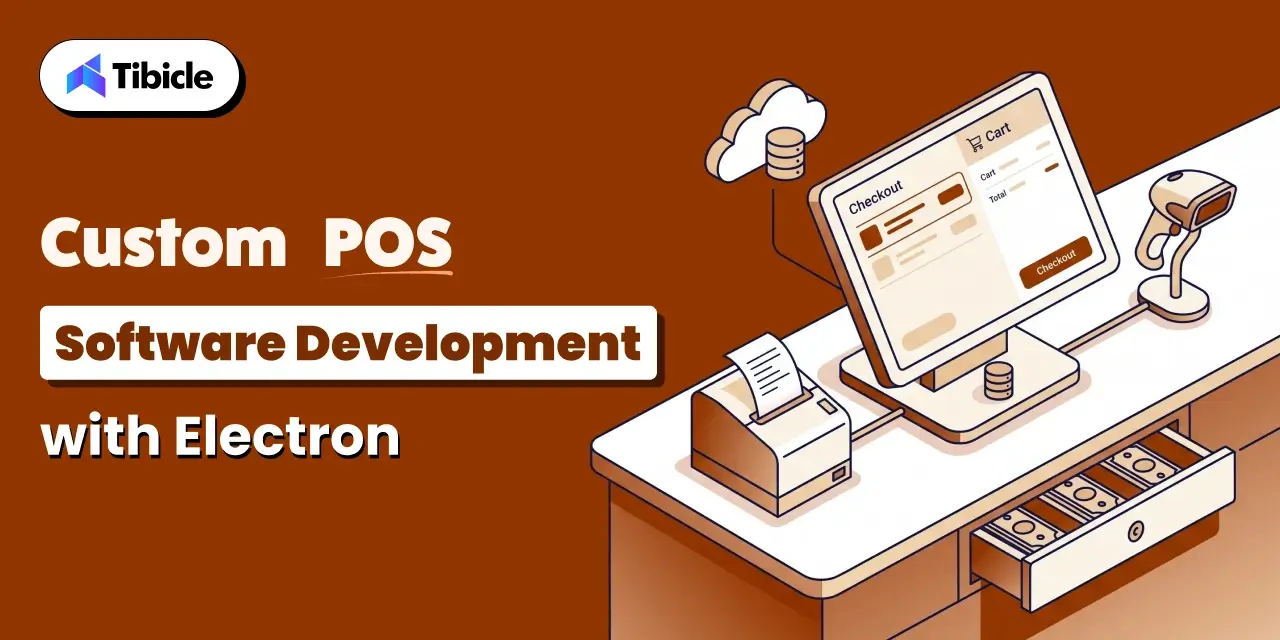
Electron has become a practical answer to this problem. It pairs a web front end with a full Node.js back end running in the same process, so the checkout screen and the code that talks to a receipt printer or cash drawer live in one application instead of two separate systems. Custom pos software development teams use this to avoid maintaining three separate native codebases for Windows, macOS, and Linux registers.
This guide covers why Electron fits POS software, the specific hardware integrations a build needs, the Node.js libraries that connect to that hardware, offline-first architecture, PCI DSS scope, and kiosk mode deployment
Why Electron Is a Practical Choice for Modern POS Software Development
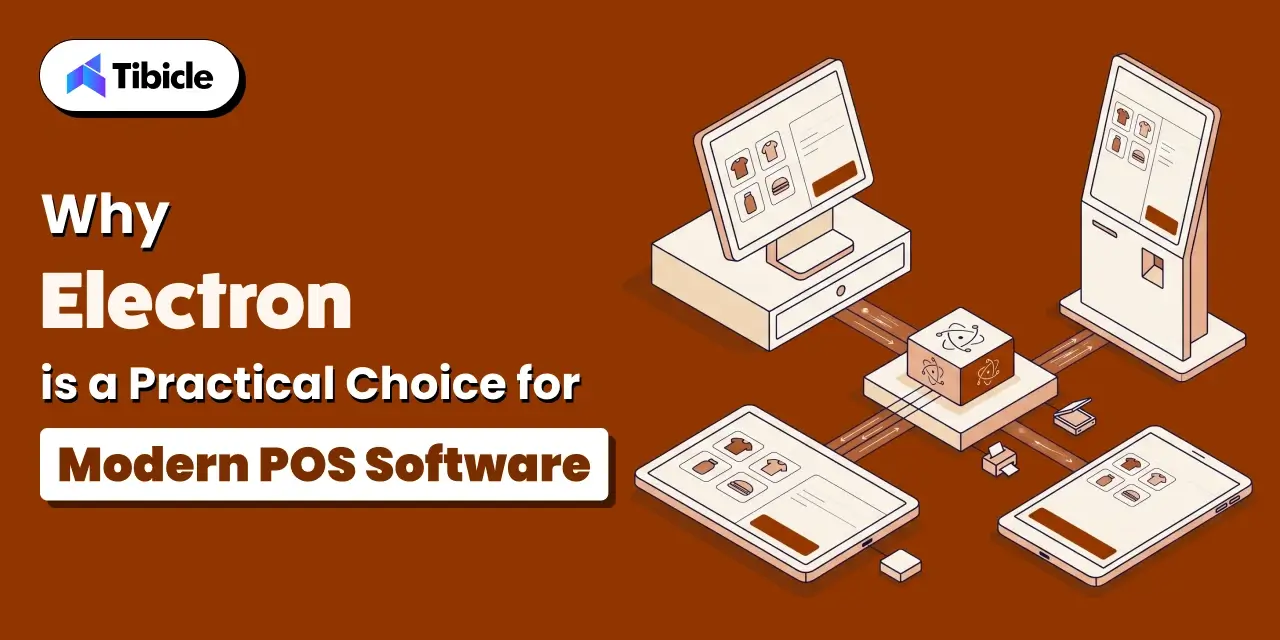
A POS build has three competing needs: a UI that updates fast, direct access to local hardware, and one codebase that runs on whatever register, kiosk, or tablet a store has on the floor. A web-only app can’t reach a USB device. A fully native app means separate Windows, macOS, and Linux codebases. Electron sits between the two: the interface is HTML and CSS, and the main process runs full Node.js with access to native modules.
Cross-Platform Support Across Registers, Kiosks, and Tablets
Retailers don’t standardize hardware across locations. One location runs Windows registers, another runs Linux-based kiosks, and a mobile checkout might run on a tablet. Electron packages the same application for each of these targets from a single codebase, so a fix to the checkout flow ships everywhere at once instead of requiring three separate patches.
Direct Hardware Access Through Node.js Native Modules
The main process in an Electron app is a full Node.js runtime, not a sandboxed browser tab. That means it can load native modules that speak USB, serial, and HID protocols directly. A receipt printer, barcode scanner, or cash drawer becomes a device the main process opens and writes to, the same way a Node.js script on a server would talk to hardware. This is the specific advantage electron point of sale hardware integration has over a browser-based POS: no plugin, no browser permission prompt, just a native module call.
Core Hardware Integrations for Custom POS Software Development
A POS build has to talk to a fixed set of peripherals, and each one has its own connection method and quirks.
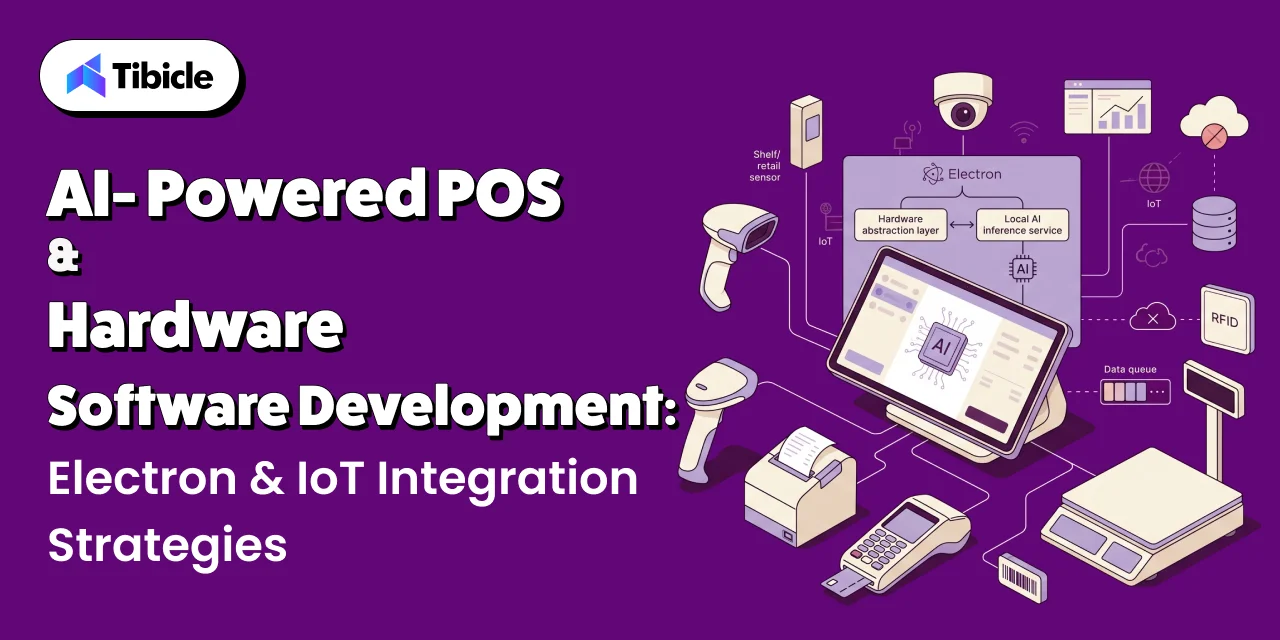
- Receipt printers typically communicate over USB, serial, or network using ESC/POS commands
- Barcode scanners usually present as either a keyboard-emulation device or a true HID device
- The receipt printer’s pulse signal commonly triggers cash drawers
- Customer-facing displays run as a second BrowserWindow synced to the transaction state
Receipt Printers
Most thermal receipt printers accept ESC/POS, a command language that controls text formatting, cutting, and the cash drawer pulse in one stream of bytes. The application builds a buffer of these commands and sends it over USB, a serial connection, or a network socket depending on how the printer is wired. Because the format is a byte stream rather than a rendered page, the main process can generate a receipt without any print dialog or OS-level print driver.
Barcode Scanners and RFID Readers
Barcode scanners connect one of two ways. In keyboard-emulation mode, the scanner types the barcode into whatever field has focus, which is simple but breaks if focus moves. In HID mode, the device reports data directly to the application through a native module, which gives the app full control over when a scan is accepted. RFID readers follow a similar split, and the mode a specific device uses determines which library the build needs.
Cash Drawers and Customer-Facing Displays
Cash drawers rarely connect on their own. They wire into the receipt printer and open when the printer sends a pulse signal, usually as part of the same ESC/POS command that prints the receipt. Customer-facing displays, by contrast, are a second Electron BrowserWindow pointed at a second monitor, kept in sync with the transaction total and line items through the same state the cashier’s screen uses.
Connecting to Peripherals via Node.js Native Modules and USB/Serial APIs
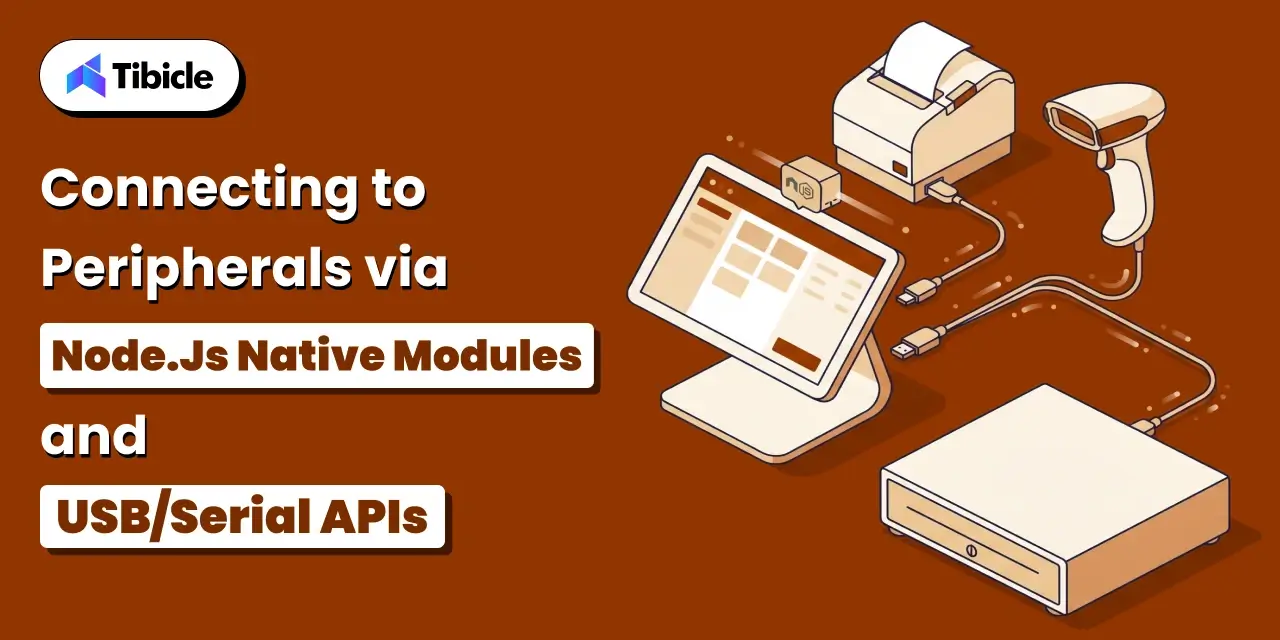
Two libraries cover most POS hardware: node-hid for USB HID devices and serialport for anything connected over a serial line.
Using node-hid for USB HID Devices
node-hid wraps the hidapi C library to give Node.js direct read and write access to USB HID devices. Its documentation notes that <cite index=”16-1″>the operating system blocks access to devices that behave like a keyboard or mouse, including some barcode readers and RFID scanners, as a security precaution against keylogging</cite> (<cite index=”14-1″>node-hid, official documentation</cite>). This restriction directly shapes hardware selection for a POS build: a scanner needs to expose an HID data mode rather than a pure keyboard-emulation mode for node-hid to reach it.
Using serialport for Serial-Connected Hardware
The serialport package provides <cite index=”26-1″>cross-platform serial port hardware access for JavaScript environments including Node.js and Electron</cite>, with a Node.js stream interface layered over platform-specific bindings (<cite index=”26-1″>serialport, official documentation</cite>). That stream interface means data from a serial receipt printer or scale arrives through the same event-based pattern a developer would already use for any other Node.js stream, rather than a device-specific API.
Rebuilding Native Modules for Each Electron Version
Both node-hid and serialport compile to native code, and that native code is built against a specific Node.js ABI version. Electron ships its own bundled Node.js version, which is usually not the same version installed on the development machine. Skipping the rebuild step produces a module version mismatch error at runtime. Tools like electron-rebuild handle this automatically as part of the build pipeline, recompiling native dependencies against Electron’s Node.js version before packaging.
Offline-First Architecture in Custom POS Software Development for Point-of-Sale Reliability
A POS system cannot depend on a live internet connection to complete a sale. A dropped connection during checkout, whether from an ISP outage or a bad wifi signal in a back corner of a store, cannot stop a transaction at the register.
Local Transaction Queuing When Connectivity Drops
An offline-first POS writes every transaction to a local database first, regardless of network state, and treats syncing to a central server as a separate step. SQLite is a common choice for this local store because it runs embedded in the Electron process with no separate database server to manage. The cashier’s screen reads confirmation from the local write, not from a round trip to a remote API.
Syncing Queued Transactions Once Back Online
Once connectivity returns, a background sync process pushes queued transactions to the central server and reconciles anything that changed while the terminal was offline, such as inventory counts updated at another location. This sync needs to handle partial failures and retries without double-charging a transaction or double-counting stock.
Local Inventory and Pricing Caches
Product lookups and prices also need a local cache, since a scanned barcode has to resolve to a product and price even without connectivity. The cache refreshes on a schedule or whenever the terminal reconnects, and the application falls back to the most recent cached values whenever a live lookup fails.
Payment Processing and PCI DSS Compliance in Custom POS Software Development
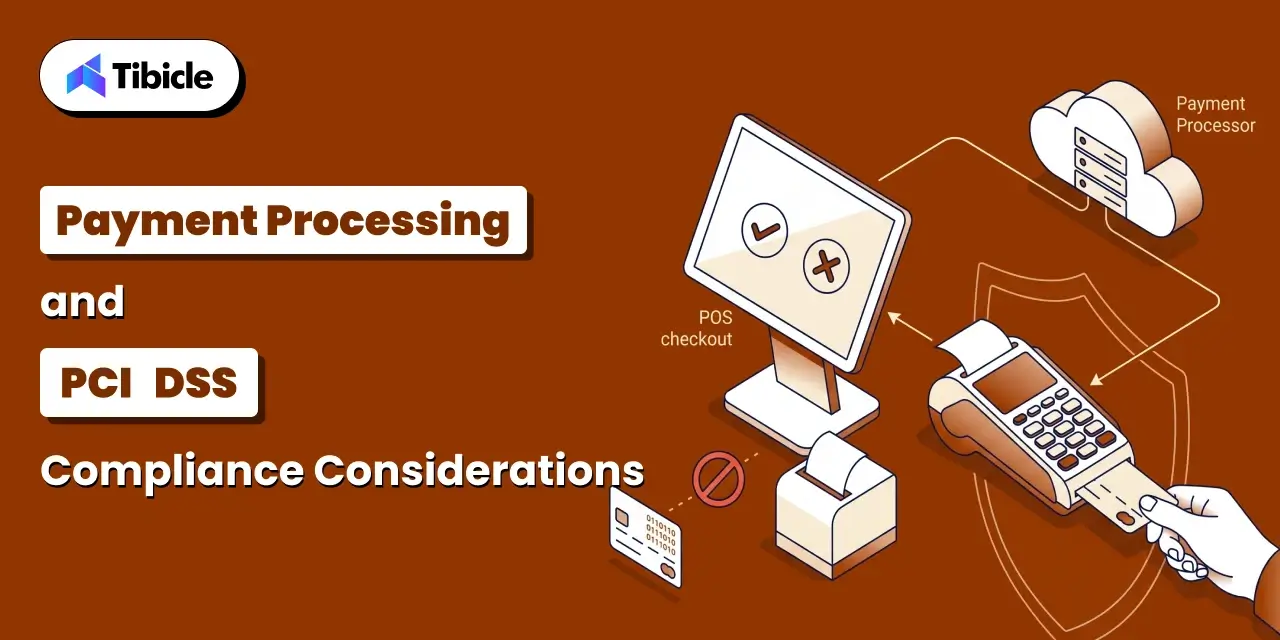
Any POS software that touches card data takes on PCI DSS obligations, and the amount of that burden depends heavily on how the application is architected.
What PCI DSS Requires in Custom POS Software Development
PCI DSS organizes its requirements into six categories: building and maintaining a secure network, protecting cardholder data, maintaining a vulnerability management program, implementing strong access control, regularly monitoring and testing networks, and maintaining an information security policy (<cite index=”34-1″>University of Washington, citing PCI Security Standards Council documentation</cite>). A custom POS build that stores, processes, or transmits cardholder data falls under all six.
Using a Payment Terminal in Custom POS Software Development to Reduce PCI Scope
The most direct way to cut that scope is to keep card data out of the application entirely. A dedicated payment terminal handles card entry, encryption, and transmission to the processor on its own hardware, and the POS app only ever sees a transaction result, not the card number itself. This is the approach most custom POS builds take, since it removes the application from most of the PCI DSS requirement categories rather than requiring it to meet all of them.
What Should Never Be Stored or Logged in Custom POS Software Development
Full card numbers, magnetic stripe data, PINs, and CVV codes should never touch the application’s database, logs, or crash reports. This applies to debug logging too. A stack trace that accidentally includes a card number in a log file is a compliance violation even if the number was never intentionally stored, so logging middleware needs explicit filters for anything that resembles cardholder data.
Kiosk Mode, Auto-Launch, and Locked-Down Deployment in Custom POS Software Development
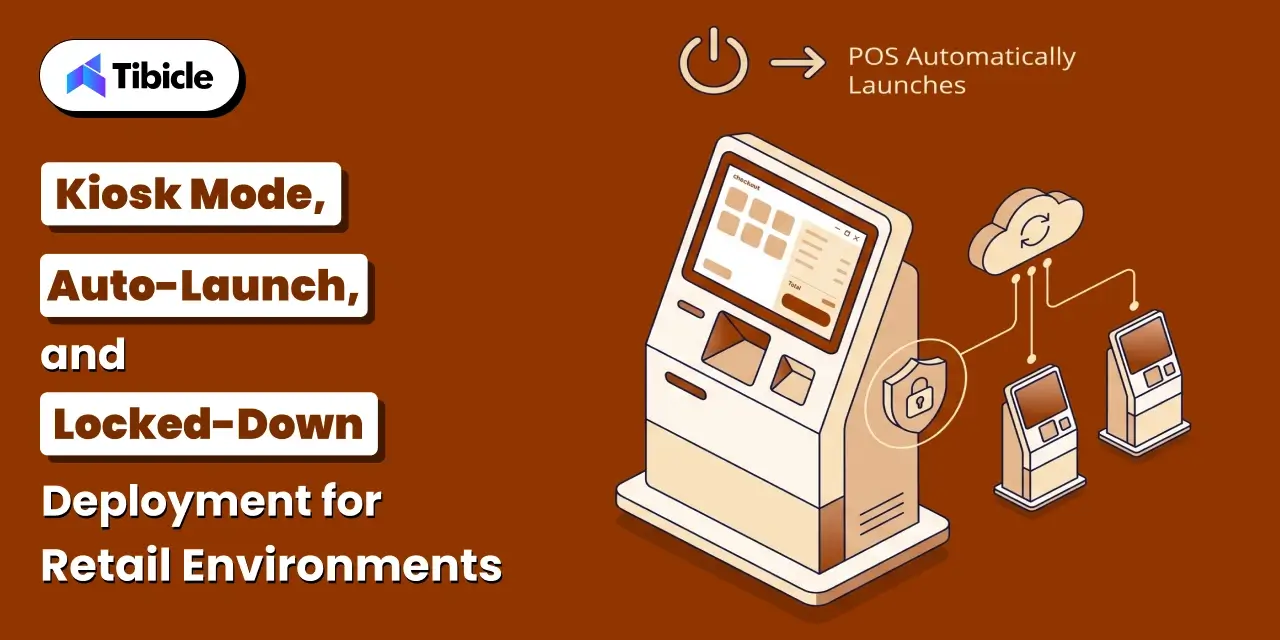
A POS terminal on a retail floor needs to stay locked to one application. A cashier tabbing out to the desktop, or a customer at a self-checkout kiosk closing the window, is a support problem waiting to happen.
Running Electron in Kiosk Mode for Custom POS Software Development
Electron’s BrowserWindow accepts <cite index=”40-1″>a kiosk boolean option, defaulting to false</cite>, that puts the window into a locked full-screen state (<cite index=”35-1″>Electron, official API documentation</cite>). Setting this at window creation removes the title bar, taskbar access, and window controls a user would otherwise use to exit the app or switch to another program.
Auto-Launch on Device Startup
A terminal that requires manual app launch after every reboot creates downtime whenever power drops or a device restarts unexpectedly. Configuring the app to launch automatically on OS startup, through platform-specific startup entries or a service, means a terminal comes back to a working checkout screen without staff intervention.
Remote Monitoring and Update Management Across Store Locations
A chain running dozens or hundreds of terminals needs visibility into which devices are online, which are running an outdated build, and which have thrown errors. Electron’s auto-update tooling can push new builds to terminals centrally, and a lightweight telemetry layer reporting device status back to a central dashboard turns individual terminal problems into something a support team can see before a cashier calls in.
How Tibicle Approaches Custom POS Software Development with Electron
Hardware Integration Discovery and Prototyping
Every retail environment already owns a specific mix of printers, scanners, and payment terminals, so the first phase is cataloging that hardware and testing connectivity against it directly. Tibicle builds small proof-of-concept integrations against the actual devices a client uses before writing the full application, which surfaces driver and native module issues early instead of after the interface is built.
Offline-First Build With Payment and Compliance Scoping
The application layer is built offline-first from the start, with local transaction queuing and sync handled as core architecture rather than an add-on. Payment integration is scoped around a dedicated terminal wherever possible, keeping cardholder data off the application and narrowing the PCI DSS surface the client has to maintain.
Deployment and Ongoing Support in Custom POS Software Development
Once the build is ready, Tibicle configures kiosk mode, auto-launch, and update tooling for each terminal type in use, then supports the rollout across store locations. Ongoing support covers new hardware onboarding as a client adds locations or swaps a printer model, plus monitoring for terminals that go offline or fall behind on updates.
Key Takeaways for Retail Technology Teams
- Electron’s Node.js foundation gives POS software direct access to printers, scanners, and cash drawers without a native rewrite
- Offline-first architecture is not optional, a POS system has to process a sale with no connection
- Routing card data through a payment terminal rather than the app itself sharply reduces PCI DSS scope
- Kiosk mode and auto-launch configuration matter as much as the application code for a retail deployment
Ready to scope a custom POS build for your store hardware? Book a call with Tibicle.
FAQ
Can Electron actually talk to receipt printers and barcode scanners directly?
Yes. Electron’s main process runs full Node.js, so native modules like node-hid and serialport can open a USB or serial connection to a printer or scanner directly, without a browser plugin or separate driver layer.
Does a custom POS app built with Electron need to be PCI DSS compliant?
Any application that stores, processes, or transmits cardholder data falls under PCI DSS. Routing card entry through a dedicated payment terminal instead of the app itself keeps most card data out of the application, which reduces how much of the standard applies.
How does a POS system built with Electron work when the internet goes down?
An offline-first build writes every transaction to a local database first and queues it for sync once connectivity returns. Product and pricing data also cache locally so a scanned item still resolves to a price without a live connection.
What’s the difference between a barcode scanner acting as a keyboard versus a HID device?
A keyboard-emulation scanner types scanned data into whatever field has focus, which is simple but fragile if focus shifts. A true HID device reports data directly to the application through a native module, giving the app control over when a scan is accepted.
How do you lock an Electron POS app into kiosk mode on a retail terminal?
Setting the kiosk option to true when creating the BrowserWindow removes the title bar and window controls and locks the app to full screen. Pairing that with auto-launch on startup keeps the terminal locked to the checkout app after every reboot.
Does Tibicle build custom POS software with hardware integration for retail and hospitality?
Yes. Tibicle builds Electron-based POS software with direct hardware integration, offline-first architecture, and PCI-scoped payment handling for retail and hospitality clients, including deployment and ongoing support across multiple store locations.