
Building Offline-First B2B SaaS: Electron Offline Data Synchronization Strategies

Aug 14, 2026

Read in 5 Minutes
Table of Contents
- Introduction
- What Offline-First Actually Means for a B2B SaaS Desktop App
- Where the Data Lives: SQLite in the Main Process
- Choosing a Sync Strategy
- The Trade-Offs Nobody Puts in the Pitch Deck
- Build Your Own Sync, or Use a Managed Engine
- A Reference Architecture for B2B SaaS
- Conclusion
- Frequently Asked Questions
Who this is for: Engineering leads and architects at B2B SaaS companies building a desktop client for field teams, trading desks, or on-site users who need the product to keep working through unreliable connectivity, and are deciding how local storage and conflict resolution should actually work for Electron Offline Data Synchronization.
Search intent: Architecture-level technical planning. The reader has already accepted that offline-first is the right approach and is now choosing between a sync queue and a CRDT, deciding where data should live inside Electron’s process model, and weighing a managed sync platform against building custom, not looking for a basic explanation of what “offline mode” means.
What you will walk away with: Why SQLite has to run in Electron’s main process rather than the renderer, a decision framework for sync queues versus CRDTs based on real concurrent-editing needs, adoption and performance data across Yjs, Automerge, and Loro, the storage and connectivity-detection trade-offs vendors leave out of the pitch, a build-versus-managed-platform decision point, a complete reference architecture for B2B SaaS, and how Tibicle’s desktop app development team treats offline-first as the default starting point rather than an add-on.
Introduction
A B2B SaaS desktop client that freezes the moment WiFi drops is not a minor inconvenience; for field teams, trading desks, and on-site technicians, it is a reason to stop using the product. The case for local-first software, where a user’s own device is the primary copy of the data rather than a cache of it, was formalized in Ink & Switch’s widely cited essay Local-first software: you own your data, in spite of the cloud, and the pattern has since become the default architecture for serious desktop products, with local-first software now the expected baseline rather than a differentiator. Figma’s own engineering team switched from Operational Transformation to CRDTs in 2019 specifically to support offline-first capabilities, which is a strong signal for what a production-grade offline-first architecture actually requires.
Electron offline data synchronization is where this pattern gets concrete for a desktop SaaS product: where the local copy of the data actually lives, how conflicting edits from two offline sessions get merged, and how a background process reconciles everything with the server once connectivity returns. This guide covers what offline-first means specifically for a B2B SaaS desktop app, where local data has to live inside Electron’s process model, how Electron offline data synchronization should choose between a CRDT and a simpler sync queue, the trade-offs vendors rarely mention upfront, and a reference architecture to start from.
What Offline-First Actually Means for a B2B SaaS Desktop App
An offline-first architecture treats the local device as the source of truth for the current session, not the server. Every user action- creating a record, editing a field, deleting a row- writes to local storage immediately and returns control to the user with effectively zero latency, because nothing has to round-trip to a server before the UI updates. Synchronization then happens in the background, whenever a connection is available, reconciling the local copy with everyone else’s, which is the essence of any offline-first architecture worth the name.
This is a meaningfully different design than an app that merely caches server responses and shows a spinner when offline. Local-first software keeps working fully, reads and writes, with no connection at all, and Electron offline data synchronization exists to make the eventual reconciliation correct rather than to make offline use merely tolerable. The distinction between local-first software and a cached offline mode is the single most important framing decision in this entire architecture.
Where the Data Lives: SQLite in the Main Process
Electron’s process model puts a hard constraint on any offline-first architecture before a single sync strategy gets chosen, and this constraint shapes every Electron offline data synchronization implementation the same way. An Electron app has a Node.js main process with full filesystem access and one or more Chromium renderer processes with no direct SQLite access; SQLite must run in the main process, according to RxDB’s own Electron integration documentation. Every read and write the renderer needs has to cross Electron’s IPC boundary to reach the database, the same architectural pattern that governs local LLM inference and any other native-module-dependent feature in Electron.
The tooling around this has gotten meaningfully simpler recently. Native modules like better-sqlite3 or sqlite3 historically required @electron/rebuild to recompile against Electron’s headers on every version upgrade, a recurring maintenance tax. Since Node.js 22, a built-in node:sqlite module ships with Node itself, and recent Electron versions include this runtime, removing the native rebuild step entirely for teams that do not need the extra features third-party SQLite bindings provide.
Choosing a Sync Strategy
Electron offline data synchronization is not one technique; it is a spectrum from simple to sophisticated, and the right point on that spectrum depends on whether the product needs real-time multi-user collaboration or just reliable eventual consistency. Every Electron offline data synchronization decision starts by answering that one question honestly.
Sync Queues: The Simpler Default
For most B2B SaaS products, where two users rarely edit the same record at the same instant, a sync queue, or outbox pattern, is enough, and it is the pattern most local-first software actually ships with rather than a full CRDT. Local writes append an entry to a sync_queue table alongside the normal data tables; a background process reads unsynced rows in batches, posts them to the server, and marks them synced on success. Conflicts are handled with a simple policy, last-write-wins by timestamp, or a field-level merge for non-overlapping changes, rather than a general-purpose merge algorithm.
CRDTs: For Real Concurrent Editing
When a product genuinely needs multiple users editing the same document, board, or record concurrently, sync queues stop being enough, and Conflict-free Replicated Data Types become the standard tool. A CRDT-based offline-first architecture lets two replicas edit independently offline and merge automatically without a coordination server, and by 2026 the ecosystem has matured well past its early performance problems. This is the point where an offline-first architecture graduates from a simple queue into real distributed-systems territory.
| Library | Adoption | Strength | Best Fit |
| Yjs | ~920K weekly downloads, 17K GitHub stars | 26K to 156K operations per second | Real-time text and structured editing |
| Automerge | ~85K weekly downloads | Git-like history; 3.0 cut memory ~10x with a Rust core | JSON-like records where version history is a feature |
| Loro | ~12K weekly downloads | Fastest in benchmarks; Rust-powered | Performance-critical apps willing to accept a younger ecosystem |
The general rule of thumb holds up well in practice: use Operational Transformation for a centralized, always-online server and CRDTs for offline-first, peer-to-peer, or distributed applications. Automerge’s own progress is a useful benchmark for how far the category of local-first software has come: it now processes 260,000 keystrokes in roughly 600 milliseconds, down from 2 seconds per character in early versions.
The Trade-Offs Nobody Puts in the Pitch Deck
Any honest account of Electron offline data synchronization has to include what it costs, not just what it enables. CRDTs solve conflict resolution, but the mechanism that makes that possible is not free. Every deleted element in a sequence CRDT becomes a tombstone, a marker that must be retained indefinitely so future merges still resolve correctly, and a 1,000-character document with heavy editing history can accumulate roughly 50,000 tombstones. In production systems, this shows up as real storage and bandwidth overhead: CRDT metadata commonly exceeds the actual data by 2 to 3 times, and Automerge’s encoding alone can add 40% to 60% overhead versus raw text.
Network state detection is the other quiet complexity in Electron offline data synchronization. A naive check of browser connectivity events is not reliable enough for a product where sync correctness matters; most production implementations pair connectivity events with a periodic health-check request to the actual sync endpoint, since a device can report itself online while the specific server it needs is unreachable. Retry logic needs exponential backoff, not fixed intervals, or a flaky connection turns Electron offline data synchronization into a retry storm instead of a graceful recovery.
Build Your Own Sync, or Use a Managed Engine
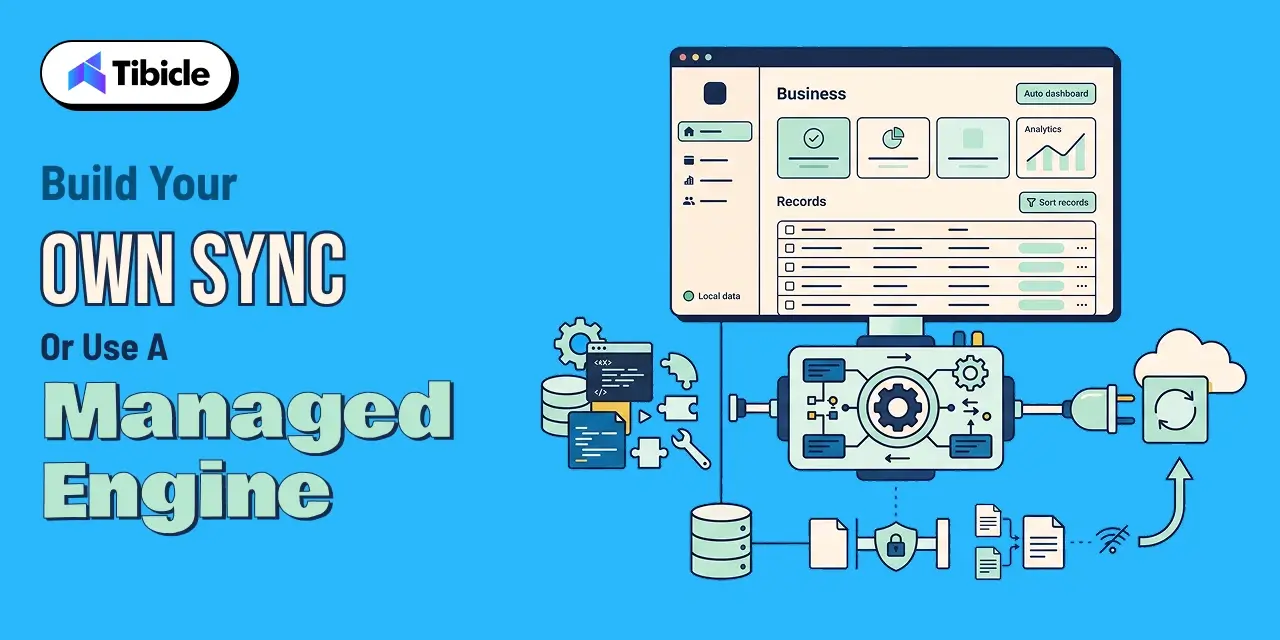
Building a sync engine from scratch is a multi-month investment even before the first feature ships on top of it, and this decision sits at the center of any offline-first architecture plan. A managed sync layer, ElectricSQL, PowerSync, Convex, or InstantDB, removes most of that setup complexity and is the pragmatic default for teams that are not differentiating on their sync engine itself. Building custom earns its cost when the product needs a sync topology, conflict policy, or data model those platforms do not support cleanly, or when data residency requirements rule out routing sync traffic through a third party.
Tibicle LLP builds custom Electron applications with offline-first architecture and Electron offline data synchronization for B2B SaaS products, through its desktop app development service. Its approach treats local-first software as the default starting point, not an add-on. For related architecture decisions, see Tibicle’s guides on Electron vs Native for your next desktop app and the best framework for desktop applications in 2026.
A Reference Architecture for B2B SaaS
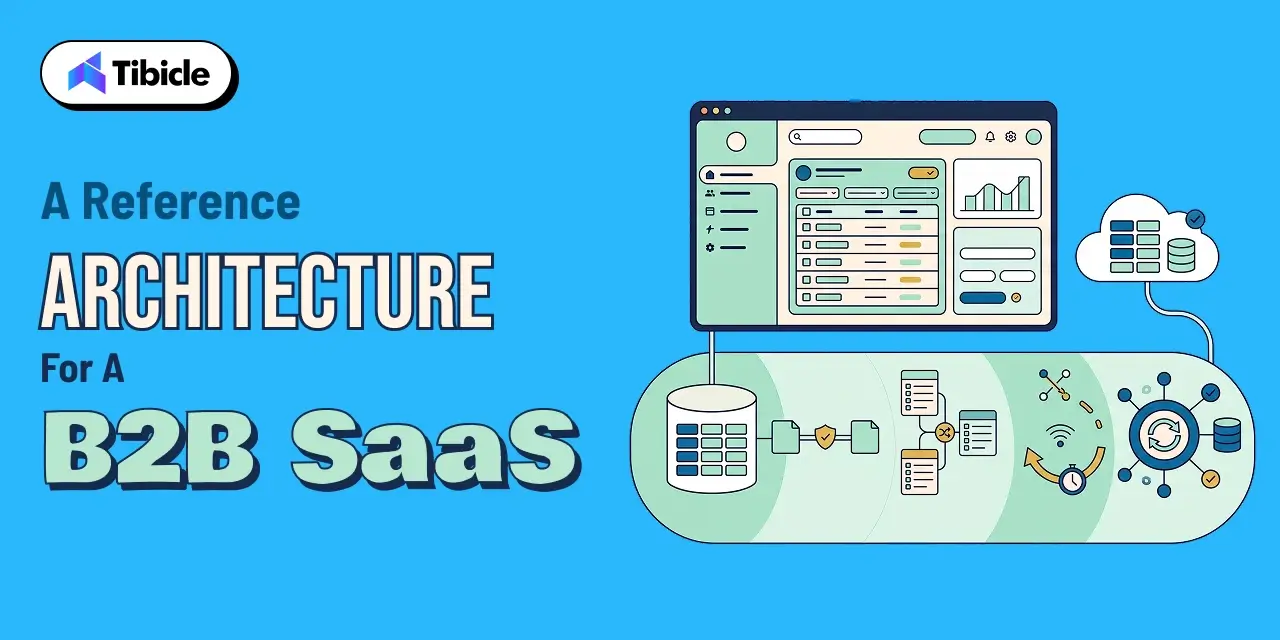
Putting the pieces together, a defensible Electron offline data synchronization stack for most B2B SaaS products looks like this:
- Local storage: SQLite in the main process, accessed by the renderer only through IPC, with node:sqlite where the Node and Electron versions support it to skip native rebuilds.
- Conflict strategy: start with a sync queue and last-write-wins for most B2B record types; reach for a CRDT library only for fields or documents multiple users genuinely co-edit.
- Connectivity detection: combine OS-level network events with a periodic ping to the actual sync endpoint, not just a generic internet-reachability check.
- Retry policy: exponential backoff with a cap, plus a manual retry action surfaced in the UI so users are never left guessing whether sync is stuck.
- Sync engine choice: default to a managed platform unless data residency or an unusual conflict model rules it out.
This is the same shape of offline-first architecture that underlies most production local-first software today, adapted specifically for Electron’s process model.
Conclusion
Electron offline data synchronization is not a single library decision; it is a stack of choices, where data lives inside Electron’s process model, whether a sync queue or a CRDT fits the product’s actual collaboration needs, and how honestly the team accounts for the metadata and connectivity-detection overhead that comes with real offline-first architecture. Get the fundamentals right and local-first software stops being a marketing term and becomes a genuine product advantage: instant local responsiveness, correct merges, and no dependency on the network being perfect. Every part of this stack, from SQLite placement to conflict strategy, is a deliberate choice inside a working offline-first architecture, not a default to accept unexamined.
Most B2B SaaS products should start with SQLite in the main process and a sync queue, and reach for a CRDT library only where real concurrent editing is a core feature, not a nice-to-have. Building offline-first architecture into your B2B desktop product? Talk to the Tibicle team.
Frequently Asked Questions
What is Electron offline data synchronization?
Electron offline data synchronization is the combination of local data storage, conflict handling, and background reconciliation that lets an Electron desktop app work fully offline and then merge changes correctly with a server once connectivity returns.
Do I need a CRDT for offline-first architecture?
Only if multiple users genuinely edit the same record concurrently. For most B2B SaaS data, a simpler sync queue with last-write-wins conflict resolution is sufficient for an offline-first architecture and far less complex to build and reason about than a CRDT.
Why can’t the Electron renderer access SQLite directly?
Electron’s renderer processes are Chromium contexts without native module access. SQLite has to run in the Node.js-enabled main process, with the renderer reading and writing through Electron’s IPC layer, a constraint that shapes every Electron offline data synchronization design.
What is the difference between local-first software and a normal offline mode?
A typical offline mode caches server data and degrades gracefully when disconnected. Local-first software treats the local device as the primary copy of the data at all times, so reads and writes work fully offline by design, not as a fallback.
Should we build our own sync engine or use a managed one?
Use a managed sync engine like ElectricSQL, PowerSync, or Convex by default for Electron offline data synchronization. Build custom only when data residency requirements, an unusual conflict model, or a sync topology those platforms cannot support makes a managed option unworkable.
Schedule A Developer Interview And Get 15 Days Risk-Free Trial
Schedule a Call

Relevant Blog
Enterprise LLM Integration Services

Prejin Nadar

Building Private local AI Desktop App Development
Prejin Nadar
Written by

Recent Blogs
Enterprise LLM Integration Services
What This Guide Covers Who this is for Enterprise LLM integration services help engineering leaders, platform teams, and technology executives turn existing model access into working production workflows. This guide is for organisations connecting OpenAI, Claude, or both to systems that support real business processes, including CRM platforms, ticketing systems, document pipelines, and internal tools. […]
When to Hire an AI Software Development Consulting Firm.
What This Guide Covers Who this is for Engineering leaders, technology executives, and AI teams often struggle to turn completed initiatives into measurable results. This guide helps organisations address stalled pilots, failed AI implementations, rising costs, poor data quality, and workflows that function technically but fail to deliver measurable business value. An AI software development […]
Building Private local AI Desktop App Development
What This Guide Covers Who this is for: US tech firms, SaaS companies, startups, CTOs, engineering managers, and product teams looking for experienced Electron.js developers for ongoing private local AI desktop app development and custom desktop application development. Search intent: Hiring and decision. This guide covers where to find Electron.js developers, how to evaluate their […]
Got an Idea? Get FREE Consultation
In our world, there's no such thing as having too many clients

