
Low-Latency Streaming: Optimizing Electron WebRTC Desktop Application for Real-Time Media

Aug 10, 2026

Read in 5 Minutes
Table of Contents
- Introduction
- What an Electron WebRTC Desktop Application Actually Is
- Why Latency Breaks in Electron Specifically
- Core Optimization Techniques
- Choosing an Architecture for Electron WebRTC desktop application: Peer-to-Peer vs SFU
- WebRTC vs Other Streaming Protocols on Latency
- Common Pitfalls to Avoid for Electron WebRTC desktop application
- Build Custom, or Use a Third-Party SDK for Electron WebRTC desktop Application
- Conclusion
- Frequently Asked Questions
Who this is for: Engineering teams already building or shipping an Electron WebRTC desktop application who are hitting specific production problems, encoded framerate collapsing during screen share, hardware acceleration flags that don’t actually improve performance, or slow call setup, and need to diagnose the exact cause rather than a general WebRTC tutorial.
Search intent: Technical troubleshooting and architecture decision-making. The reader has likely already implemented WebRTC in Electron and hit a specific symptom (dropped frames, high CPU load, slow connection setup), or is deciding between a peer-to-peer architecture, an SFU, and a third-party SDK before scaling past one-to-one calls.
What you will walk away with: The three Electron-specific causes of WebRTC latency problems (hardware encoding fallback, desktop capture framerate collapse, signaling delay) with a concrete fix for each, a peer-to-peer versus SFU decision framework using mediasoup as a reference implementation, a protocol comparison against RTMP and HLS/DASH, a build-versus-buy framework for choosing a custom implementation over a third-party SDK, and how Tibicle’s desktop app development team approaches these architecture decisions on real builds.
Introduction
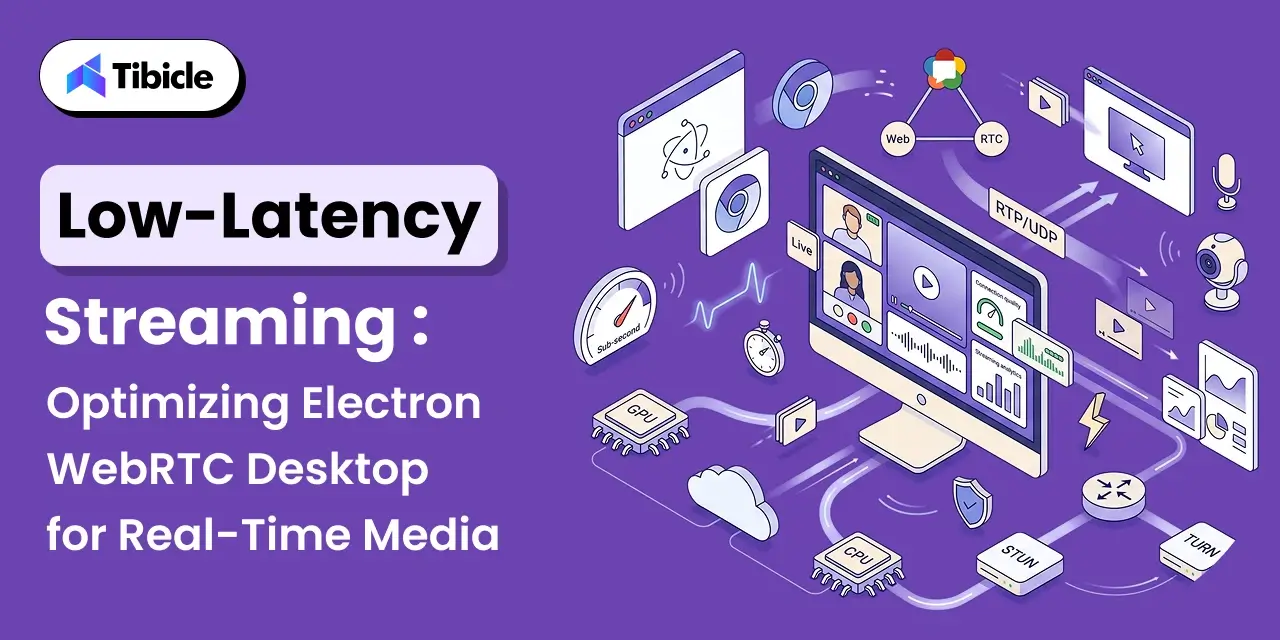
Low-latency streaming inside a desktop shell sounds simple until real users hit it with real networks. Getting genuine low-latency streaming out of an Electron WebRTC desktop application means wrapping Chromium’s own WebRTC stack, the same real-time communication engine behind Google Meet, so peer-to-peer audio and video should, in theory, hit sub-second latency, often as low as 250 ms, straight out of the box. In practice, teams shipping an Electron WebRTC desktop application regularly report encoded framerates collapsing to 5 to 6 frames per second the moment desktop capture is involved, with no obvious fix in the settings panel.
The gap between WebRTC’s theoretical latency and what an Electron WebRTC desktop application actually delivers comes down to a small set of engineering decisions: how the app captures video, whether hardware encoding is actually active, and which architecture handles more than two participants. This guide covers what an Electron WebRTC desktop application is under the hood, why latency breaks specifically in Electron, the low-latency streaming optimization techniques that fix it, how to choose between peer-to-peer and SFU architectures, and when to build custom versus reach for a third-party SDK.
What an Electron WebRTC Desktop Application Actually Is
Electron ships a full Chromium renderer inside a native shell, which is what gives it cross-platform desktop performance on Windows, macOS, and Linux from a single codebase. That same design means an Electron WebRTC desktop application inherits Chromium’s built-in WebRTC implementation for free: RTCPeerConnection, getUserMedia, and the underlying real-time communication stack all work exactly as they do in Chrome inside any Electron WebRTC desktop application. The catch is that Electron also runs a Node.js-enabled main process alongside that renderer, and the split between the two decides how the app behaves under load.
The Electron main and renderer processes each play a distinct role in an Electron WebRTC desktop application: the renderer handles the WebRTC peer-to-peer connection, media capture, and UI, while the main process manages windows, native menus, and system-level access like desktopCapturer for screen sharing. Media never has to cross that process boundary during a call. Still, capture source selection and permissions do, and that is where the first latency decisions in any Electron WebRTC desktop application get made.
Why Latency Breaks in Electron Specifically
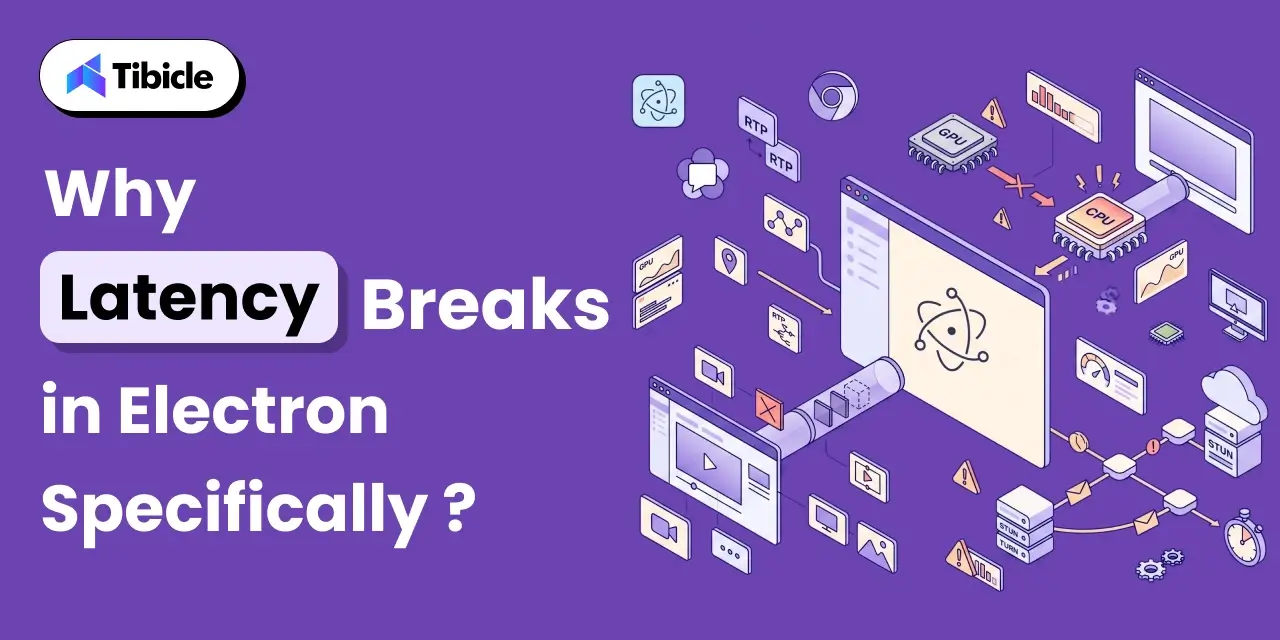
Chromium’s WebRTC engine is fast. The reason an Electron WebRTC desktop application still lags in production usually traces to one of three Electron-specific issues in the Electron WebRTC desktop application stack, not a flaw in WebRTC itself.
Hardware Encoding Silently Falling Back to Software
Chromium can hardware-accelerate H.264 encoding and decoding, but Electron builds do not always enable it by default for an Electron WebRTC desktop application. Developers have reported enabling every relevant Chromium flag, ignore-gpu-blacklist, enable-gpu-rasterization, enable-zero-copy, confirming Video Encode and Video Decode both read Hardware accelerated on the internal chrome://gpu page, and still seeing no change in CPU load, because the WebRTC encode path and the general Chromium GPU path are not automatically the same pipeline.
Desktop Capture Framerate Collapse
A recurring, well-documented issue in Electron WebRTC desktop application builds is desktopCapturer combined with RTCPeerConnection dropping to 5 to 6 encoded frames per second, far below the 24 to 30 fps a screen-share call needs to feel live in any Electron WebRTC desktop application. The webrtc-max-cpu-consumption-percentage flag, the most commonly suggested fix, does not resolve it on its own, because the bottleneck is frequently the capture pipeline feeding the encoder, not CPU headroom.
Signaling and ICE Negotiation Delay
Before any media flows, two peers in an Electron WebRTC desktop application must exchange session and network details through a signaling server, then negotiate a path through NAT using ICE, STUN, and TURN servers. A slow or geographically distant signaling server adds seconds to call setup in an Electron WebRTC desktop application before the first video frame ever renders, which users experience as the app being slow even once the media path itself is fast.
Core Optimization Techniques
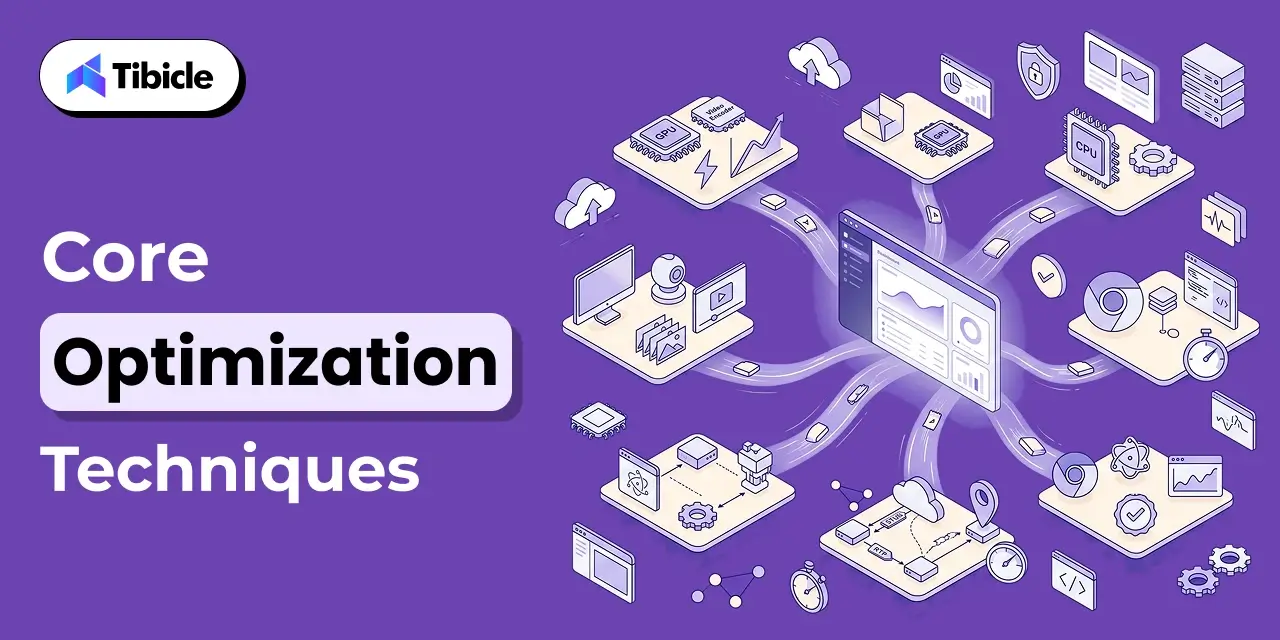
Fixing these issues in an Electron WebRTC desktop application, and getting real low-latency streaming instead of a laggy call, comes down to a handful of concrete changes, roughly in order of impact.
- Force and verify hardware-accelerated video encoding: enable the relevant Chromium switches at app launch and confirm active hardware encode on the internal GPU diagnostics page, not just that the flag was passed. This single check underpins most low-latency streaming fixes.
- Constrain getUserMedia explicitly: set explicit width, height, and frameRate constraints instead of relying on Chromium defaults, which often over-negotiate resolution and quietly work against low-latency streaming under load.
- Keep capture off the main process: resolve desktopCapturer source selection quickly in the main process and hand the actual stream to the renderer immediately, since IPC round-trips add latency to every negotiation.
- Co-locate or geo-distribute the signaling server: signaling latency is pure overhead before media starts flowing, so it should never be the long pole in call setup.
- Tune ICE candidate gathering: prioritize host and STUN candidates before falling back to TURN relay, which adds a hop and directly works against low-latency streaming by increasing round-trip latency.
- Pin the Electron and Chromium version deliberately: WebRTC performance regressions and fixes land in specific Chromium releases, so an untested auto-update can silently break low-latency streaming behavior.
Choosing an Architecture for Electron WebRTC desktop application: Peer-to-Peer vs SFU
A two-person Electron WebRTC desktop application can run pure peer-to-peer: each side sends its stream directly to the other, which keeps latency lowest since there is no intermediate server touching media. That model stops scaling the moment a third participant joins an Electron WebRTC desktop application, because each peer now has to encode and upload a separate stream to everyone else on the call.
For anything beyond one-to-one calls, the standard architecture is a Selective Forwarding Unit (SFU). An SFU receives one stream from each participant and forwards it to everyone else, without transcoding, which keeps server load light while still giving every participant only one upload stream to manage. mediasoup, one of the most widely used open-source SFUs, ships as a Node.js module rather than a standalone server, which pairs naturally with an Electron WebRTC desktop application’s own Node.js main process and is a common choice for a production Electron WebRTC desktop application.
WebRTC vs Other Streaming Protocols on Latency
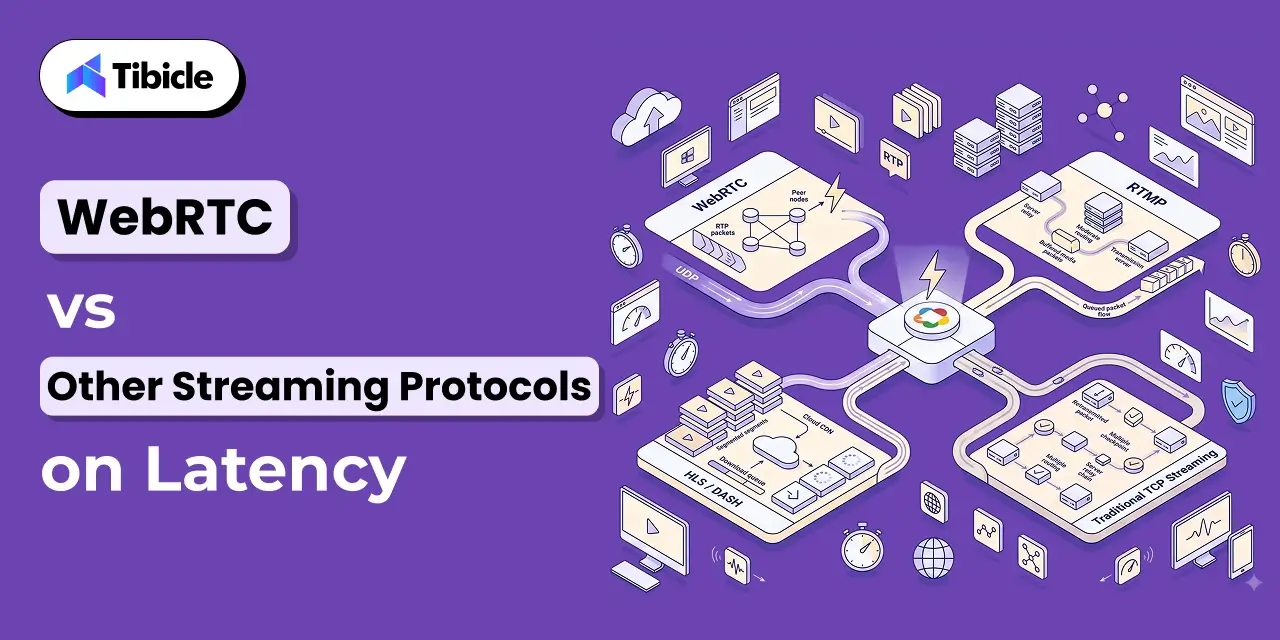
Protocol choice is the first low-latency streaming decision any real-time application makes, and it is worth being explicit about why WebRTC wins for interactive use cases.
| Protocol | Typical Latency | Why |
| WebRTC | ~250 to 500 ms | UDP transport with RTP, no retransmission wait |
| HLS / DASH | 6 to 30+ seconds | TCP-based, segmented file fetching, client polling |
| RTMP | 2 to 5 seconds | TCP-based, lower overhead than HLS but not sub-second |
The mechanism behind that gap is the transport layer. WebRTC runs on UDP with RTP for media transport, which skips TCP’s packet-ordering and retransmission guarantees entirely; a dropped packet is simply dropped rather than re-sent, and the call keeps moving instead of stalling. This is the entire mechanism behind low-latency streaming over WebRTC. HLS and DASH prioritize reliable delivery and broad compatibility over speed, which is the right trade for one-to-many broadcast but the wrong one for a two-way call inside an desktop application.
Common Pitfalls to Avoid for Electron WebRTC desktop application
These mistakes are the most common reason low-latency streaming plans fail to hold up in production.
- Assuming hardware acceleration is on because the flag was passed: always confirm on the GPU diagnostics page, since flags can silently no-op on unsupported hardware or driver versions.
- Defaulting to TURN relay for every connection: TURN guarantees connectivity through strict firewalls but adds a relay hop; it should be the fallback, not the default path.
- Ignoring Electron version drift: an auto-updated Electron build can change the underlying Chromium WebRTC version without warning, shifting latency behavior between releases.
- Building an MCU when an SFU would do: a Multipoint Control Unit transcodes and mixes streams server-side, which adds real latency and server cost that most group-call, low-latency streaming use cases do not need.
- Skipping bandwidth estimation and simulcast: without adaptive bitrate, one participant on a weak connection can degrade the call for everyone on a naive mesh setup.
Build Custom, or Use a Third-Party SDK for Electron WebRTC desktop Application
Third-party real-time SDKs cover most standard video-calling and screen-sharing needs inside an Electron WebRTC desktop application, and they deploy far faster than a ground-up build. They are the right default for straightforward one-to-one or small-group calling in any Electron WebRTC desktop application.
A custom build earns its cost, and delivers tighter low-latency streaming control, when the application needs any of the following:
- Deep native integration: hardware device access, custom capture pipelines, or system-level features a hosted SDK does not expose.
- Specific codec or hardware-acceleration control: fine-grained tuning of encode paths that a managed platform abstracts away by design.
- Data ownership and self-hosting requirements: regulated industries or enterprise clients that cannot route real-time media through a third party.
- Non-standard scaling patterns: large-scale broadcast, recording pipelines, or AI processing layered directly onto the media stream.
Tibicle LLP builds custom Electron applications, including real-time media handling with audio recording, playback, and streaming, through its desktop app development service. Its engineering approach to any desktop application starts with the architecture decisions covered above. For background on how Electron compares to native frameworks before committing to either, see Tibicle’s guides on Electron vs Native for your next desktop app and the best framework for desktop application in 2026.
Conclusion
A desktop application should deliver the same sub-second, real-time performance WebRTC gives any Chromium-based app, and it can, once the Electron-specific gaps are closed: hardware encoding actually verified as active, desktop capture tuned instead of left on Chromium defaults, signaling kept fast, and the right architecture, peer-to-peer or SFU, chosen for the actual participant count. Getting there is what turns a generic desktop application into genuine low-latency streaming.
Most teams are well served by a managed real-time SDK for standard calling. Deep native integration, custom encode control, self-hosting requirements, or non-standard scaling patterns are what justify a custom build instead. Building or optimizing an Electron WebRTC desktop application? Talk to the Tibicle team.
Frequently Asked Questions
What is an Electron WebRTC desktop application?
A desktop application is a native desktop app built with Electron that uses Chromium’s built-in WebRTC engine for real-time audio, video, or screen-sharing, combining a Node.js main process with a browser-based renderer. Building it correctly is what enables low-latency streaming instead of a laggy call.
Why does WebRTC video lag inside Electron specifically?
In most Electron WebRTC desktop application builds, it is one of three causes: hardware video encoding silently falling back to software despite the right flags, desktopCapturer feeding frames to the encoder far below target framerate, or slow signaling and ICE negotiation delaying call setup before media even starts.
What latency should a low-latency streaming setup target?
Low-latency streaming built on WebRTC typically achieves 250 to 500 milliseconds end to end, versus several seconds for RTMP and 6 seconds or more for HLS or DASH, because WebRTC runs on UDP with RTP instead of TCP-based segment delivery.
When should a group call use an SFU instead of peer-to-peer?
Peer-to-peer works cleanly for two participants in an Electron WebRTC desktop application. Beyond that, a Selective Forwarding Unit like mediasoup should relay streams instead, since a full mesh requires every participant to upload a separate stream to every other participant, which does not scale.
Should we build custom or use a third-party real-time SDK?
Use a third-party SDK for standard one-to-one or small-group calling in an Electron WebRTC desktop application. Build custom when the application needs deep native integration, specific codec or hardware-acceleration control, data ownership and self-hosting, or non-standard scaling like broadcast or AI processing on the media stream.
Schedule A Developer Interview And Get 15 Days Risk-Free Trial
Schedule a Call

Relevant Blog
Enterprise LLM Integration Services

Prejin Nadar

Building Private local AI Desktop App Development
Prejin Nadar
Written by

Recent Blogs
Enterprise LLM Integration Services
What This Guide Covers Who this is for Enterprise LLM integration services help engineering leaders, platform teams, and technology executives turn existing model access into working production workflows. This guide is for organisations connecting OpenAI, Claude, or both to systems that support real business processes, including CRM platforms, ticketing systems, document pipelines, and internal tools. […]
When to Hire an AI Software Development Consulting Firm.
What This Guide Covers Who this is for Engineering leaders, technology executives, and AI teams often struggle to turn completed initiatives into measurable results. This guide helps organisations address stalled pilots, failed AI implementations, rising costs, poor data quality, and workflows that function technically but fail to deliver measurable business value. An AI software development […]
Building Private local AI Desktop App Development
What This Guide Covers Who this is for: US tech firms, SaaS companies, startups, CTOs, engineering managers, and product teams looking for experienced Electron.js developers for ongoing private local AI desktop app development and custom desktop application development. Search intent: Hiring and decision. This guide covers where to find Electron.js developers, how to evaluate their […]
Got an Idea? Get FREE Consultation
In our world, there's no such thing as having too many clients

