
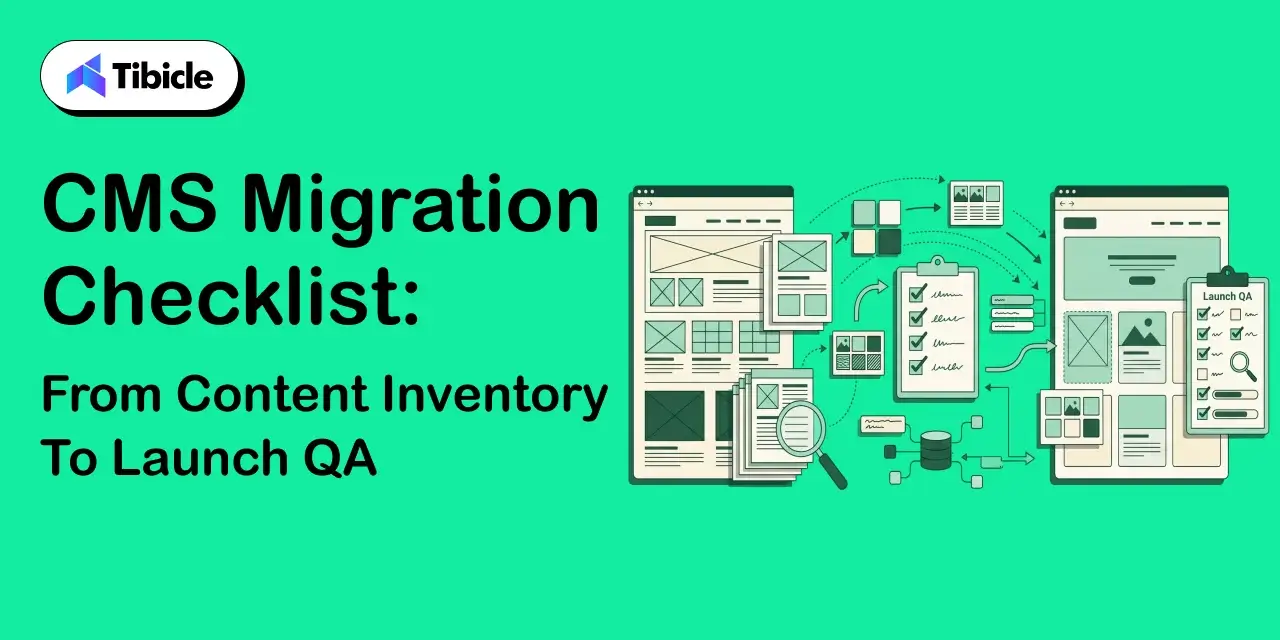
CMS Migration Checklist: From Content Inventory to Launch QA

Nov 25, 2026

Read in 5 Minutes
Table of Contents
- What This Guide Covers
- Introduction
- When Should You Migrate to a New CMS?
- What Belongs in a CMS Migration Checklist?
- How Do You Build a Content Inventory and Content Model?
- How Do You Preserve URLs and SEO During a CMS Change?
- Which Integrations and Accessibility Checks Should Run Before Launch?
- How Should Teams Run Content Migration QA?
- What Should a CMS Migration Checklist Say About Cutover and Rollback?
- How Tibicle Runs CMS Migrations checklist
- FAQs
- Conclusion
What This Guide Covers
Who this is for: CMS migration checklist for marketing leads, CTOs, engineering managers, SEO managers and founders who own a live site with traffic to protect and plan to move it to a new CMS.
Search intent: Find a practical checklist of what a CMS move needs at each phase, with a test for every step, before committing engineering time.
What you will walk away with: A nine-phase list with an owner and a test for each phase, a sample field mapping table, a method for testing redirects in bulk, five accessibility checks, a content QA table with numeric pass rules, a rollback trigger with a time limit, and planning ranges for timelines.
Introduction
WebAIM’s 2026 analysis of one million home pages found detected WCAG 2 failures on 95.9% of them, which makes a migration the cheapest moment to fix accessibility problems (WebAIM Million 2026). A CMS migration checklist works only when every item has an owner and a test.
Two risks worry readers most: lost search traffic and broken content. Both are preventable when each phase ends in a pass or fail result.
A website CMS migration plan built on that rule gives the marketing lead, the engineering manager and the SEO manager one shared definition of done. It also gives founders leaving a no-code site a realistic work order before they commit budget.
The sections below use plain pass rules, such as 0 retired URLs without a redirect target, so any team member can verify a result. This CMS migration checklist covers nine phases, and each phase names an owner, a test and a pass rule. This guide walks through each phase, from inventory to rollback.
When Should You Migrate to a New CMS?
Migrate when the current CMS no longer receives security patches, editors wait on developer queues for routine changes, Core Web Vitals stay poor after tuning, or licensing costs keep rising. One trigger justifies a review. Two or more justify a formal plan built on a CMS migration checklist.
WordPress runs 39.6% of all websites and holds a 58.3% share of sites with a known CMS, based on the W3Techs October 2026 snapshot (W3Techs). The HTTP Archive 2024 Web Almanac identified 249 distinct CMS platforms, so choosing the target is a real selection step (Web Almanac 2024).
A headless CMS is one possible target. It stores content separately from the front end, so a development team builds and hosts the presentation layer. Traditional platforms keep editing and presentation in one system. The right choice depends on the team that will run the site, and this guide recommends no specific product.
What Belongs in a CMS Migration Checklist?
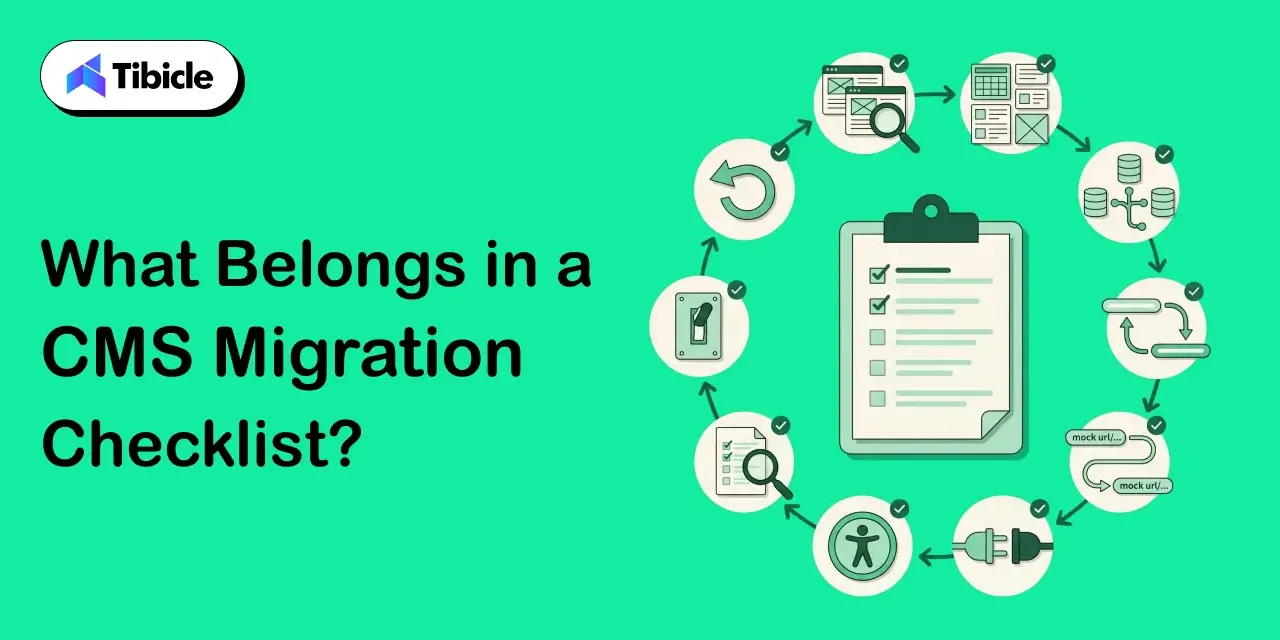
A CMS migration checklist covers nine phases: inventory, content model, data mapping, redirects, integrations, accessibility, QA, cutover and rollback. Each phase needs a named owner and a test that proves it is done. A phase without a test is a to-do item, and it will not catch failures before launch.
| Phase | Owner | Test that proves it is done |
| Inventory | SEO manager | 100% of crawled URLs tagged |
| Content model | Engineering manager | 0 old fields without a decision |
| Data mapping | Engineering manager | Sample import matches source |
| Redirects | SEO manager | 0 retired URLs without a target |
| Integrations | Engineering manager | Each test record arrives |
| Accessibility | Engineering manager | 0 template failures on 5 checks |
| QA | Marketing lead | 0 pages with an empty title |
| Cutover | Project lead | Smoke tests pass |
| Rollback | Project lead | Trigger, owner, time limit written |
The order matters. Redirect maps depend on the inventory, and QA depends on the data map. Work through this CMS migration checklist in sequence and record each owner’s sign-off before the next phase starts.
Keep test text short and specific. A test that reads “looks fine” fails the rule, because two reviewers can disagree on it. A test that reads “0 pages with an empty title” gives the same result for every reviewer.
How Do You Build a Content Inventory and Content Model?
Content Inventory for a Website CMS Migration Plan
A content inventory is a complete list of every URL on the current site, with the data and the decision for each one. Crawl every URL, then join the crawl data with analytics and Search Console clicks. Tag each URL as keep, merge, rewrite or retire. Record the owner, the last-updated date and whether the page has backlinks. Merge and retire decisions need an approver, so assign one before tagging starts.
The inventory is the first input to the website CMS migration plan, and every later phase reads from it. In this CMS migration checklist, the inventory passes when 100% of crawled URLs carry a tag and an owner.
Content Model and Data Mapping for cms migration checklist
A content model defines the content types, fields and relationships in the new CMS. Data mapping connects each old field to a new one. Map SEO title, meta description, canonical, alt text and author at a minimum.
Flag fields with no target, such as legacy shortcodes or page-builder blocks, and decide whether each one is rebuilt, converted or dropped. Decide how media files and PDFs move, and where their URLs will live.
Sample mapping table:
| Old field | New field | Transform rule |
| post_title | title | Copy as is |
| meta_description | seo_description | Copy, flag if empty |
| canonical_url | canonical | Rewrite the domain if it changes |
| image alt text | media alt | Copy, flag if empty |
| page-builder block | rich text block | Convert, then review by hand |
| author | author reference | Match by name to an author record |
How Do You Preserve URLs and SEO During a CMS Change?
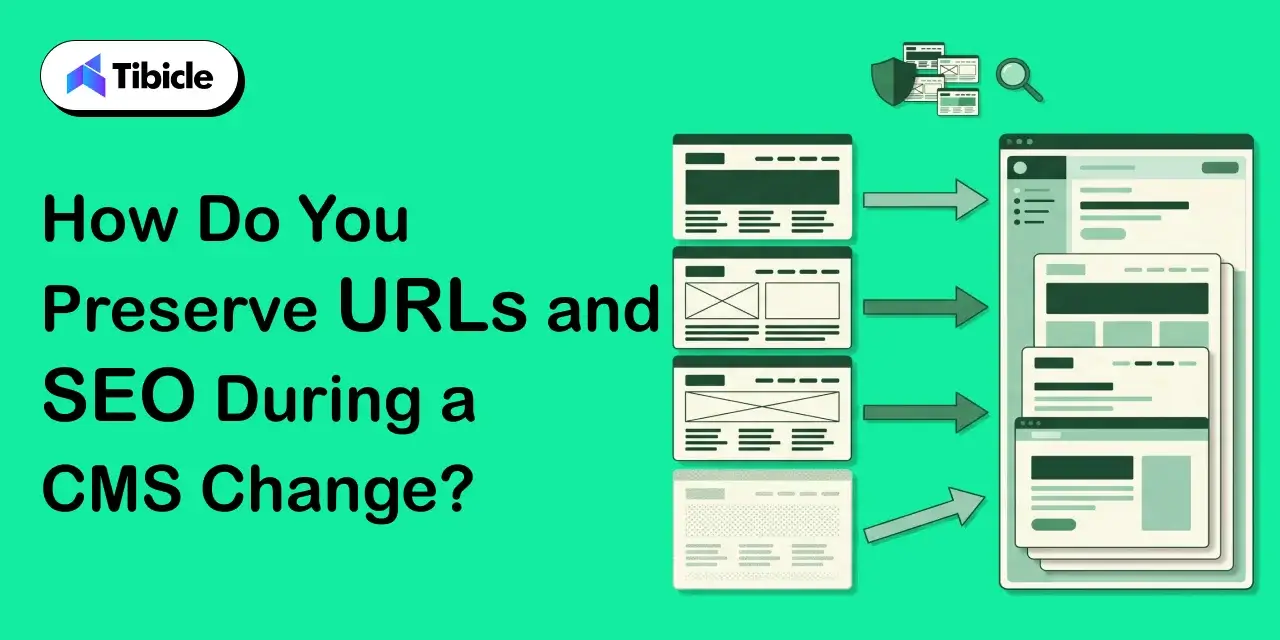
Build a one-to-one URL map from the inventory, send every retired URL to its closest live match with a permanent redirect, and test the full list on staging before launch. These steps are the core of CMS replatforming SEO.
How Do 301 Redirects Protect CMS Replatforming SEO?
URL mapping starts with the inventory. Every retired URL points to its closest live match. Google’s site-move guidance recommends permanent redirects (301 or 308), advises against redirect chains and says to keep redirects for as long as possible, generally at least one year (Google Search Central).
Googlebot follows up to 10 hops in a chain, but each hop slows discovery, so aim for one hop (Google Search Central).
Redirects tell search engines that a page has moved permanently. They do not guarantee identical traffic, so set the pass rule on what the team controls: 0 retired URLs without a target and 0 chains longer than one hop. In CMS replatforming SEO work, the redirect map is the asset that links old URLs to new pages. Add it to the CMS migration checklist with a named SEO owner.
What Should Carry Over to the New Site?
Carry over titles, meta descriptions, canonical tags, structured data and hreflang. Check structured data on rendered pages after the move, because a template change can drop schema markup without any visible sign. Submit the new XML sitemap after launch, and use the Search Console change-of-address tool when the domain changes.
Test redirects in bulk instead of by hand. A crawler that reads a list of old URLs, follows each redirect and records the final status code and hop count produces the evidence the pass rule needs.
For the bulk test, run the full URL list against staging and log every status code before launch. Compare the log with the URL map. The test passes when every old URL returns a 301 or 308 to its mapped target in one hop.
Which Integrations and Accessibility Checks Should Run Before Launch?
Integrations for cms migration checklist
List every connection: forms, CRM, analytics, consent banner, search, payment and DAM. Test each one in the staging environment with real test records, such as a form submission that must reach the CRM and an analytics event that must appear in reports. Confirm that the consent banner still holds back tags until a visitor consents. Name an owner for each connection, because a form that posts to the wrong CRM field can fail without any error on the page. Add each integration to the CMS migration checklist with an owner. An integration passes when its test record arrives at the destination.
Accessibility for cms migration checklist
Set WCAG 2.2 as the target standard (W3C WCAG 2.2). WebAIM’s 2026 report found an average of 56.1 accessibility errors per home page, up from 51 the year before (WebAIM Million 2026).
Check templates once, then spot-check migrated content on five points:
- Headings: they follow a logical order.
- Alt text: images that carry meaning have it.
- Link text: it describes the destination.
- Color contrast: text meets the WCAG contrast ratios.
- Form labels: every field has one.
These five checks target the failures that most often reach migrated content. Run an automated scanner on templates first, then review a manual sample, because automated tools do not detect every failure.
How Should Teams Run Content Migration QA?

Content migration QA runs in three passes: automated counts, a sampled visual review, then critical-path tests. Automated counts catch missing records at scale. The visual review catches layout faults that counts cannot see. Critical-path tests confirm that forms, search, menus and links work.
| Check | Method | Pass rule |
| Page count matches | Compare old and new crawl totals | Difference equals retired URLs |
| No empty required fields | Export from the CMS, filter blanks | 0 pages with an empty title |
| Internal links resolve | Crawl the new site | 0 internal links returning 404 |
| Images load with alt text | Crawl image status and alt attribute | 0 broken images, 0 missing alt text |
Assign the visual review to someone who did not run the import, because a second reader spots mismatches that the importer has stopped seeing. Log every failure with the URL, the check that failed and the owner of the fix.
Pick a sample size by template, and add every page with backlinks or top traffic. Record the sample size in the CMS migration checklist so a reviewer can repeat the pass. Content migration QA ends only when every pass rule is met.
What Should a CMS Migration Checklist Say About Cutover and Rollback?
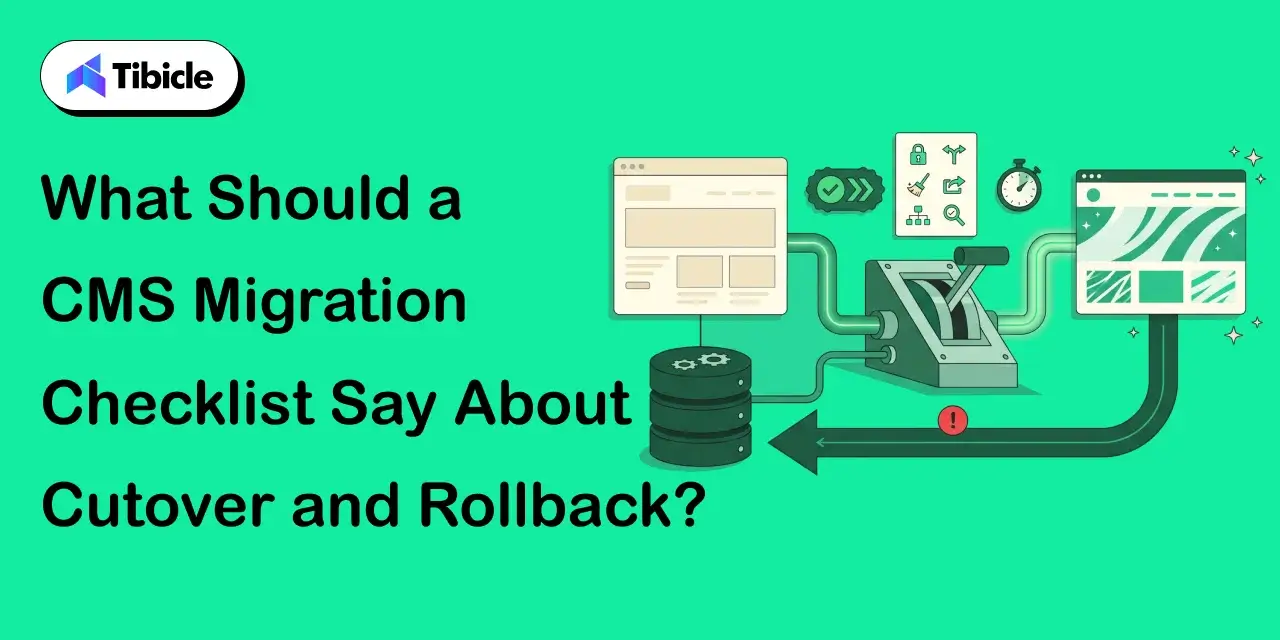
A cutover plan sets the content freeze window, the person who approves it and the launch-day order: DNS or routing change, cache purge, redirect switch, sitemap submit and smoke tests. Smoke tests reuse the critical-path tests from content migration QA. Add the plan to the CMS migration checklist with a named approver.
A rollback plan is a decision rule written before launch. Define the trigger, such as checkout or forms failing, or 5xx errors above an agreed rate. Name the owner and set a time limit for the decision. Keep the old site and its database available until the rollback window closes, so a reversal takes minutes. Hold a short go or no-go call before the freeze and record the decision.
Planning for failure has a data basis. A study of 1,471 IT projects found an average cost overrun of 27%, and one in six projects ran about 200% over budget (Flyvbjerg and Budzier, Harvard Business Review).
How Tibicle Runs CMS Migrations checklist
Tibicle’s CMS page lists migration and upgrades, plus long-term support. The team works with WordPress, Webflow, Wix and Framer, and builds custom CMS platforms. Builds include role-based access, structured content models and SEO-friendly architecture.
See the full scope of Tibicle’s cms development services, or read about website development.
Teams moving off a no-code site or a slow CMS can use the review to test this checklist against their own inventory. Planning a move? Book a migration review with the team.
FAQs
How long does a CMS migration take?
Planning ranges: 4 to 8 weeks for a small site under 100 pages, 2 to 4 months for a mid-size site of 100 to 1,000 pages, and 4 months or more for large sites with many integrations. Redirect mapping, content rewrites and integrations stretch timelines the most. Content freezes and approvals add time too.
Do I lose SEO rankings when I change CMS?
Rankings can move after launch, but redirects, metadata parity and a fresh sitemap protect most of the equity. Google advises keeping redirects for at least one year. Treat CMS replatforming SEO as a testable list, and add each step to your CMS migration checklist.
What should a website CMS migration plan include?
A website CMS migration plan includes nine phases: inventory, content model, data mapping, redirects, integrations, accessibility, QA, cutover and rollback. Each phase has one named owner and one test. The plan also sets a content freeze window and a rollback trigger with a time limit.
Should I migrate to a headless CMS?
Yes, if one of two conditions applies: you run multiple front ends from one content source, or your development team is ready to own the front end. If neither applies, a traditional CMS is the simpler fit. Headless turns the front end into a separate build with its own hosting and release process.
Who should own the CMS migration checklist?
One accountable lead owns the CMS migration checklist, and each phase has a named owner. The lead tracks sign-offs, clears blockers and holds the rollback decision unless the team assigns it to someone else.
Conclusion
Start with the inventory this week, because every other phase depends on it. Every item needs an owner, a test and a pass rule. Run the tests in staging, fix failures before launch day and keep redirects live for at least a year. A good CMS migration checklist ends in a launch the team can verify. For post-launch support, see Tibicle’s annual maintenance contracts.
Book a 30-minute migration review with Tibicle’s team.
Schedule A Developer Interview And Get 15 Days Risk-Free Trial
Schedule a Call

Relevant Blog

React Native vs Flutter for Startups

Diya Koradiya



Legacy Application AI Modernization Services

Arjun Shinojiya
Written by

Dhairya Dadhania
Business Development Executive
I'm Dhairya Dadhania, Business Development Executive at Tibicle LLP. I help businesses move beyond their current limitations by defining a clear and ambitious digital vision by focusing on identifying core opportunities and aligning them with purposeful, innovative digital solutions.



Related posts
React Native vs Flutter for Startups
What This Guide Covers Who this is for: Startup founders, CTOs, product managers, and technical decision-makers comparing react native vs flutter for startups to choose the right cross-platform framework for their mobile app. It is particularly relevant for early-stage teams evaluating hiring availability, development costs, performance, native hardware integrations, and long-term maintenance with limited budgets […]
20 Nov 2026 | Diya Koradiya
How to Hire Custom AI Software Engineers: Dedicated Sourcing Guide for US Product Teams
What This Guide Covers Who this is for Product teams, startups, and mid-market software companies that need to build AI-powered features or scale their engineering capability but lack the resources to hire directly. This includes founders, engineering leaders, CTOs, and hiring managers at companies planning LLM integrations, generative AI products, AI model optimization, or dedicated […]
01 Oct 2026 | Dhairya Dadhania
Legacy Application AI Modernization Services
Who this is for: Engineering leads, CTOs, and IT decision-makers responsible for a legacy web or desktop application who are evaluating AI modernization services for legacy applications rather than a full ground-up rebuild. Search intent: Commercial evaluation with a technical backbone. The reader has moved past “what is legacy modernization” and wants to know where […]
17 Sep 2026 | Arjun Shinojiya
Got an Idea? Get a FREE consultation
We always have room for one more great project

Email
tea@tibicle.com

Phone
+91 9724922880